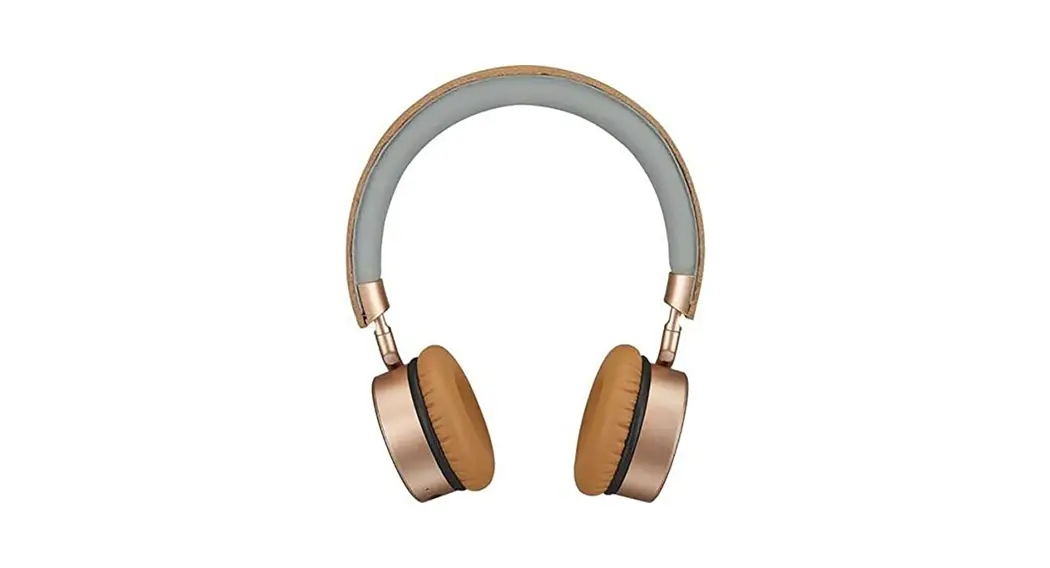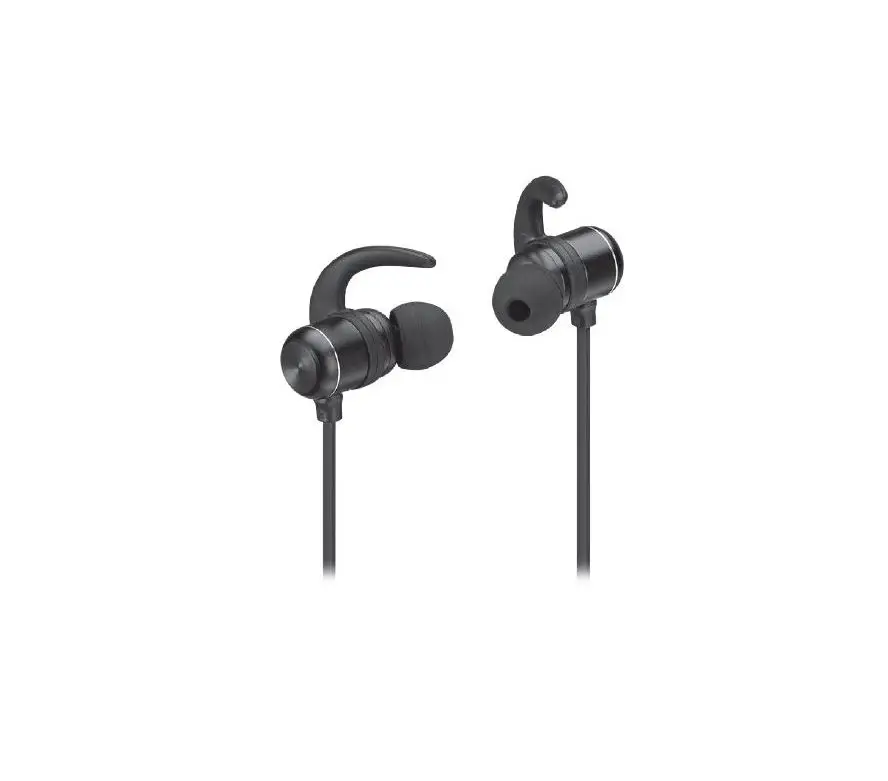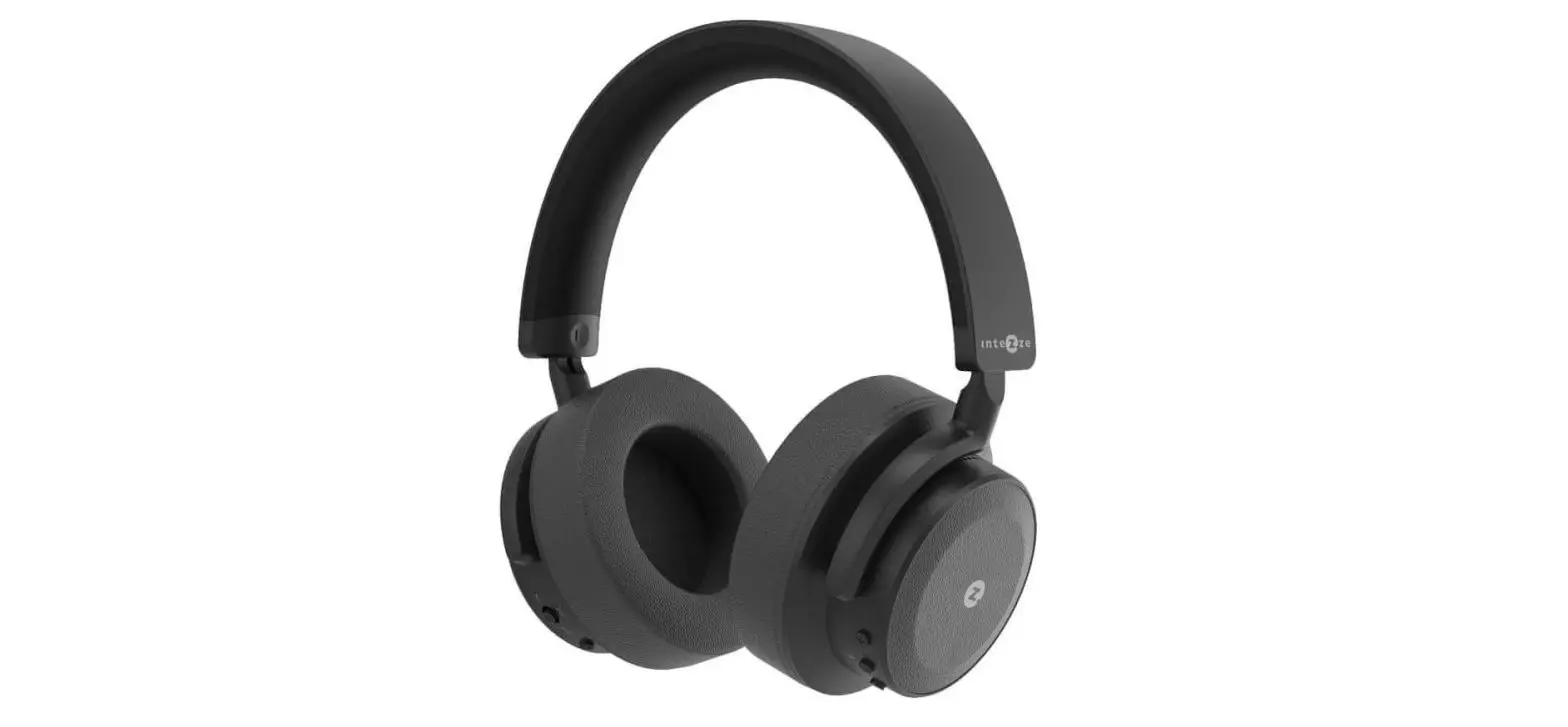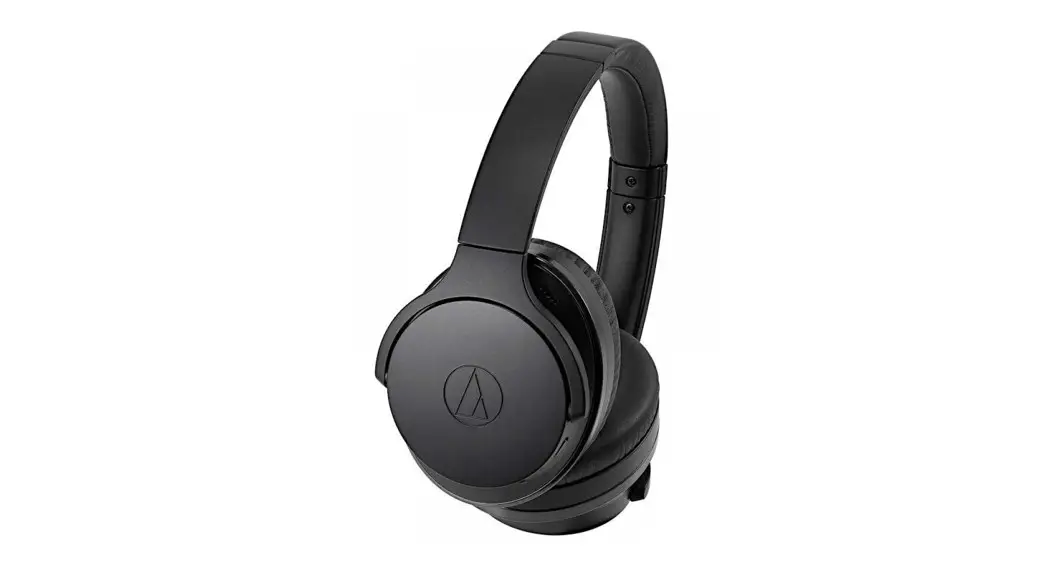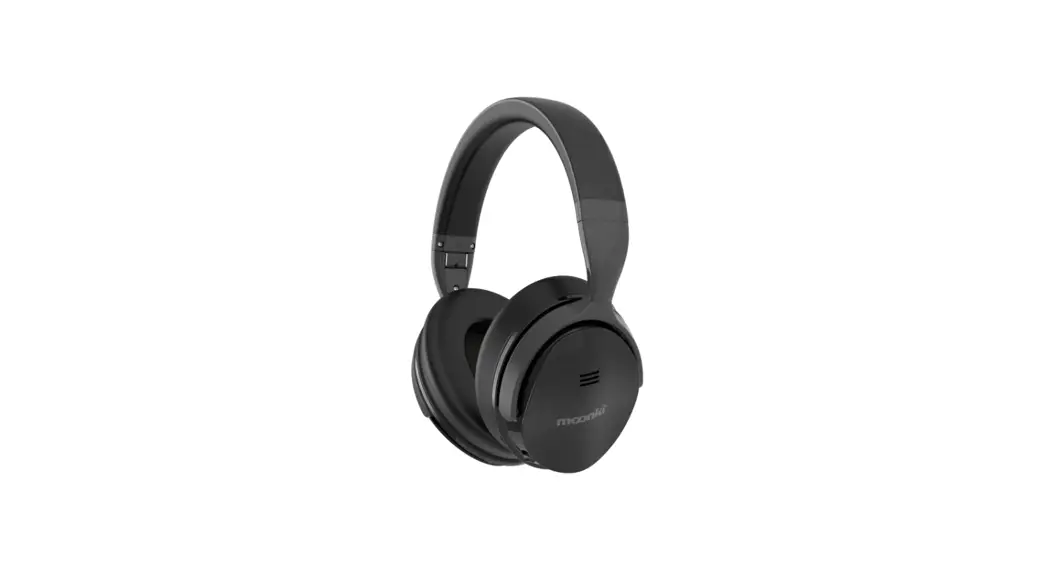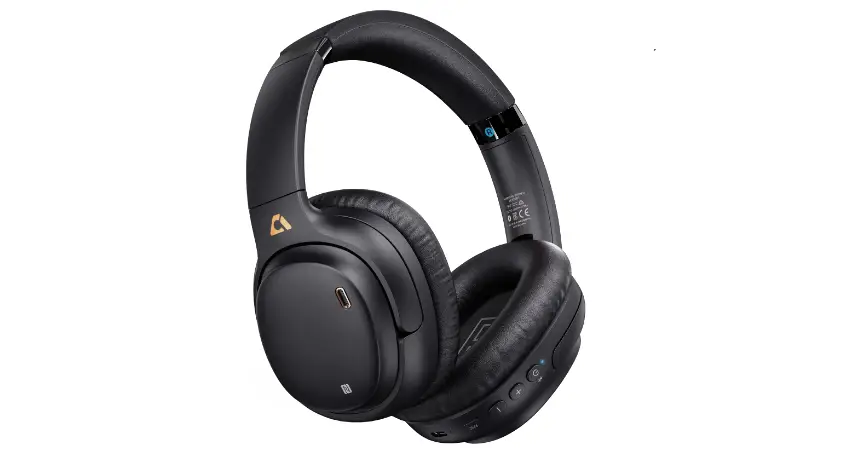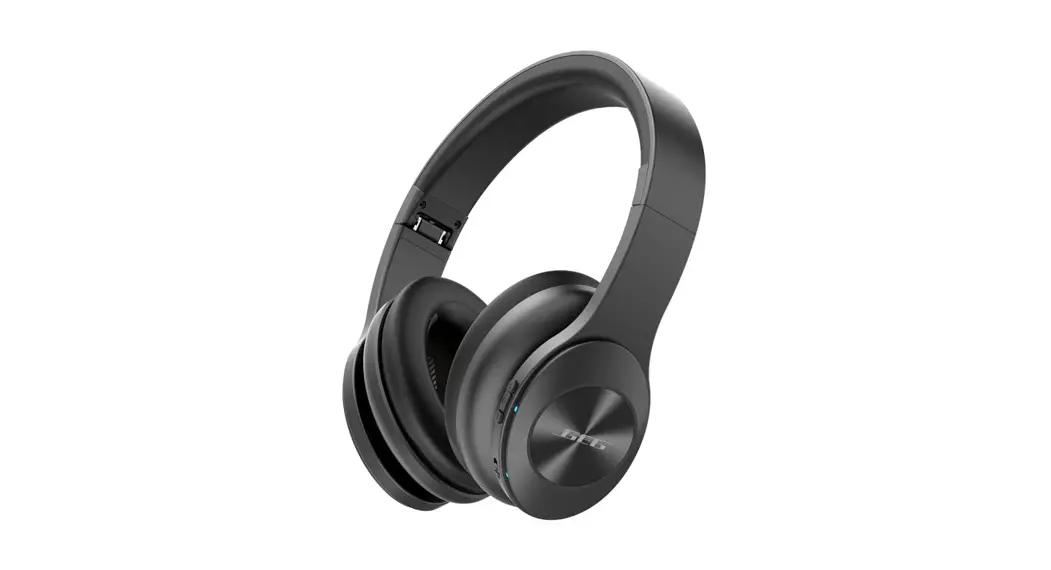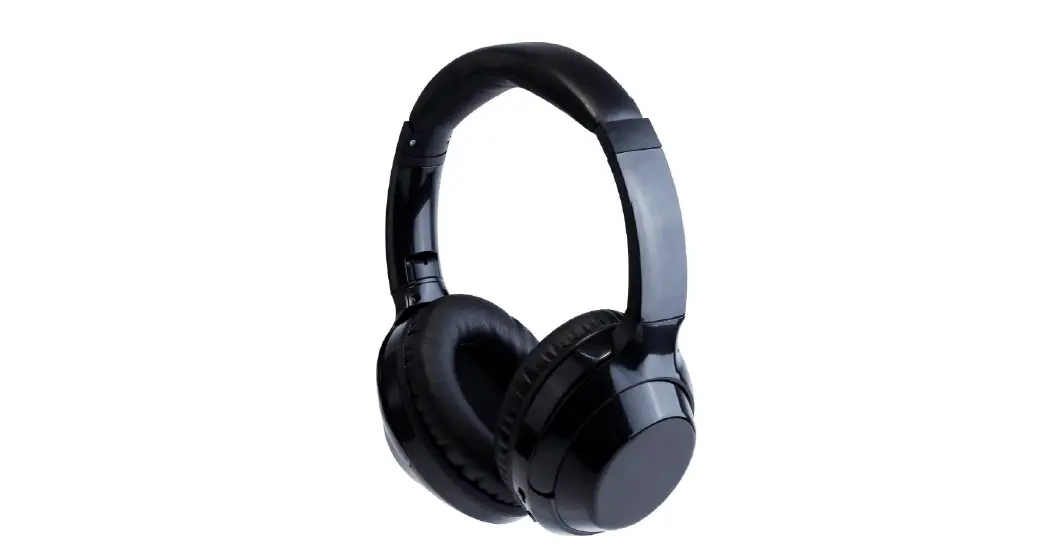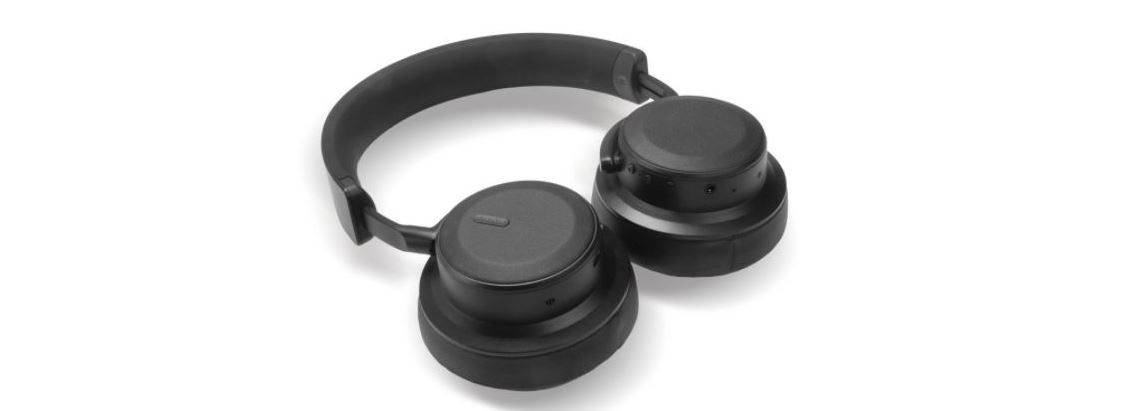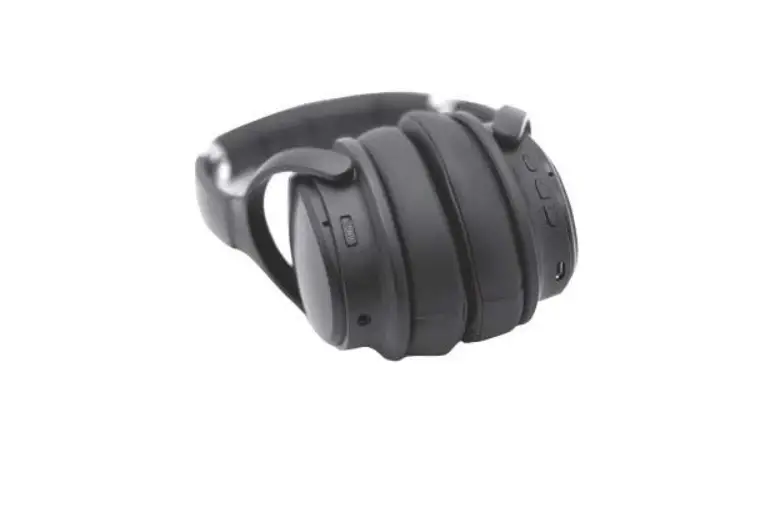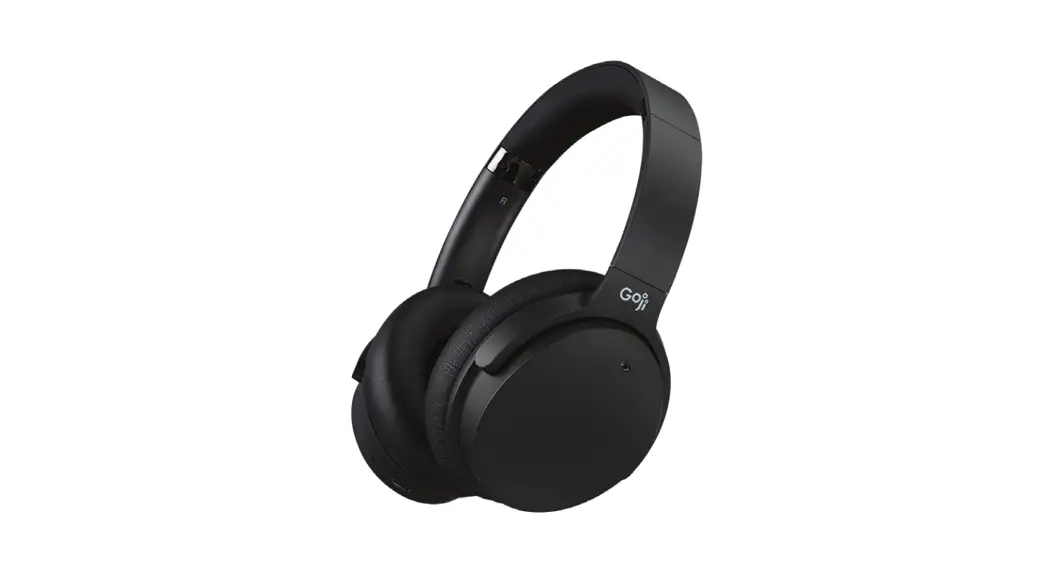
 GTCNCPM21 Hybrid Noise Cancelling Wireless Headphone
Instruction Manual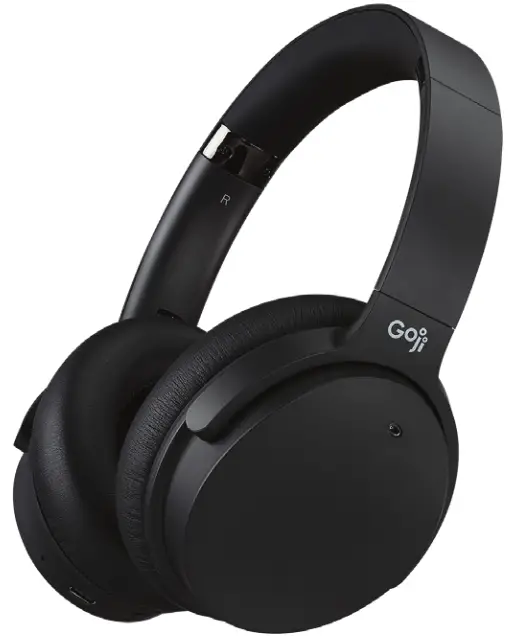

Safety Warnings
Read all the instructions carefully before using the unit and keep them for future reference.
Retain the manual. If you pass the unit onto a third party, make sure to include this manual.
Earphones / Headphones
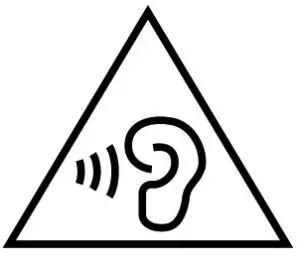 Listening to loud sounds for prolonged periods of time may permanently damage your hearing.
- Before putting on earphones/headphones, turn the volume down then put the earphones/headphones on and slowly increase the volume until you reach a comfortable listening level.
- For traffic safety, do not use earphones /headphones while driving or cycling.
Damage
- Please inspect the unit for damage after unpacking.
- Do not continue to operate the unit if you are in any doubt about it working normally, or if it is damaged in any way – switch off, unplug from the mains socket and consult your dealer.
Wireless Devices
- Wireless devices can transmit radio frequency (RF) energy, whenever batteries are installed and the wireless device is turned on (If it has an On/Off switch).
Temperature
- Avoid extreme degrees of temperature, either hot or cold. Place the unit well away from heat sources such as radiators or gas/electric fires.
- Avoid exposure to direct sunlight and other sources of heat.
Naked Flames
- Never place any type of candle or naked flame on the top of or near the unit.
Interference
- Do not place the unit on or near appliances that may cause electromagnetic interference. If you do, it may adversely affect the working performance of the unit, and cause a distorted sound.
Battery-Powered Devices
- Always charge in a well-ventilated area. Do not charge under pillows, blankets, or on flammable surfaces.
- Do not operate the product if it has been wet or otherwise damaged, to prevent electric shock, explosion, and/or injury. Contact the dealer or authorized agent.
- Disposal of the battery into fire or a hot oven, or mechanically crushing or cutting of a battery, can result in an explosion.
- Leaving a battery in an extremely high-temperature environment can result in an explosion or leakage of flammable liquid or gas.
- A battery subjected to extremely low air pressure may result in an explosion or leakage of flammable liquid or gas.
- Do not short-circuit the product or store it in a receptacle where it may be short-circuited by other metallic or conductive objects.
- Improper use of batteries may result in battery fluid leakage, overheating, or explosion.
- Do not disassemble the product or remove any parts.
- Never discharge a Li-ion battery at a rate exceeding the maximum discharge current specified for that battery.
- Immediately discontinue use of the battery if, while using or charging the battery emits an unusual smell, feels hot, or appears abnormal in any other way.
- Do not use the product where strong electromagnetic waves are present. Strong electromagnetic waves will cause damage to the product.
- Do not use the product if the temperature is too high or too low, your batteries may be damaged. If the humidity is too high, your batteries may be damaged.
- When the product is charging, keep it away from direct sunlight, moisture, dirt, or abrasive chemical products (cleaning products, etc.).
- Battery life and charge cycles may vary by use and settings.
Built-in Battery Care
Rechargeable Lithium Ion batteries are potentially hazardous and can present a serious FIRE HAZARD if damaged, defective, or improperly used.
- Your product is powered by a built-in rechargeable battery.
- The battery can be charged and discharged hundreds of times, but will eventually wear out.
- Unplug the charger from the electrical plug and the product when not in use.
- Do not leave a fully charged battery connected to a charger, since overcharging may shorten its lifetime.
- If left unused, a fully charged battery will lose its charge over time.
- Leaving the product in hot or cold places, such as in a closed car in the summer and winter conditions, will reduce the capacity and lifetime of the battery.
- Always try to keep your device in a cool, moisture-free environment that’s less than 32°C. A product with a hot or cold battery may not work temporarily, even when the battery is fully charged. Battery performance is particularly limited in temperatures well below freezing.
- If you plan to store your device for longer than six months, charge the battery for an hour every six months to keep it fresh.
- The unit should be fully recharged after using the device each time. This will keep the lifetime of the battery.
Battery Warning!
- The battery used in this product may present a risk of fire or chemical burn if mistreated.
- Do not attempt to open the product or replace the battery. It is built-in and not changeable. The use of other batteries may present a risk of fire or explosion and the warranty will be terminated.
- Only recharge your battery with the provided approved USB cable designated for this product.
- Dispose of batteries according to local regulations. Please recycle when possible. Do not dispose of as household waste or in a fire as it may explode.
- Batteries may explode if damaged.
Proper Disposal
- ALWAYS dispose of batteries according to local, state, or federal laws. DO NOT put Lithium-Ion Batteries in the trash. Consult your local waste authority for information about recycling or disposal options. You may be able to bring Lithium-Ion Batteries and Battery Packs to local stores for proper disposal.
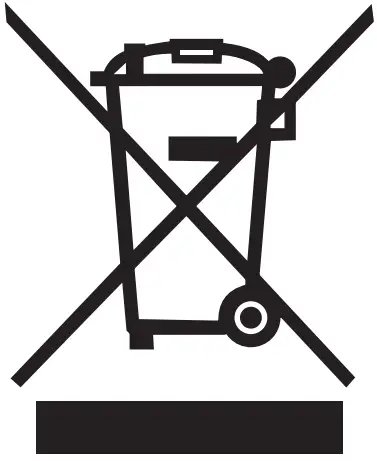 The symbol on the product or its packaging indicates that this product must not be disposed of with your other household waste. Instead, it is your responsibility to dispose of your waste equipment by handing it over to a designated collection point for the recycling of waste electrical and electronic equipment. The separate collection and recycling of your waste equipment at the time of disposal will help conserve natural resources and ensure that it is recycled in a manner that protects human health and the environment. For more information about where you can drop off your waste for recycling, please contact your local authority, or where you purchased your product.
Notes for battery disposal The batteries used with this product contain chemicals that are harmful to the environment. To preserve our environment, dispose of used batteries according to your local laws or regulations. Do not dispose of batteries with normal household waste.
For more information, please contact the local authority or the retailer where you purchased the product.
The Bluetooth® word mark and logos are registered trademarks owned by Bluetooth SIG, Inc. and any use of such marks by Currys Group Limited is under license. Other trademarks and trade names are those of their respective owner.
All trademarks are the property of their respective owners and all rights are acknowledged. This unit is designed for indoor use only.
 This equipment is a Class II or double insulated electrical appliance. It has been designed in such a way that it does not require a safety connection to the electrical earth.
 AC voltage: This symbol indicates that the rated voltage marked with the symbol is AC voltage.
 DC voltage: This symbol indicates that the rated voltage marked with the symbol is DC voltage.
Currys.co.uk
All the support you need.
Whether it’s a tech emergency or you need plain good advice, we’re always on hand to help.
UK: 0344 561 1234
IRE 1890818 575

Visit Partmaster.co.uk today for the easiest way to buy electrical spares and accessories. With over 1 million spares and accessories available we can deliver direct to your door the very next day. Visit www.partmaster.co.uk or call 0344 800 3456 (UK customers only). Calls are charged at National Rate.
Currys Group Limited (co. no. 504877)
1 Portal Way, London, W3 6RS, UK
EU Representative
Currys Ireland Limited (259460)
3rd Floor Office Suite
Omni Park SC, Santry, Dublin 9,
Republic of Ireland
Safety-Earphones-UK-211118V5
Thank you for purchasing your new product.
We recommend that you spend some time reading this instruction manual in order that you fully understand all the operational features it offers. You will also find some hints and tips to help you resolve any issues.
Read all the safety instructions carefully before use and keep this instruction manual for future reference.
Unpacking
Remove all items from the packaging. Retain the packaging. If you dispose of it please do so according to local regulations.
The following items are included:
- Main Unit
- USB Charging Cable
- 3.5mm Audio Cable
- Carry Pouch
- Instruction Manual
- Safety Warnings
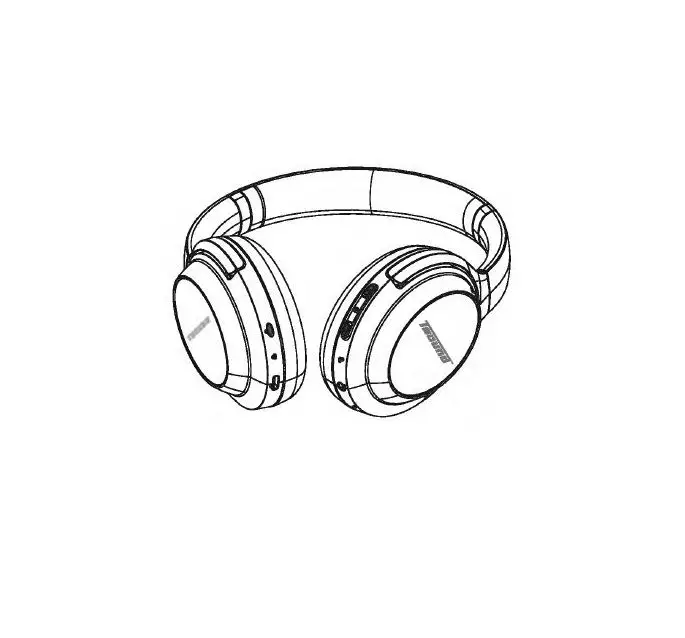
Product Overview
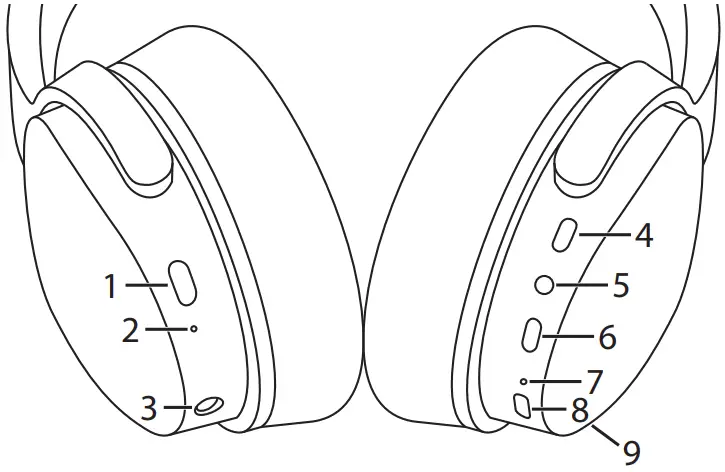
- ANC ON/OFF Switch
Turn the noise canceling feature on/off. - ANC indicator
- AUX IN socket
Connect the 3.5mm audio cable with music players or mobile phones. - + button
• Increase volume
• Go to the next track - • button
• Call function
• Bluetooth pairing
• Audio playback - − button
• Decrease volume
• Go to the previous track - Status indicator
- Charger connector
- Microphone
Charging the Battery
When using the unit for the first time, charge it fully first.
- Connect the USB charging cable to the earphones.
- Connect the other end of the USB charging cable to a powered USB device.

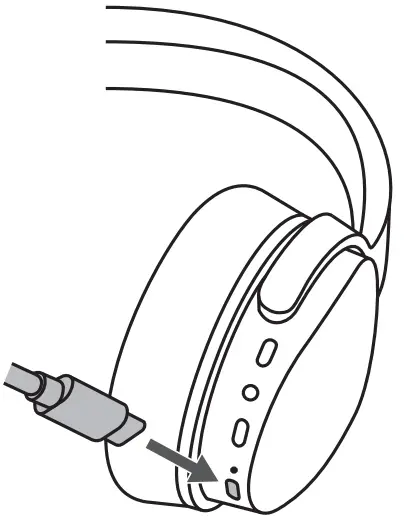
| Status | Status Indicator |
| Low battery | The red indicator will flash slowly. |
| Charging | The red indicator will light up. |
| Fully charged | The blue indicator will light up. |
Switching On/Off
To switch on, press and hold•until the blue indicator lights up once.
- If the earphones are already paired with a Bluetooth device before, it will automatically connect with the last paired device when both are in pairing mode.
To switch off, press and hold•until the red indicator lights up once.
Bluetooth Pairing
- Ensure the earphones are switched off.
- Press and hold•for 5 seconds to enter Bluetooth pair mode. The status indicator starts flashing in red and blue rapidly and alternately.
 If no Bluetooth device is paired within 90 seconds, the headphones will enter standby mode.
 - Activate the Bluetooth feature on your Bluetooth device and start searching. Then select
“GTCNCPM21”. - The blue indicator will blink after you have successfully paired the earphones.
Operation
If you receive or make a call while listening to music, the music is paused until you end the call.
| To | Press |
| Increase volume | + repeatedly as desired |
| Decrease volume | − repeatedly as desired |
| Call Functions | |
| Answer/end a call | • once |
| Reject a call | Hold • 2 seconds then release |
| Use voice control | • twice |
| Playback Functions | |
| Play / pause track | • once |
| Skip to the next track | Hold + |
| Go to the previous track | Hold − |
 Not compatible with all smartphone brands; please check your individual smartphone user manual.
Noise Cancelling
A noise-canceling feature designed specifically to block constant, low-frequency noises, and is excellent for train, or bus travel.
To enable the noise canceling feature, slide the ANC button to the ON position, and the ANC indicator will light up. Although noise is reduced, it is not canceled completely.
Reset the Headphones
To hardware reset, the headphones, connect the USB cable to a charging source.
Hints and Tips
Product not working:
- Recharge the product.
- Ensure the product is switched on.
- Ensure your Bluetooth-enabled device’s wireless function is active.
- Ensure there are no other wireless devices in discovery mode.
- Move the product closer to the device.
- Pair again the product and the device.
Specifications
Headphones
| Model | GTCNCPM21 |
| Sensitivity | 118±3 dB |
| Impedance | 32 Ω |
| Rated Input | DC 5 V 900 mA |
| Frequency Response | 20 Hz – 20 kHz |
| Frequency Band(s) | 2400 – 2482 MHz |
| Max. Radio Frequency Power Transmitted | 6 dBm |
| Bluetooth Interface | Bluetooth 5.0 |
| Bluetooth Profiles | A2DP, AVRCP, HFP, HSP |
| Operating Distance | <10 m (open space) |
| Battery Type | Lithium-ion 500 mAh |
| Battery Life | Up to 20 hrs Up to 12 hrs (with ANC) |
| Charging Time | 1 hr |
| Operation Temp. | 5 – 40 °C |
| Net Weight | 283 g |
Features and specifications are subject to change without prior notice.
Battery
| Model | VDL 503035Q |
| Battery Type | Rechargeable Li-ion polymer battery |
| Battery Rating | 3.7V 500mAh 1.85Wh |
| Designation Code | 1ICP5/30/35 |
| Manufacturer | Chongqing VDL Electronics Co., LTD |
| Dimension | 35 × 30 × 5 mm |
| Net Weight | 11 g |
Declaration of Conformity (RER)
Hereby, Currys Group Limited declares that the radio equipment type [GTCNCPM21] is in compliance with Radio Equipment Regulations 2017 (S.I. 2017/1206).
The full text of the UK declaration of conformity is available at the following internet address: https://www.currys.co.uk/
Click on HELP & SERVICES/Repairs & maintenance/Product Manuals and enter the model number.

Currys Group Limited (co. no. 504877)
1 Portal Way, London, W3 6RS, UK
EU Representative
Currys Ireland Limited (259460)
3rd Floor Office Suite
Omni Park SC, Santry, Dublin 9,
Republic of Ireland
IB-GTCNCPM21-220517V5
 Appliance Parts & Electrical Accessories for Home Appliances | Currys Partmaster.co.uk