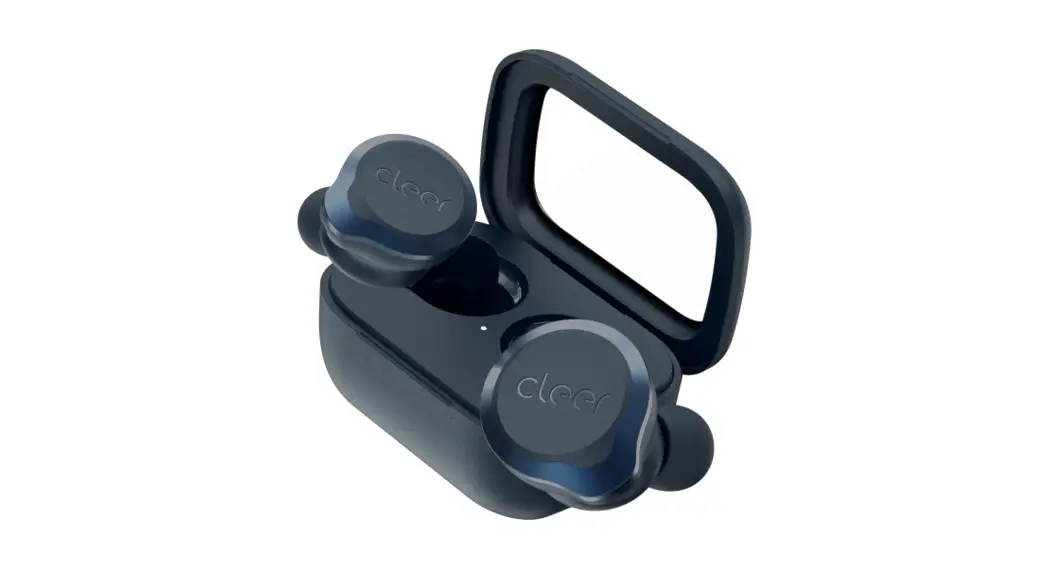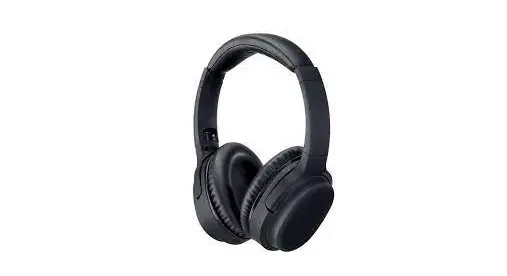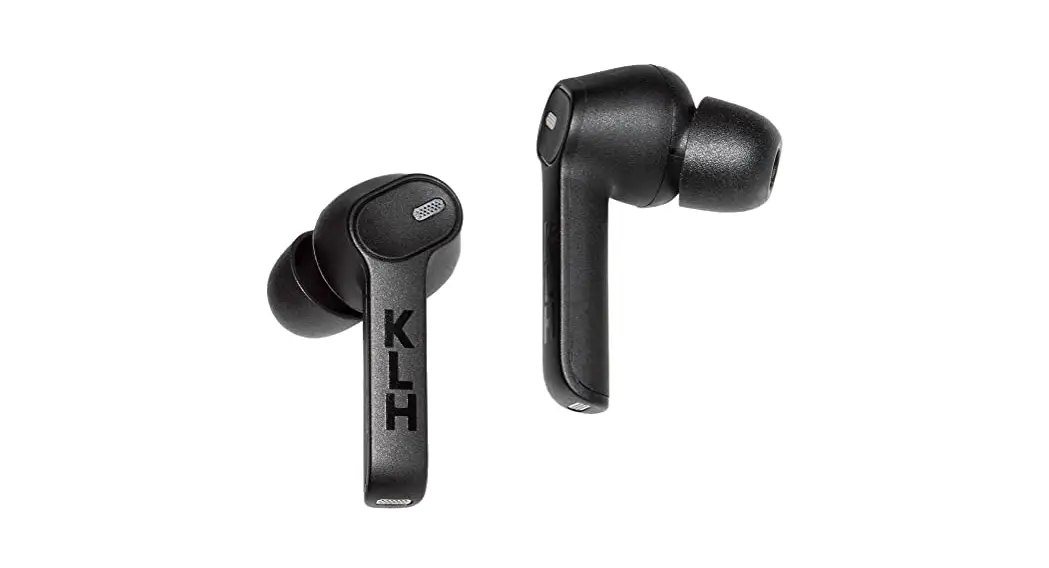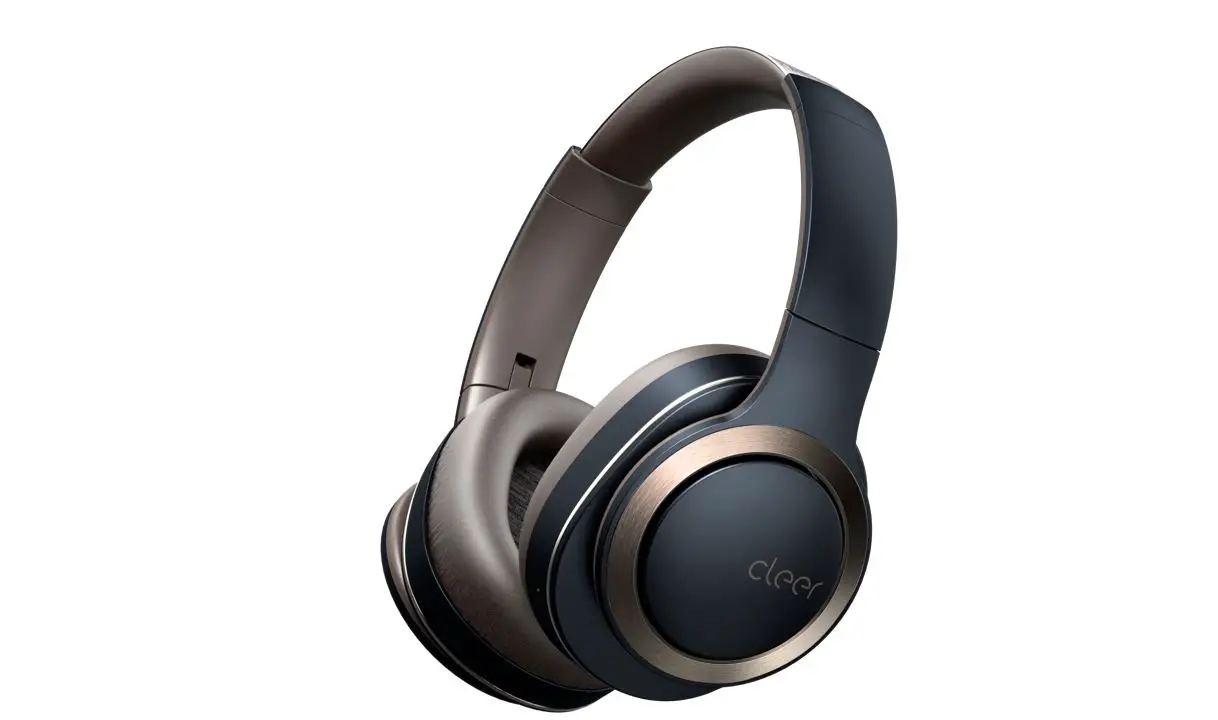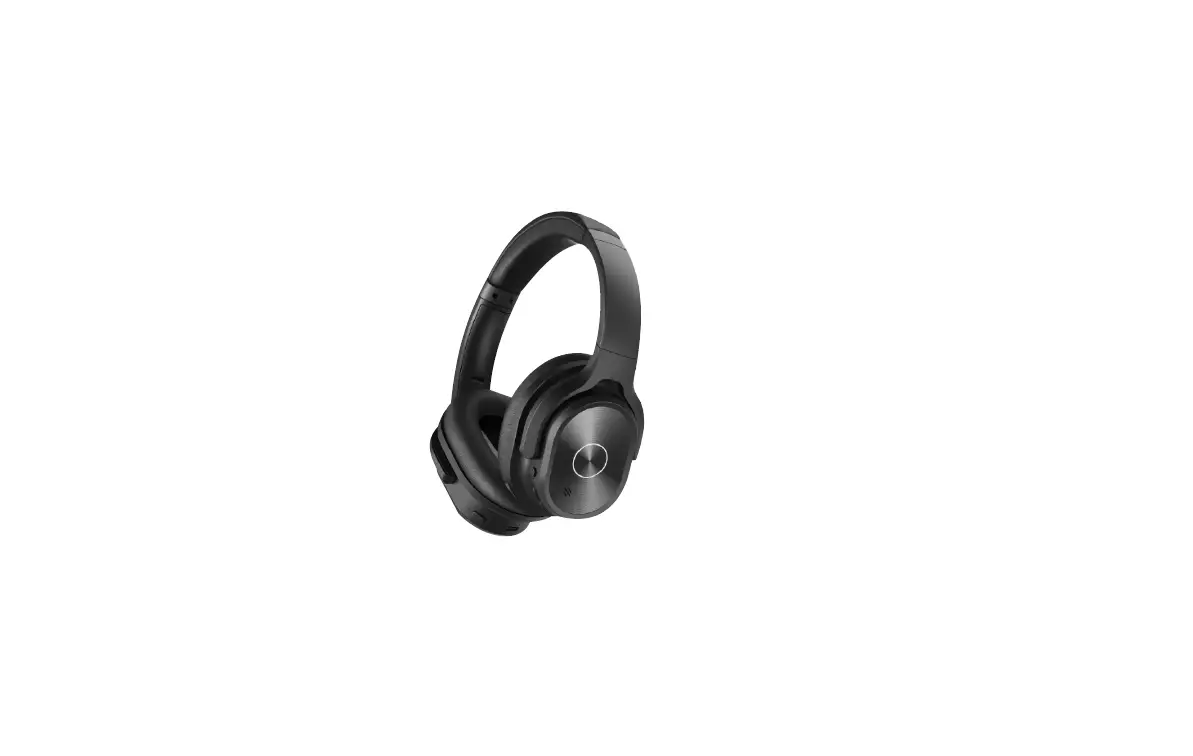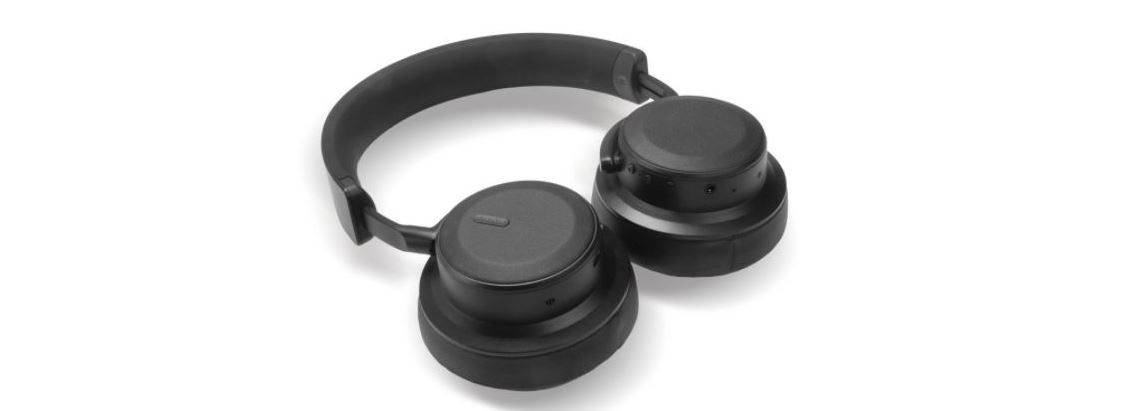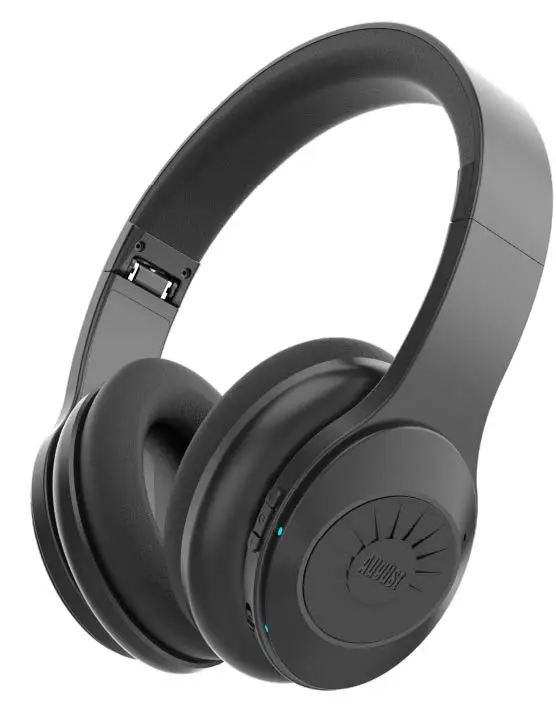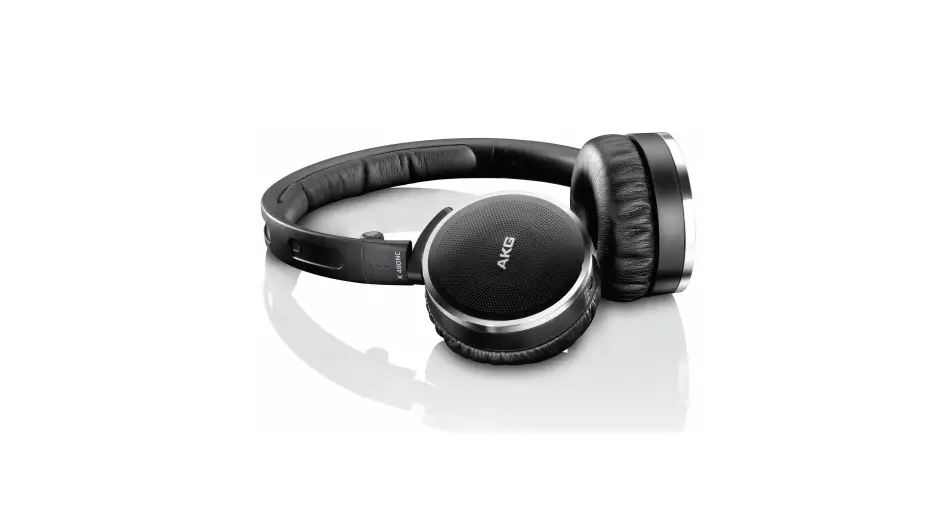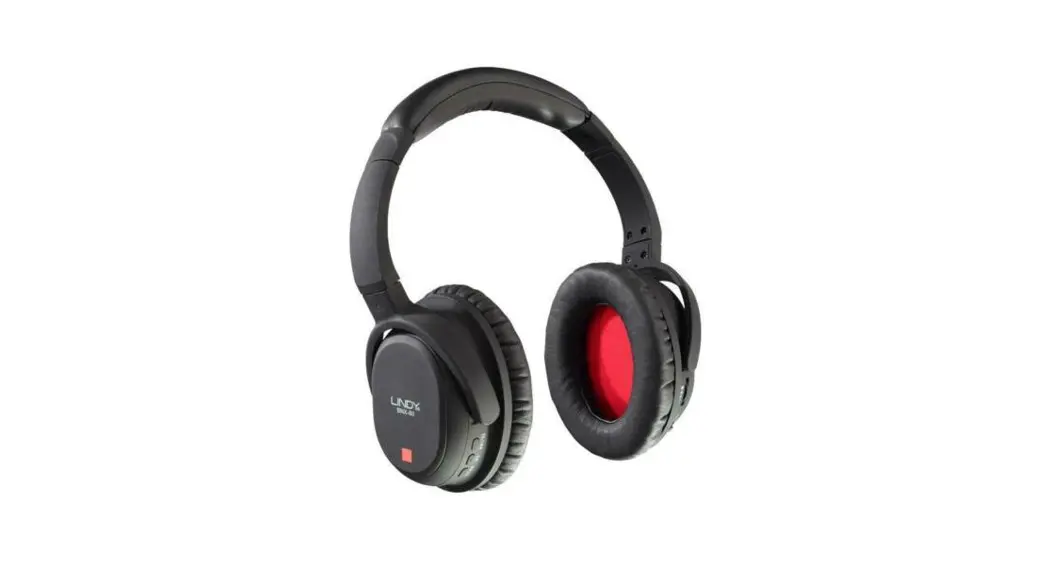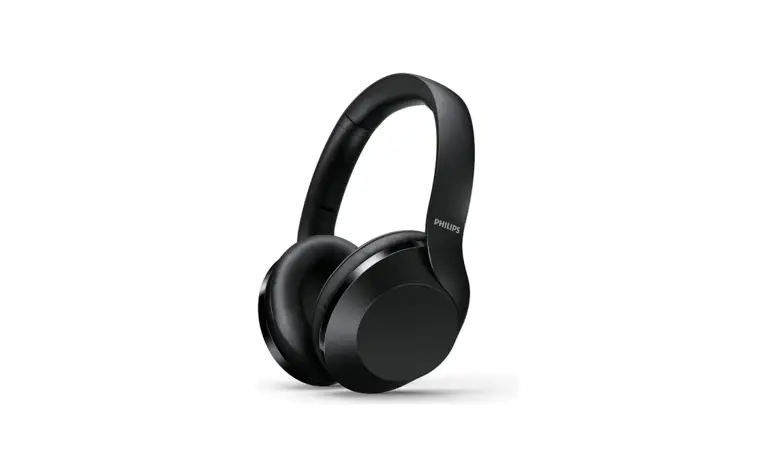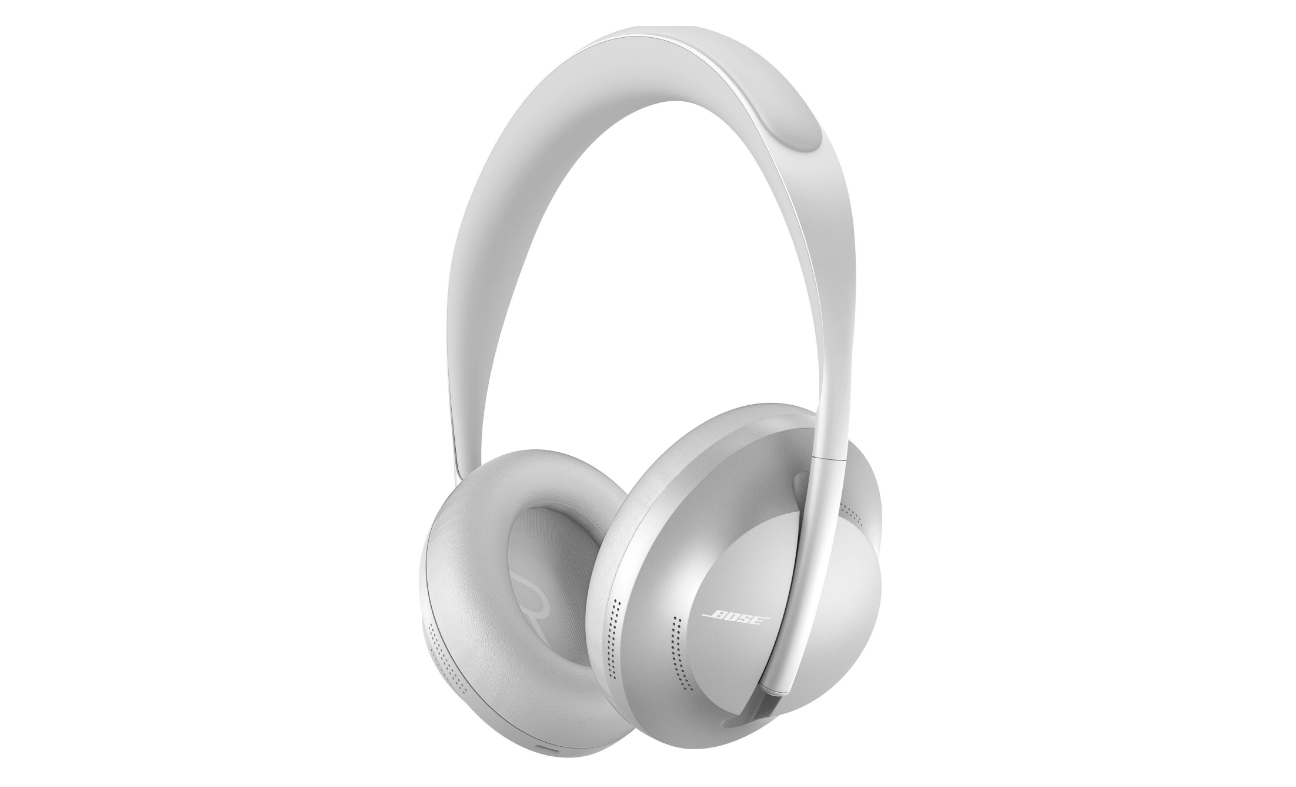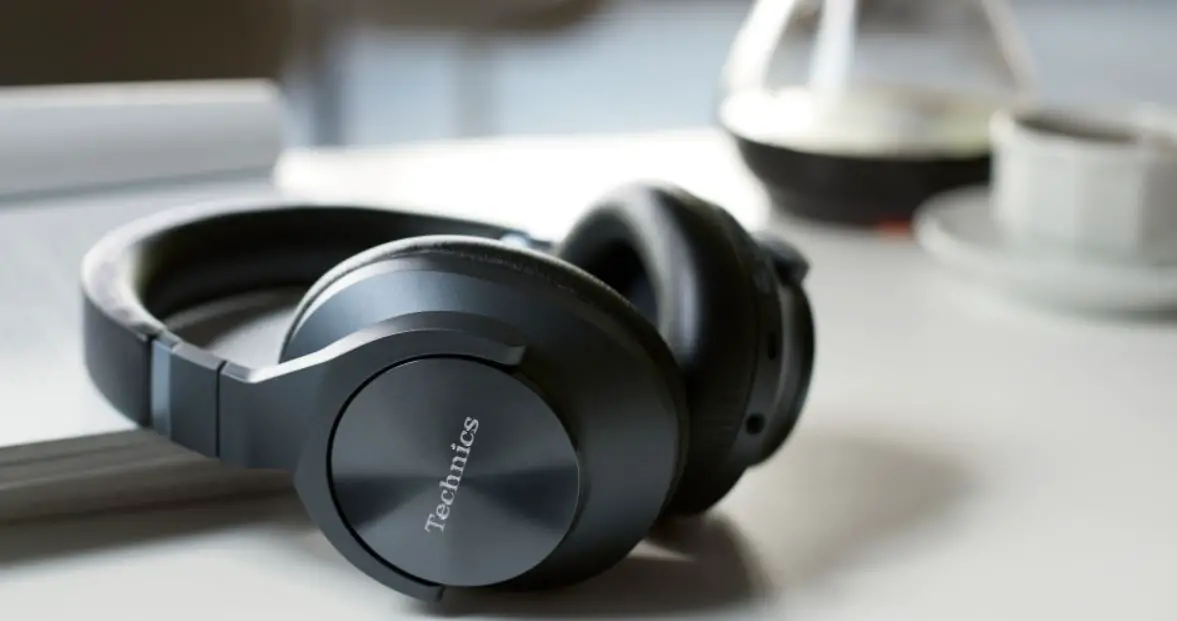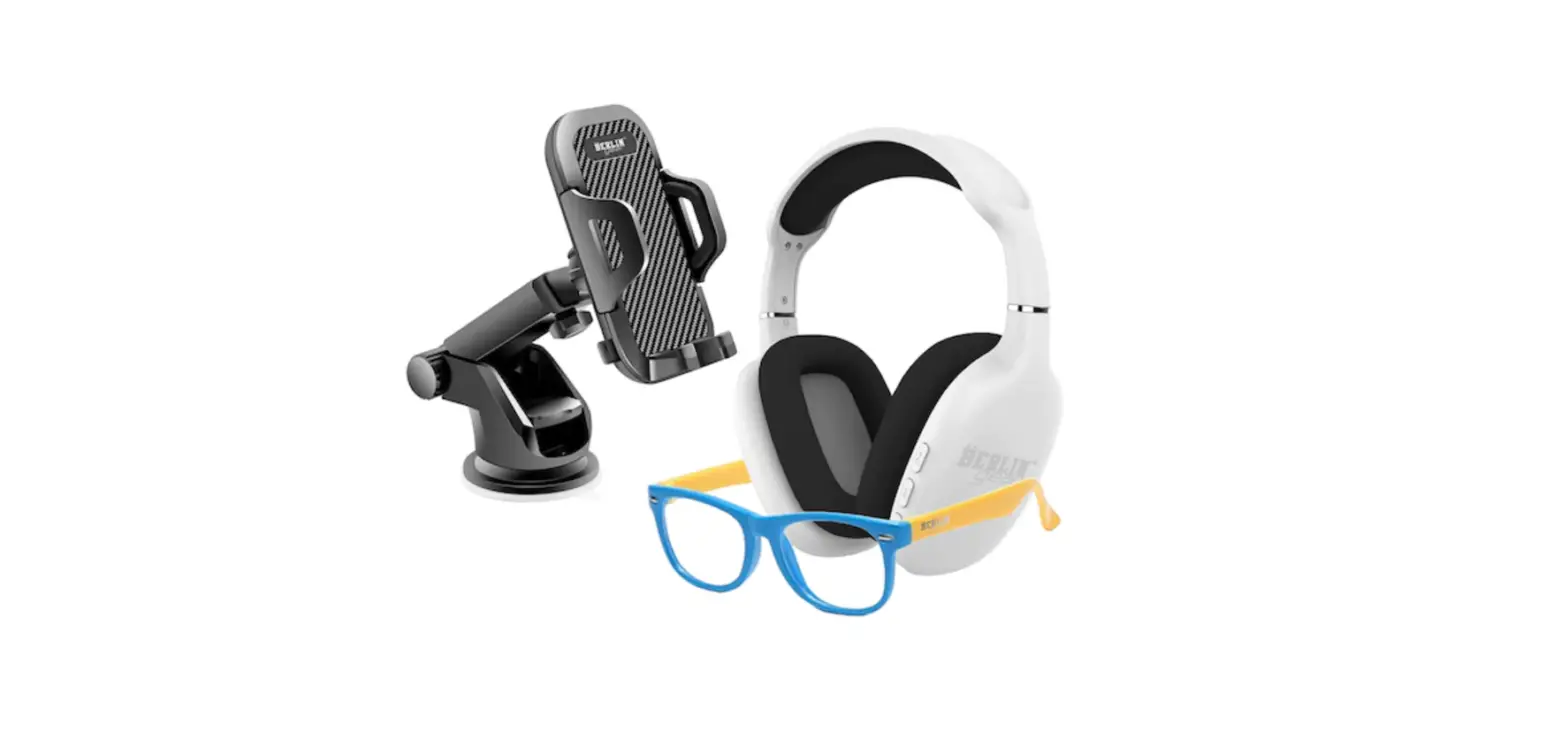
 BERLIN BG0421WH Headphone Accessories Kit Wired Noise Canceling

 BERLIN BG0421WH Headphone Accessories Kit Wired Noise Canceling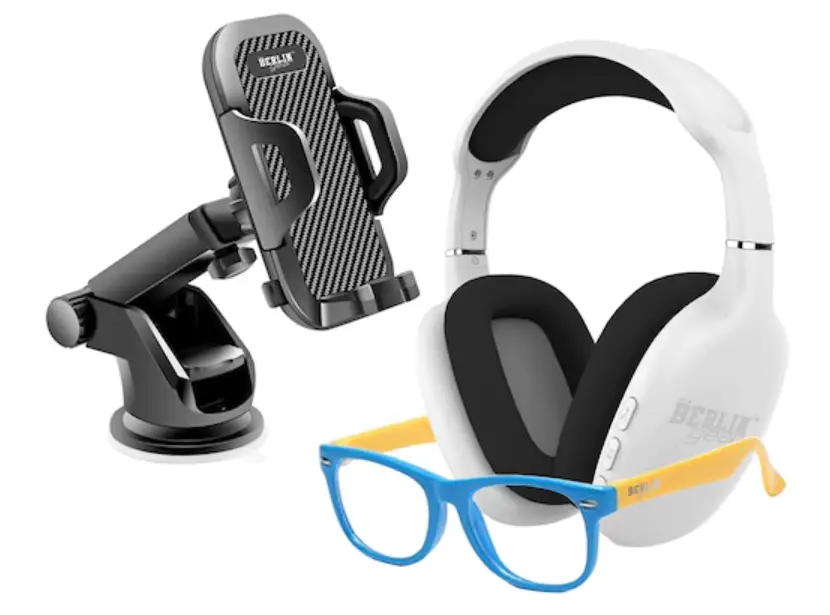
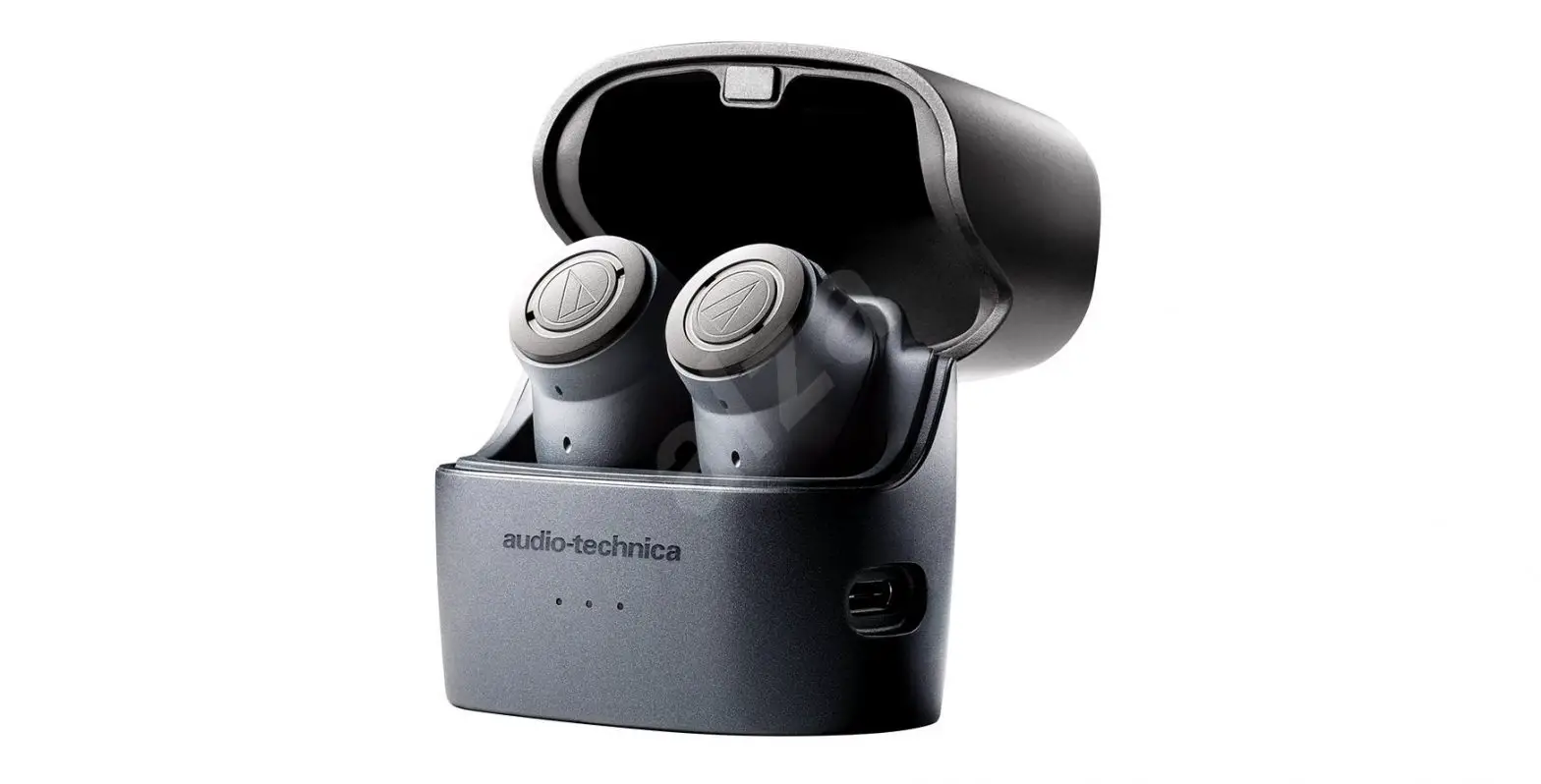
BLUETOOTH AND WIRED HEADPHONES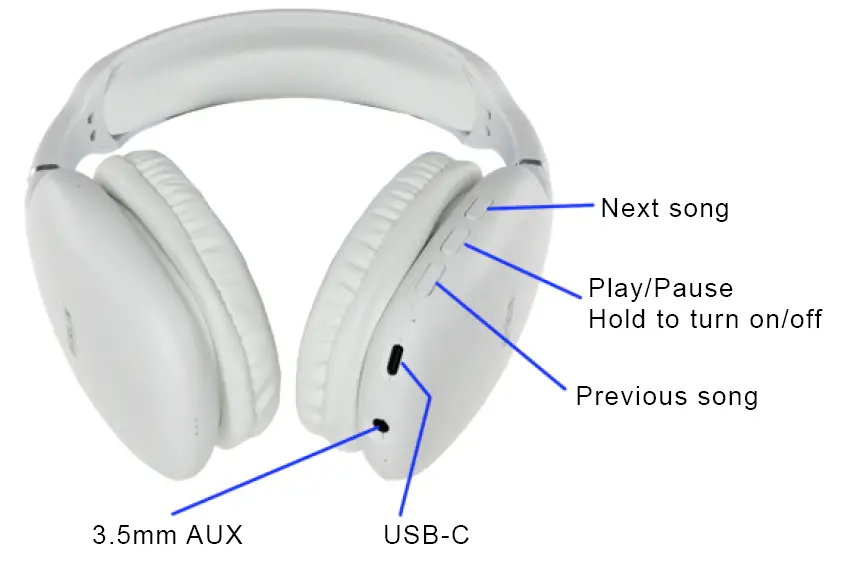
BLUE LIGHT GLASSES
FDA CERTIFIED
UNIVERSAL PHONE MOUNT
- Secure the phone mount’s suction cup by pressing the mount onto the surface and pushing the bottom switch downward.
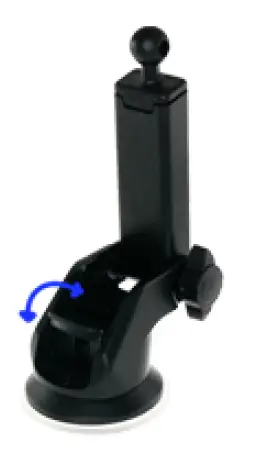
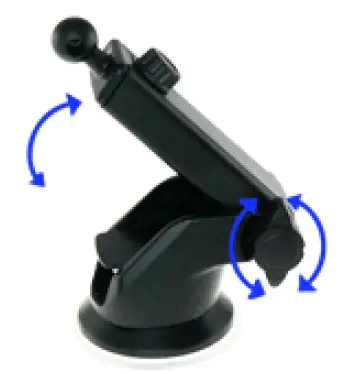
- Change the angle of the arm by loosening the side wheel. Tighten the wheel to secure the arm at the desired angle.

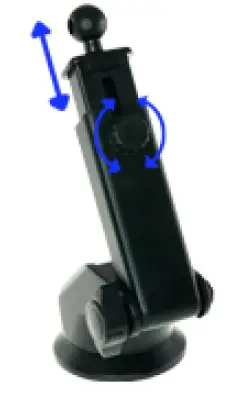
- Extend or retract the length of the arm by loosening the back wheel and tightening it at the desired length.

- Attach the phone mount to the ball joint on the arm. Tighten the wheel on the back to secure the phone mount.
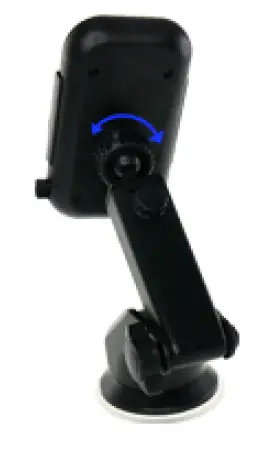
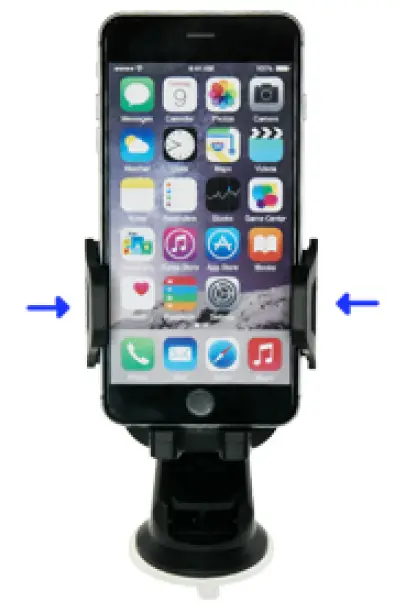
- Press and hold the button on the right of the phone mount to open the phone mount.
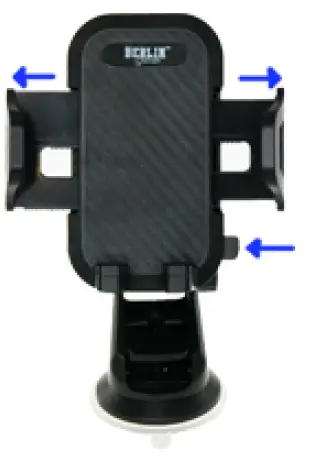
- Place the phone into the phone mount so that it rests on the two bottom supports. Press the side supports inward to secure the phone into the mount.