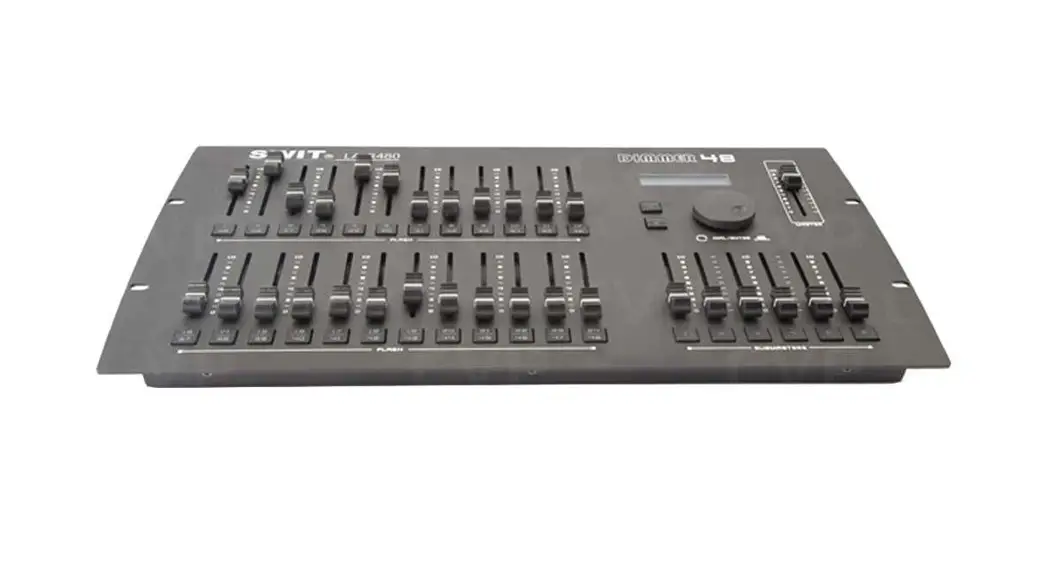
 LA-R240/R480 DMX512 Console
Ver: A
USER MANUAL
SWIT Electronics Co.,LTD.
Congratulations on your purchase of this product. Please read this user manual carefully.
Index of Parts and Functions
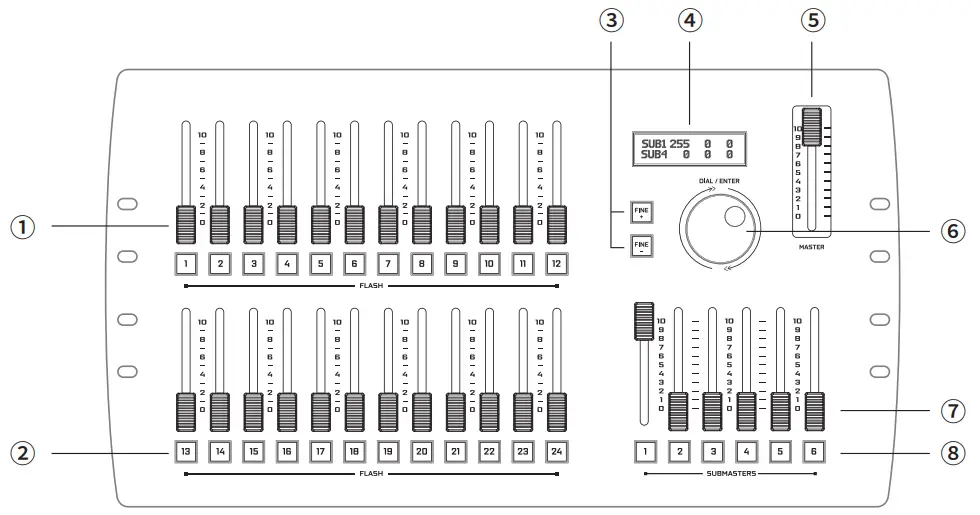
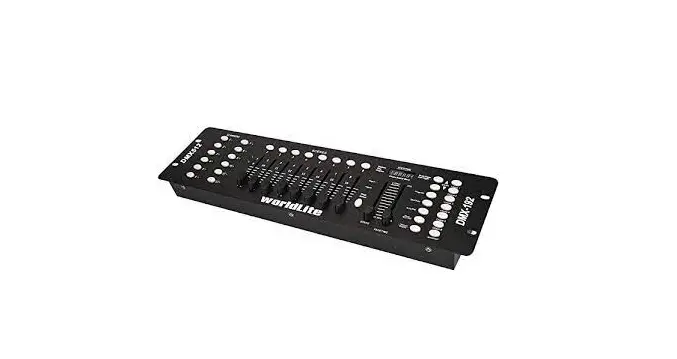
- Channel Sliders: 1-24 to control the DMX 1-24, 0-255 range;
- Flash Keys: Press and hold the key to directly maximize the value of the current channel, and release the key to recover to slider position value;
- (LA-R240) FINE+/ FINE-: Fine adjustment of current value;
(LA-R480) PAGE+/ PAGE-: Page up and Page down to switch between 1-24 sliders and 25-48 sliders; - LCD screen: Display 0-255 value of each channel;
- Master Slider: Control all channels together;
- DIAL/ENTER: Revolve to switch among all the channels;
- Submaster Sliders: Select any number of the 24 sliders,
set to right values, and press and hold the DIAL/ENTER key, then press any of the Cubmaster keys to group these sliders. - Flash Keys: Press and hold the key to directly maximize the value of the Cubmaster channels, and release the key to recover to slider position value.
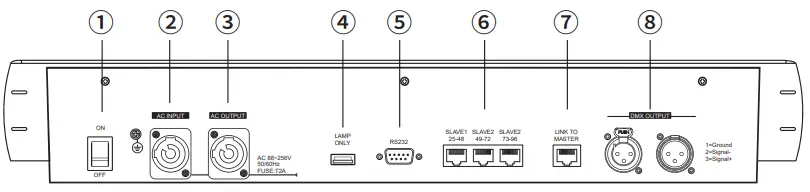
- ON/OFF: Power on/off switcher;
- AC INPUT: AC 88~256V 50/60Hz input;
- AC OUTPUT: AC 88~256V 50/60Hz loop output;
- USB: 5V/1A power output;
- RS232: Reserved for factory use;
- RJ45 Slave 1/2/3: Connect up to 3 slave units with RJ45 cables to expand the DMX channels:
Model SLAVE 1 SLAVE 2 SLAVE 3 LA-R240 CH 25-48 CH 49-72 CH 73-96 LA-R480 CH 49-96 CH 97-144 CH 145-192 - RJ45 Link to Master: Connect to Master unit by RJ45 cable;
- DMX OUT: DMX512 output of both 3-pin XLR male and female.
Tel:+86-25-85805753
Fax:+86-25-85805296
http://www.swit.cc
E-mail: [email protected]