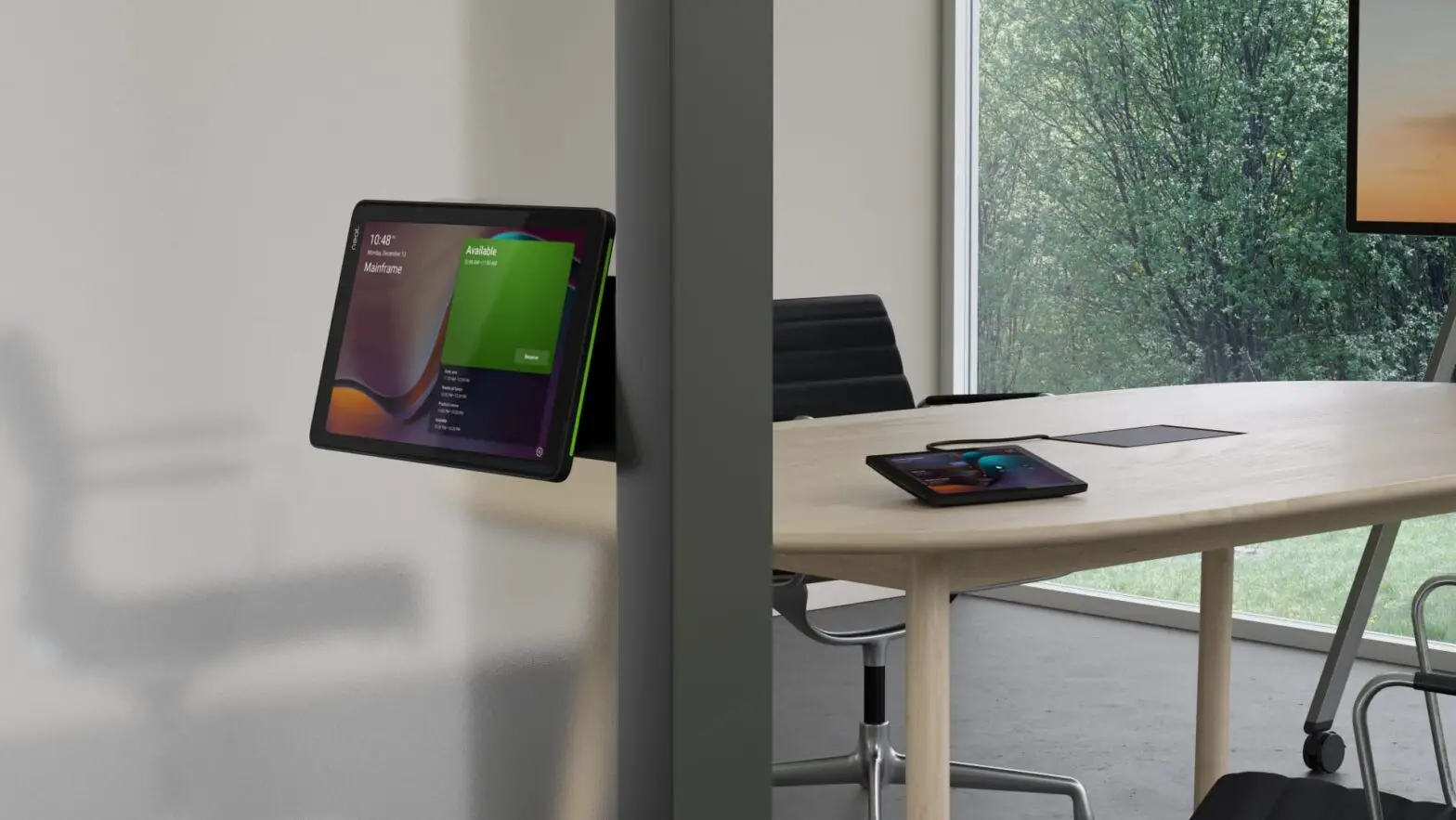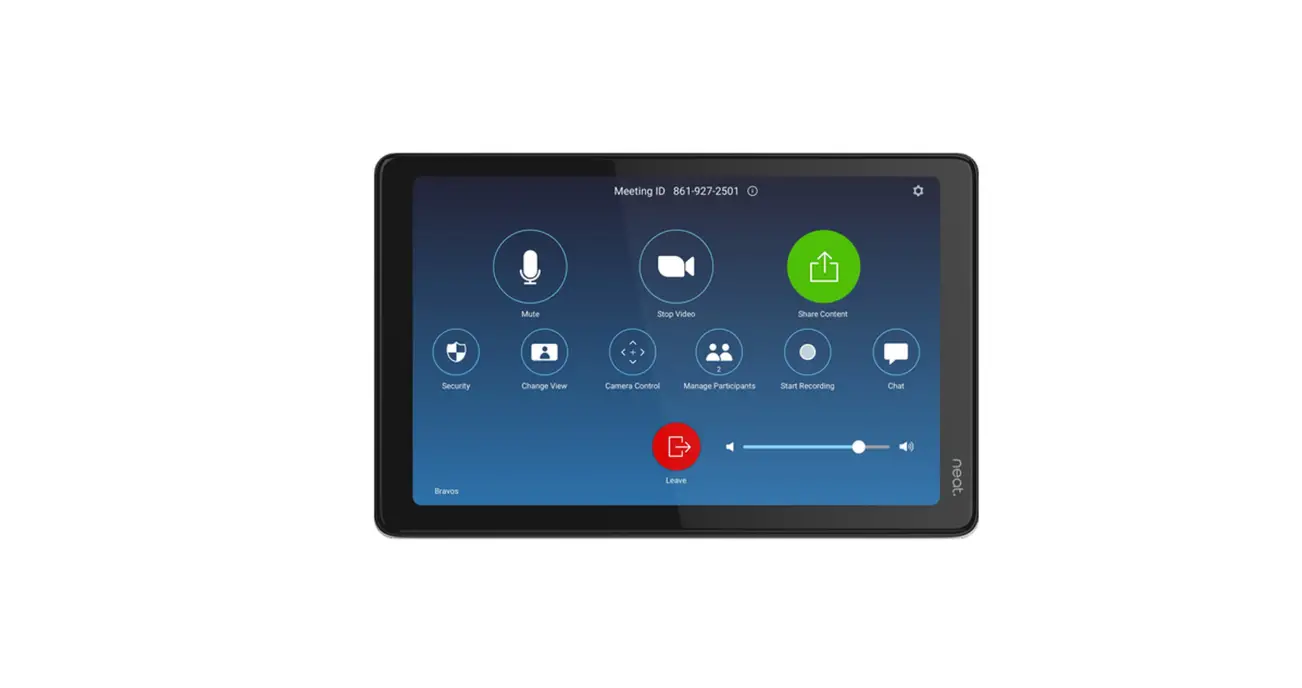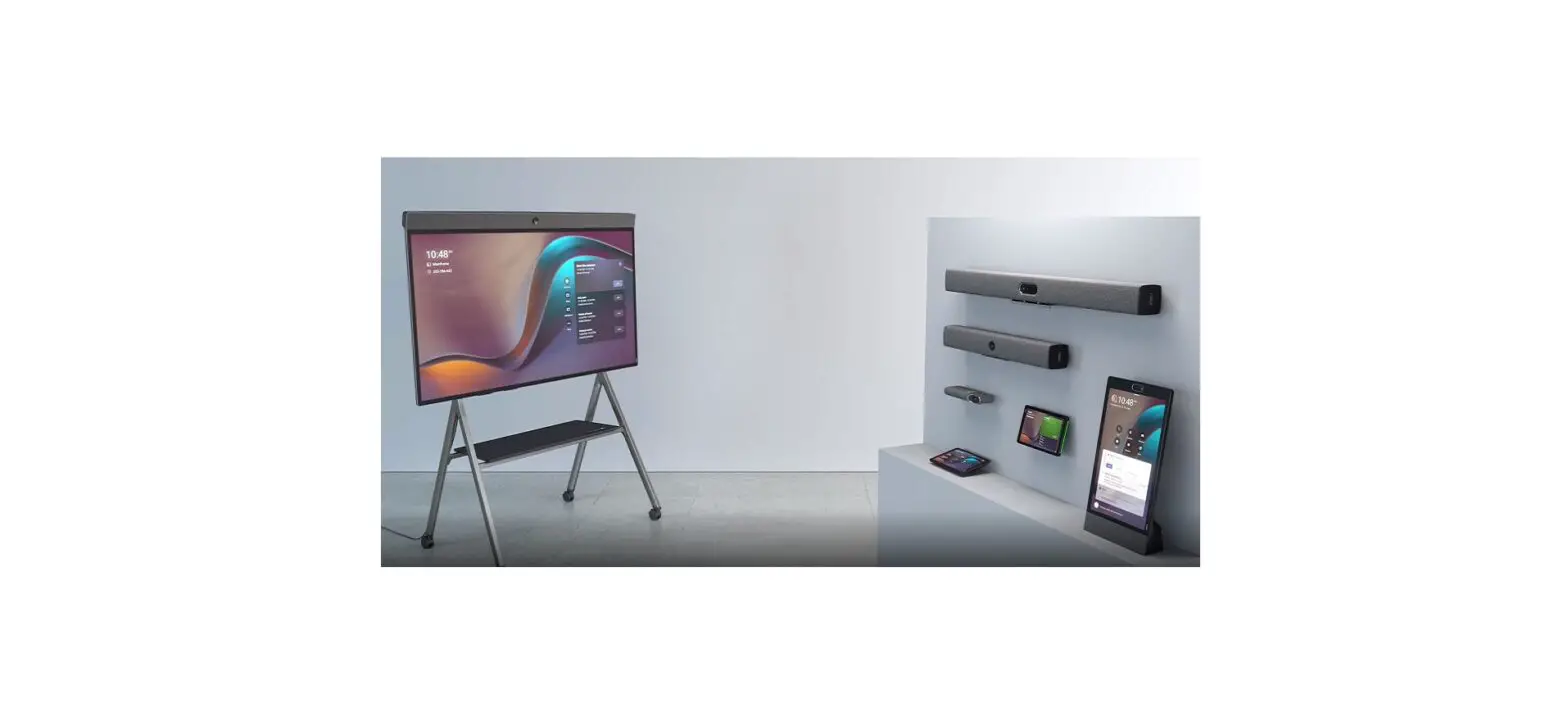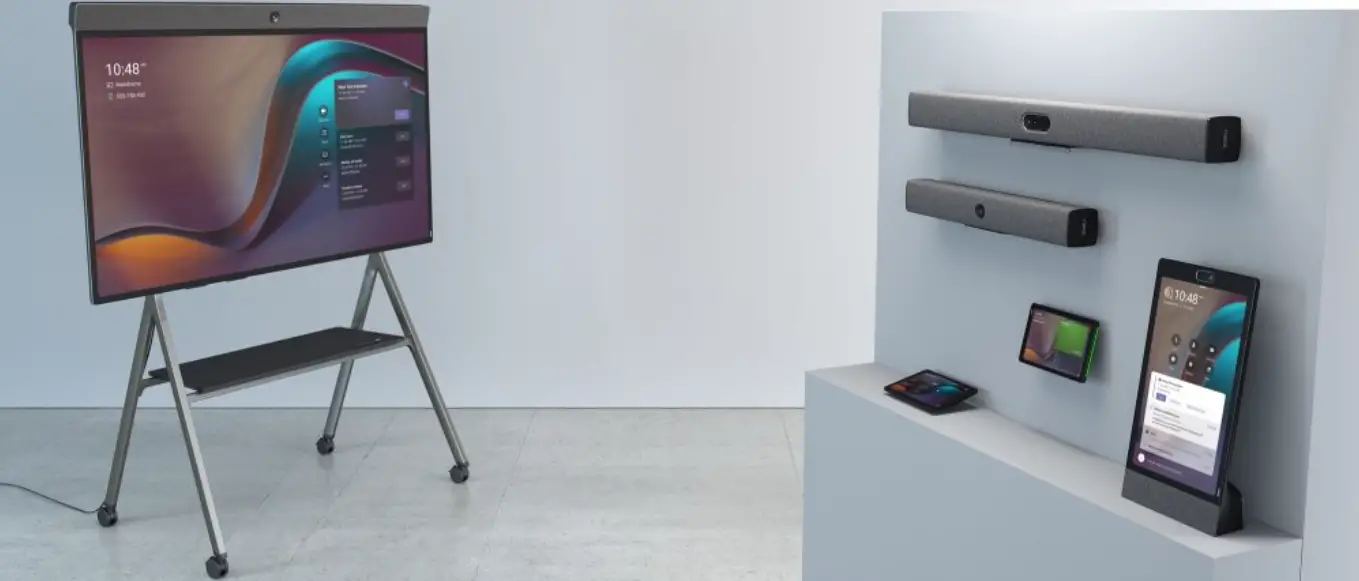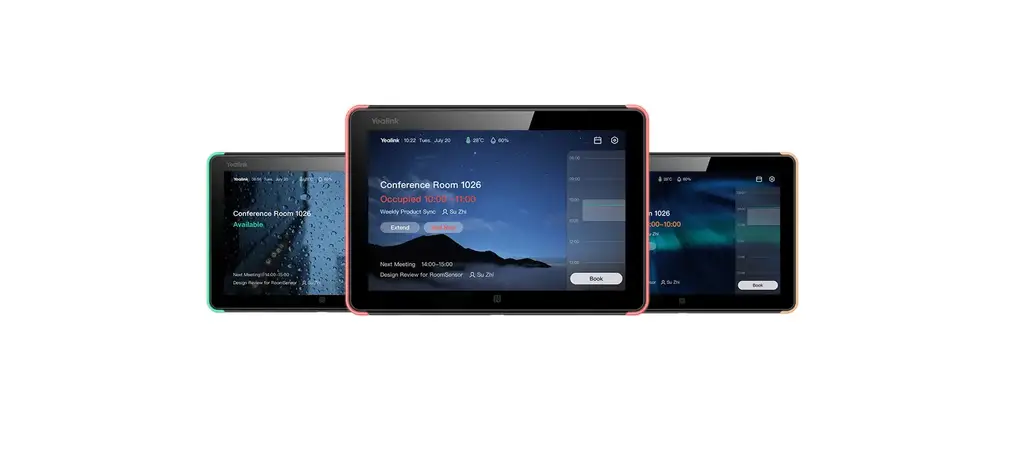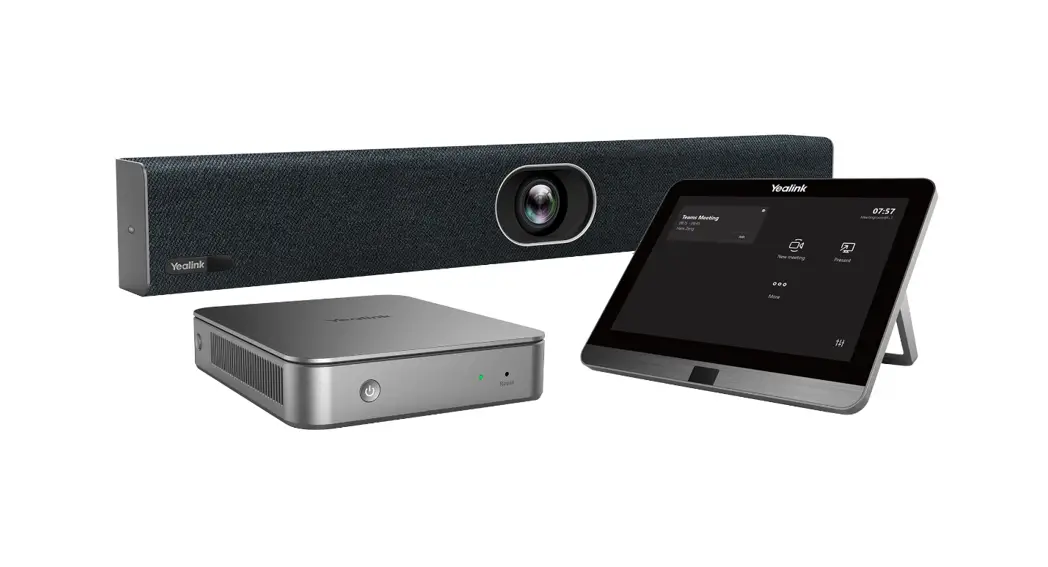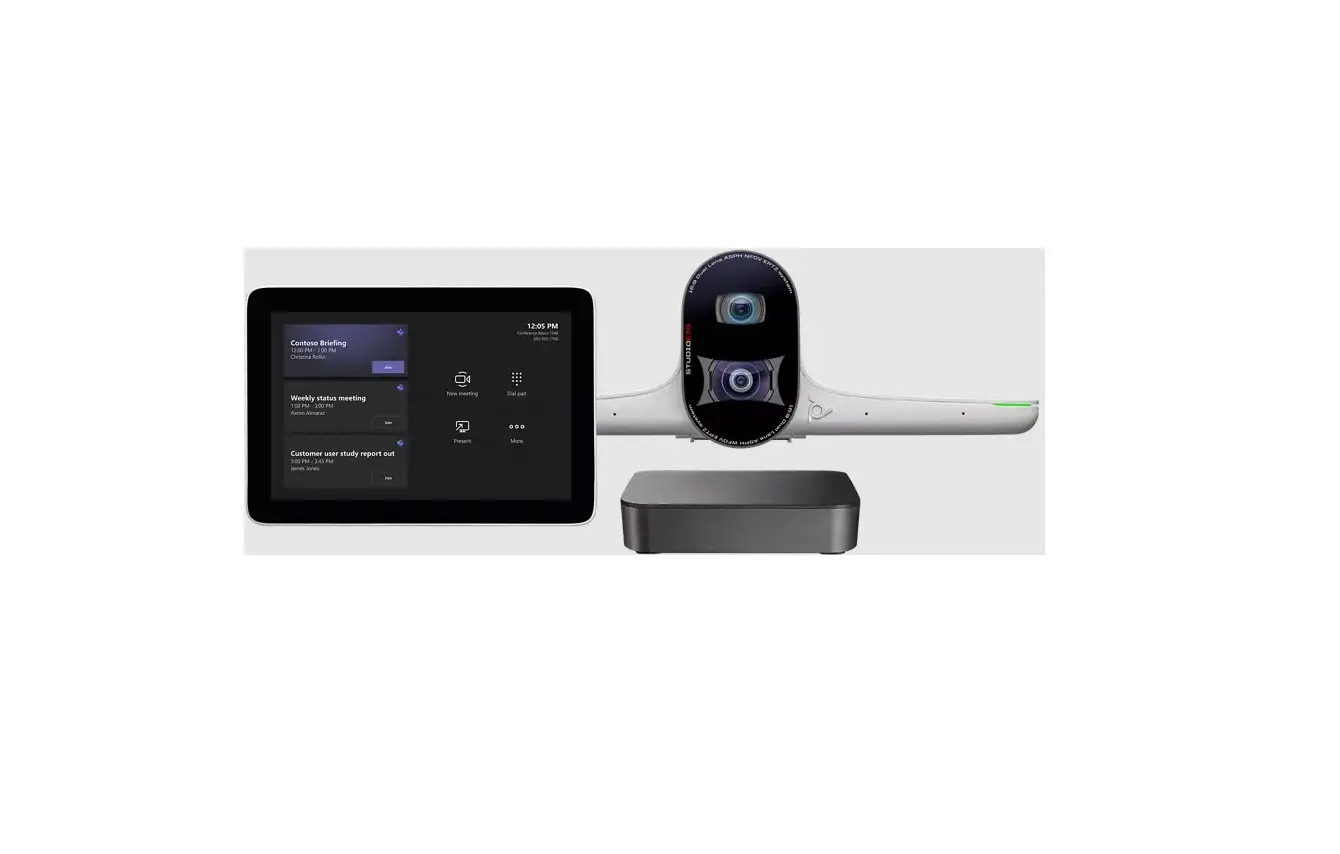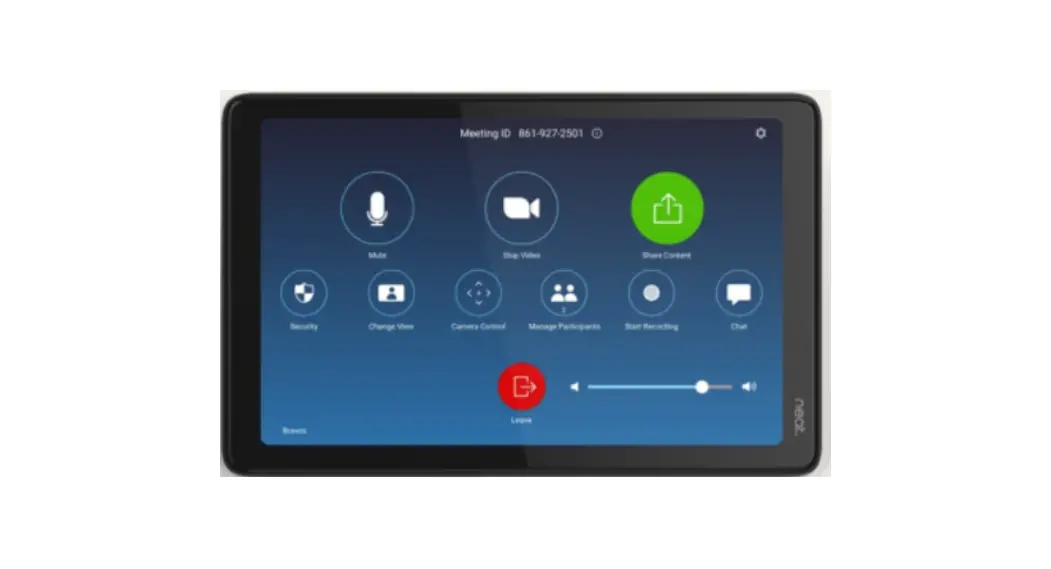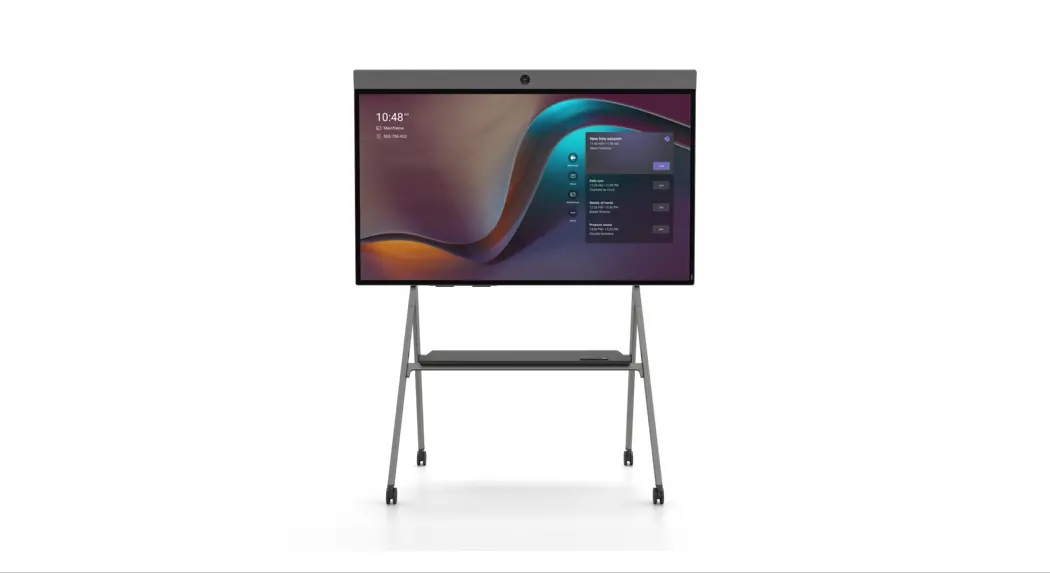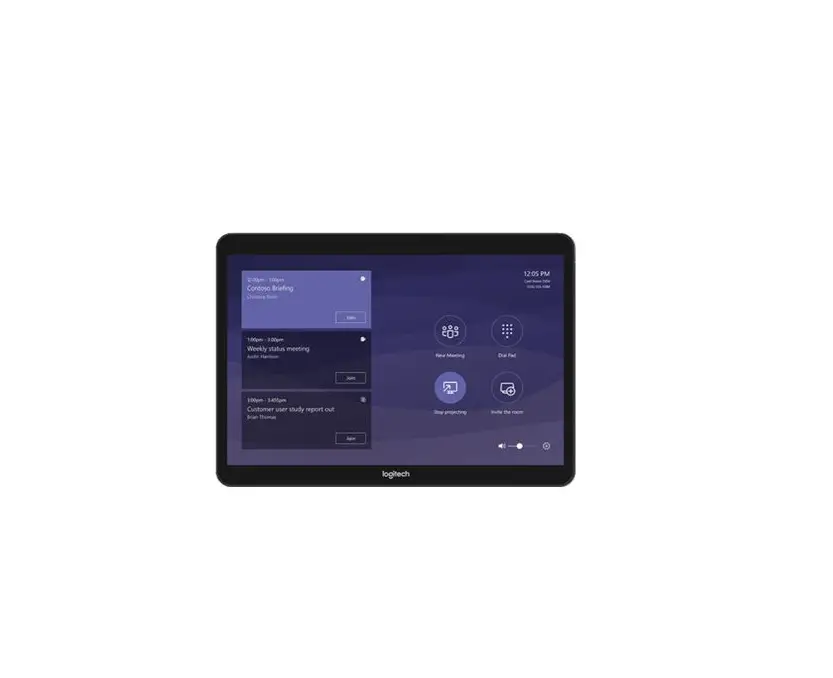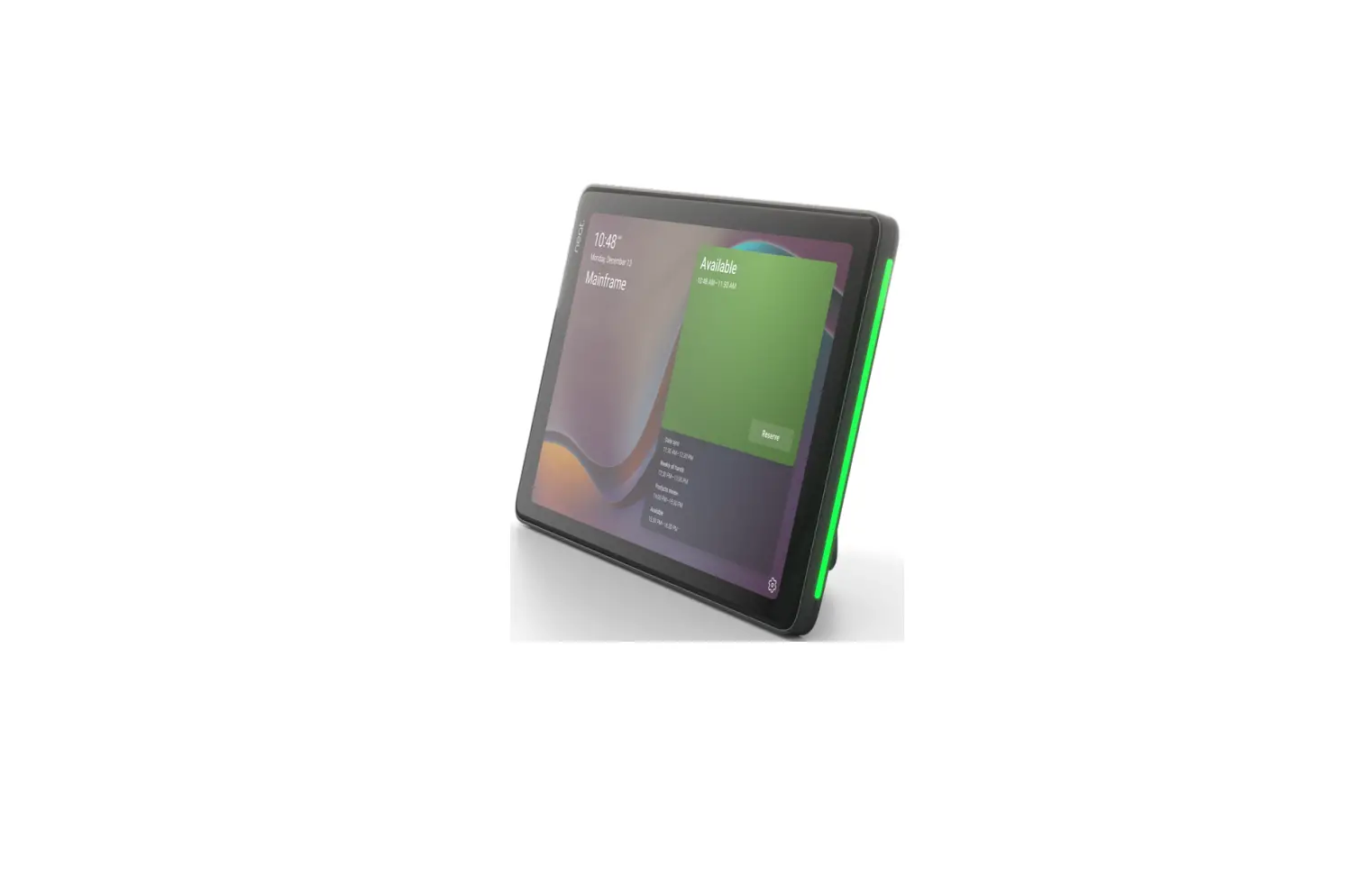
neat Pad 8 Inch Schedule Panel for Teams User Guide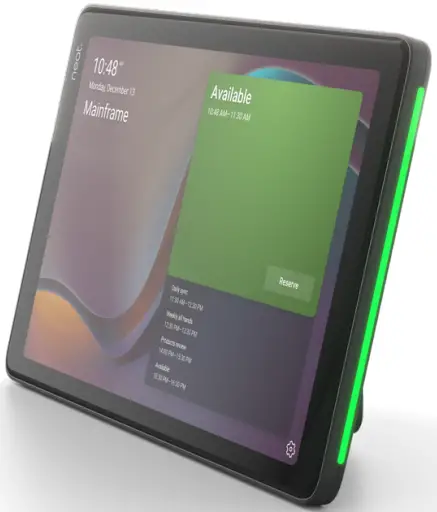
Pair scheduler with device
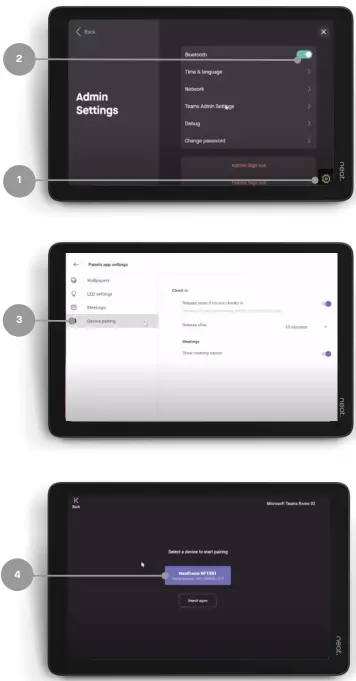
- Click on the settings icon.
Navigate to Device Settings > Admin Settings - Ensure Bluetooth is toggled on.
- Navigate to Teams Admin Settings > Device Pairing.
- Select the device you would like to pair.
- A code will appear on the device, enter it on the Pad.
- Select Pair.
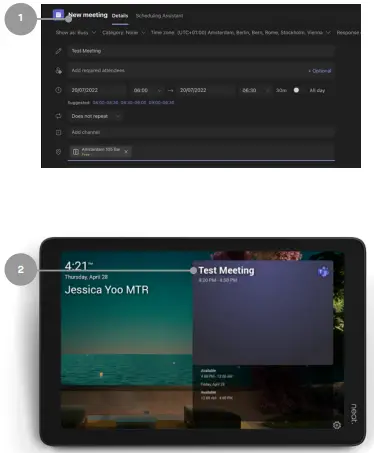
How to reserve the room from the Microsoft Teams App
- Schedule a meeting in the Microsoft Teams app and invite the associated room.
- The meeting appears on Neat Pad and the room is reserved.
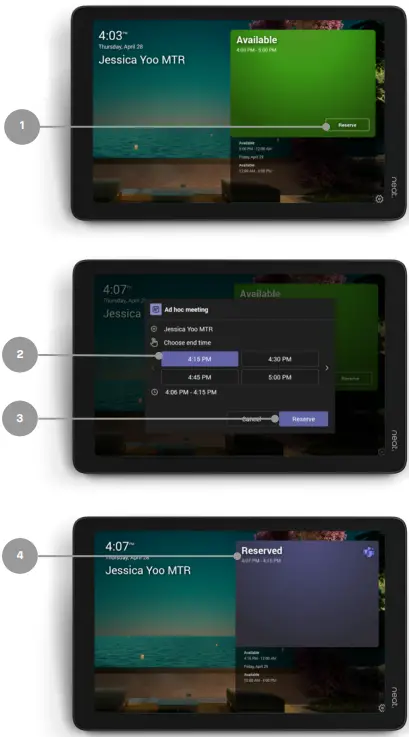
Reserve the room for an Ad Hoc Meeting
- Tap the Reserve button.
- Select the time.
- Tap the Reserve button again.
- The room is now reserved,
Room Release
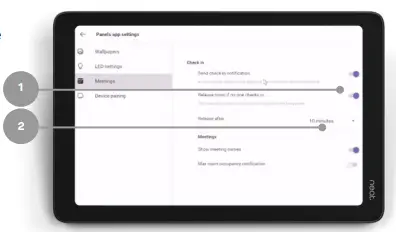
In Settings, navigate to Device Settings > Admin Settings >Teams Admin Settings > Meetings.
- Release room if no one checks in – toggled on
- Release after: choose duration