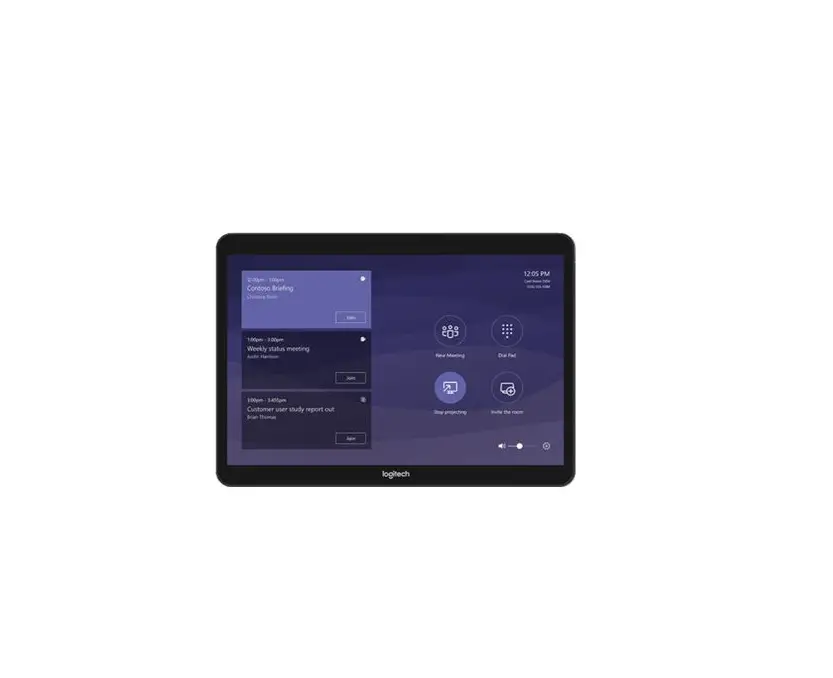
logitech Microsoft Teams Card

 JOIN A MEETING
Join a scheduled meeting with a single touch.
 MAKE A CALL
Dial a phone number and make a call, just like that.
 START A MEETING
Easily start a new meeting and add invitees.
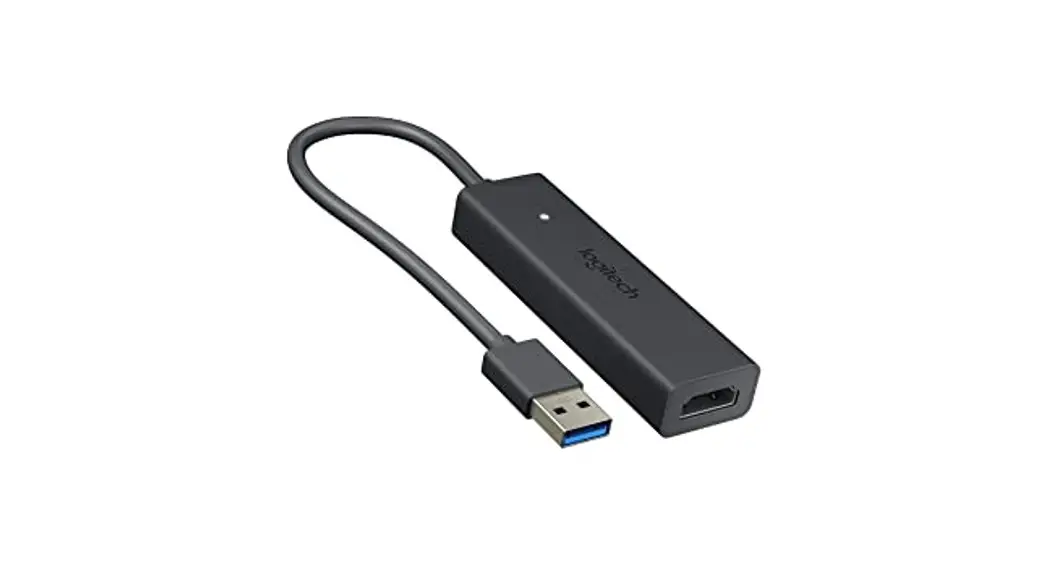
 PRESENT
Share content from the connected console.
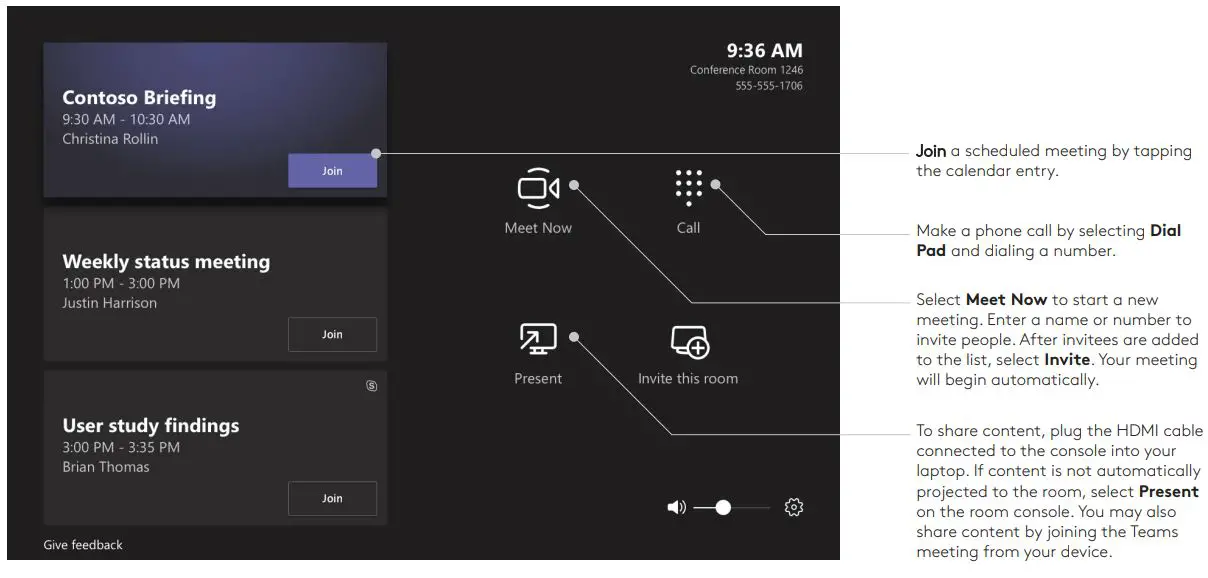
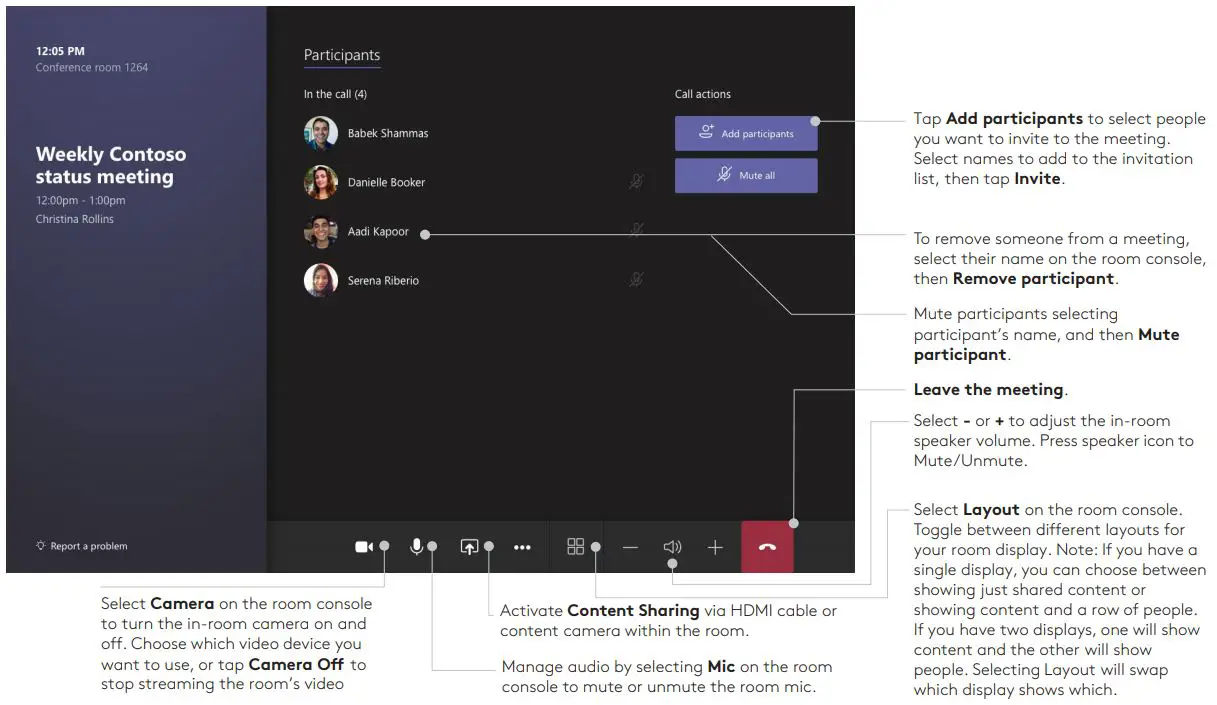
MEETING CONTROLS
FOR MORE INFORMATION
logitech.com /microsoft
Logitech Inc. 7700 Gateway Blvd. Newark, CA 94560 Published November 2019
© 2019 Logitech. Logitech, the Logitech logo, and other Logitech marks are owned by Logitech and may be registered. All other trademarks are the properties of their respective owners. Logitech assumes no responsibility for any errors that may appear in this publication. Product, pricing, and feature information contained herein are subject to change without notice.
 Logitech Strategic Partner - Microsoft