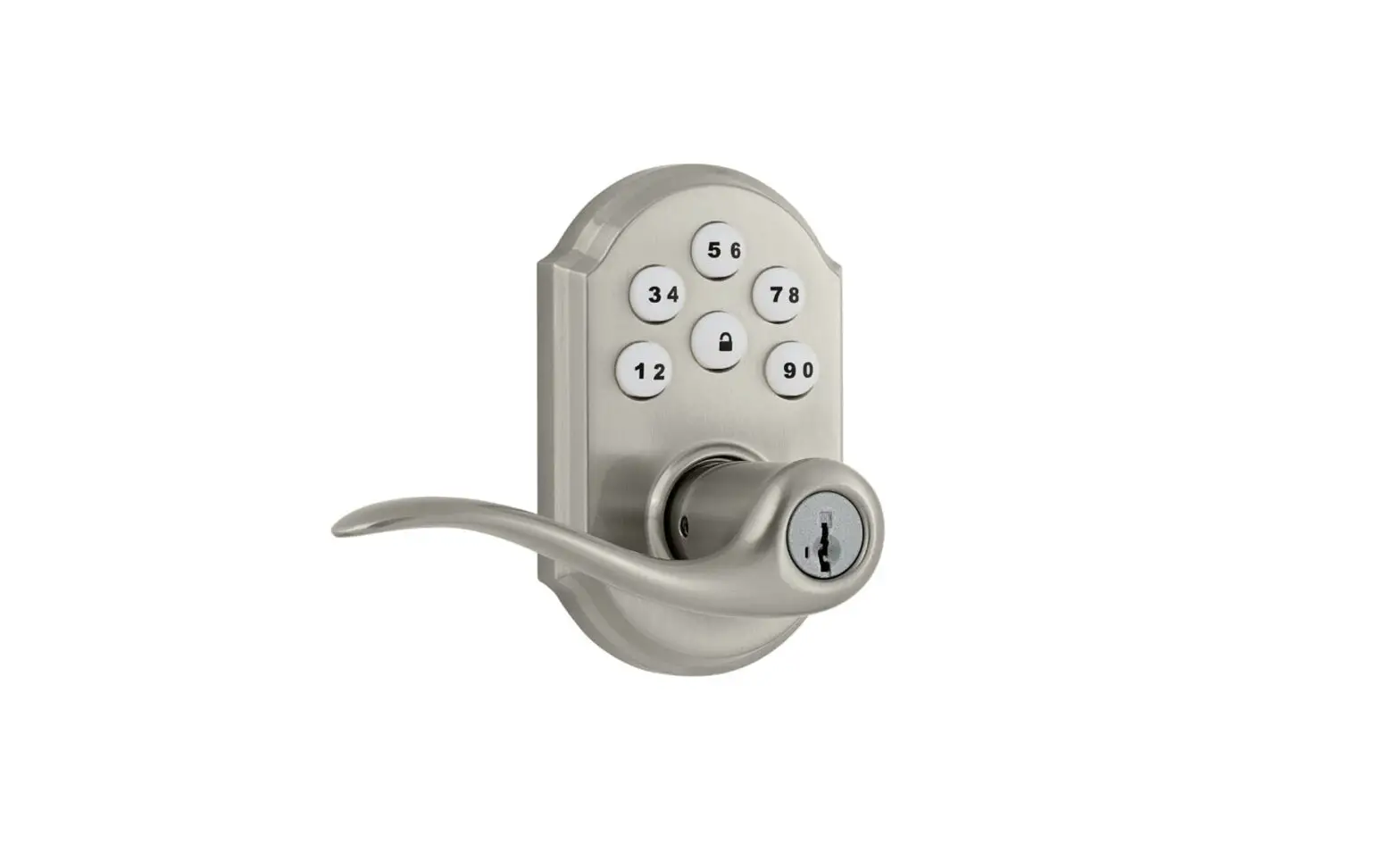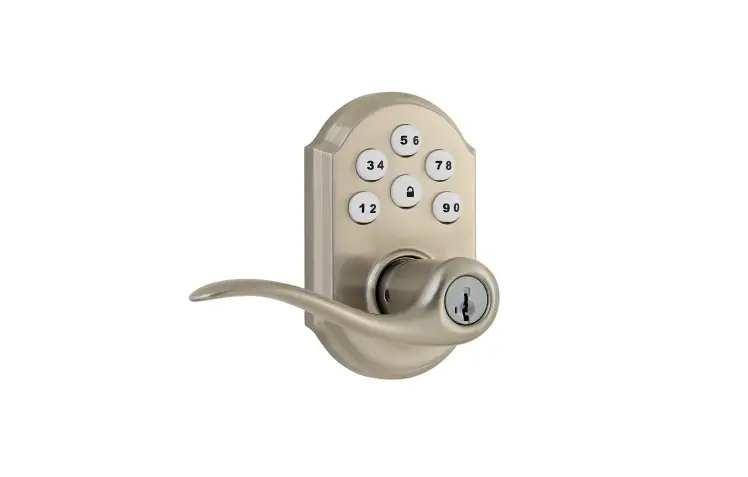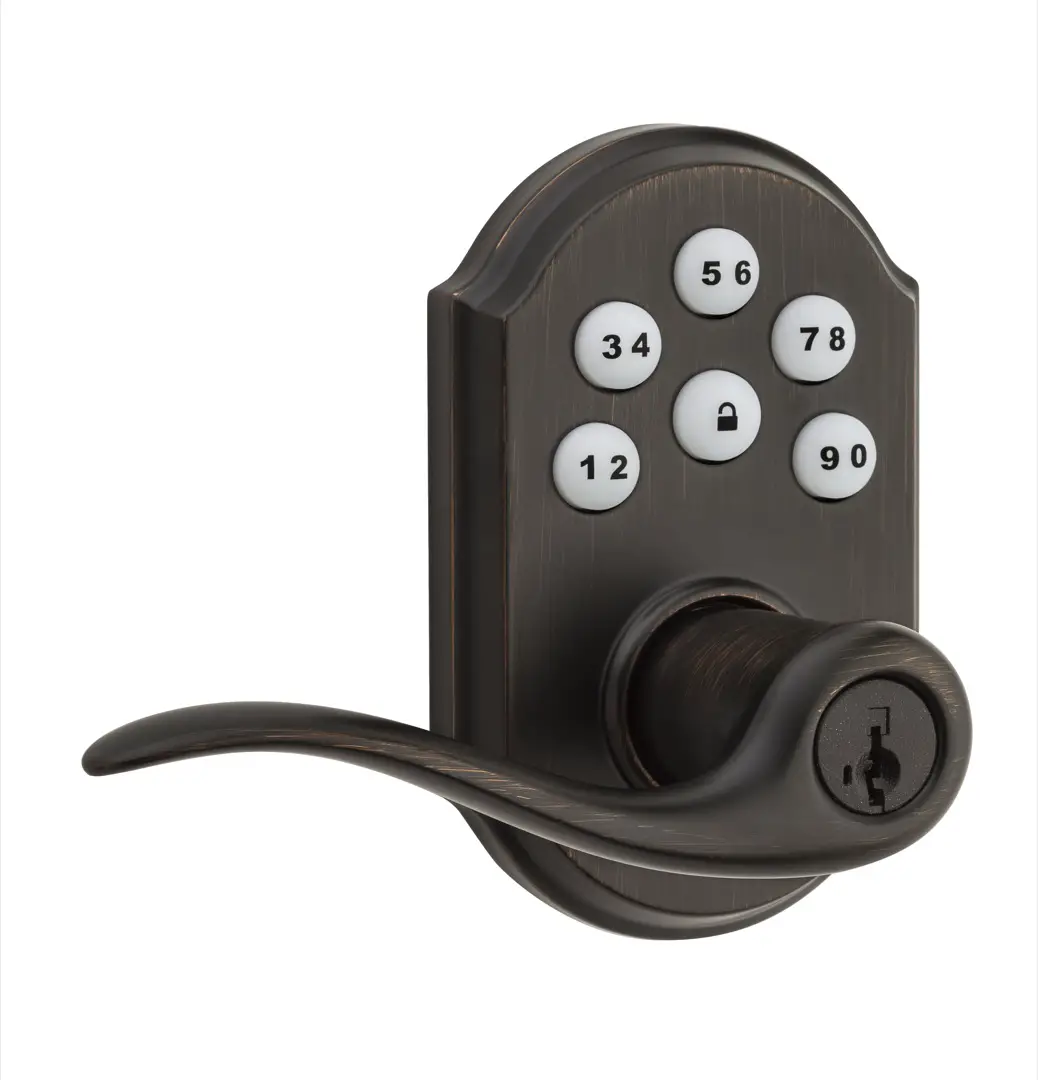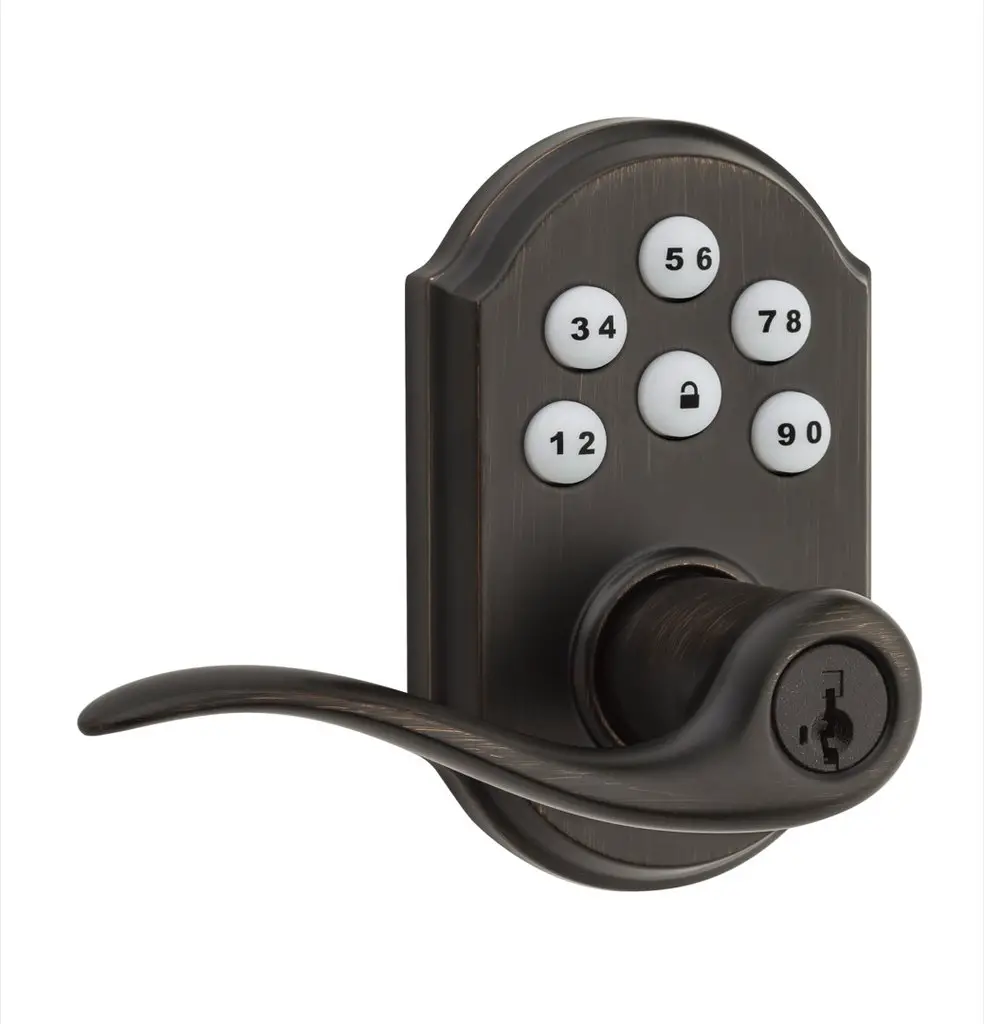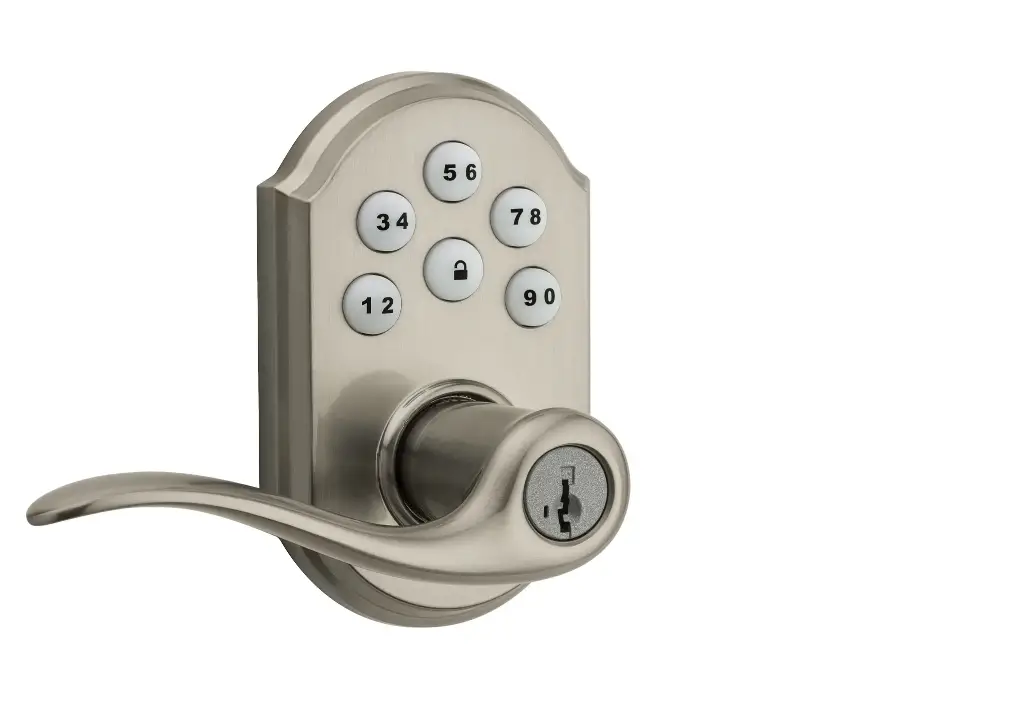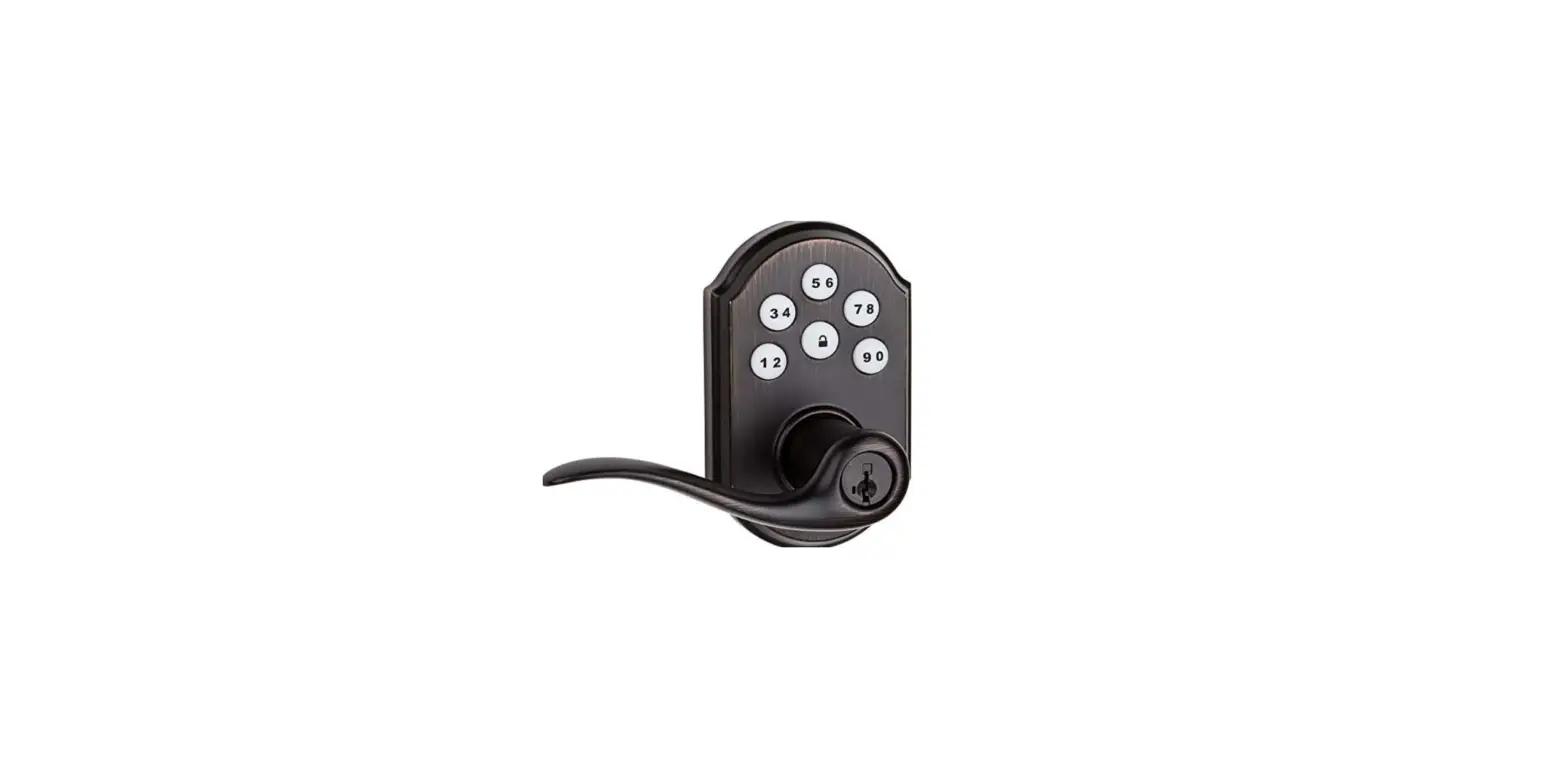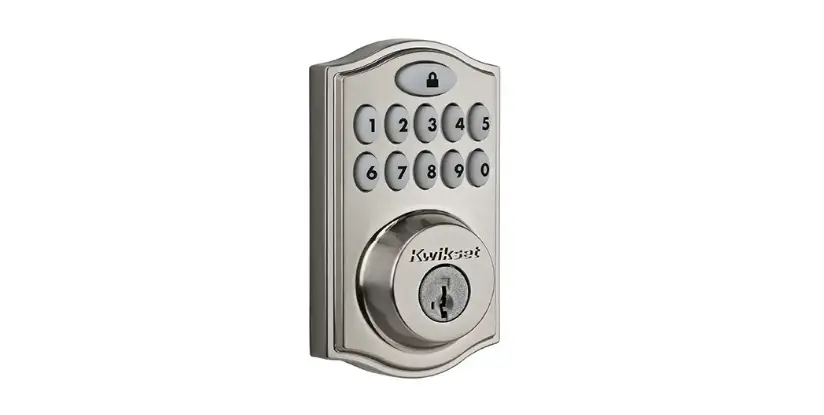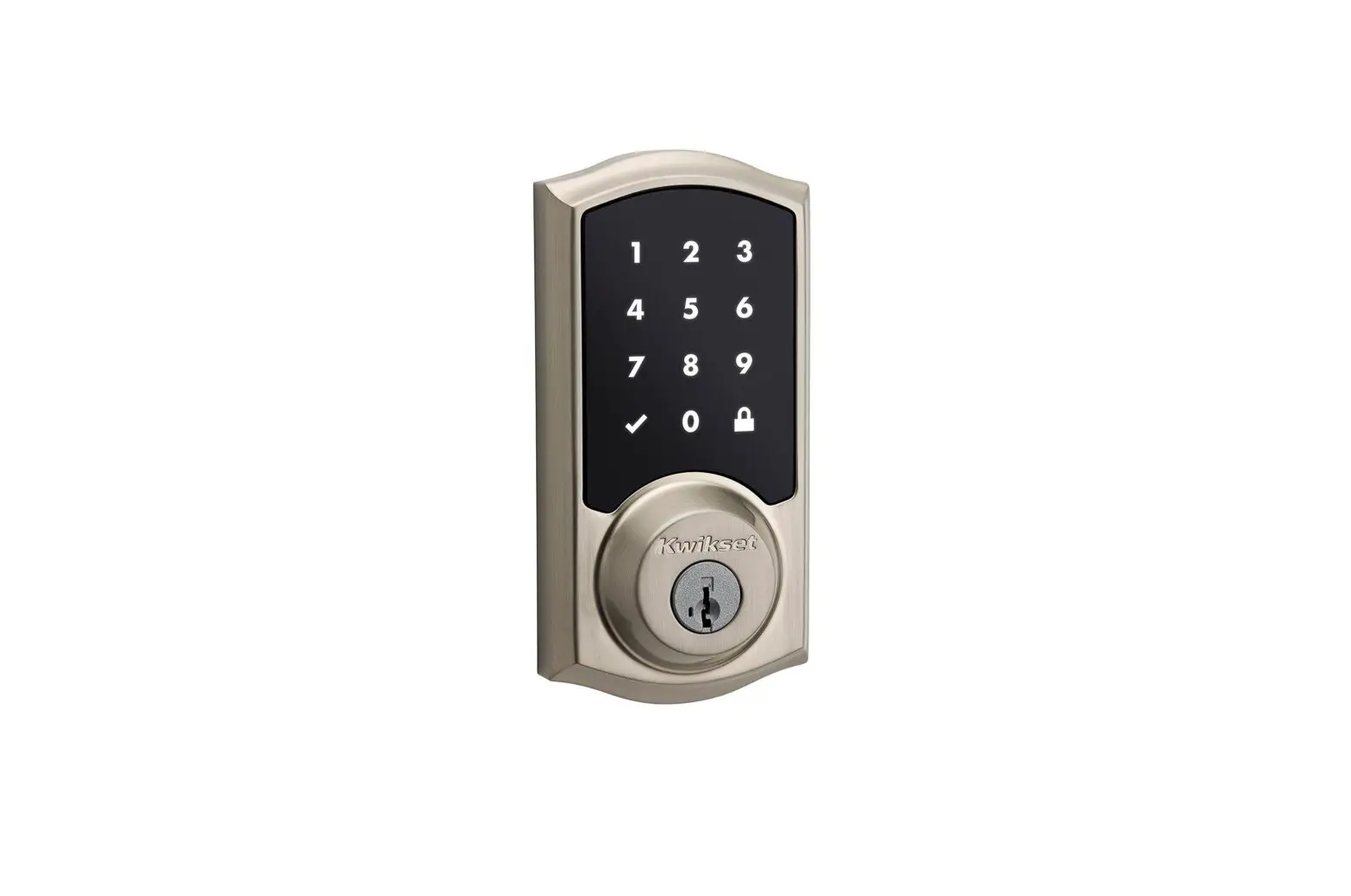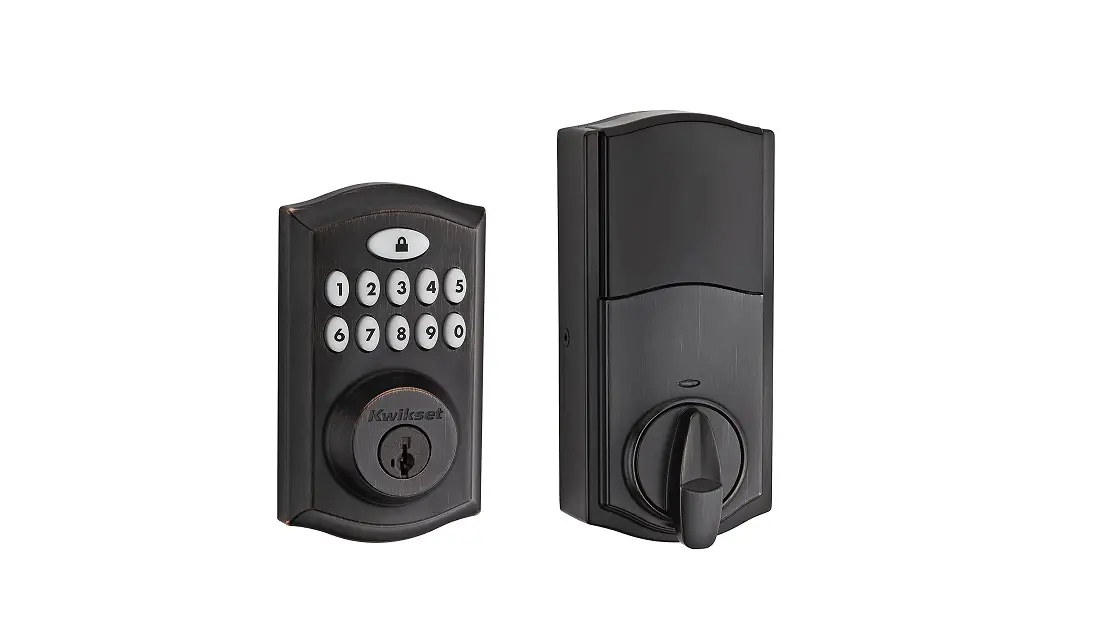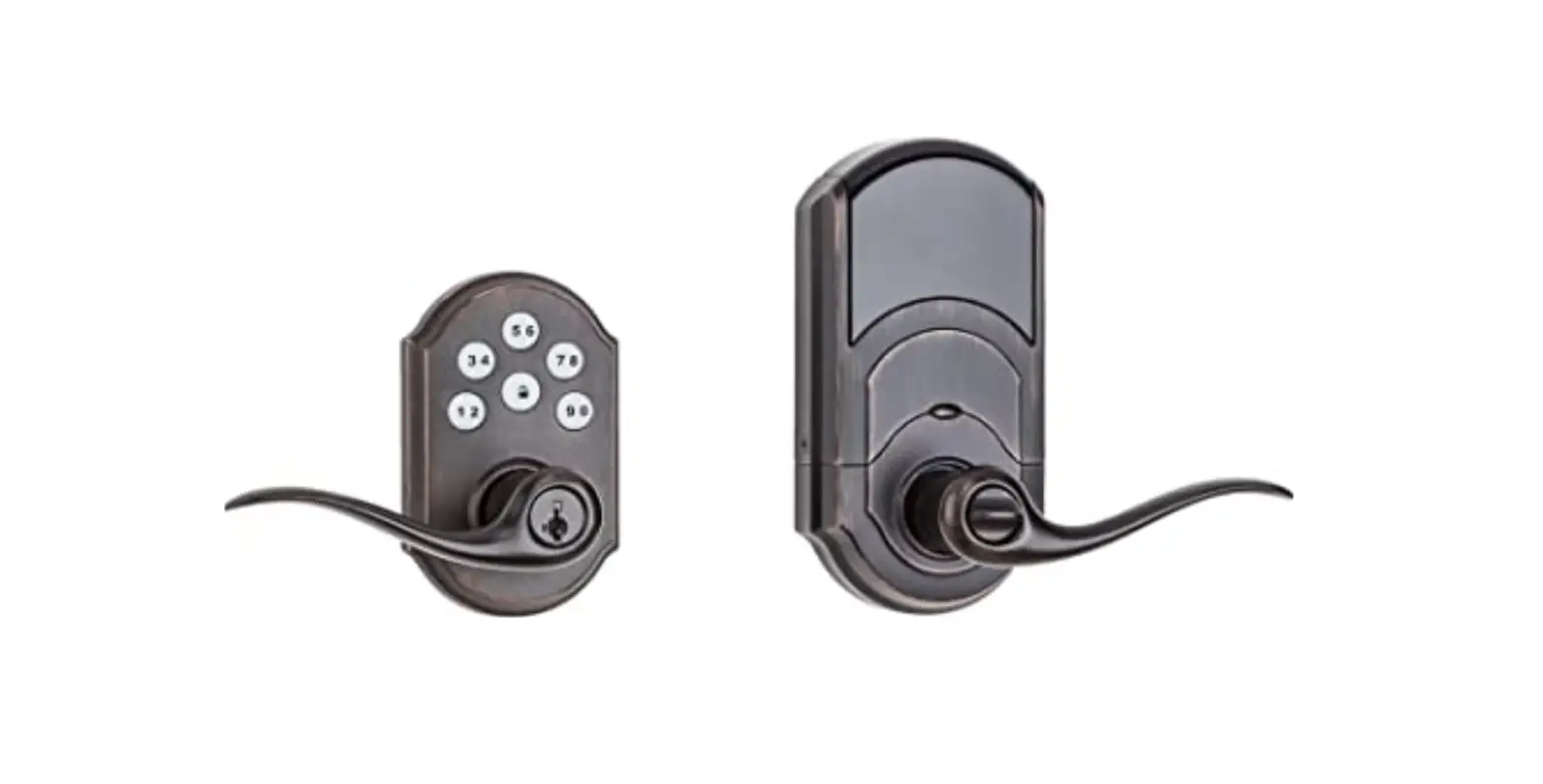
Kwikset 912 Series 99120-038 Smartcode Touchpad Electronic Lever Installation Guide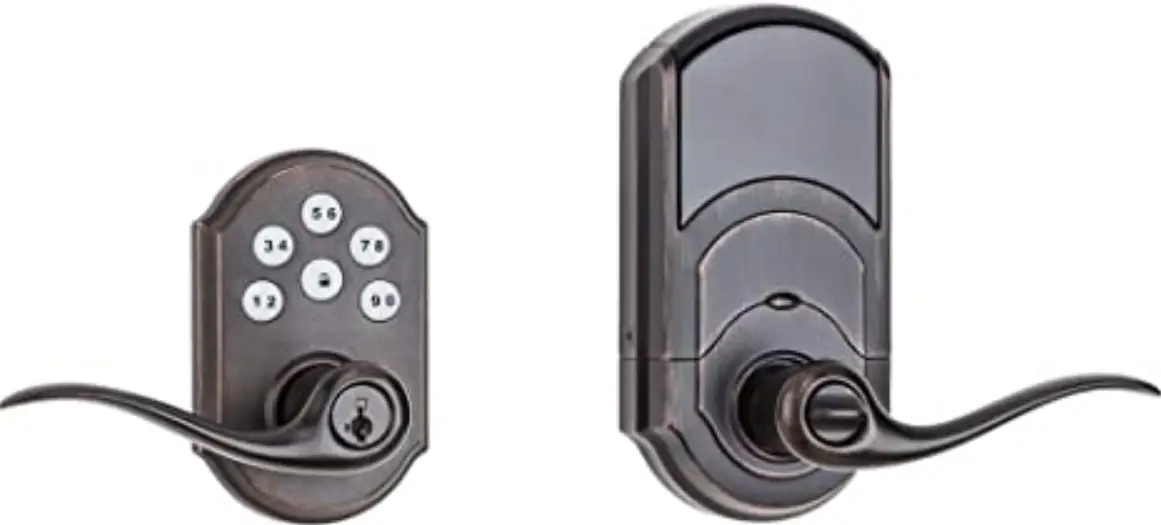
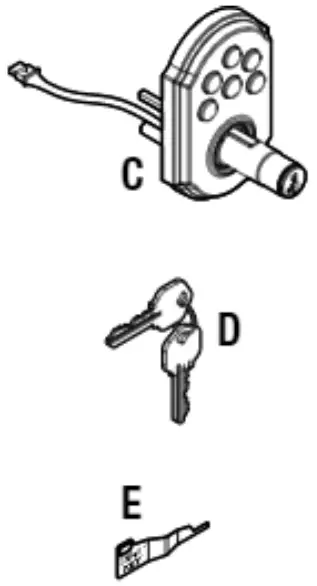
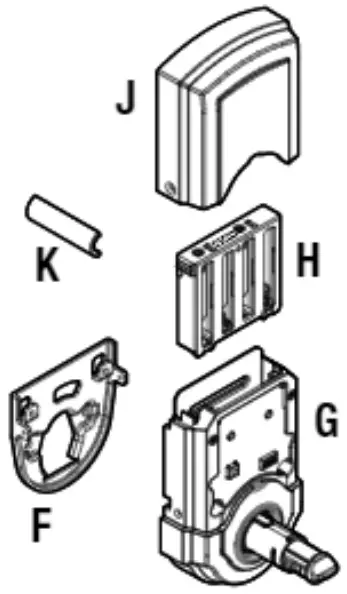
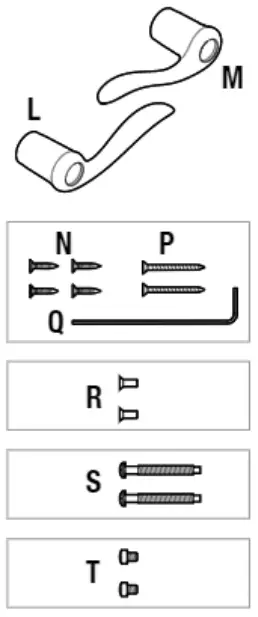
Parts in the Box
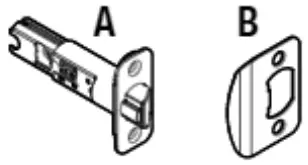
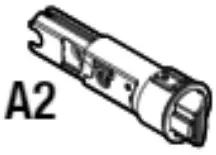
- Latch and Strike

- If needed please contact Kwikset to order a drive- in ltch for your lock.

- Exterior Assembly

- Interior Assembly

- Lever And Screw

Check Dimensions
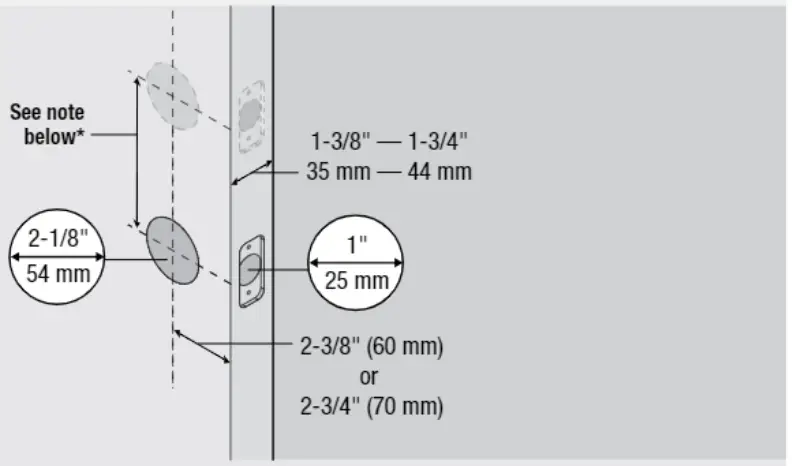
If you are installing this lever below an existing lock or you plan to install a lock above this lever. make sure that the distance between holes is at least 6-1/2″ (165 mm).
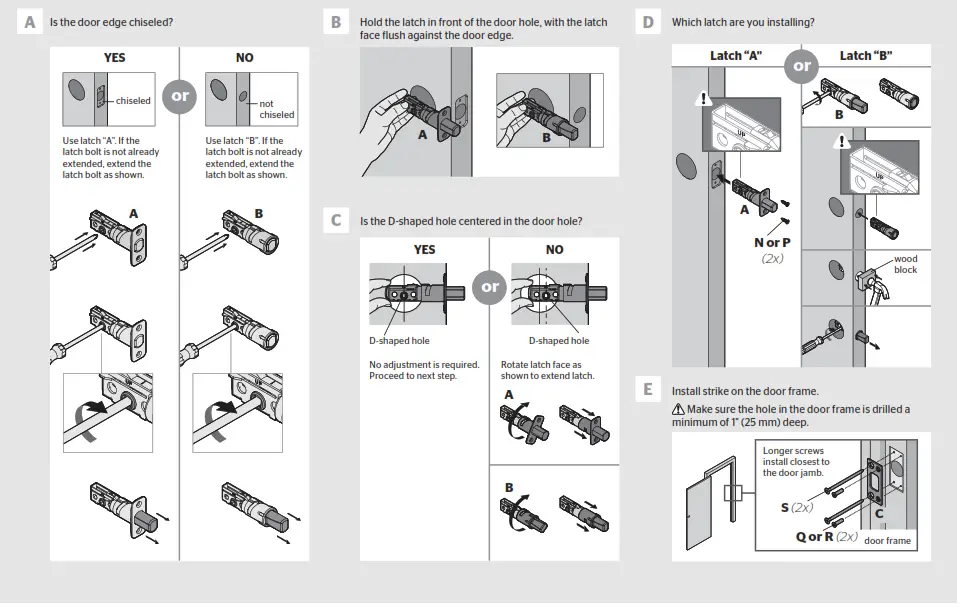
Adjust the backset of latch (If Needed)
A Hold the latch in front of the door hole, with the latch face flush against the door edge.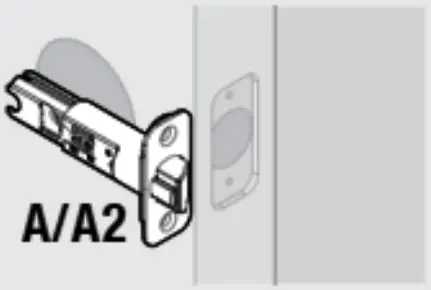
B if the latch holes are centered in the door hole, no adjustment is required. Proceed to step 3.
If the latch holes are NOT centered, adjust latch. See “Latch Adjustment.”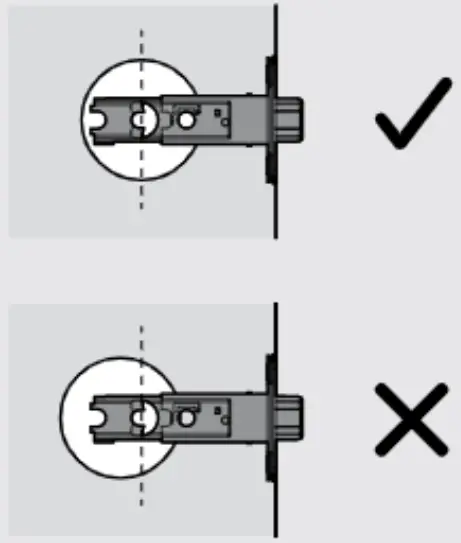
Latch Adjustment (only if needed)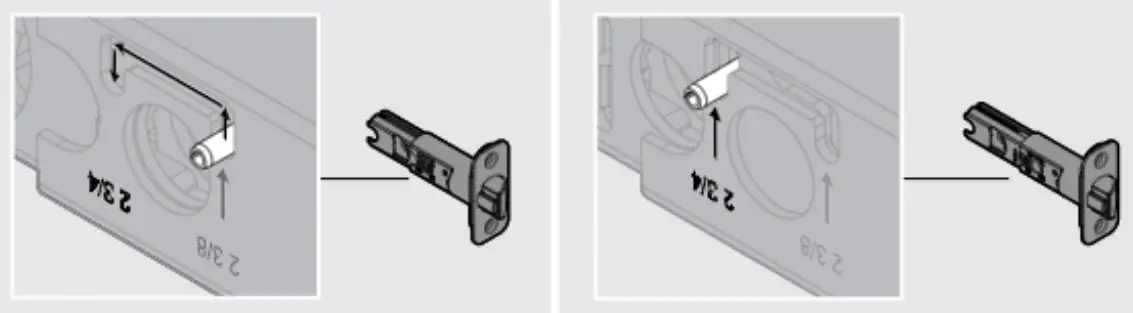
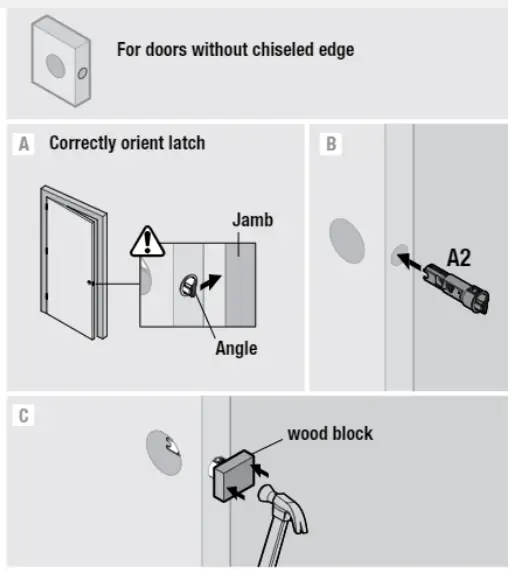
Install Latch
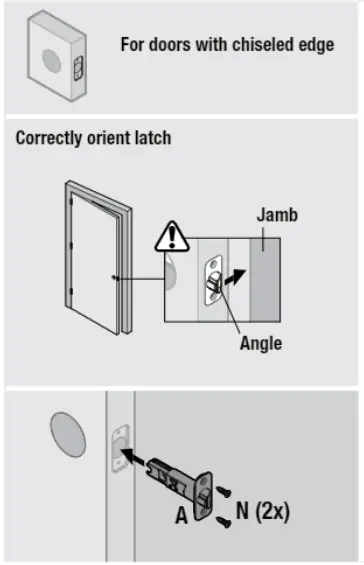
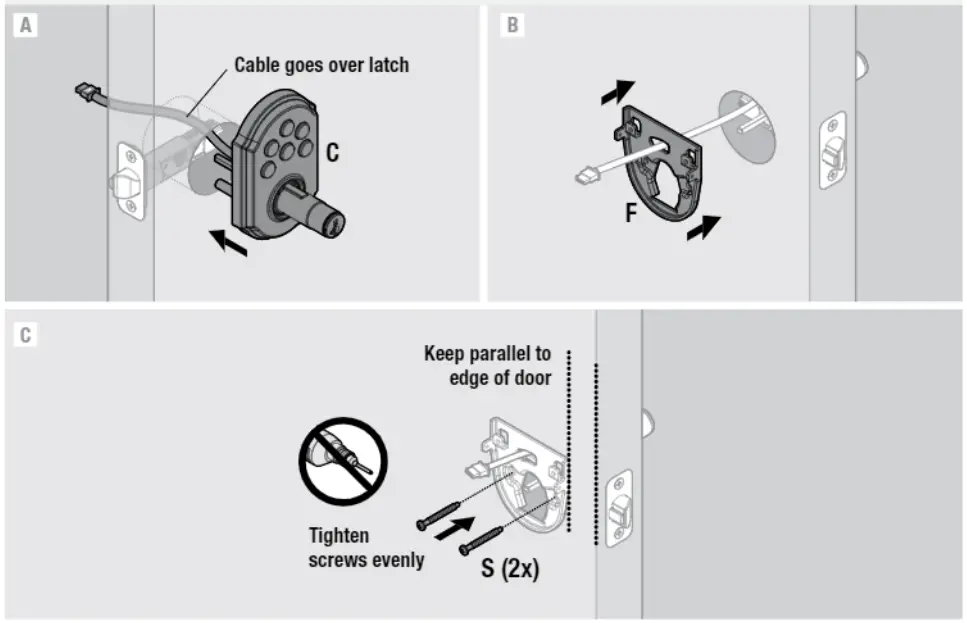
Install keypad and mounting plate
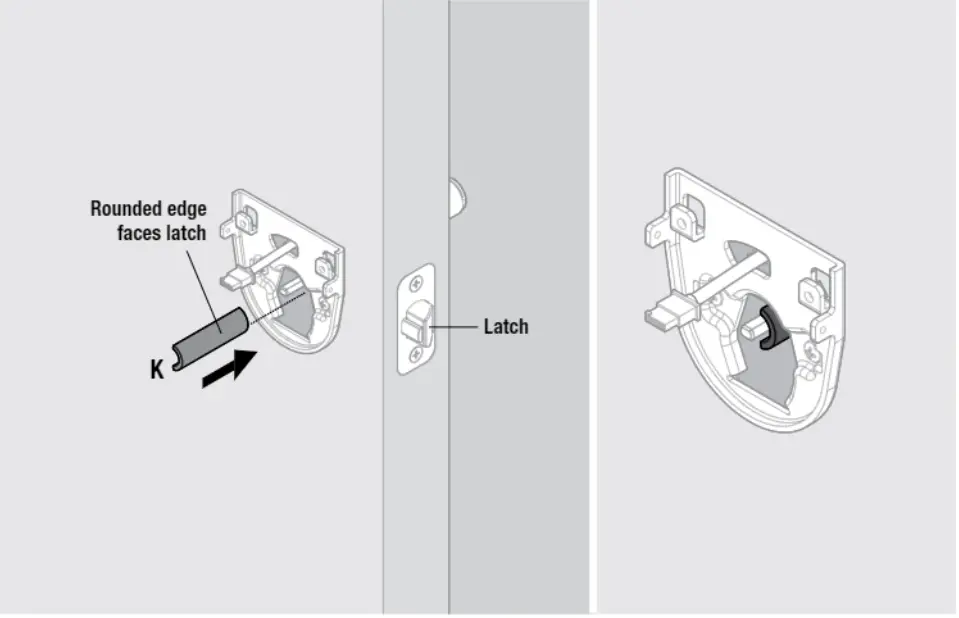
Install spindle
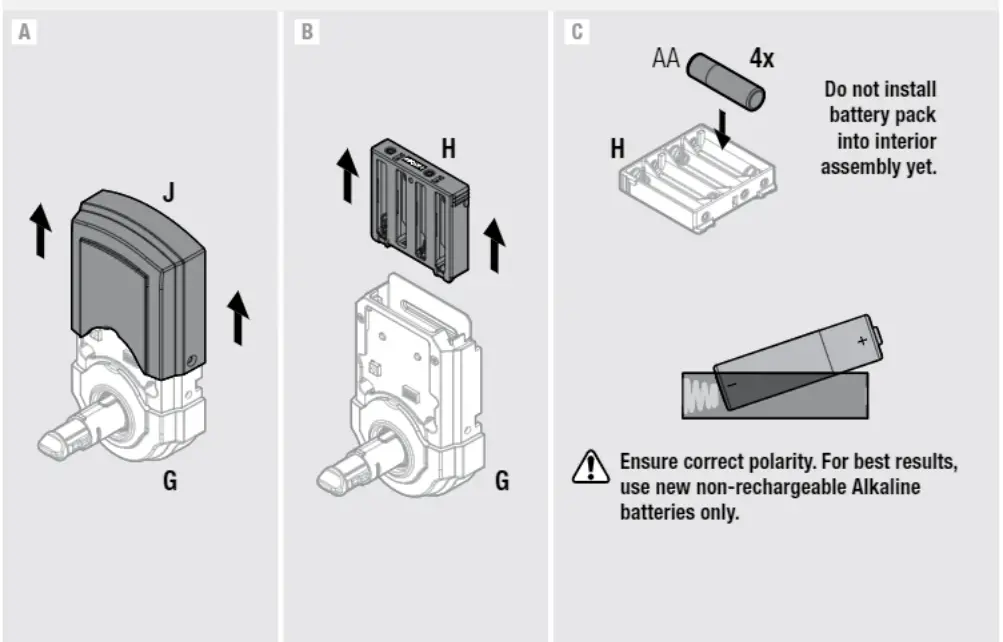
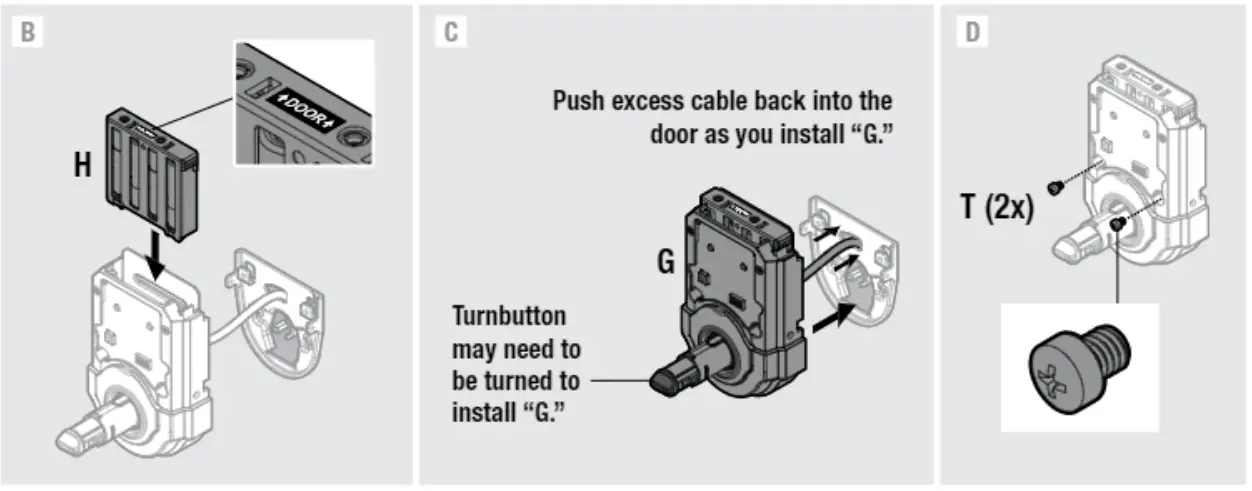
Dissemble interior assembly and load battery pack
Z-Wave locks only: Perform the Inclusion process
“Inclusion.’ refers to the process in which the lock is added to a Z-Wave or ZigBee controller.
ZigBee locks: Perform the Inclusion process after installation is complete. See “Z-Wave and ZigBee Systems” on the reverse side of this document.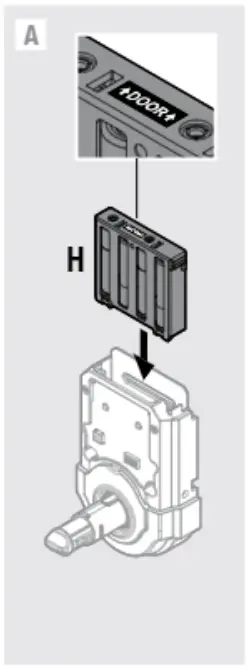
Hold the interior assembly a maximum of 12″ (305 mm) from your Z-Wave controller, and initiate the Inclusion process at the controller. Refer to your Z-Wave control system instructions for more information. Press button “A” on the lock one time to include it in your system. The controller and lock must remain stationary for a total of 60 seconds during the Inclusion process_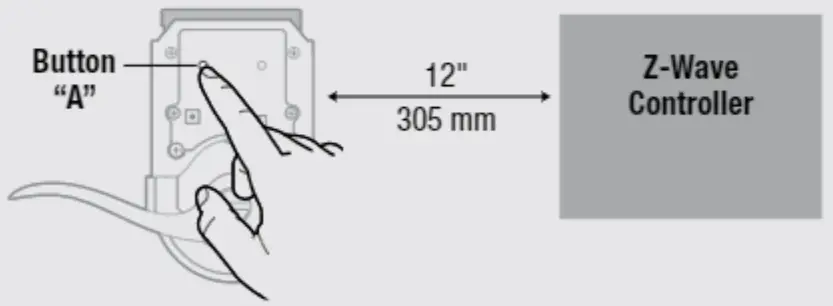
If Inclusion is unsuccessful, initiate the Exclusion process at the controller, then press button “A” on the lock one time. Once the lock is fully excluded from the system, repeat the Inclusion process.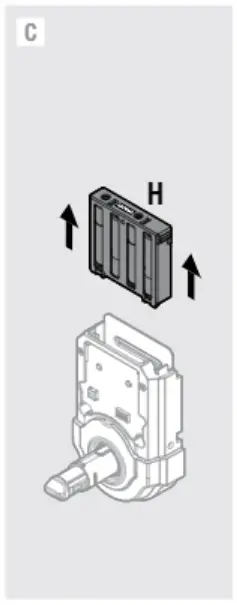
Install interior assembly
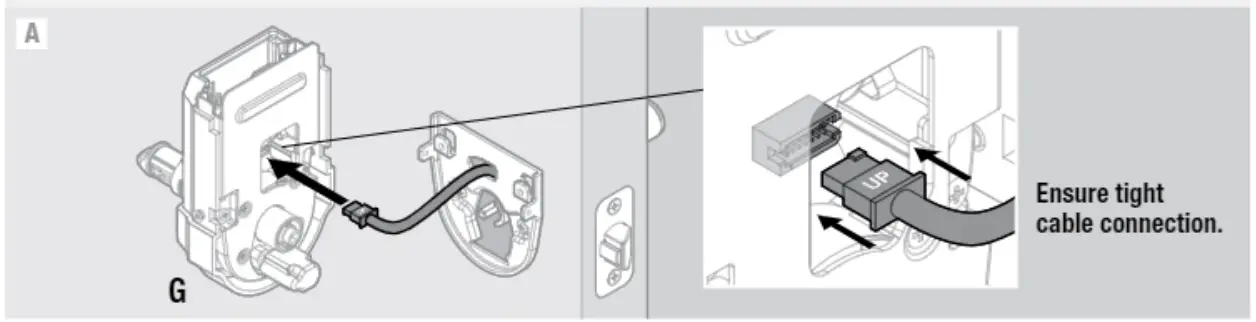
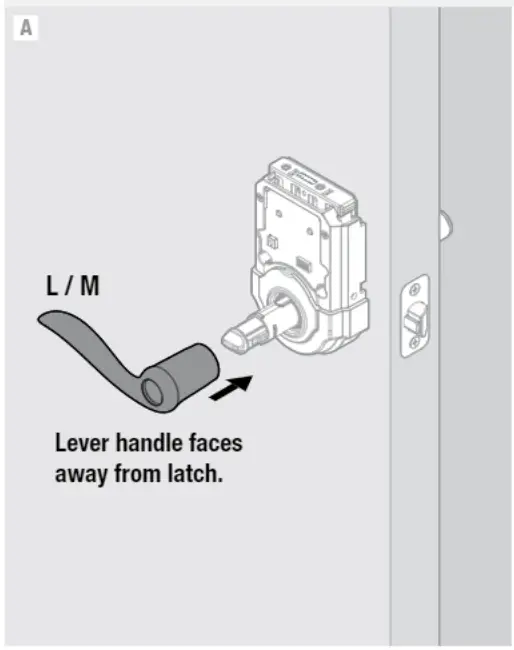
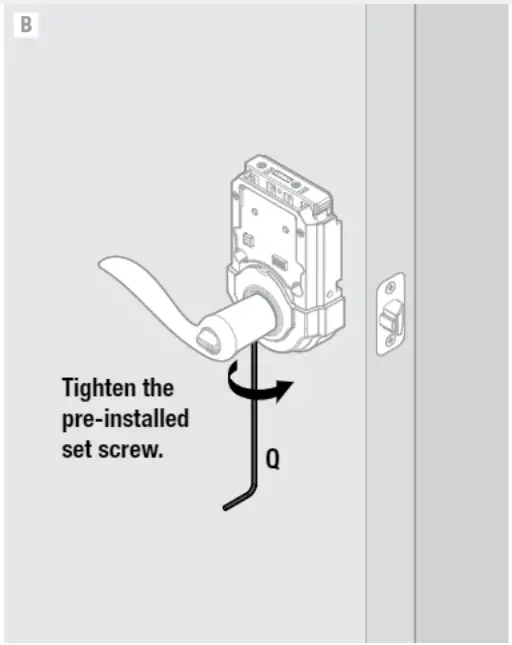
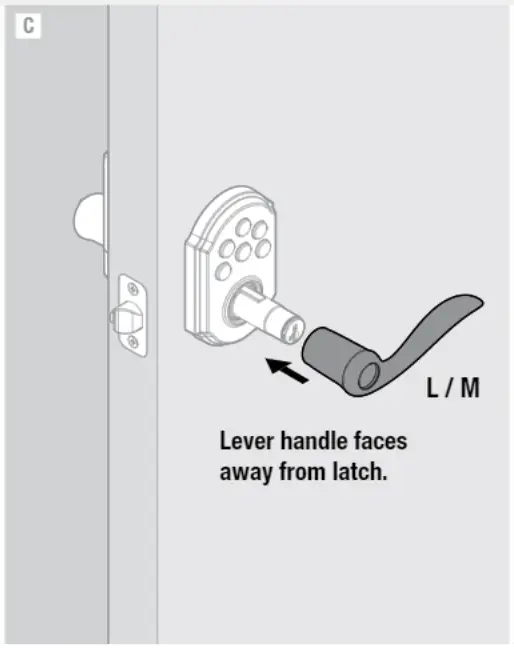
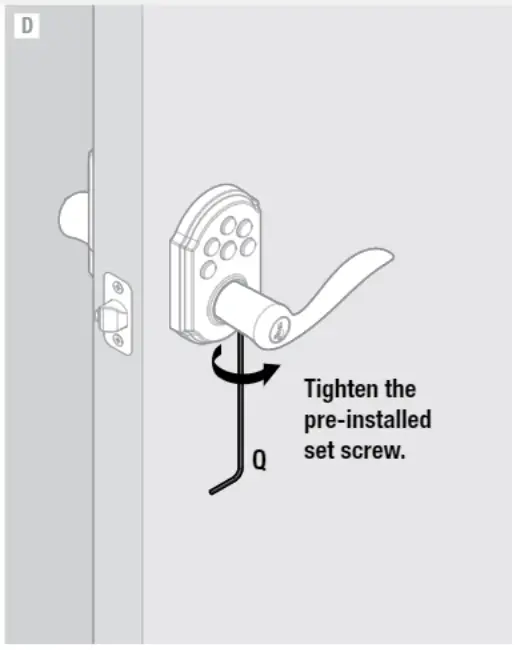
Install Levers
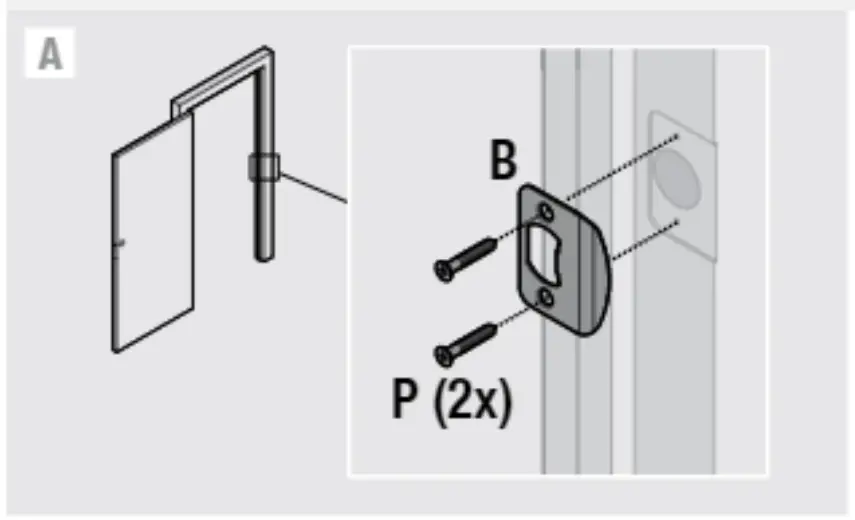
Install strike
Close door and test lever operation. If latch is loose in the strike, adjust strike tang.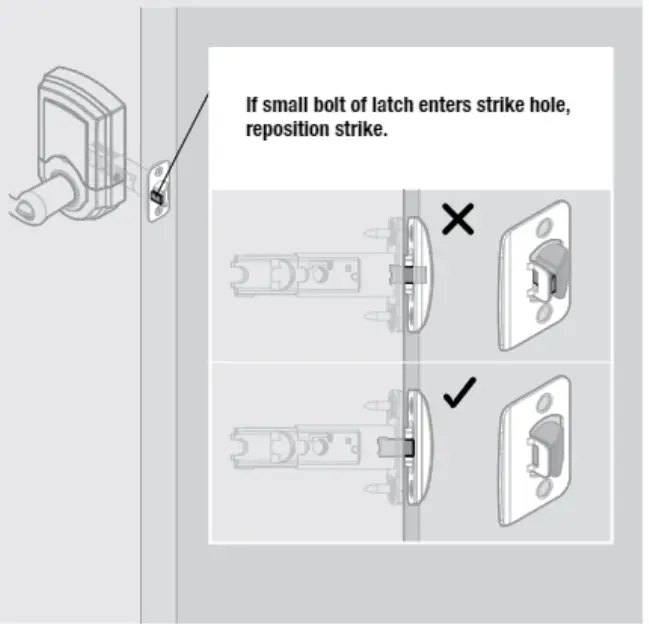
Programming instructions are located on the reverse side of this document.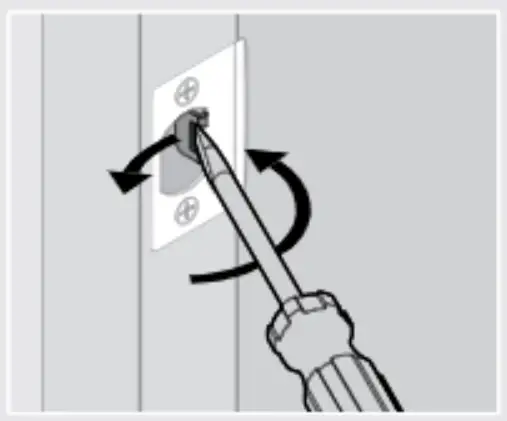
Program the lock
Programming instruction are located on the reverse side of this document.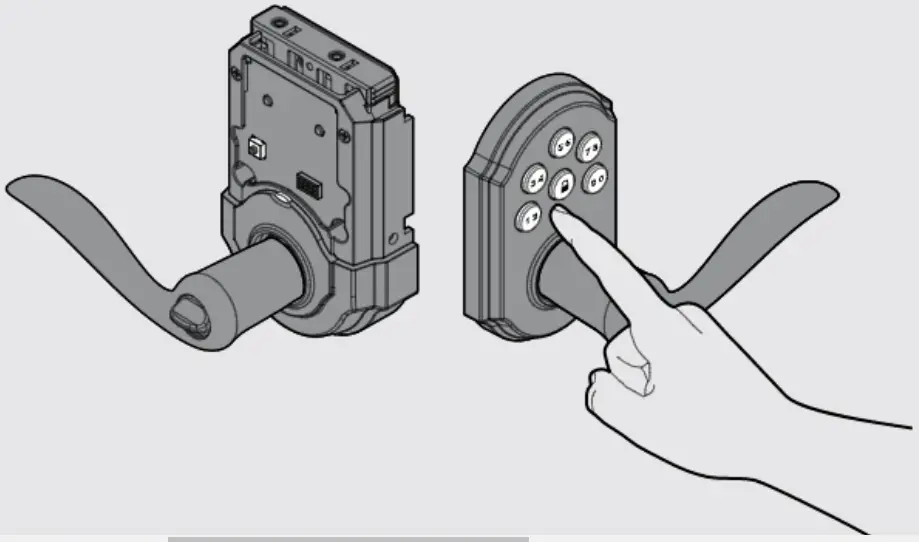
Install battery cover and re-key the lock
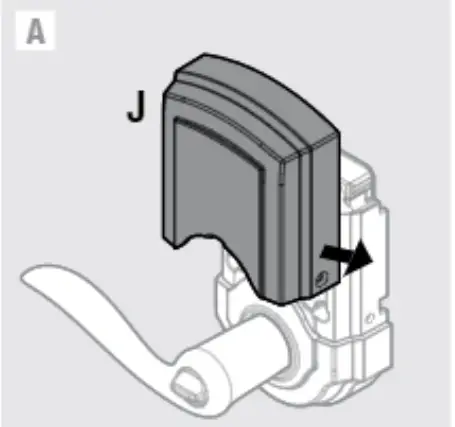
Keep 11)” in a safe place, as you will need it to access the back panel for additional programming.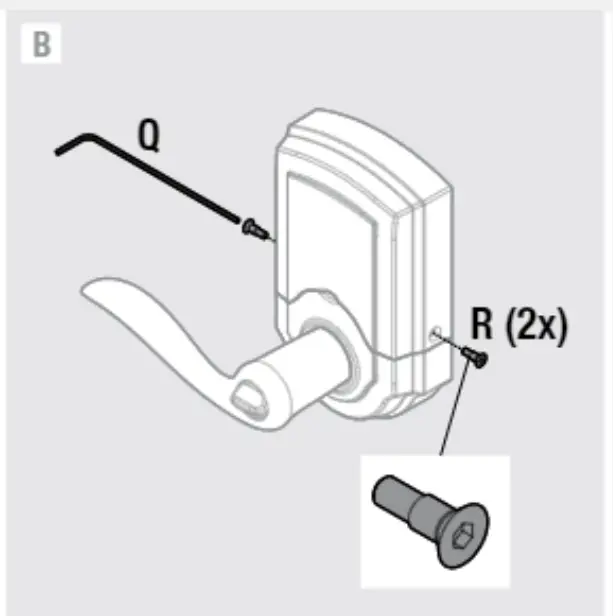
If needed, re-key the lock to work with your existing key. See the supplied Smart Key Re-key instructions for more information.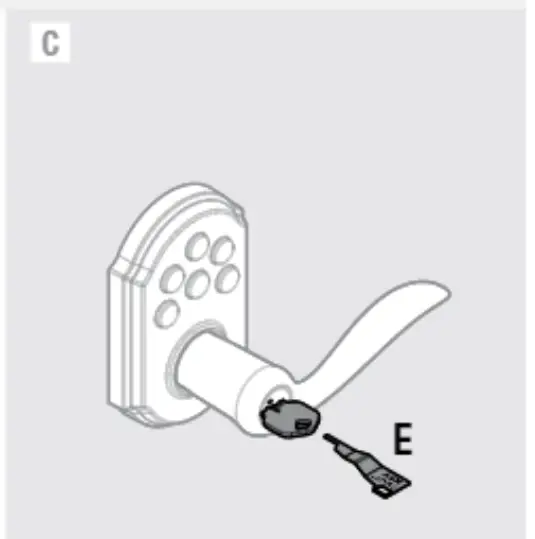
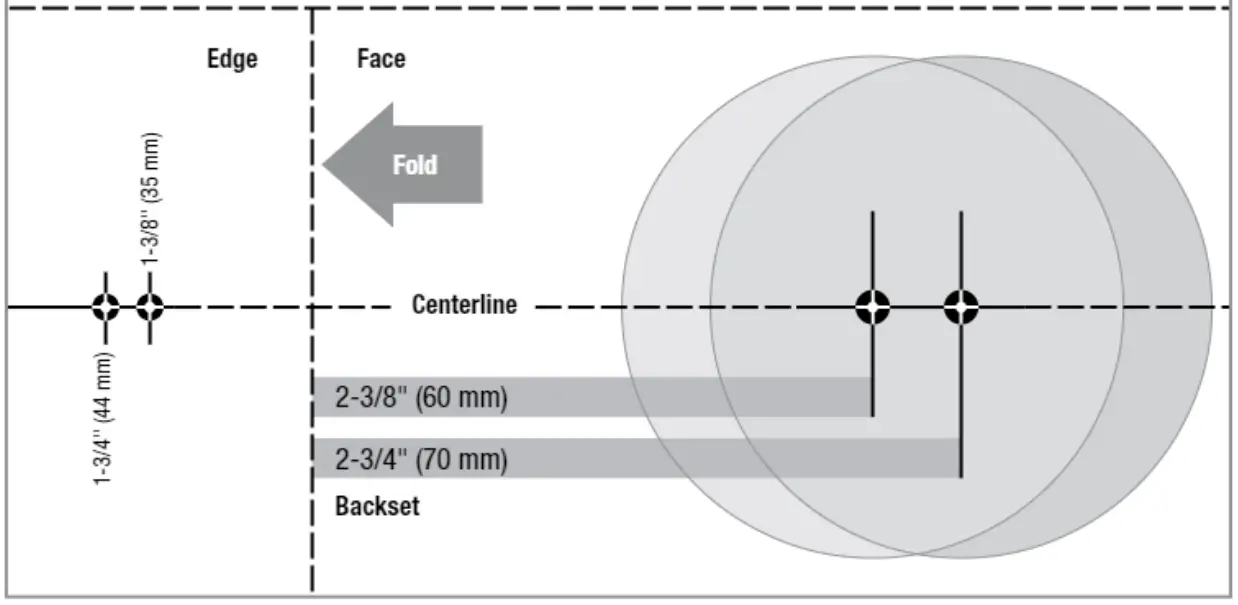
Template
If your door requires drilling. cut out the template and place it on the exterior side of the door. Complete door drilling instructions are available on the SmartCode lever page of www.kwikset.com.