
Quick start
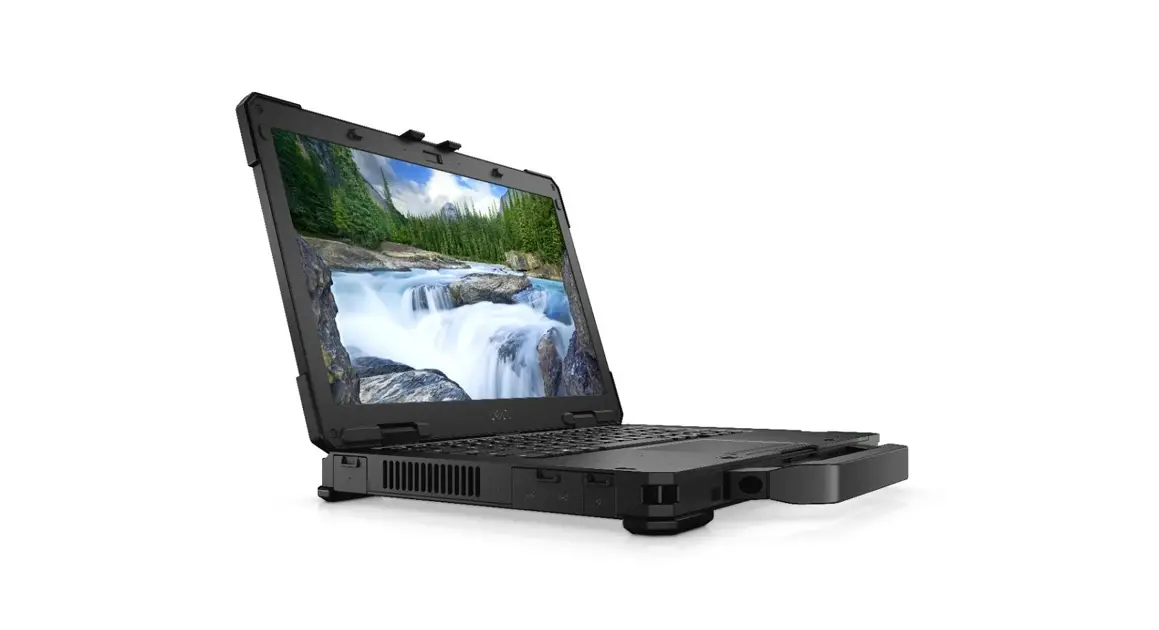
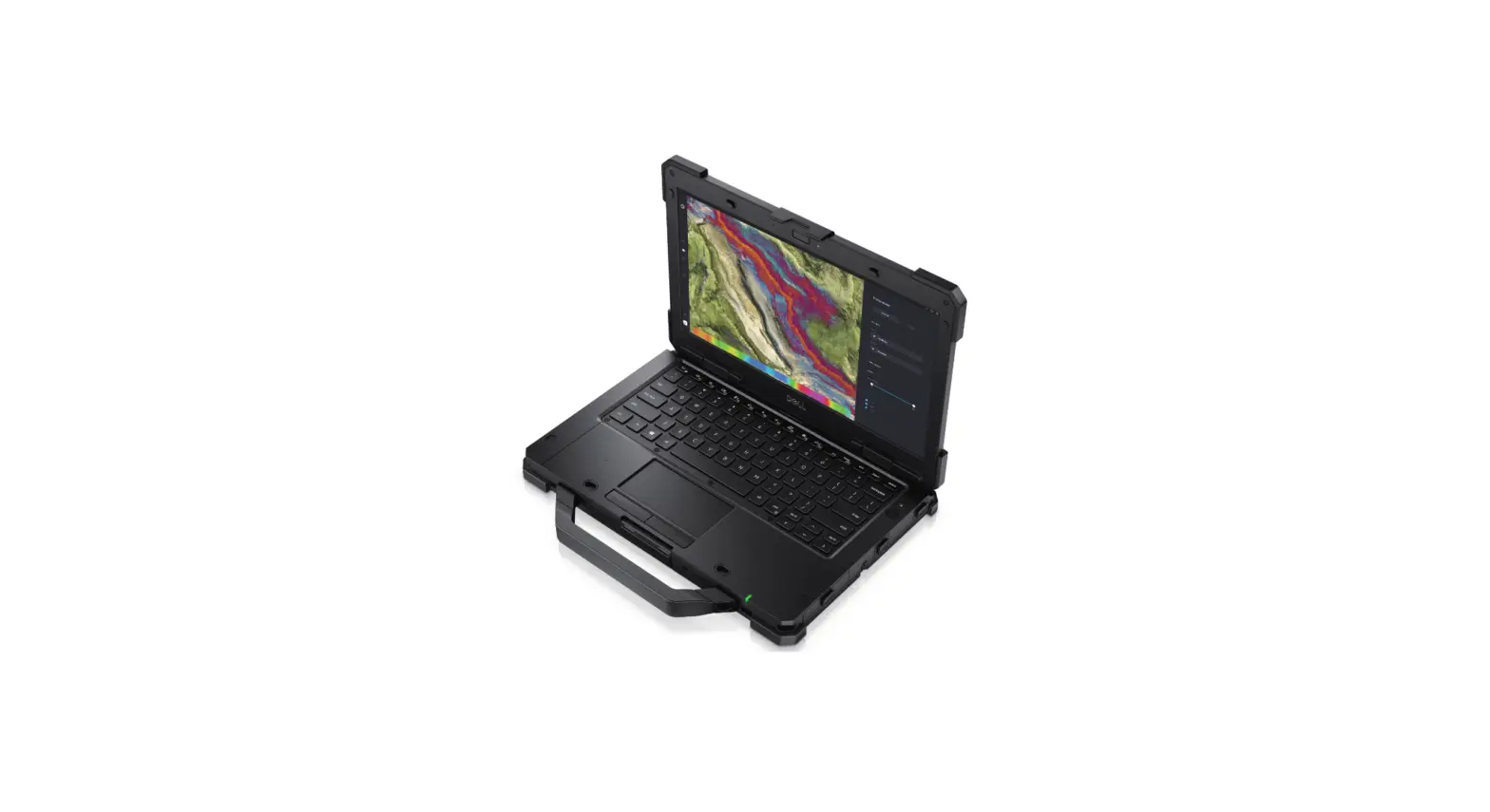
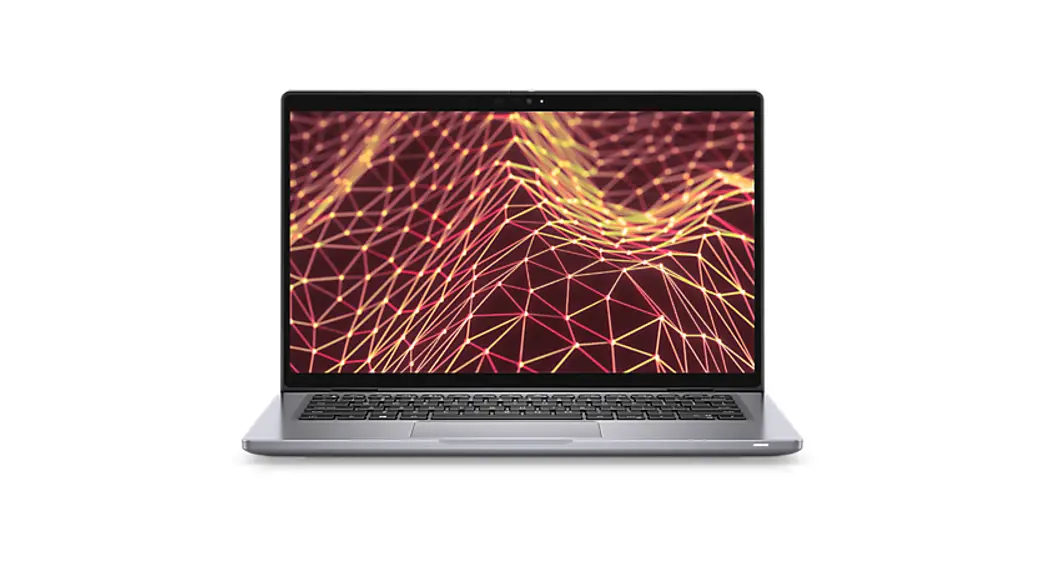
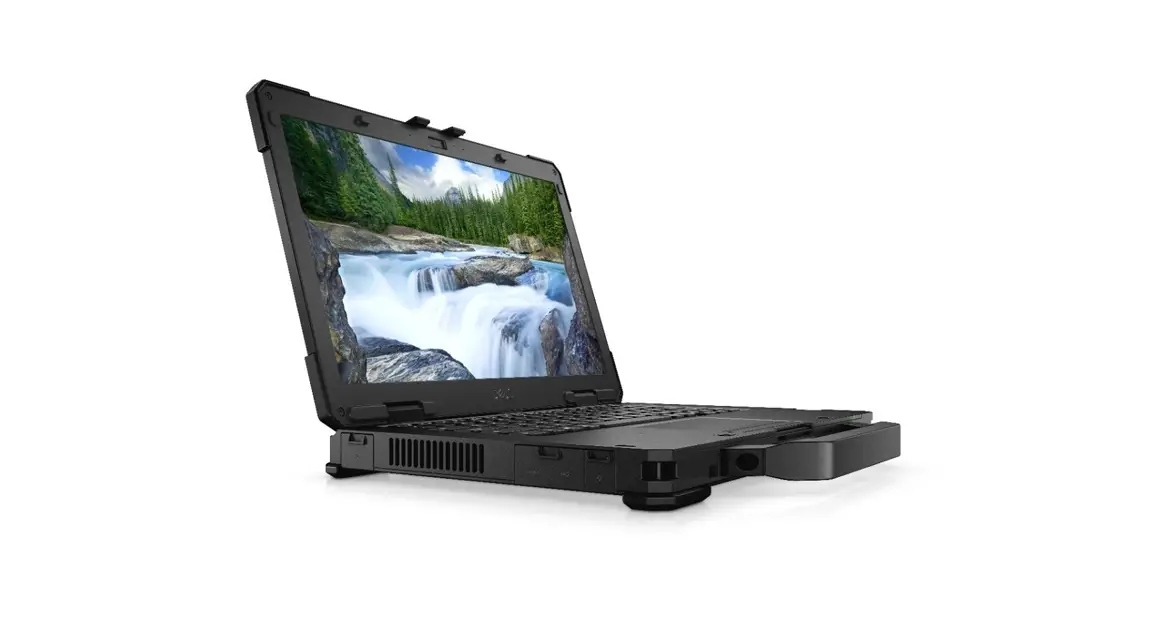
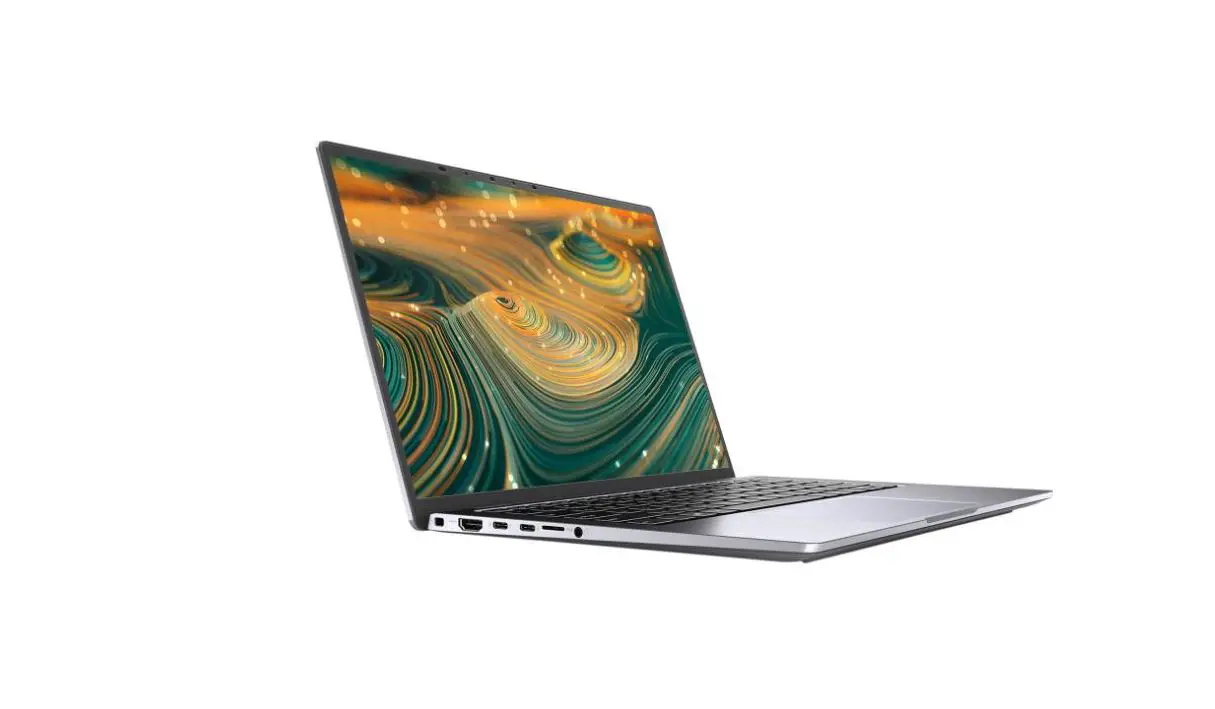
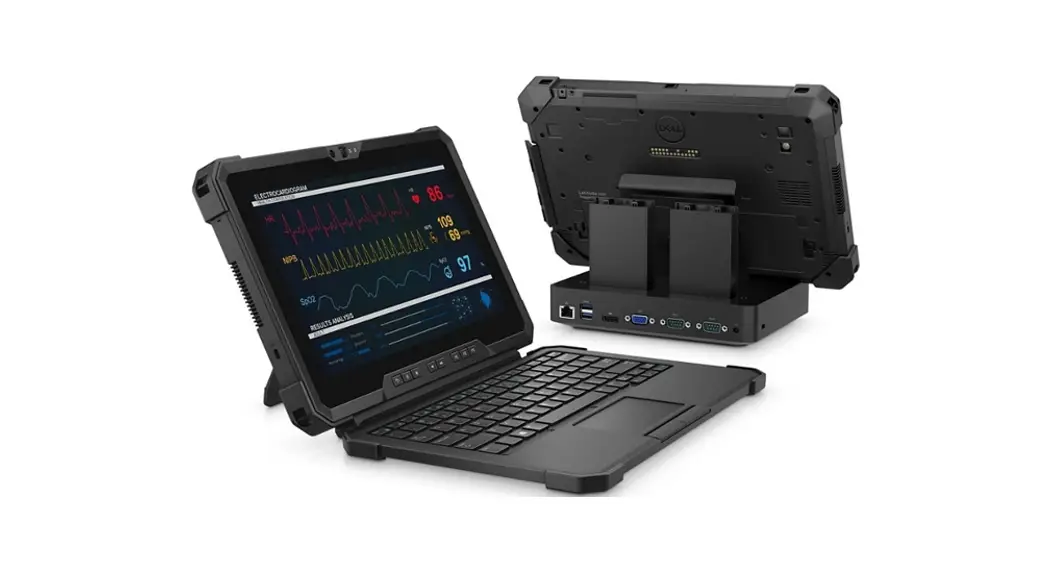
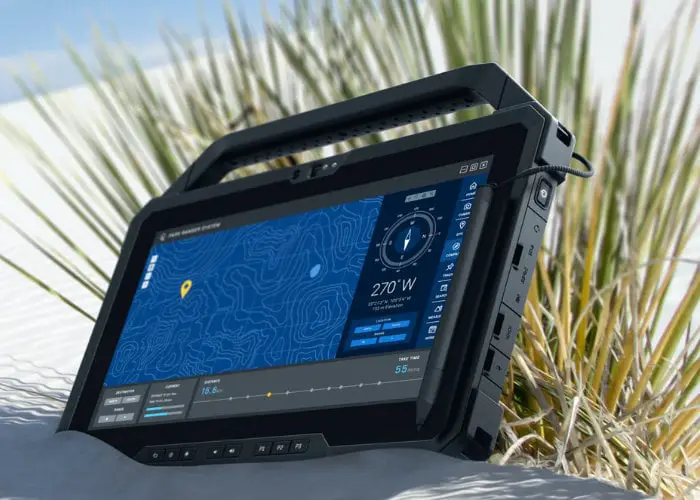
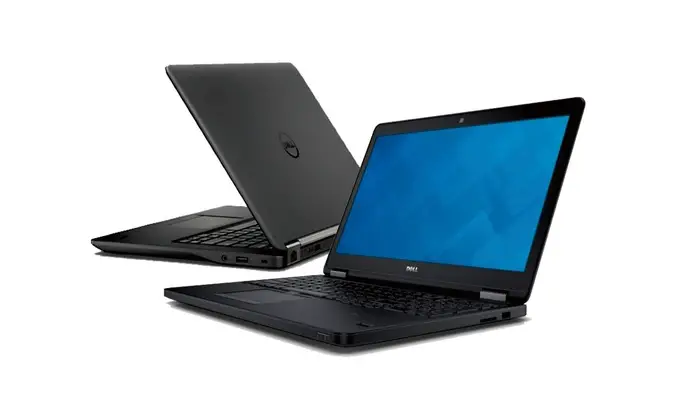
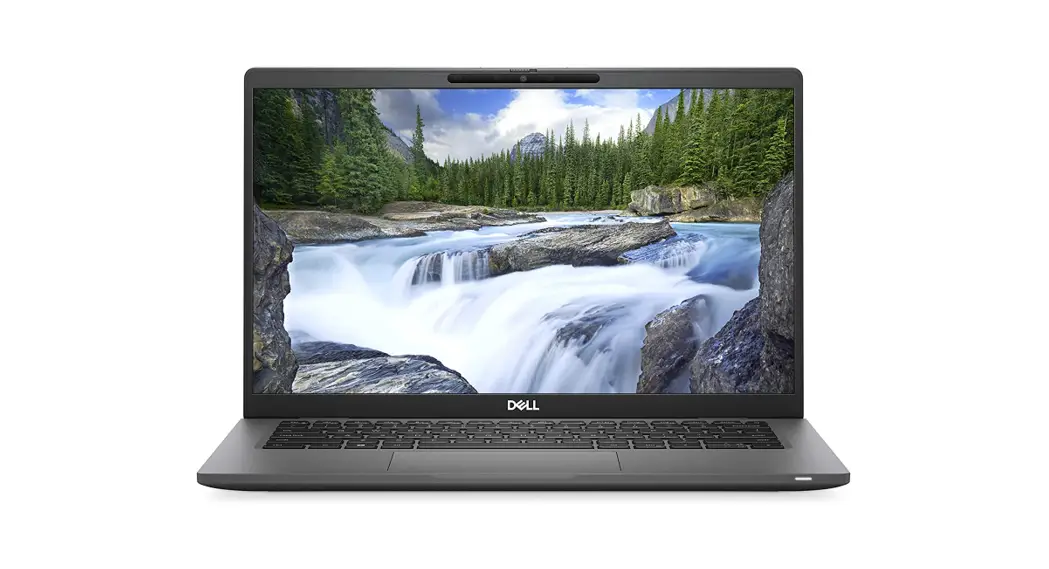
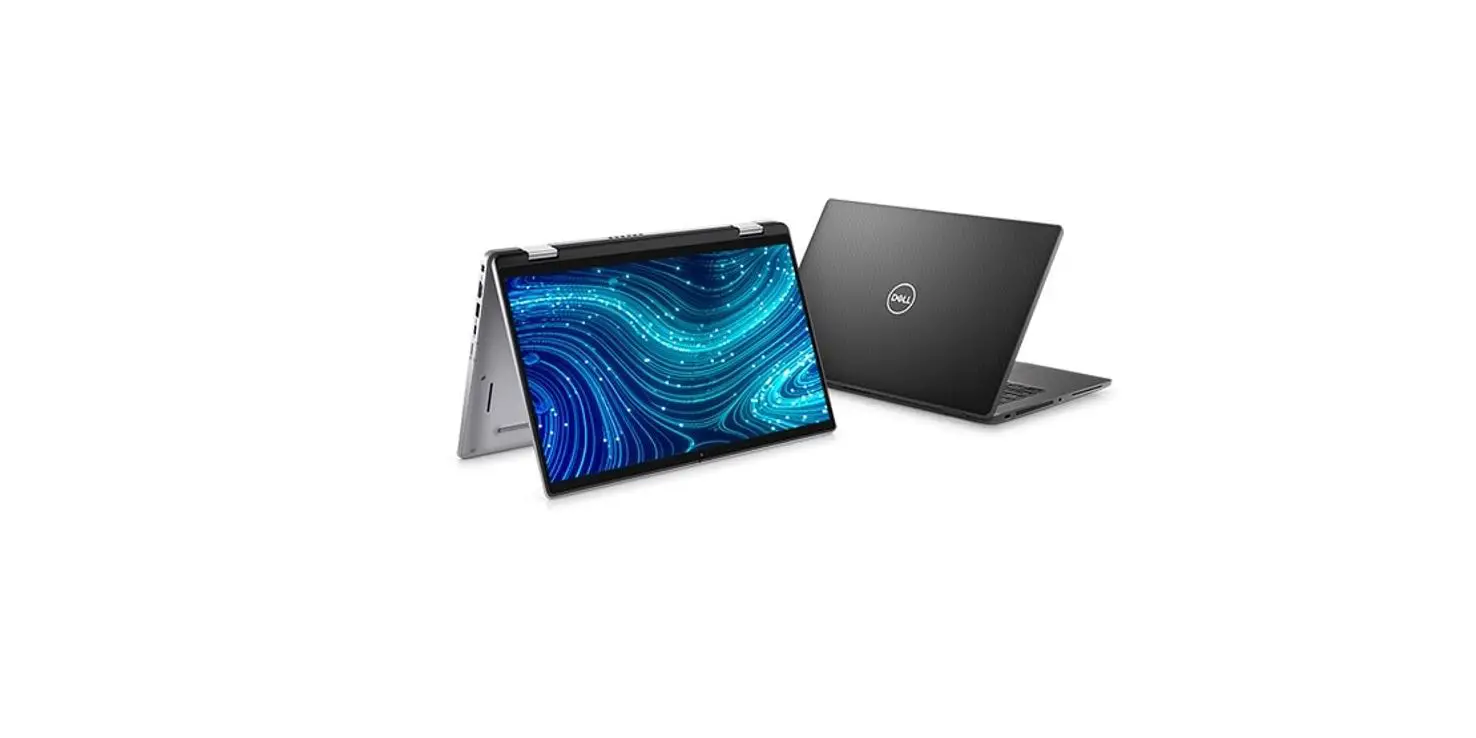
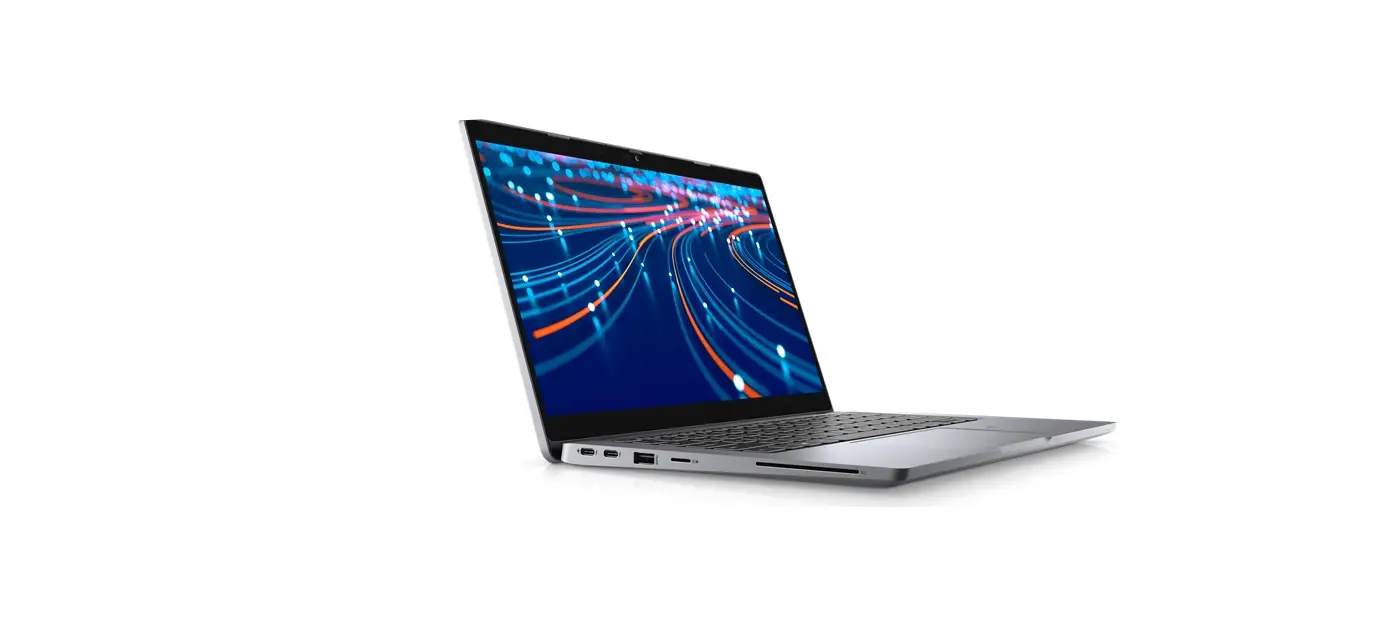
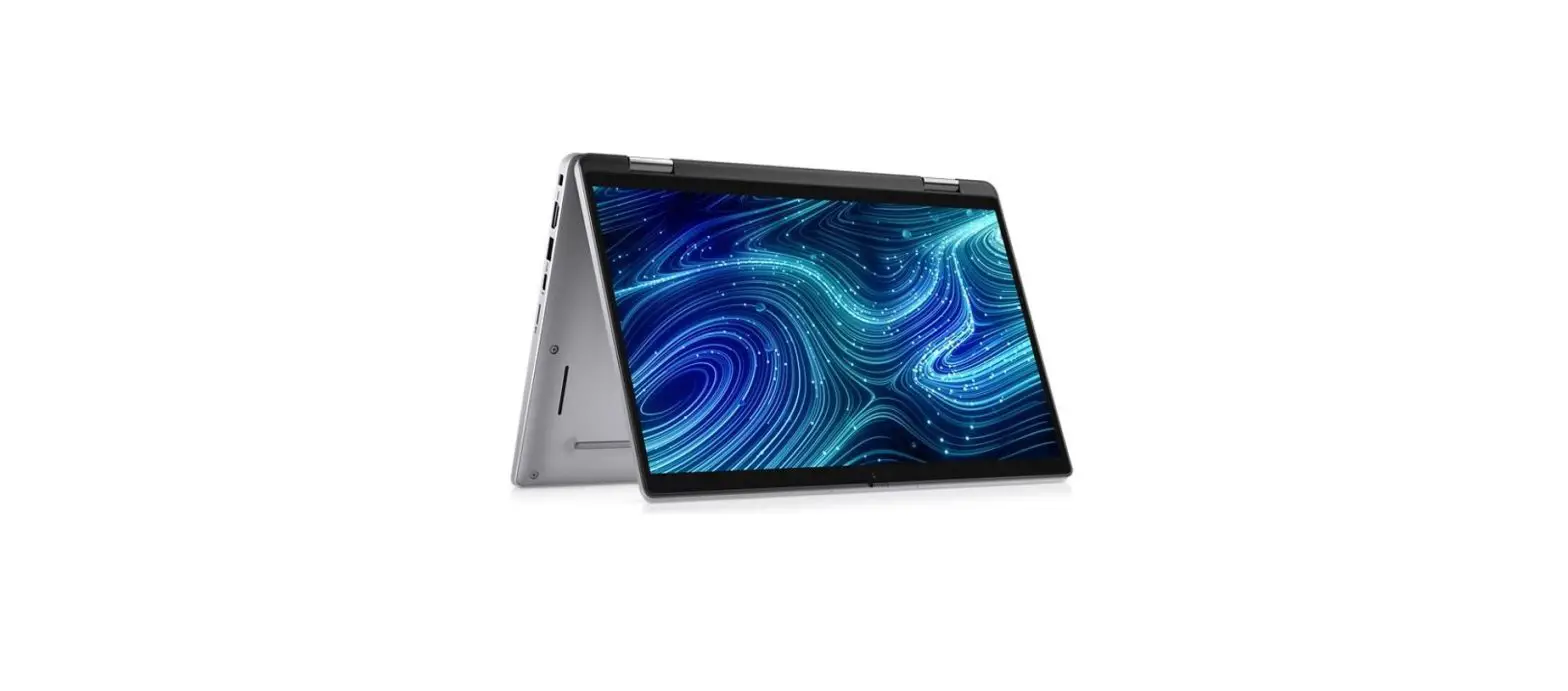
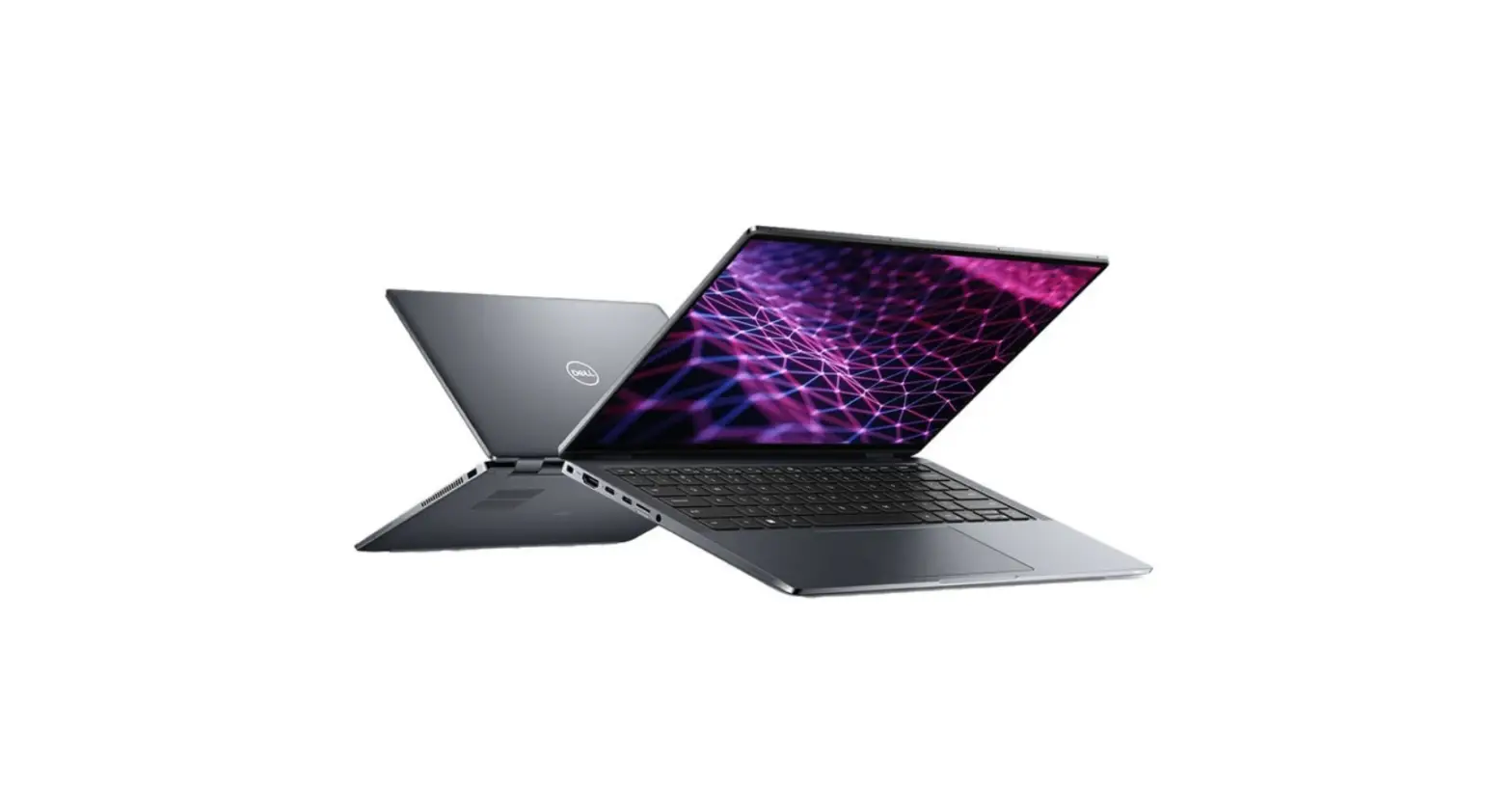
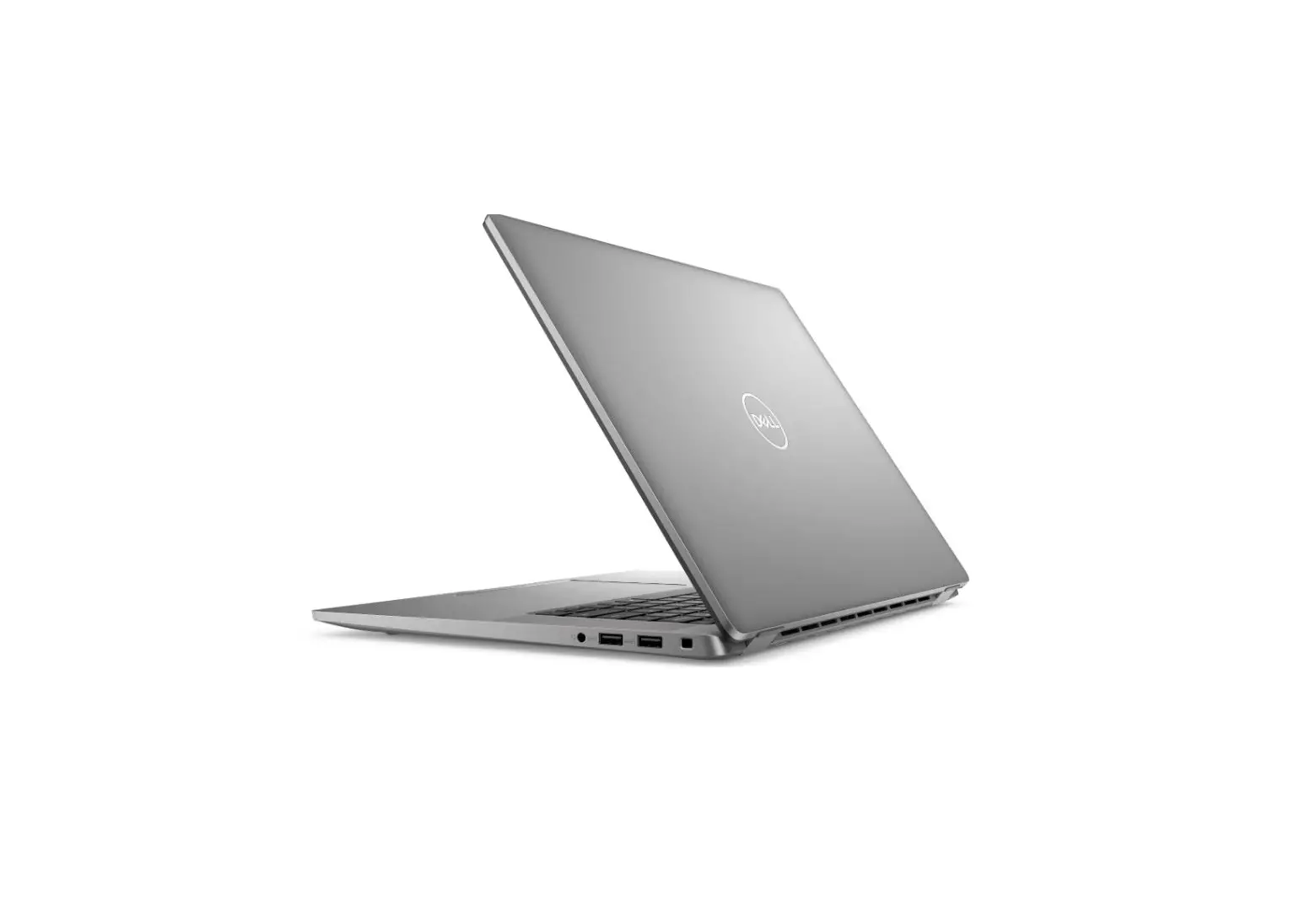
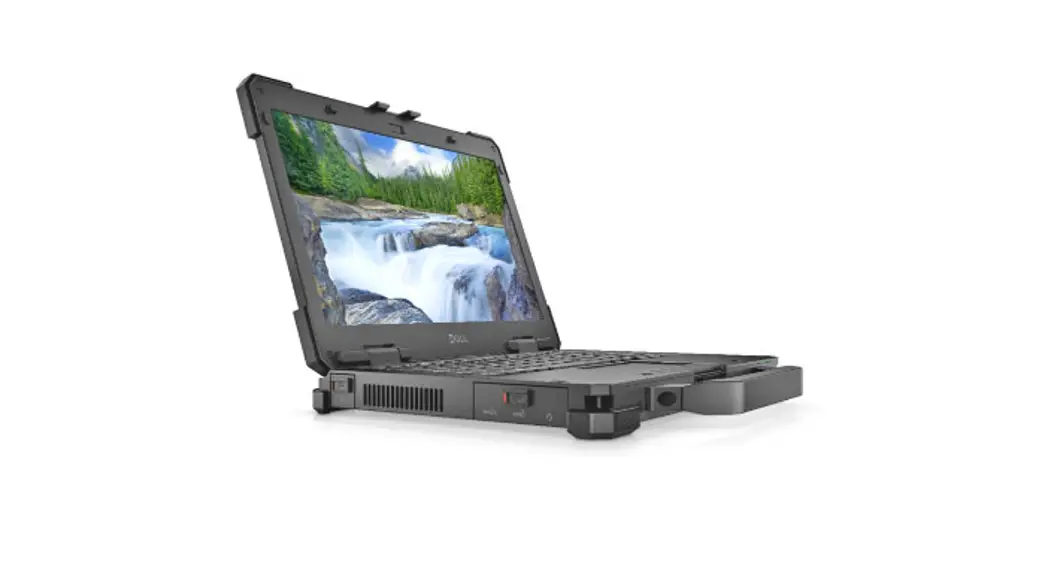
Latitude 7330 Rugged Extreme
Regulatory Model/Type
MCMC certification mark
Windows
In Windows Search, type System. In the search results, click System.
Ubuntu On the desktop, click  — About This Computer.
Di import Oleh:
PT Dell Indonesia
Menara T3CA Lantai 48 Unit 4804
Jalan M.H Thaviarin No. 1- Jakarta Pusat,
1-031-0 Indonesia
Connection and use of this communications equipment are permitted by the Nigerian Communications Commission. Read the safety information that shipped with your computer. For additional safety best practices information, see the Regulatory Compliance Home page at Dell.com/regufatory compliance.
 Do does not remove the computer cover unless you need to install internal accessories For your computer. For instructions on removing and replacing parts, see the Owner’s or _Service Manua/at Dell.com/support.
Retain the filler brackets or cards that ship with your computer. Installing fitter brackets or filler cards over empty card-slot openings is necessary to maintain FCC certification of the computer. The filler brackets and filler cards keep dust and dirt out of your computer and maintain the airflow that cools your computer.
Power Adapter
| Input voltage | 100-240 V AC |
| Input current (maximum) | 1.5 A |
| INput frequency | 50-60 HZ |
| Output current | 3.25/4.5 HZ |
| Output voltage | 20V DC |
| Maximum operating temperature | 35ºC |
| Connect the power adapter or the power cable to your computer and to the display, if required. | 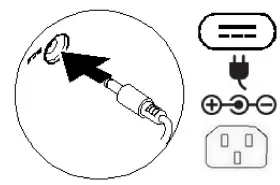 |
| Power on the computer (and the display, if connected). |  |
| Depending on your computer configuration, some ports or connectors may not be available. |  |
ICONS
| Power adapter | 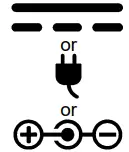 |
| USB 2.0 | 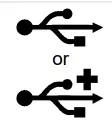 |
| USB 3.0 |  |
| USB 3.0 with power share | 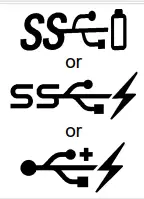 |
| USB 3.1 Type-c |  |
| ESATA |  |
| Thunderbolt |  |
| Thunderbolt 3 port with power delivery |  |
| Network |  |
| VGA |  |
| DVI |  |
| HDMI |  |
| Display port |  |
| Mini Display port |  |
| TV-in |  |
| Extremal Graphics Port |  |
| Infrared (IR)emitter |  |
| Headphone/Audio-out |  |
| Headset |  |
| Microphone |  |
| Line-in |  |
| Line-out/Speakers:front left-right |  |
| Speakers: real left-right |  |
| Speakers: side left-right | 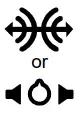 |
| Speakers: Audio center/subwoofer | 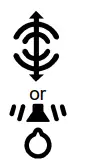 |
| S/PDIF | 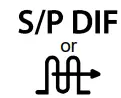 |
| Screen-rotation lock |  |
| Sim-card slot |  |
| Express card slot |  |
| Media-card reader | 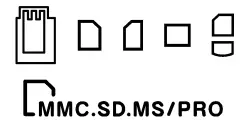 |
| Security-cable slot |  |
| Power/battery-status light | |
| Battery-status light |  |
| Hard-drive activity |  |
| Wi-Fi light |  |
| Bluetooth light |  |
Federal Communication Commission Interference Statement
This device complies with Part 15 of the FCC Rules. Operation is subject to the following two conditions: (1) This device may not cause harmful interference, and (2) this device must accept any interference received, including interference that may cause undesired operation.
This equipment has been tested and found to comply with the limits for a Class B digital device, pursuant to Part 15 of the FCC Rules. These limits are designed to provide reasonable protection against harmful interference in a residential installation. This equipment generates, uses, and can radiate radio frequency energy and, if not installed and used in accordance with the instructions, may cause harmful interference to radio communications. However, there is no guarantee that interference will not occur in a particular installation. If this equipment does cause harmful interference to radio or television reception, which can be determined by turning the equipment off and on, the user is encouraged to try to correct the interference by one of the following measures:
– Reorient or relocate the receiving antenna.
– Increase the separation between the equipment and receiver.
– Connect the equipment into an outlet on a circuit different from that to which the receiver is connected.
– Consult the dealer or an experienced radio/TV technician for help.
FCC Caution: Any changes or modifications not expressly approved by the party responsible for compliance could void the user’s authority to operate this equipment.
This transmitter must not be co-located or operating in conjunction with any other antenna or transmitter.
Radiation Exposure Statement:
The product complies with the FCC portable RF exposure limit set forth for an uncontrolled environment and are safe for intended operation as described in this manual. The further RF exposure reduction can be achieved if the product can be kept as far as possible from the user body or set the device to lower output power if such function is available.
Industry Canada Statement
This device complies with ISED’s license-exempt RSS. Operation is subject to the following two conditions: ( I ) This device may not cause harmful interference, and (2) this device must accept any interference received, including interference that may cause undesired operation.
Radiation Exposure Statement:
The product complies with the Canada portable RF exposure limit set forth for an uncontrolled environment and are safe for intended operation as described in this manual. The further RF exposure reduction can be achieved if the product can be kept as far as possible from the user body or set the device to lower output power if such function is available.