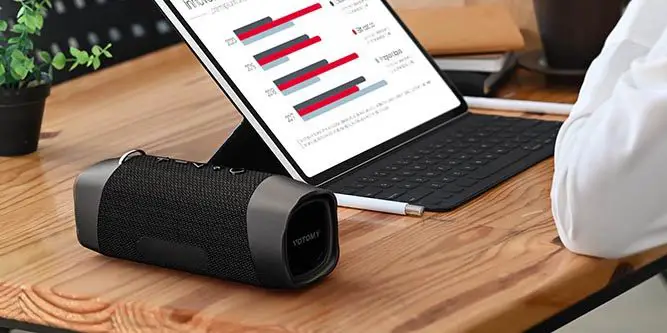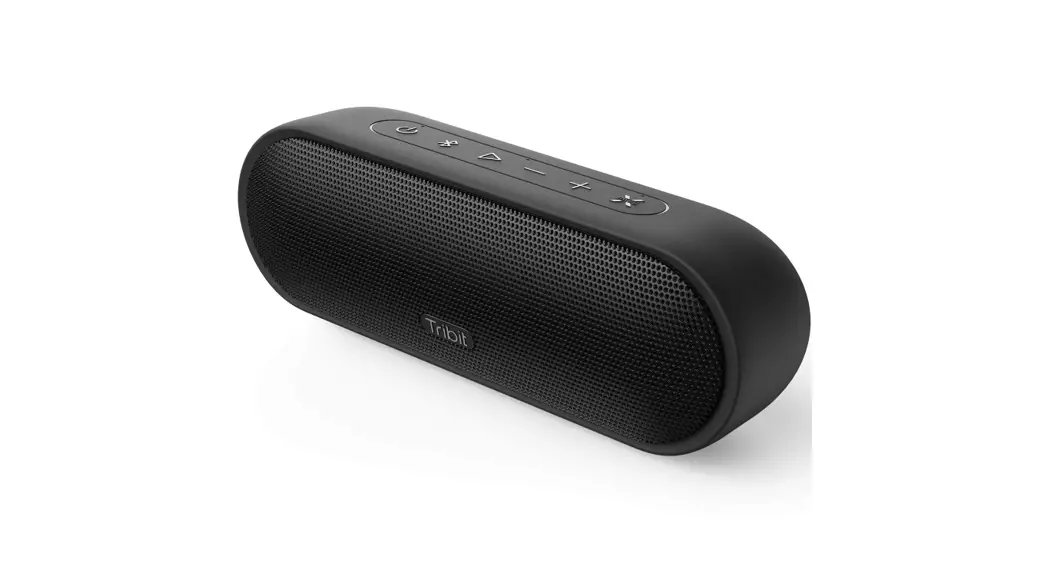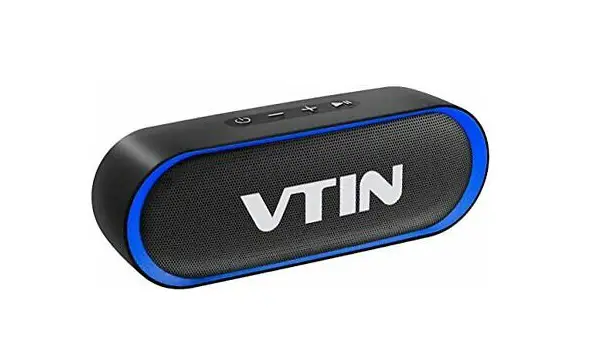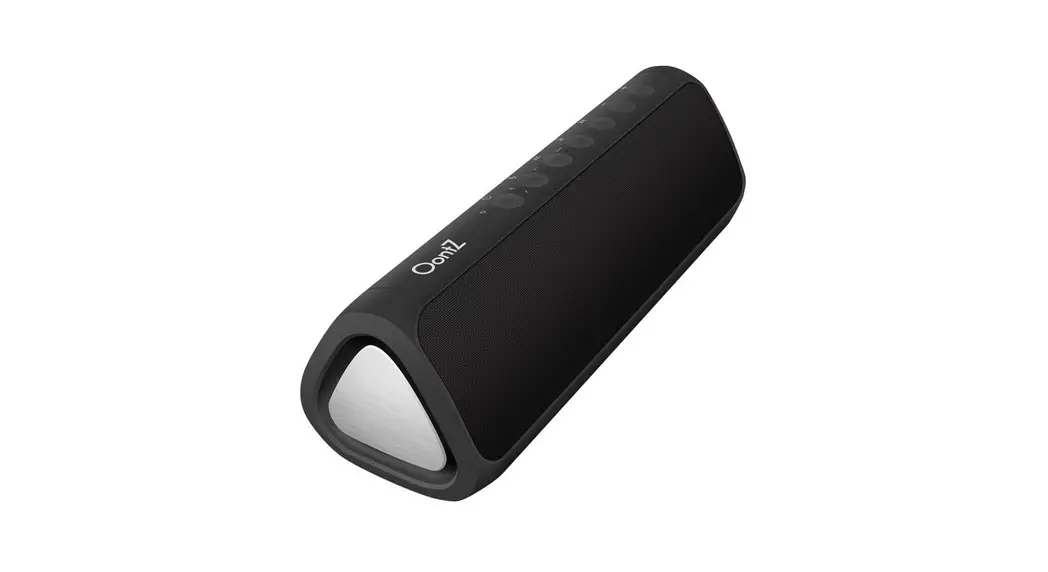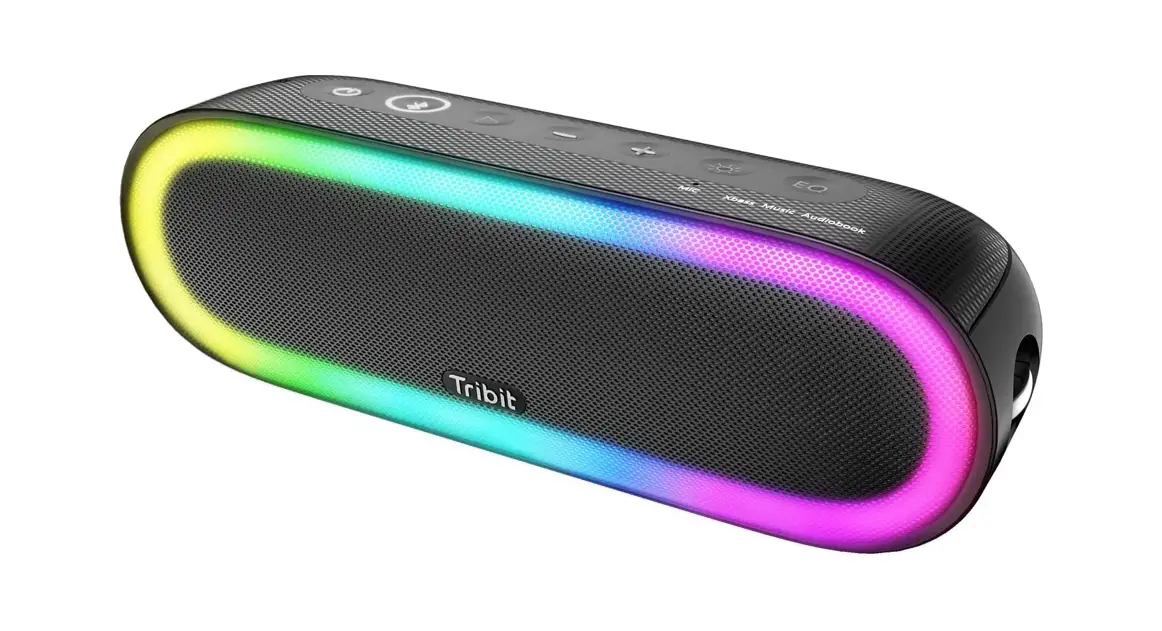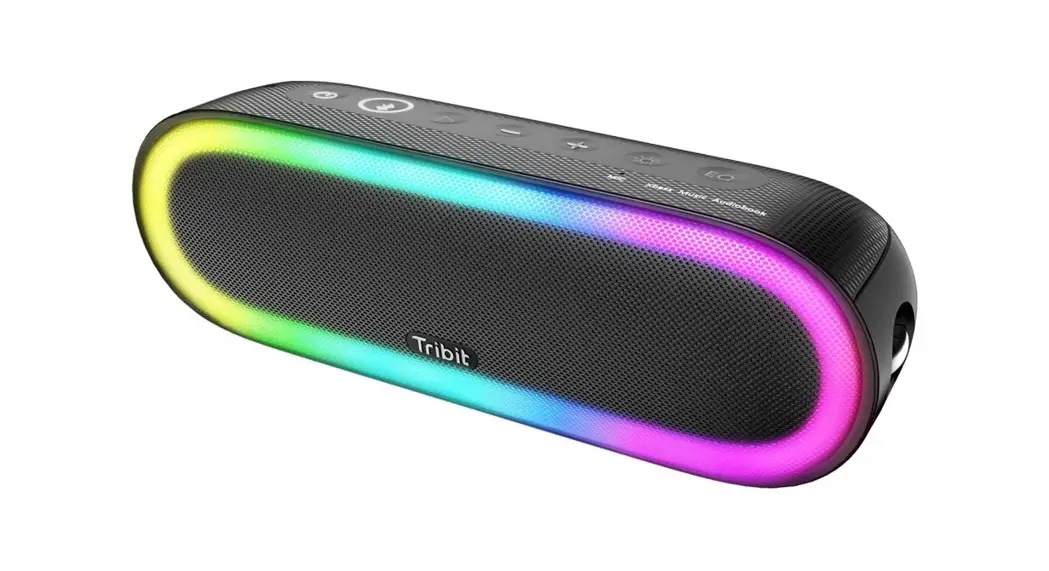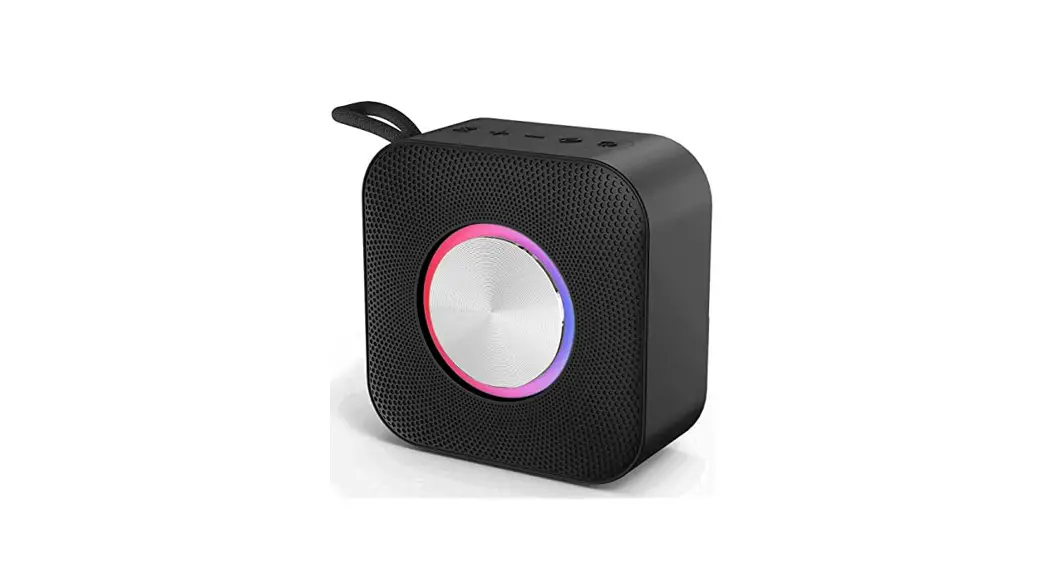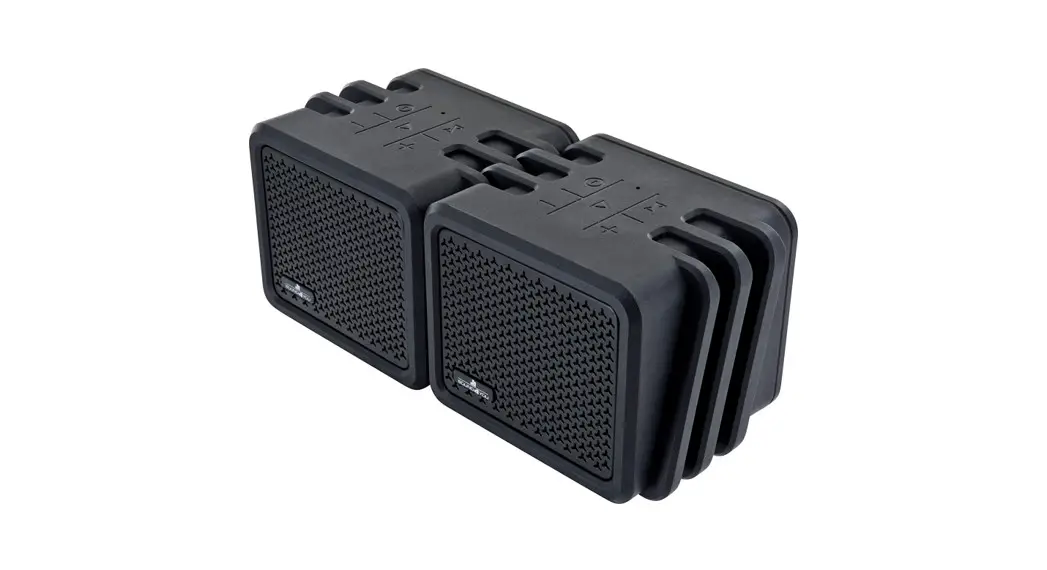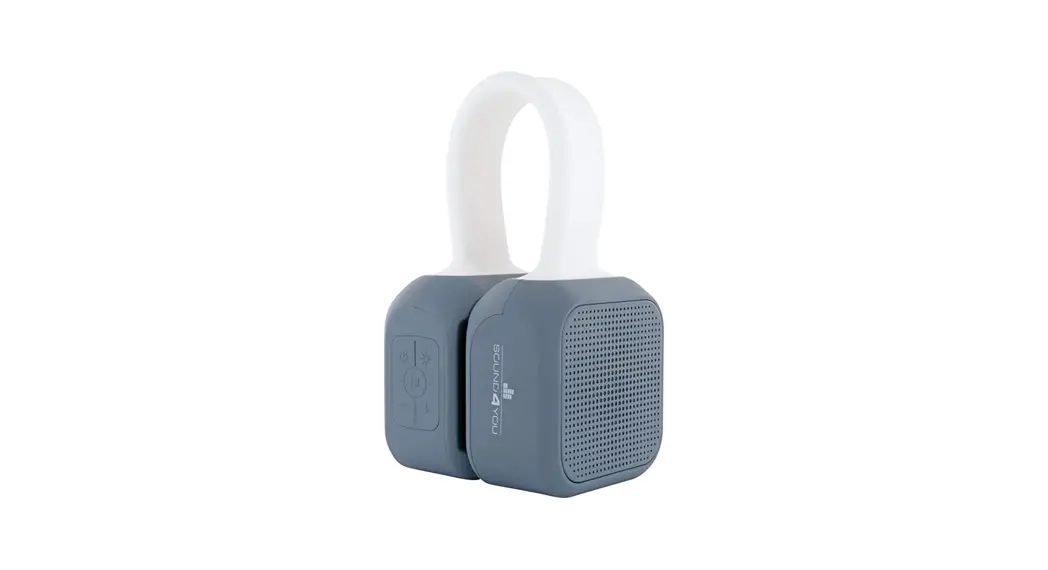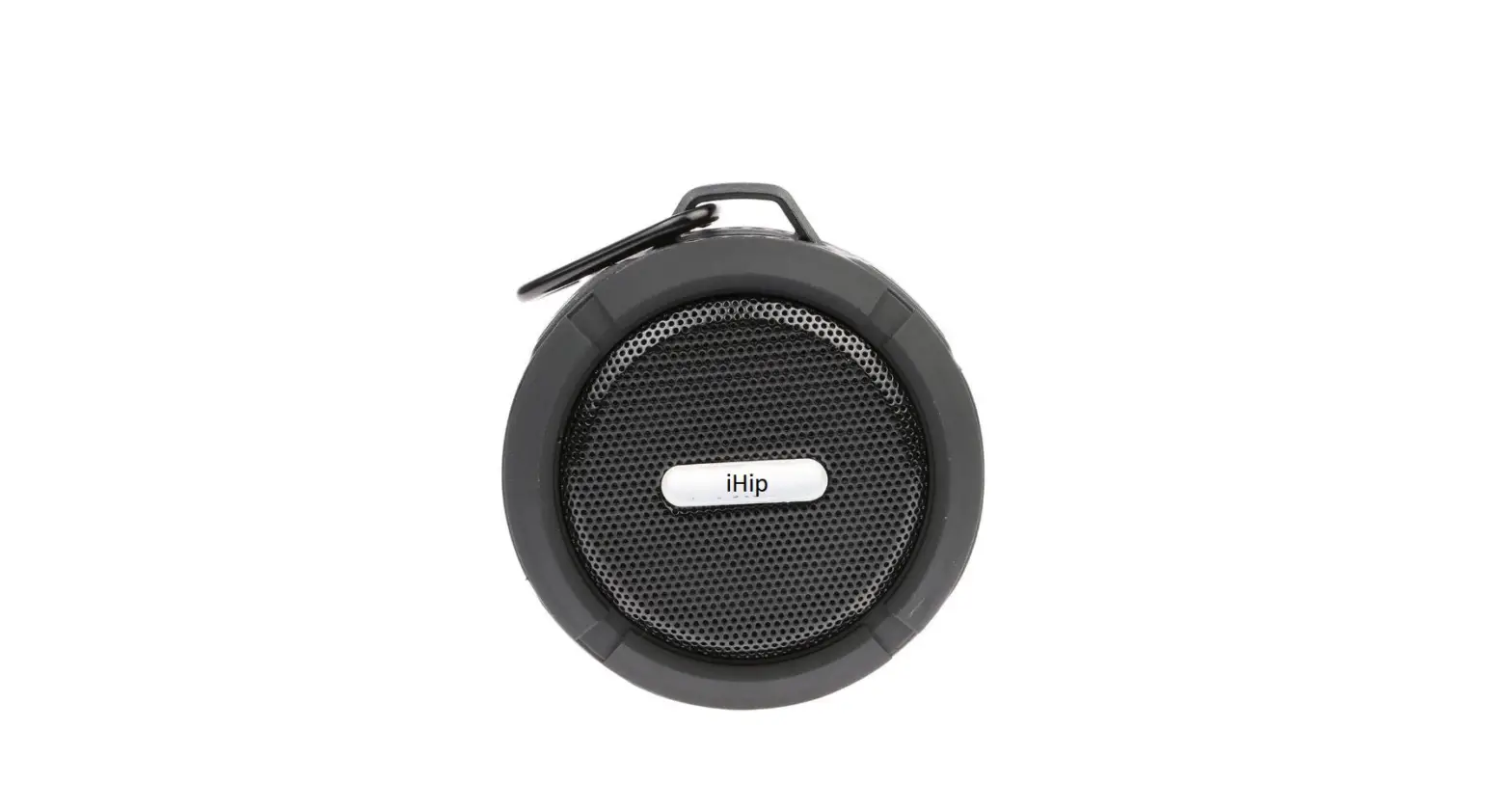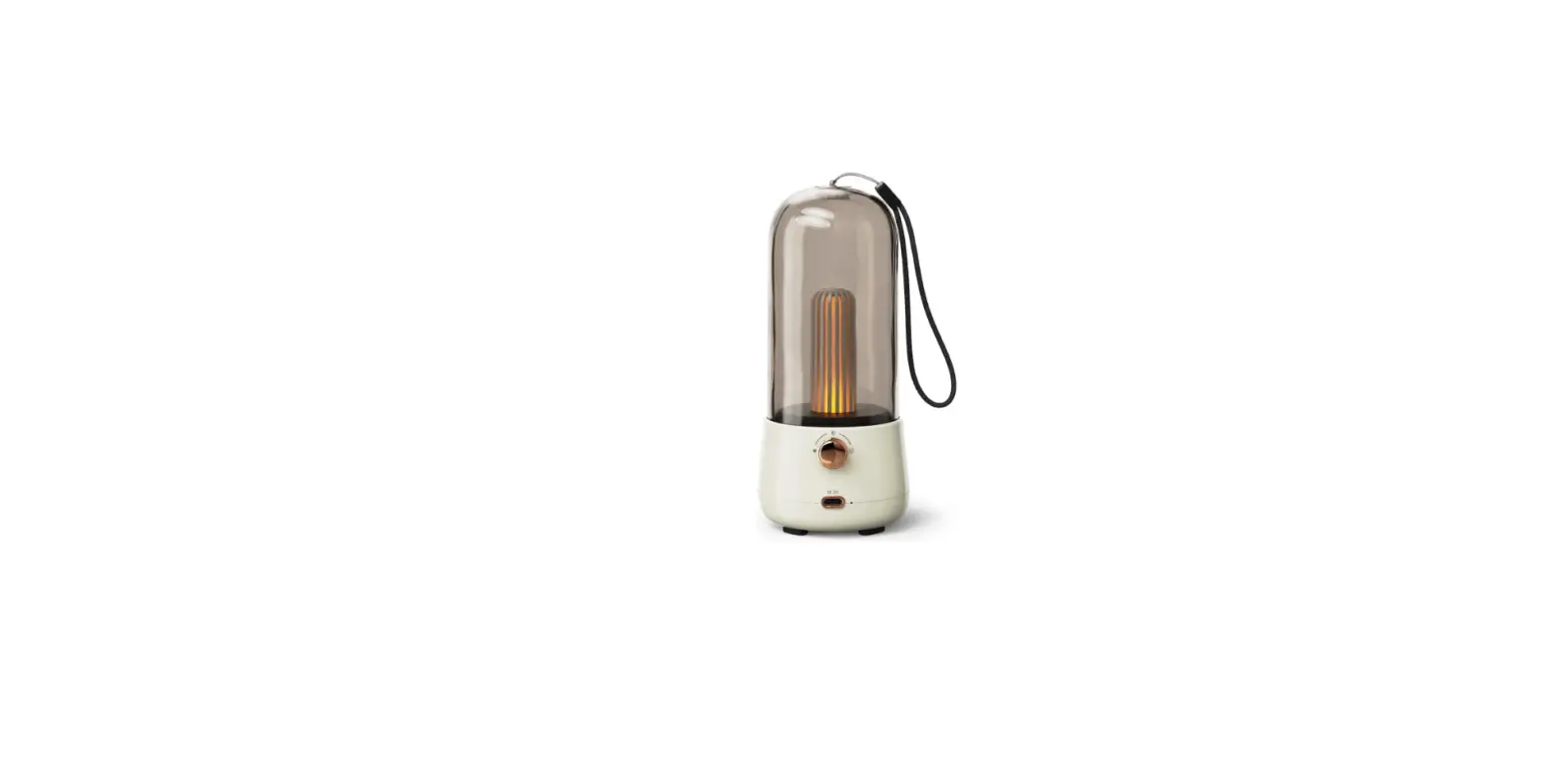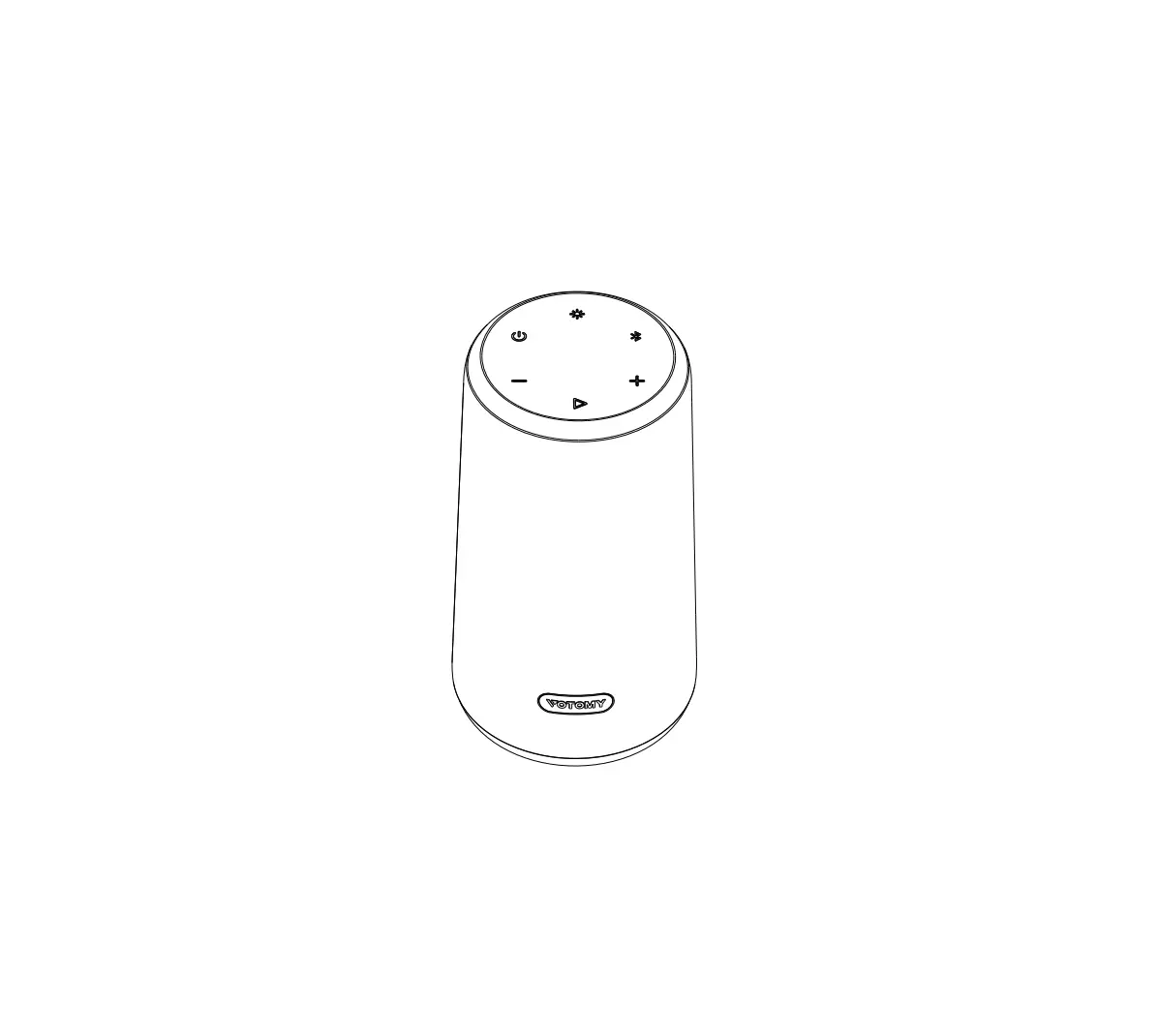
VOTOMY VT350 Portable Wireless Speaker
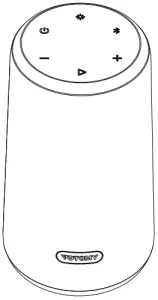
Packing List
| ||
|
|
|
 USB-C Charging Cable
 User Manual
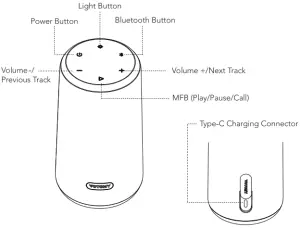
Speaker Overviews
Charging
| LED Indicator | Battery Status |
| Flashing Red | Low battery ( < 20%) |
| Solid Red | Charging |
| Power indicator turns off | Fully charged |
Note:
- Before using it for the first time, please fully charge the built-in battery.
- When the battery is less than 10% power remaining, the speaker will power off automatically.
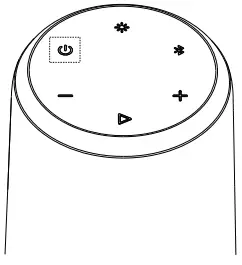
 | Press and hold it for 2s | Poweron | White light on |
| Press and hold it for 2s | Power off | All indicators will turn off |
Bluetooth Connection
 | Short press for 1 s | Enters pairing mode |
| Press and hold it for 3s | Host enters to True Wireless Stereo pairing mode |
Make sure that the speaker is within 10 meters of your mobile device.
- When your speaker is turned off, press and hold the
 button until you hear a rising tone and the LED indicators turn blinking blue.
 - Go to the Bluetooth settings on your mobile device, search and select “VOTOMYVT350” from the list of device

- Once paired, the Bluetooth indicators turn solid blue.
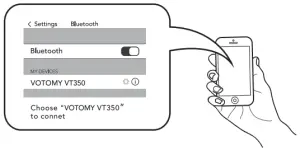
Note: When powered on, the speaker automatically reconnects to the previously connected device.
Volume Adjustment
 | Short press | Increase volume |
| Press and hold it for 2s | Next track | |
 | Short press | Decrease volume |
| Press and hold it for 2s | Previous track |
| Short press for 1 s | Play/pause |
| Press and hold it for 2s | Activate Siri | |
| Short press for 1 s | Answer phone call |
| Press and hold it for 2s | Reject phone call | |
| Short press | End outgoing call |
 Music mode
Light Mode
 | Short press once | Switching light patterns |
True Wireless Stereo Connection with two VT350
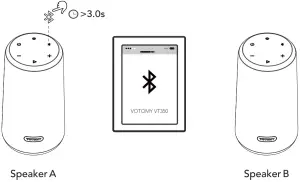
- Long press the
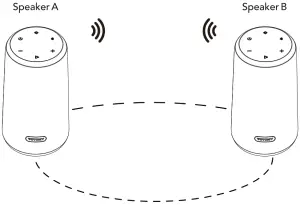
 button to enter into the true wireless stereo pairing mode as a master speaker. If one of them fails, clean up the pairing information.
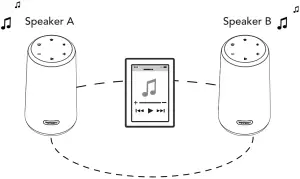
- Enable the Bluetooth on your device and connect to “VOTOMY VT350”, the stereo sound will play from both speakers.

- Once paired, the main speaker blue indicator light is always on.

Factory Reset and Reconnect
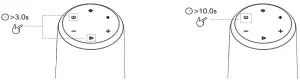
- If this speaker becomes disconnected or has another connecting problem, you can press and hold “Power” and “Play” buttons simultaneously for 3s at least to clear the pairing of speaker and remove the old pairing in your Bluetooth device, and then pair again.
- If this speaker becomes out of control and can’t be powered off, you can press and hold the power button for 1 Os at least to reboot.
Specifications
| Model | VT350 |
| Bluetooth version | 5.0 |
| Output power | 16W |
| Frequency response | 60Hz-20kHz |
| Charging time | ~4 hours@ 5V/2A |
| Waterproof Grade | IPX7 |
| Dimensions | 159 x 85 mm |
FCC Statement
Changes or modifications not expressly approved by the party responsible for compliance could void the user’s authority to operate the equipment. This equipment has been tested and found to comply with the limits for a Class B digital device, pursuant to Part 15 of the FCC Rules. These limits are designed to provide reasonable protection against harmful interference in a residential installation. This equipment generates uses and can radiate radio frequency energy and, if not installed and used in accordance with the instructions, may cause harmful interference to radio communications. However, there is no guarantee that interference will not occur in a particular installation. If this equipment does cause harmful interference to radio or television reception, which can be determined by turning the equipment off and on, the user is encouraged to try to correct the interference by one or more of the following measures:
— Reorient or relocate the receiving antenna.
— Increase the separation between the equipment and receiver.
— Connect the equipment into an outlet on a circuit different from that to which the receiver is connected.
— Consult the dealer or an experienced radio/TV technician for help
This device complies with part 15 of the FCC rules. Operation is subject to the following two conditions (1) this device may not cause harmful interference, and (2) this device must accept any interference received, including interference that may cause undesired operation.
DOC:
Hereby, [SHELLBOT TECHNOLOGY FR] declares that the radio equipment type [Portable Wireless Speaker VT350] is in compliance with Directive 2014/53/EU.
The full text of the EU declaration conformity is available at the fo llowing internet address: https://www.votomy.com/upload/docNT350-DOC-EN.pdf
Learn more about the UK Declaration of Conformity, Please click below link to download: https://www.votomy.com/upload/docNT350-DOC-UK.pdf