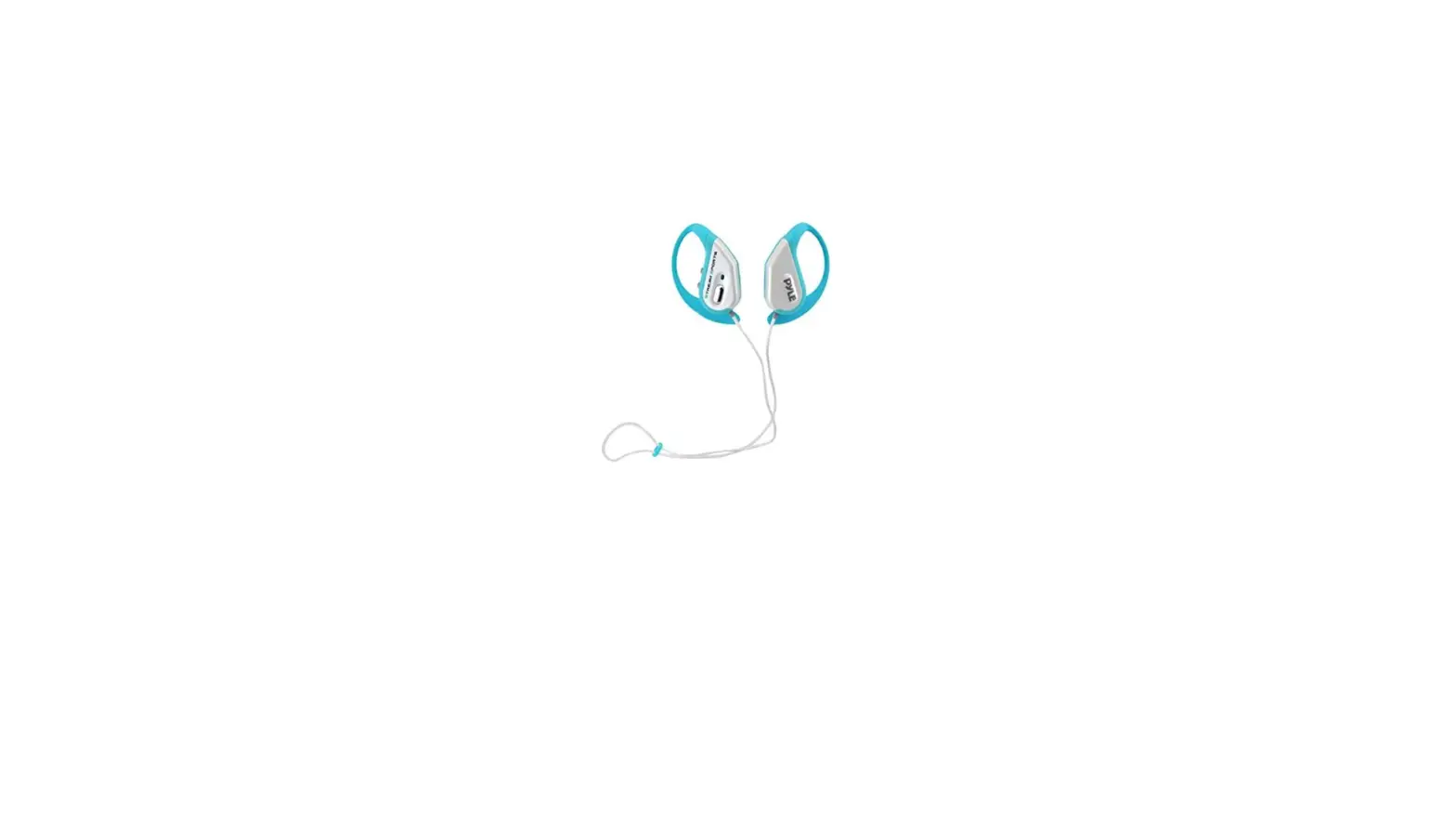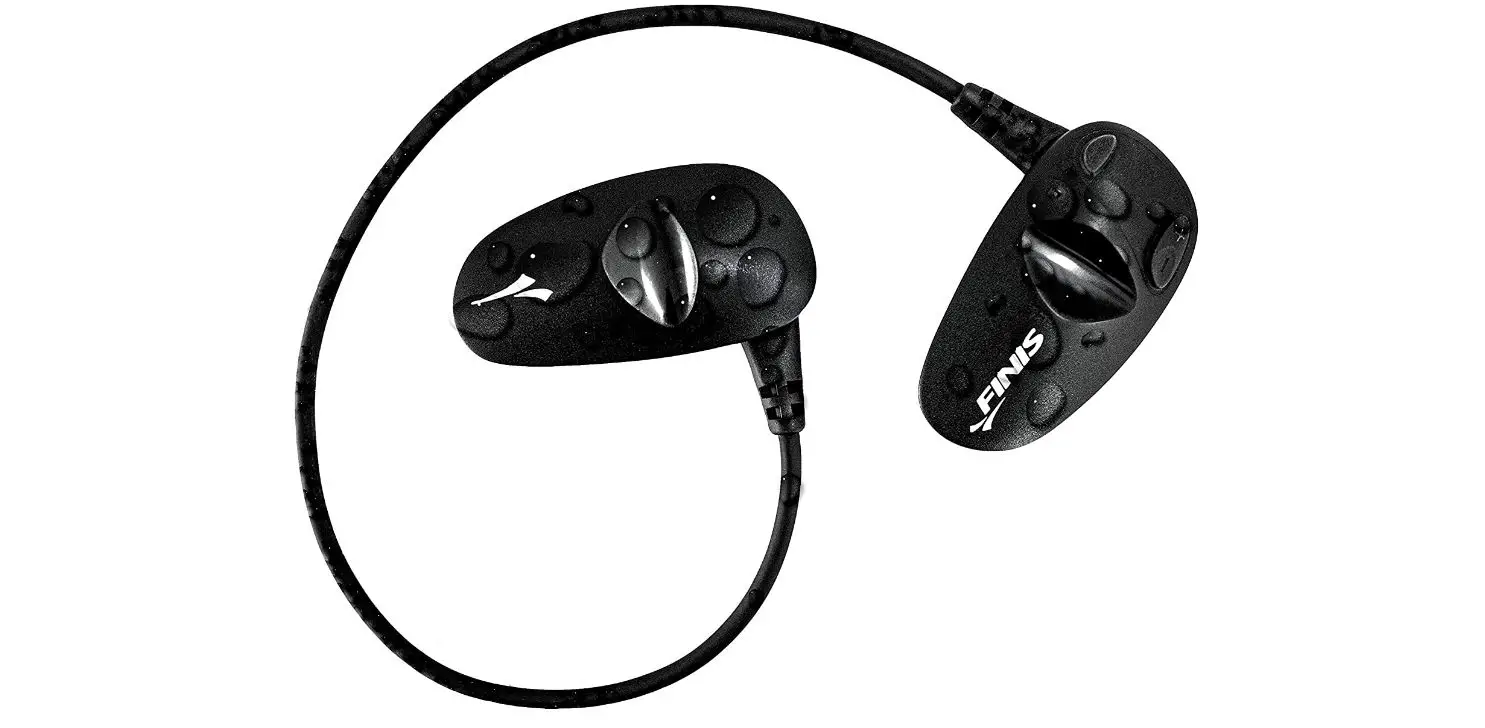

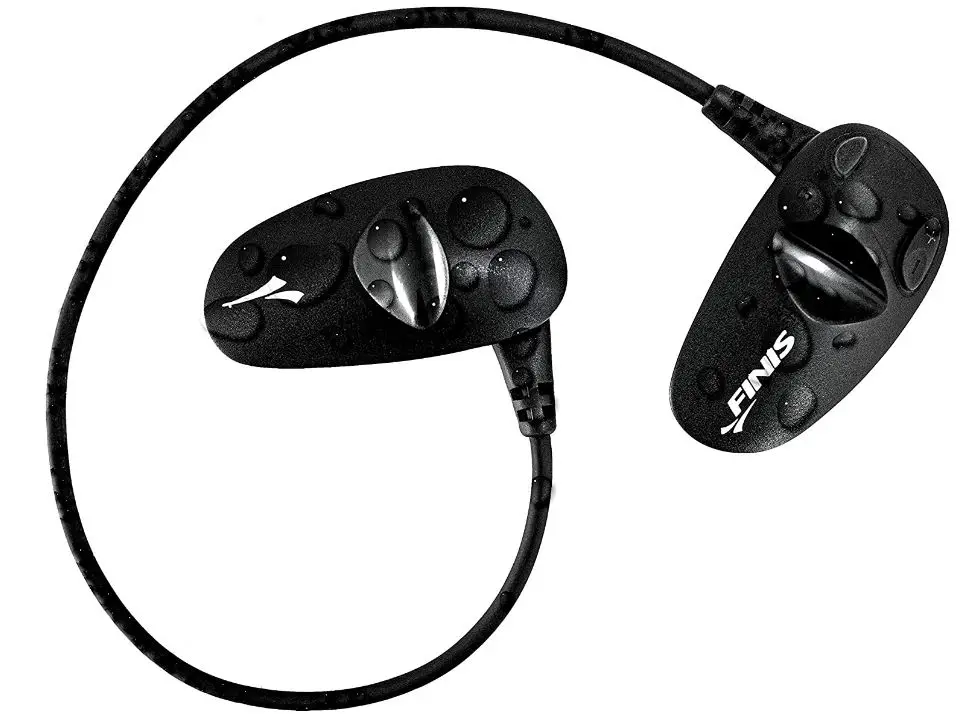
FINIS Amnis Stream Swim Bluetooth Headphones
HI THERE!
Let’s get started by registering your device at www.FINISswim.com/registration/index.ssp. When registration is complete you will be enrolled in the warranty and replacement program. Proof of purchase is required.
Visit www.FINISswim.com/Amnis-Stream for more information.
WHAT YOU NEED
You will need a smartwatch that fits these simple guidelines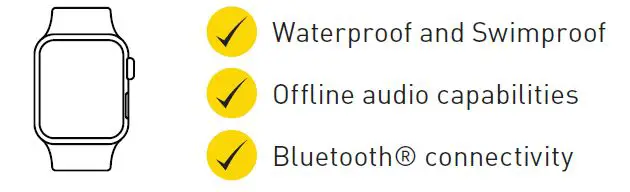
WHAT YOU HAVE
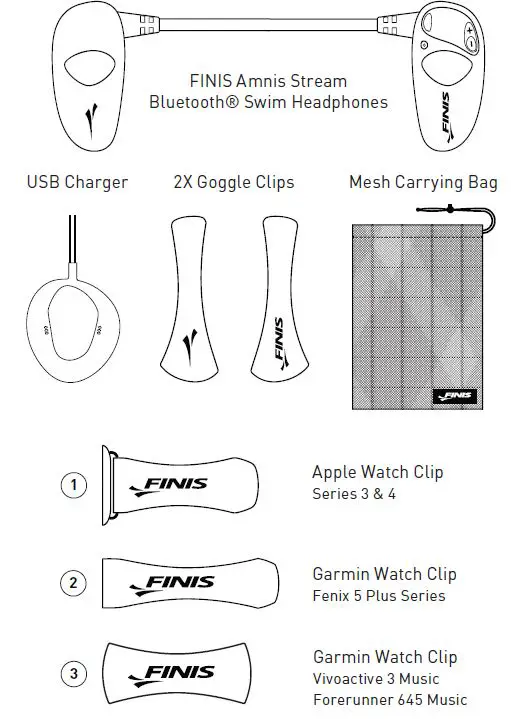
For an updated list of available clips & compatible watches, visit www.FINISswim.com/Amnis-Stream
TIME TO CHARGE!
Charge Fully Before Your First Swim.
- Make sure Amnis Stream is completely dry.
- Plug in the USB Charger.
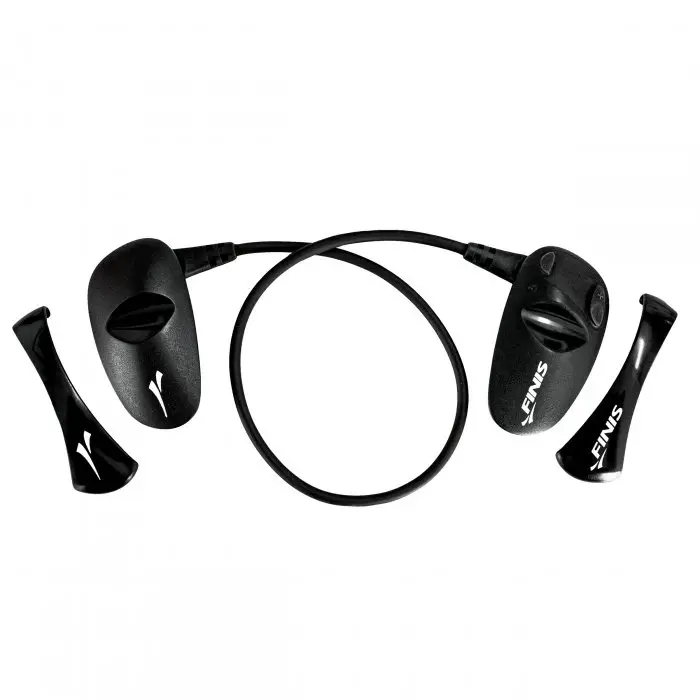
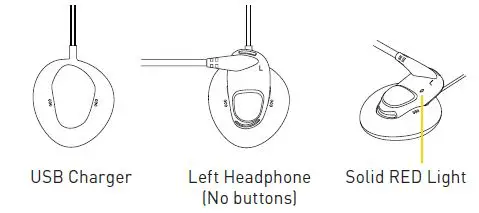
- Remove the Goggle Clip from the Left Headphone
(the one without the buttons) and slide it into the charger (logo side down).- Amnis Stream’s Light Solid RED = Amnis Stream is now charging
- Amnis Stream is fully charged when: Amnis Stream’s Light turns off.
- Battery lasts up to 5 hours, depending on the watch and Amnis Stream volume level

- Battery lasts up to 5 hours, depending on the watch and Amnis Stream volume level
TIME TO CHARGE! (CONT.)
Battery Level Indicators
When Amnis Stream is powered on you will receive a verbal cue of “Low Battery”, “Battery Half Charged”, or “Battery Charged”.
Verbal cue of “Low Battery” will occur every 2 minutes when 15 minutes of playtime remains.
SETTING UP YOUR SMARTWATCH
Download your preffered music or podcast app onto your smartwatch. The app must offer “offline listening” of the ability to download files.
Tip: This is the same process you use for listening during “airplane mode”.
Refer to the music or podcast app’s guidelines on how to setup offline music on your smartwatch.
PAIRING YOUR SMARTWATCH TO AMNIS STREAM
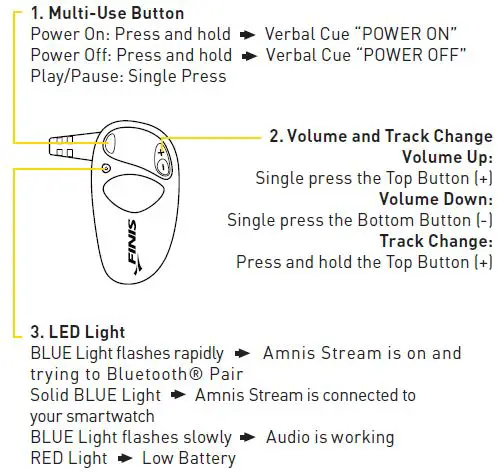
- Power Amnis Stream on: Verbal Cue > Ready to Pair” and the BLUE light will flash rapidly.
- On your Smartwatch: Navigate to the Bluetooth® Settings menu.
- Select “FINIS Stream” to connect:
Verbal Cue > Device Connected” and a solid BLUE
Light will appear.
HOW TO WEAR
Attaching Headphones to Goggles
- Put your goggles on.
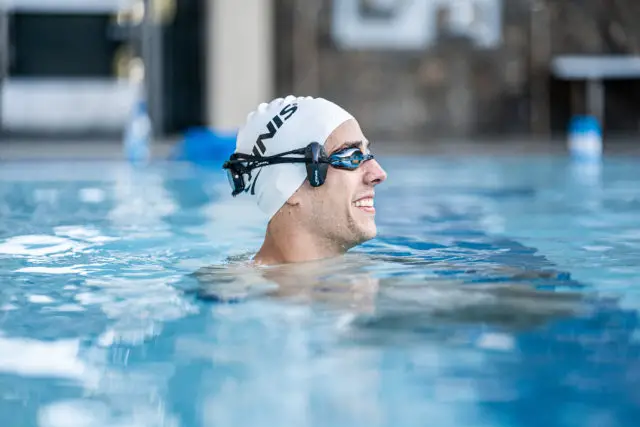
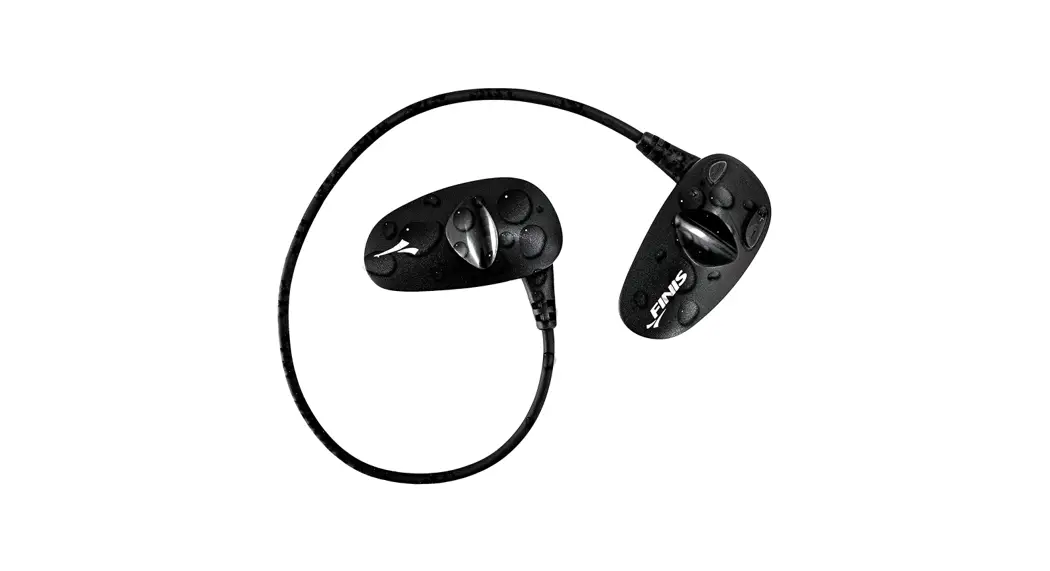
- Slip each Headphone under your goggle strap, and be sure to match up the L (left) and R (right) indicators.
- Headphones should be placed in front of your ears, so they are resting on your temple bones (not over your ears).
- Optional: For a more secure fit, add the Google Clips to each headphone by matching up the logos
Tip: If you consistently use the Goggle Clip, It’s easier to attach Amnis Stream to your goggles prior to putting them on.
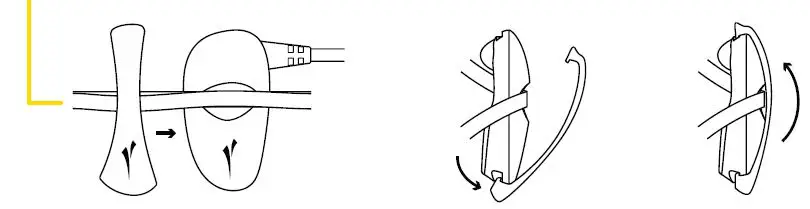
Attaching Smartwatch to Goggles
Your smartwatch must be within 5cm of the cord in order for the Bluetooth® connection to pass through the water.
The best placement for your watch is on the crown of your head (the back of your top goggle strap).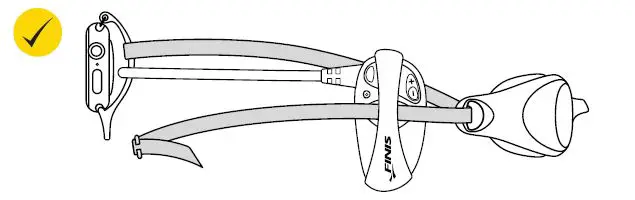
HOW TO WEAR (CONT.)
We included Watch Clips for some of the most popular smartwatches including: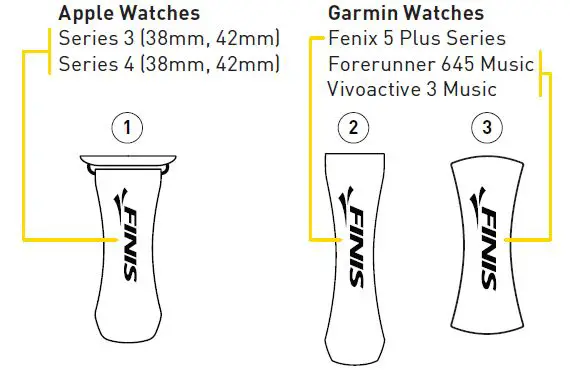
Tip: If you don’t want to use the watch clip of if you have a diferent watch, don’t worry! Take your watch strap off and easiliy slip the watch beneath your swim cap.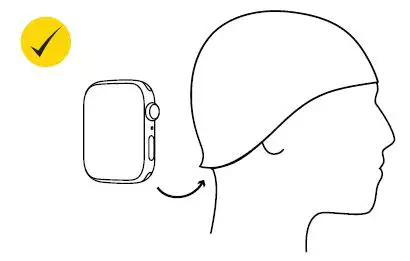
Do not wear your smartwatch on your wrist. The Bluetooth® connection cannot travel that far through the water.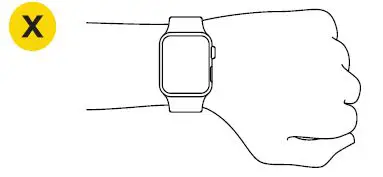
CARE INSTRUCTIONS
After each use
- Rinse the device in cool, fresh water
- Pat Dry
- Store in a cool, dry environment
- Do not leave the device in direct sunlight or a hot car as this may cause damage
Charging
Make sure the device in completely dry before charging! Refer to the third step of the instructions for how to charge your device.
ENJOY THE MAGIC OF SWIMMING WITH ENTERTAINMENT
- Bliss out underwater
- Rock to your favorite playlist
- Kick into high gear with the right beats
- Drift away into a podcast or audiobook
IMPORTANT
For all technical issues, please contact us directly we are here to help!
www.FINISswim.com/support
USA 888.333.4647
EU +359 2 936 86 37