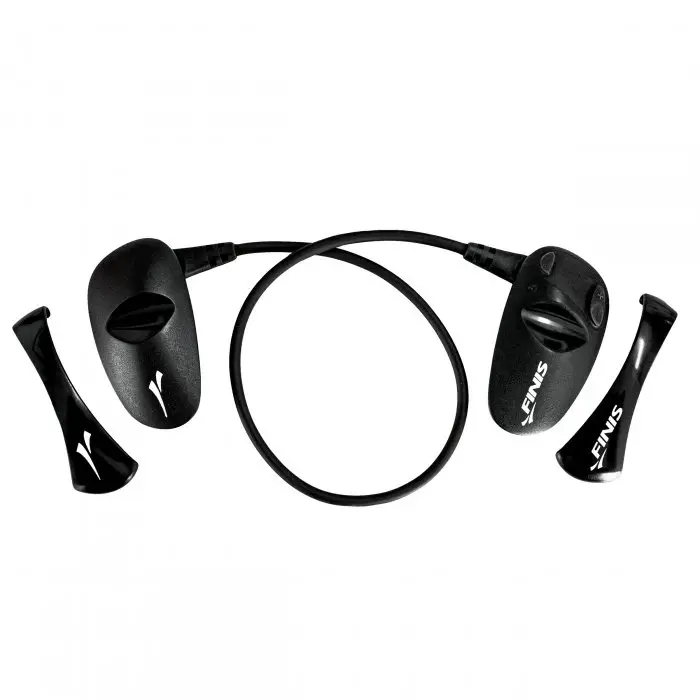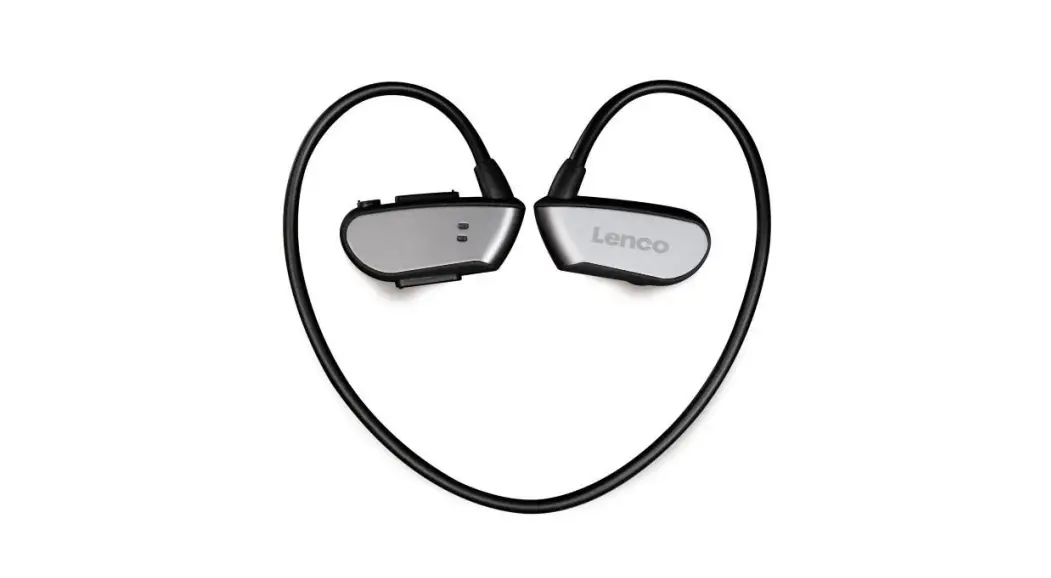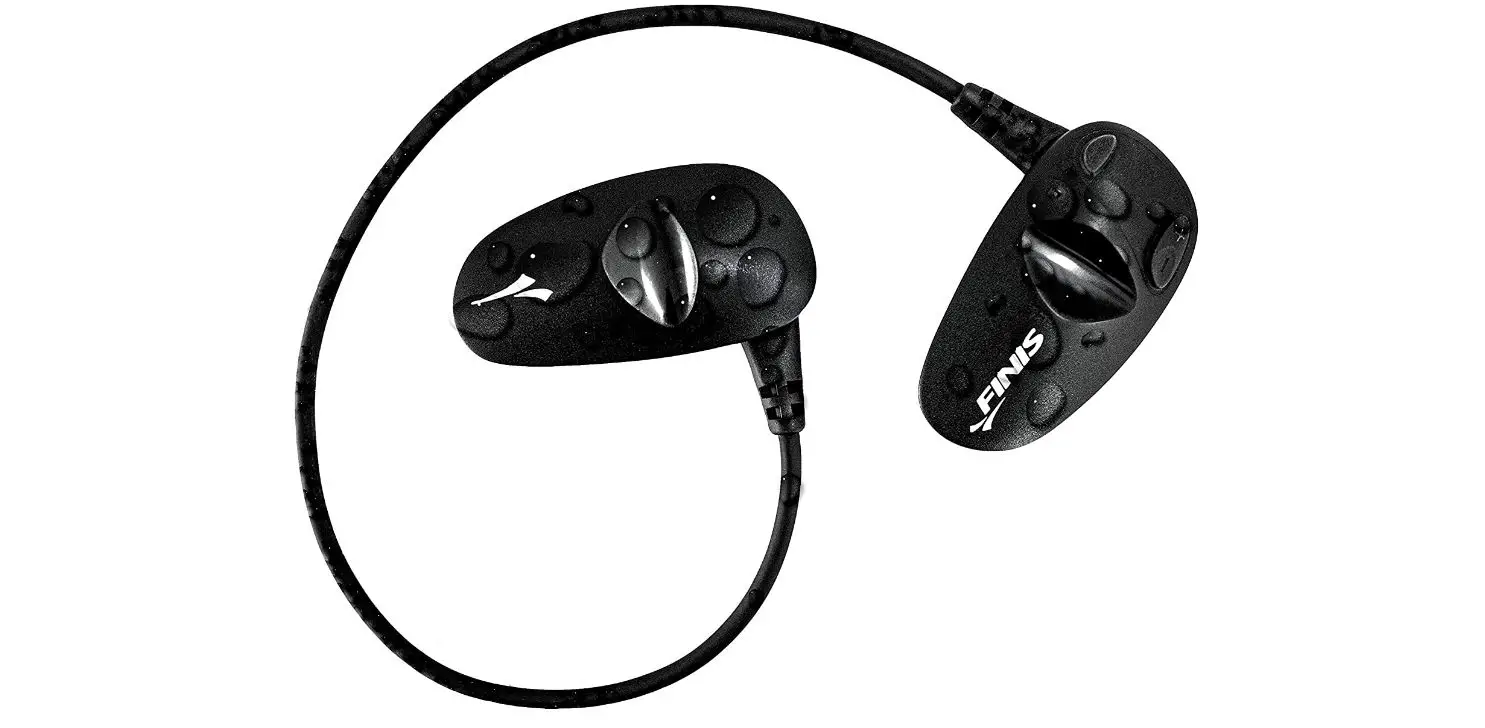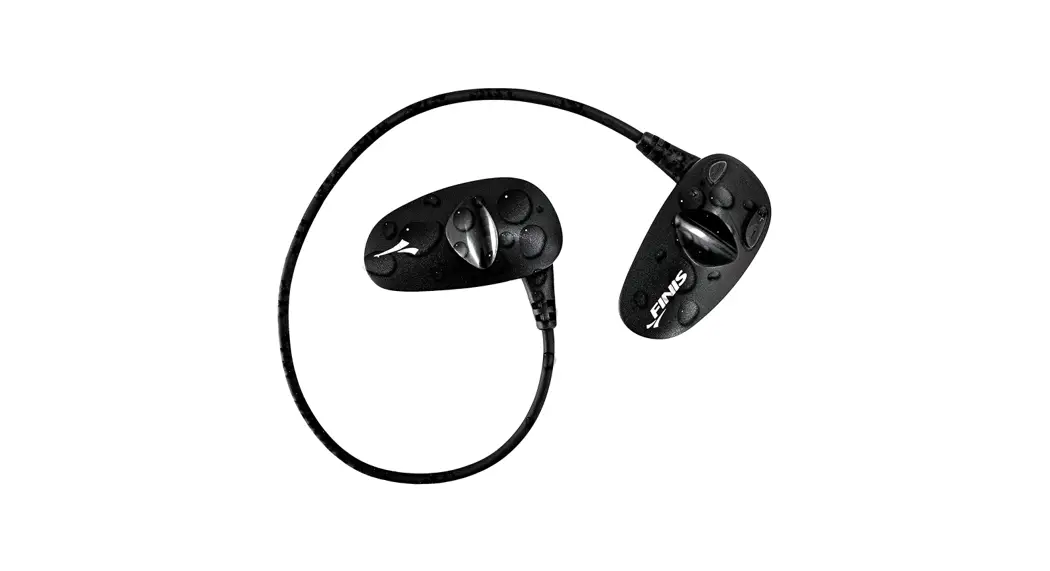
 BH130076V1 Bluetooth Swim Headphones
User Manual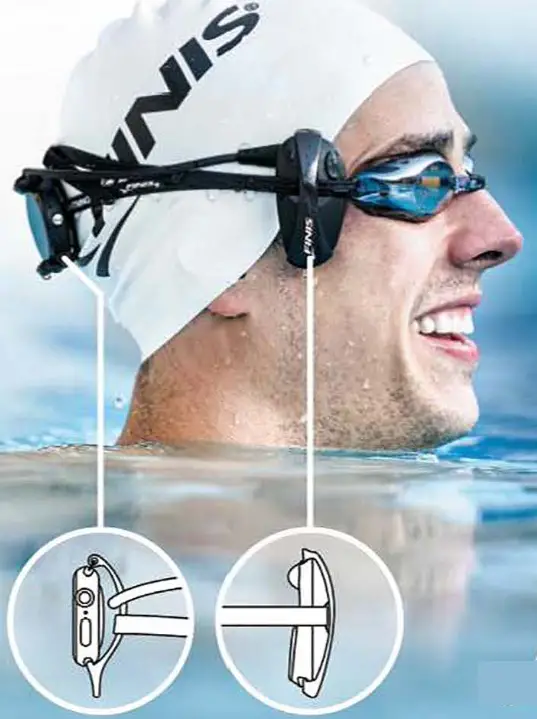
NOTES
 | FINIS Gold Pantone 012C C:3 M:12 Y:100 K:0 |
 | Black |
 | Gray Pantone Cool Gray 1C C:14 M:11 Y:12 K:0 |
Dimensions:
Width = 12.75 inches total, 4.25 inches per fold
Height = 7.25 inches
| Pink dotted line = mountain fold DO NOT PRINT | Blue dotted line = valley fold DO NOT PRINT |
Paper quality should be the same as Duo flipbook.
Matte finish
Bleed = 125inches
This device complies with part 15 of the FCC Rules. Operation is subject to the following two conditions:
- This device may not cause harmful interference, and
- This device must accept any interference received, including interference that may cause undesired operation.
Caution: Changes or modifications to this unit not expressly approved by the party responsible for compliance could void the user’s authority to operate the equipment.
This device contains license-exempt transmitter(s)/receiver(s) that comply with Innovation, Science, and Economic Development Canada’s license-exempt RSS(s). Operation is subject to the following two conditions:
- This device may not cause interference.
- This device must accept any interference, including interference that may cause undesired operation of the device.
NOTE: This equipment has been tested and found to comply with the limits for a Class B digital device, pursuant to part 15 of the FCC Rules. These limits are designed to provide reasonable protection against harmful interference in a residential installation.
This equipment generates, uses, and can radiate radio frequency energy and, if not installed and used in accordance with the instructions, may cause harmful interference to radio communications. However, there is no guarantee that interference will not occur in a particular installation. If this equipment does cause harmful interference to radio or television reception, which can be determined by turning the equipment off and on, the user is encouraged to try to correct the interference by one or more of the following measures:
- Reorient or relocate the receiving antenna.
- Increase the separation between the equipment and receiver.
- Connect the equipment into an outlet on a circuit different from that to which the receiver is connected.
HI THERE!
Let’s get started by registering your device at www.FINISswim.com/registration. When registration is complete, you will be enrolled in the warranty and replacement program. Proof of purchase is required.
Visit www.FINISswim.com/Amnis-Stream to download the instruction manual.
IMPORTANT!
For all technical issues, please contact us directly – we are here to help!
www.FINISswim.com/support
USA 888.333.4647
EU + 359 2 936 86 37
WHAT YOU NEED
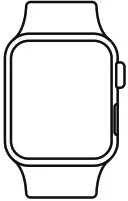
A smartwatch that fits these simple guidelines:
 | Waterproof and swim-proof |
| Offline audio capabilities | |
| Bluetoothl® connectivity |
WHAT YOU HAVE
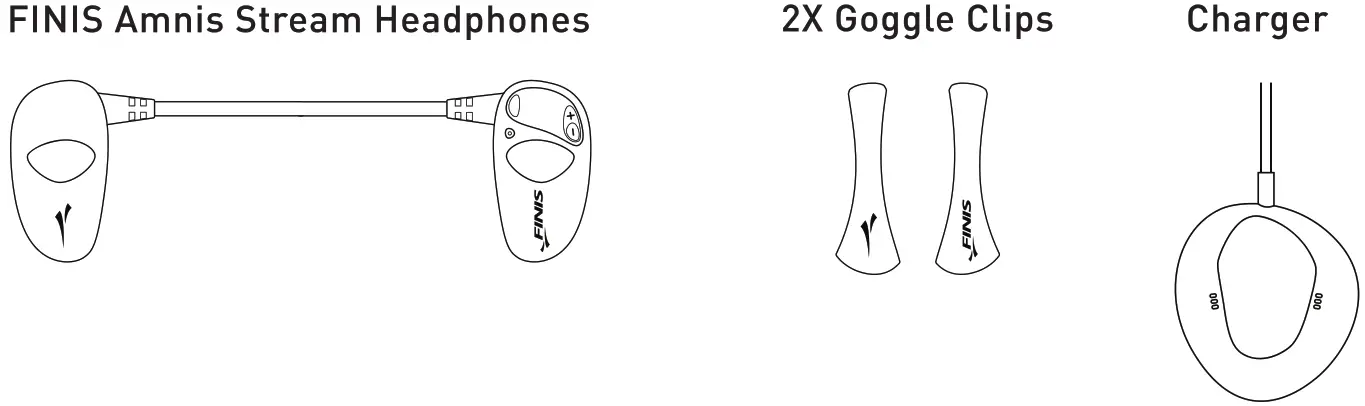
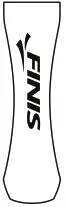
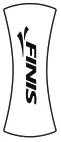
 Apple Watch Clip Series 3, 4 & 5
- Garmin Watch Clip Fenix 5 Plus Series

- Garmin Watch Clip Vivoactive 3 Music Forerunner 645 Music

 Apple Watch Clip Series 3, 4 & 5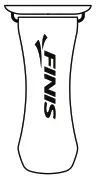
Mesh Carrying Bag 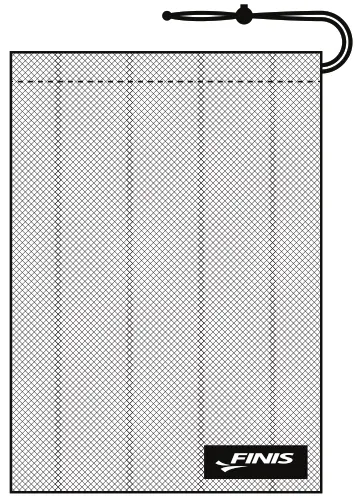
For an updated list of available clips & compatible watches, visit FINISswim.com/Amnis-Stream
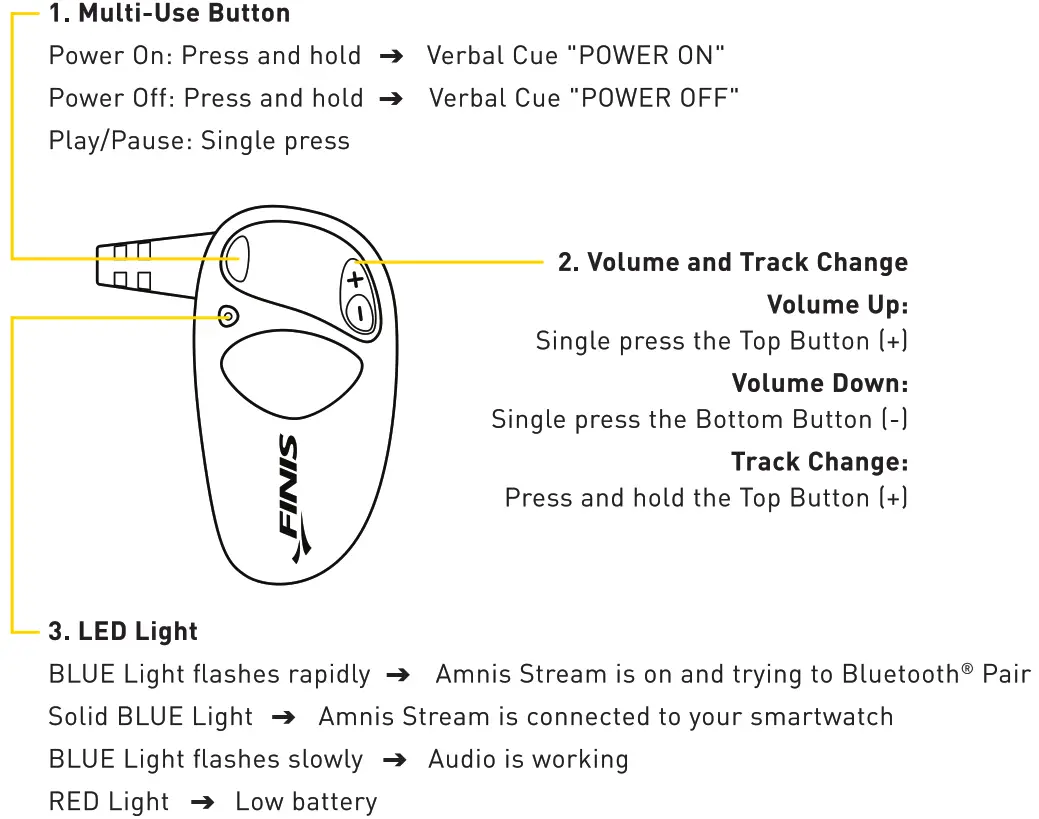
TIME TO CHARGE!
Charge Fully Before Your First Swim.
- Make sure Amnis Stream is completely dry.
- Plug in the USB Charger.
- Remove the Goggle Clip from the Left Headphone (the one without the buttons) and slide it into the charger (logo side down).

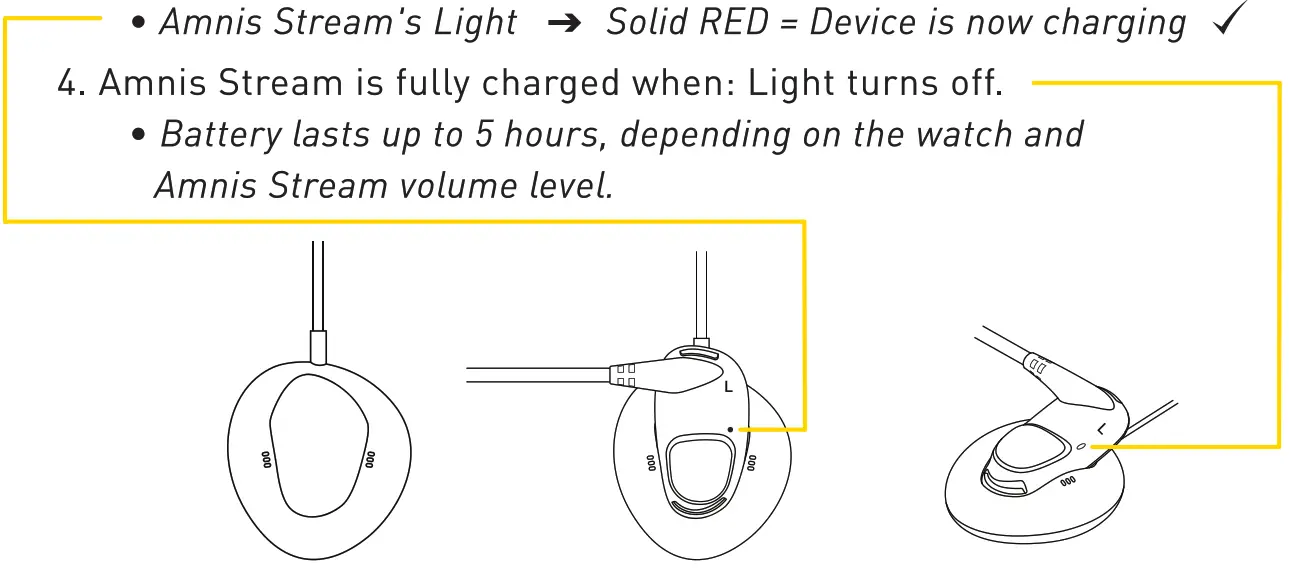
Battery Level Indications
When Amnis Stream is powered on you will receive a verbal cue of “Low Battery”, “Battery Half Charged”, or “Battery Charged”.
Verbal cue of -Low Battery’ will occur every 5 minutes when 15 minutes of playtime remains.
SETTING UP YOUR SMARTWATCH
Download your preferred music or podcast app onto your smartwatch. The app must offer “offline listening” or the ability to download files.
- Tip: This is the same process you use for listening during “airplane mode”.
Refer to the music or podcast app’s guidelines on how to set up offline music on your smartwatch.
PAIRING YOUR SMARTWATCH TO AMNIS STREAM
- Power Amnis Stream on Verbal Cue
 Ready to Pair” and the BLUE Light will flash rapidly.
 - On your Smartwatch: Navigate to the Bluetooth® Settings menu.
- Select “FINIS Stream- to connect: Verbal Cue Device Connected” and a Solid BLUE Light will appear.
HOW TO WEAR
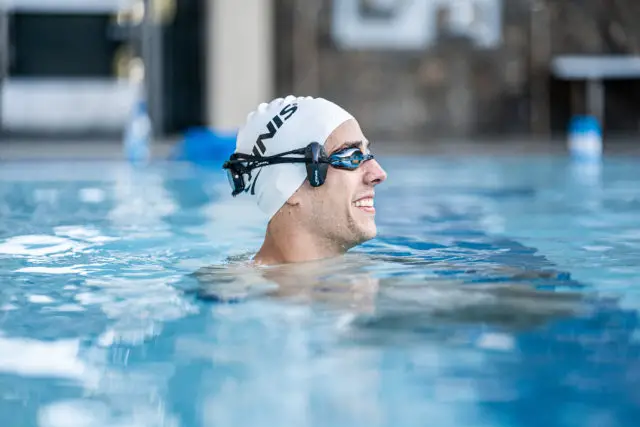
Attaching Headphones to Goggles
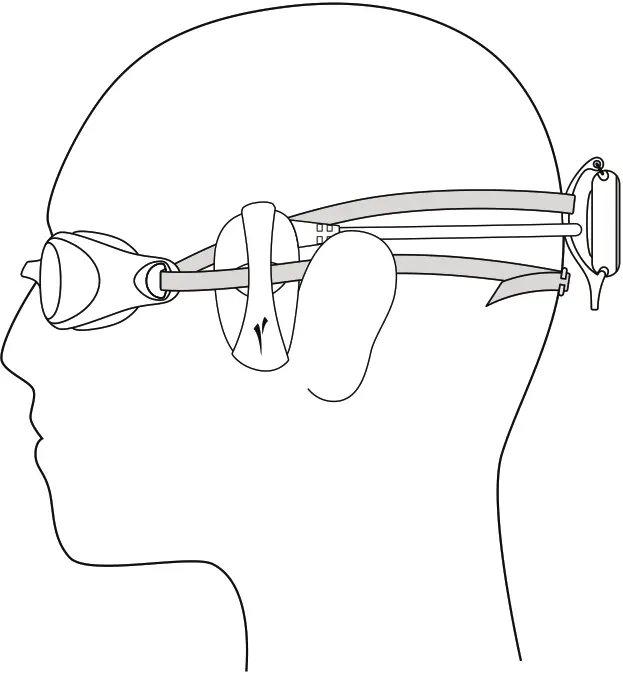
- Put your goggles on.
- Slip each Headphone under your goggle strap, and be sure to match up the L (left] and R (right) indicators.
- Headphones should be placed in front of your ears, so they are resting on your temple bones (not over your ears).
 • Tip: If you consistently use the Goggle Clips, it’s easier to attach Amnis Stream to your goggles prior to putting them on.
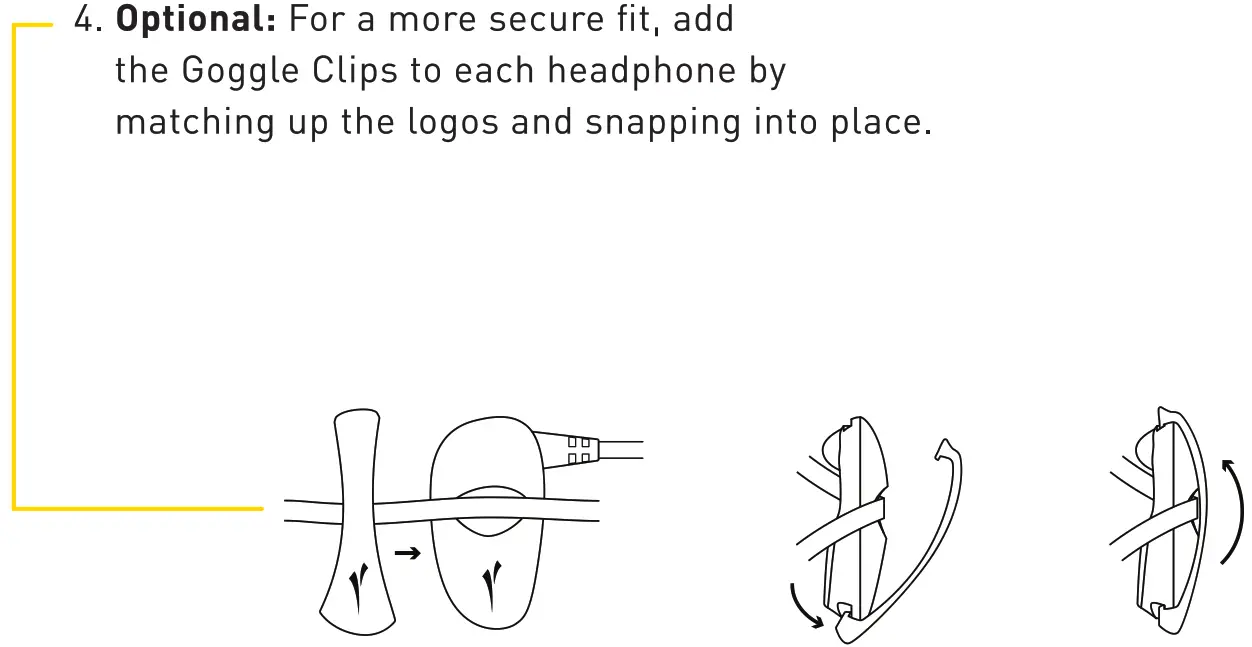 • Tip: If you consistently use the Goggle Clips, it’s easier to attach Amnis Stream to your goggles prior to putting them on.
See reverse side for continued instructions! 
Attaching smartwatch to Goggles
- Your smartwatch must be within 5cm of the cable in order for the Bluetooth° connection to pass through the water.
- Remove your smartwatch’s strap before attaching it to the Watch Clips.
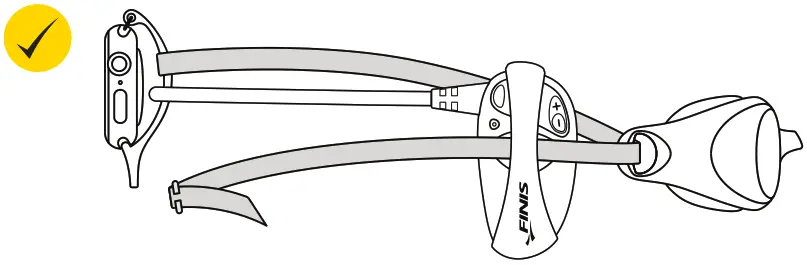
- The best placement for your watch is on the crown of your head, attached to your top goggle strap with the Amnis Stream cable running through the clip.
We included Watch Clips for some of the most popular smartwatches including:
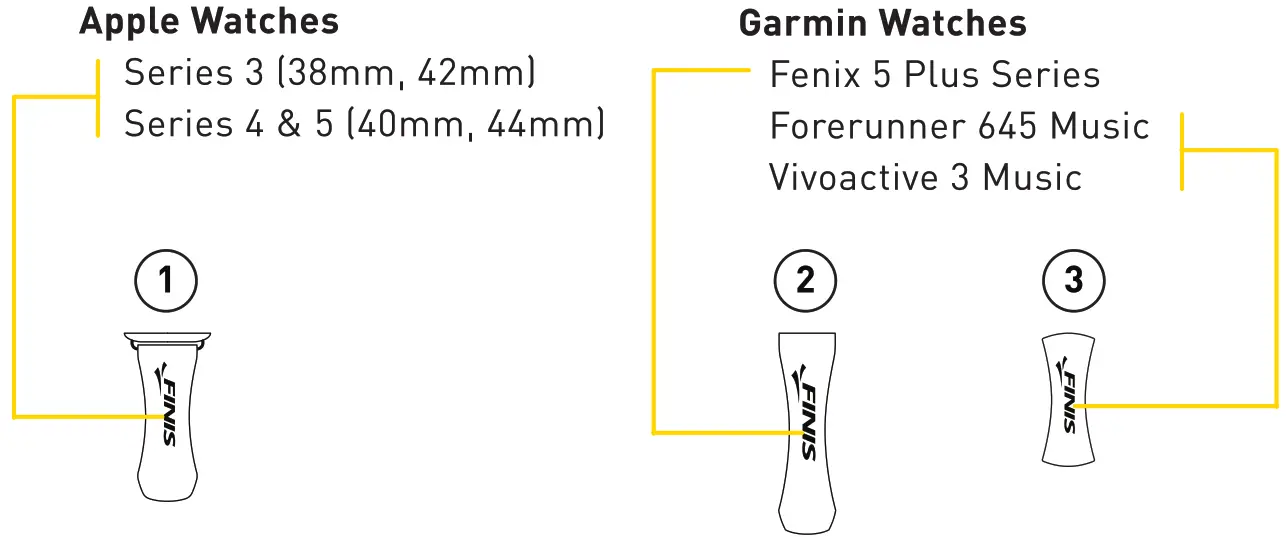 Each clip is labeled with the number corresponding to the labels above.
Tip: If you don’t want to use the watch clip or if you have a different watch, don’t worry! Take your watch strap off and easily slip the watch beneath your swim cap. 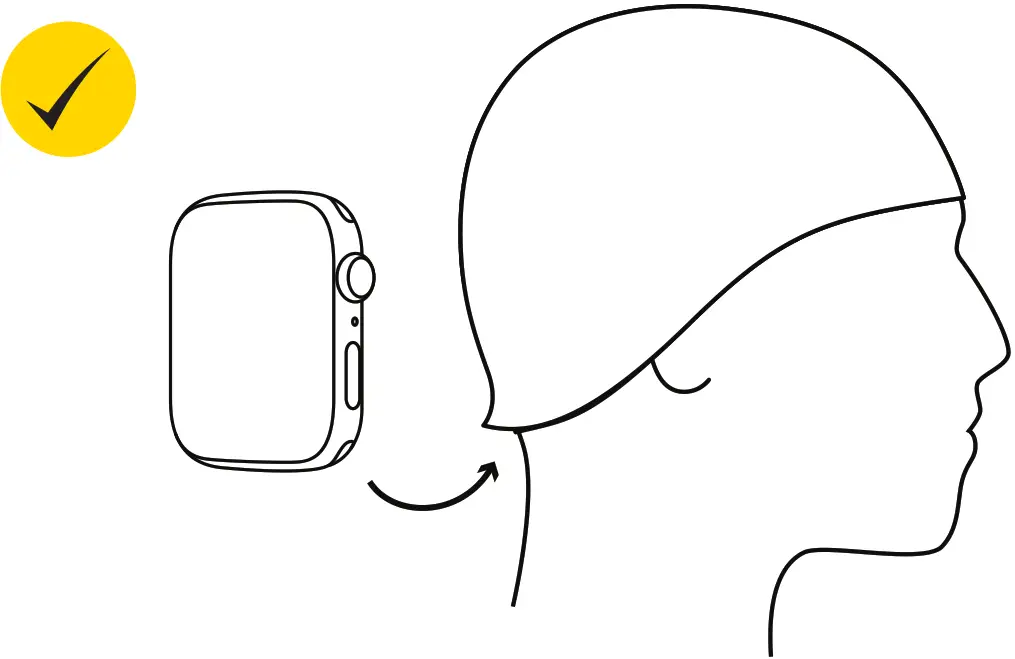
Do not wear your smartwatch on your wrist. The Elluetooth° connection cannot travel that far through the water. 
CARE INSTRUCTIONS
After each use:
- Rinse device in cool fresh water
- Pat dry
- Store in a cool, dry environment
- Do not leave the device in direct sunlight or in a hot car as this may cause damage
Charging:
- Make sure the device is completely dry before charging
ENJOY THE MAGIC OF SWIMMING WITH ENTERTAINMENT
Bliss out underwater
Rock to your favorite playlist Drift away into a podcast or audiobook

FINISswim.com//@FINISswim