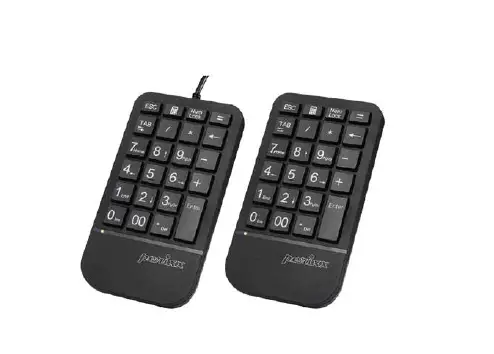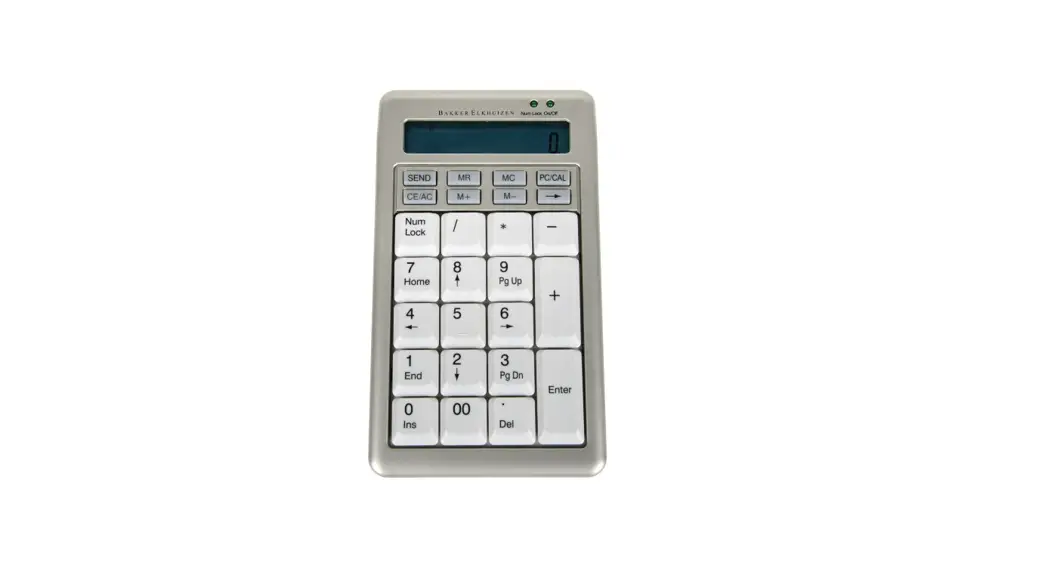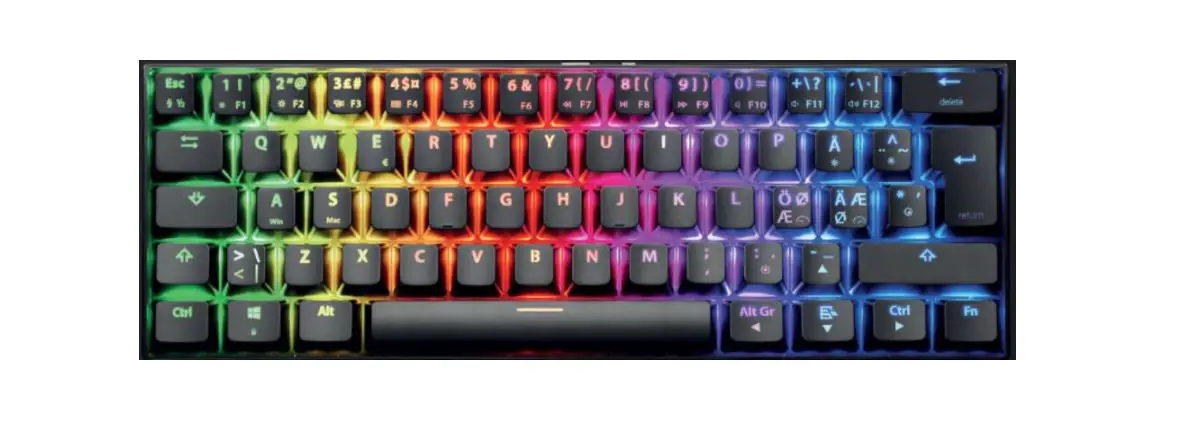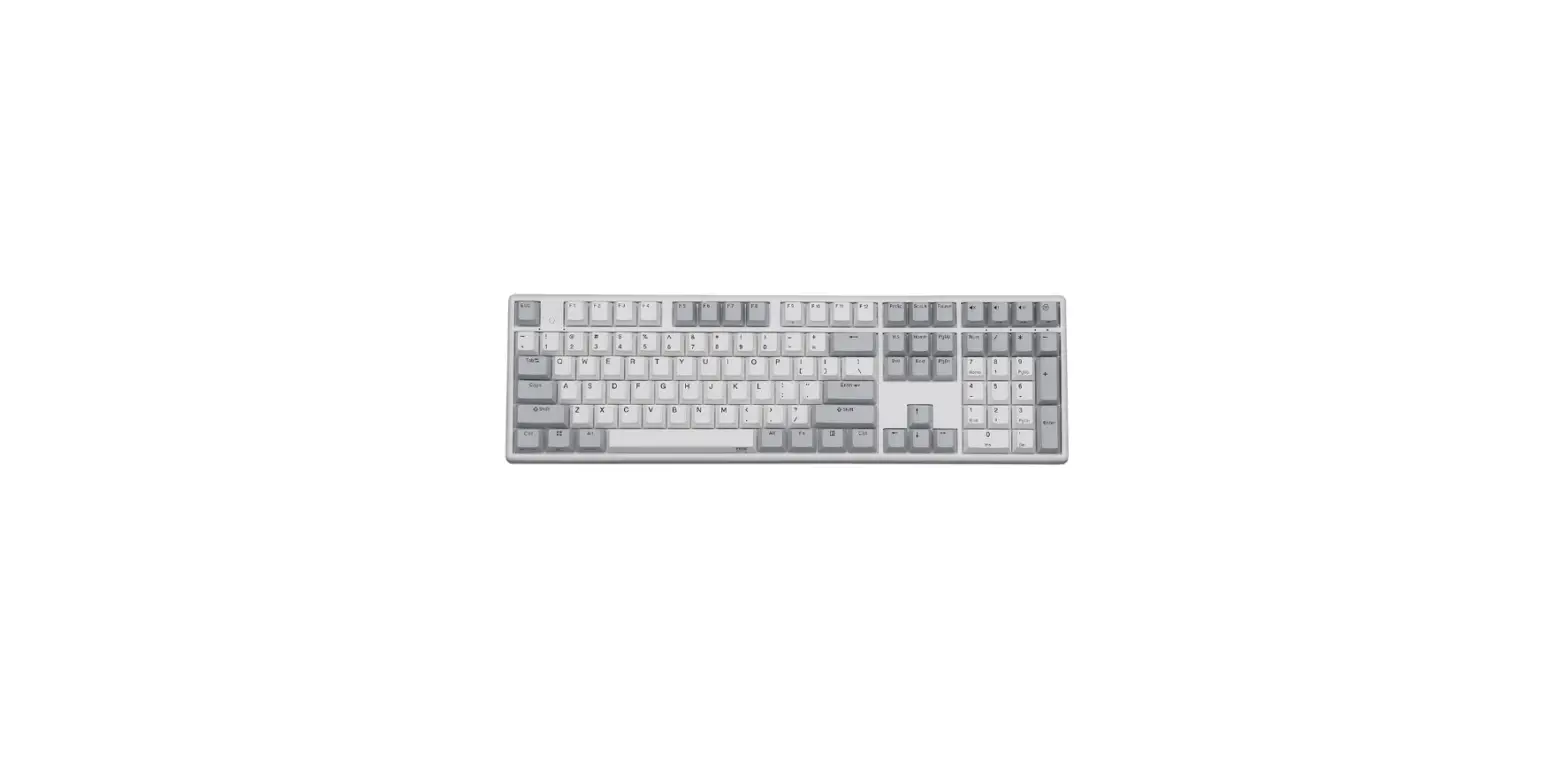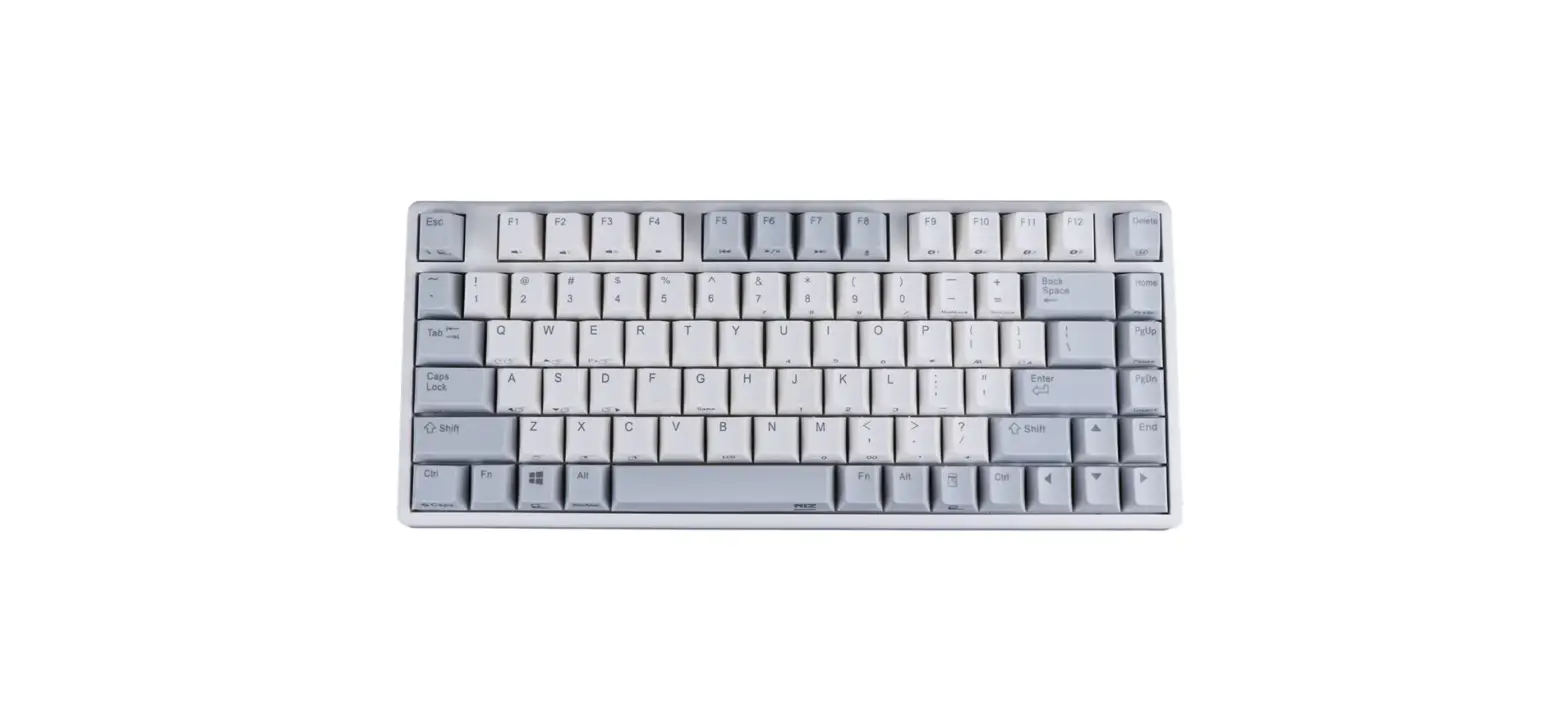
 NumPad 110
Multi-language quick guide
User Guide
Hardware installation:
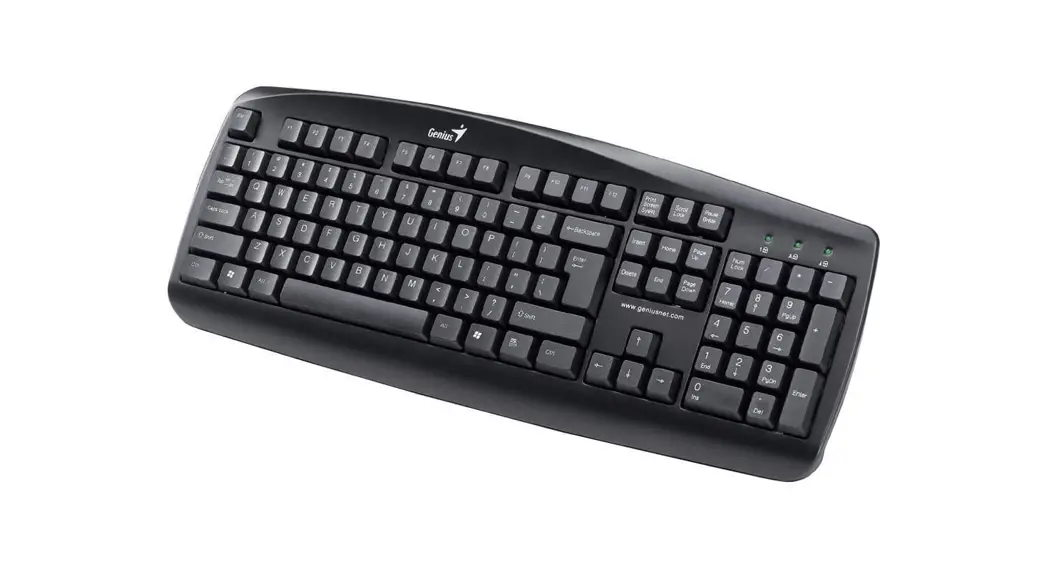
Plug the USB keyboard into your PC or Notebook (USB port).
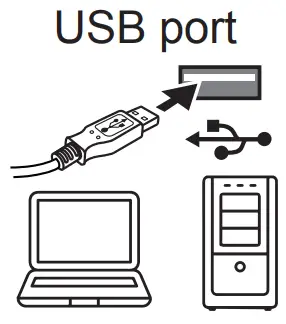
NumPad 110 Numerical Keyboard
The symbol for Separate Collection in European Countries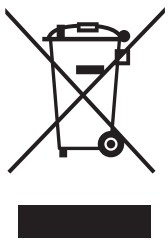 This symbol indicates that this product is to be collected separately.
The following applies only to users in European countries:
- This product is designated for a separate collection at an appropriate collection point.
Do not dispose of as household waste. - For more information, contact the retailer or the local authorities in charge of waste management.
Product storage conditions: Temperature: -20°C~ 50°C/ Humidity: 5%~ 85%