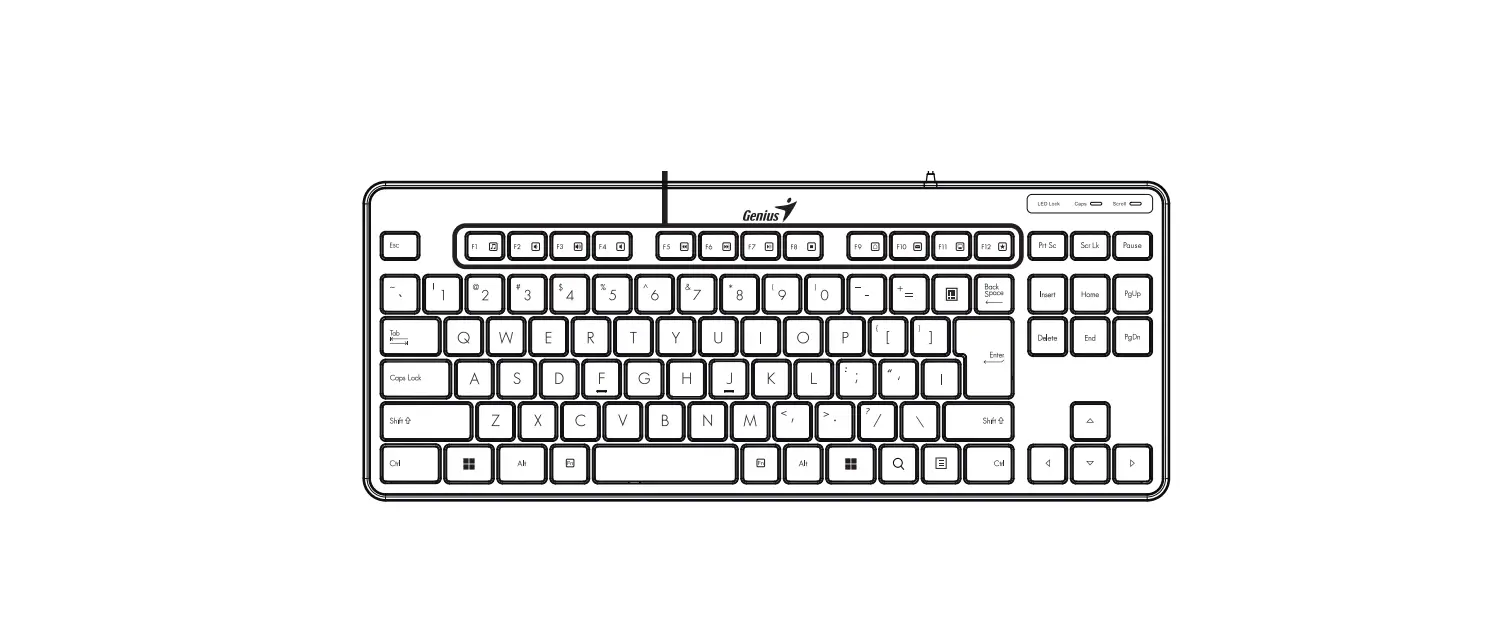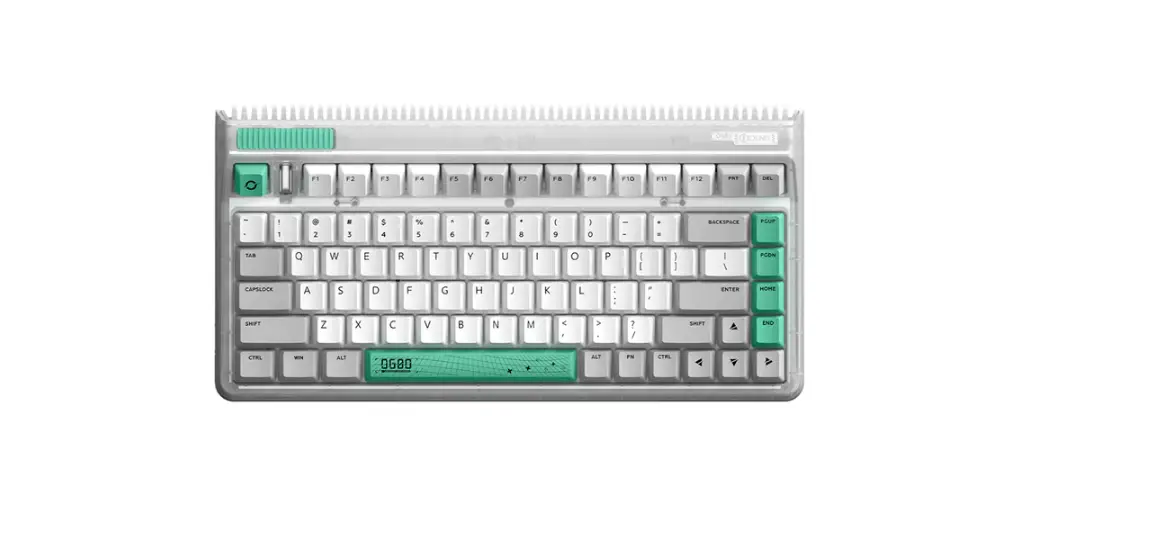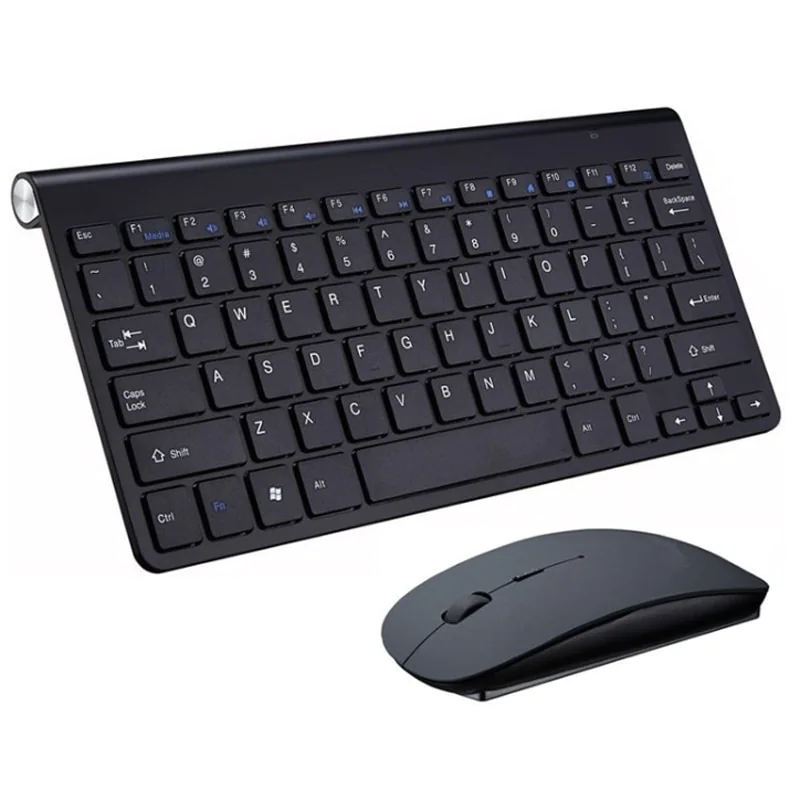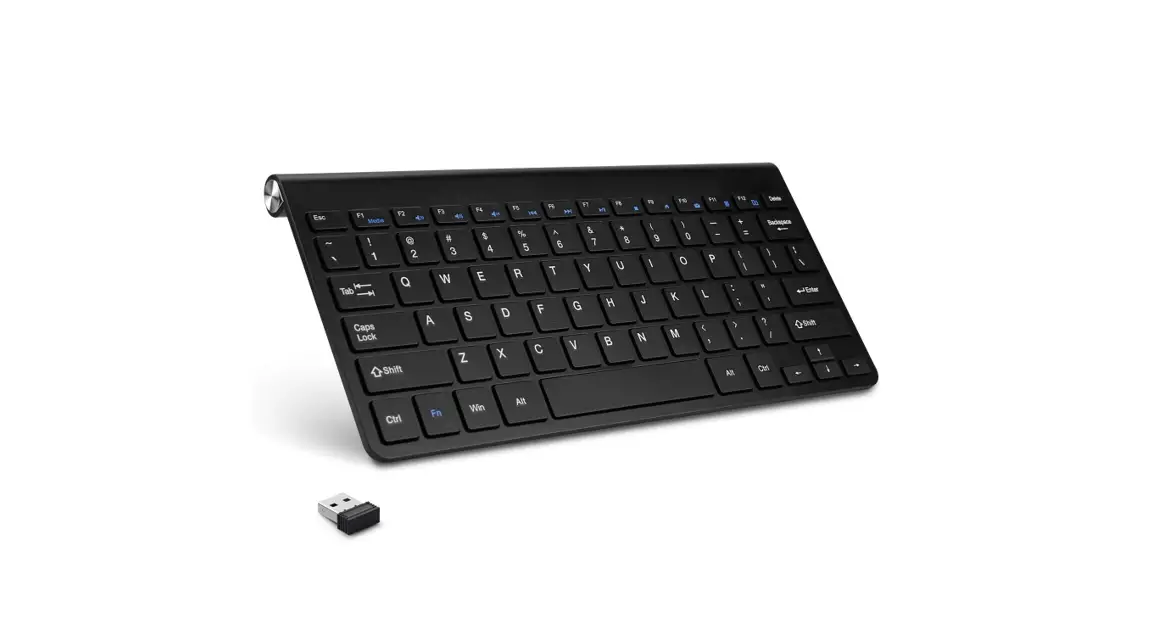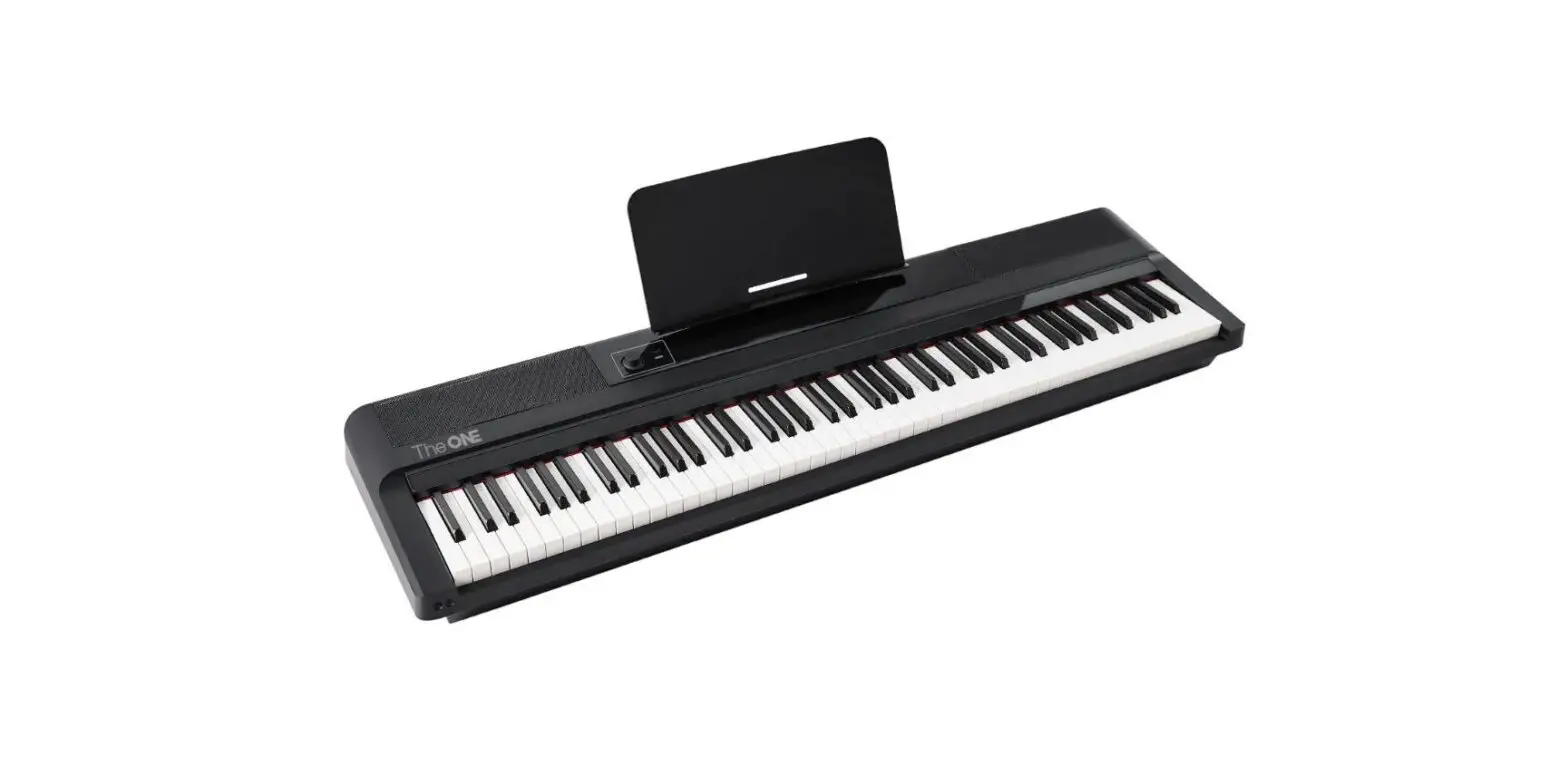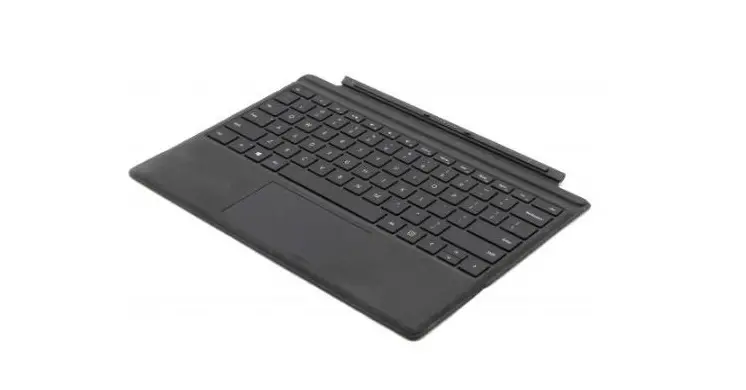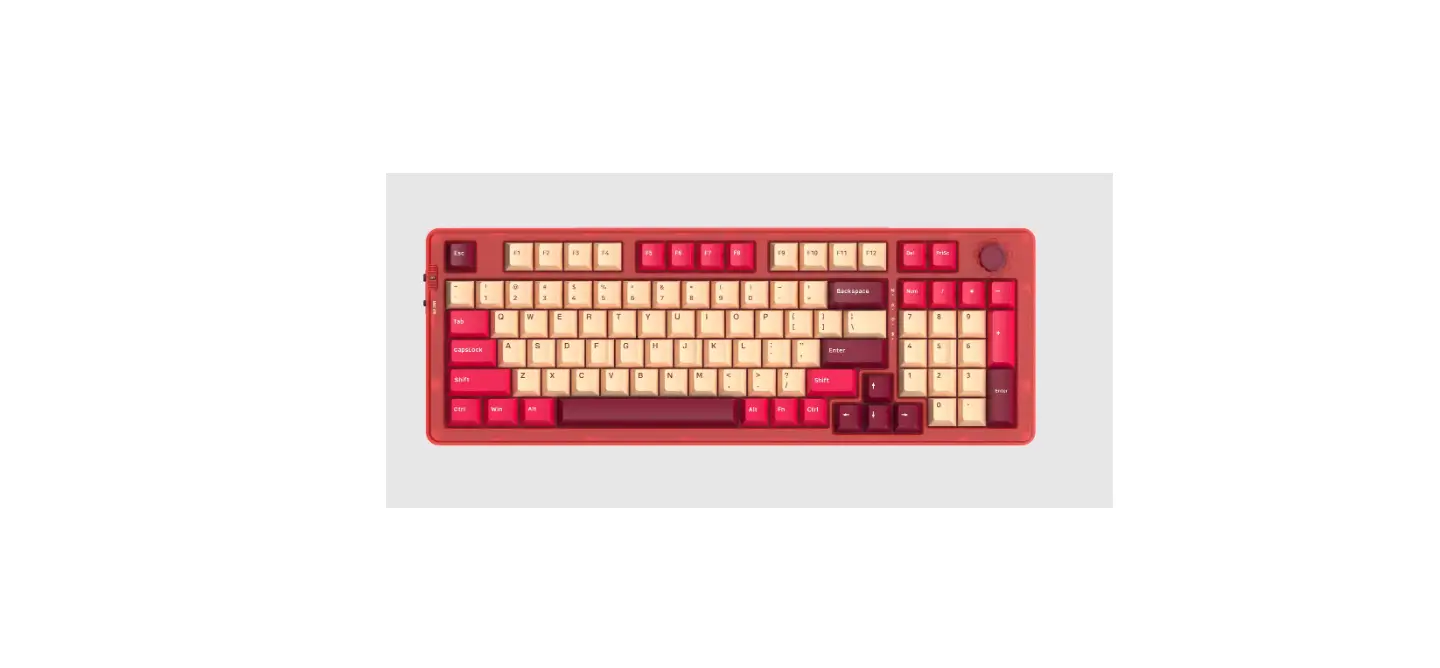
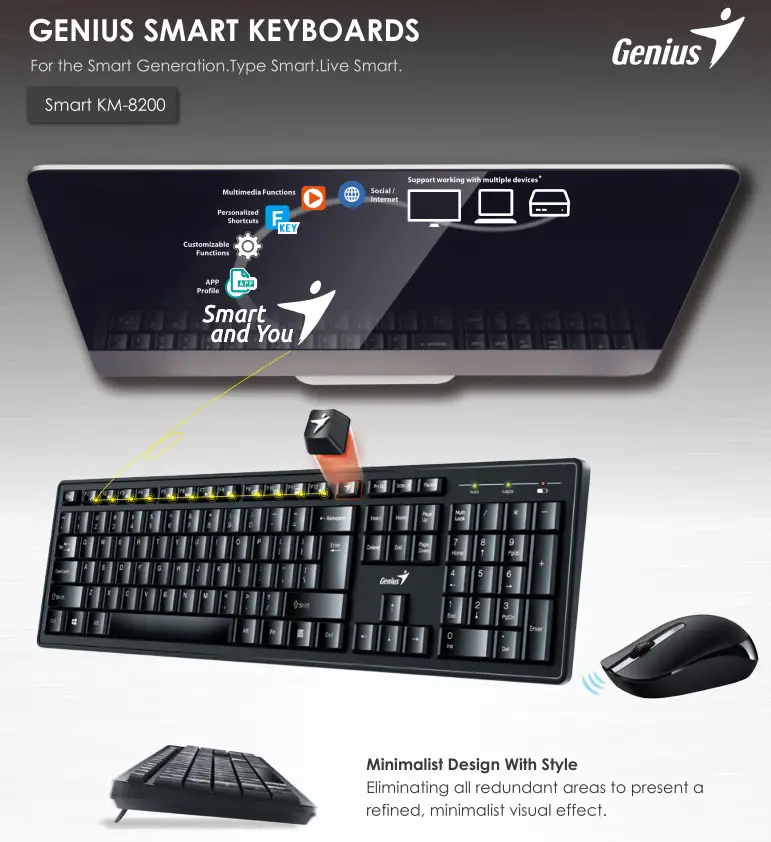
GENIUS Smart Keyboards Instructions
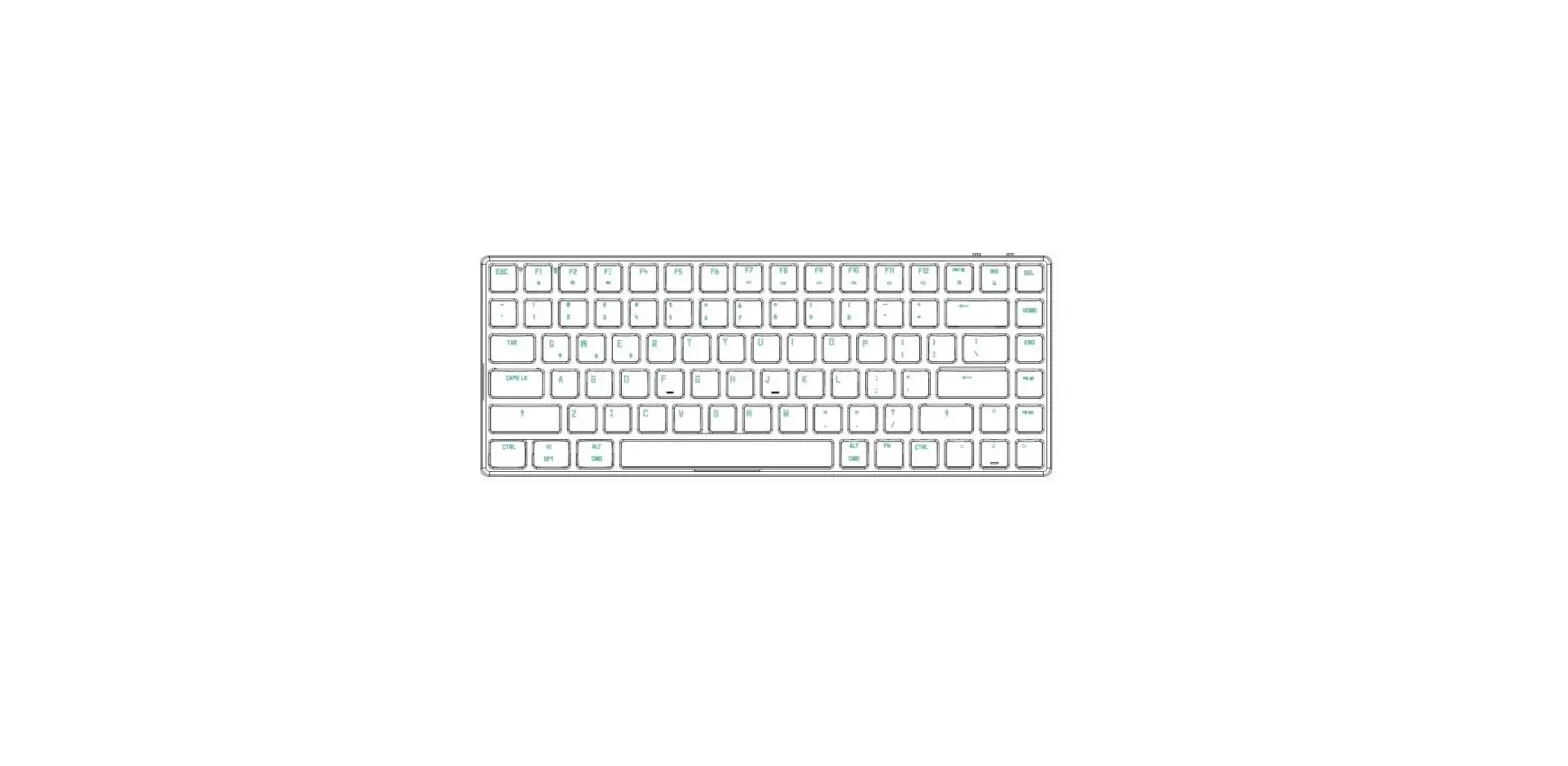
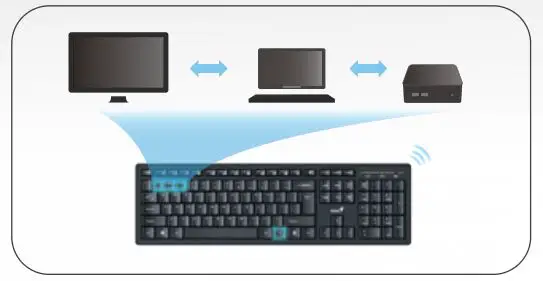 KEYBOARD CAN SWITCH TO WORK with MULTIPLE DEVICES*
– up to 3 devices is supported
Ctrl+Alt+[Num] to pair device*
Fn+[Num] to connect to device*
Remark:
* Multiple devices support only applies to keyboard. Please check website for latest multi-device pairing and connect instructions.
* This product comes with single wireless receiver. For multiple devices support, additional purchase of wireless receiver is required.
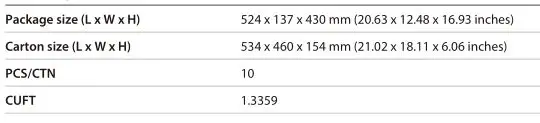
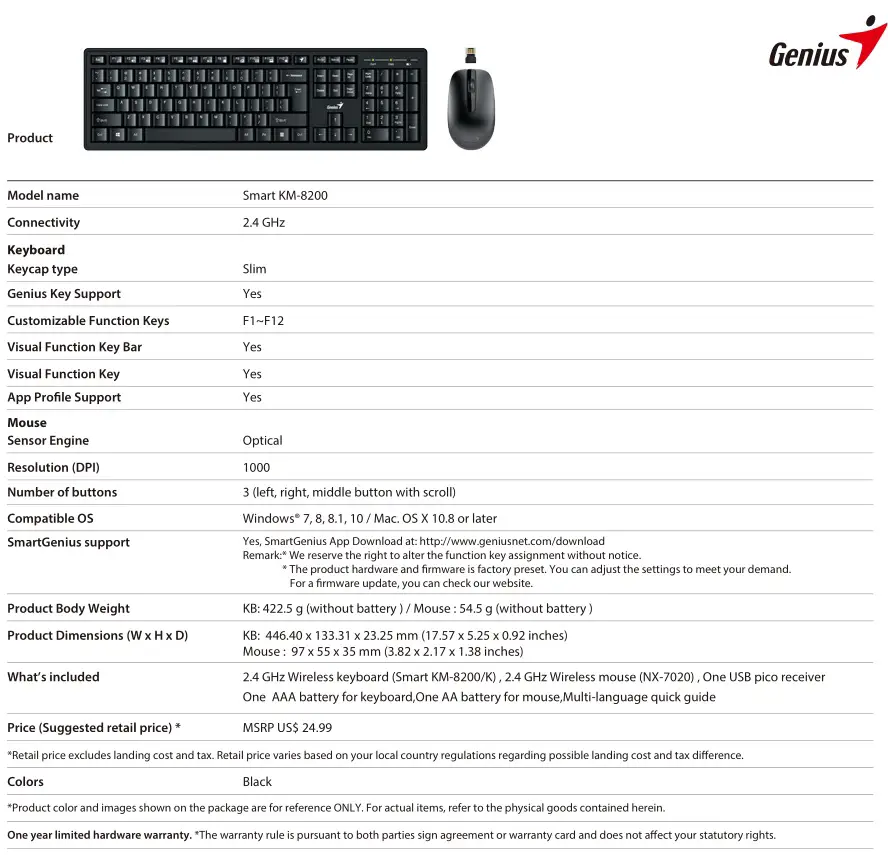 Shipping information
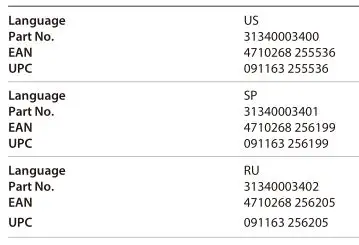
Part number & bar code information
 |
| #492, Sec. 5, Chongxin Rd., Sanchong Dist., New Taipei City 24160, Taiwan
Tel: +886-2-2995-6645
Fax: +886-2-2995-6649
Genius is a registered trademark of KYE Systems Corp. All other products, brands or companies mentioned are trademarks or registered trademarks of their respective companies. Specifications are subject to change without prior notice.
Designed in Taiwan | Made in China
 Genius US Website – Genius designs personal peripheral devices with a target to provide a better experience in everyone's lives. Visit Genius to find your devices with high quality, easy usage and effective cost.