Heng
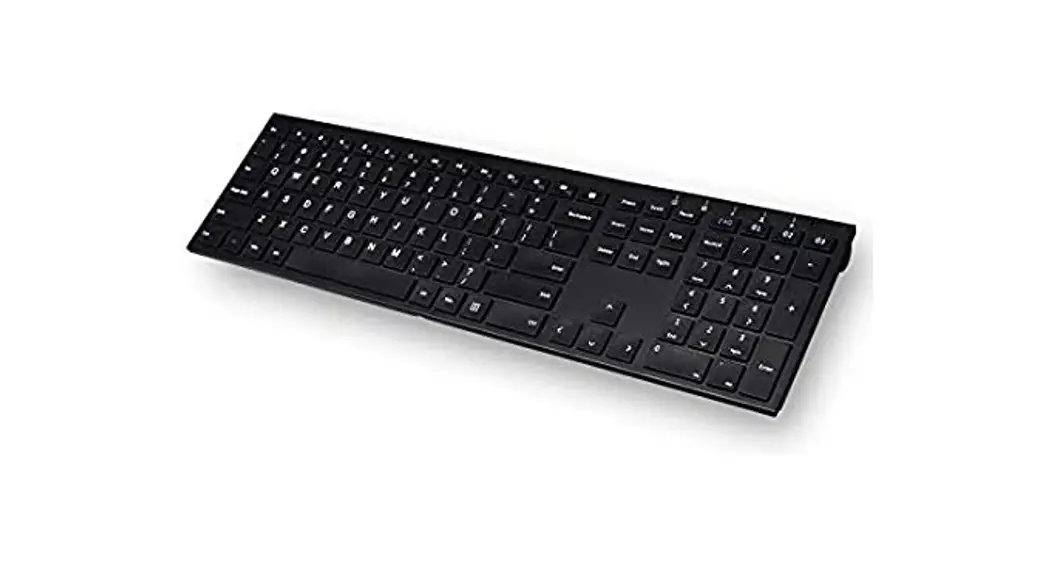
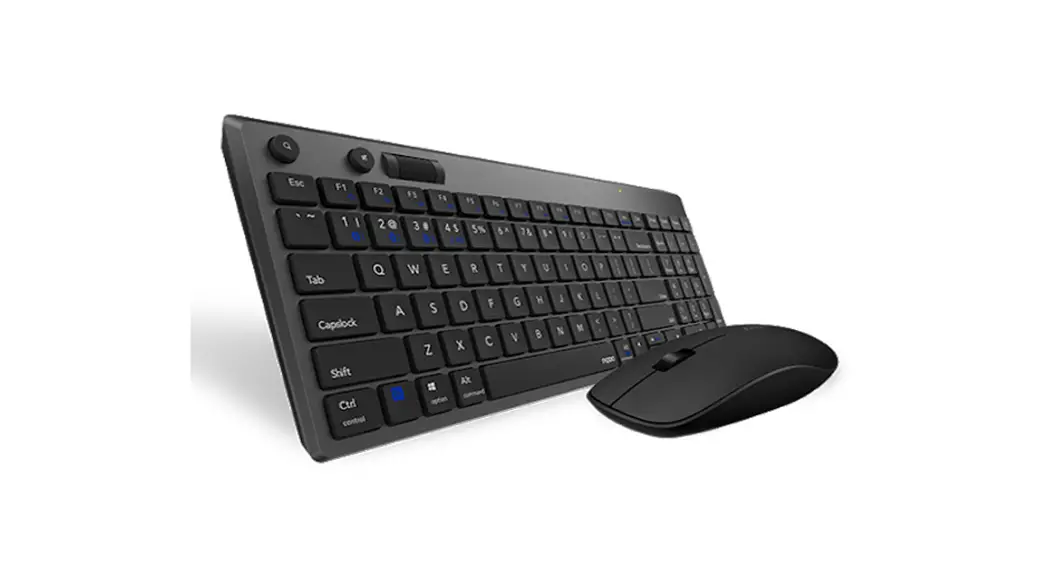
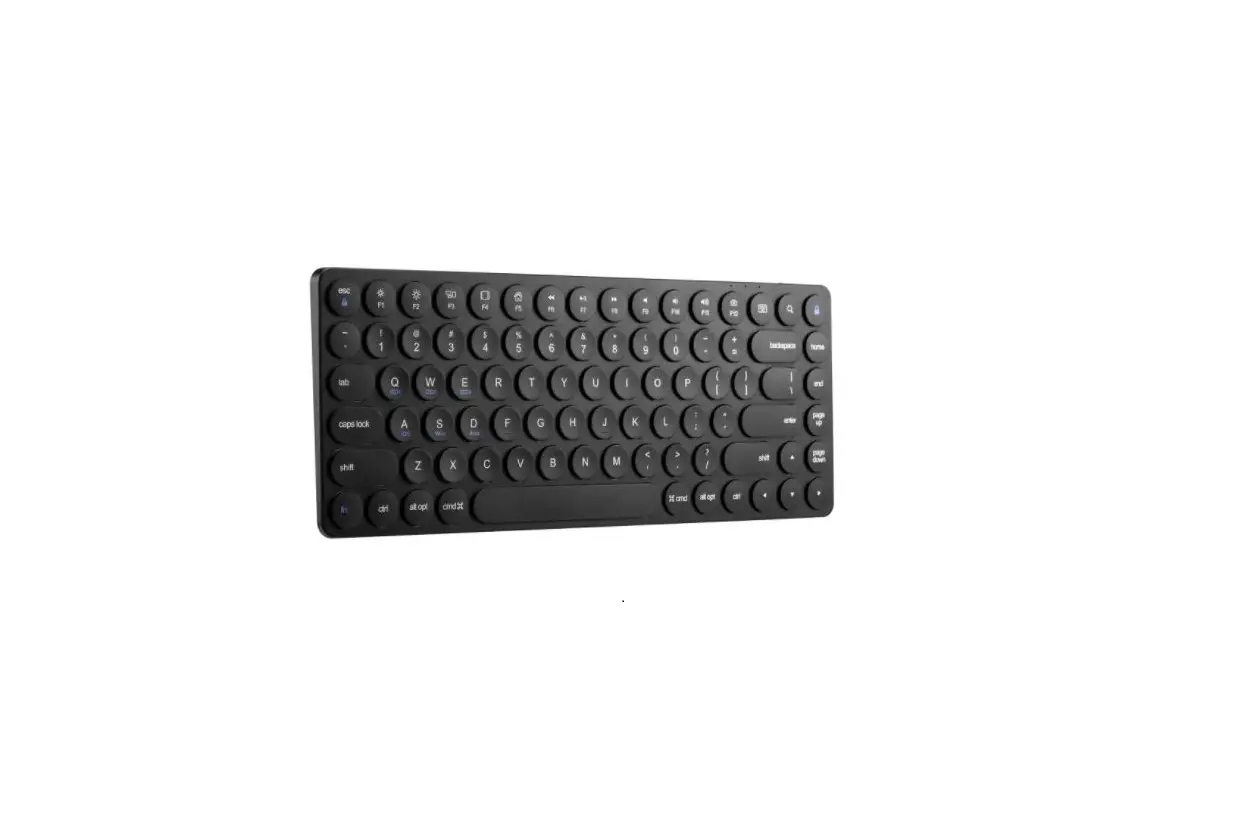
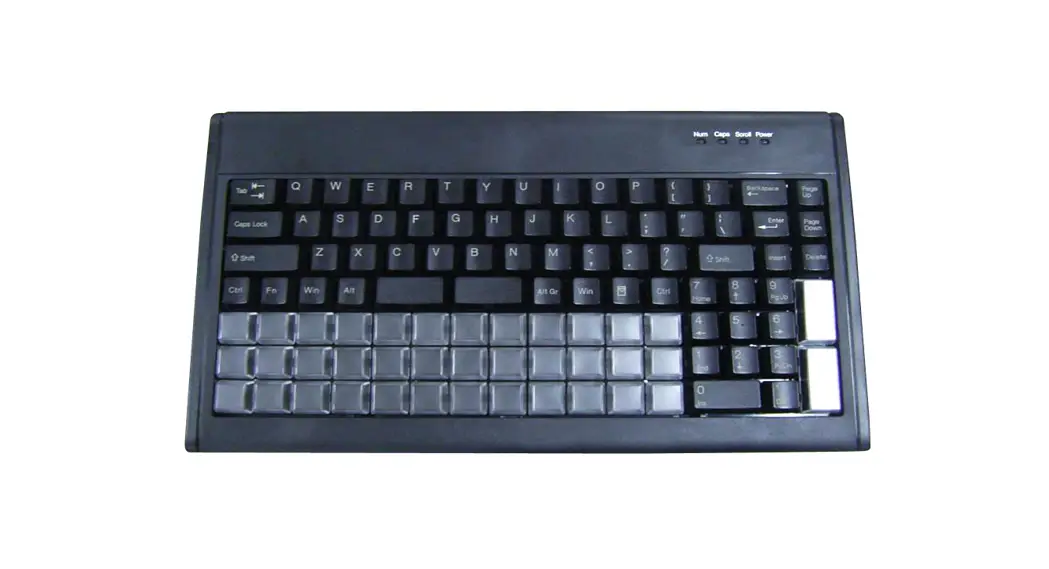
Yu CKW RF Keyboard
Instructions
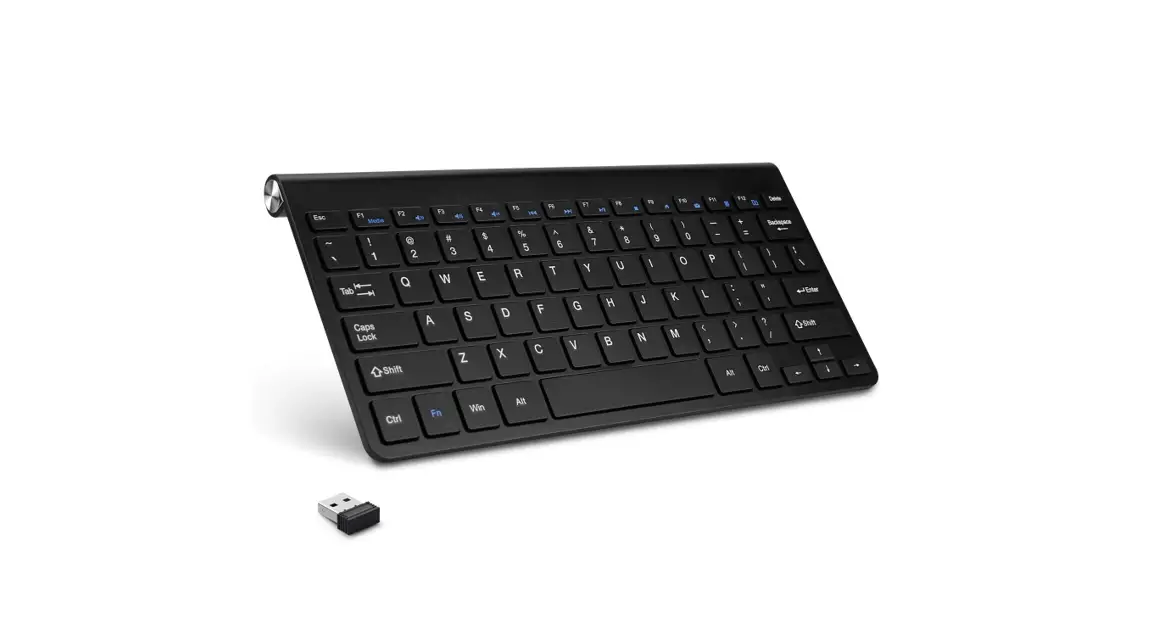
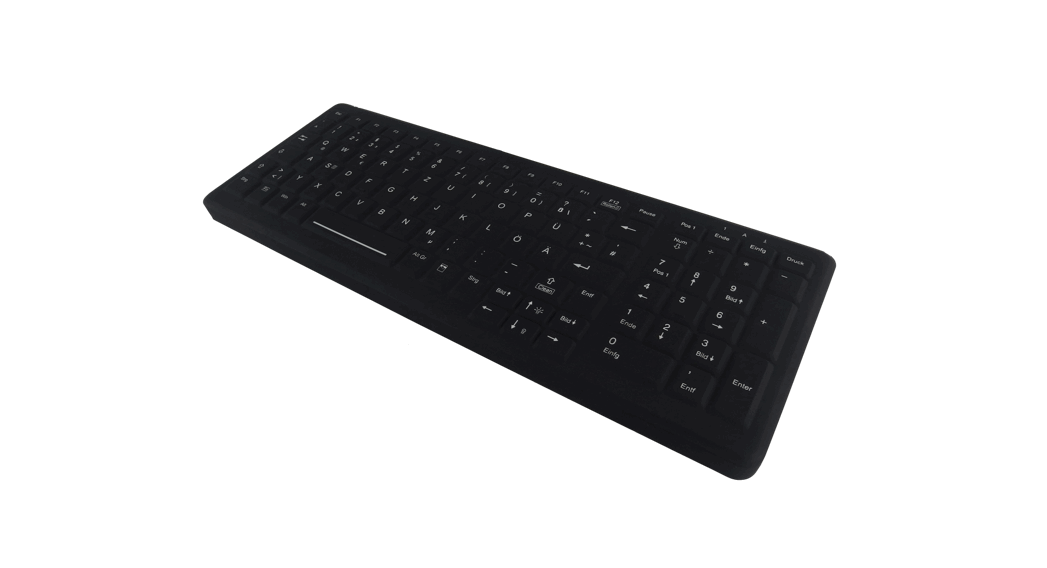
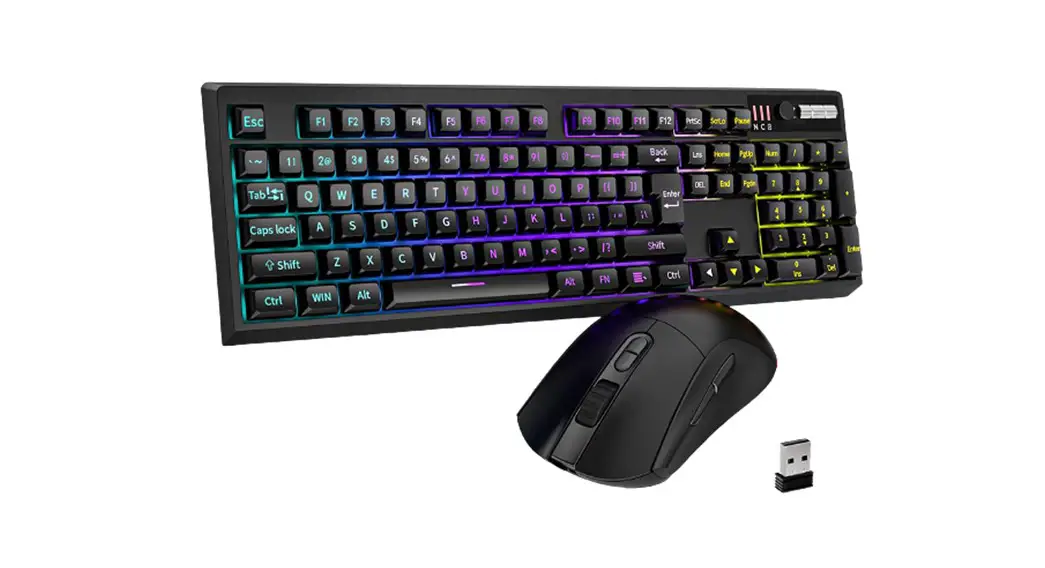
The CKW has been paired to the provided dongle, it is ready to use; below instruction is only for users who may want to pair the dongle again:
- Plug the RF dongle into the target PC.
- Place the CKW close to the dongle, within 20cm.
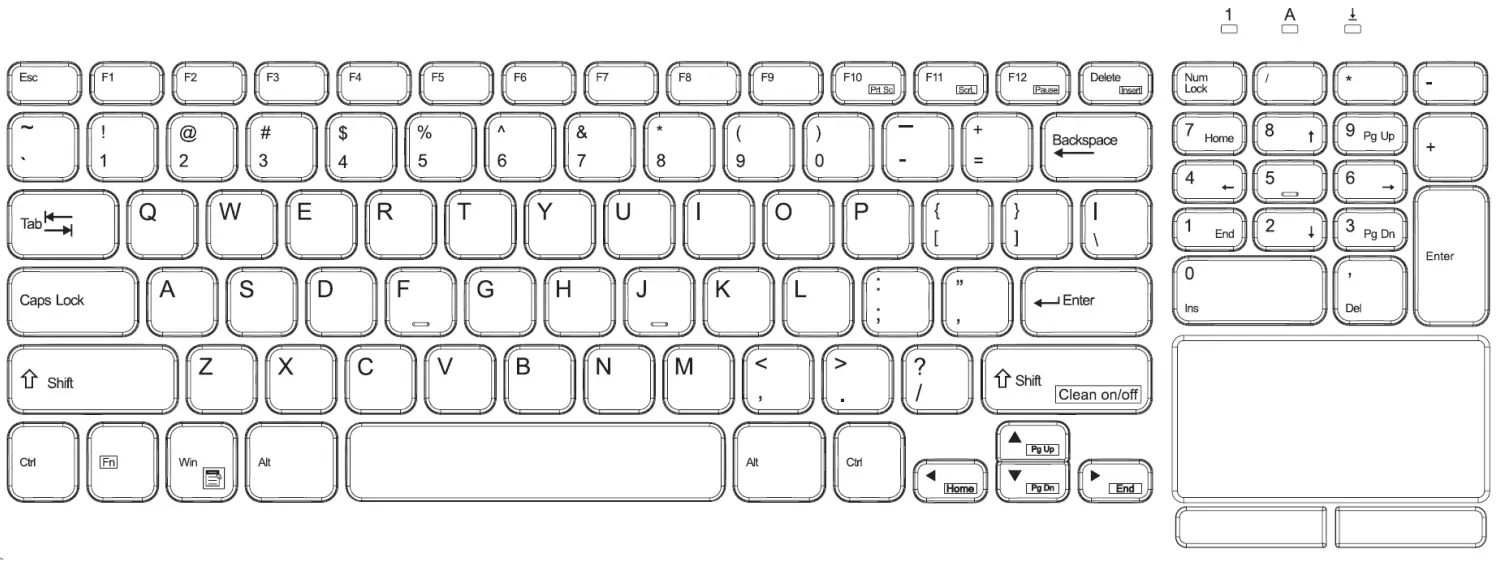
- Now you can get the CKW ready by pressing “Fn+ESC” to switch the CKW into pairing mode.
- The LED will keep flashing until the pairing process is complete; when LED stops flashing, the keyboard is ready to use.
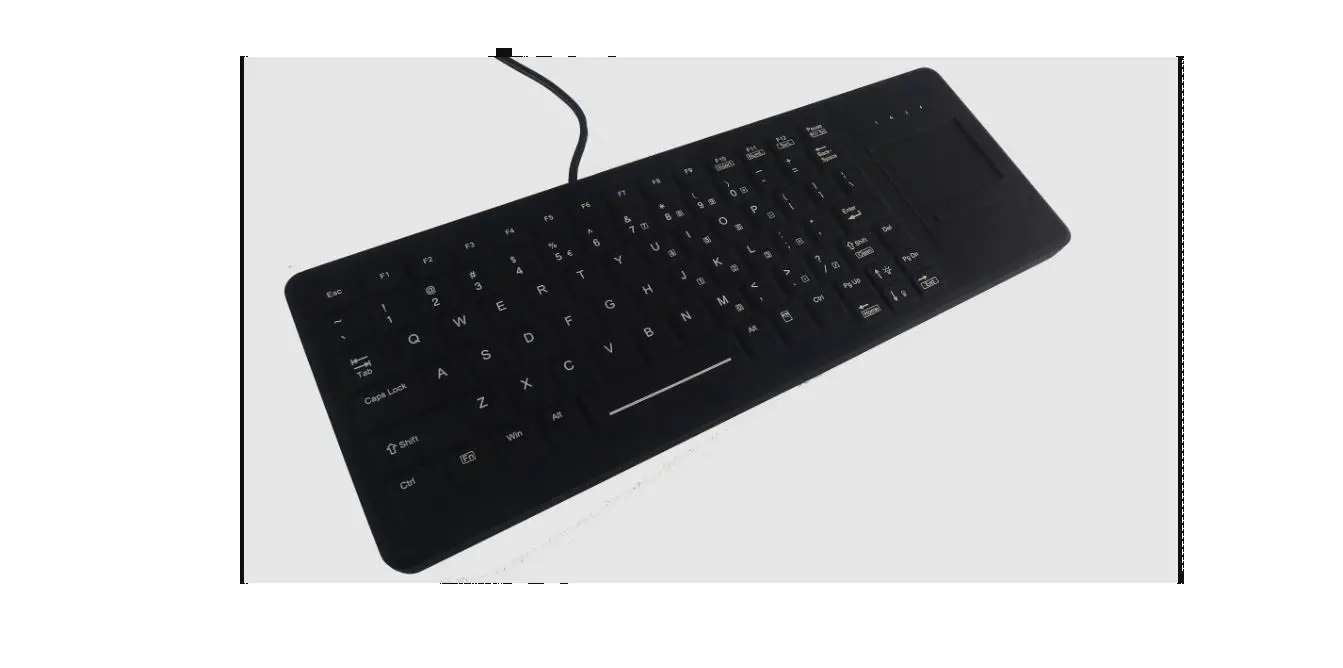
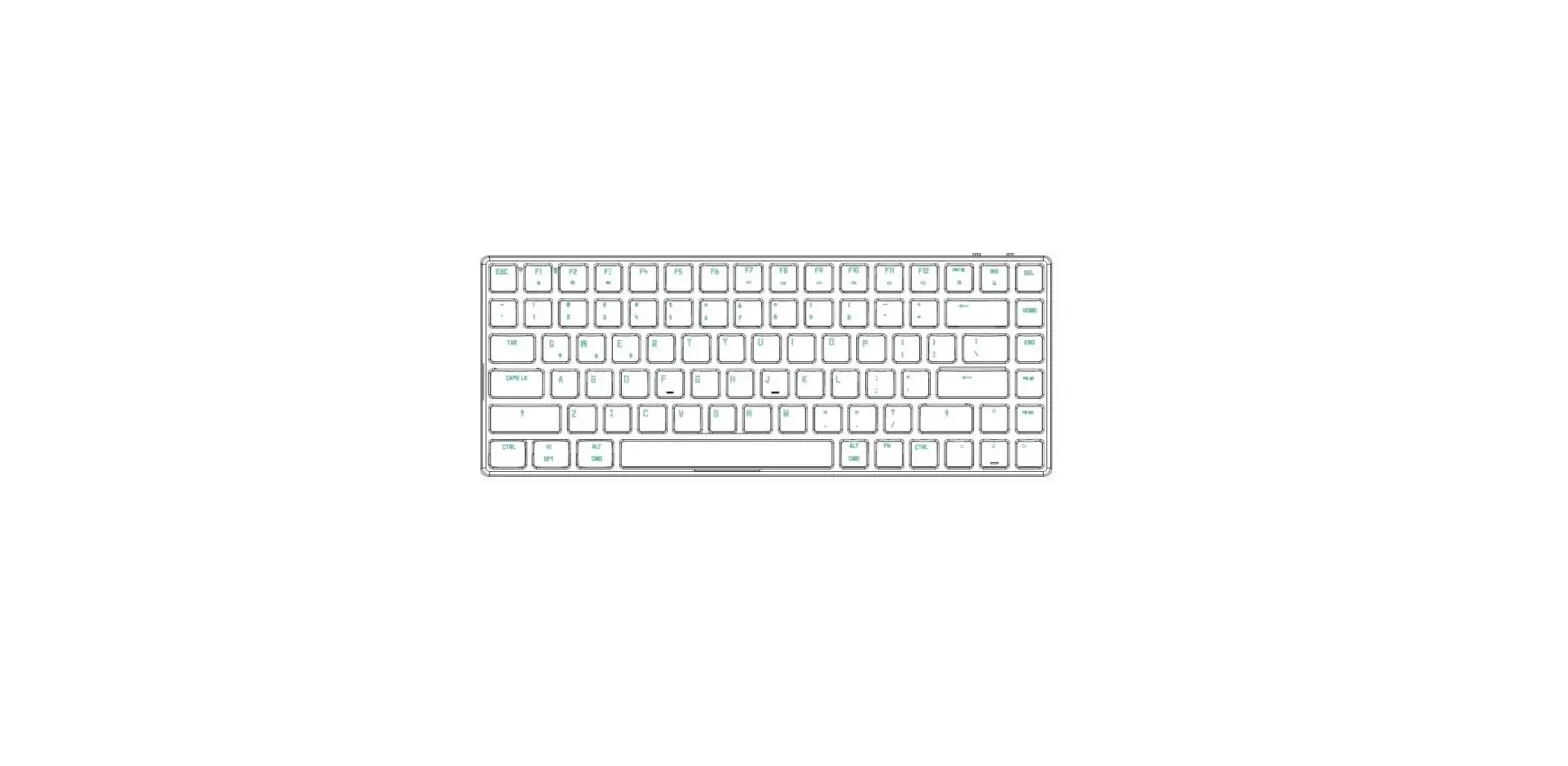
Special function keys on CKW - Fn + ESC = Pair
- Fn + WIN = App
- Fn + F10 = Print screen
- Fn + F11 = Scroll Lock
- Fn + F12 = Pause
- Fn + Delete = Insert
- Fn + Right Shift = Disabling the typing function for keyboard cleaning, press Fn + Right Shift again to unlock
- Fn + Up arrow = Page up
- Fn + down arrow = Page down
- Fn + left arrow = Home
- Fn + right arrow = End
Charging the CKW
- Using the provided USB cable and connecting the CKW to a USB2.0 port, the keyboard will be charged immediately, 5 hours is recommended for fully charging the CKW
- During charging, if the CKW is connecting to a PC USB port via a USB cable, the CKW will be working as an HID keyboard.

NOTE: This equipment has been tested and found to comply with the limits for a Class B digital device, pursuant to part 15 of the FCC Rules. These limits are designed to provide reasonable protection against harmful interference in a residential installation. This equipment generates uses and can radiate radio frequency energy and, if not installed and used in accordance with the instructions, may cause harmful interference to radio communications. However, there is no guarantee that interference will not occur in a particular installation. If this equipment does cause harmful interference to radio or television reception, which can be determined by turning the equipment off and on, the user is encouraged to try to correct the interference by one or more of the following measures:
- Reorient or relocate the receiving antenna.
- Increase the separation between the equipment and receiver.
- Connect the equipment into an outlet on a circuit different from that to which the receiver is connected.
- Consult the dealer or an experienced radio/TV technician for help
Changes or modifications not expressly approved by the party responsible for compliance could void the user’s authority to operate the equipment.
This device complies with Part 15 of the FCC Rules. Operation is subject to the following two conditions: (1) this device may not cause harmful interference, and (2) this device must accept any interference received, including interference that may cause undesired operation.