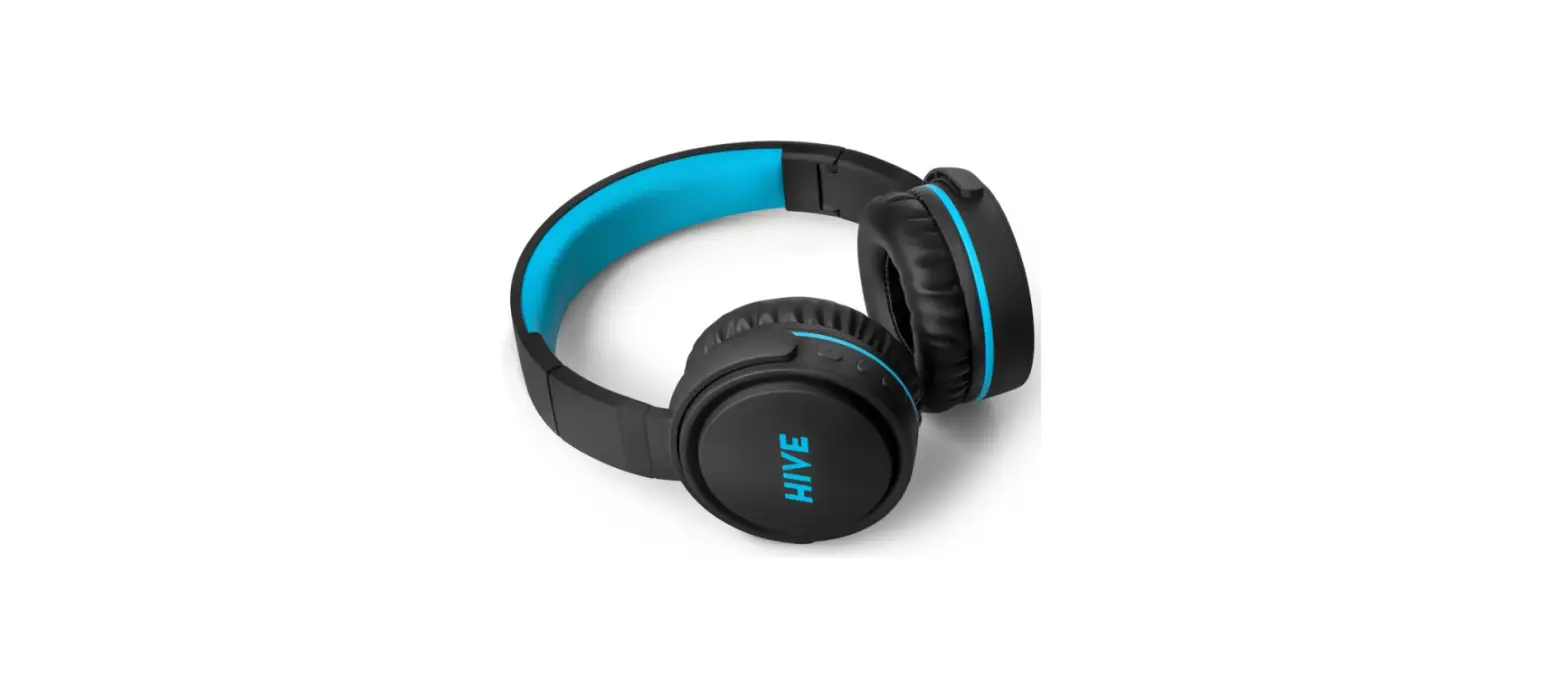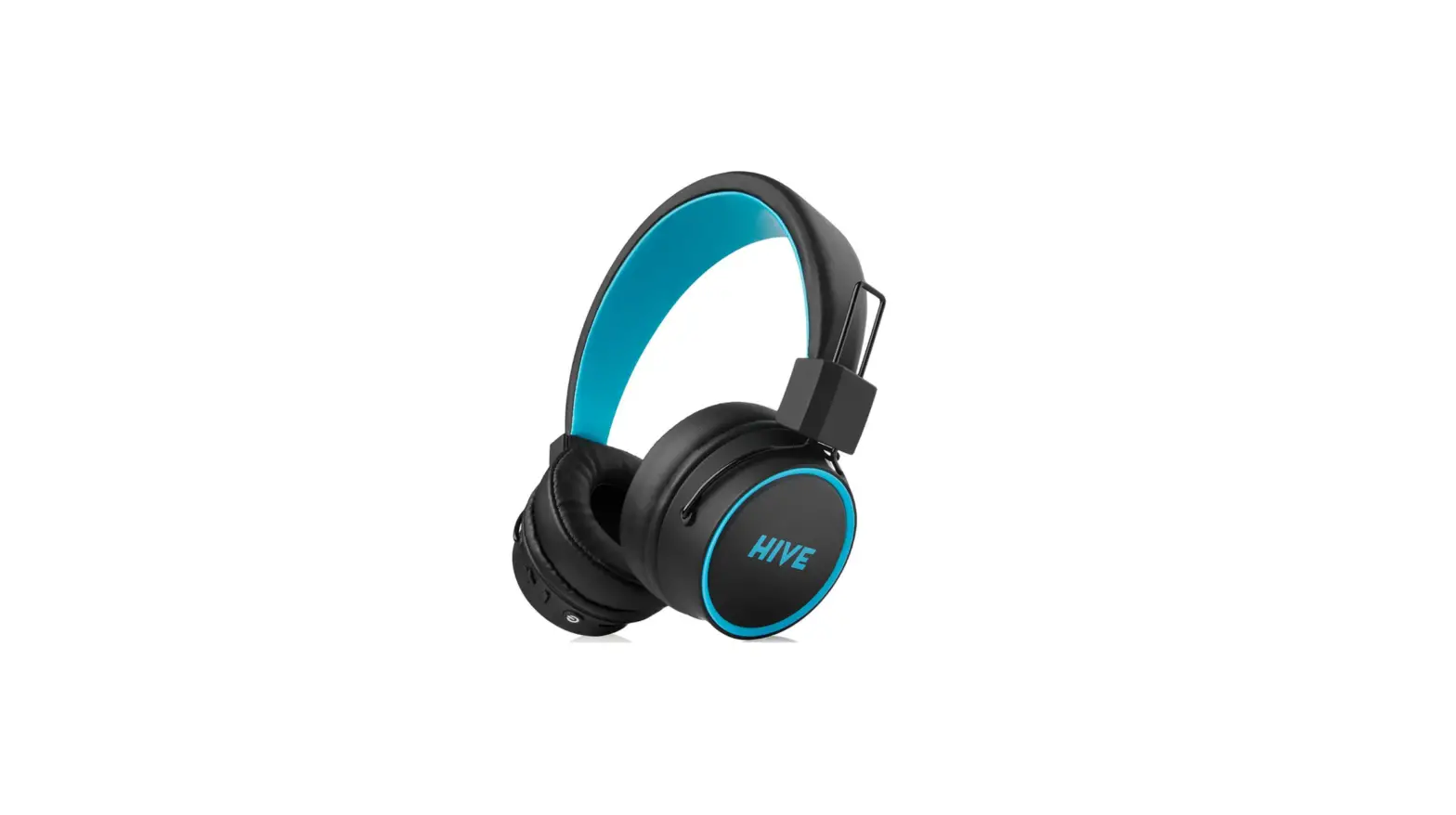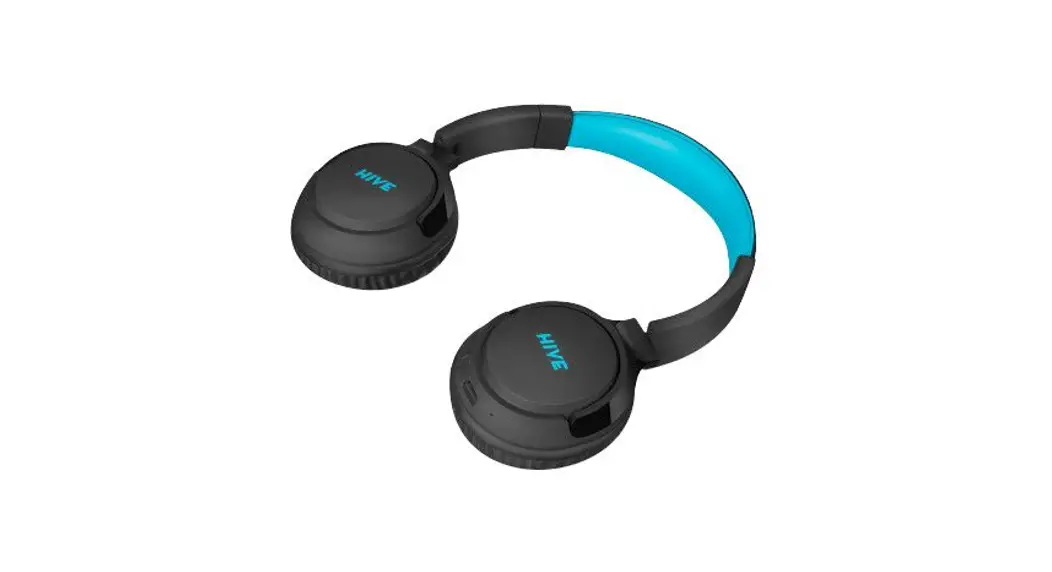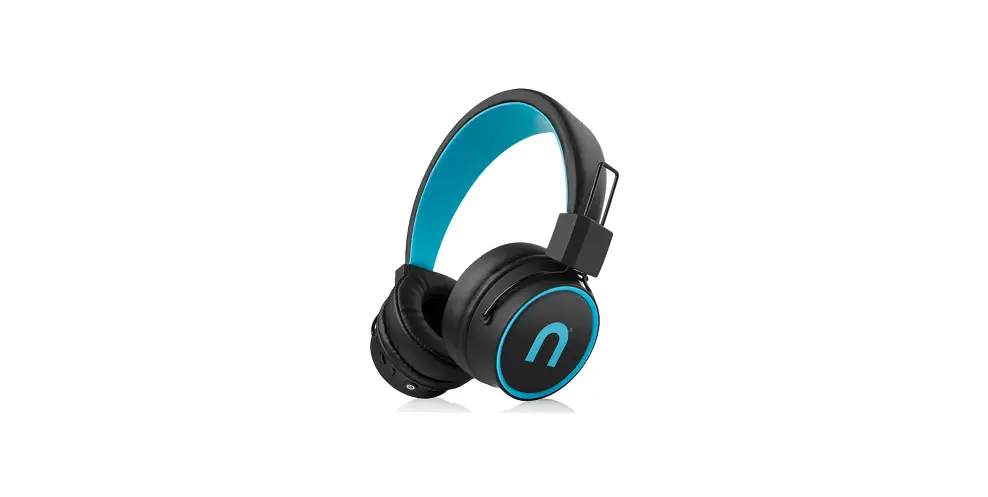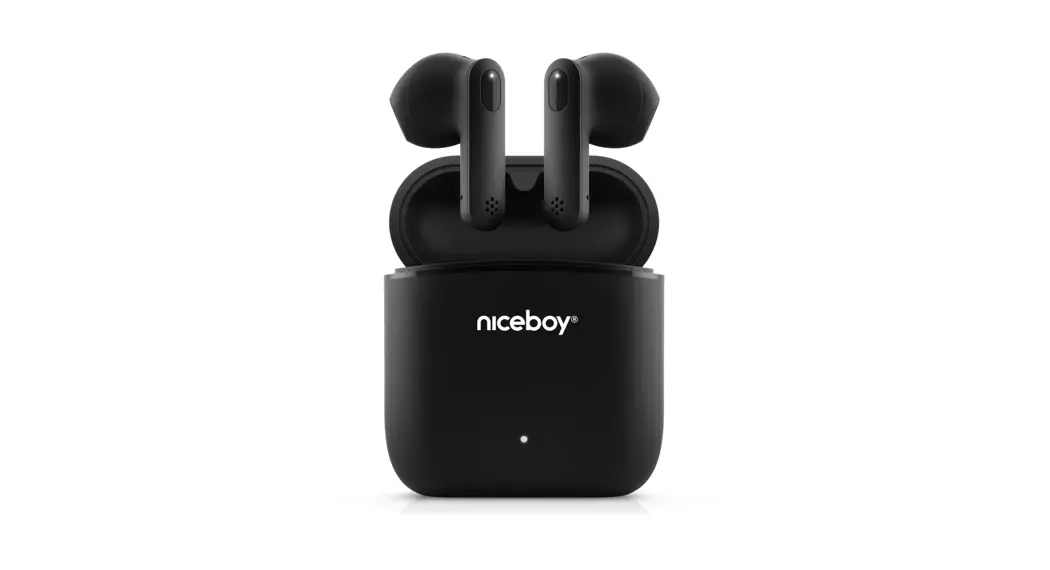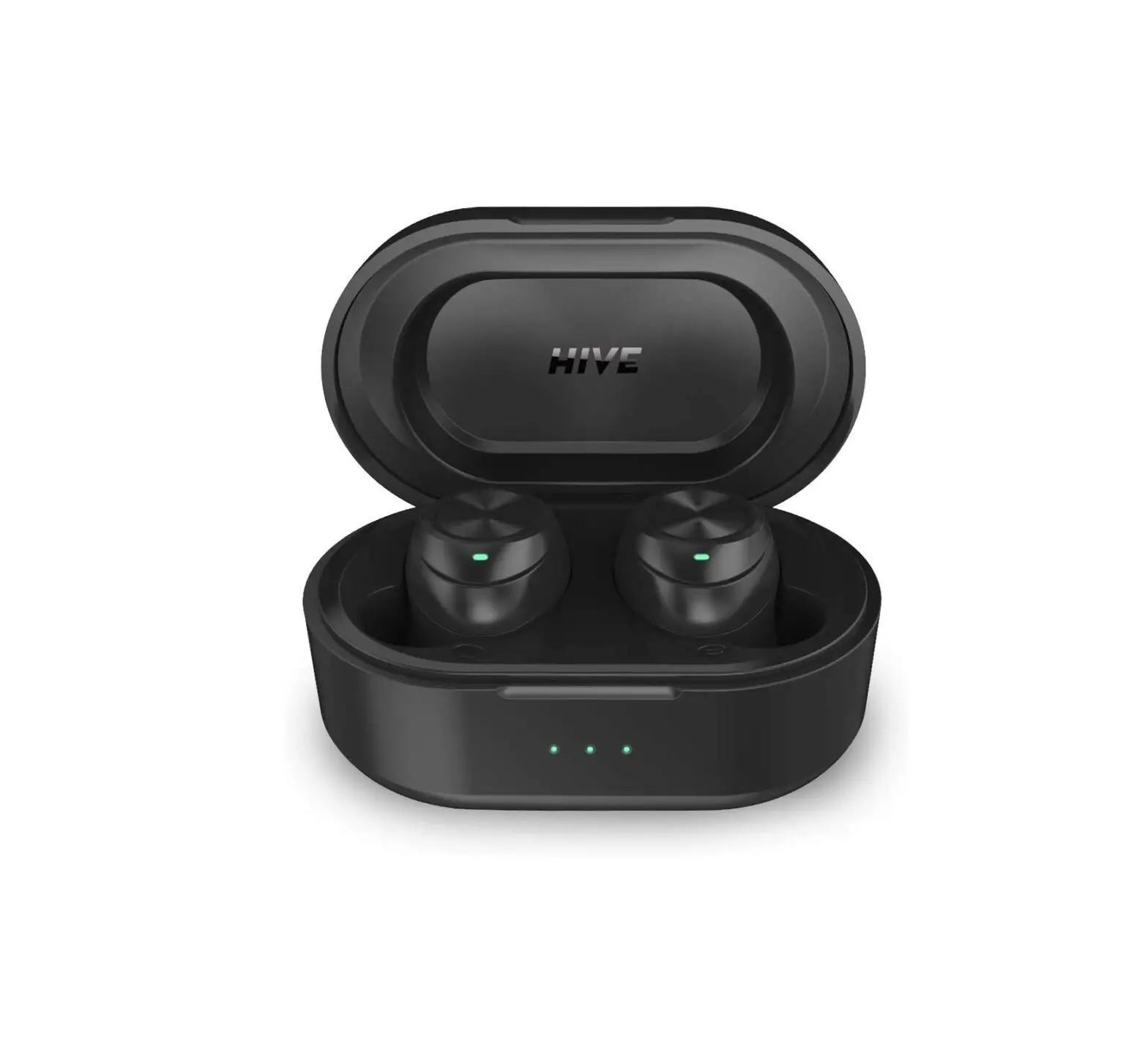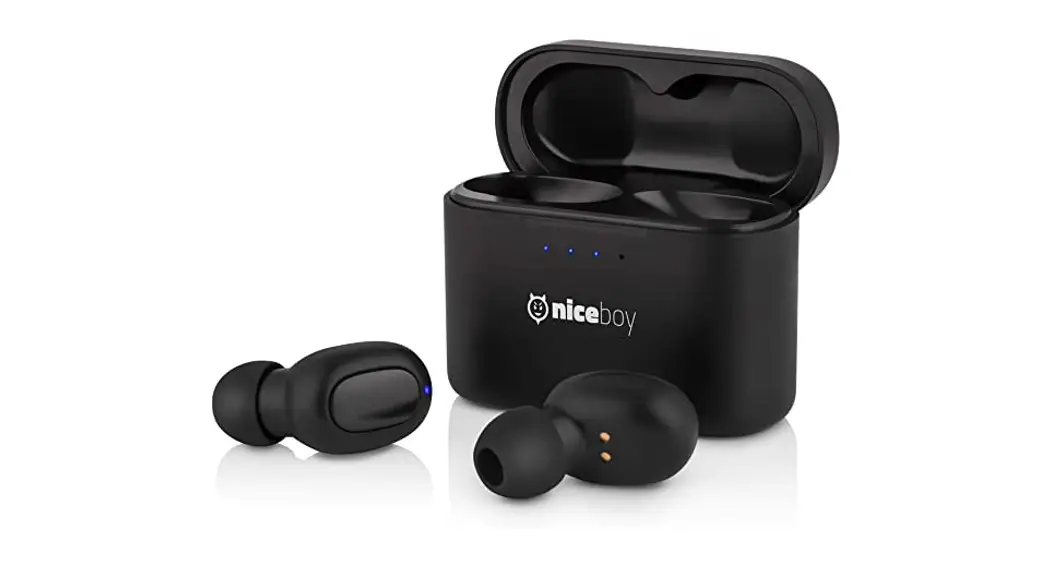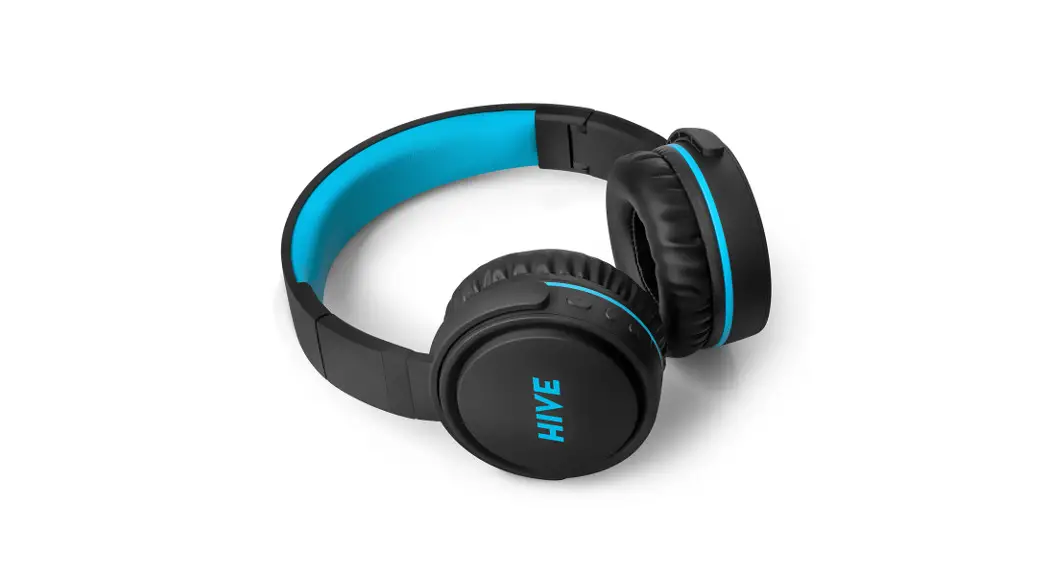
 HIVE XL
User Manual / Bluetooth Headphones
1. WELCOME
Thank you for purchasing the wireless stereo headset.
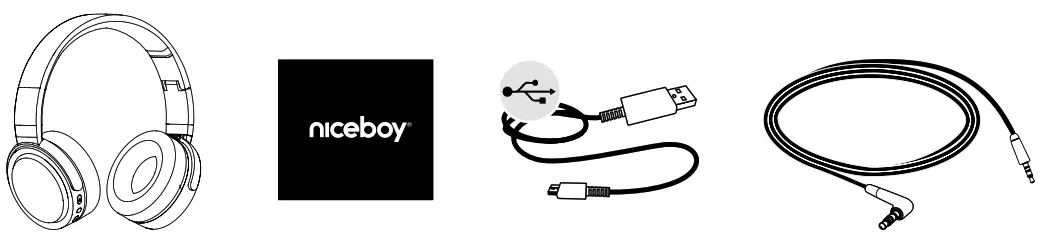
PACKAGE CONTENTS
SPECIFICATIONS
Bluetooth profiles supported: A2DP, AVRCP, HFP
Frequency: 2.4 GHz – 2.4835 GHz
Communication range: up to 10 m
Frequency response: 20 Hz – 20 kHz
Sensitivity: 102±3dB
Lithium Battery Capacity: 500mAh
Speaker: 40 mm
OVERVIEW
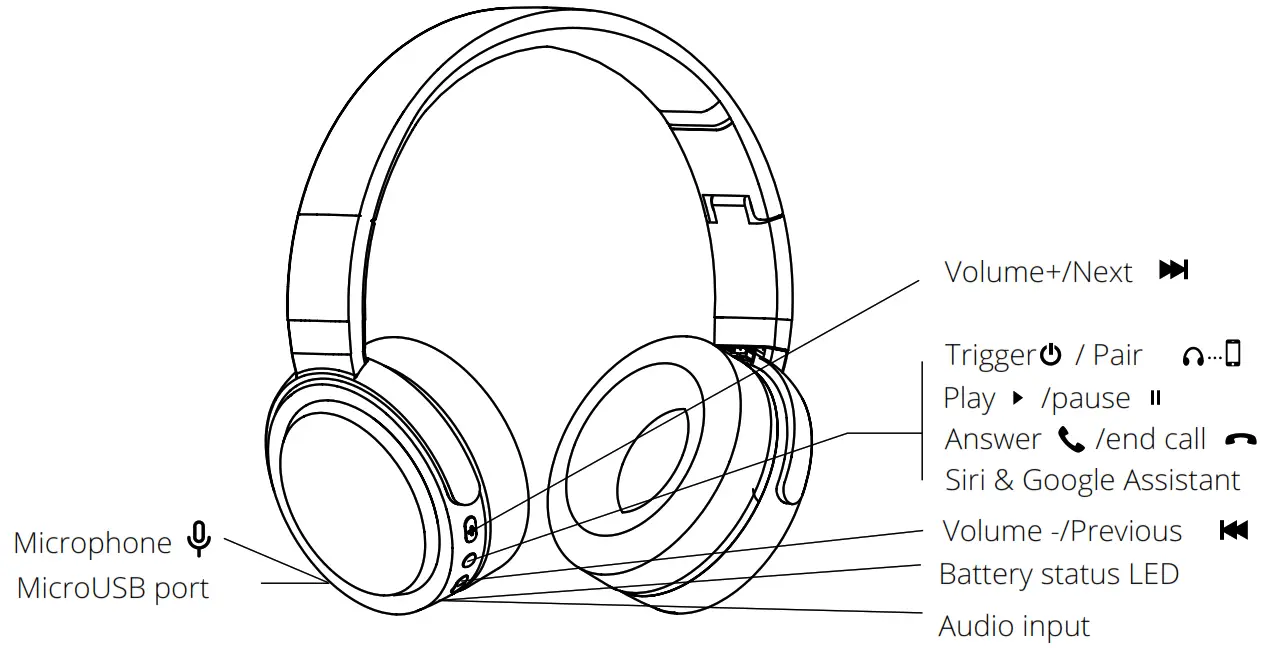
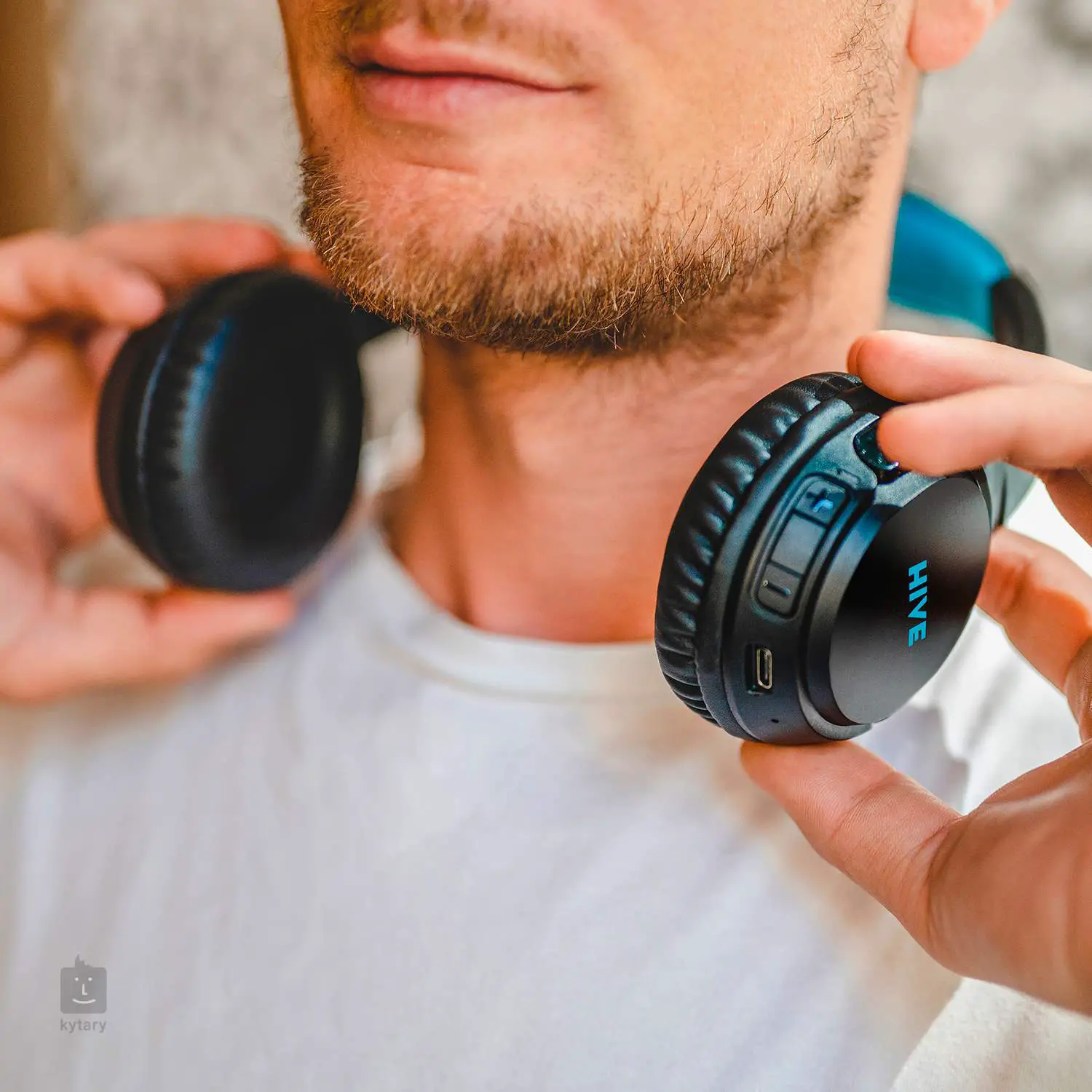
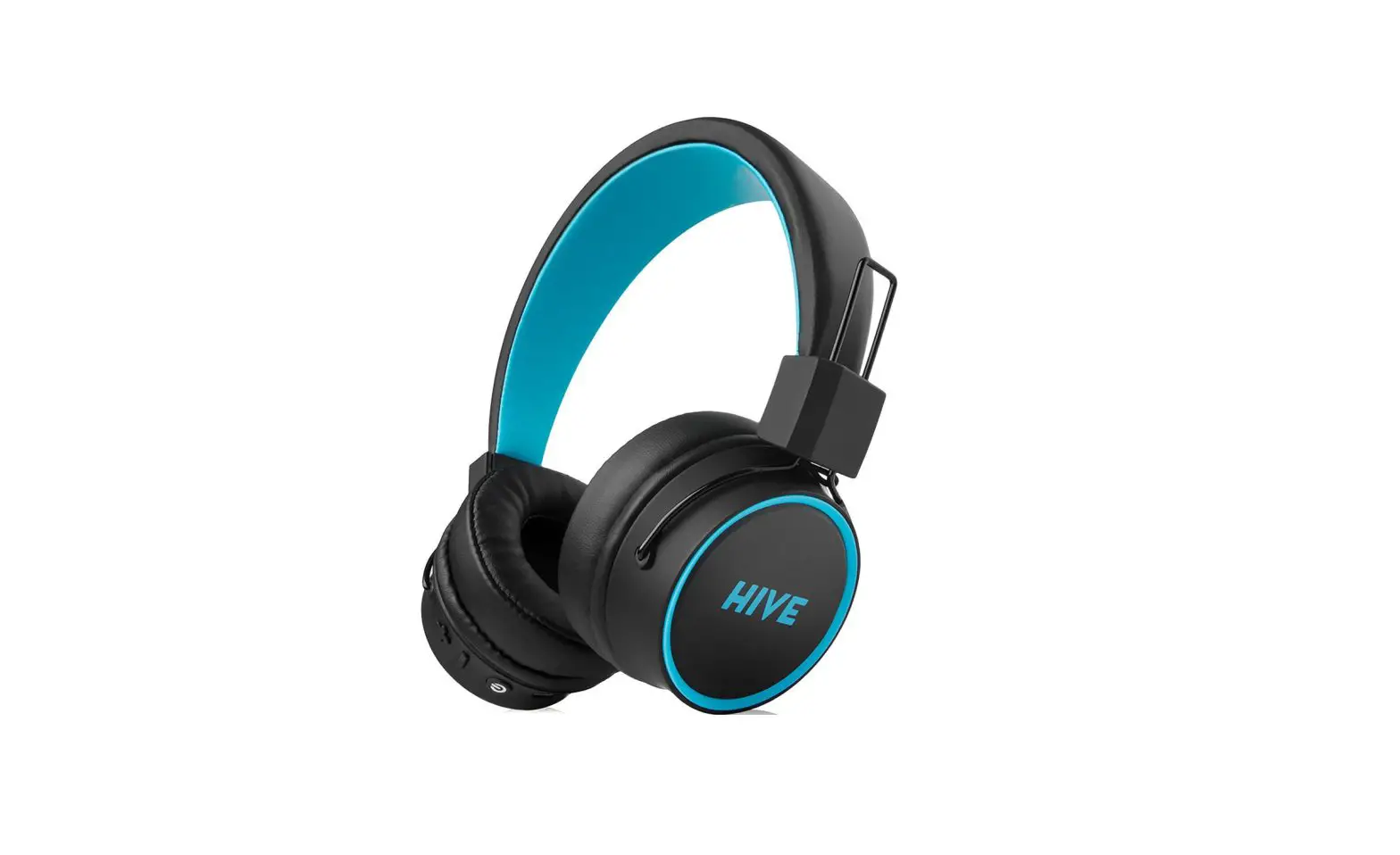
 | Press and hold to increase volume while calling or playing music Press once to skip to the next track while playing music. |
 | Long press (3-5 seconds) the button while off – powering on and pairing Long press (3 seconds) the button while on – powering off Short press (while playing music) – play/pause Short press (while playing music) – answer/end a call Short double press – Siri & Google Assistant Long pressing (3 seconds) – reject call |
 | Press and hold to reduce volume during an incoming call Press once to skip to the previous track while playing music. |
CHARGING
3.1 BATTERY STATUS
Plug the headset to the USB port on your PC (or to any available USB port), using the micro USB cable.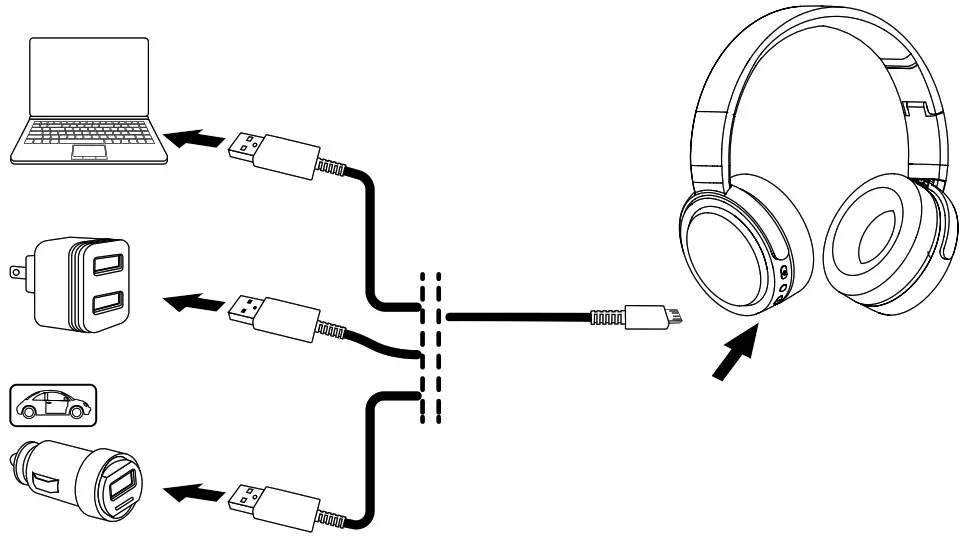
| Charging time | 2–3 hrs |
| Talk time | ≤ 35 hrs |
| Music playback time | ≤ 35 hrs |
* The headset should be charged before its first use in order to maximize battery life.
3.2 LED INDICATOR
| LED status | Function | |
| CHARGE | Flashing red | Battery low |
| Red (when plugged in) | Charging | |
| Blue (while plugged in) | Fully charged | |
| LED | Quick blue & red flashing | Pairing mode |
| Slow blue flashing | Connected | |
| Blue | Telephone talk |
CONNECTING
4.1 CONNECTING TO A BLUETOOTH DEVICE
- Hold the Power button for 3-5 seconds.
- Pairing mode will be announced in the headphones and the Bluetooth will flash blue & red.
- Search for “HIVE XL“ in the list of the device’s Bluetooth settings.
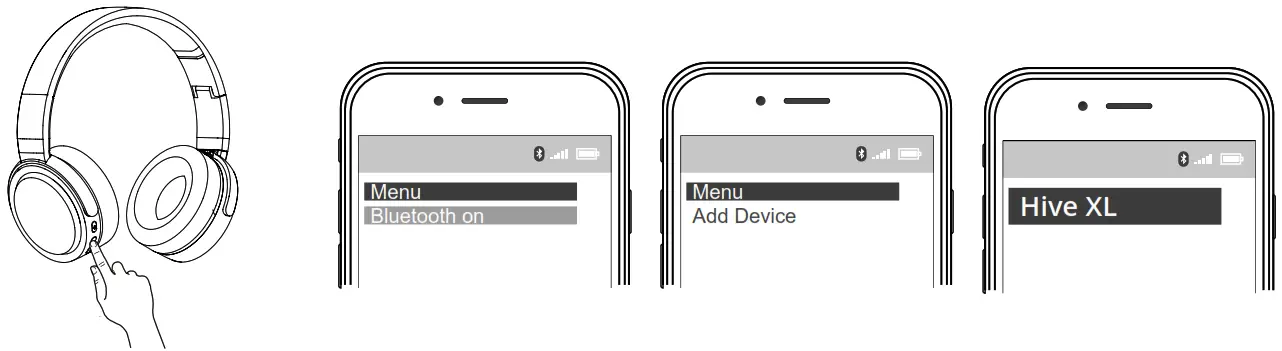
4.2 CONNECTION TO 3.5 MM JACK CONNECTOR
The headset can be connected to most smartphones, tablets, or other 3.5mm jack devices, using the supplied audio cable.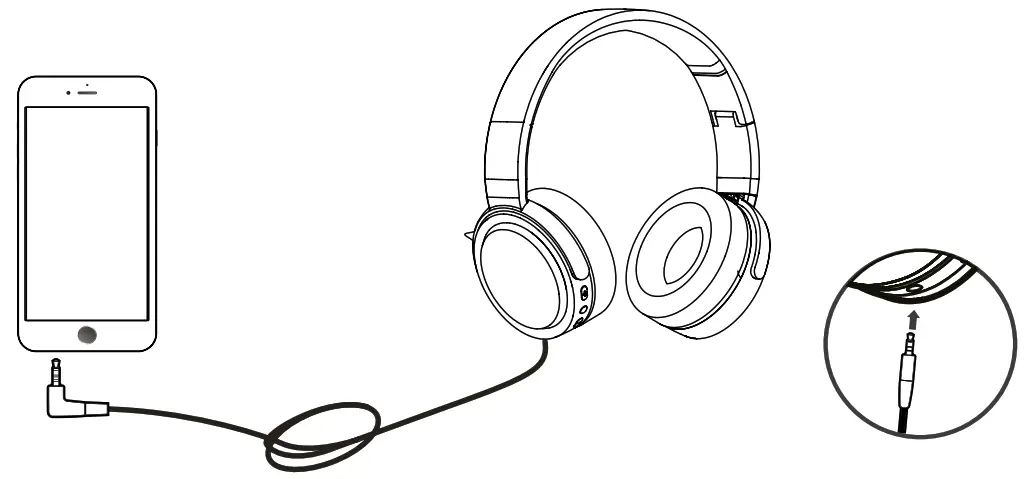
SUPPORT
5.1 HOW TO CARE FOR YOUR HEADSET
- Always store the headset powered off and safely protected.
- Avoid temperature extremes (above 60°C and below -40°C) during storage. They might shorten the battery life or affect operability. High temperatures may have adverse effects on performance.
- Avoid exposing the headset to rainwater and other liquids.
FAQ
| Problem | Solution |
| Experiencing problems with the connection | – Check that you have already enabled the wireless device. – Check your mobile device’s wireless menu and delete/erase the headset and reconnect it to your wireless device. – Keep your device close to the headset, reconnecting it. |
| Hearing nothing despite being connected | – Try to reconnect the device. – Increase volume. |
| Hearing a crackling noise | – “Wireless” is to be understood as a wireless technology sensitive to the objects present between the headset and devices connected. Make sure that the headset and the device connected are within the communication range of each other (not farther than 10 m away). |
| Does the headset support other wireless devices as well? | – The headset is designed for use along with wireless mobile devices. As such, it can also support other wireless devices. |
Importer to EU: RTB media s.r.o., Pretlucka 16,
Prague 10, 100 00, Czech Republic, ID: 294 16 876
Made in China.