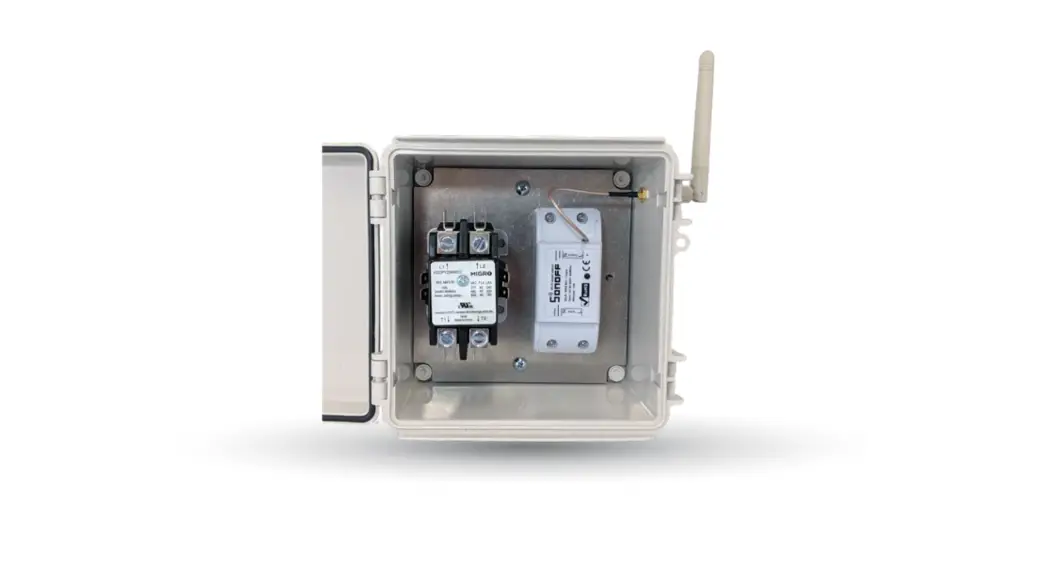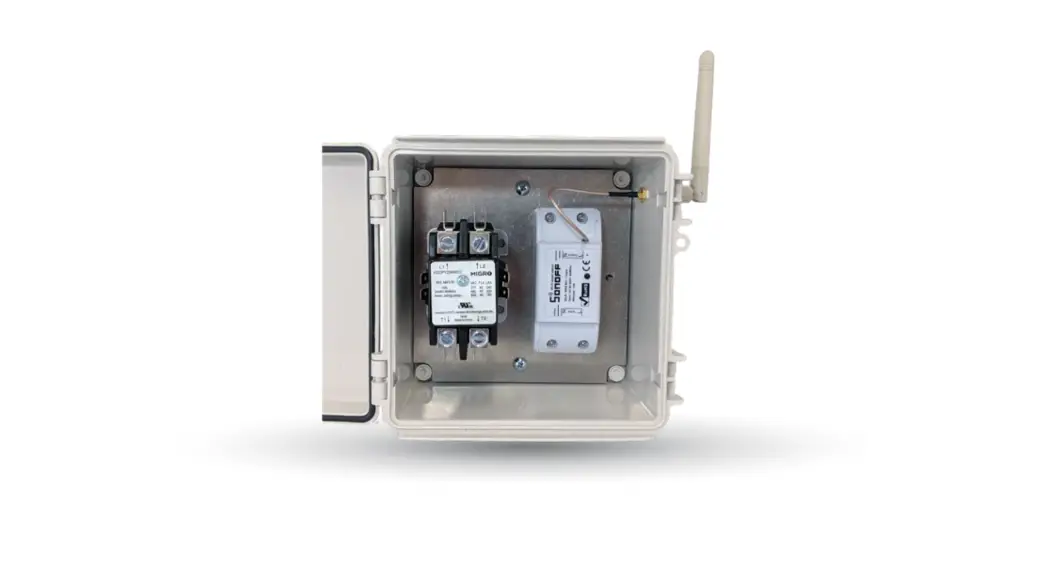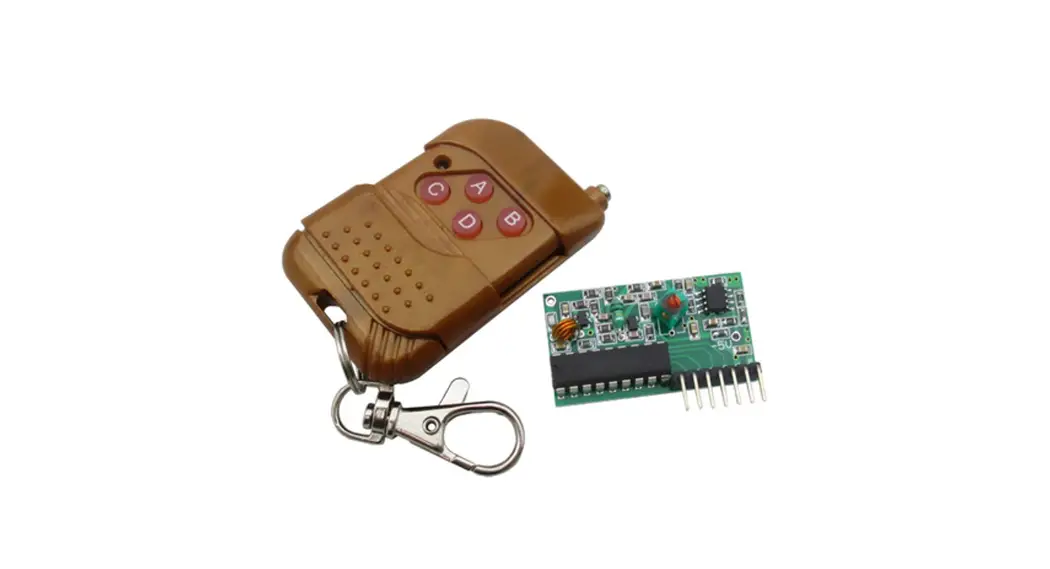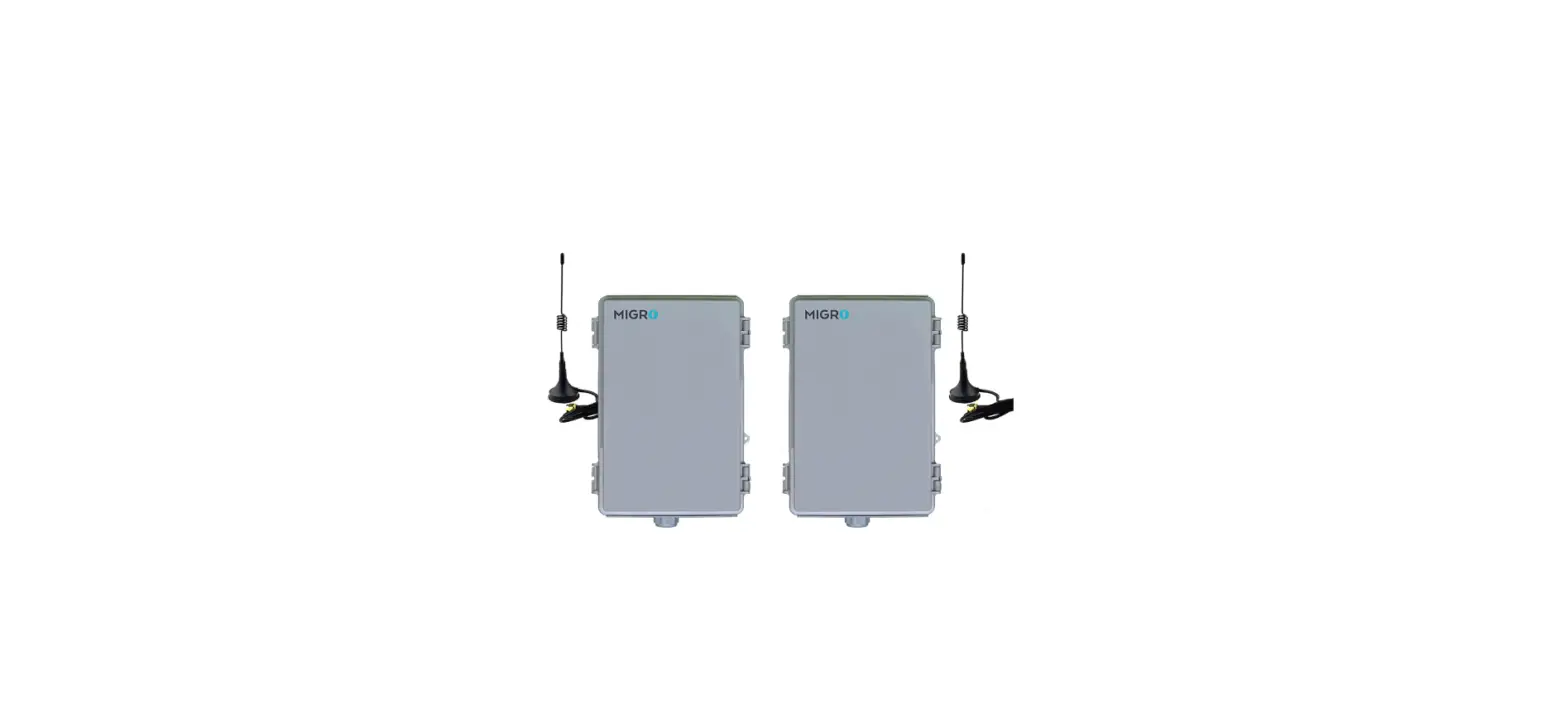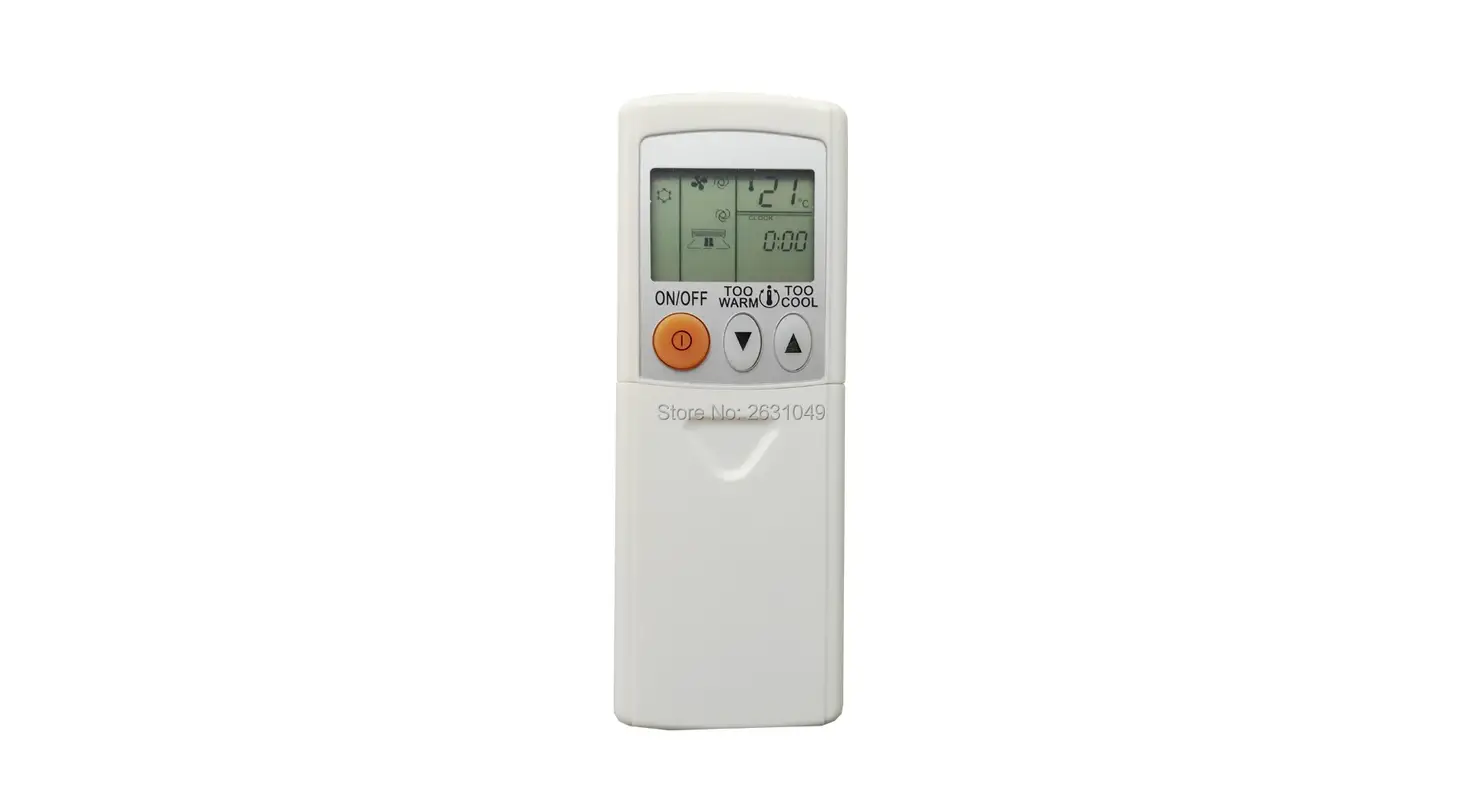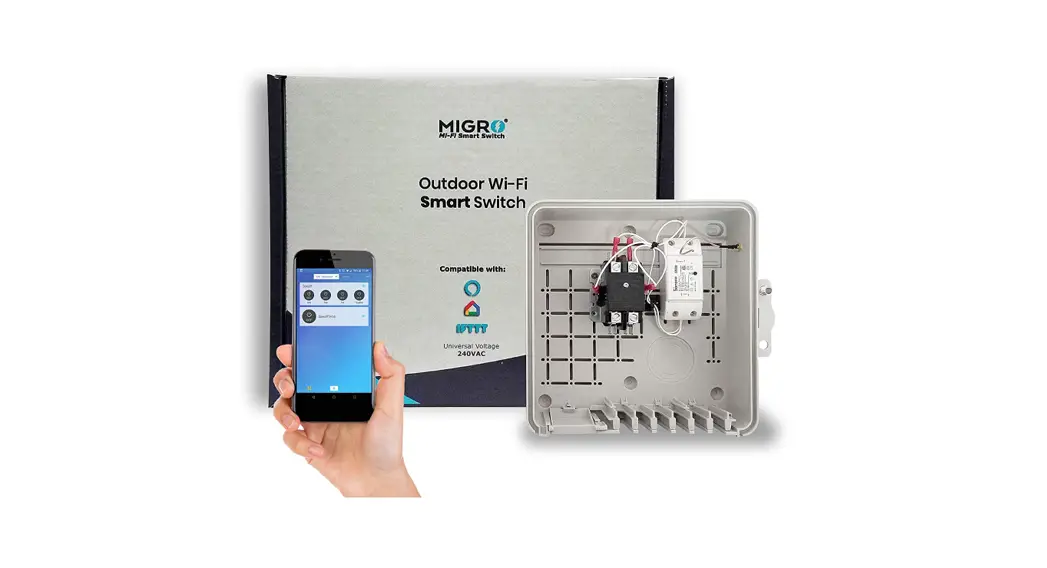

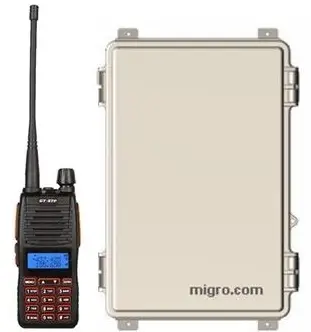
MIGRO 160 Wireless Control
INSTALLATION
TEST t he syst em before t he final inst allat ion ON a bench for proper setup and operation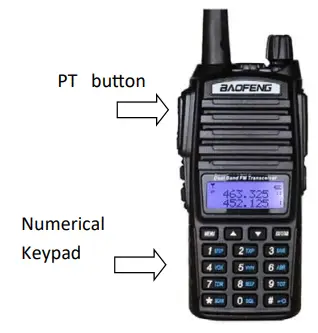
- Select the operating frequency ( See the transmitter and receiver manual ) Usually the frequency is already preset by the manufacturer to match the receiver
- The numeric keypad is assigned to the channel to be activated at the receiver . 1 = Channel 1, 2 = Channel 2, 3 = Channel 3, 4 = Channel 4
- To test the system, make sure the transmitter and receiver are ON
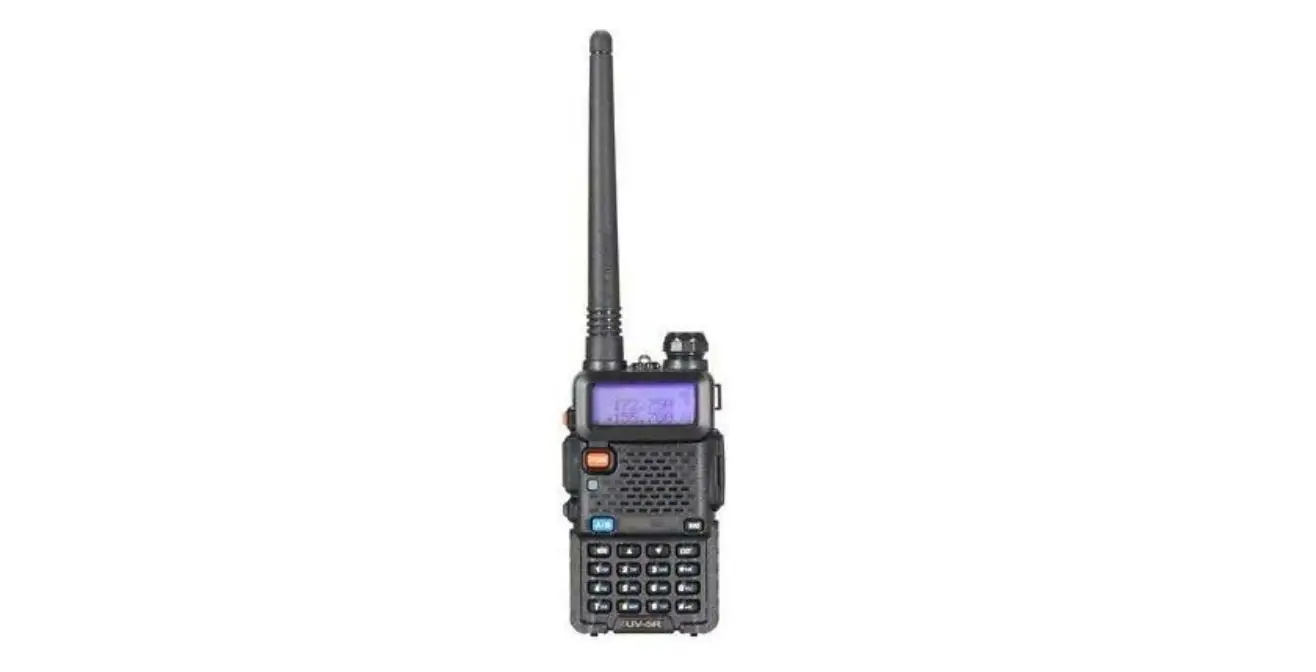
Portable Transmitter operation
Push the PT button and Hold, Push momentarily ( 3 seconds ) the desired channel on the keypad and release PT button
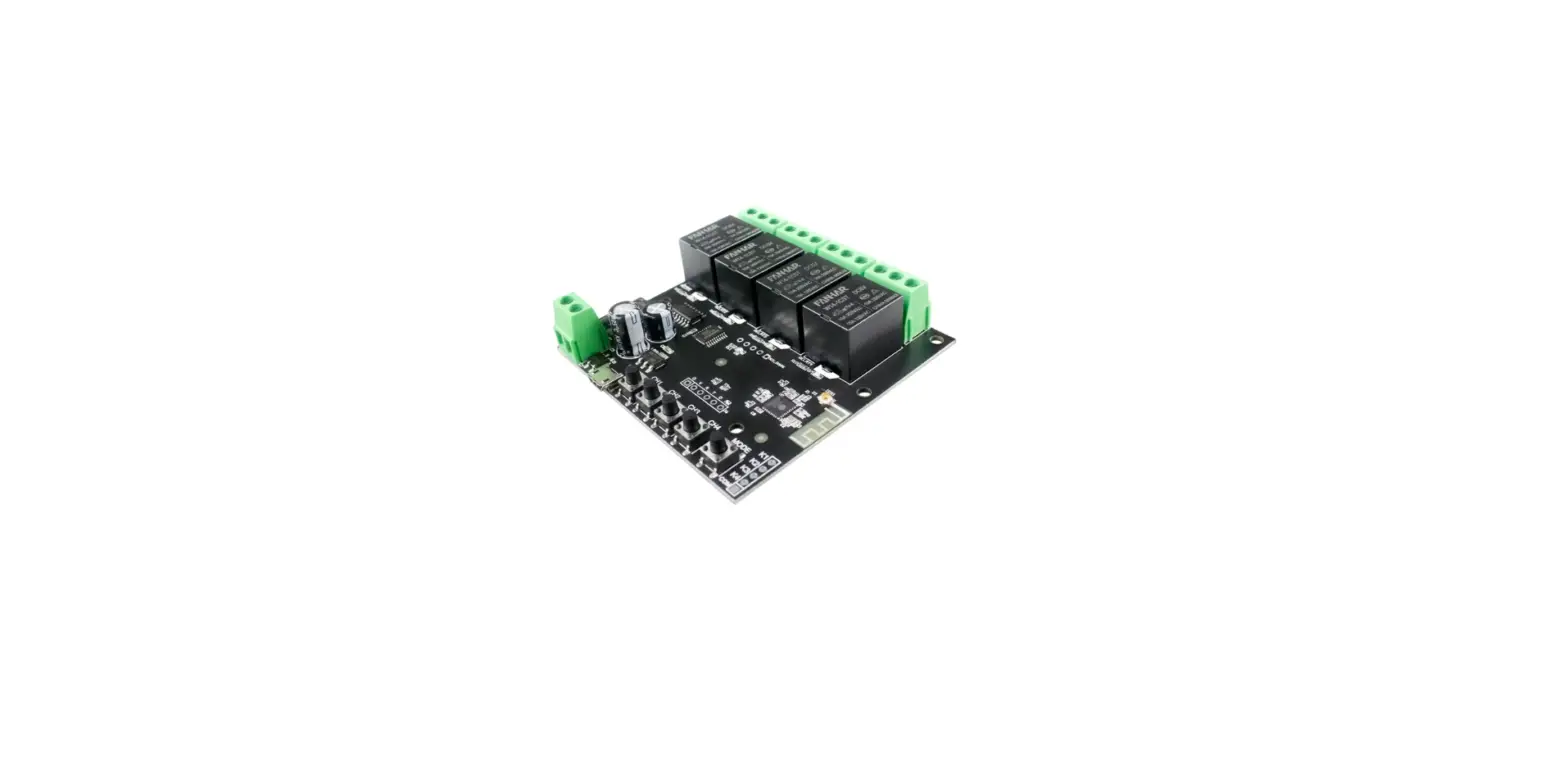
On the Receiver a LED and relay will energize Momentary ( Pulse) on your selected channel
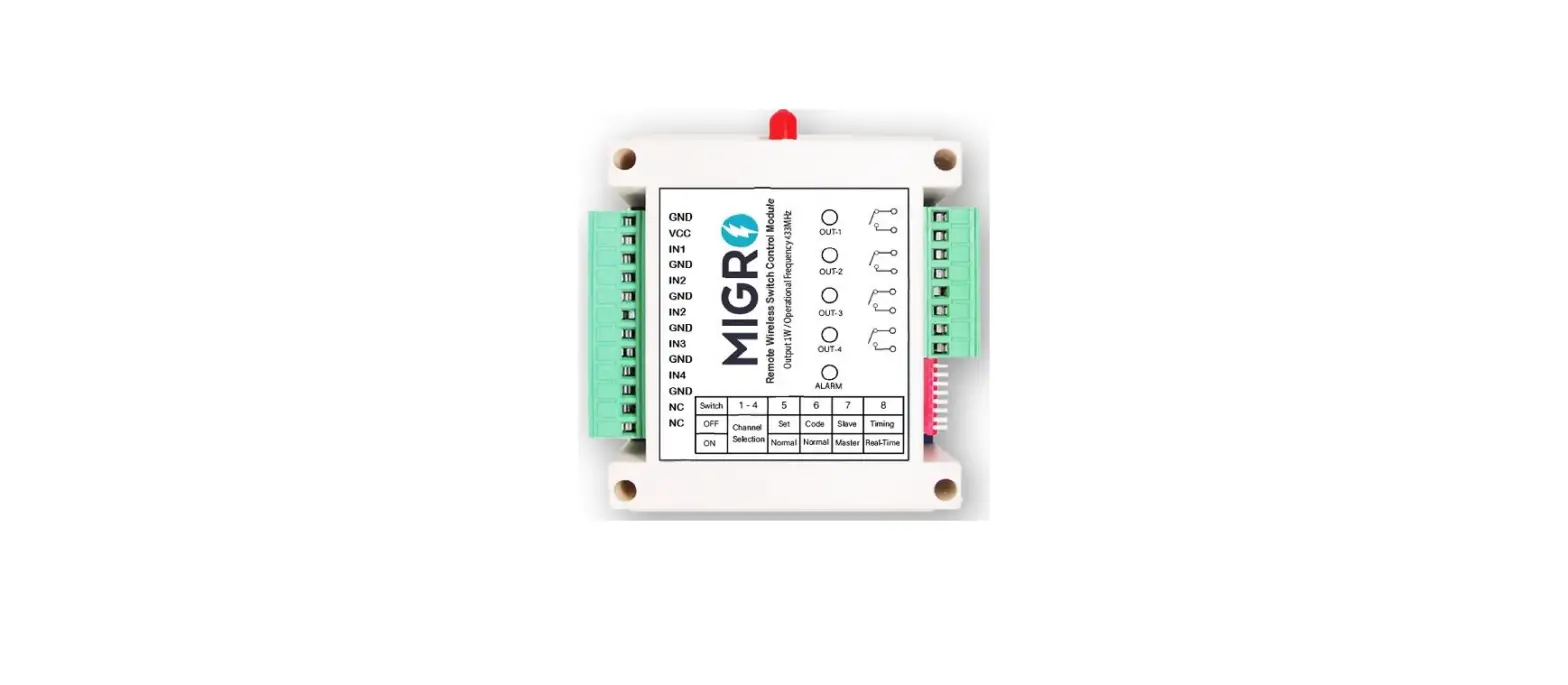
RECEIVER Output Mode Switch Momentary: Pulse interval 3 seconds
Latch: Pulse ON, Second Pulse OFF
NOTE: When setting Output mode 1 Turn Power Off 2 Select Setting 3 Turn power On
WARNING: Radio control equipment in not to be used in life safety. DISCLAIMER: Contact a licensed professional for your project
Migro 160 Wireless Control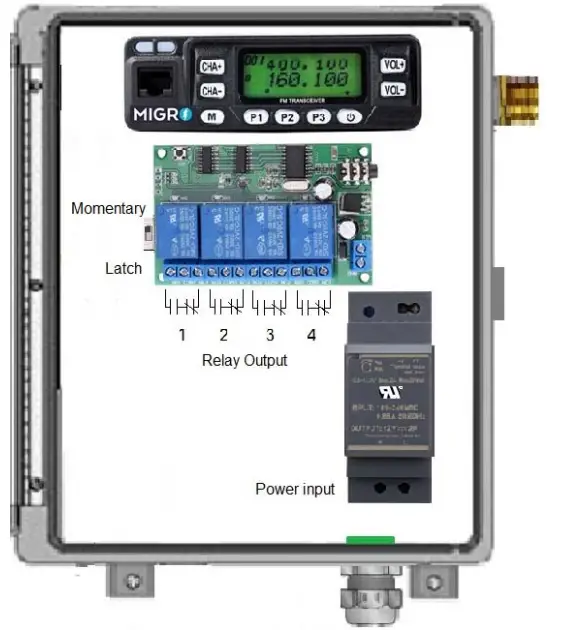
FCC Note
You can select your own frequency to operate your system; FCC restriction may apply if the operating frequency is not in the free MURS band
5y6T1A Migro 2022