
ELECTRO DEPOT 154 Manuals Migro Wireless Controls
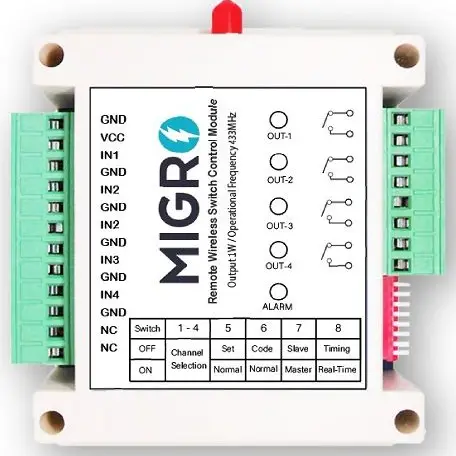
TEST the system before the installation ON a bench for proper setup and operation
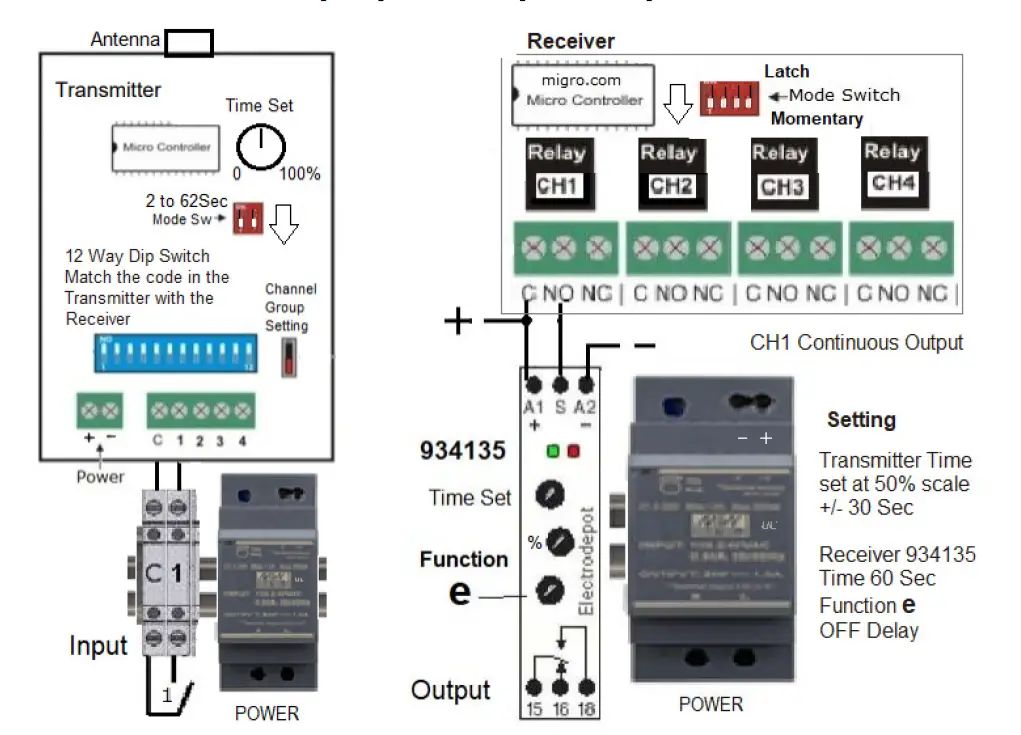
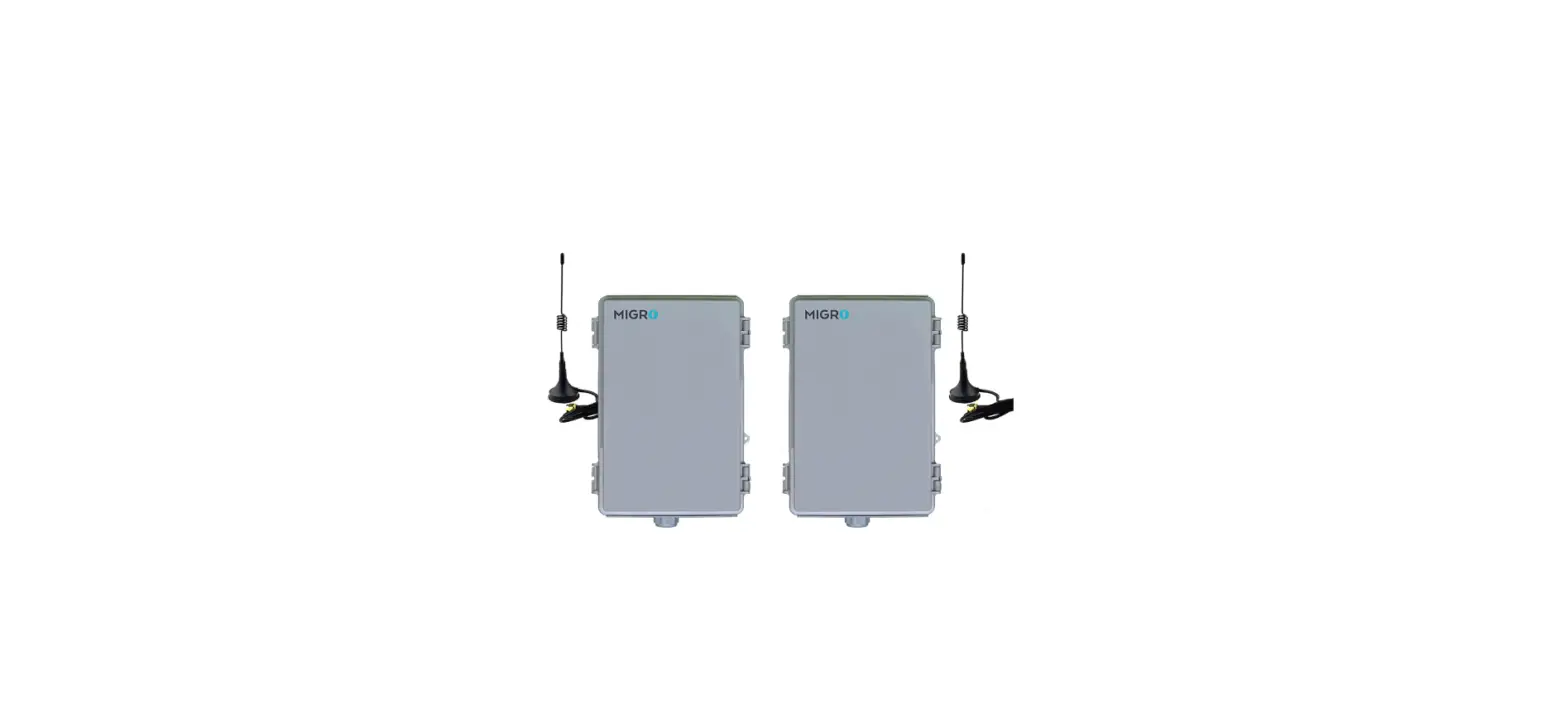
NOTE: Transmitter and Receiver antennas shall be mounted facing the same vertical position, ( same polarity pattern ) even when there is no line of sight.
Never operate the transmitter or receiver without the antenna.
Separate the Transmitter and Receiver at least 6 feet (2 meter) apart Make sure the 12 code DIP switch from the Transmitter matches the Receiver
- Connect the Transmitter & Receiver to a power source
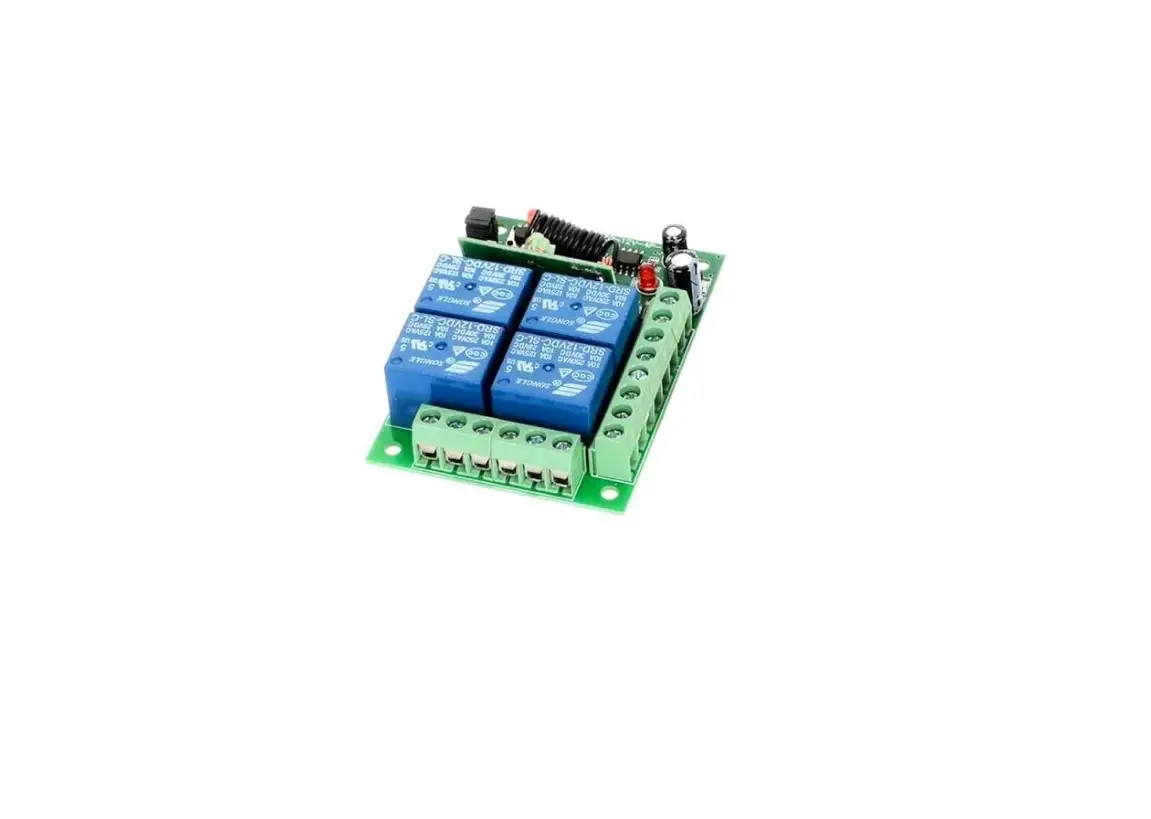
NOTE: CH1 Continuous operation, CH2, 3 and 4 (Pulse) - At the Transmitter terminal Close INPUT CH1 with a wire jumper (Hold) Transmitter will send pulses, At the Receiver the relay 934135 energizes. (ON All the time)
- Release the jumper from INPUT CH1, The relay 934135 at the Receiver will disconnect after the OFF time delay is Expired: +/- 60 Sec.