
PRIVORO SafeCase Cell Phone Security
Before you get started, connect the SafeCase to a power source using the two-headed charging cable provided.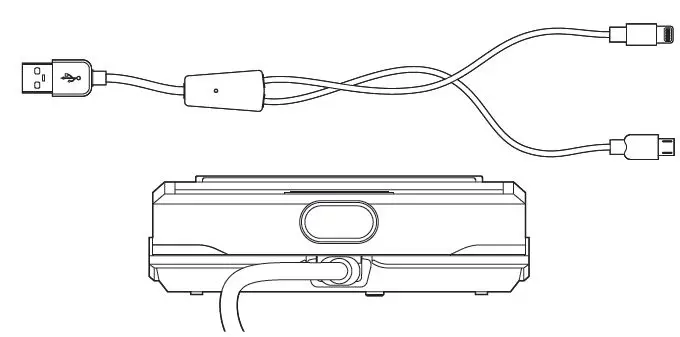
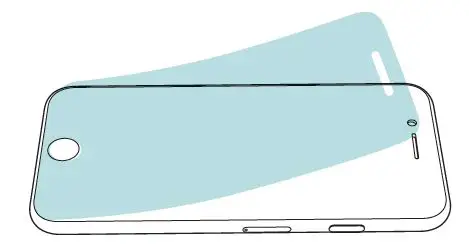
- Remove screen protectors and protective cases from your iPhone.

- Download the Privoro app from the Apple App Store. Open and follow the on-screen prompts to pair your SafeCase.

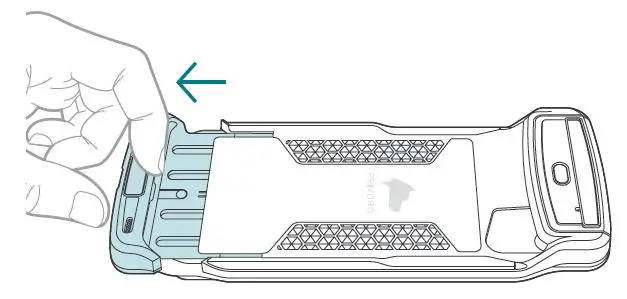
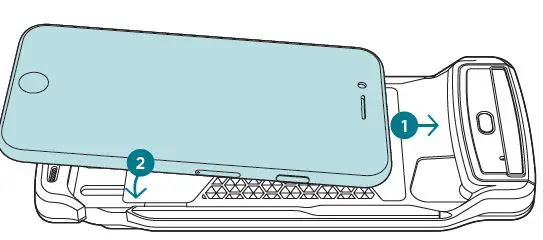
- Place your finger on the inside center of the base tray and slide open.

- Place your iPhone head-first into the tray and rest into the case.

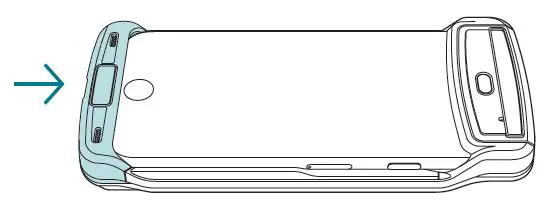
- Push the base tray closed.

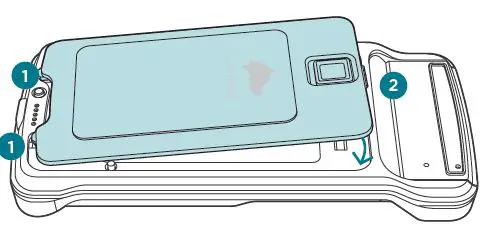
- Place the hooks at the bottom of the lock panel into the hook cradles. Press the top of the panel until the latch snaps it into place.


How to activate SafeCase audio/ video surveillance protections.
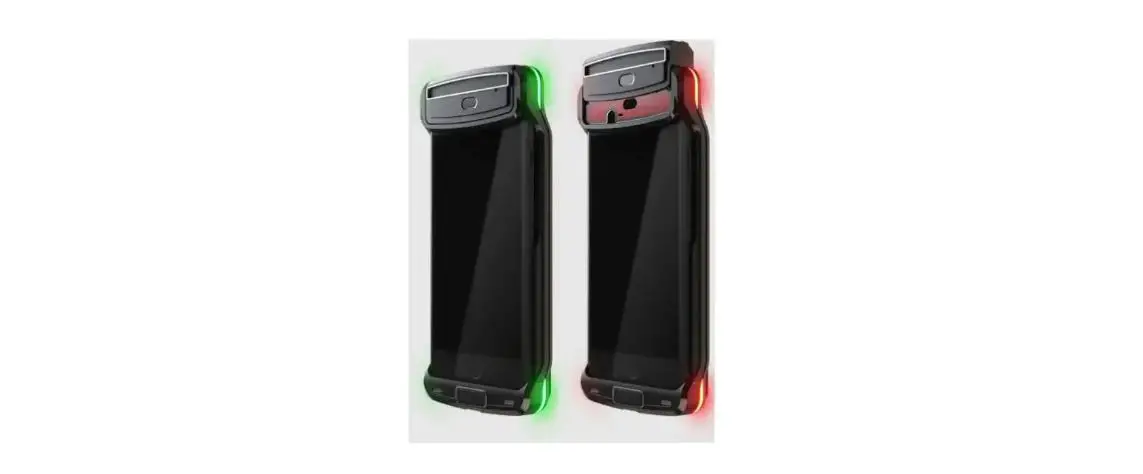
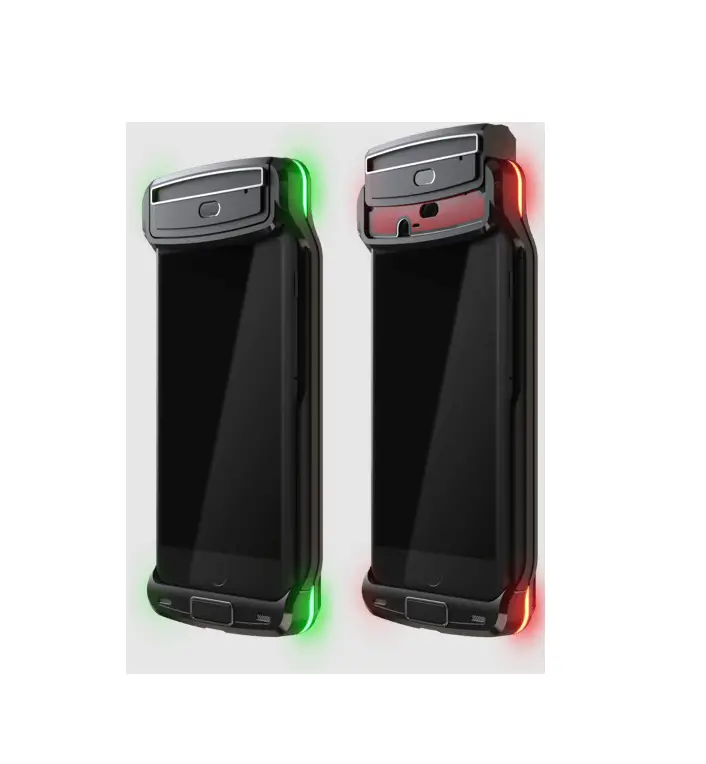
Lower the hood: Audio/video surveillance protections are engaged as indicated by pulsing green LEDs on the corners of the case.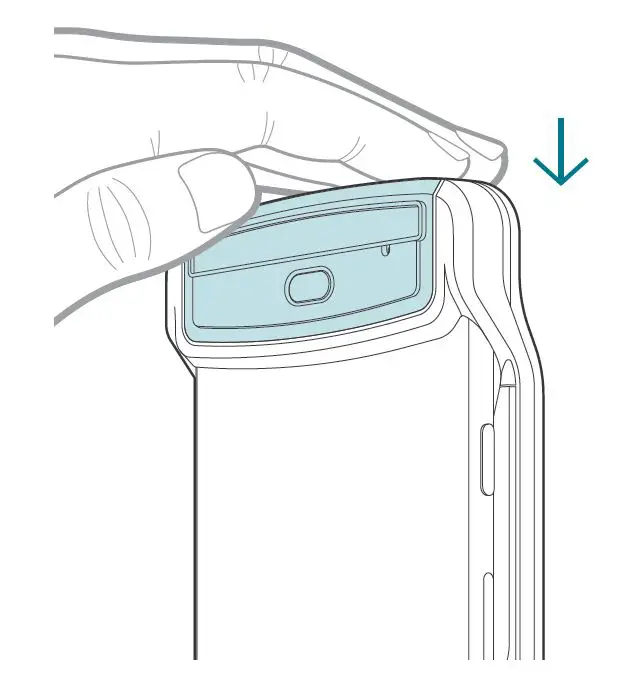
How to place/receive calls, take pictures and record video while your iPhone is in the SafeCase.
Raise the hood: From the top of the case, place your thumb and forefinger on the silver trim and gently pull upward. This disengages audio/video protections as indicated by pulsing red LEDs on the corners of the case. 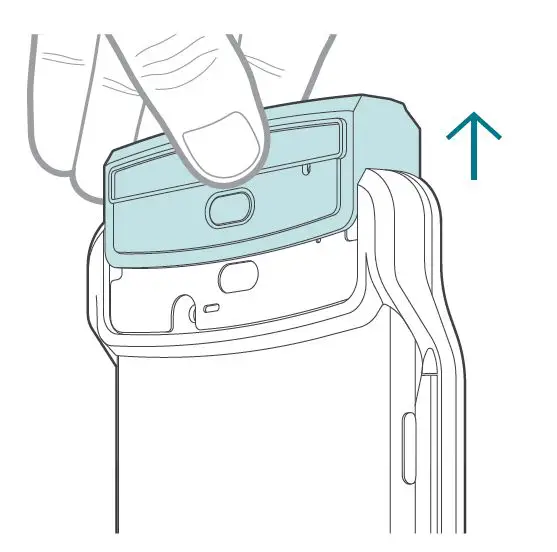
To check your cloud connection and battery status via the Privoro App:
Open the Privoro app and select the My SafeCase (home) screen.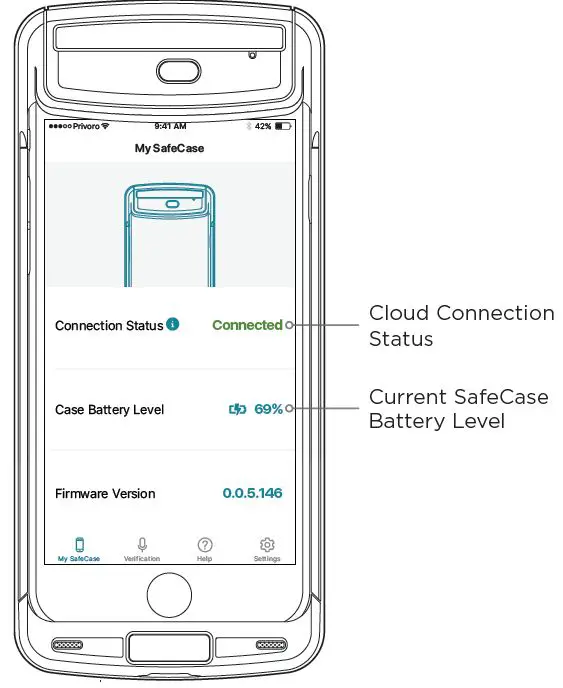
NOTE: For SafeCase to maintain its cloud connection, the Privoro app must be running in the background.
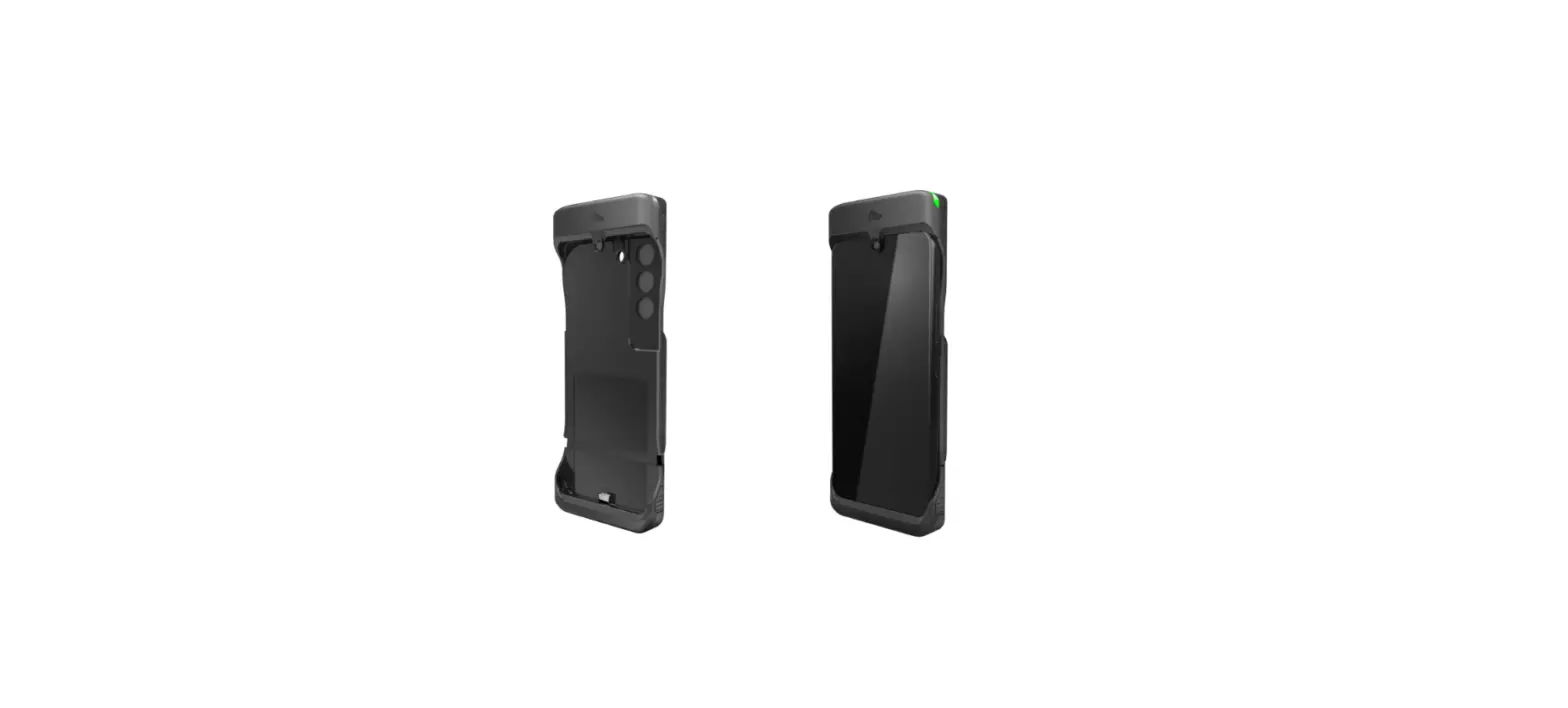
SafeCase Glossary
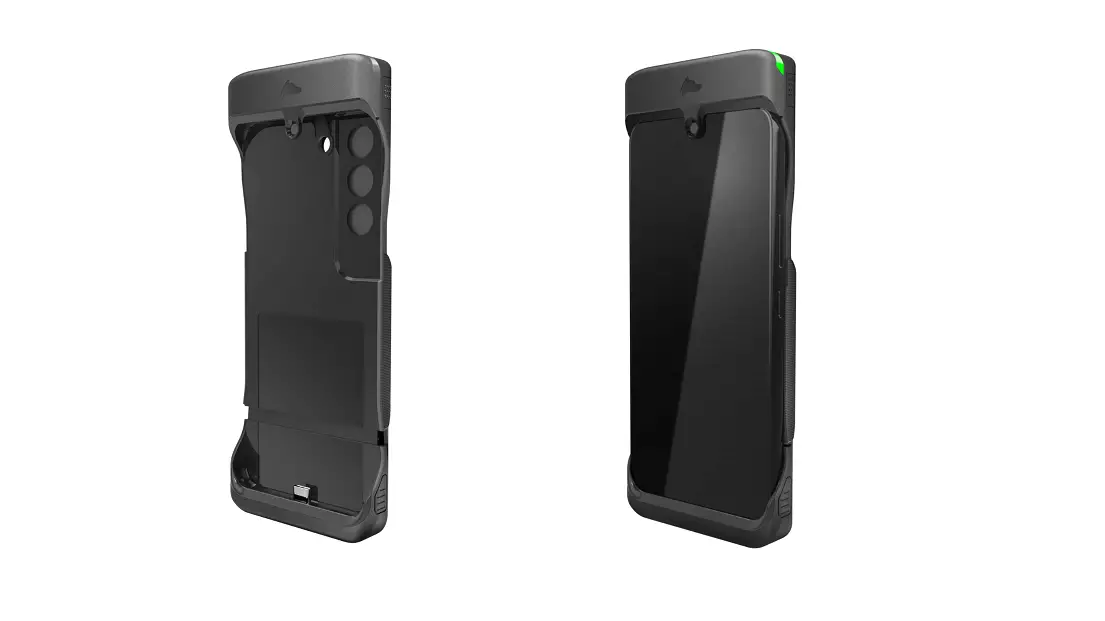
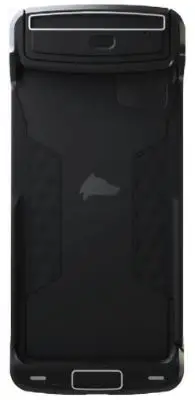
Front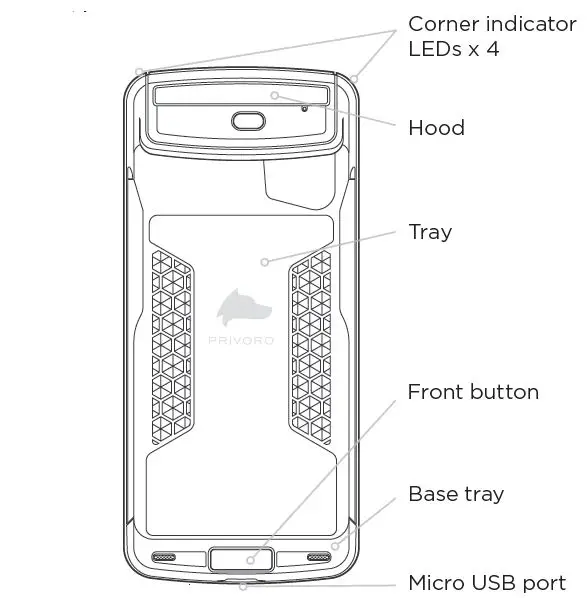
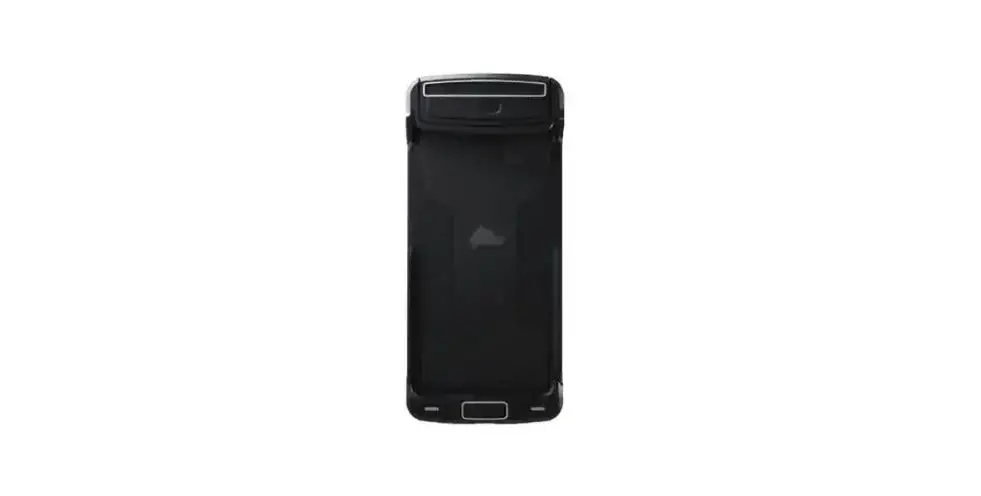
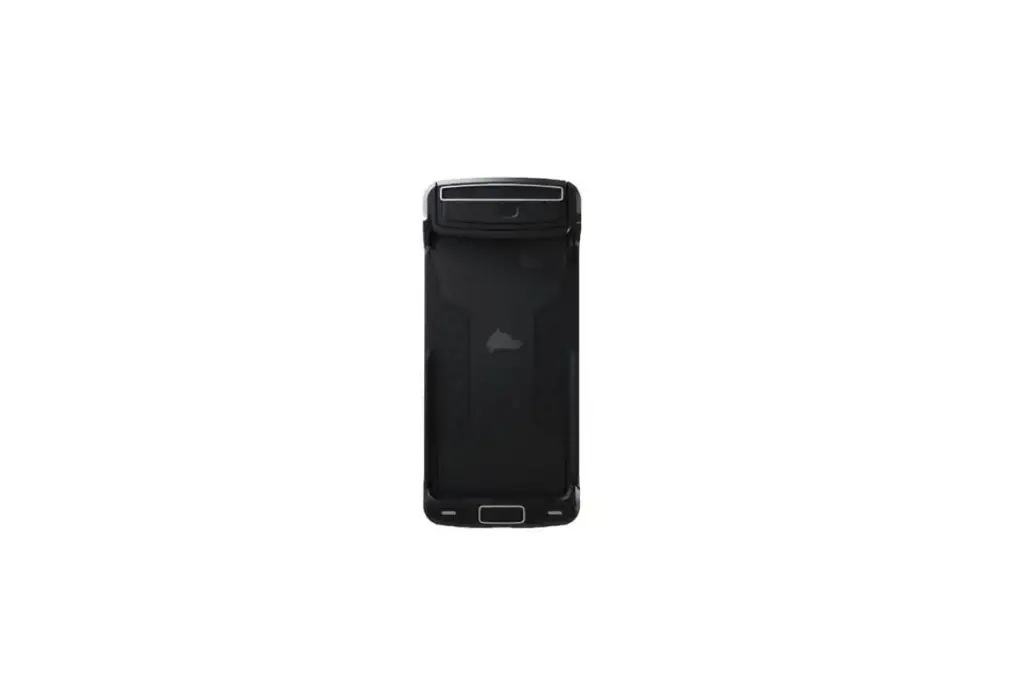
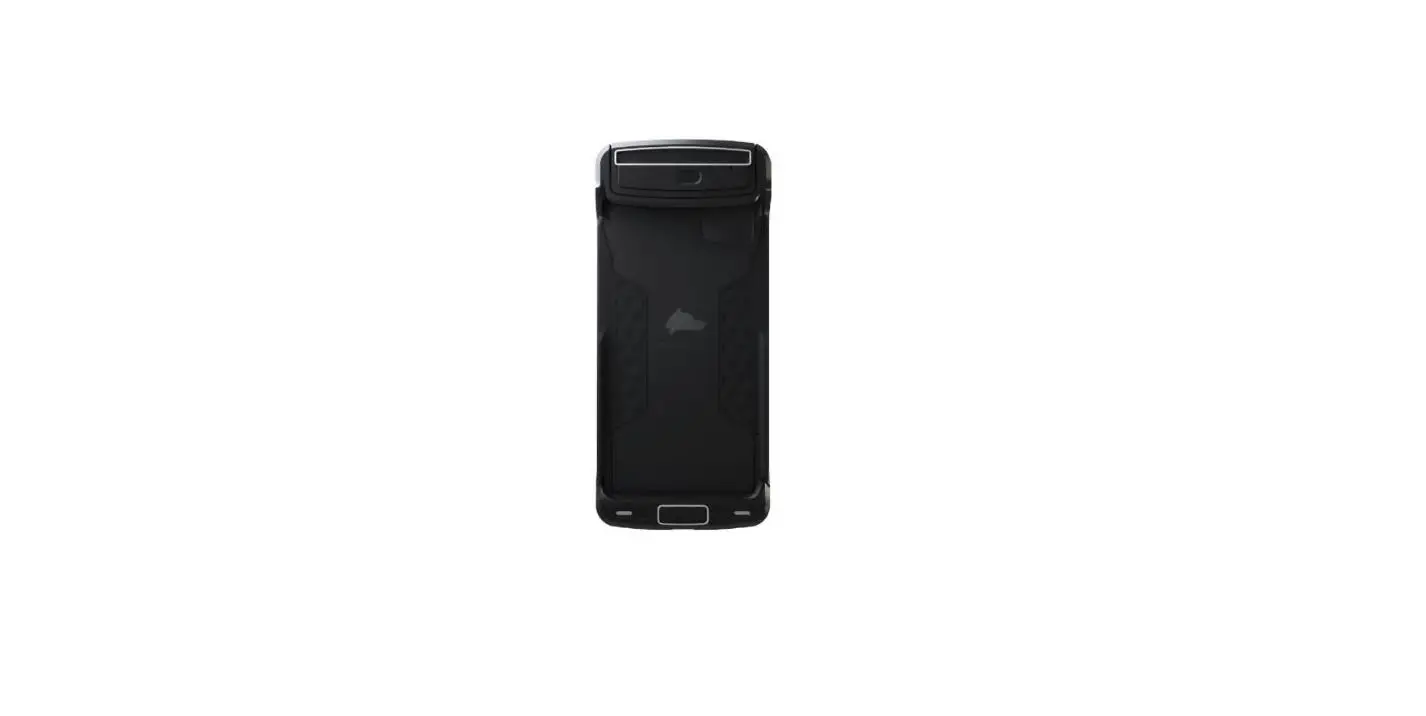
Lock panel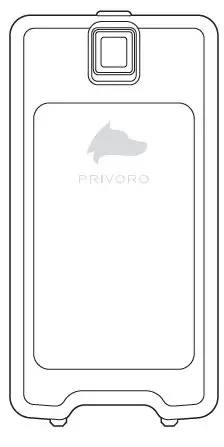
Rear (without lock panel)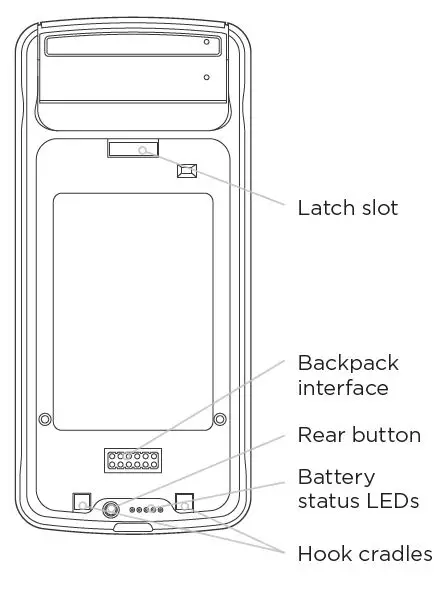
Additional Information
For comprehensive instructions, plus safety and regulatory information, consult the SafeCase User Manual at privoro.com/support.
 Product Support | Privoro