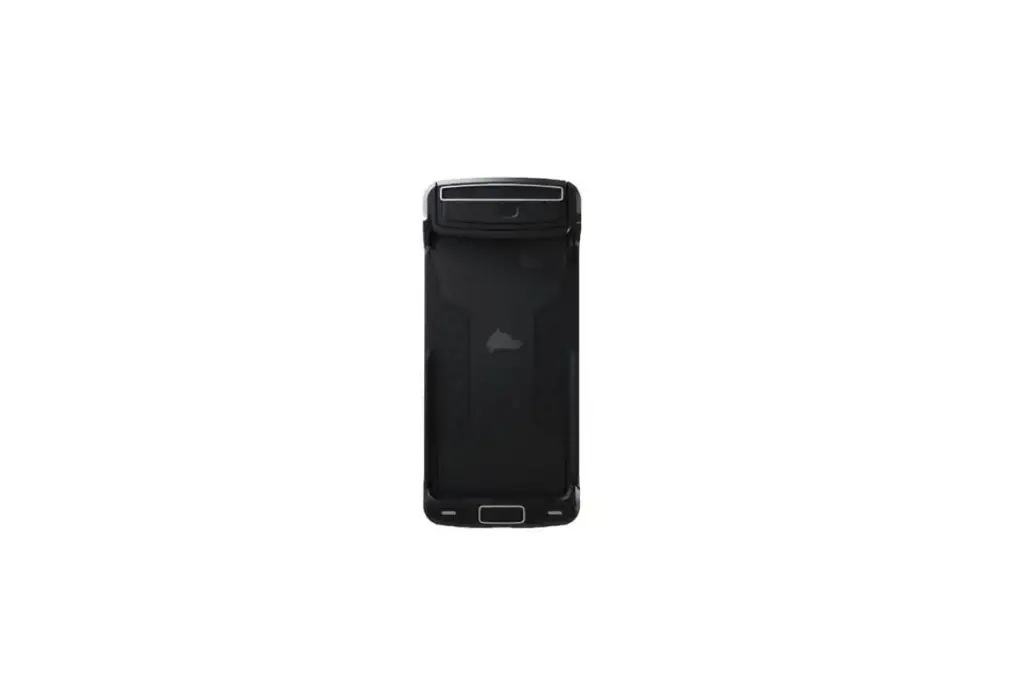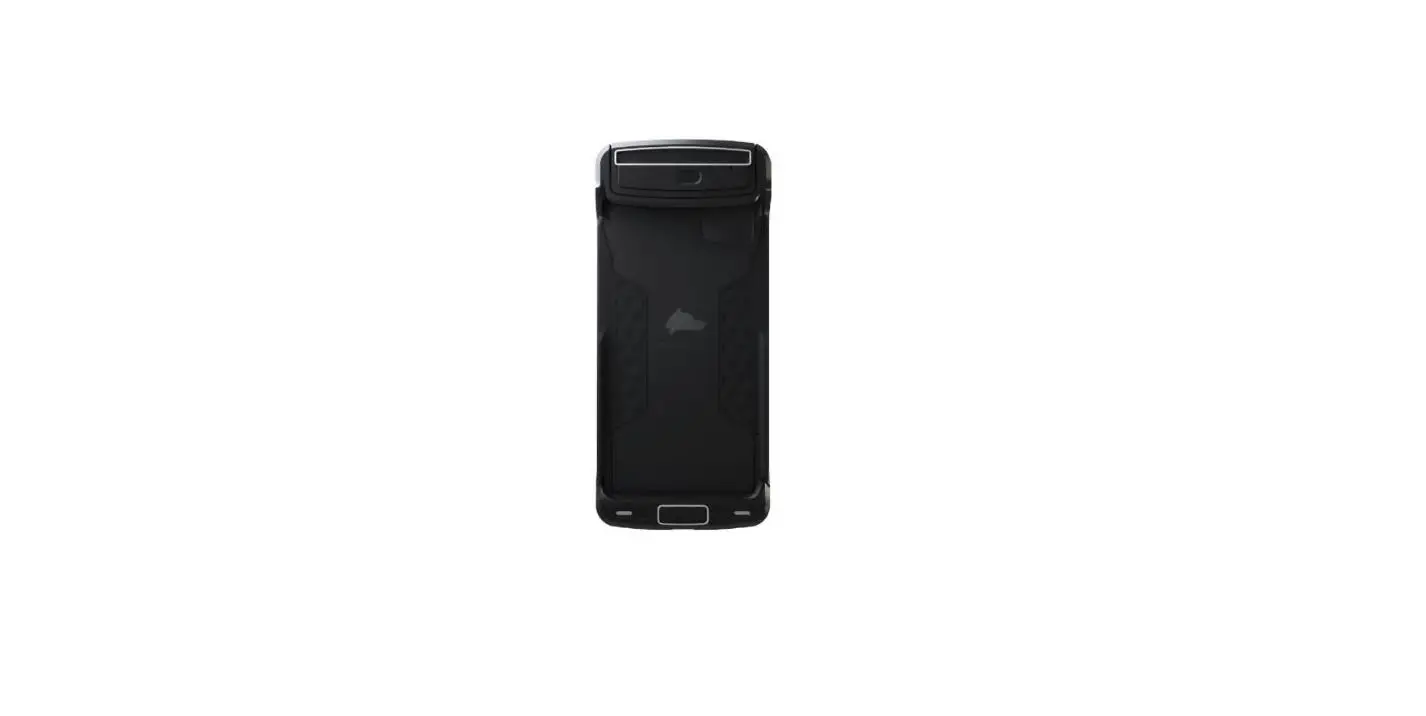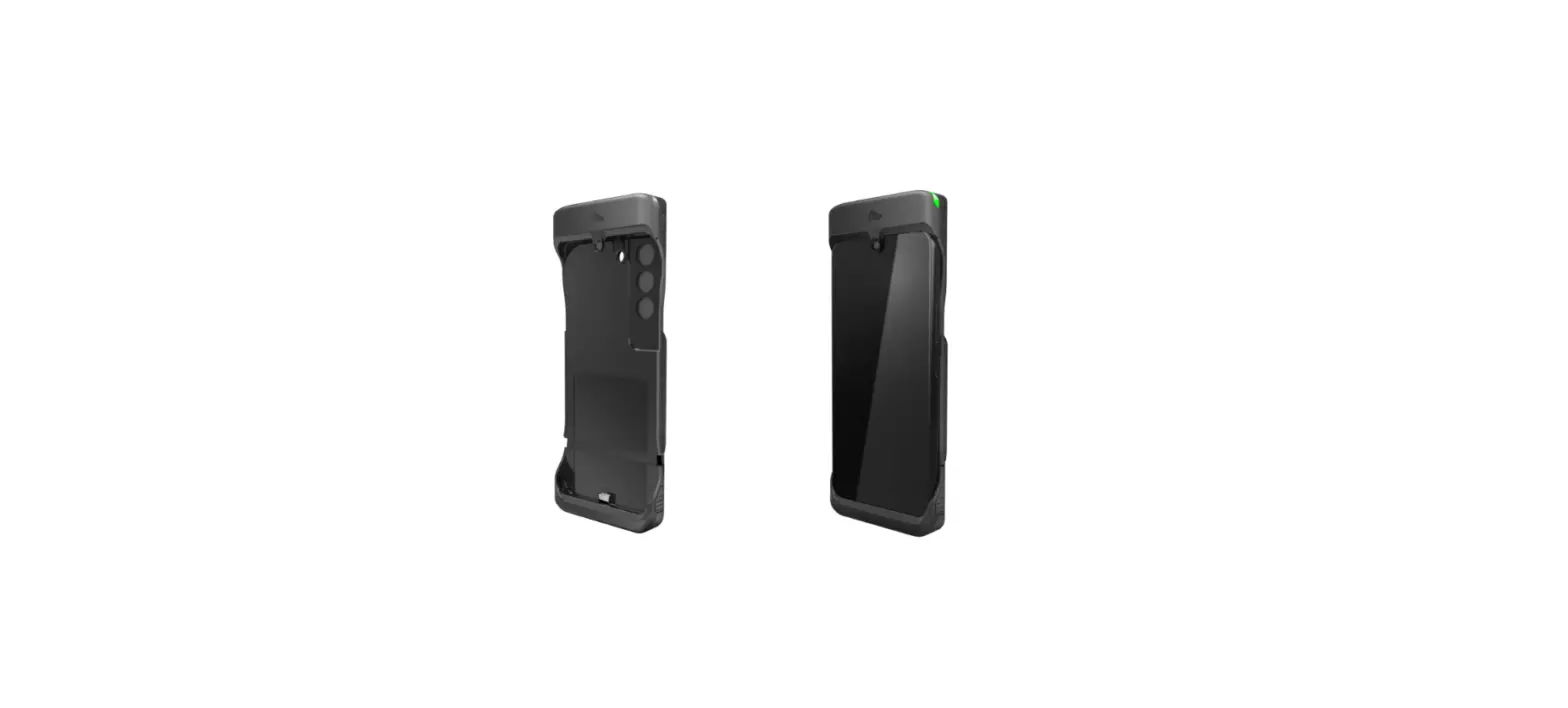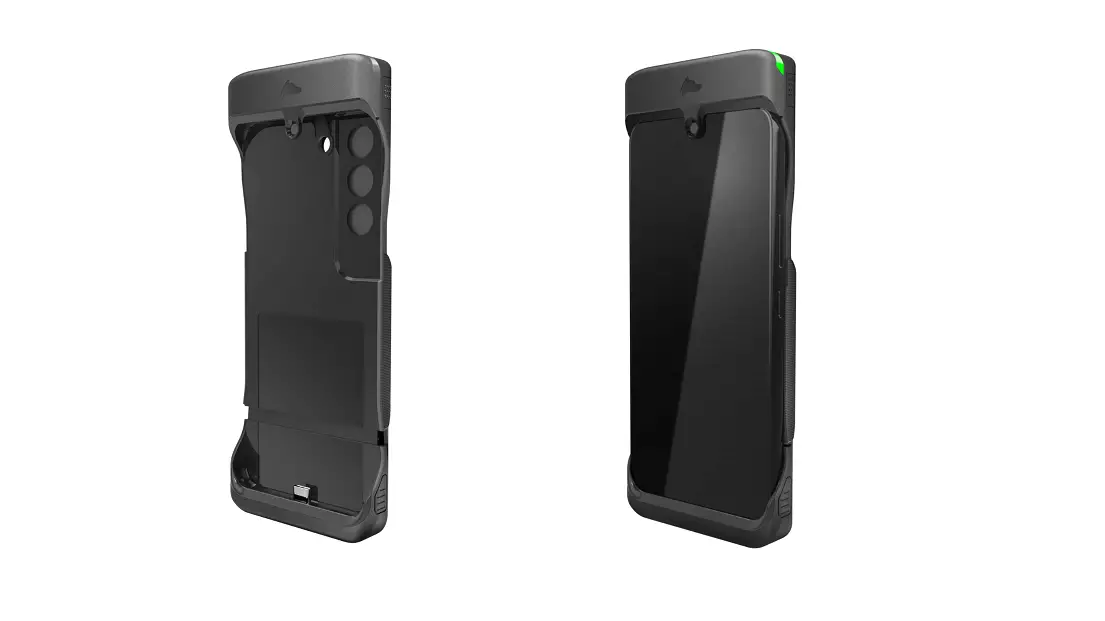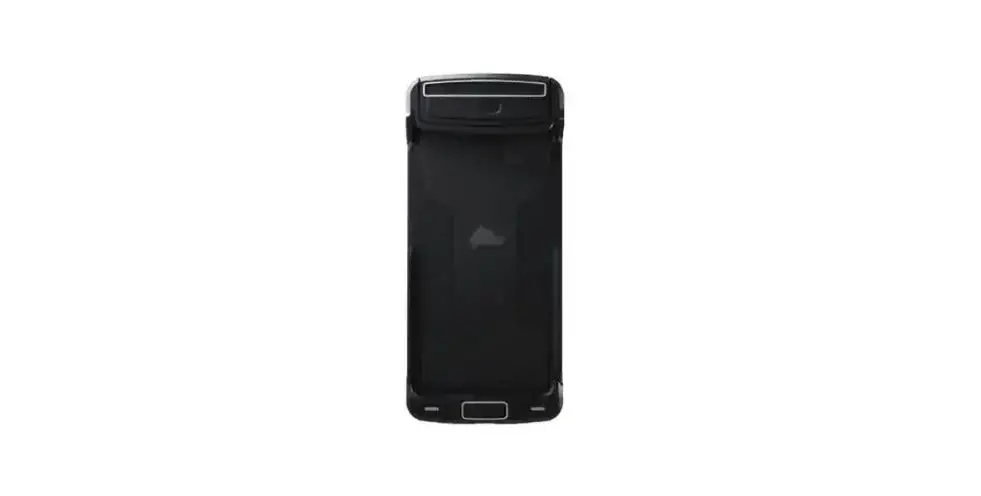
PRIVORO iPhone 12 Safe Case User Guide
SETUP
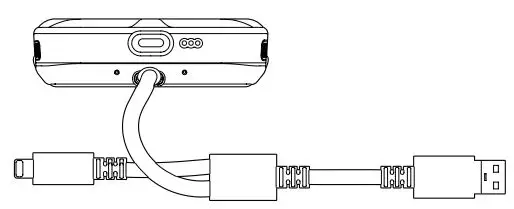
STEP 1 Connect Safe Case to a USB power source (computer or power adapter) using the included two-headed charging cable.
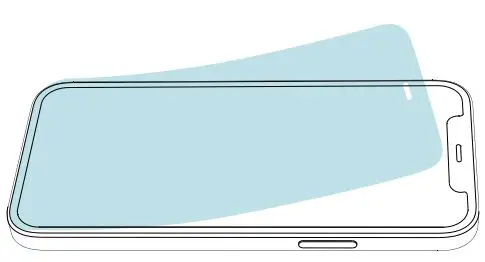
STEP 2 If applicable, remove the screen protector and/or protective case from your iPhone.
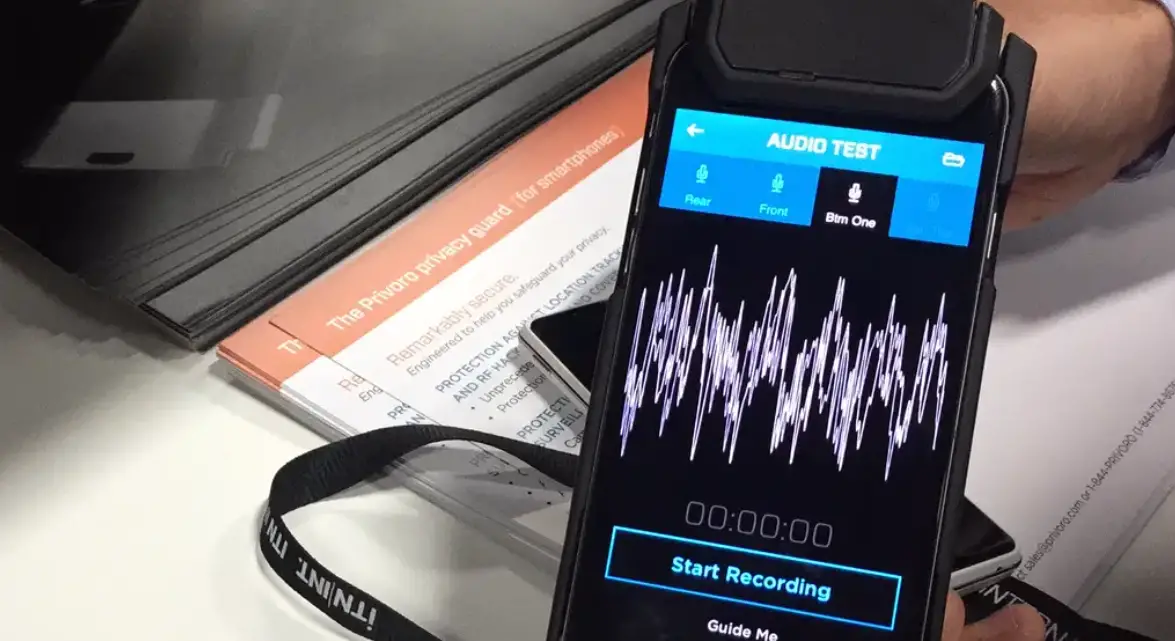
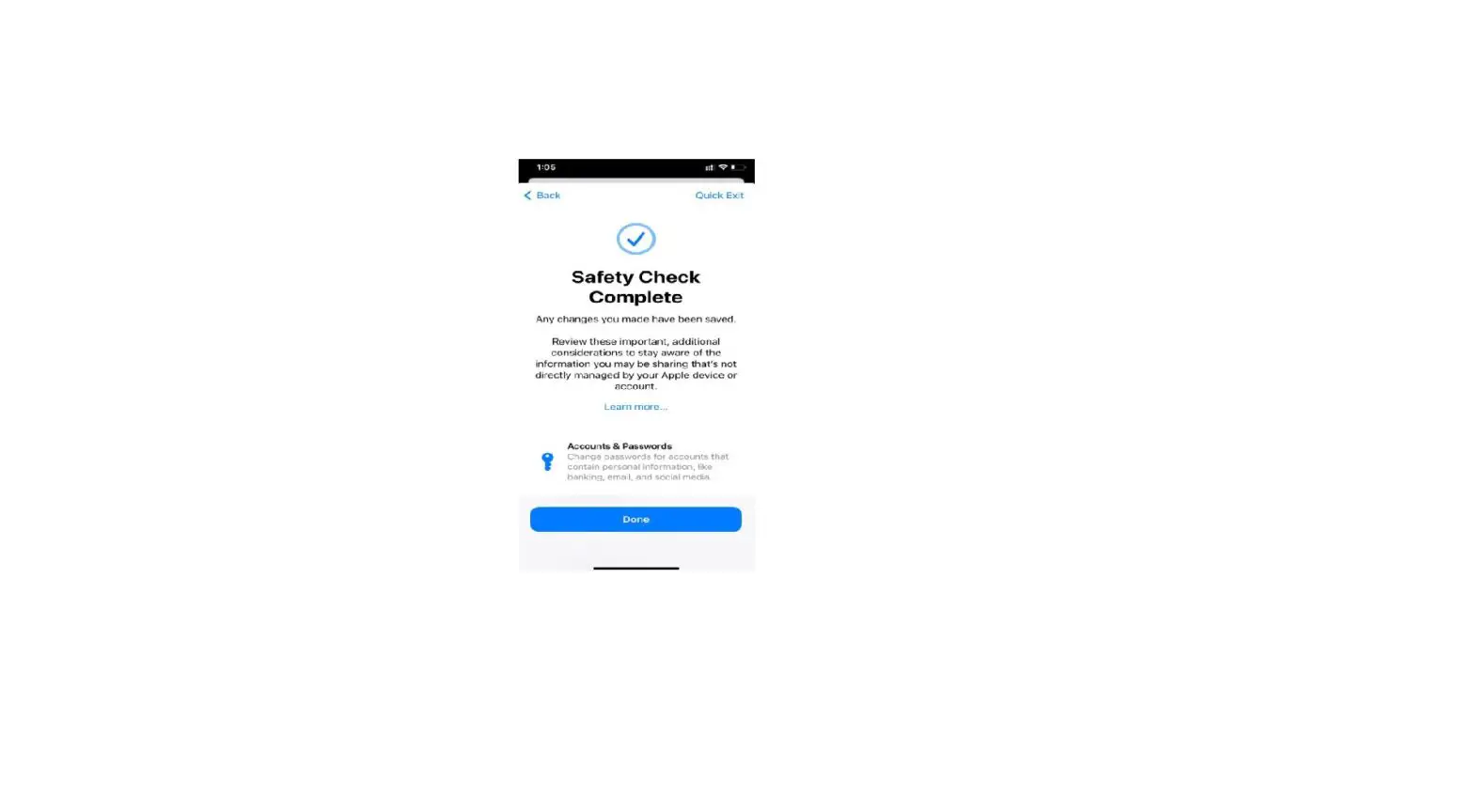
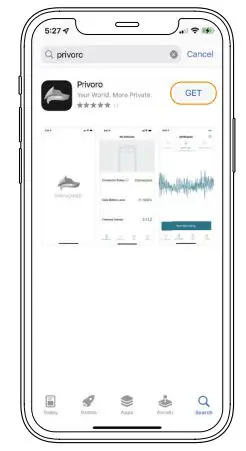
STEP 3 Download the Privoro app from the App Store. Open the app and follow the onscreen prompts to pair to your SafeCase.
PRIVORO.COM

STEP 4
Insert your iPhone into SafeCase. Pull the latch slide to the left, unlocking the base tray.
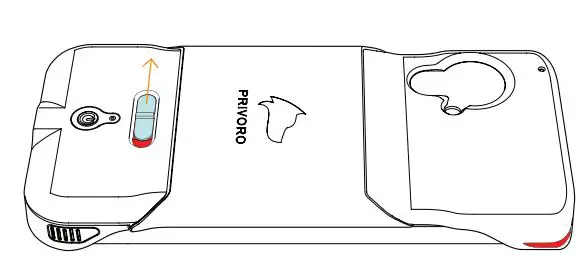
STEP 5
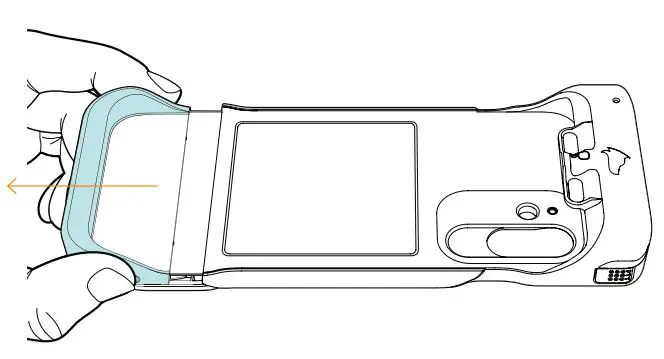
Gripping the sides, slide the base tray until it’s fully extended.
STEP 6 Tuck your iPhone head-first into SafeCase and then rest your phone onto the tray.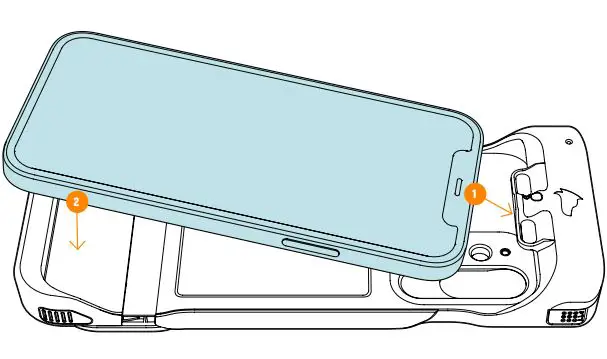
STEP 7 Push up from the bottom of the base tray until it clicks into place.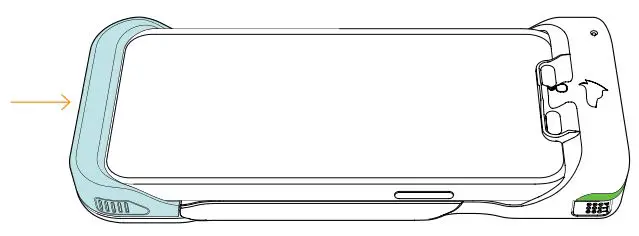
USE
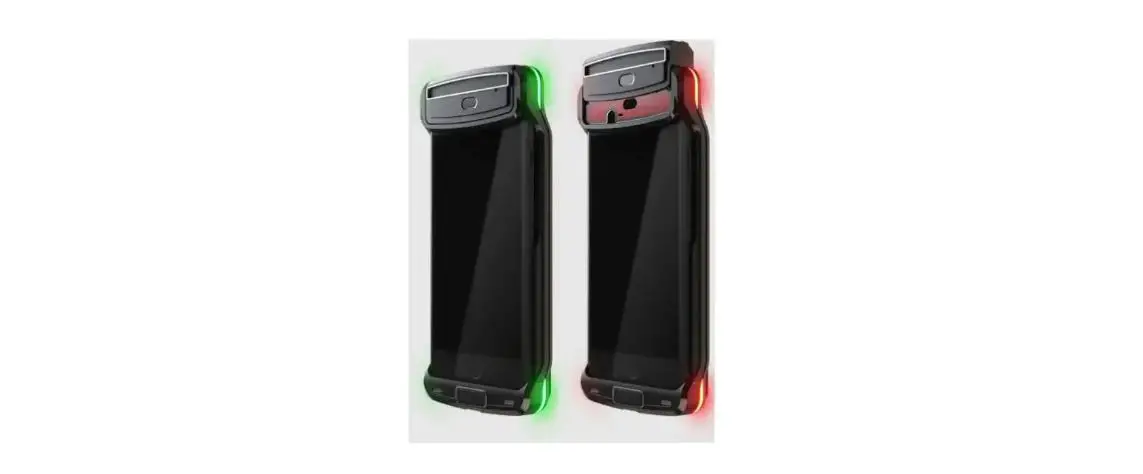
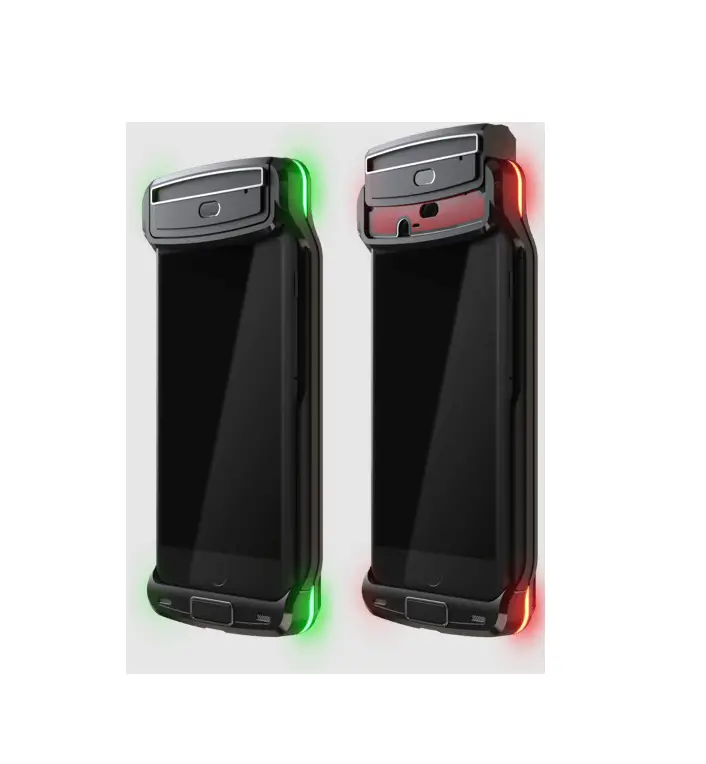
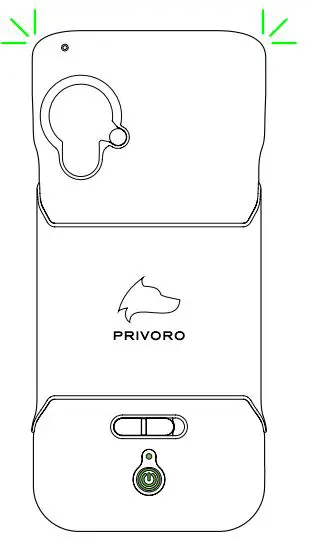
MAINTAINING AUDIO/VIDEO PROTECTIONS When Safe Case is powered on, audio/ video surveillance protections are automatically engaged, as indicated by the corner indicator LEDs pulsing green. To maintain these protections, simply keep your Safe Case charged.
USING YOUR PHONE OR CAMERA
To place or receive a phone/video call or capture images/video/audio, protections must first be disengaged. To disengage protections, swipe left (with the phone facing you) across the touch bar, toward the unlocked icon.
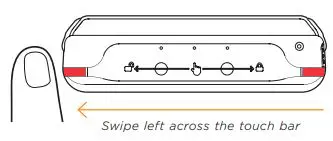
Swipe left across the touch bar
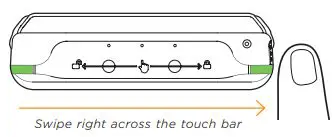
When ready to reengage protections, swipe right (with the phone facing you) across the touch bar, toward the locked icon.
CHECKING SAFECASE STATUS
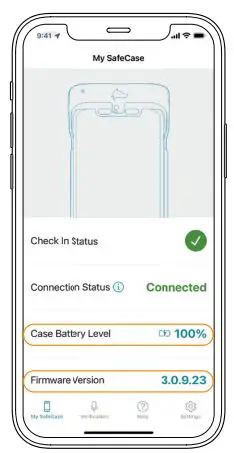
To check Safe Case battery level and app pairing status, open the My Safe Case screen in the Privoro app.
 Mobile Security Solutions | Privoro