 Ruishengda Electronics UF-200E
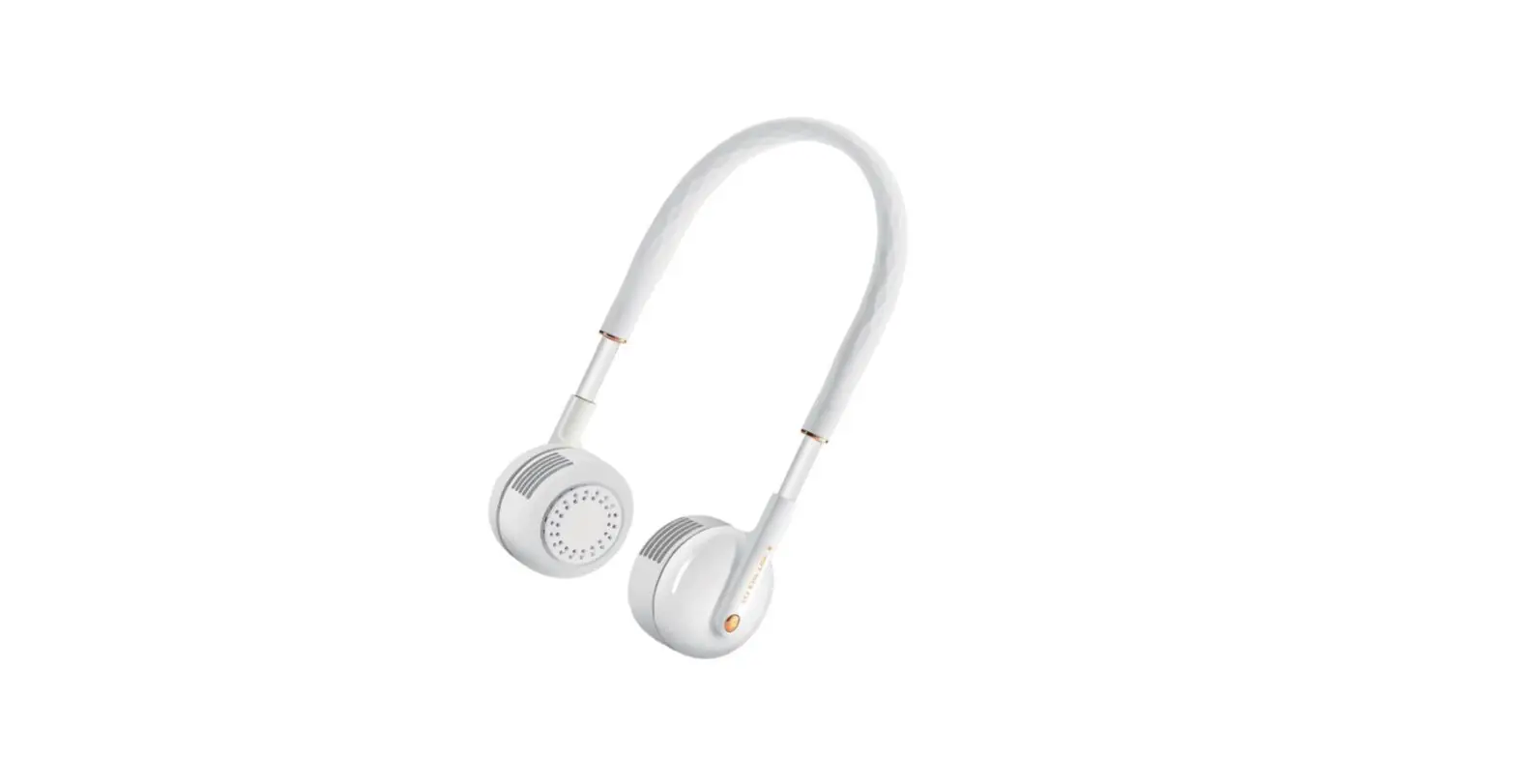
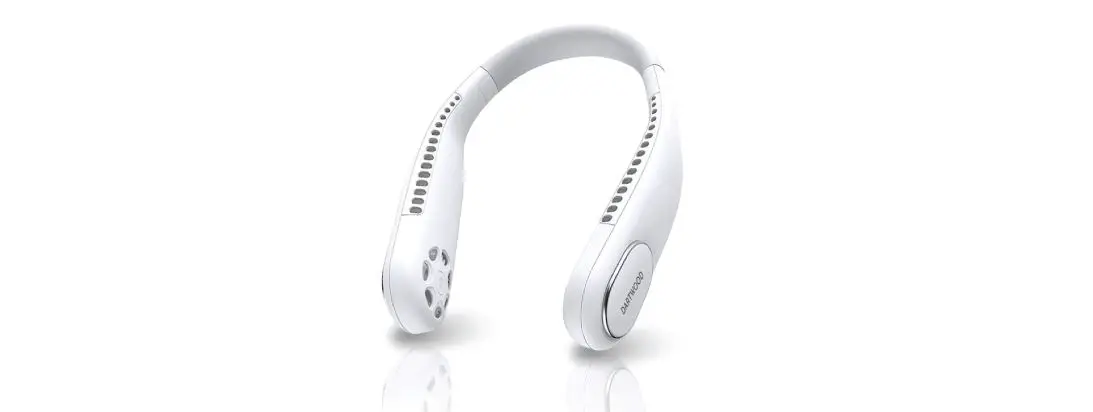
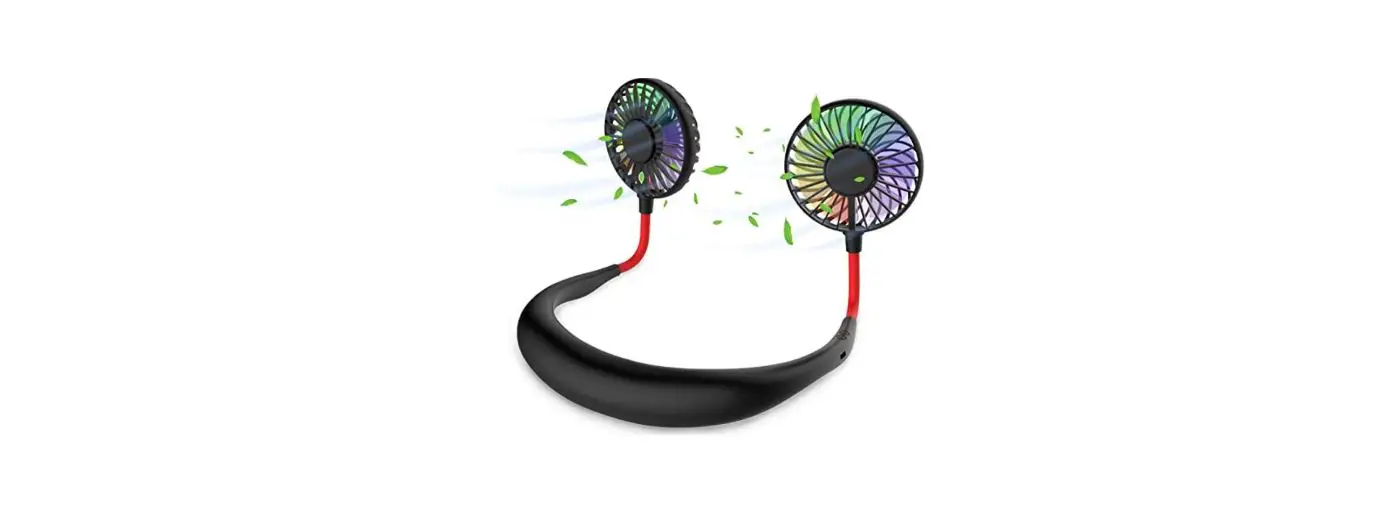
Wireless Earbuds Neck Fan
User Manual
Specifications
| Item name | WIRELESS EARBUDS NECK FAN |
| Item model | OF-200E |
| Item size | 270x180x30mm |
| Rating input | DC 5V 1A |
| Rating power | 5W |
Method of use
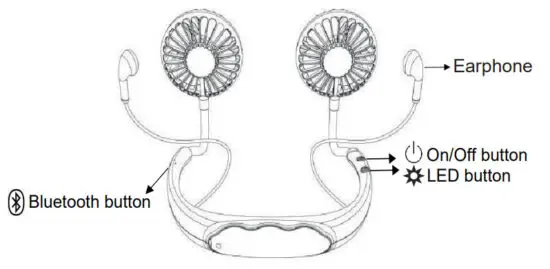
- Press the “
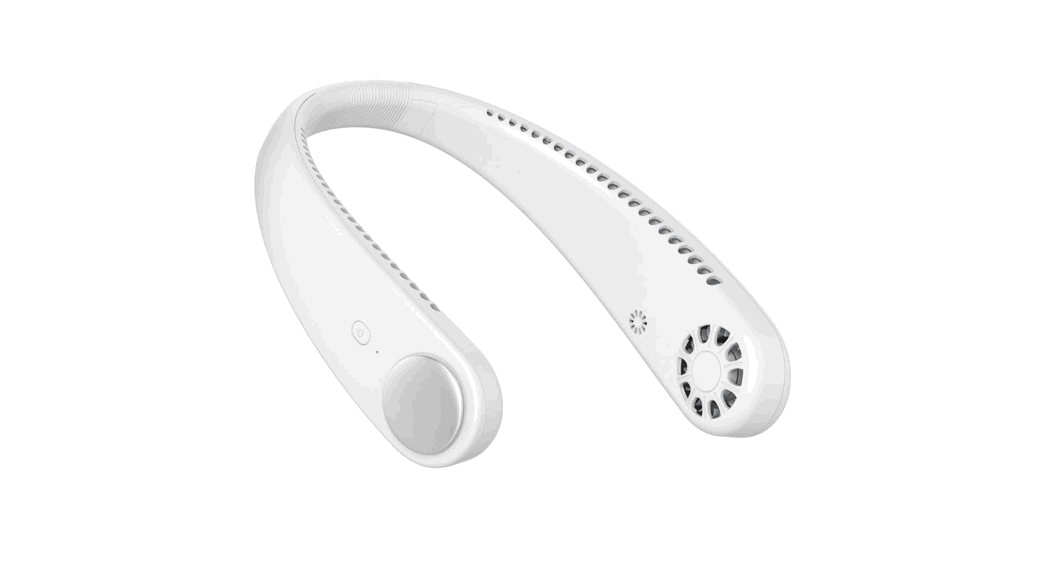
 ” button to turn on the fan to speed 1, press the second time to switch to speed 2, press the third time to switch to speed 3, and press the fourth time to turn it off.
 - Press the “
 ” button to turn on the color-changing light, press switch again to switch to the color light, then press to turn off the light.
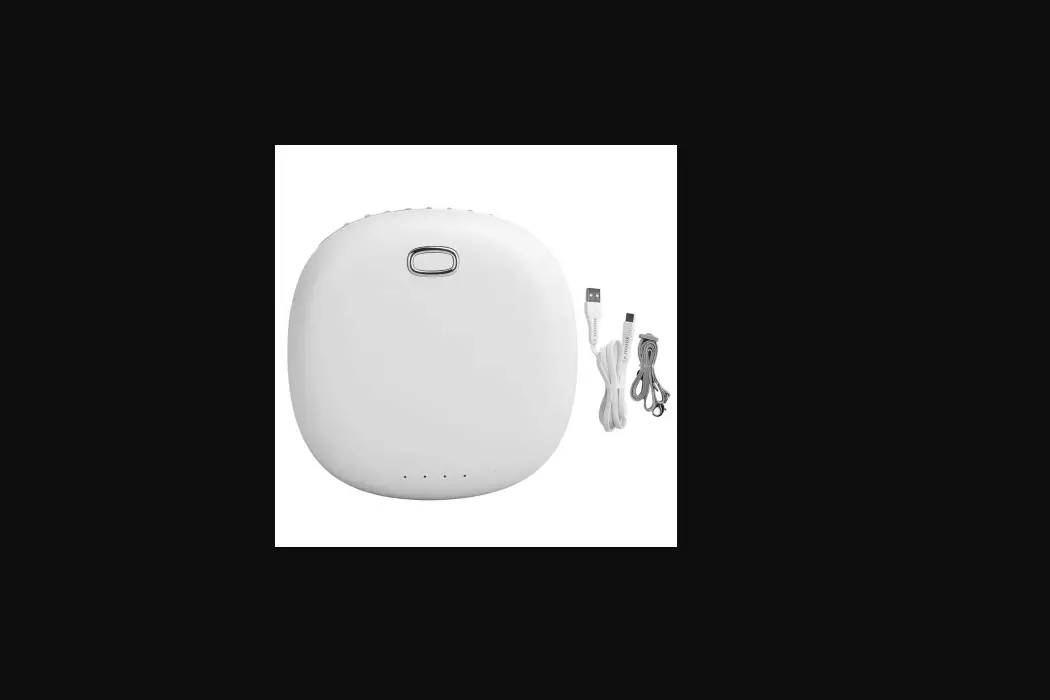
 - This product is designed for portable use. It should be fully charged before use, and the charging device should be removed before use.
 ” button to turn on the fan to speed 1, press the second time to switch to speed 2, press the third time to switch to speed 3, and press the fourth time to turn it off.
 ” button to turn on the color-changing light, press switch again to switch to the color light, then press to turn off the light.
Connection method of Bluetooth earphones
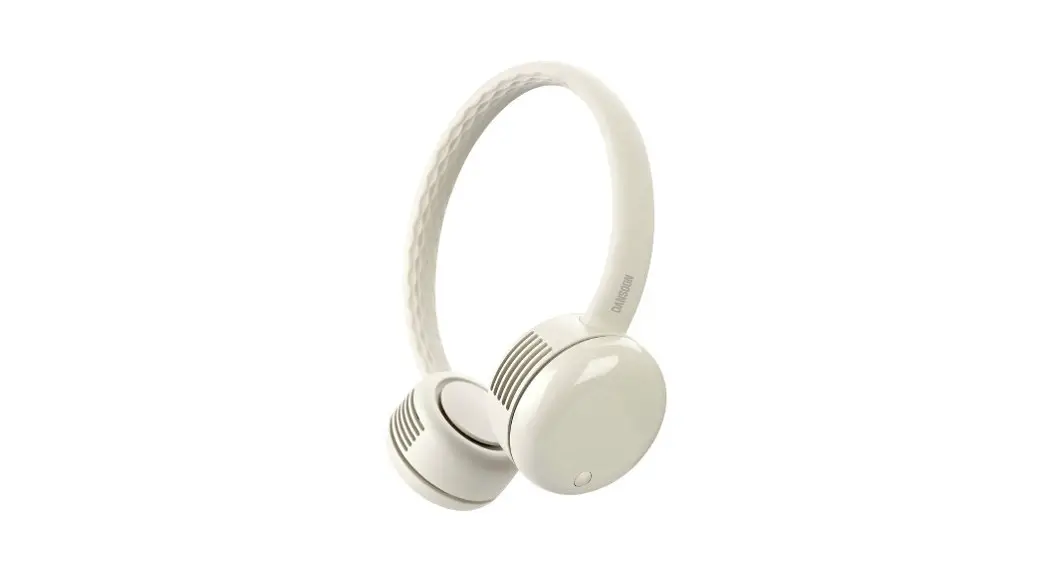
When using the product for the first time, press and hold the Bluetooth button “ ” for 5 seconds, red and blue LED lights on the earphones flash alternately and enter into a pairing state, and Earphone sounds “Pairing” prompt, Enable the Bluetooth of your mobile phone and search, Press model “UF-200BT” to pair, and Earphone sounds “Connected” prompt when connected successfully.
(After the first time pairing, the earphone will be reconnected to the mobile phone automatically)
Charging and discharging LED indicator guide
Red light up when charging, green light up when fully charged, light off when working, power off when no battery power.
Bluetooth Earphone instructions
| Function | Status | Bluetooth Button operation | Audio Tone | LED indicator |
| Power on | Power off | Press and hold for 3s | Power on | Blue LED remains 1s |
| Power off | Power on | Press and hold for 3s | Power off | Red LED remains 1s |
| Pairing | Power on | Press and hold for 5s | Pairing | Red & blue LED flash alternately |
| Connection | Connected | Blue LED to flash once every 5s | ||
| Disconnection | Disconnected | Blue LED flash twice every 5s | ||
| Answer a call | Incoming call | Short press | Tone | Blue LED to flash once every 5s |
| End a call | In a call | Short press | Tone | |
| Reject a call | Incoming call | Press and hold for 1s | Tone | |
| Transfer the call to the earphone | In a call | Press and hold for is | Tone | |
| Transfer the call to the Phone | In a call | Press and hold for is | Tone | |
| Play music | In stand-by | Short press | Blue LED to flash once every 5s | |
| Pause music | playing music | Short press | ||
| Wake up the voice assistant | In standby or play music | Double-Press | ||
| Mute | In a call | Double-Press | Mute MIC | |
| Clear pairing record | Power on | Press and hold for 8s | Tone | |
| Power synchronization | Remain power is displayed on the phone | |||
| Low battery (less than 10 minutes talk time) | Power off when the battery voltage is lower than 3.3v | Low battery (every minute) | Red LED flashes quickly twice every 5s | |
| Switch between Chinese and English prompts | Pairing status | Double-Press | Voice prompt | Red&blue LED flash is |
| Paring Name | UF-200BT | |||
| Paring Code | No password is needed |
Product Features
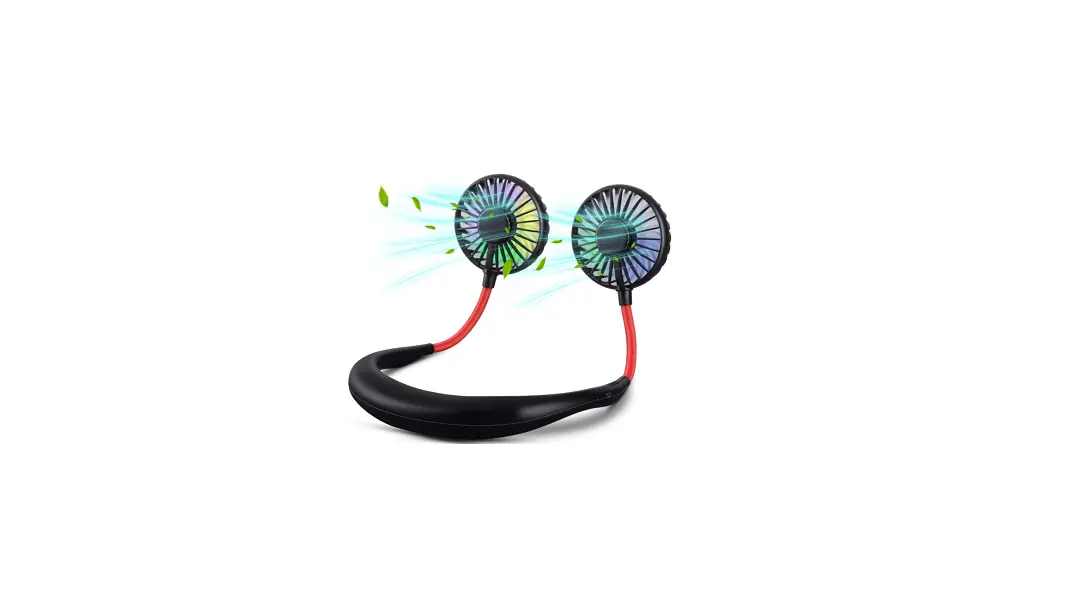
- Powerful wind, low noise, fashion, and novel;
- High-efficiency brushless motor, safety and energy saving, long working life;
Caution
- Do not use an unqualified power adapter for the power supply.
- Remove the battery if it is not used for a long time.
- Do not expose the product to fire, rain, or humid conditions.
FCC Caution:
This device complies with part 15 of the FCC Rules. Operation is subject to the following two conditions: (1) This device may not cause harmful interference, and (2) this device must accept any interference received, including interference that may cause undesired operation.
Any changes or modifications not expressly approved by the party responsible for compliance could void the user’s authority to operate the equipment.
Note: This equipment has been tested and found to comply with the limits for a Class B digital device, pursuant to part 15 of the FCC Rules. These limits are designed to provide reasonable protection against harmful interference in a residential installation.
This equipment generates uses and can radiate radio frequency energy and, if not installed and used in accordance with the instructions, may cause harmful interference to radio communications. However, there is no guarantee that interference will not occur in a particular installation. If this equipment does cause harmful interference to radio or television reception, which can be determined by turning the equipment off and on, the user is encouraged to try to correct the interference by one or more of the following measures:
- Reorient or relocate the receiving antenna.
- Increase the separation between the equipment and receiver.
- Connect the equipment into an outlet on a circuit different from that to which the receiver is connected.
- Consult the dealer or an experienced radio/TV technician for help.
The device has been evaluated to meet general RF exposure requirements. The device can be used in portable exposure conditions without restriction.