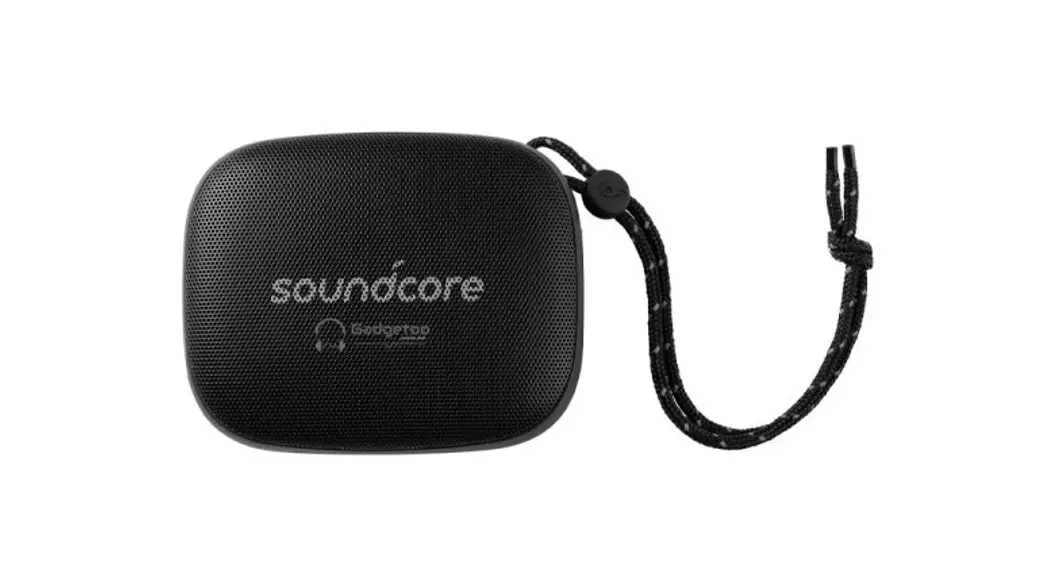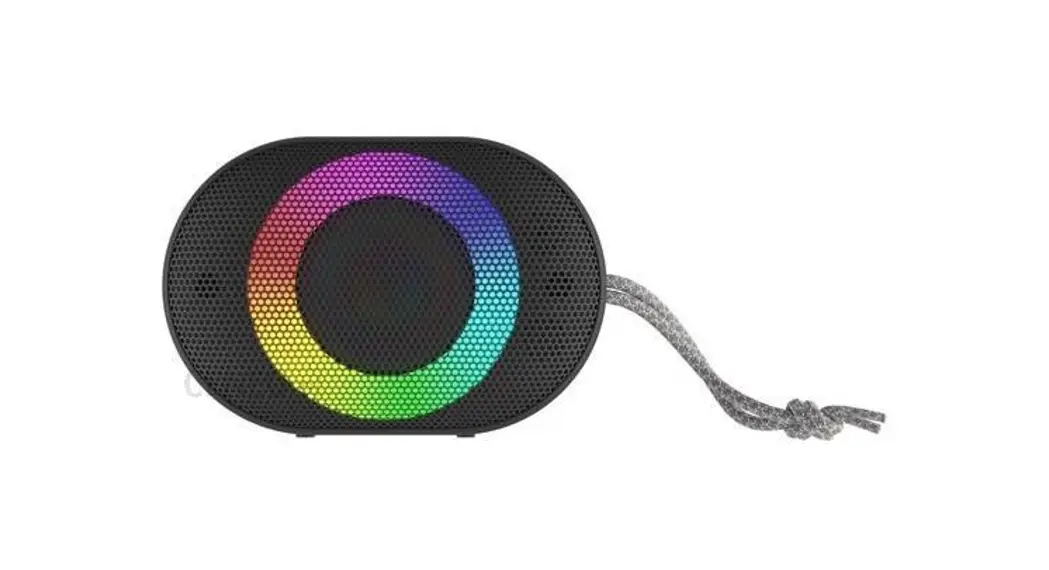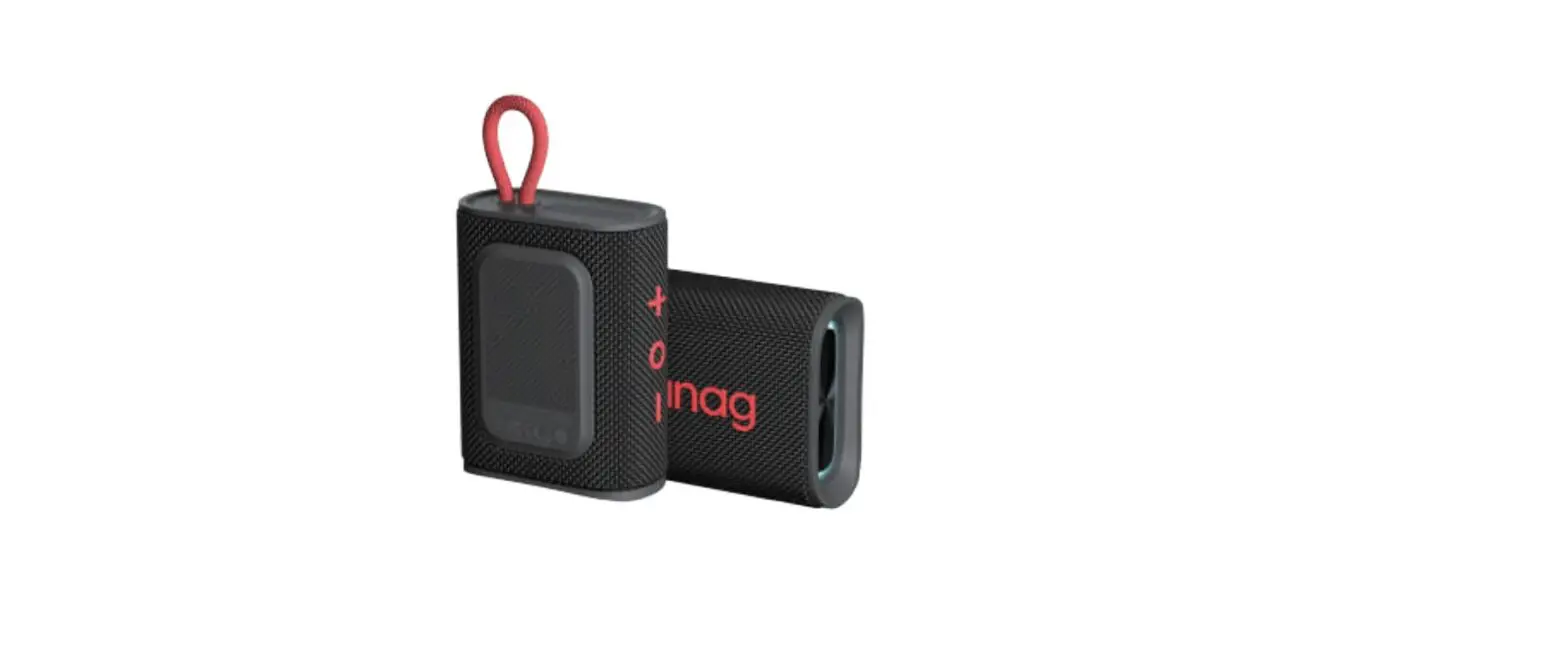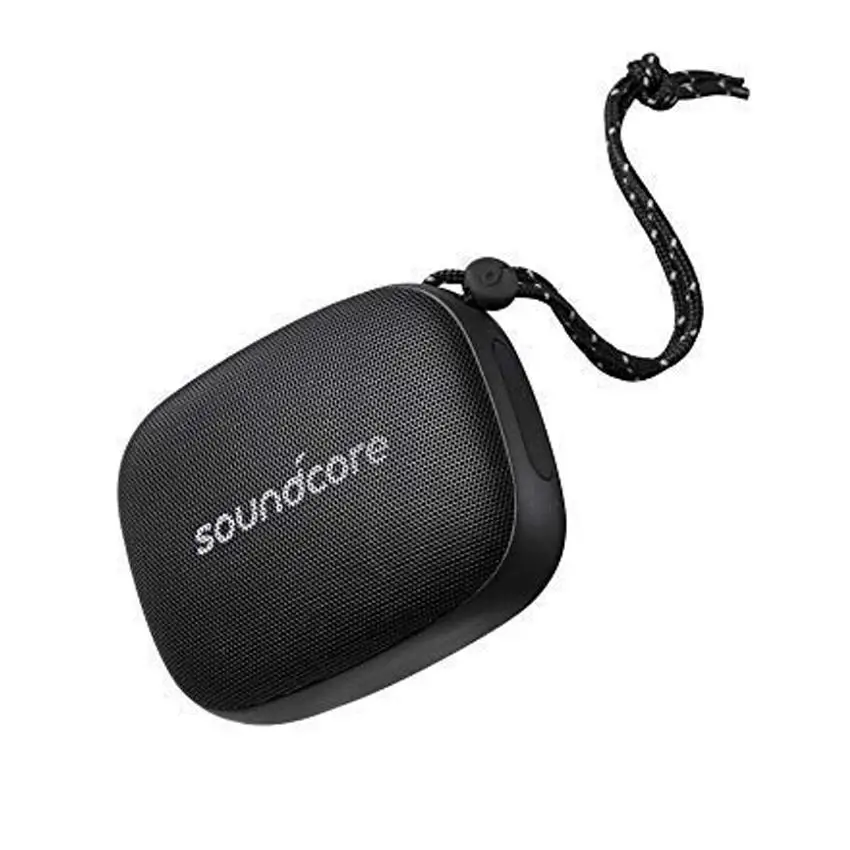
Soundcore Icon Mini Waterproof Bluetooth Speaker A3121 User Manual
Safety Instructions
- Do not drop it.
- Do not disassemble.
- Soundcore Icon Mini can withstand water for up to 30 minutes, up to 1 m.
- Do not expose to extremely high or low temperatures.
- Do not use this device outdoors during thunderstorms.
- Do not use corrosive cleaners or oils for cleaning.
Product Composition
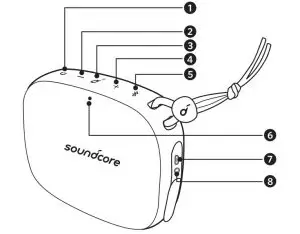
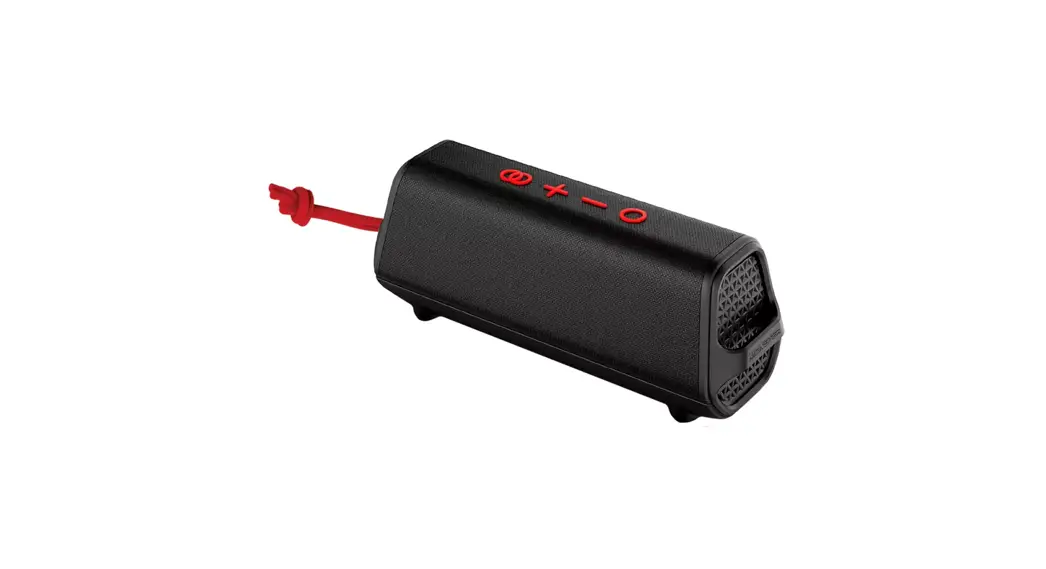
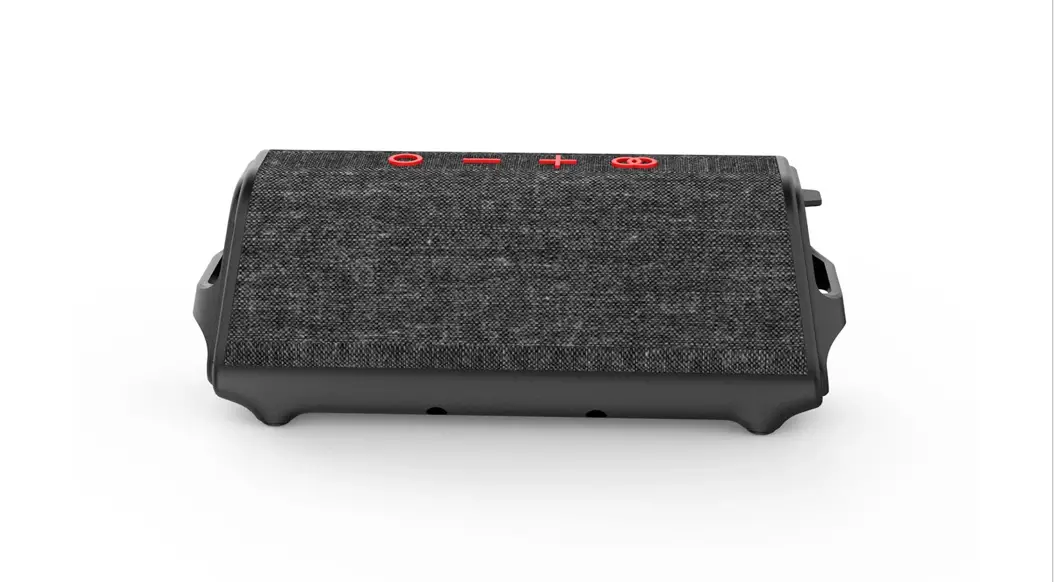
- Power button
- Volume-Button
- Multi-function button
- volume + button
- Bluetooth button
- Status Indicator
- Micro USB port
- 3.5mm audio input port
Using Soundcore Icon Mini
- Power on/off

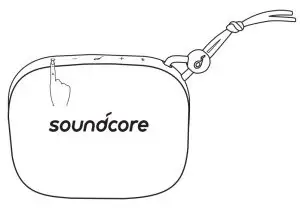
Turn on: Press
Turn Off: Press and hold for more than 2 seconds
a. Bluetooth mode
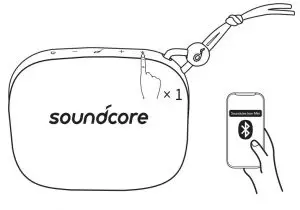
 Fast blinking blue: Bluetooth pairing mode
 Keep blue: Connected to the device
Flashes slowly in blue being: Stand by mode
Note: Connection is taking too long or more than 3 minutes When disconnected, the speaker enters standby mode.
All . Bluetooth pair by pressing the Bluetooth button Return to ring mode.
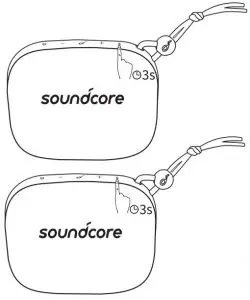
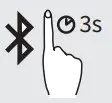 TWS (True Wireless Stereo) group mode start /TWS (True Wireless Stereo) separation
 Twice in blue flicker: True Wireless Stereo (TWS) group mode
 Keep blue: Connected to True Wireless Stereo (TWS)
Note: In TWS (True Wireless Stereo) group mode, If successful, the LED indicator on the first speaker Blinking blue, the second speaker’s LED table The light stays blue. With True Wireless Stereo (TWS) technology, the Soundcore Icon Mini To separate it from both speakers by pairing it with another Soundcore Icon Mini The best sound effect through the left and right sound channels.
There is . Play / Pause
 Play the next song
 Play previous song
 Answer a call / end a call
 Reject a call / switch between a call on hold and a connected call
 End the current call and answer the incoming call / End the current call Switch to a call on hold
 Switch audio source between speaker and phone
 Activate Siri/other voice control software
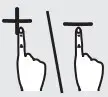 Increase/decrease volumeKeep blue: CallingFlashing blue: Receiving a call
When the Soundcore Icon Mini is powered on, the most recently connected device is If detected, the device is automatically connected. If not detected
Press the Bluetooth button to activate pairing mode.
To pair another device, press the Bluetooth button to exit pairing mode.
At the beginning. Then repeat the pairing steps.
Are you having problems with your connection? Soundcore from the device’s Bluetooth record Remove Icon Mini and keep it within 90cm. after that Try pairing again. If you want the best sound quality, Make sure there are no obstructions between the speakers.
b. AUX-In mode
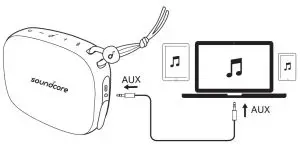
- SoundLine AUX cables sold separately.
When you plug in the audio cable, it automatically switches to AUX mode. When using the AUX mode, control audio playback using the connected device. Oh please.
True Wireless Stereo (TWS) mode cannot be used in AUX mode. is .
Charging the Soundcore Icon Mini
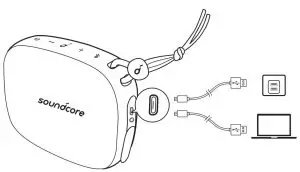
Flashing slowly in red: Low batteryKeep red: Charging
Off: Fully charged
Charge the Soundcore Icon Mini with the included USB cable.
Five . When using for the first time, be sure to fully charge it before use.
When fully charged, disconnect the speaker from the charger. Fully charged
Do not charge the speaker afterwards.
Keep the speaker in a cool place when not in use.
Specification
Specifications are subject to change without prior notice.
Input: 5 V 1 A
Audio output: 3 W
Battery capacity: up to 900mAh
Charging time: 3 hours
Playing time (depending on volume level and music content): 8 hours
Size: 95 x 76 x 36 mm / 3.7 x 2.9 x 1.4 inches
Weight (without packaging): 215 g/7.6 oz
Bluetooth version: V4.2
Bluetooth range: 30m/99ft
Soundcore Icon Mini Waterproof Bluetooth Speaker A3121 User Manual – Optimized PDF
Soundcore Icon Mini Waterproof Bluetooth Speaker A3121 User Manual – Original PDF