 Icon
Icon
Quick Start Guide
For complete operational guidelines please refer to your user manual.
Connect Power & Charge
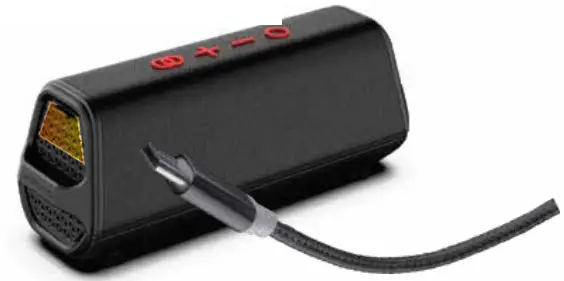
- Connect the power cable to the speaker.
- Plug the cable into a wall outlet.
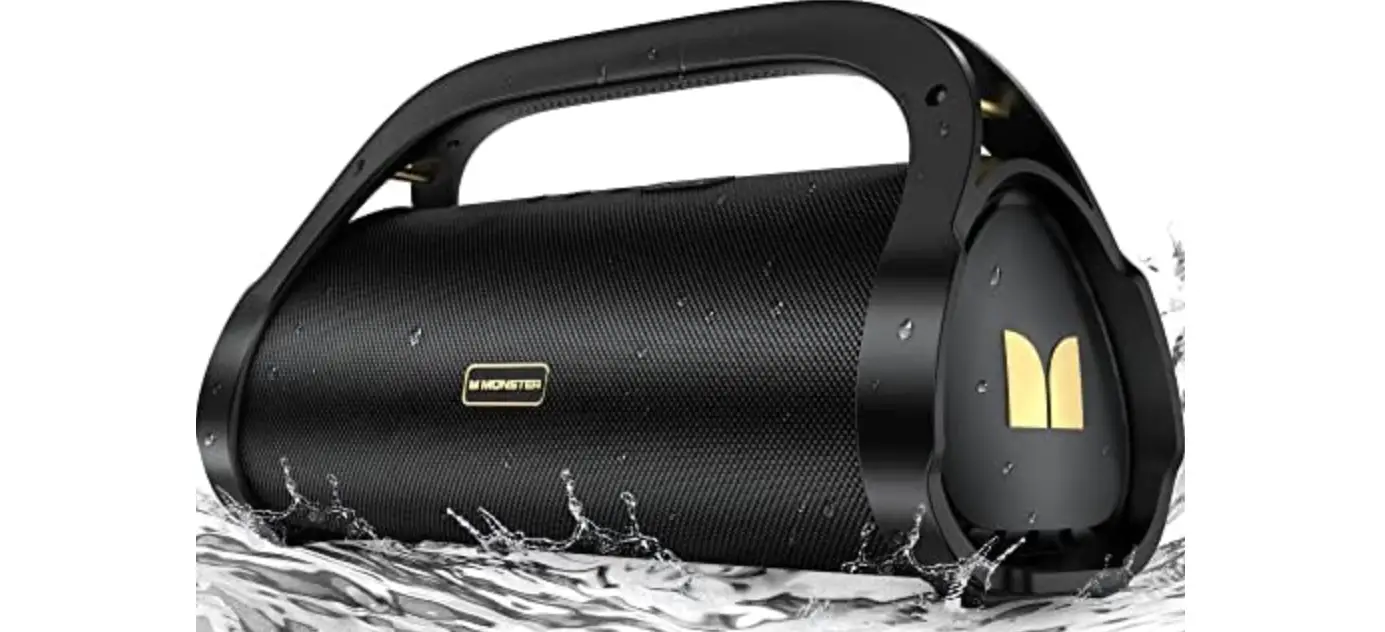
- ICON speaker will automatically begin to charge.
- Press and hold the Power button
 to turn the speaker on.
 to turn the speaker on.
BEFORE FIRST USE: Charge the unit for 5 hours. When fully charged the RED LED will stay solid When low on battery the RED LED will flash rapidly.
Manual Bluetooth Pairing
- Activate Bluetooth function on your music device.
- Place music device and speaker within pairing range (-3 ft).
- Press and hold Bluetooth button
 on speaker to ente pairing mode (flashing BLUE LED).
 - Connect to “MONSTER ICON” on your music device. 5. Speaker will automatically connect to music device(solid BLUE LED).
 on speaker to ente pairing mode (flashing BLUE LED).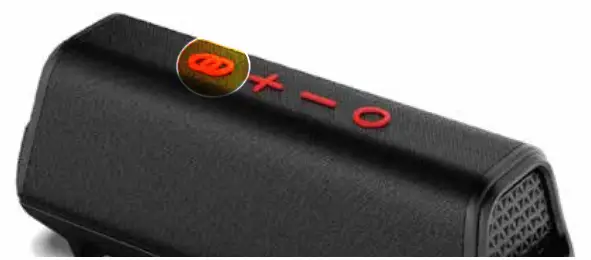
Wireless Connection (Additional Speaker Sold Separately)
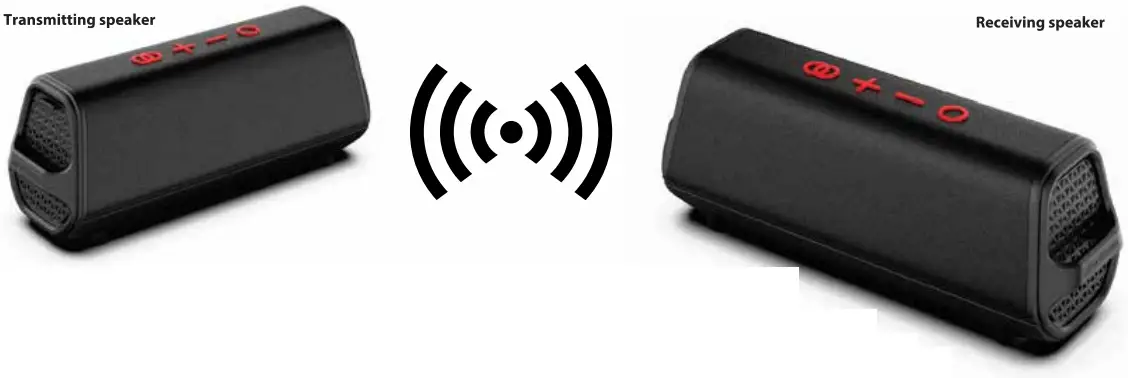
Sync Together & Play Two ICON Speakers
- Connect music device to one speaker via Bluetooth, this will be the Transmitting speaker.
- Double-Click the BT button on the Transmitting speakers to enter sync mode (BLUE AND ORANGE LED next to EZ-SYNC button will alternating flash). Transmitting speaker will automatically search for the nearest EZ-SYNC compatible speaker to connect to.
- When both speakers are connected the Transmitting speakers Blue LED will BLINK, while the Receiving speakers Orange LED will stay SOLID
- Speakers can be no further than 30ft apart for EZ-SYNC to work
DON’T MISS OUT
• EXCLUSIVE DEALS FIRMWARE UPDATES PRODUCT RELEASES
• SUBSCRIBE
http://mymonsteraudio.com/