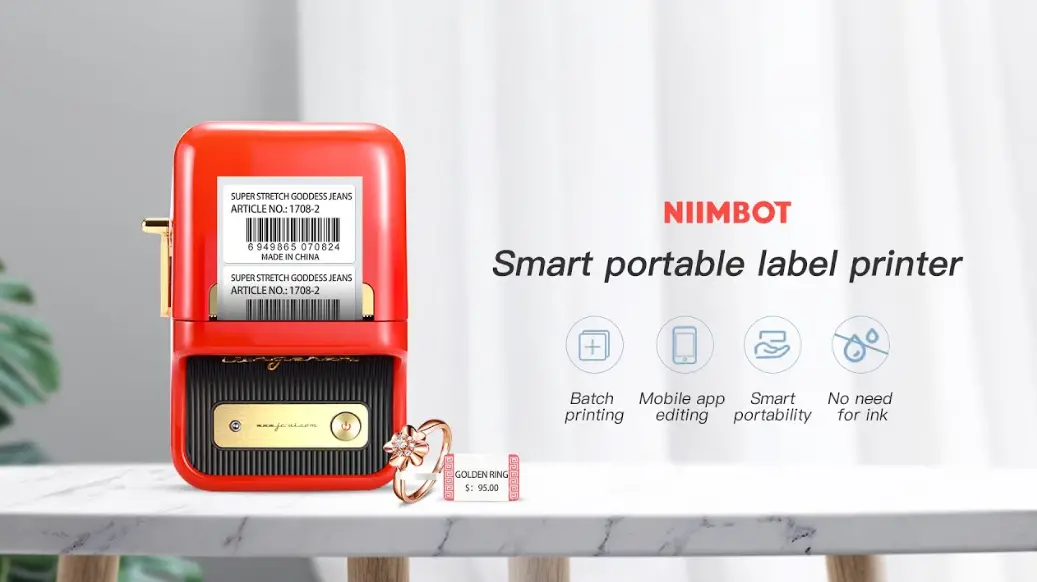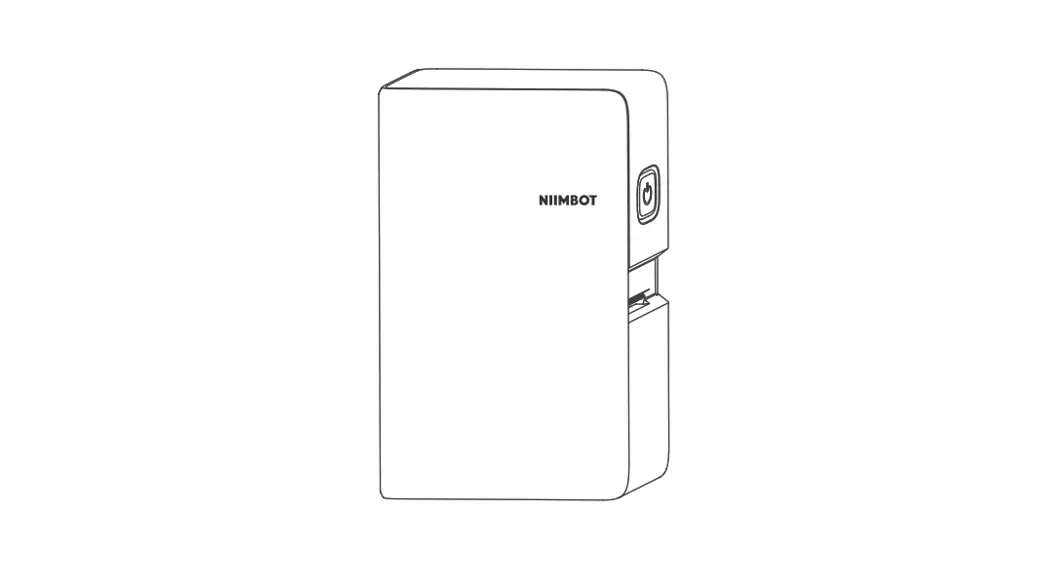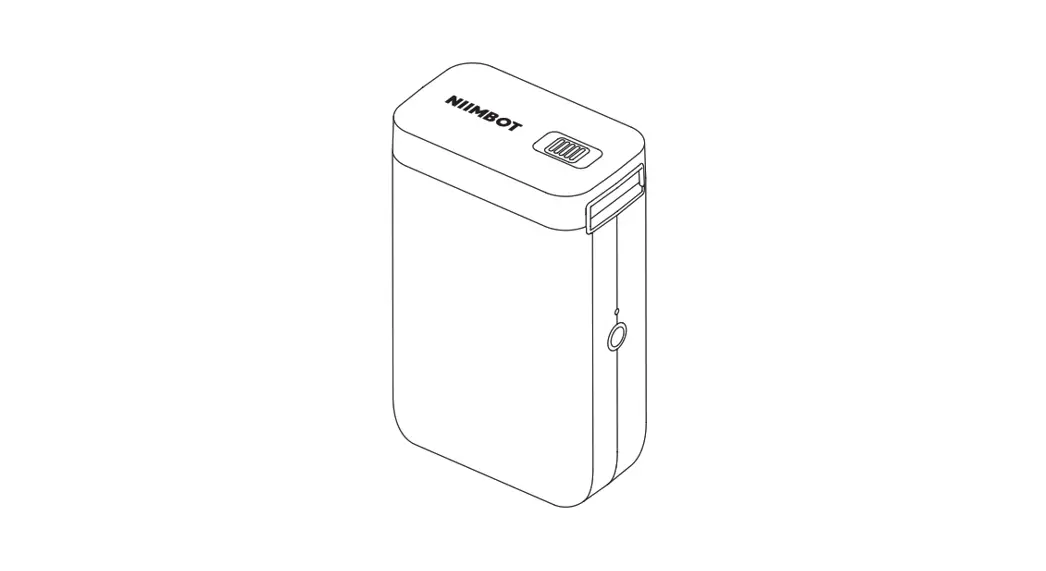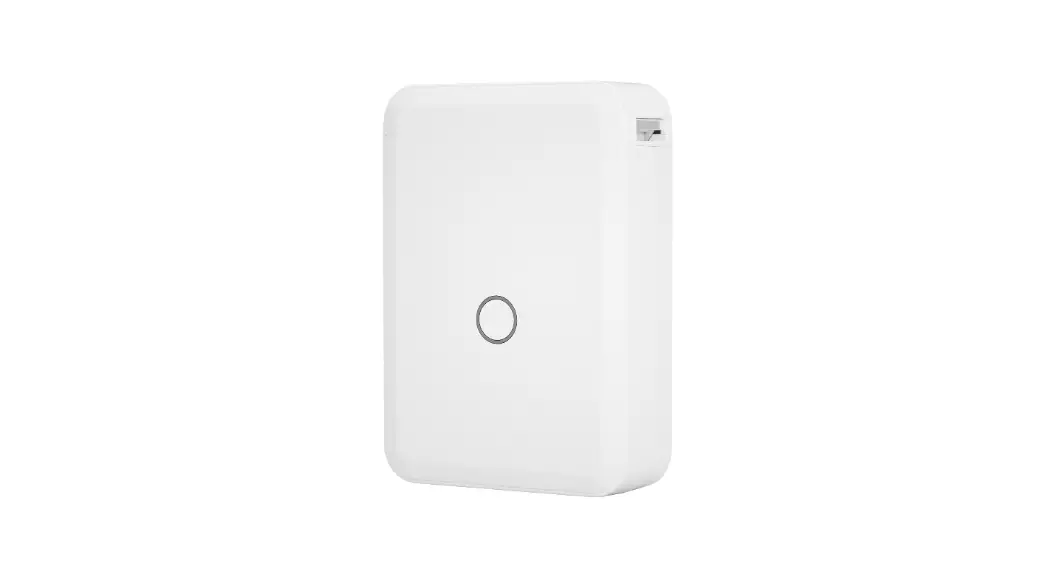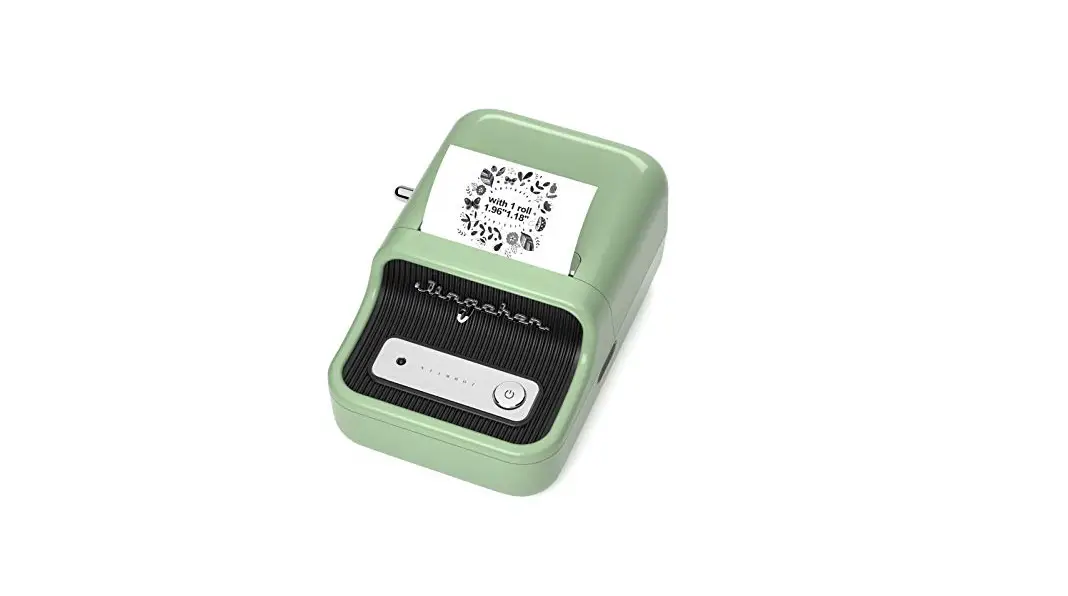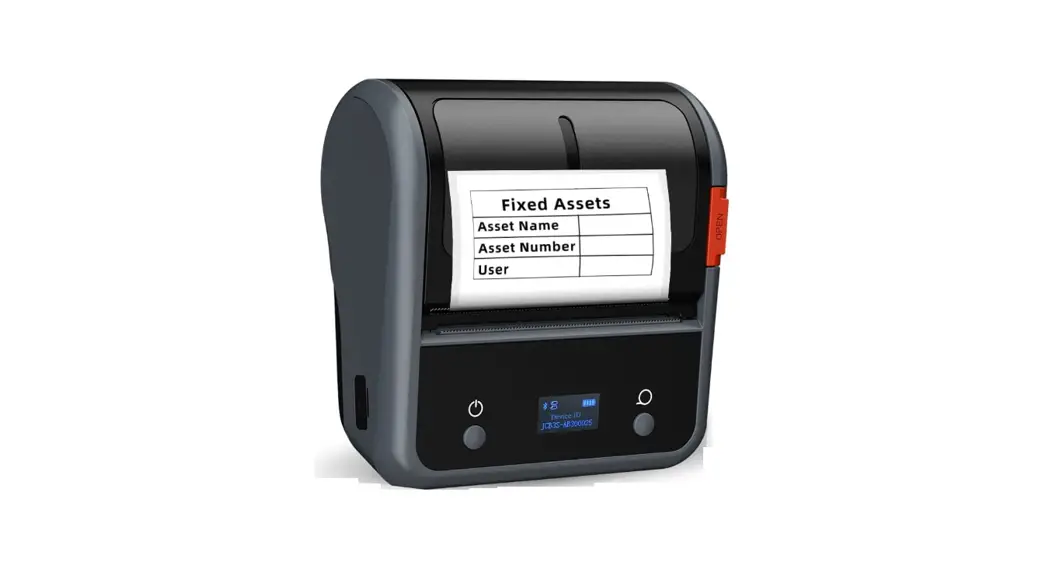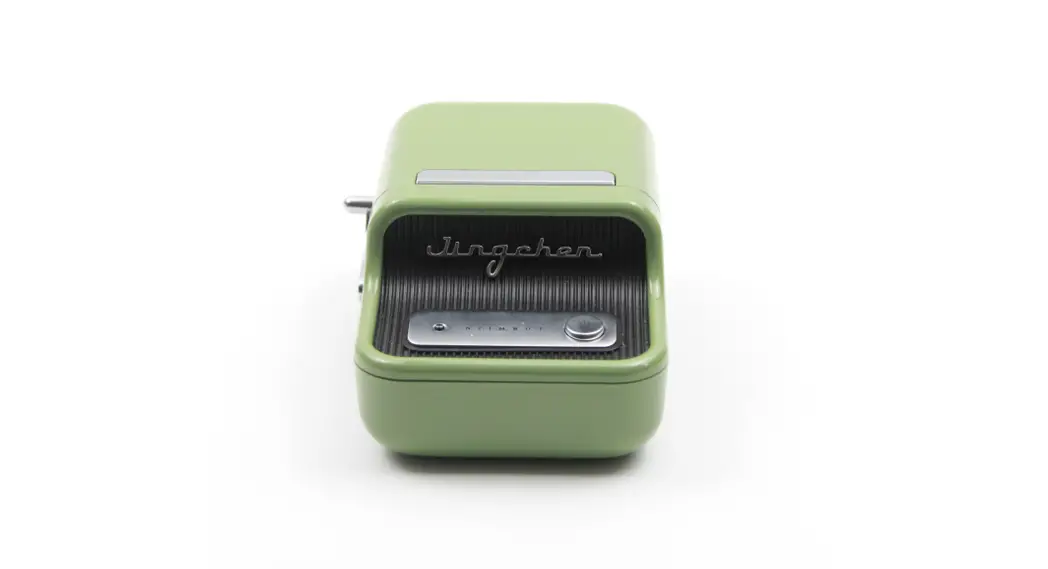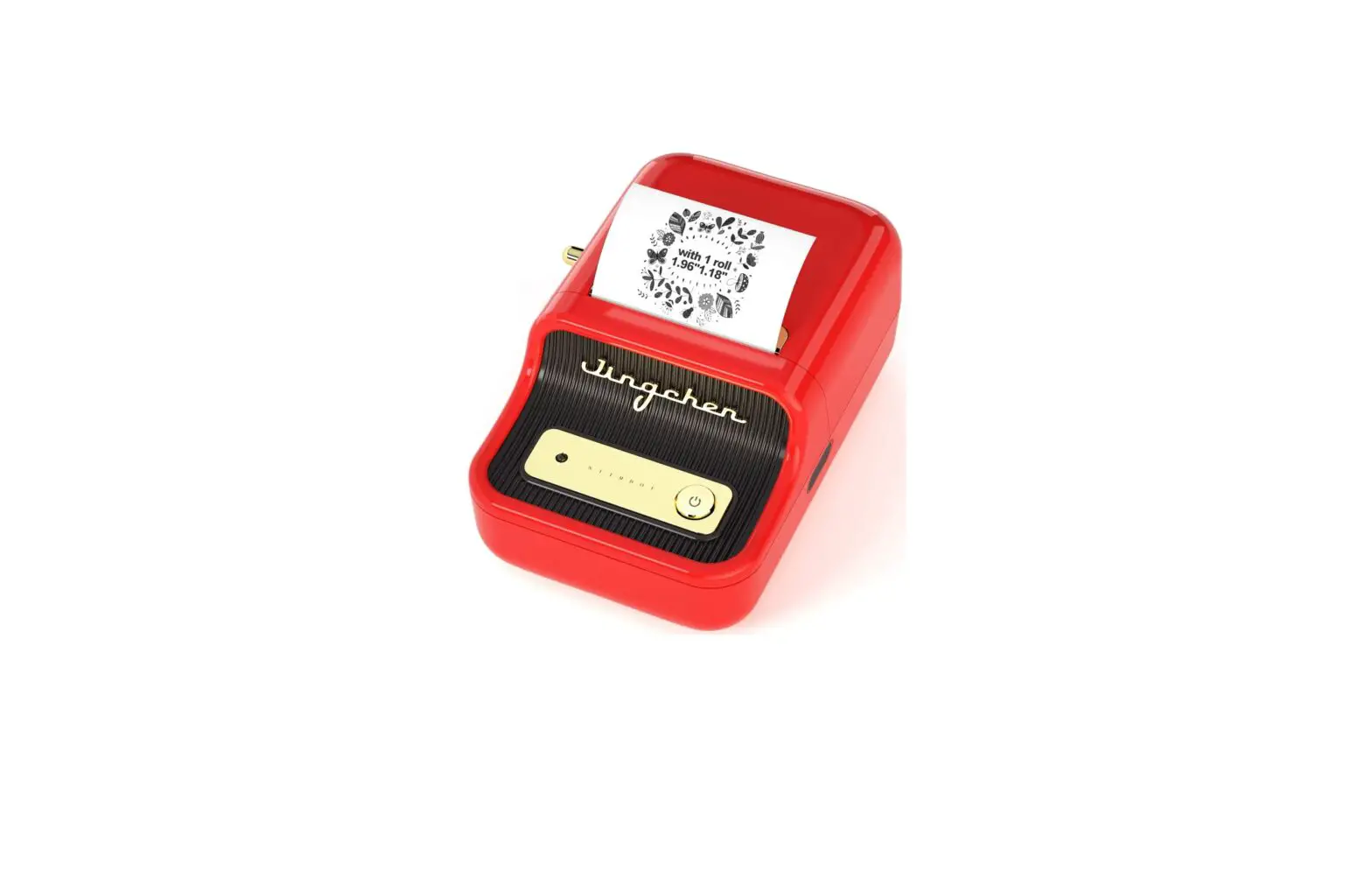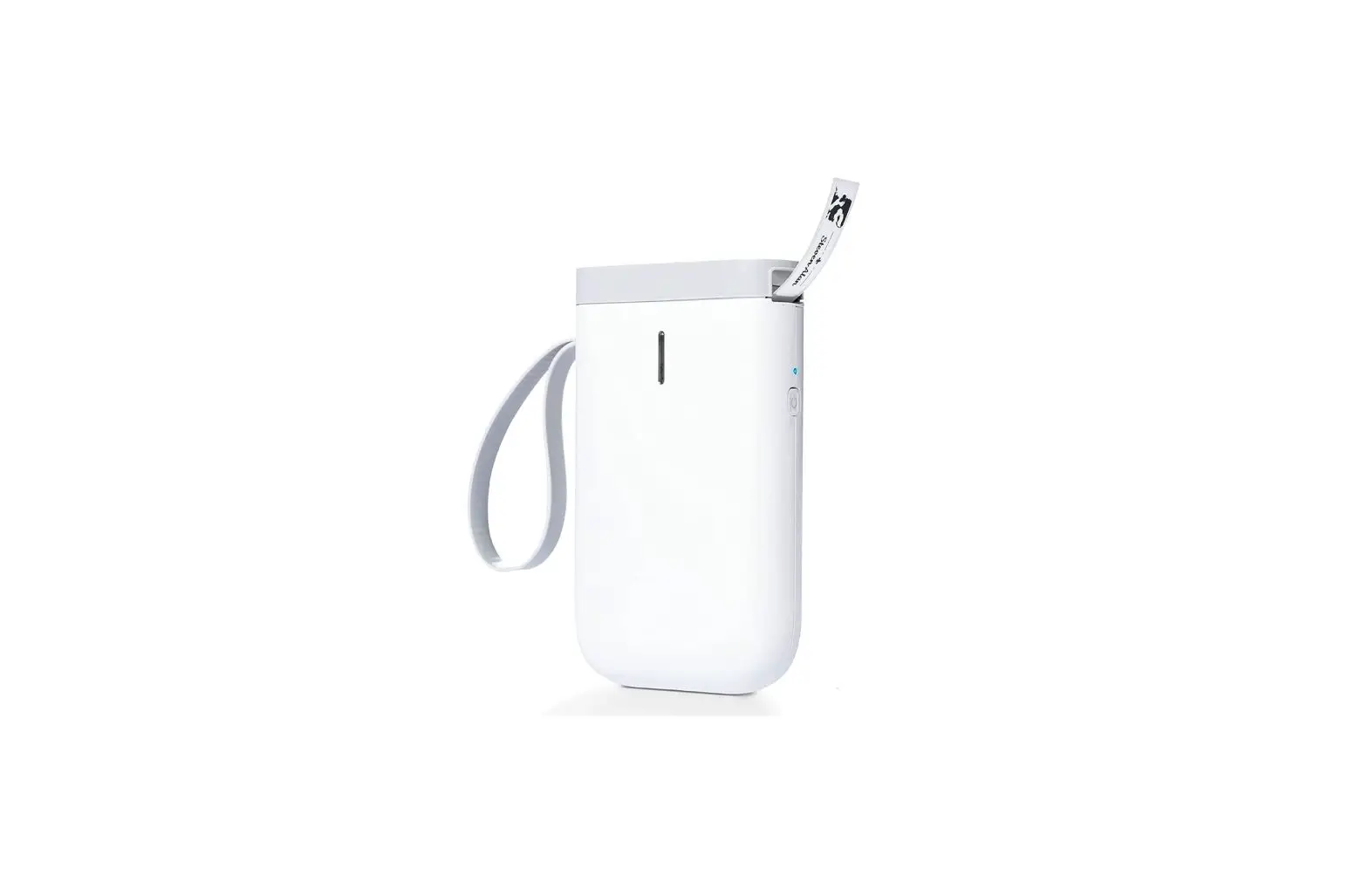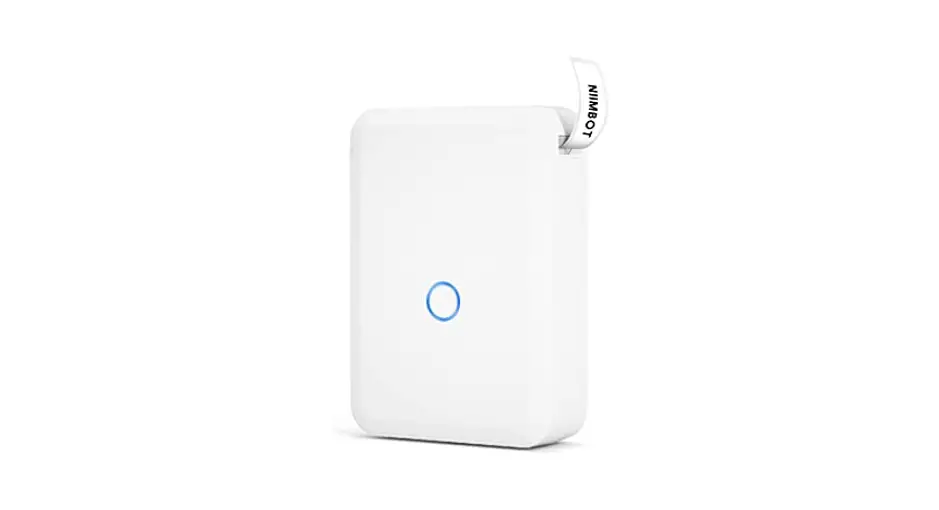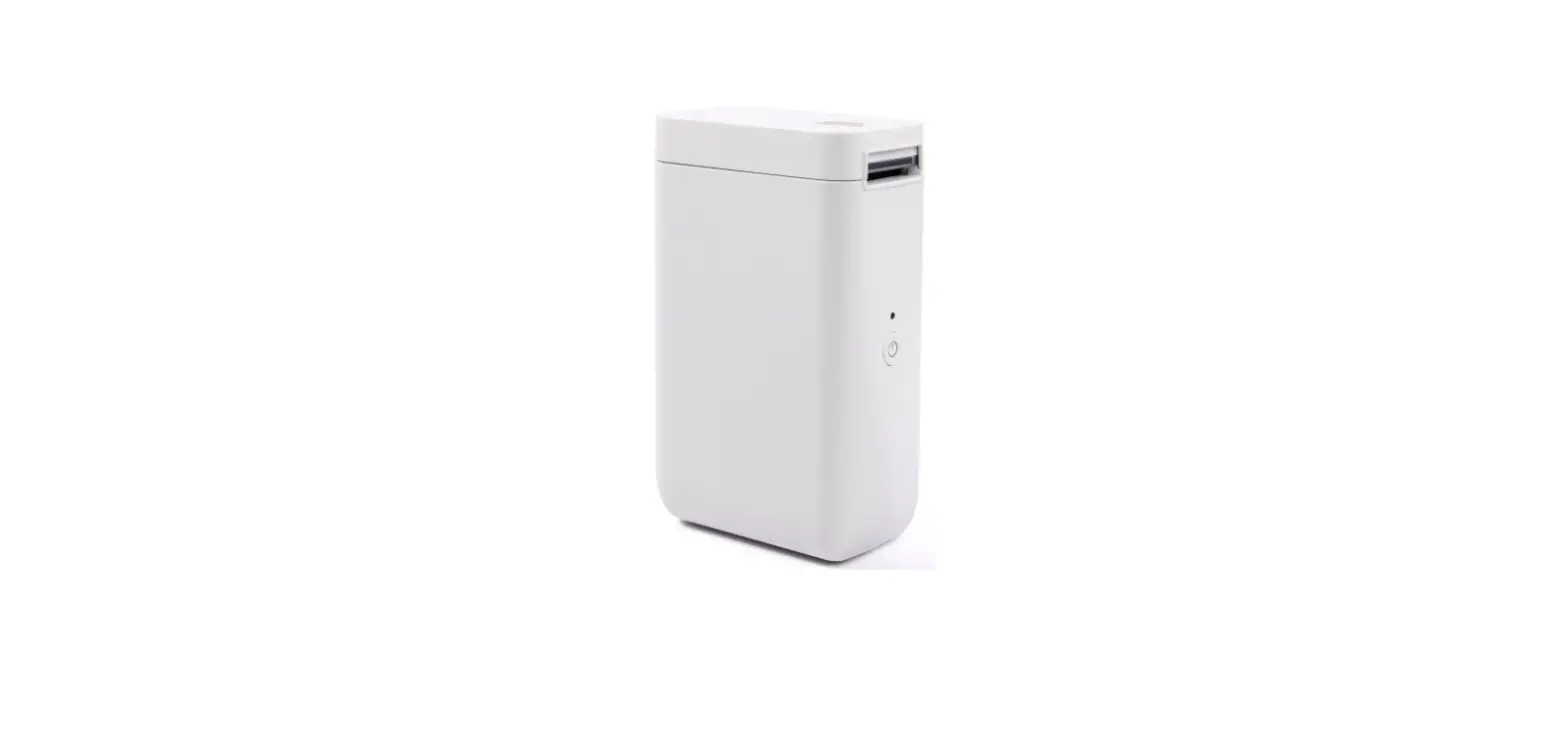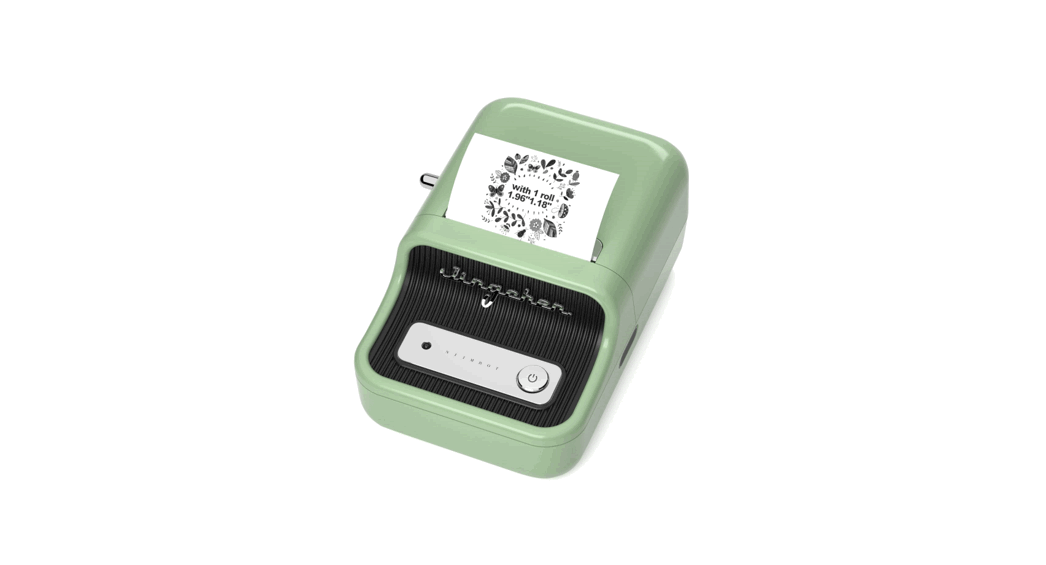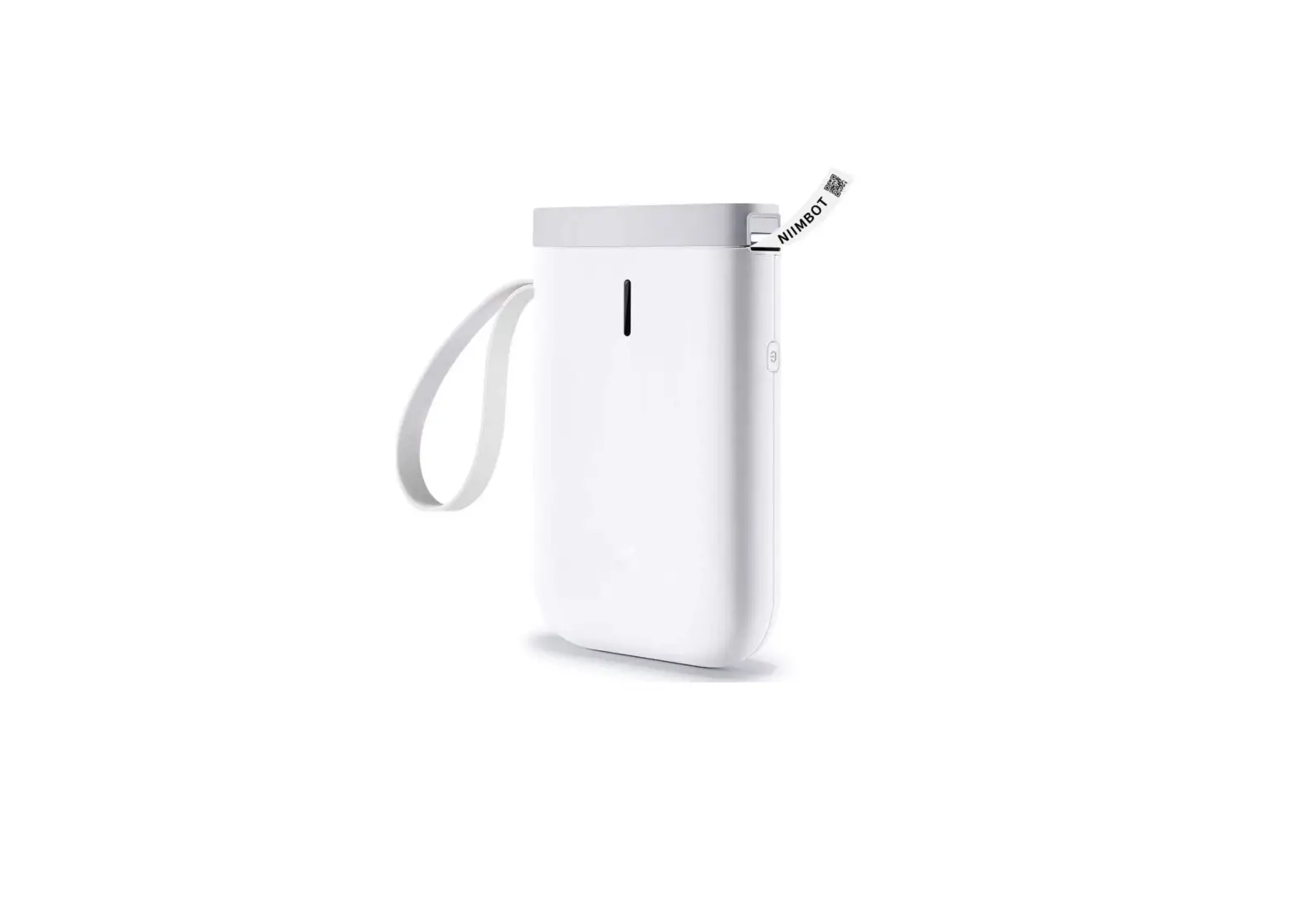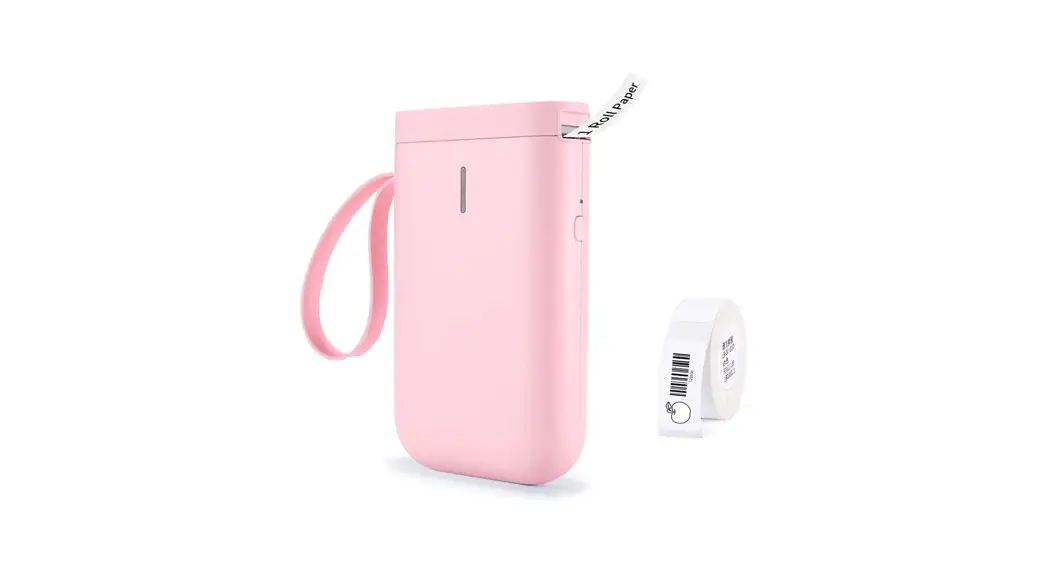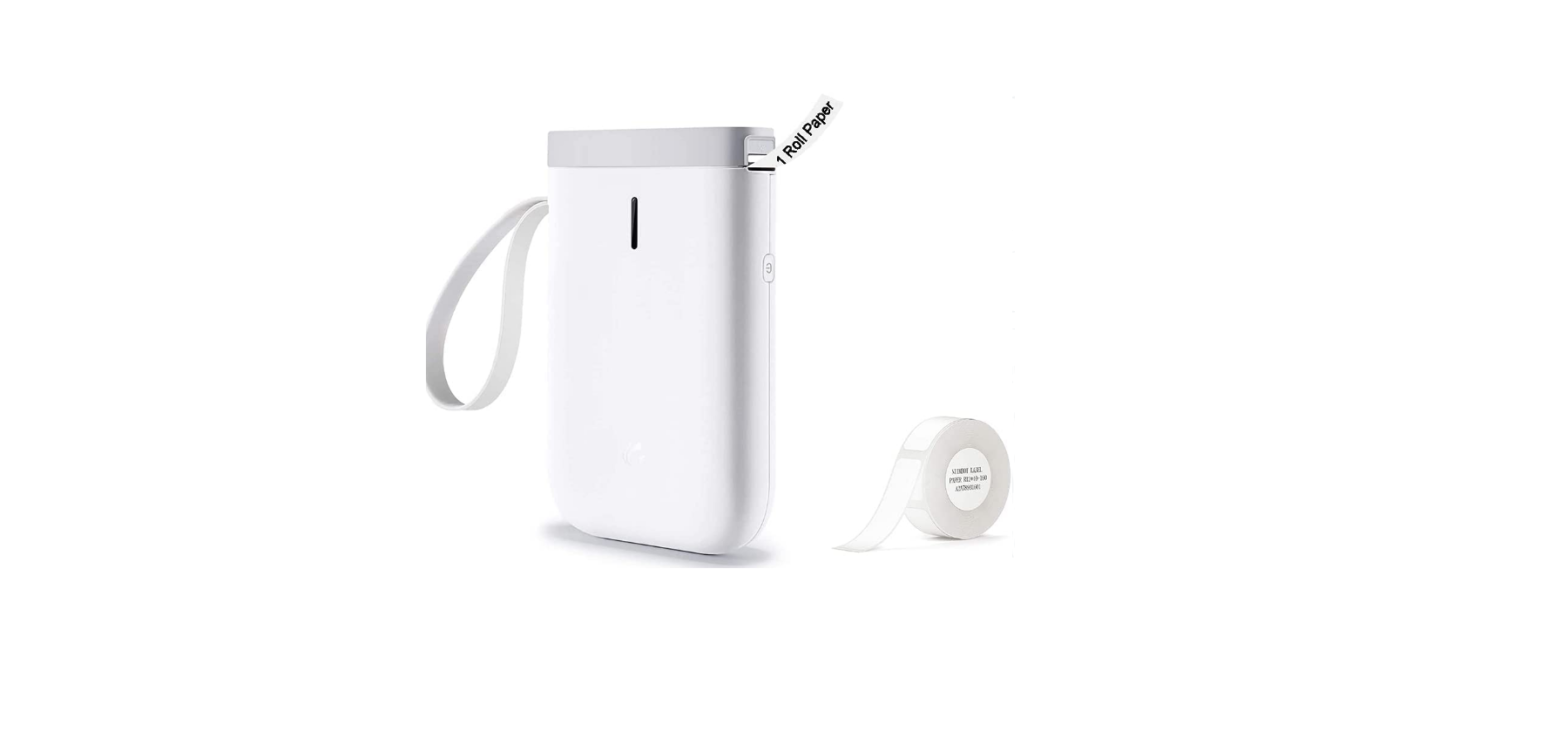

NIIMBOT B18 Smart Label Printer
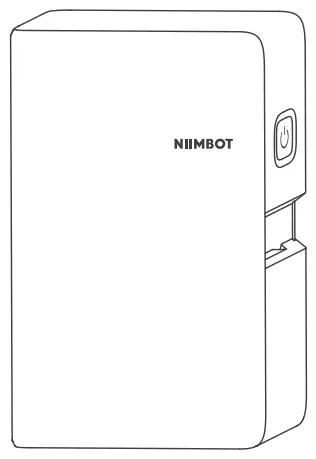
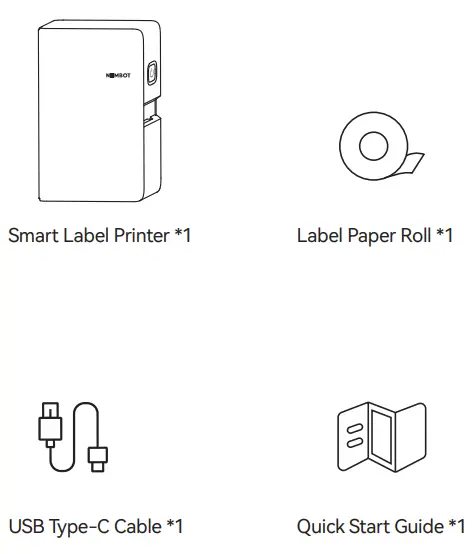
Package Contents
Installation
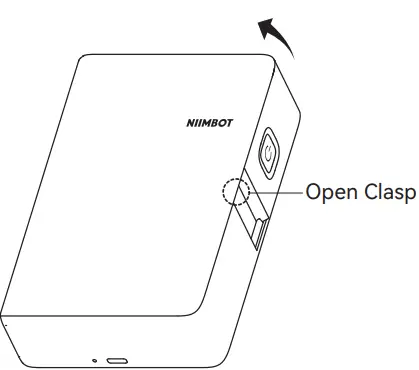
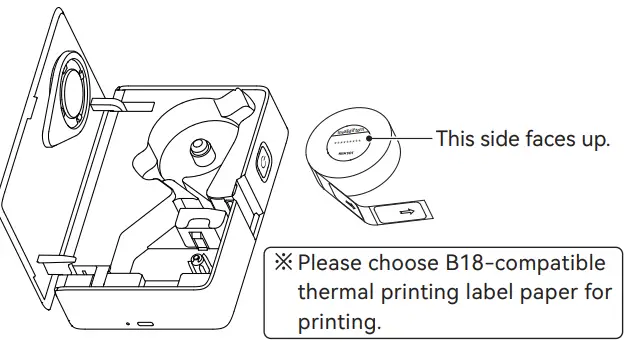
- Lift the open clasp upward to open the compartment.

- Fit the label paper inside with the label side facing up.

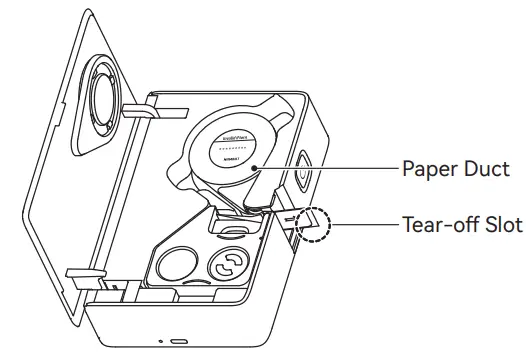
- Thread the paper roll through the paper duct and make sure the first label paper sticks out of the tear-off slot.

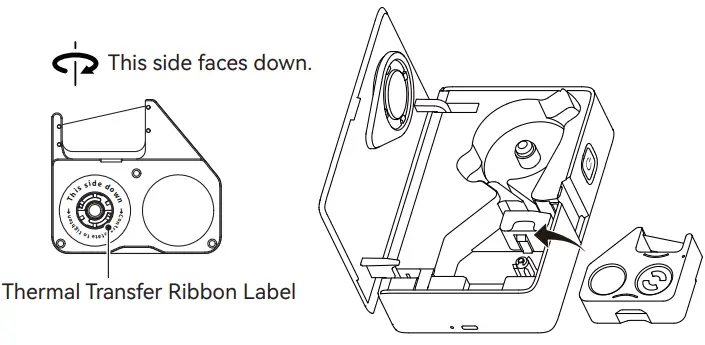
- Tauten the thermal transfer ribbon counterclockwise according to the thermal transfer ribbon label and fit it into the compartment with the label side facing down.

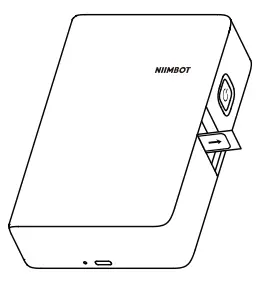
- Snap the clasp down to close the cover.
Installing App
- Before using the printer, please install the NIIMBOT app from Google Play or the App Store.

- Get the NIIM app for more label designs for homes.

Connecting and Printing
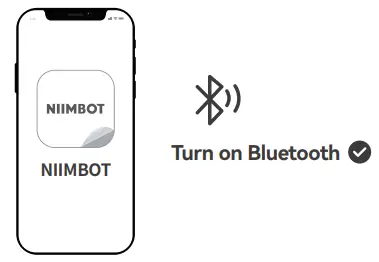
- Open NIIMBOT app and turn on Bluetooth on your phone.

- On Home, tap Connect smart label printer. Then select device model.
Notice: If a PIN code is required, input 0000 or 1234. - After connecting, tap on “Current label template” on the Home tab to enter the label editor.
Special Notes
Images of products, accessories, and the app in this manual are for illustrative purposes only and may be different from actual products. Products are subject to change without prior notice.
Basic Functions
| Function | Operation |
| Switch on | Hold down the Power button for three seconds. |
| Switch off | Hold down the Power button for three seconds when the device is on. |
| Print history | Press the Power button once when the device is on. |
| Print a test page | Double-press the Power button when the device is on. |
LED Indicators
| Indicator | Status | Description |
| Blue | Blinking slowly | Standby |
| Blue | Blinking fast | Charging |
| Blue | Solid | Bluetooth connected |
| Red | Blinking slowly | Battery low, standby |
| Red | Blinking fast | Battery low, charging |
| Red | Solid | Battery low, Bluetooth connected |
Specifications
| Product | Label Printer | Model | NIIMBOT B18 |
| Dimensions | 135*90*37mm | Weight | 308g |
| Charging Time | 3 – 3.5 hours | Input | 5V DC, 1A |
| Battery Capacity | 1200mAh | Printing Method | Thermal Transfer Printing |
| Printing Resolution | 203dpi | Printing Width | 12mm |
| Connectivity | Bluetooth | Charge | Type-C |
| Transmit Power | 4dBm(Maximum) | Operating Temperature | 5℃ – 40℃ |
Safety Precautions
Please read all the instructions and warnings in this manual carefully before using this product to ensure the proper functioning of the device and your safety.
Warnings
- Please keep the product and accessories out of the reach of children or they must be used under the supervision and guidance of a guardian;
- Turn off the power immediately when water gets into the product;
- Turn off the power immediately in case of any product malfunction;
- If you want to use a power adapter, always use one that is safe, regulatory-compliant, and compatible;
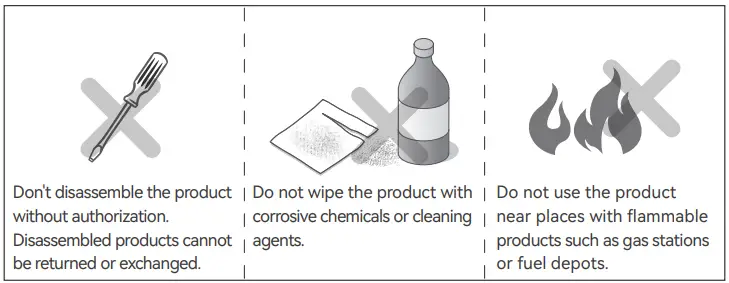
- Do not disassemble the product to replace the battery. Improper operation may cause an explosion;
- The battery contains special protection circuit and device, please do not disassemble the battery without authorization, otherwise it may cause a short circuit or leakage. If electrolyte gets into your eyes, flush with water immediately and seek medical help;
- Do not expose the product and the power adapter to high temperature or high humidity. Do not put them in water, otherwise a short circuit may occur and the battery may heat up, smoke, deform, damage, or even explode;
- If smoke or smell comes from the product or the power adapter, please unplug the power adapter immediately and avoid any burns.
FCC Statement
This device complies with part 15 of the FCC Rules. Operation is subject to the following two conditions: (1) this device may not cause harmful interference, and (2) this device must accept any interference received, including interference that may cause undesired operation. Any changes or modifications not expressly approved by the party responsible for compliance could void the user’s authority to operate the equipment.
NOTE: This equipment has been tested and found to comply with the limits for a Class B digital device, pursuant to Part 15 of the FCC Rules. These limits are designed to provide reasonable protection against harmful interference in a residential installation. This equipment generates, uses and can radiate radio frequency energy and, if not installed and used in accordance with the instructions, may cause harmful interference to radio communications.
However, there is no guarantee that interference will not occur in a particular installation. If this equipment does cause harmful interference to radio or television reception,which can be determined by turning the equipment off and on, the user is encouraged to try to correct the interference by one or more of the following measures:
- Reorient or relocate the receiving antenna.
- Increase the separation between the equipment and receiver.
- Connect the equipment into an outlet on a circuit different from that to which the receiver is connected.
- Consult the dealer or an experienced radio/TV technician for help.
The device has been evaluated to meet general RF exposure requirement.The device can be used in portable exposure condition without restriction.
Declaration of conformity
Hereby, Wuhan Jingchen Intelligent Identifification Technology Co., Ltd. declares that this device is in compliance with the essential requirements and other relevant provisions of Radio Equipment Directive (RED) 2014/53/EU. This product can be used across EU member states. This device can be used in European Union.
Hereby, [Wuhan Jingchen Intelligent Identifification Technology Co., Ltd.] declares that the radio equipment type [NIIMBOT B18] is in compliance with Directive 2014/53/EU. The full text of the EU declaration of conformity is available at the following internet address:http://www.niimbot.com.
 NIIMBOT精臣-让物的管理更简单
 NIIMBOT-The simpler,The better-Label printer