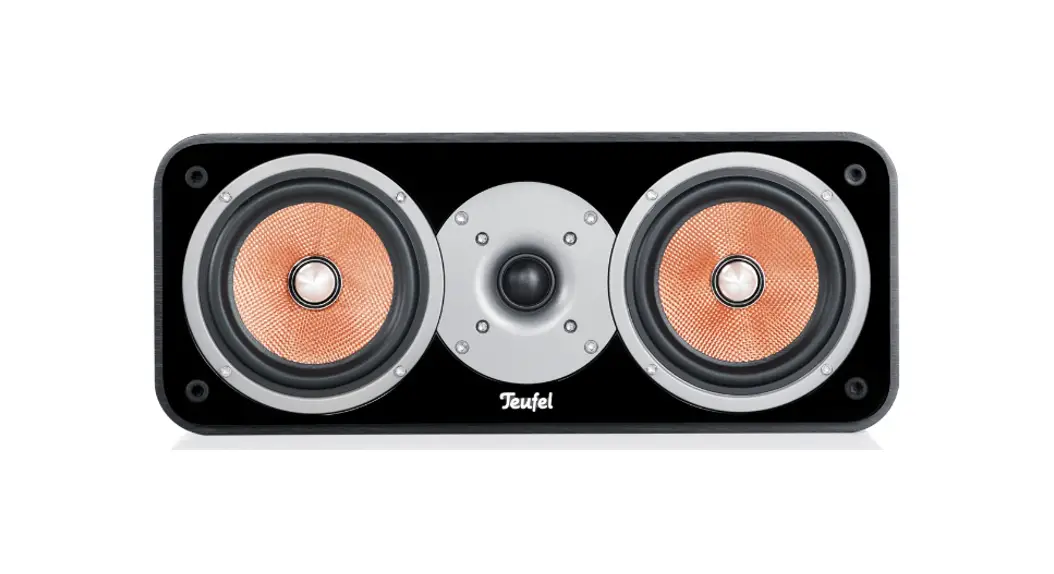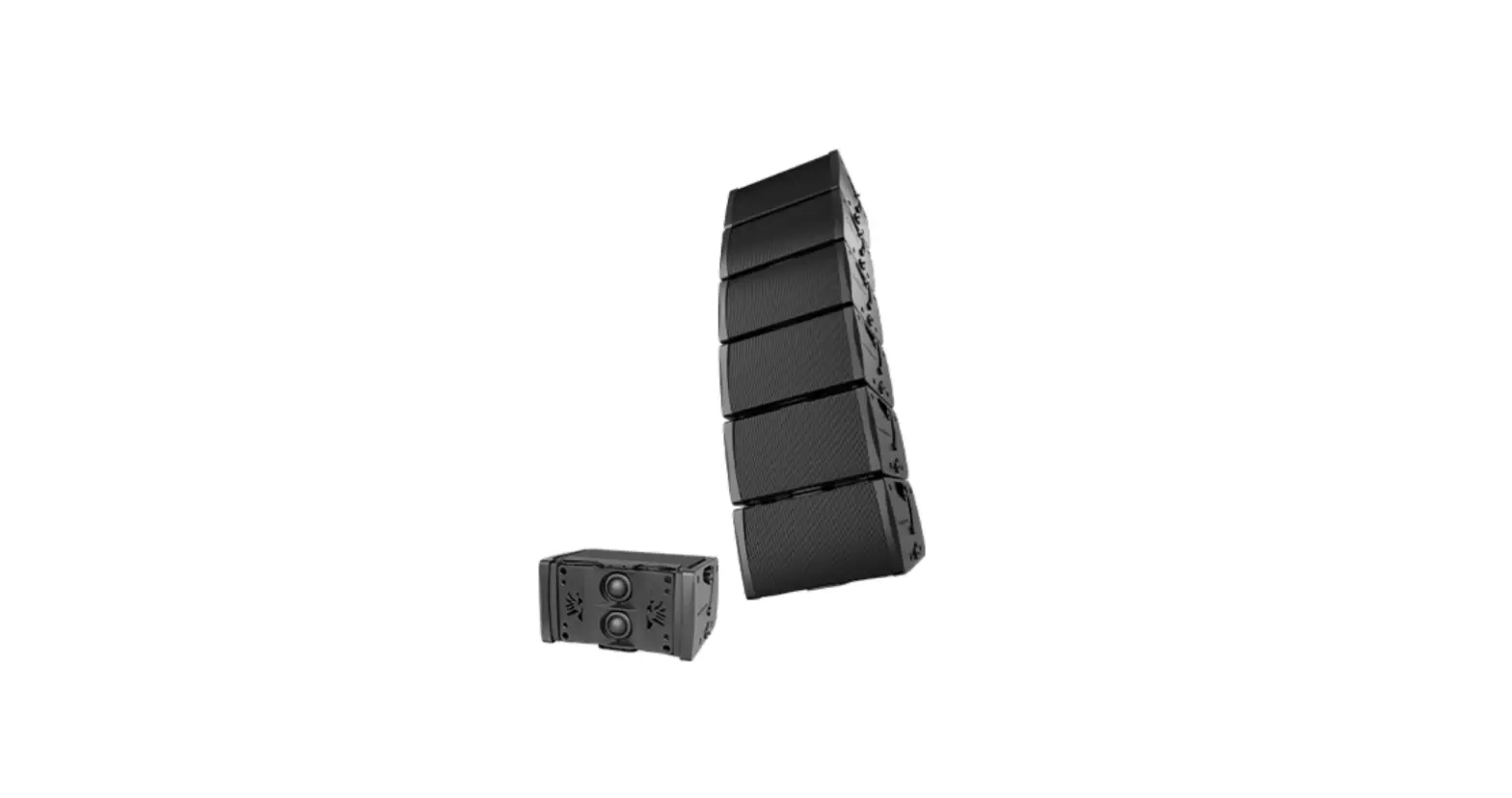
AUDIOCENTER AR-CR-TIST-T24L Artist T24L Modular Installation Speaker User Manual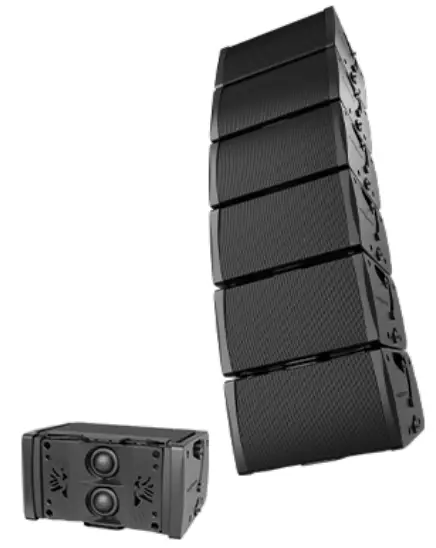
Thank you for purchasing Audio center Artist T4L/T24L audio system solution, which are professional speakers that integrated the latest technology and the best materials. Over the years of hard working, we have achieved the goal of excellence and built a perfect system for professionals.
Please finish reading the manual before usage, to make sure the best performance of Artist Commercial Audio System. Please keep the manual for reference in the future.
Safety precautions
- There can be danger in any step during hanging installation. Everyone should check whether there is any damage on all hardware devices and pay attention to personal safety.
- All purchasers of Audiocenter should be professional people qualified to conduct the work related to such equipments.
- We strongly suggest the users pay full attention to local rules, regulations and laws. Installers have the responsibility to make sure the speaker installations are subject to local rules, regulations and laws.
- If any danger or defect is detected, measures should be taken immediately to correct it.
- In touring application, please choose the installation hardware and occasion that can sustain the weight of the equipments.
- Please do not try to hang speakers over the design standard.
- Please do not place the power cable near heating source. Do not over bend or damage the powercables. Do not place heavy things on it. Please do not place the cables that may be pressed orcause stumbling
- Please do not place the speakers near equipments sensitive to magnet fields, such as CRT displayer, TV or data saving materials.
- Only the specified rated voltage should be used for this product. Please refer to the back panel of the product for the specified voltage.
- Only the supplied power cable or plug should be used. (If you need to use the product in a place different from the purchase place, please consult your local Audiocenter distributor.)
- Please make sure to connect to proper power socket with protection grounding connection.
- Wrong grounding may cause short circuits. The product inside does not include any component that can be repaired by users. In case of abnormal operation, please stop using immediately, and contact qualified Audiocenter maintenance worker to repair.
- When any of the following situations occurs, please cut the power immediately, and pull out the power plug from the socket, and ask qualified Audiocenter maintenance worker to repair.
- This equipment is fell or damaged.
- Wear or damage of the power cable or plug.
- Abnormal smell or smoking.
- Some substance falls into the product.
- Sound stops suddenly when using the product.
- Regularly check the power cord and plug.
- When pulling out the power plug from the power socket or the product, please make sure to grab the plug instead of the power cable. Pulling the power cable directly may cause damage.
- If the product is not used for long time, or there is thunder storm, please pull out the plug from the socket.
- Please do not place the product in any uneven position. Otherwise, it may cause falling off suddenly.
- If the product is not fixed safely, please do not place it in a position that may cause easy falling.
- Please do not block the air hole vents. The product has air hole vents at the back to avoid internal temperature too high. Bad ventilation may cause damage to the product or even fire.
- Please do not hang or install any other component to the handle of the speaker. It may cause damage or injure. Please do not press the back panel of the product to the wall. Otherwise the plug may touch the wall and separate from the cable, and cause short circuits, malfunction, or even fire.
- Before connecting the product to other equipment, please tum off the power switch of all equipments. Before turning on or off the power switch of all equipments, please turn down the volume to the minimum.
- Please do not use the product in a very high or uncomfortable volume. Otherwise, it may cause permanent damage to your ear.
- In case of sound distortion, please do not use the product. To continue using the product in such status may cause fire.
- Using mobile phones near the speaker may cause noise. In case of noise, please use the mobile phone far from the speaker.lf you need service, please contact Audiocenter service center, agent, or distributor in your area.
 In order to avoid injury to you or others and loss on equipment or property, please make sure to follow above basic items.
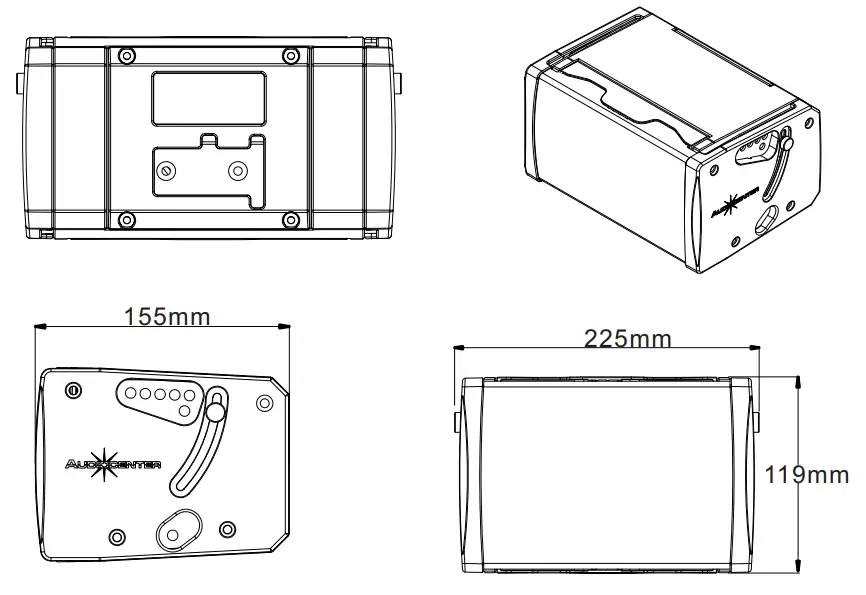
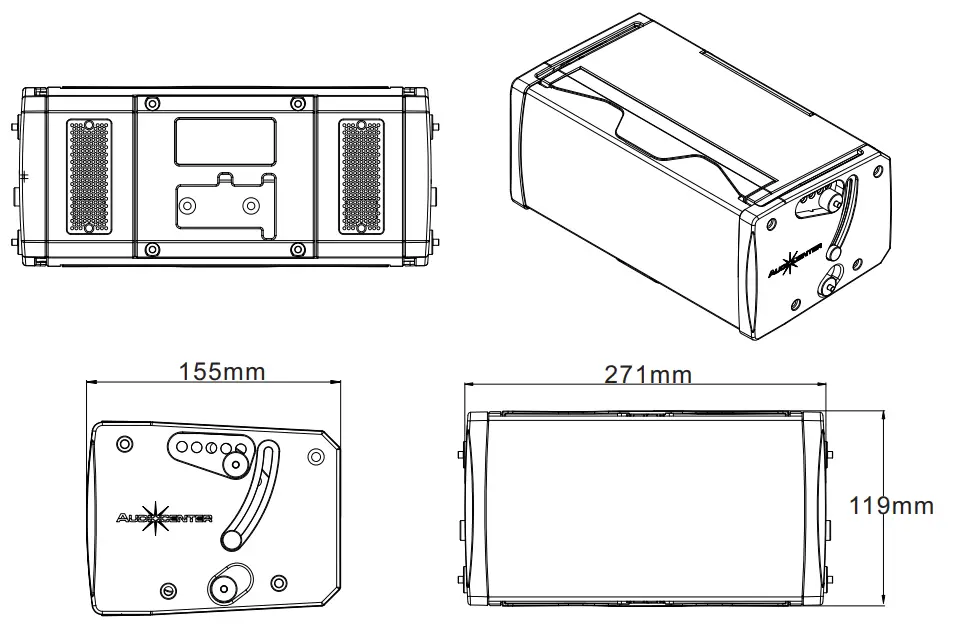
Dimensions
Artist T4L
Artist T24L
Artist T4L\T24L wall mount(Single)
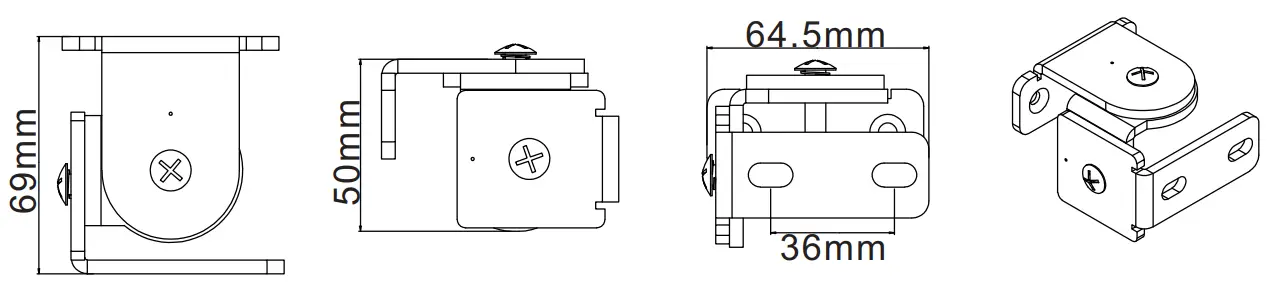
Vertical adjustment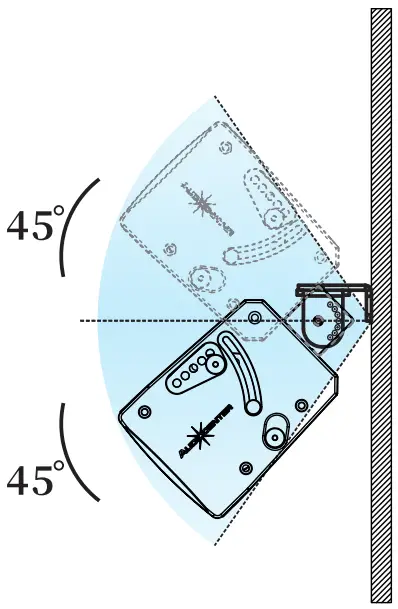
Horizontal adjustment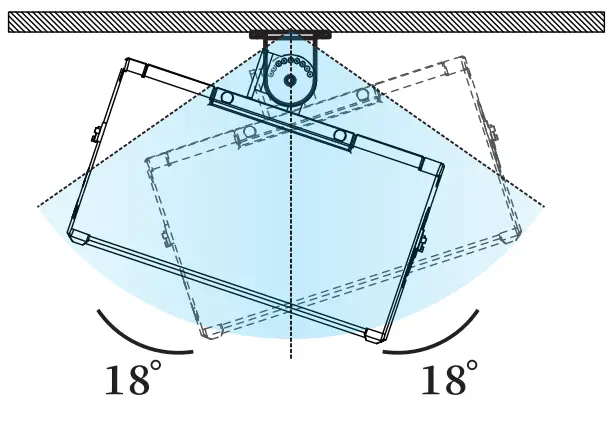
Mounting
Artist T4L\T24L Wall mount (line array)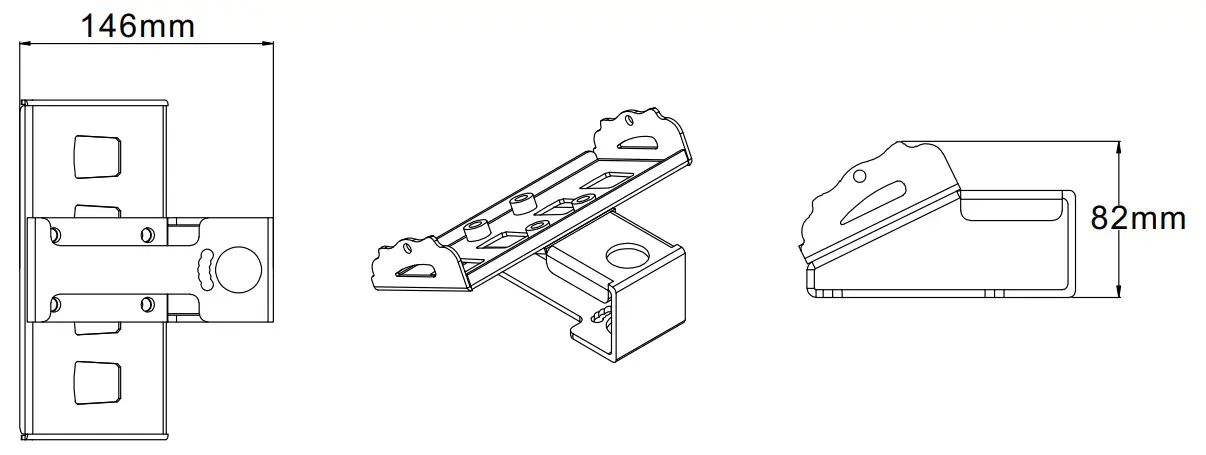
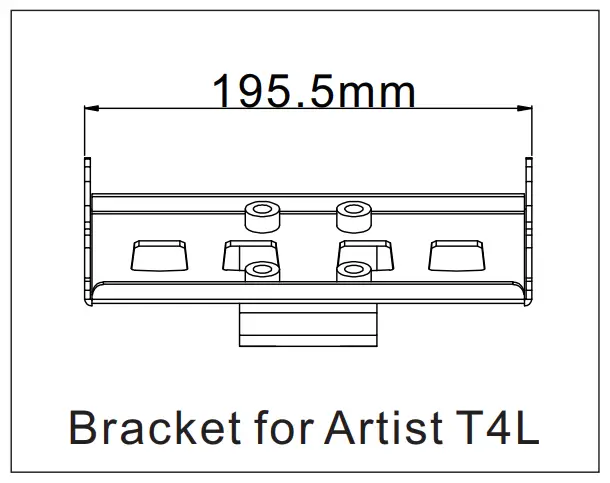
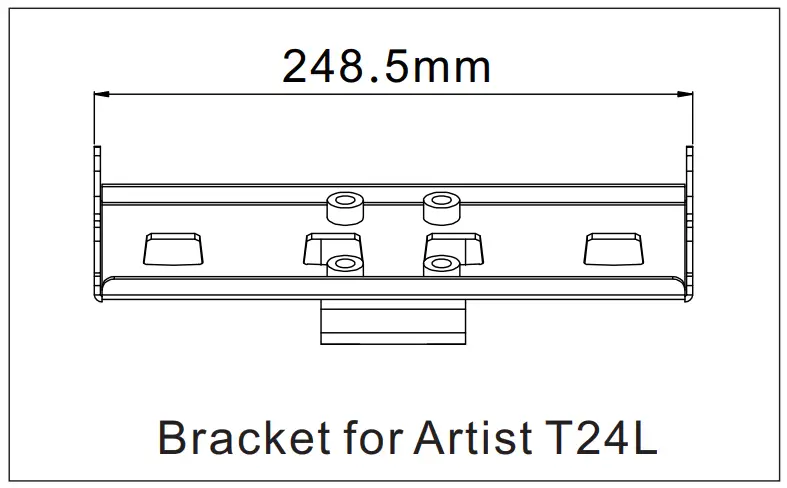
Wall mount line array installation: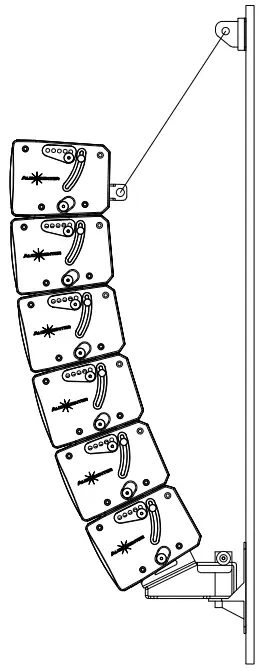
Wall mount bracket A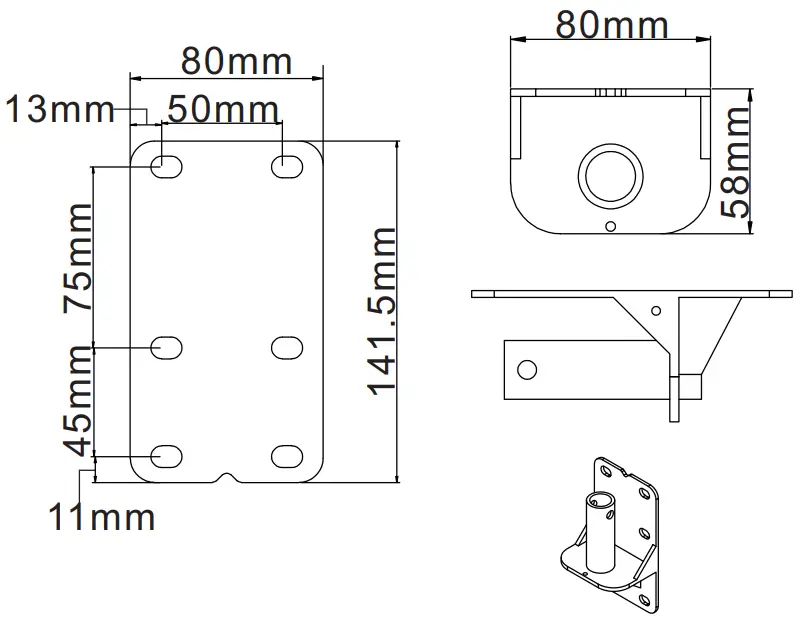
Wall mount bracket B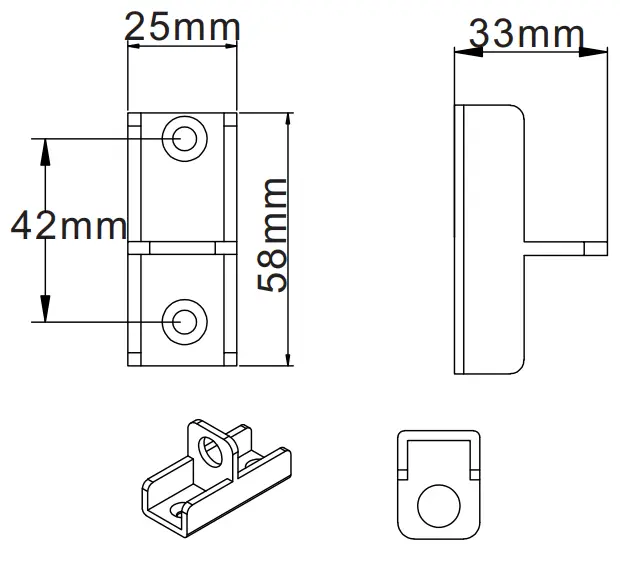
Angle adjustment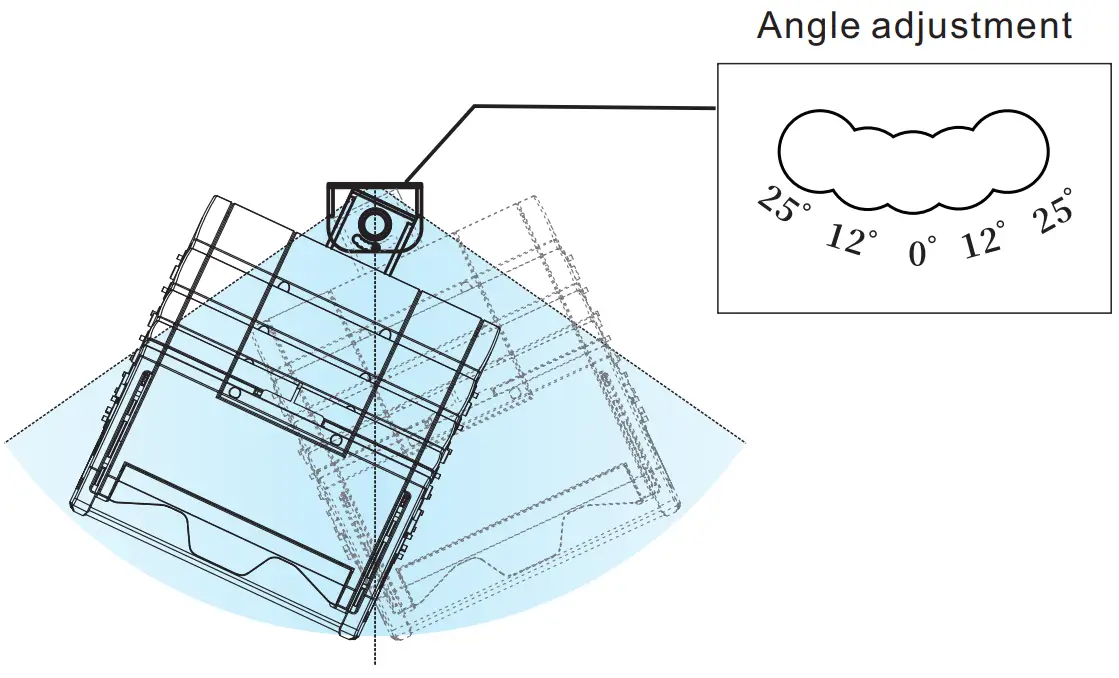
Hanger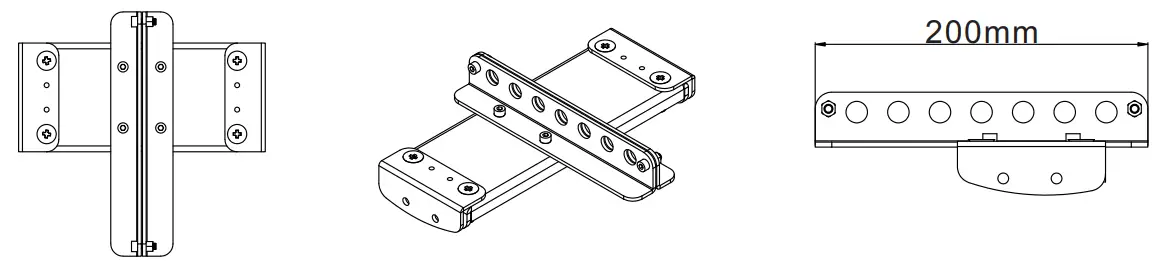
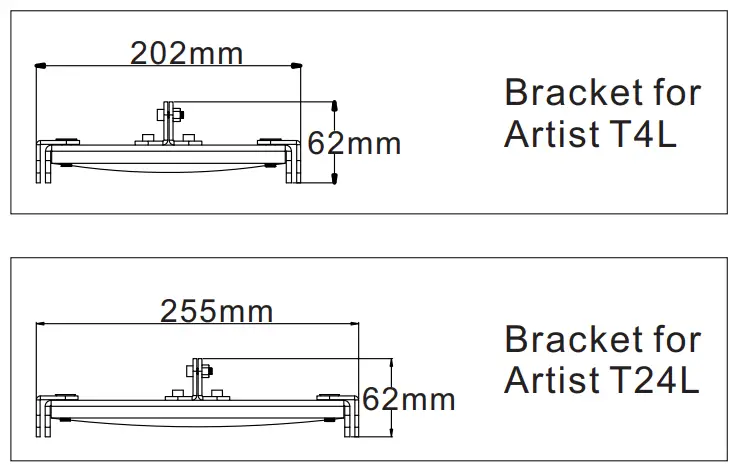
Flying mount: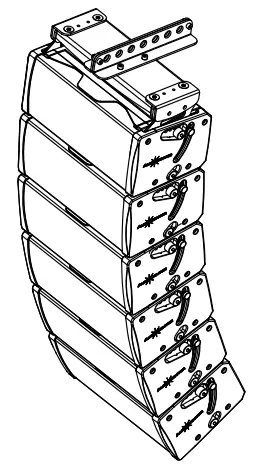
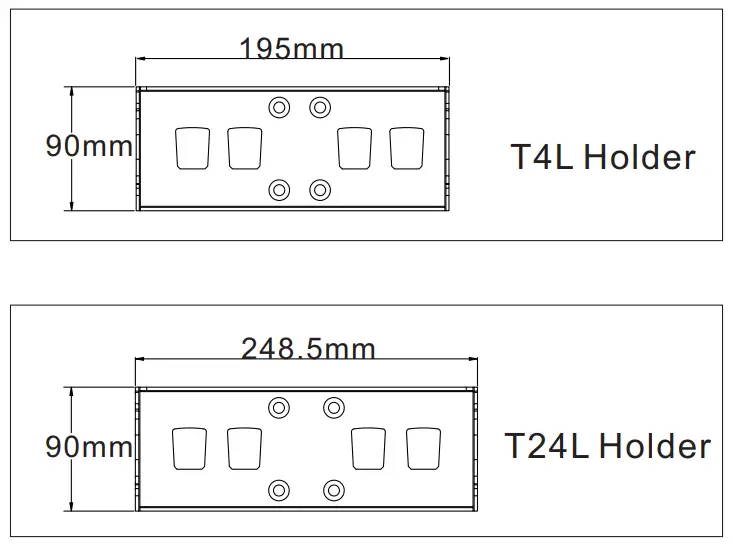
Holder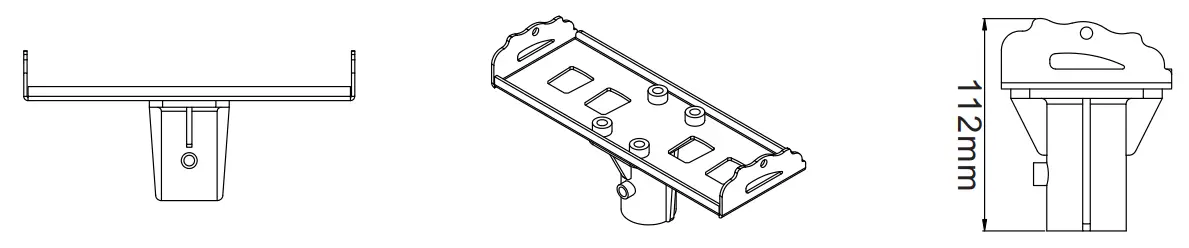
Pole mount: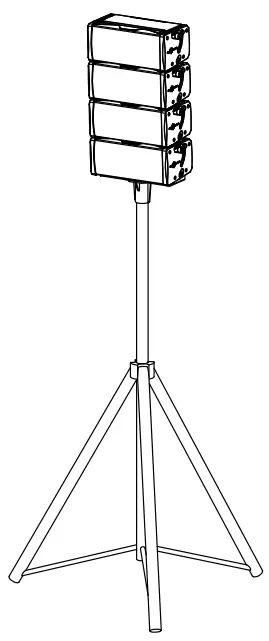
Trouble shooting
| Problems | Analysis | Solution |
| No sound | Cable not connected correctly Or too small gain | Check and correct the connection of input socket Increase the output gain |
| Sound feedback | Microphone stays too close to the speaker The sound is over amplified | Keep the speakers away from the active area of microphone Lower the output gain |
| Sound discrepancy from different speakers | Different gain for different speakers | Set the gain of each audio in the same position |
| Sound distortion | Input signal is too loud Output gain is to high | Lower the input Lower the out gain |
- Please contact Audiocenter or its distributors if the problem is still there.
Artist T4L\T24L Parameters
| Product Parameters | Line Array Speakers | |
| Artist T4L | Artist T24L | |
| Drivers | LF 1×4″ HF 2×4″ | LF 2×4″ HF 2×1″ |
| Frequency Response | 100Hz-20kHz | 95Hz-20kHz |
| Horizontal coverage | 100 | 100 |
| Vertical Coverage | 40 | 40 |
| Powe(AES) | 70W | 110W |
| Max SPL | 117.5dB | 119dB |
| Impedance | 16Ω | 8Ω |
| Cabinet Materials | High grade wood+ plastic | |
| Color | Black/White | |
| W*D*H | 217*120*155mm | 270*120*155mm |
| Net Weight | 2.8kg | 3.5kg |