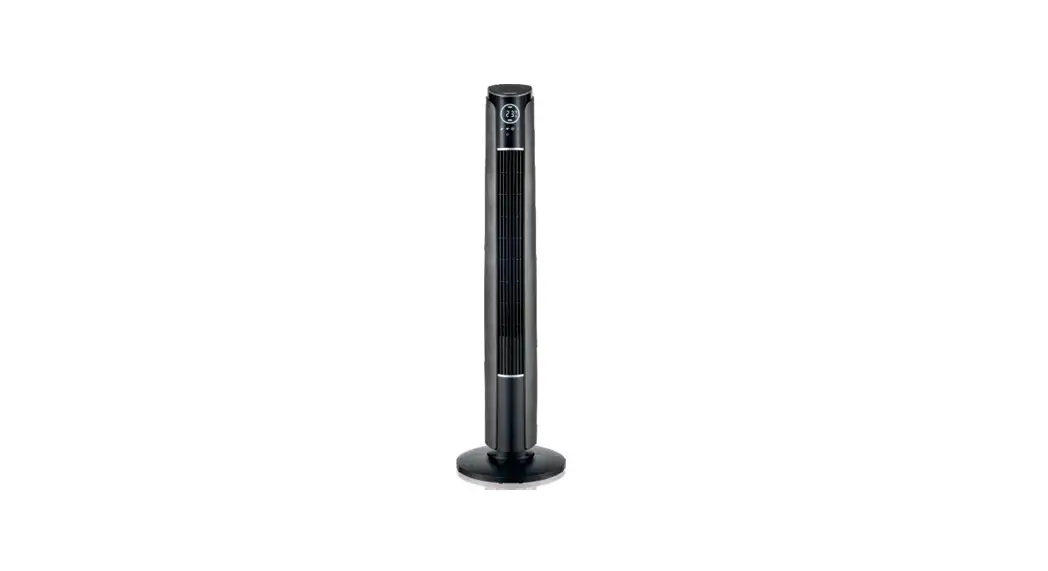
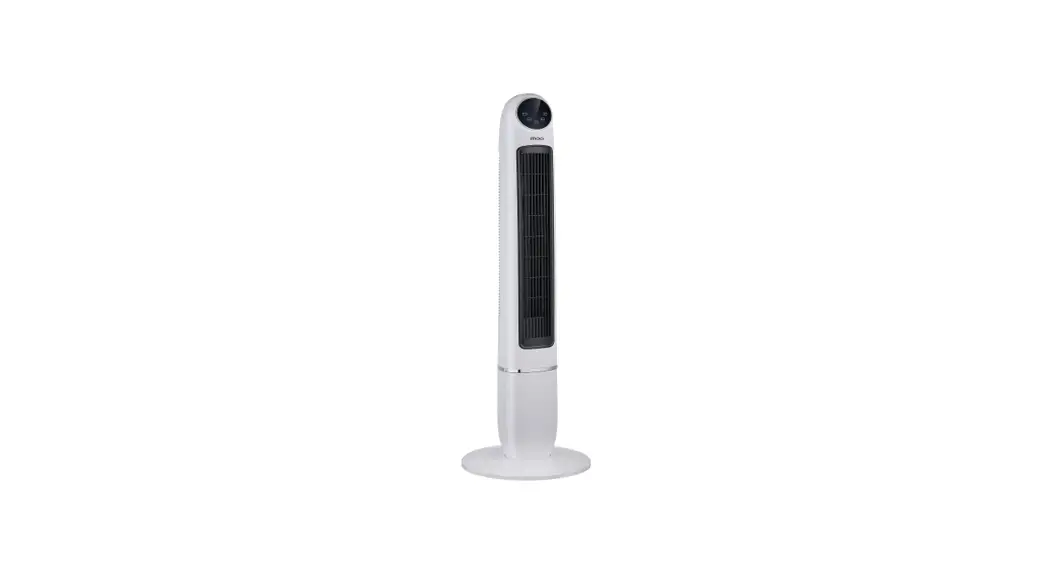
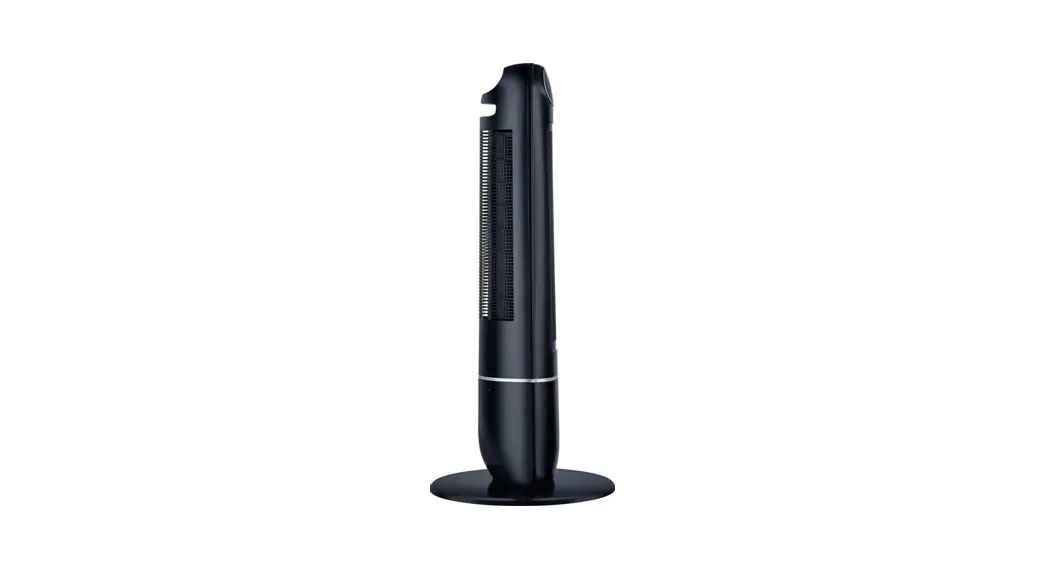
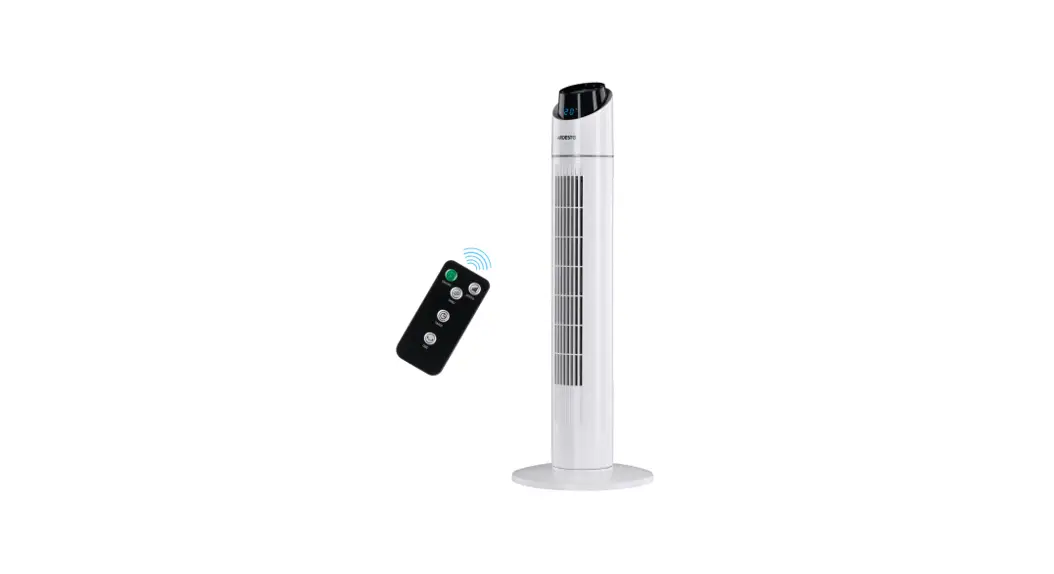
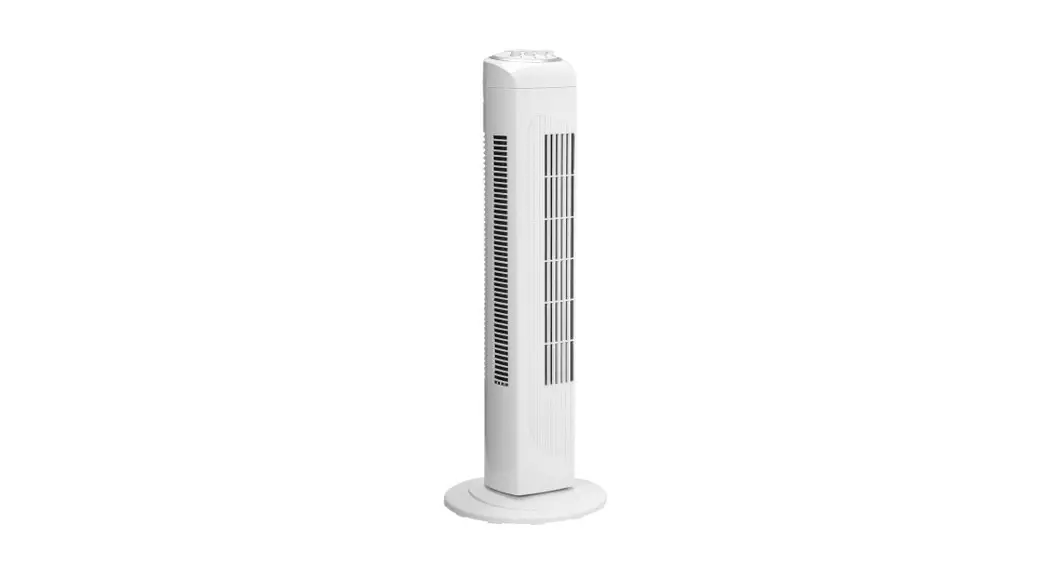
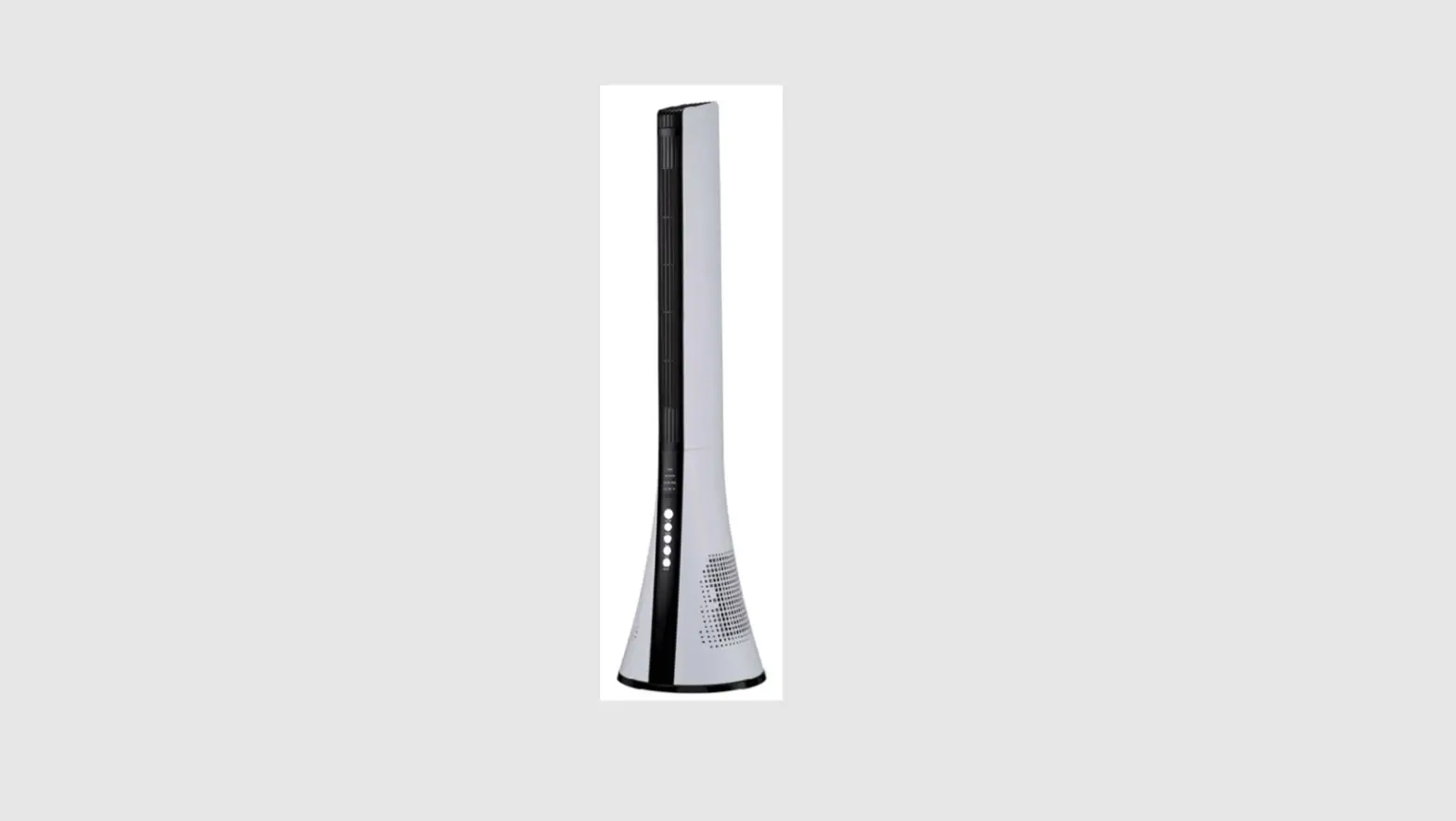
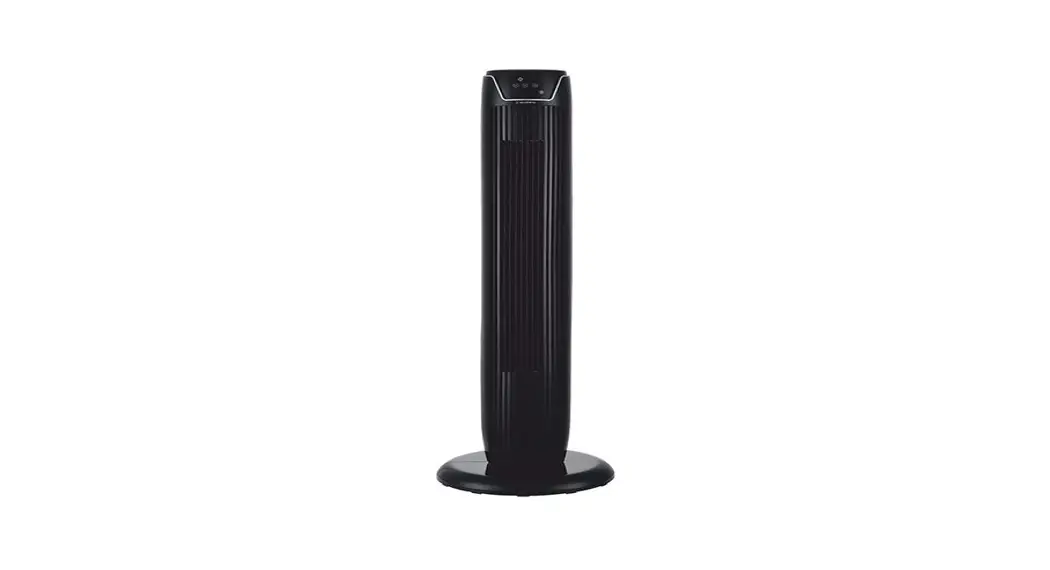
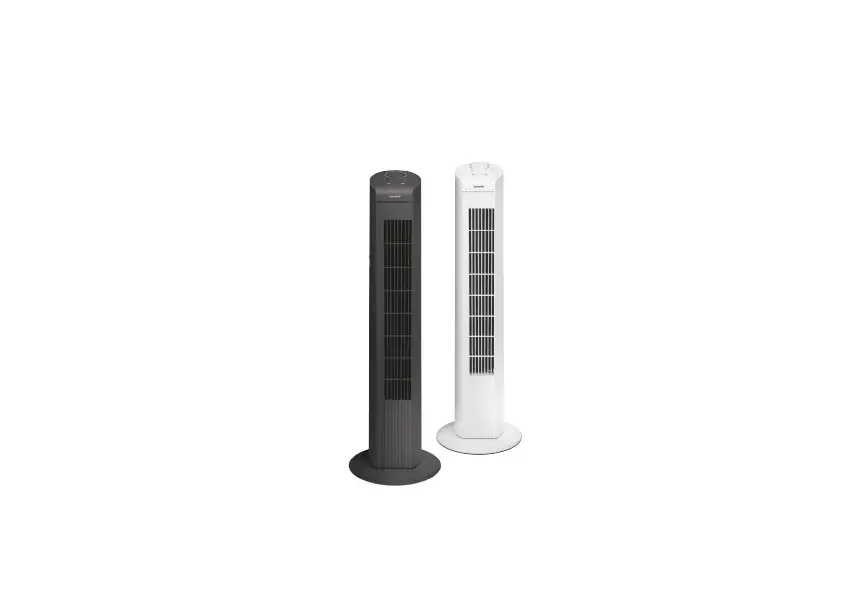
OZF3-BT Tower Fan
Product Information:
- Model No: OZF3-BT
- Manufacturer: Ozeri
- Year of Copyright: 2015
- This product is a tower fan designed for residential use.
- The fan has undergone extensive quality assurance tests to
ensure its performance and durability. - The fan has a polarized plug with one blade wider than the
other for safety purposes. - The fan is equipped with a fuse as an overload protection
device. - The fan operates on a 120V-60Hz electric supply.
- There are no end-user serviceable parts in this fan.
Product Usage Instructions:
- Ensure that the power supply conforms to the electrical
requirements of the fan (120V-60Hz). - Place the fan in the desired location, making sure it is away
from any flammable materials or explosive chemicals. - Before plugging in the fan, check that the room has a working
smoke detector. - Assemble the fan completely according to the instructions
provided. - Plug the fan into a polarized outlet, matching the wide blade
of the plug to the wide slot of the outlet. Fully insert the
plug. - If the plug does not fit fully in the outlet, reverse the plug.
If it still does not fit, contact a qualified electrician. Do not
attempt to bypass this safety feature. - Do not use an electrical extension cord with this fan.
- Do not run the cord under carpet, throw rugs, runners,
furniture, or appliances. - Position the cord away from foot traffic areas to prevent
tripping hazards. - Do not operate the fan with a damaged cord or plug. If damage
occurs, discard the fan or return it to an authorized service
facility for examination and repair. - If the fuse blows, unplug the fan from the outlet and replace
the fuse following the user servicing instructions. Only use a fuse
rated at 2.5 amps and 125 volts. - Do not attempt to repair or disassemble the fan yourself. Doing
so will void the warranty and may result in damage or personal
injury.
Model No: OZF3-BT
INSTRUCTION MANUAL AND WARRANTY
Copyright 2015, Ozeri
GENERAL SAFETY
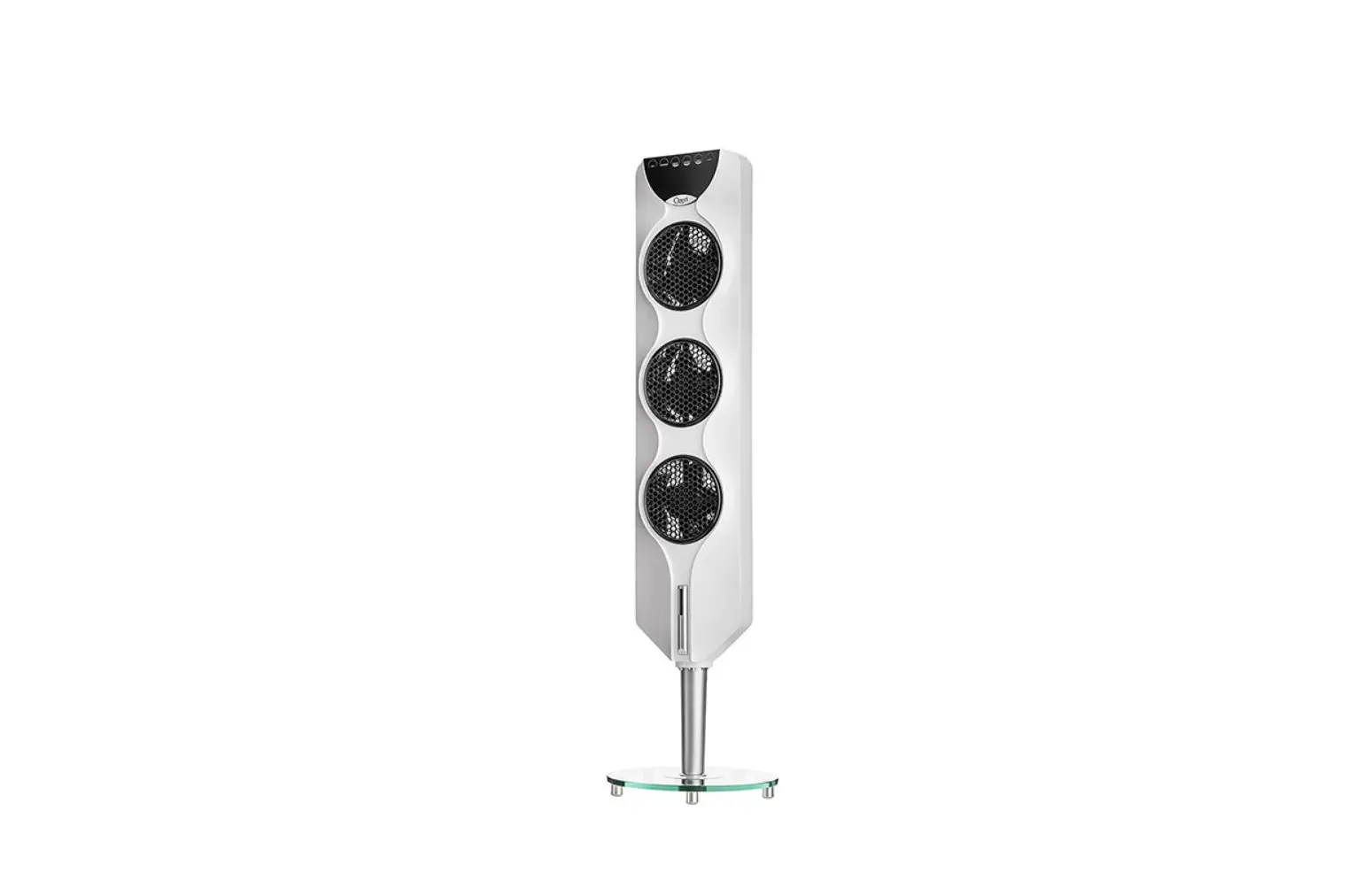
Thank you for purchasing the Ozeri 3x Tower Fan. This product has passed extensive quality assurance tests for residential use. Every care has been taken to ensure that it reaches you in perfect condition.
Warning: When using electric appliances, basic safety precautions should be followed
to) the following:
READ AND SAVE THESE INSTRUCTIONS
THIS FAN HAS A POLARIZED PLUG (ONE BLADE IS WIDER THAN THE OTHER). TO REDUCE THE RISK OF ELECTRICAL SHOCK, THIS PLUG IS INTENDED TO FIT IN A POLARIZED OUTLET ONLY ONE WAY. MATCH THE WIDE BLADE OF PLUG TO THE WIDE SLOT OF THE OUTLET. FULLY INSERT. IF THE PLUG DOES NOT FIT FULLY IN THE OUTLET, REVERSE THE PLUG. IF IT STILL DOES NOT FIT, CONTACT A QUALIFIED ELECTRICIAN. DO NOT ATTEMPT TO BYPASS THIS SAFETY FEATURE.
Unplug or disconnect the appliance from the power supply before servicing.
WARNING: To reduce the risk of fire or electric shock, do not use this fan with any solid-state speed control device.
Do not operate any fan with a damaged cord or plug. If damage occurs discard fan or return to an authorized service facility for examination and/or repair.
Do not run cord under carpet, throw rugs, runners, furniture or appliances or similar coverings.
Position cord away from an area of foot traffic and where it will not be tripped over.
This product employs overload protection (fuse). A blown fuse indicates an overload or short-circuit situation.
If the fuse blows, unplug the product from the outlet. Replace the fuse as per the user servicing instructions (follow product markings for proper fuse rating) and check the product. If the replacement fuse blows, a short-circuit may be present and the product should be discarded or returned to an authorized service facility for examination and/or repair.
2
USER SERVICING INSTRUCTION NOTE: THIS FAN IS EQUIPPED WITH A FUSE. ALWAYS UNPLUG THE FAN BEFORE REPLACING FUSES. IF THIS FAN LOSES POWER AND YOU SUSPECT THE FUSE IN THE PLUG HAS BLOWN, UNPLUG THE FAN, THEN SLIDE THE FUSE DOOR FOUND ON THE SIDE OF THE PLUG TO THE OPEN POSITION. SLIDE THE FUSE DOOR OUTWARD UNTIL THE BLOWN FUSE IS FULLY VISIBLE. REMOVE THE BLOWN FUSE AND SNAP THE REPLACEMENT FUSE INTO PLACE. FULLY CLOSE THE FUSE DOOR. ONLY REPLACE WITH A FUSE RATED AT 2.5 AMPS, 125 VOLTS.
Use this fan only as described in this manual. Check the voltage indicated on the rating plate. This fan is designed for a 120V-60Hz electric supply. Make certain the power source conforms to these electrical requirements. Make sure the room where this fan will be used has a working smoke detector. Assemble the fan completely before use. Risk of fire. Do not replace attachment plug. Contains a safety device (fuse) that should not be removed. Discard product if the attachment plug is damaged.
3
Do not use an electrical extension cord with this fan. Do not plug the fan into a power
through the ventilating slits. This product is not a toy. Do not allow children to tamper with the fan. Be careful not to allow hair, curtains, tablecloth, clothes or other nearby objects block the airways of the fan or to enter the openings of the fan. This can cause damage and/ or injuries. Do not use this or any fan if the cord is found to be or becomes damaged. Periodically check the electric cable of this fan. If the electric cable is damaged, it must be replaced avoid danger. Do not use this fan if it falls and/or becomes damaged in any way. If the fan becomes damaged, it must be replaced by the manufacturer, its after-sales service or by a similar
Do not use this fan outside, or in any commercial, industrial or agricultural setting. This fan is only for indoor residential use. Do not use this fan with any solid state speed control devices. Do not use this fan in a damp area such as bathroom. Do not use this fan on a window, ledge, or on any unstable platform. The fan should only be used standing on its base. Never lay the fan on its side. Do not use this fan next to a window or anywhere where exposure to rain or moisture is possible. This may create an electric hazard. Do not place the electrical cord under any objects, such as carpets, throw rugs or runners. tripping over it.
or explosive chemicals are used or stored. Do not try to repair or disassemble this fan. Doing so will void the warranty and may result in damage and/or personal injury. There are no end-user serviceable parts.
4
Remote control devices for other appliances may interfere with this fan and vice-versa. If this occurs, move the fan to another location.
Always store the remote control inside the fan’s remote control compartment. This fan is not suitable for use in agricultural facilities and hazardous locations. This fan does not meet the requirements of NEC Article 547-7 and 500 (2002).
Keep this fan and all electrical appliances out of reach from children at all times.
children unsupervised with access to this fan. There are no serviceable parts in this fan. Do not attempt to disassemble or repair this product.
TECHNICAL SPECIFICATIONS
FEATURES:
· Rated voltage 120V · Rated Frequency 60Hz · Rated power 90W · Net weight of Fan 12.76 lbs · Gross weight in Box 18 lbs · Noise < 55dB · Oscillation Angle: 90° · Unit height 44.1″ · Suitable environment
32 – 104 F, relative humidity 85%
· 3 Independently Controllable Fans · Front LED Indicators · Touch Screen Operation · Remote Control Unit · Horizontal Oscillation · Programmable Timer: 0.5~7.5 hours · 3 Wind Speeds (Low, Med, High) · 3 Wind Modes
(Normal, Nature, Sleep)
· Easy Assembly
COMPONENT LIST
1 Remote Control 2 Main Body 3 Stand 4 Base 5 Locking nut 6 Power Cord & Plug
4 1 2
6 3 4 5
5
ASSEMBLY
Unpack the fan and check that you have all of the components.
Turn the fan upside down and remove the plastic nut from the stand pole. Assemble the two halves of the base (plastic base only), place the base onto the stand and lock into position with the nut.
Note: Ensure the nut is tight to avoid shaking of the fan.
5
REMOTE CONTROL STORAGE
The remote control is stored in the remote control holder located at the top of the rear enclosure as shown in Fig 5.
REPLACING THE BATTERY
6 Your remote control is powered by an included CR2032 Lithium battery. To replace the battery, pull out the battery holder and insert a new battery. Ensure that the polarity is correct and then insert the battery holder back into the remote control (Fig 6 and Fig 7).
When the fan’s power is on, the remote control can be used to operate the fan from up to 20 feet away. Note: if there are two or more fans within this 7 distance, both will be operated by the same remote control. If the remote control will not be used for a long period of time, remove the batteries from the battery compartment
OPERATION
Insert the plug into the power outlet. The fan is operated by a `touch’ screen control panel. Touch the ON/SPEED button to turn the fan on. Select the desired fan speed (low-medhigh) by touching this button. Each touch will cycle between the speeds. Turn the fan OFF by touching the OFF button at any time.
6
MODES
The fan has 3 modes of operation: Normal, Nature and Sleep. Touch the MODE button to cycle between these modes.
Normal mode: The fan will work continuously at the selected speed setting.
Nature mode: is shown and if set at high speed, the fan will cycle between high, medium and low speeds for 5 seconds each. If the fan speed is set to medium, the fan will cycle between medium and low. If set to low, the fan will cycle between low and
Sleep mode: nature mode for 30 min, then at medium speed nature mode for 30 min, then continue working at low speed nature mode.
Note: This fan’s LED screen is equipped with an automatic auto-dimming feature that reduces the brightness of the LED screen after 2 minutes of inactivity. This reduces energy usage and helps reduce ambient lighting when darkness is preferred.
SWING FUNCTION
Touch the SWING button on the control panel to enable the swing function. The control panel will display the symbol and the fan will swing from side to side in a 90° arc. Touch again to stop oscillation.
Note: Do not force or hinder the oscillation movement!
TIMER FUNCTION
TIMER
0.5 to 7.5 hour delays are available. The timer will count down as it progresses – i.e. if 2
hours is set, after 30 minutes 1.5 hours will show as the remaining time on the display.
To cancel, touch the
button until the timer indicators are no longer lit.
TIMER
8
7
SHIFT FUNCTION
As well as the fan speed control, the fan is also equipped with the ability to turn each
SHIFT
seconds.
During this time, touch the MODE , SWING or TIMER buttons to turn FAN1, FAN2 or FAN3
OFF
PAIRING THE OZFX APP WITH YOUR FAN
Step 1: Install “OZFX” APP on your Mobile or Tablet Device.
NOTE: The OZFX App can be downloaded from The App Store (iOS) or Google Play (Android). The OZFX APP is compatible with iOS 8.0 and above and Android 4.4 and above. Please see the APP installation guide (printed separately) for help with installing and using the OZFX APP.
Step 2: Make sure the fan is plugged into an electrical outlet.
Step 3: Turn on the Bluetooth function on your Mobile device.
Step 4: Click “OZFX” APP icon and go to the main menu. Your mobile device will automatically detect the OZF3-BT, and display it within the APP’s list of available devices.
NOTE: Bluetooth works best within a range of 10 meters. For optimal performance when using Bluetooth technology, maintain a close distance between your mobile device and the Bluetooth device it is connected to.
Step 5: Click on “OZF3-BT”. Your OZF3-BT Fan will automatically pair with the OZFX APP and switch to control panel.
Step 6: Click “On” to turn on your fan. The fan should beep once to indicate it has started. You can now control all features of your OZF3-BT fan using the App.
Click on Information to get more information about the Ozeri OZF3-BT Fan.
Click Settings to go back to main menu or check connection status. Your Ozeri OZFX APP should show “Paired”. If it shows “Not Paired”, please repeat steps 1 to 4 ·above to connect it again.
NOTE: Pairing is limited to one Bluetooth device per fan and multi-pairing is not supported. When the fan is connected with your Bluetooth device, other devices will not detect the signal of the fan.
8
Step 7. Click on “BACK TO REMOTE” to go back to control panel.
NOTE 1: Bluetooth disconnect when the unit is turned off or the Bluetooth device goes out of range. If you have problems connecting, please check your Bluetooth settings and check fan model for compatibility.
NOTE 2: If the fan is powered off the BT Bluetooth connectivity may also terminate. Use the “Scan for device” on the fan’s APP and follow step 3-6 above to reconnect.
NOTE 3: All of the icons and functions in the APP follow those on the fan’s control panel and remote, as illustrated in this manual.
MAINTENANCE
· Unplug the fan from the power supply before cleaning. · Use a soft, damp cloth to wipe the outside. Use only water to dampen the cloth.
Never immerse the fan in water. Never use thinners or other cleaning solutions, as these may damage the fan’s surface appearance. · Use a vacuum cleaner to remove dirt and dust from the inlet and outlet grilles. · Ensure the fan is completely dry before plugging the cord back into a power supply. · If the fan will not be used for an extended period of time, unplug the fan and store it in a cool dry indoor location, taking care to ensure the fan is stored vertically on a
CAUTION: THIS FAN HAS A POLARIZED PLUG (ONE BLADE IS WIDER THAN THE OTHER). TO REDUCE THE RISK OF ELECTRICAL SHOCK, THIS PLUG IS INTENDED TO FIT IN A POLARIZED OUTLET ONLY ONE WAY. MATCH THE WIDE BLADE OF PLUG TO THE WIDE SLOT OF THE OUTLET. FULLY INSERT. IF THE PLUG DOES NOT FIT FULLY IN THE OUTLET, REVERSE THE PLUG. IF IT STILL DOES NOT FIT, CONTACT A QUALIFIED ELECTRICIAN. DO NOT ATTEMPT TO BYPASS THIS SAFETY FEATURE.
NOTE: THIS FAN IS EQUIPPED WITH A FUSE. ALWAYS UNPLUG THE FAN BEFORE REPLACING FUSES. IF THIS FAN LOSES POWER AND YOU SUSPECT THE FUSE IN THE PLUG HAS BLOWN, UNPLUG THE FAN, THEN SLIDE THE FUSE DOOR FOUND ON THE SIDE OF THE PLUG TO THE OPEN POSITION. SLIDE THE FUSE DOOR OUTWARD UNTIL THE BLOWN FUSE IS FULLY VISIBLE. REMOVE THE BLOWN FUSE AND SNAP THE REPLACEMENT FUSE INTO PLACE. FULLY CLOSE THE FUSE DOOR. ONLY REPLACE WITH A FUSE RATED AT 2.5 5 AMPS, 125 VOLTS.
9
WARRANTY INFORMATION
Your Ozeri 3x Tower Fan is warranted to the original owner for 1 year from the date of purchase against defects in material and workmanship under normal use and service. Should your Ozeri Fan prove defective within 1 year from the date of purchase, return the defective product, freight prepaid along with your receipt and an explanation of the claim to “Ozeri.” Please pack your Ozeri Fan carefully to avoid damages in transit. Under this warranty, Ozeri will repair or replace any parts found to be defective due to a manufacturer’s defect. This warranty extends only to personal use and does not extend to any product that has been used for commercial use, rental use, or use which is not intended. There are no warranties other than that expressly set forth herein. This warranty is not transferable. Ozeri is not responsible in any way for damages, losses or inconveniences caused by equipment failure or by user negligence, abuse, or use not in accordance with the “User Guide” or any additional safety, use, or warnings included in the product materials. Further, Ozeri is not liable for incidental or consequential damages of any nature resulting from the use of this product and any liability shall not exceed the purchase price of the product.
which vary from state to state.
THIS WARRANTY DOES NOT APPLY TO THE FOLLOWING
– Damage due to accident, misuse, abuse, alterations or vandalism. – Improper or inadequate maintenance.
– Damage in return transit – Unsupervised use by children
Ozeri Customer Service: Phone: 1-877-299-1296 Email: [email protected]
(OzeriTM and its subsidiaries assume no liability for damage caused by the use of the Ozeri 3x Tower Fan other than for its intended use or as instructed above and in the User Manual.)