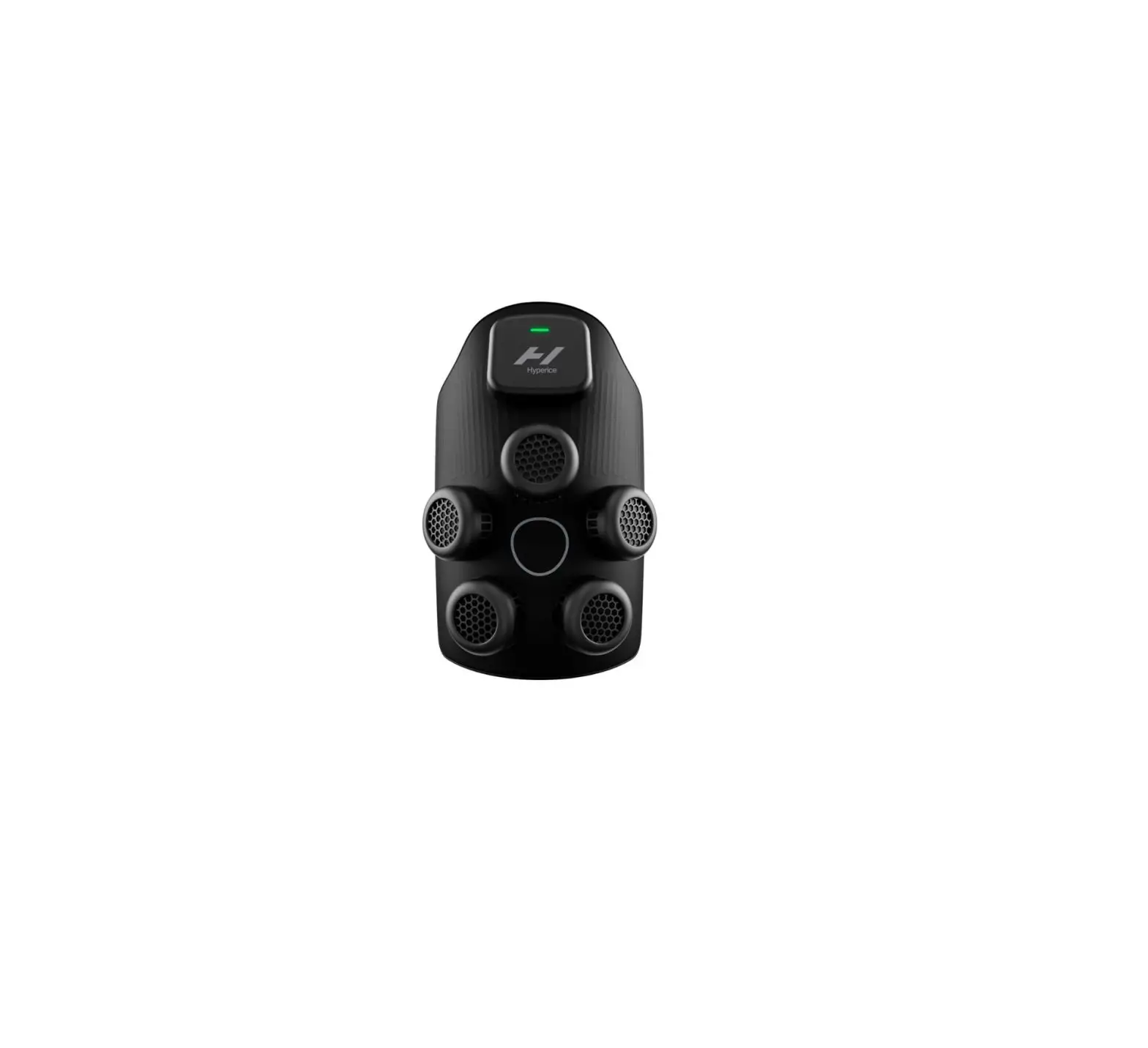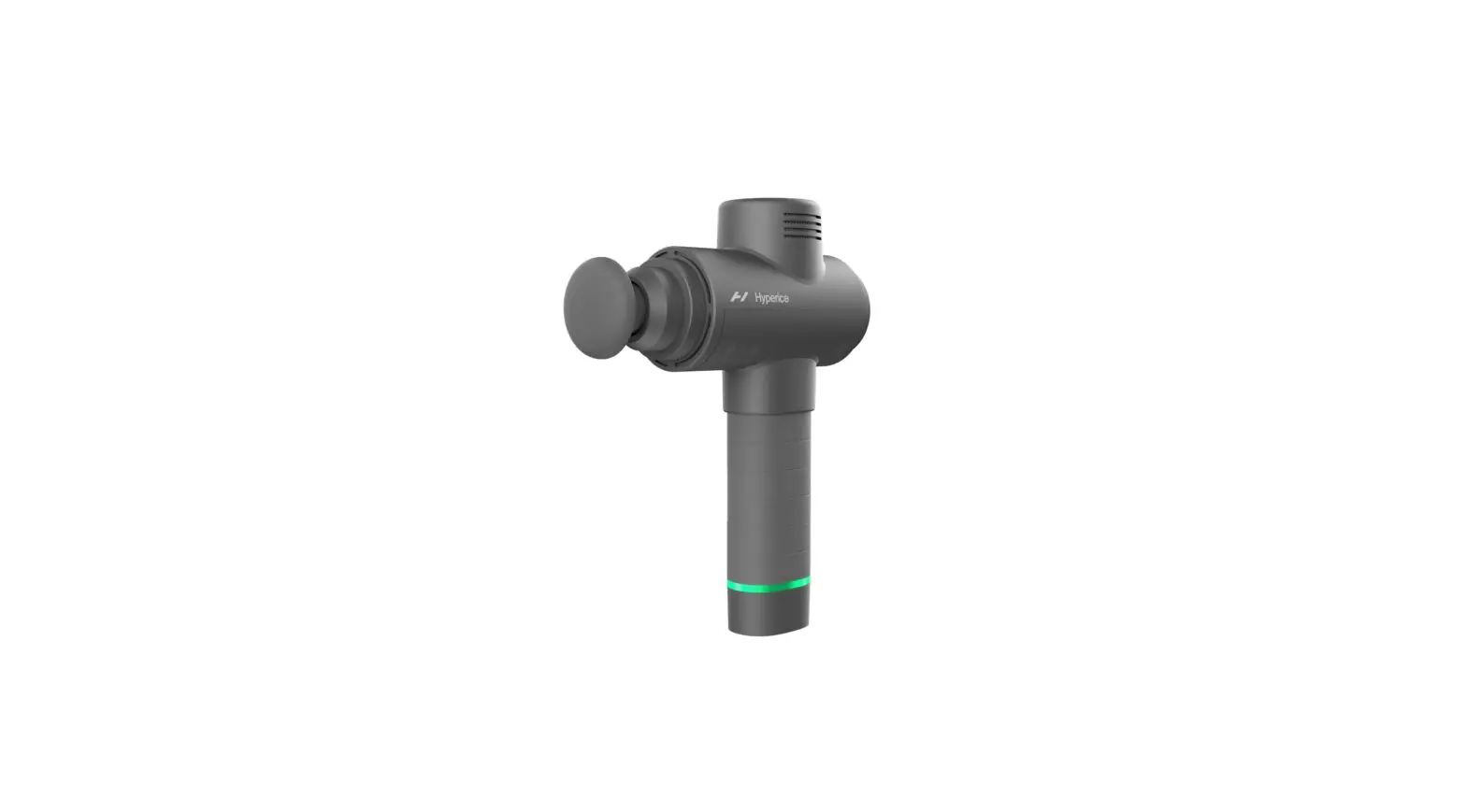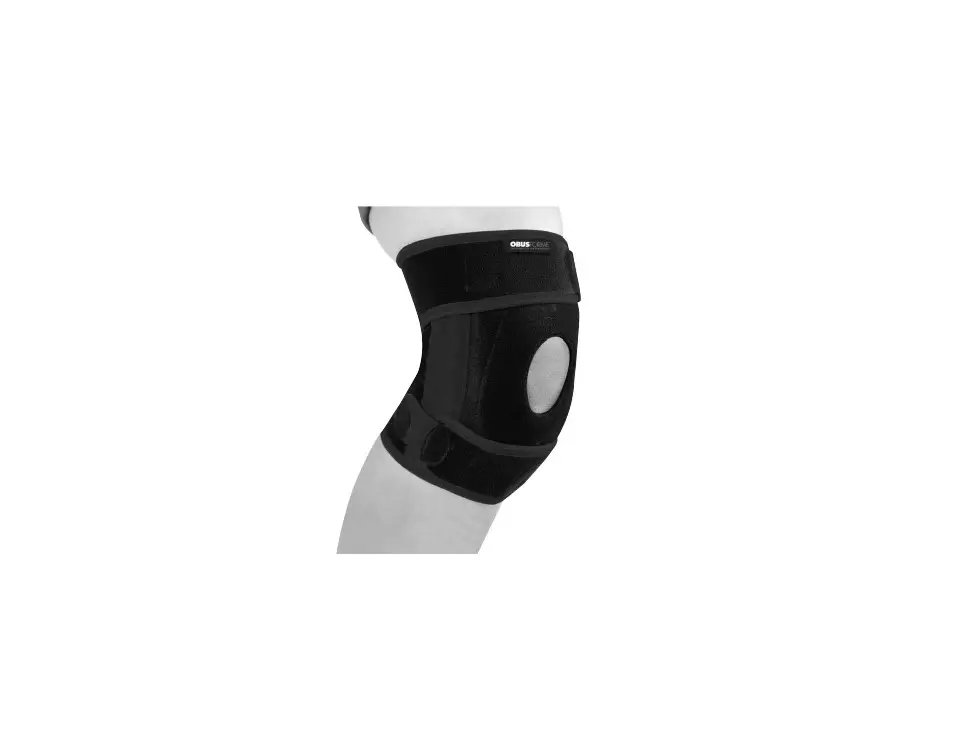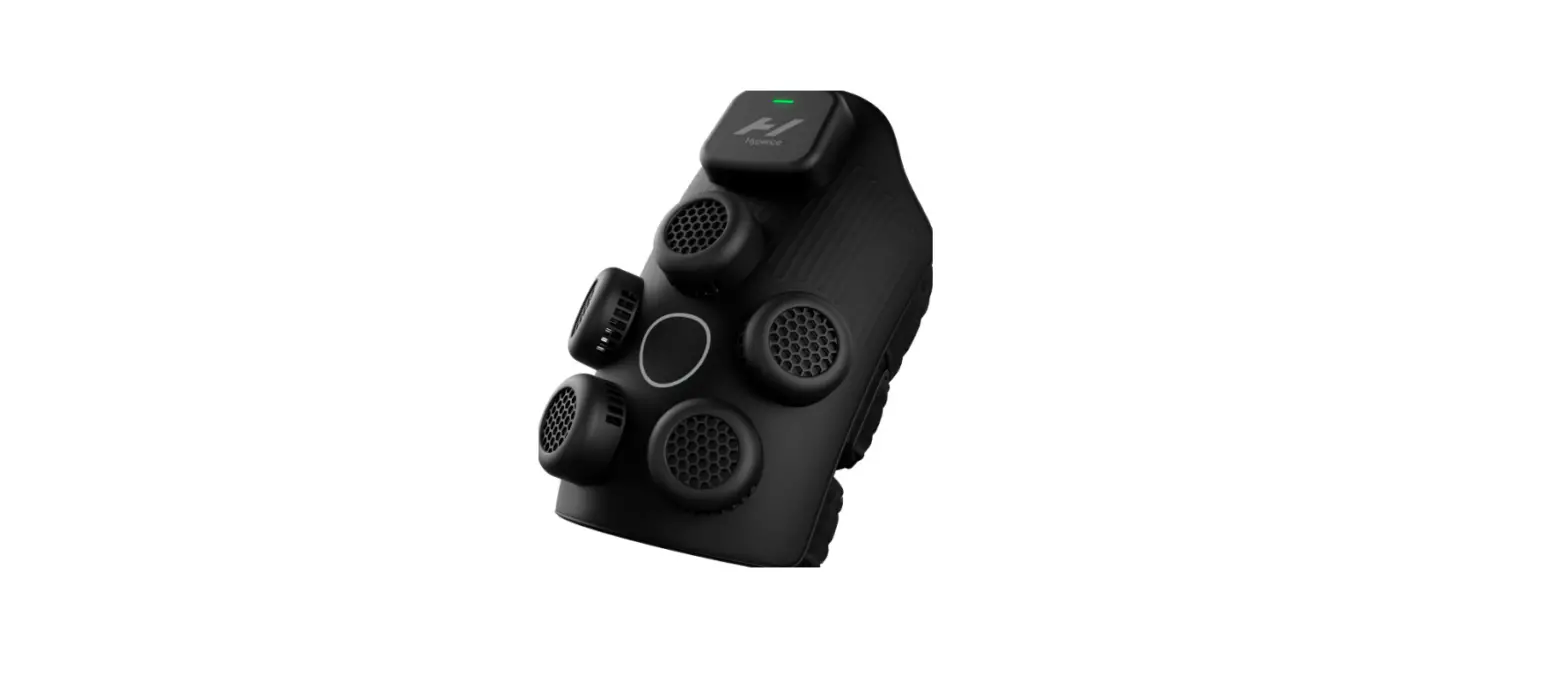

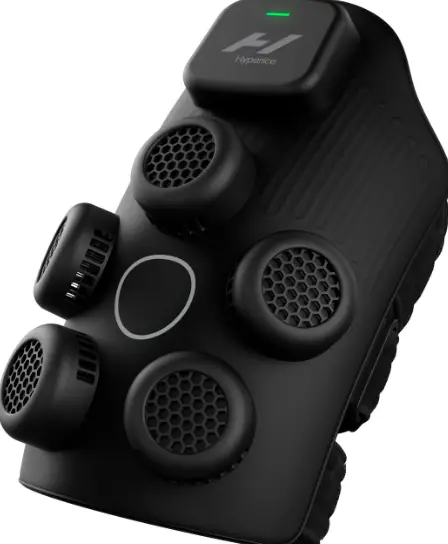
Hyperice X Offline mode Knee Contrast Therapy Device
Instructions
Use the below instructions to operate Hyperice X manually
Step 1
Press ON/OFF button to activate device. You should see the green light pulse, signifying standby mode.
Step 2
Once device is turned on, hold ON/OFF button for 2 seconds to enter offline mode. You should see a blue light (defaults to cold).
Step 3
Quickly press ON/OFF button to cycle through modes:
- Cold – 15 min @ the max setting
- Hot – 15 min @ the medium setting
- Contrast – 20 min (alternates cold/hot for 5 mins each)
Once mode is selected, device will start automatically after 2 seconds.
Low battery/error
Status light flashes yellow 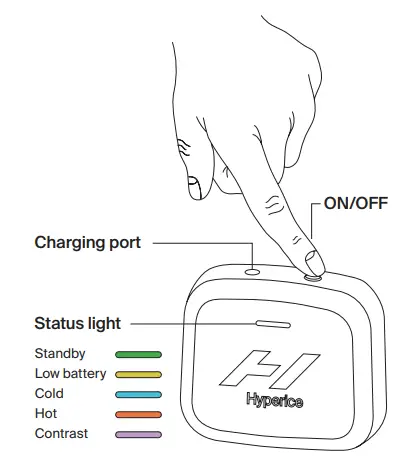
Scan to watch demo video