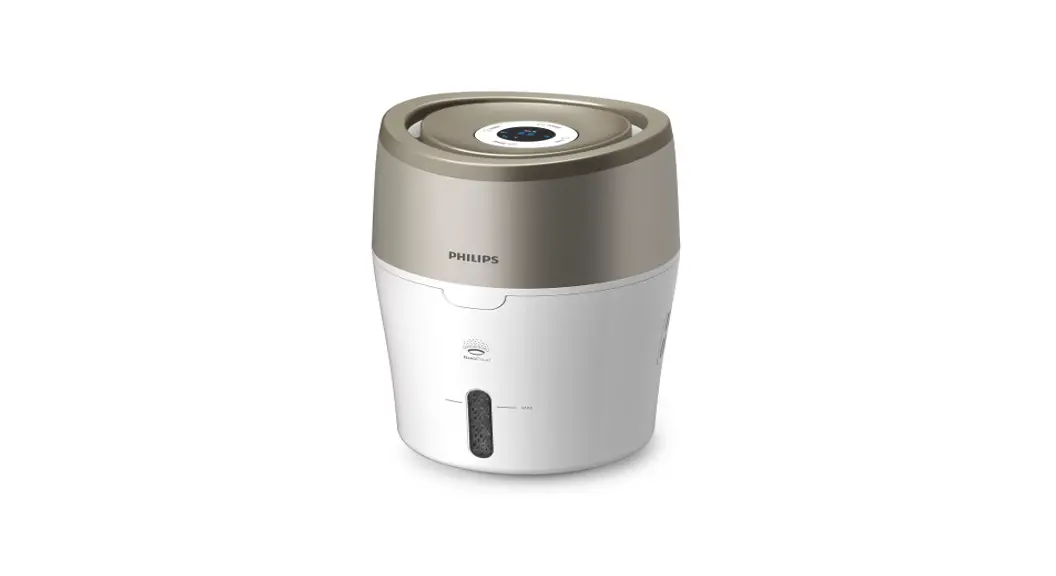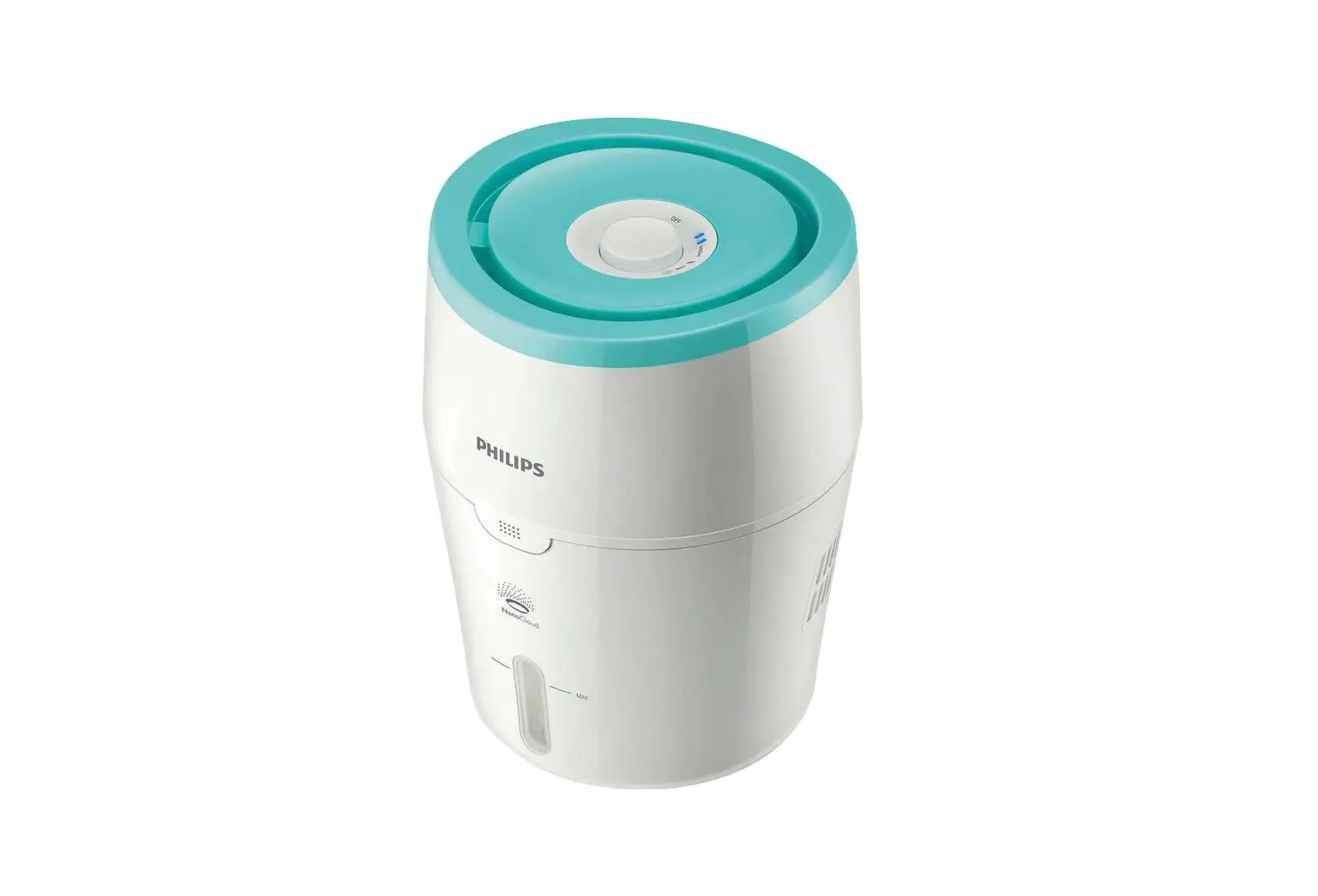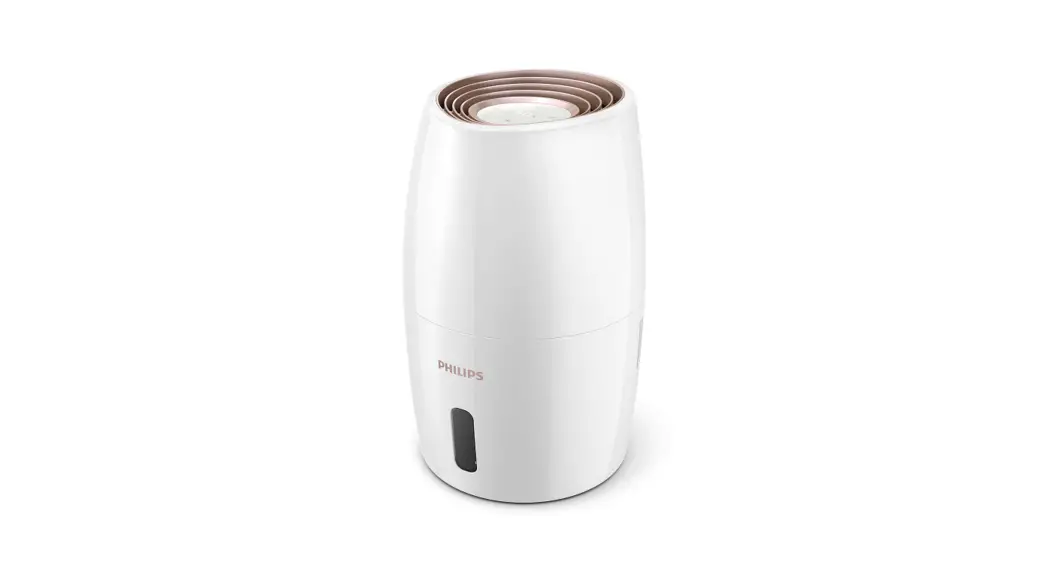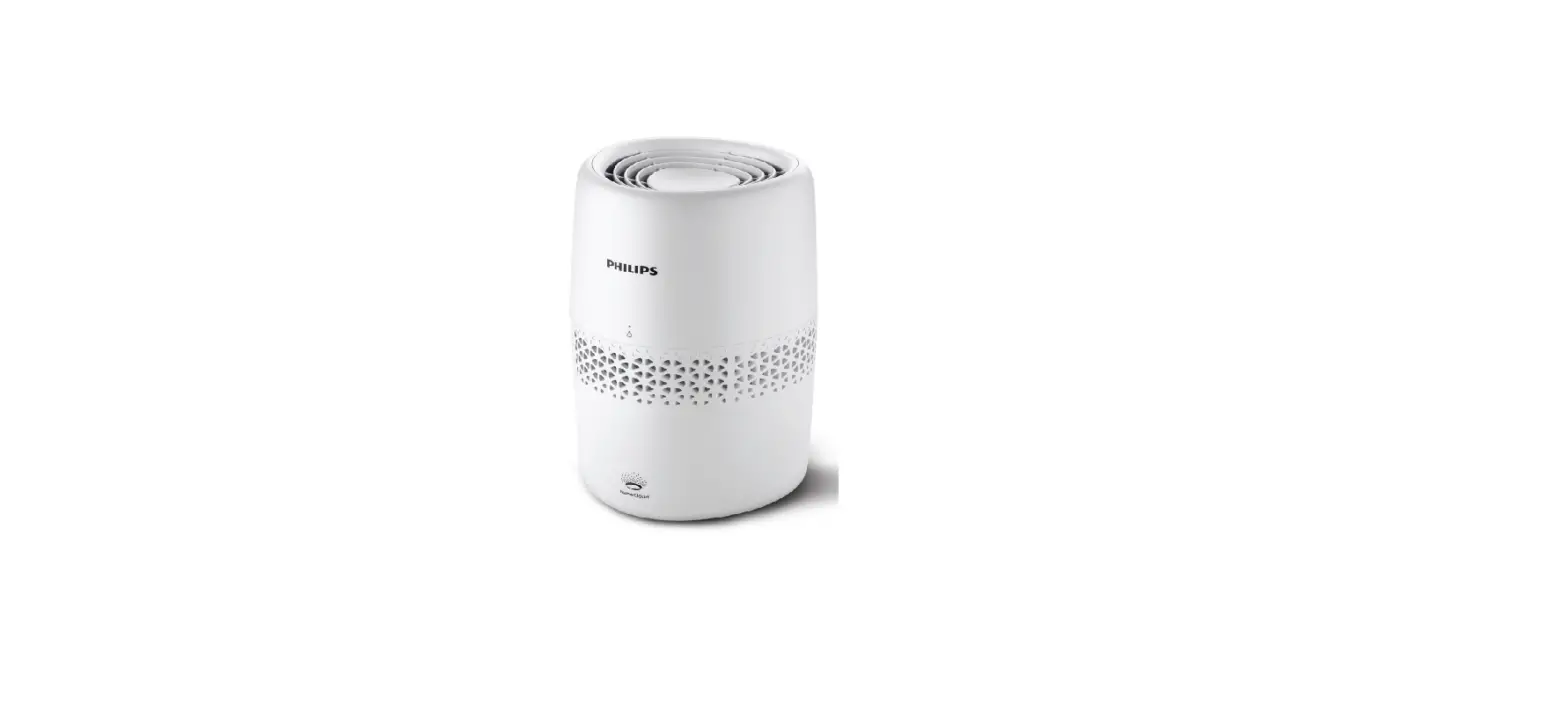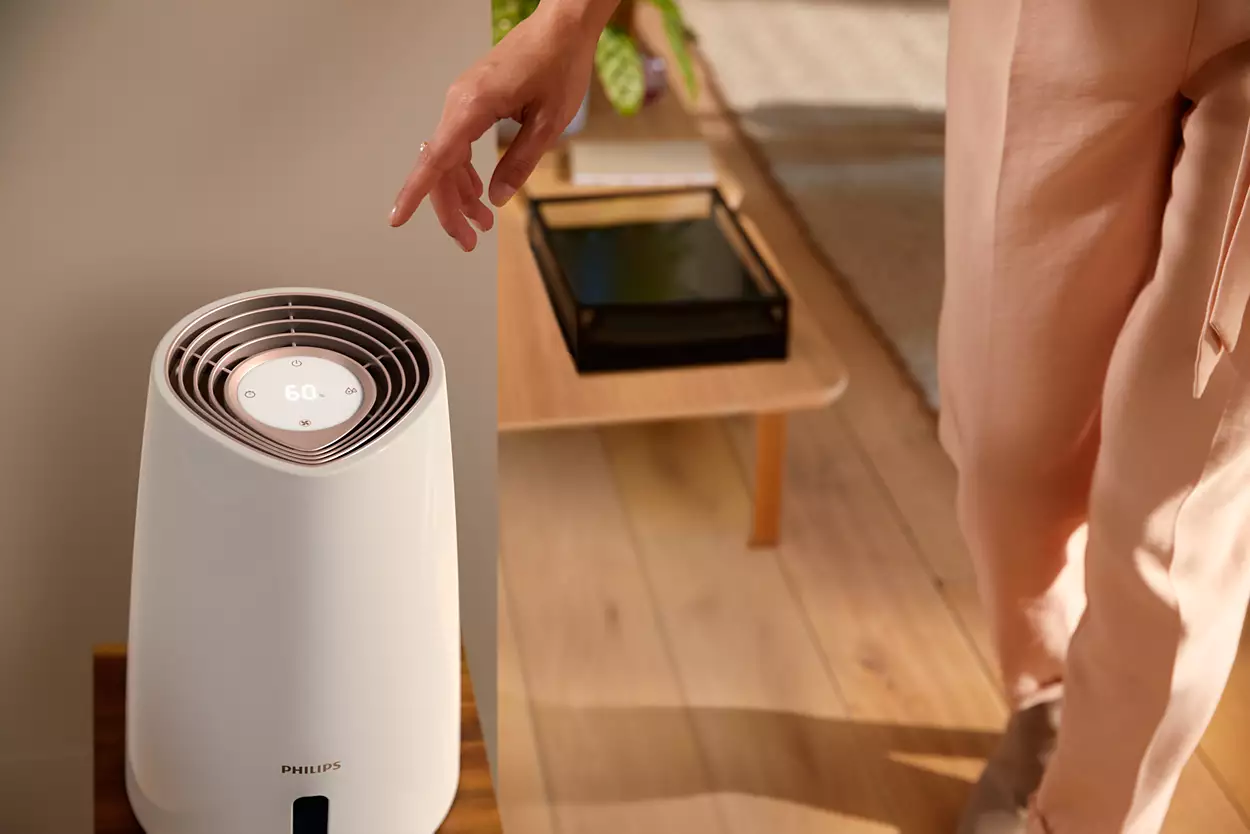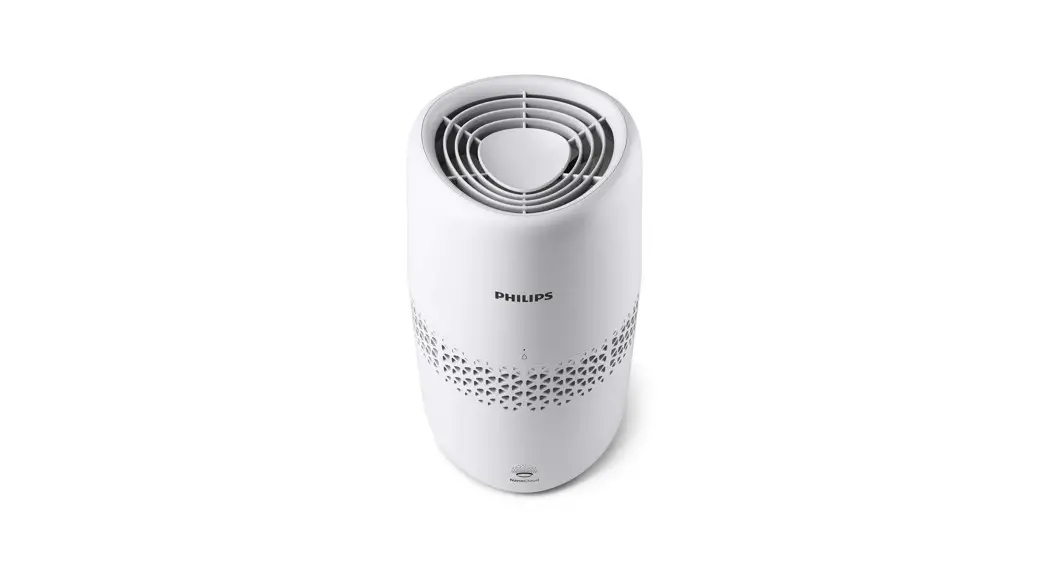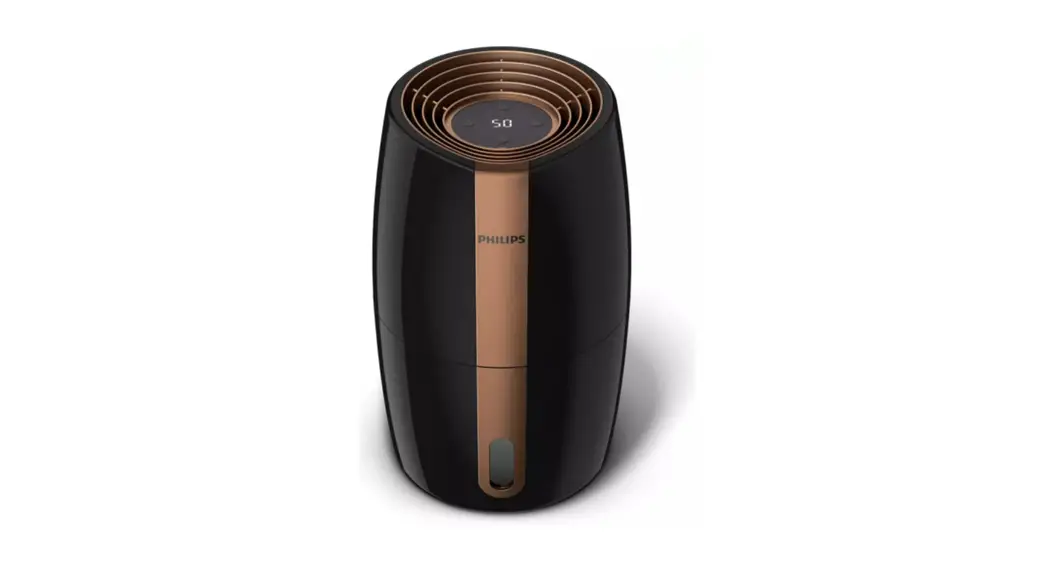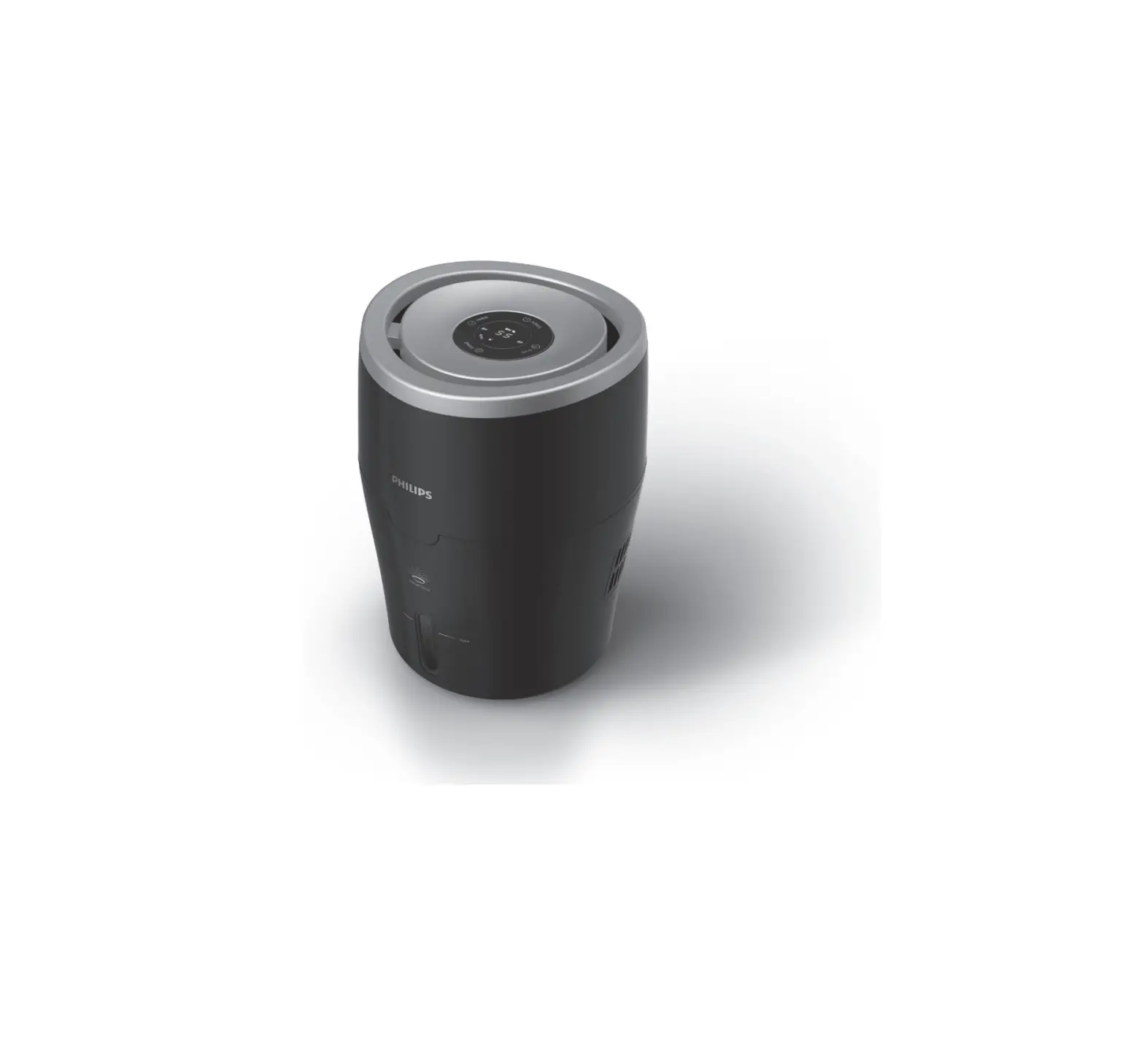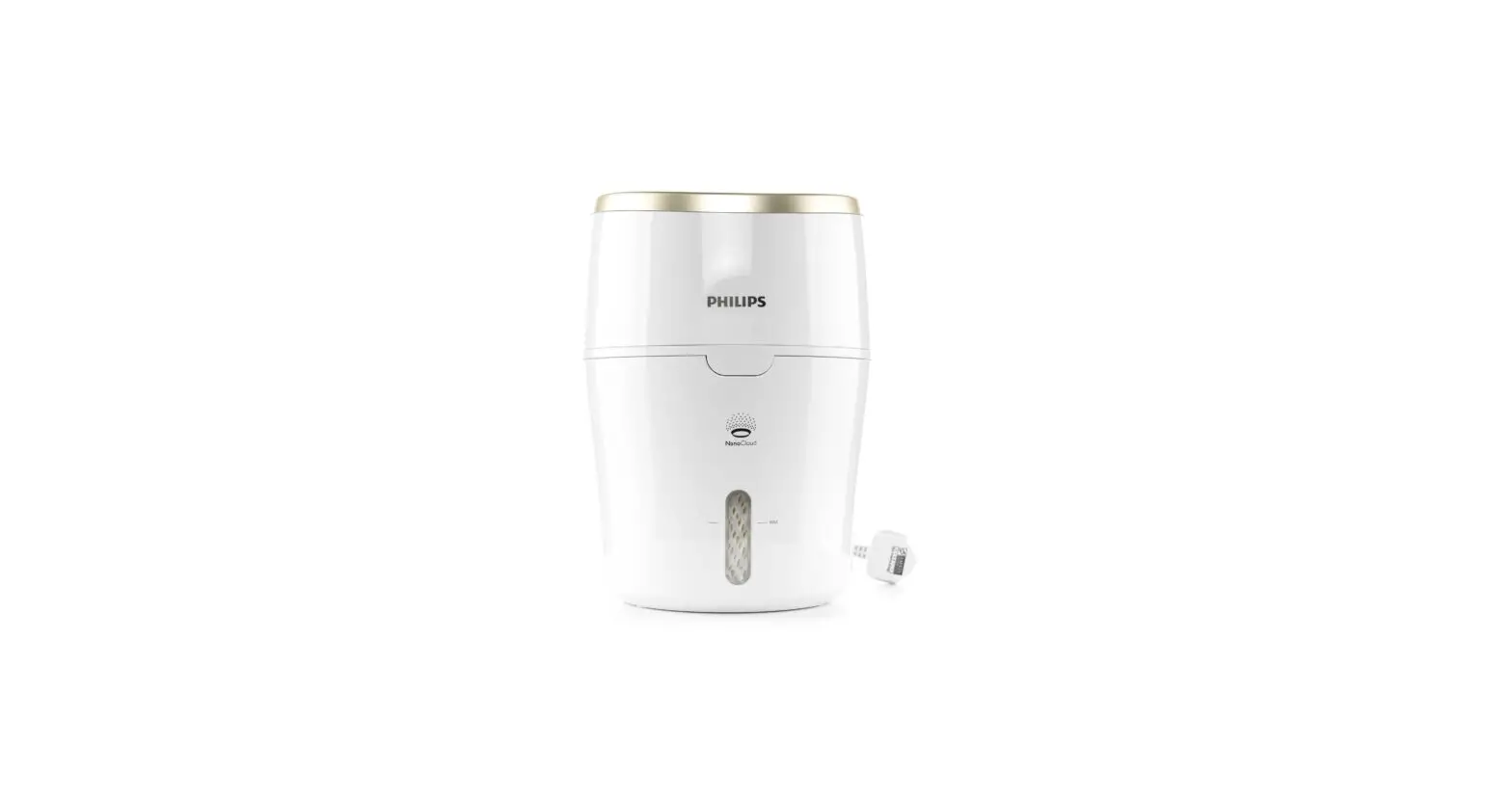

PHILIPS HU2000 Series Air Humidifier
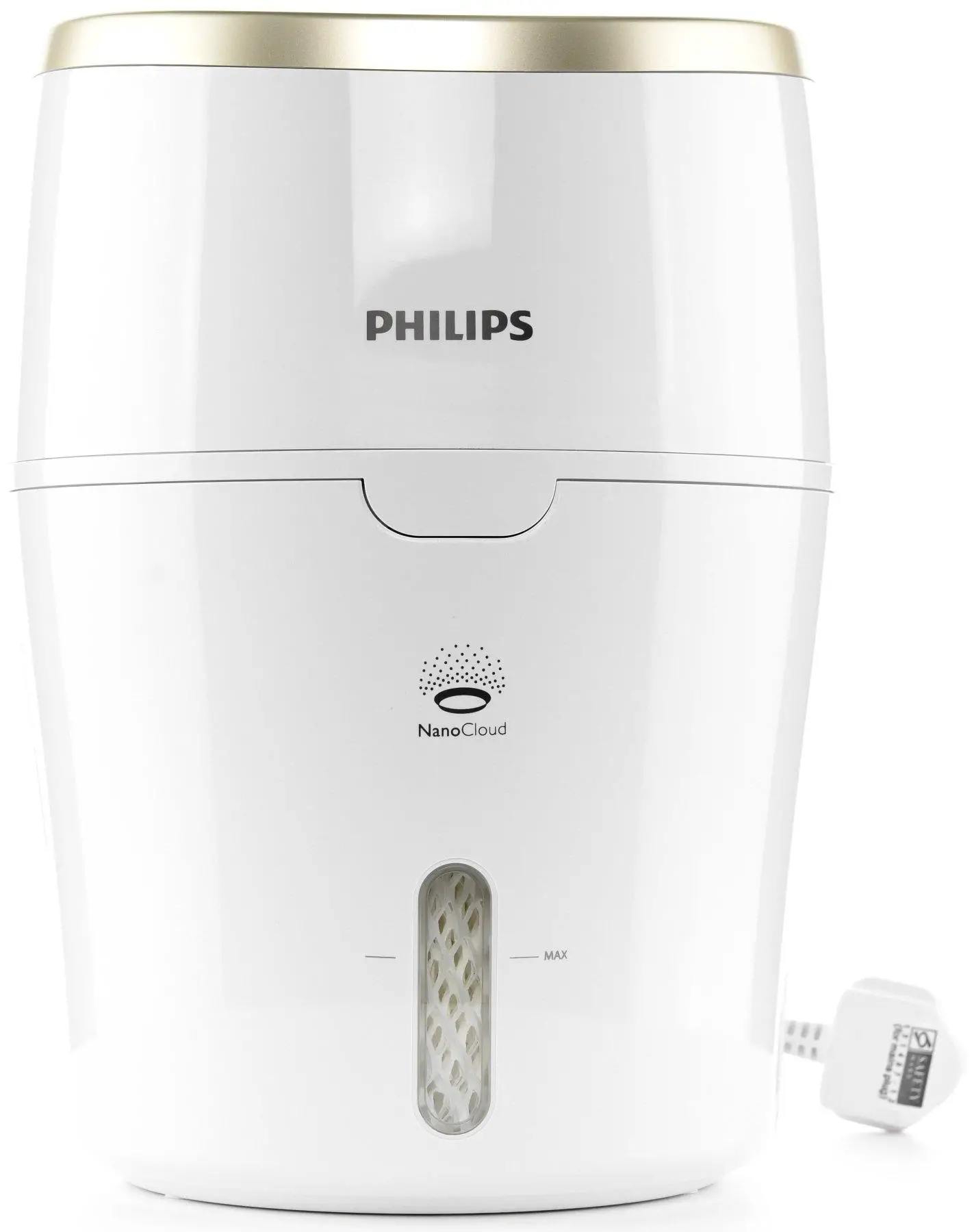
In dry conditions, moisture from the humidifier will be absorbed by walls, furniture, and other items in your room. Ventilation of dry outside air will also increase the time it takes to reach the target humidity. To optimize humidification performance, it’s recommended to close doors and windows during use.
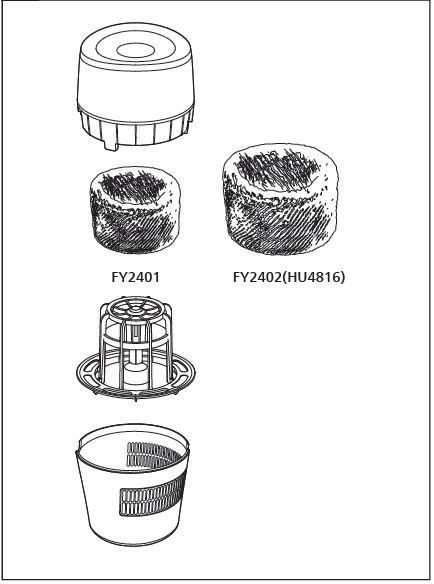
What In The Box
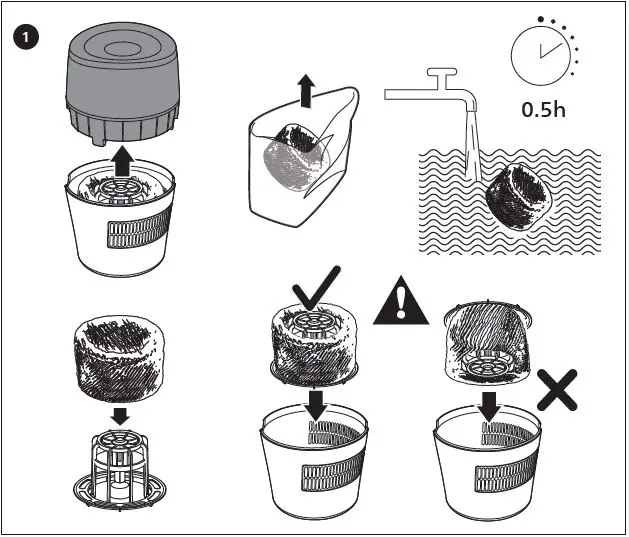
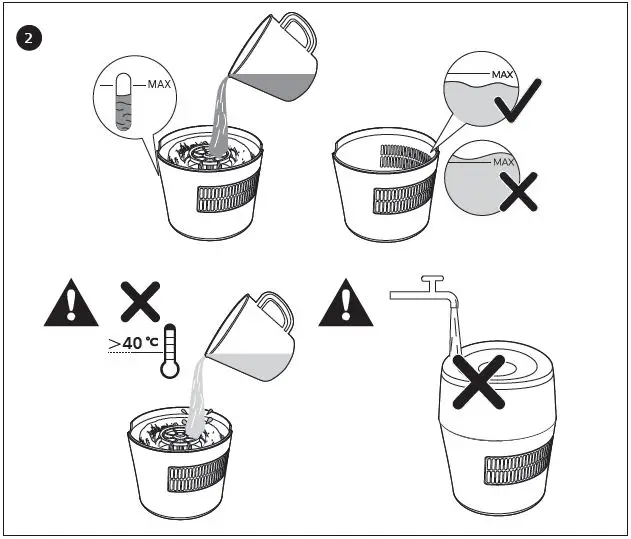
Installation
Set humidity level
The humidity indicator light is red if the desired humidity level is not reached. The light turns blue when the desired humidity level is reached. If no preset humidity level is selected, the humidity indication light will be off.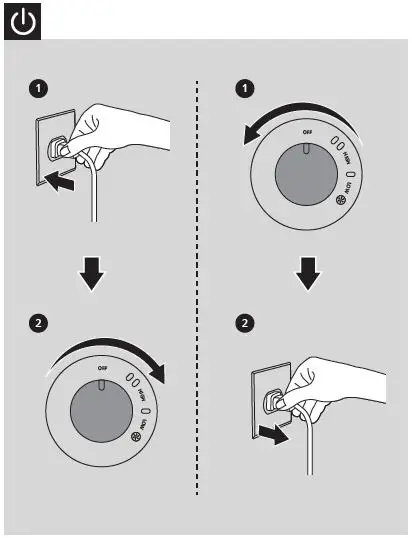
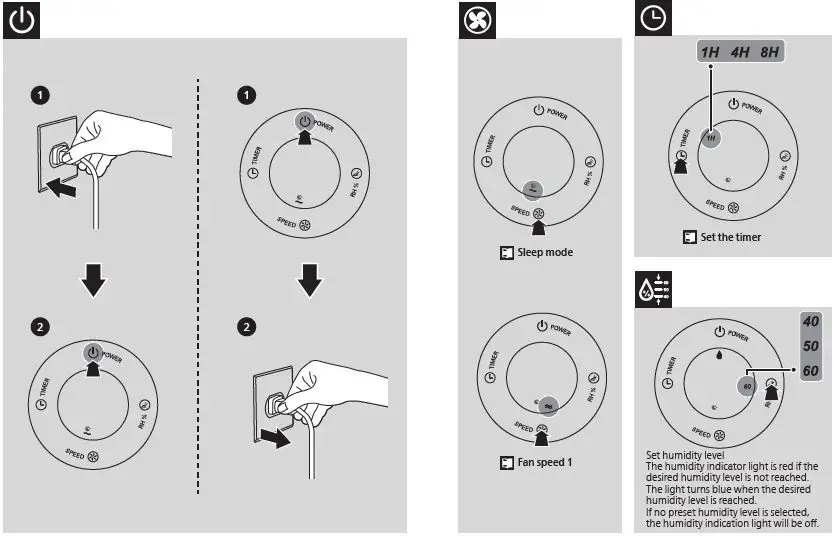
Set the humidity
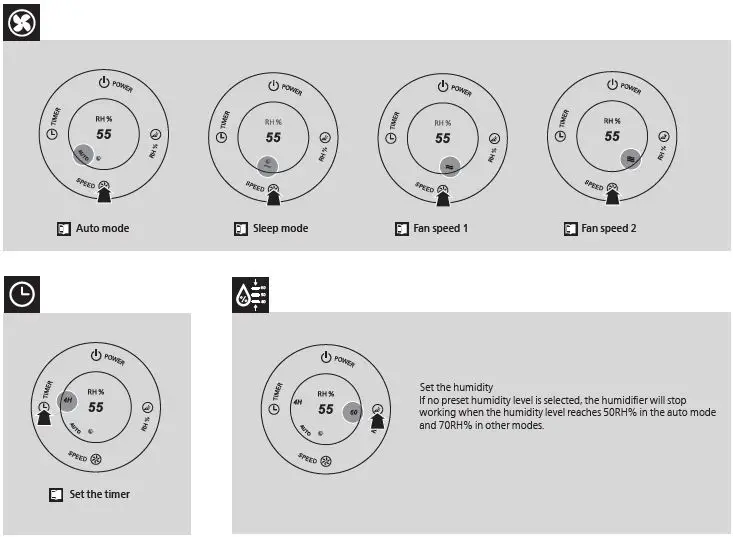
If no preset humidity level is selected, the humidifier will stop working when the humidity level reaches 50RH% in the auto mode and 70RH% in other modes.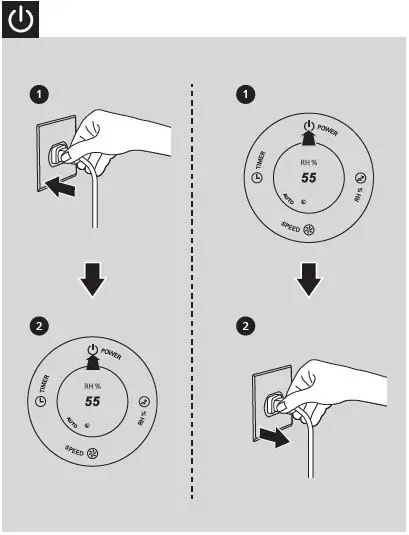
Recommend Cleaning
Recommend cleaning the humidification filter every week to keep hygienic. Please soak the humidification filter with mid or acid cleanser (24g citric acid with 4L water) for 1 hour.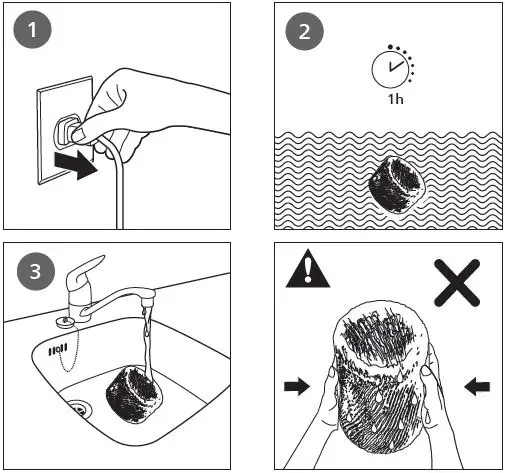
Replace Filter
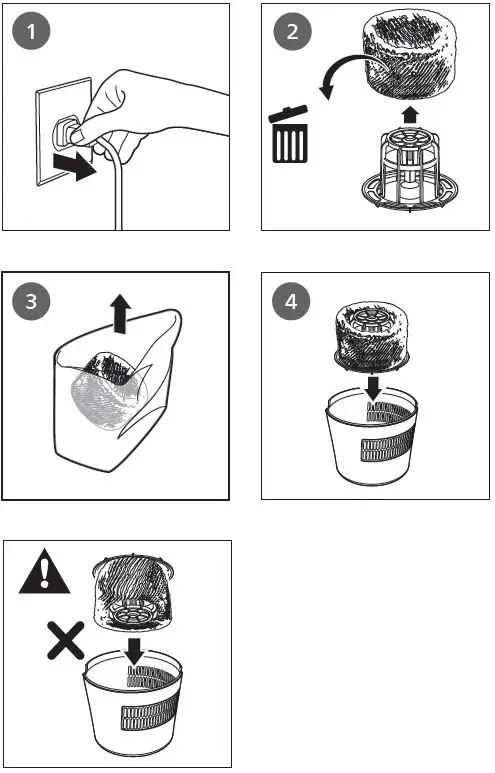
Replace the humidification filter every 6 months.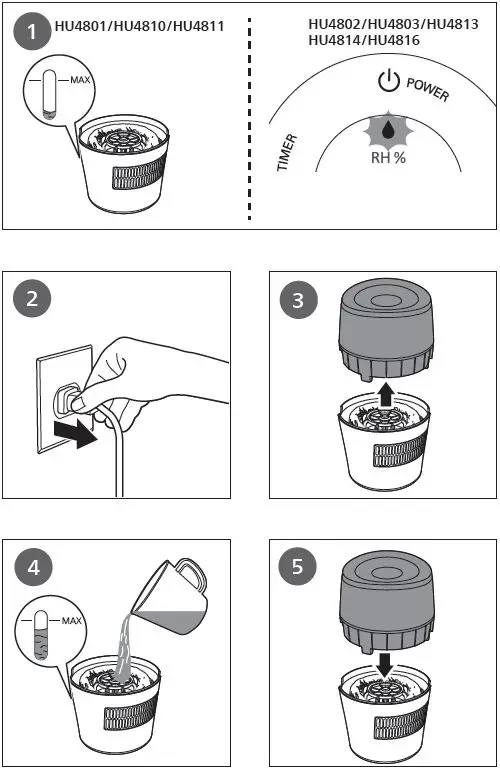
Functions
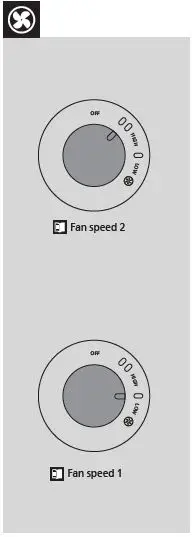
 Fan speed 1
 Fan speed 2
 Auto mode
 Sleep mode
 Set the timer
 Fan speed 1
 Fan speed 2
 Auto mode
 Sleep mode
 Set the timer
© 2022 Philips Domestic Appliances Holding B.V.
All rights reserved.
3000.084.7928.3 (24/06/2022).