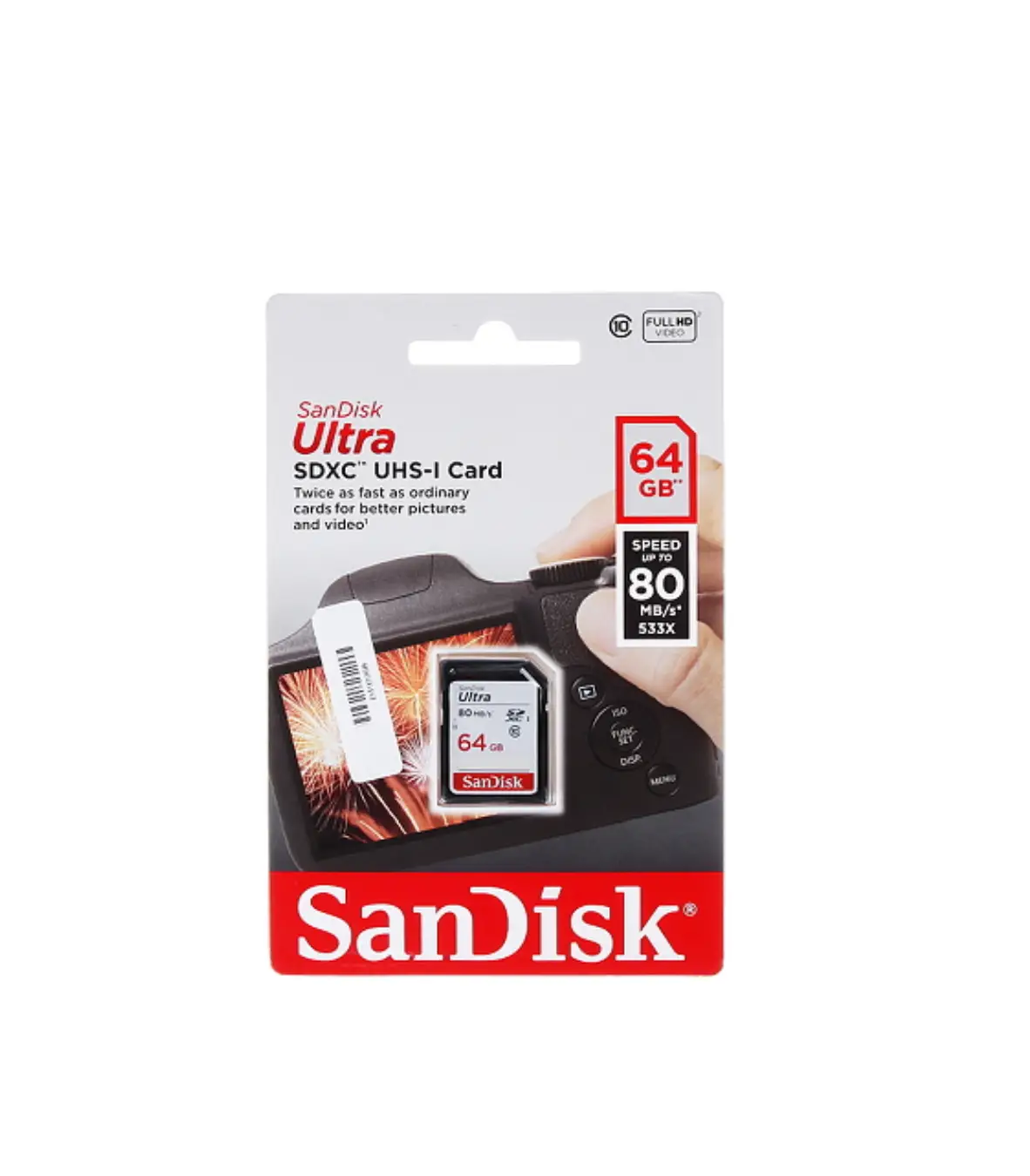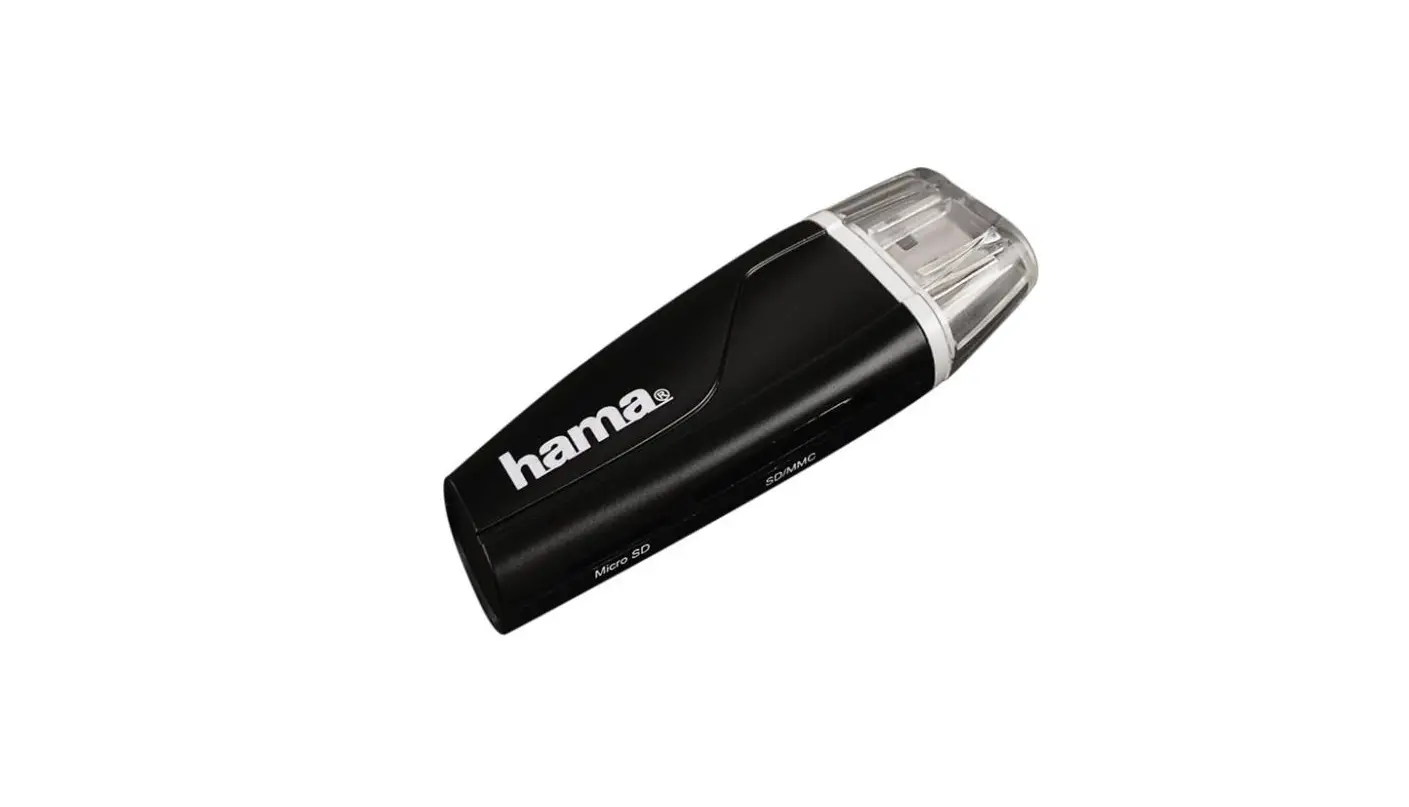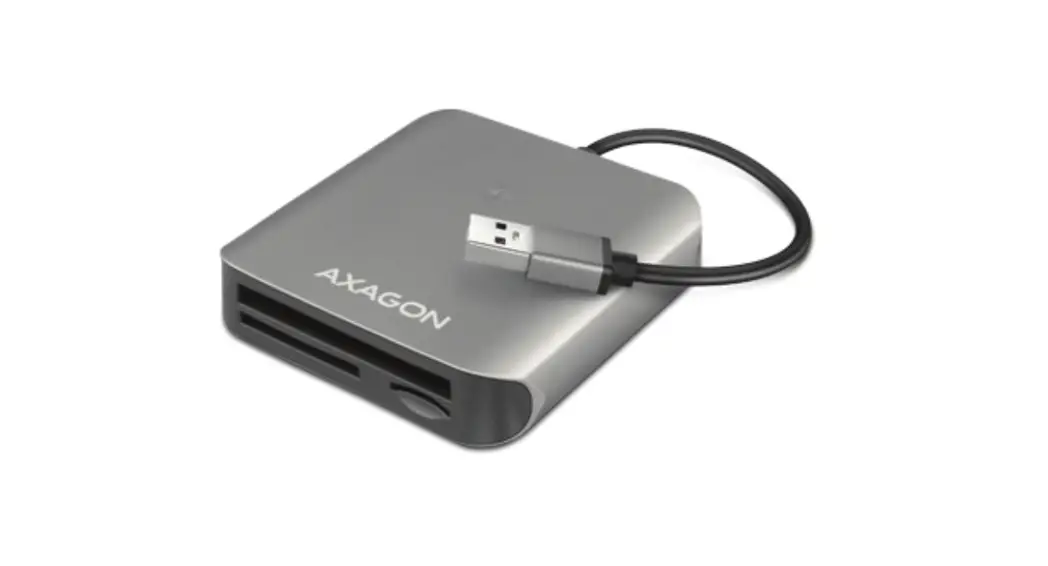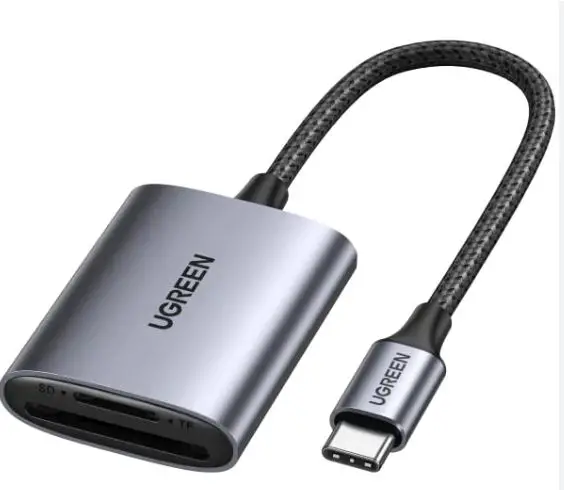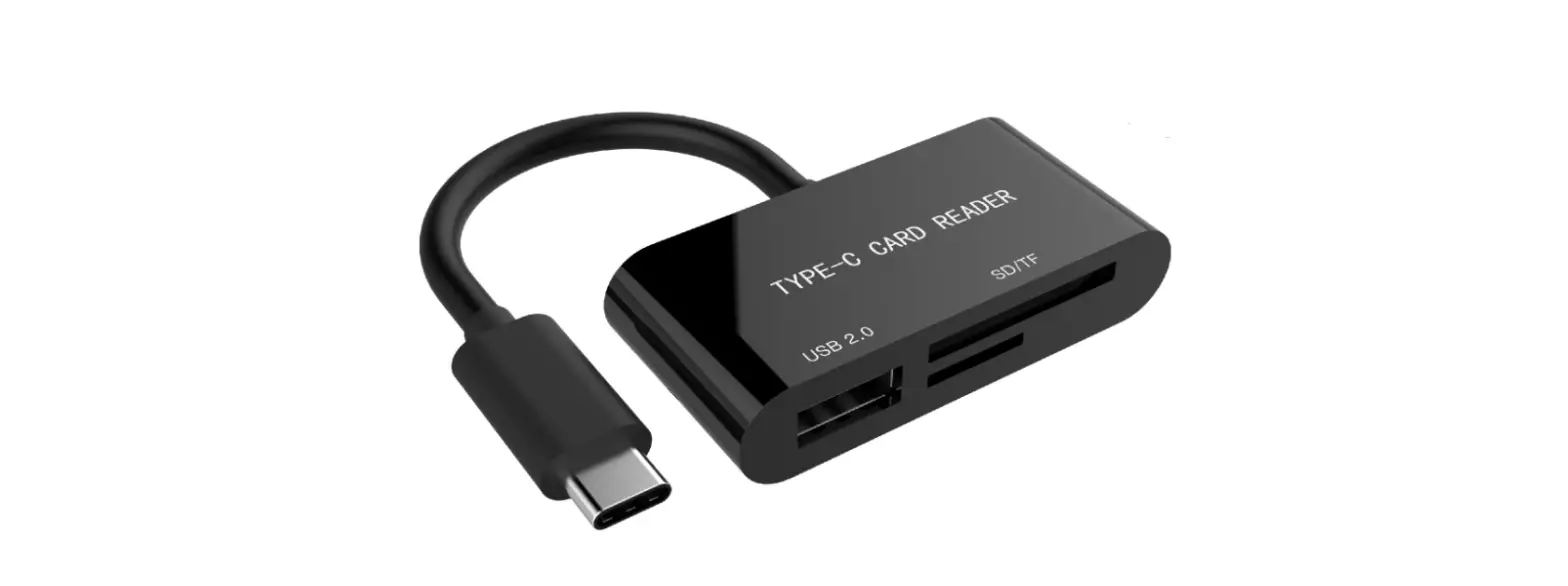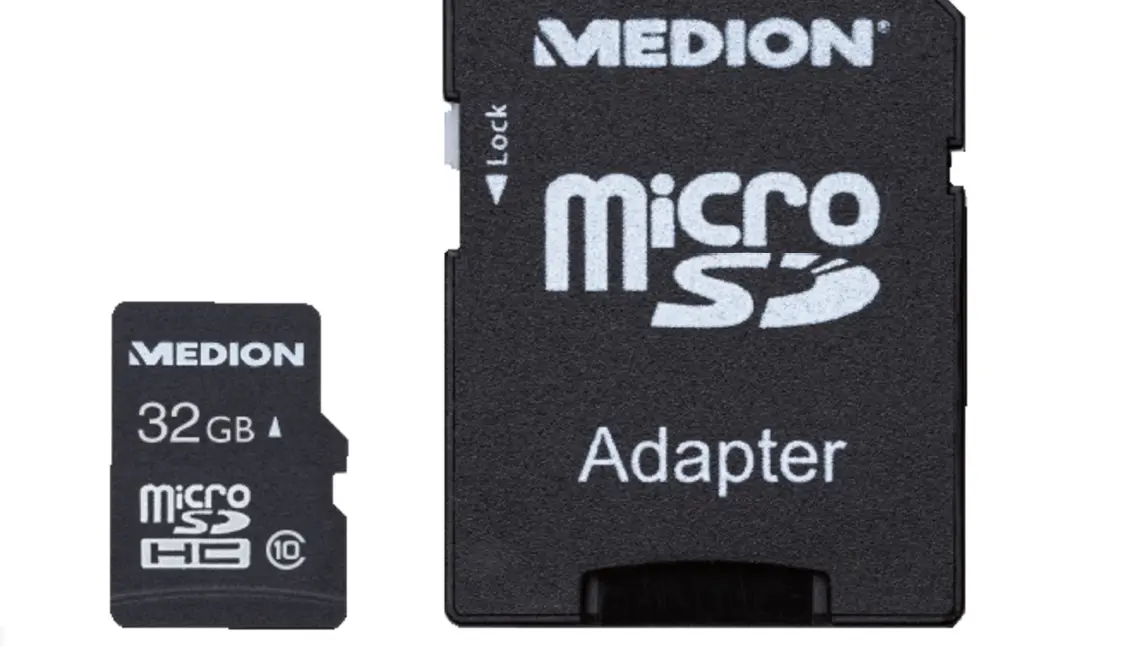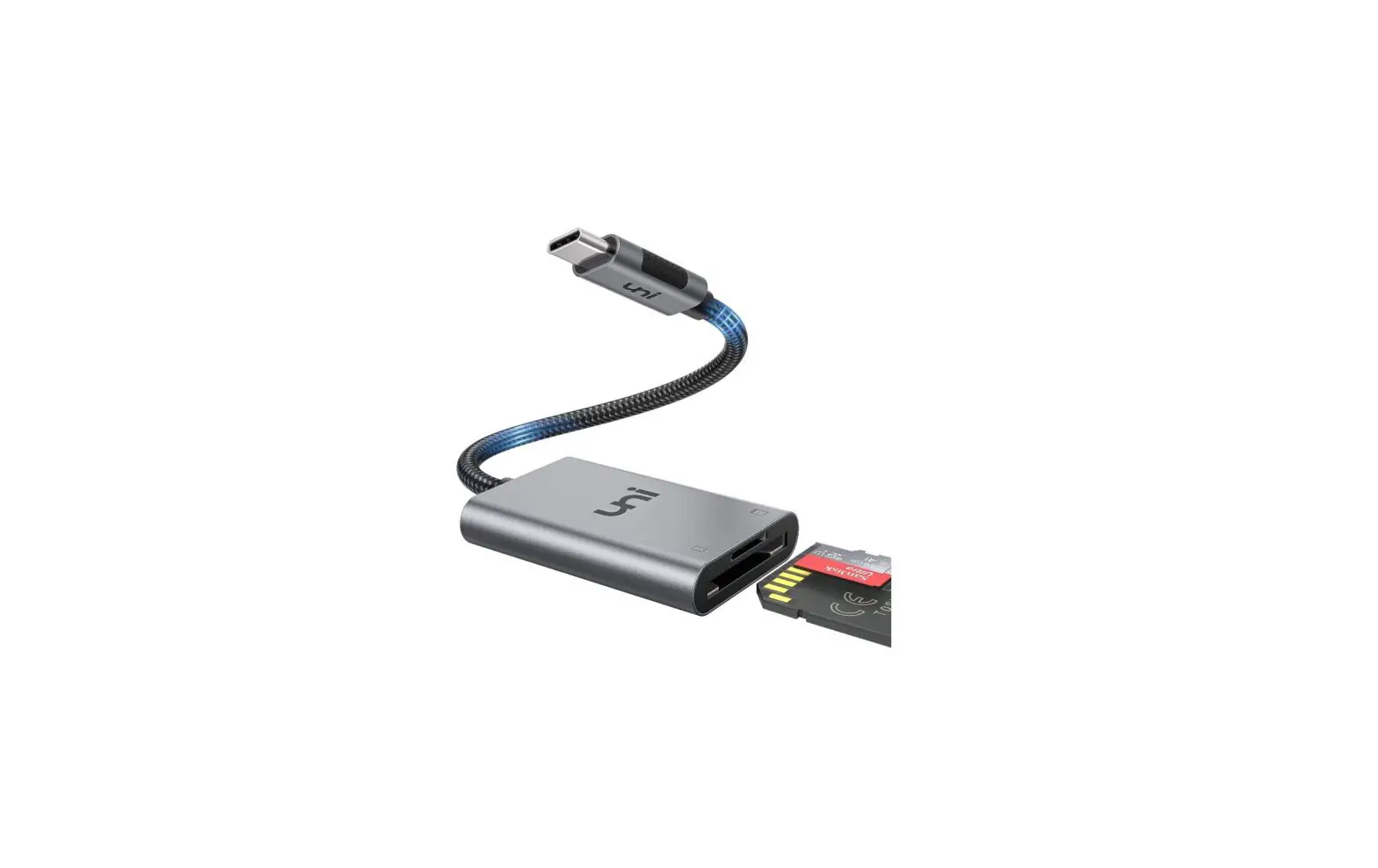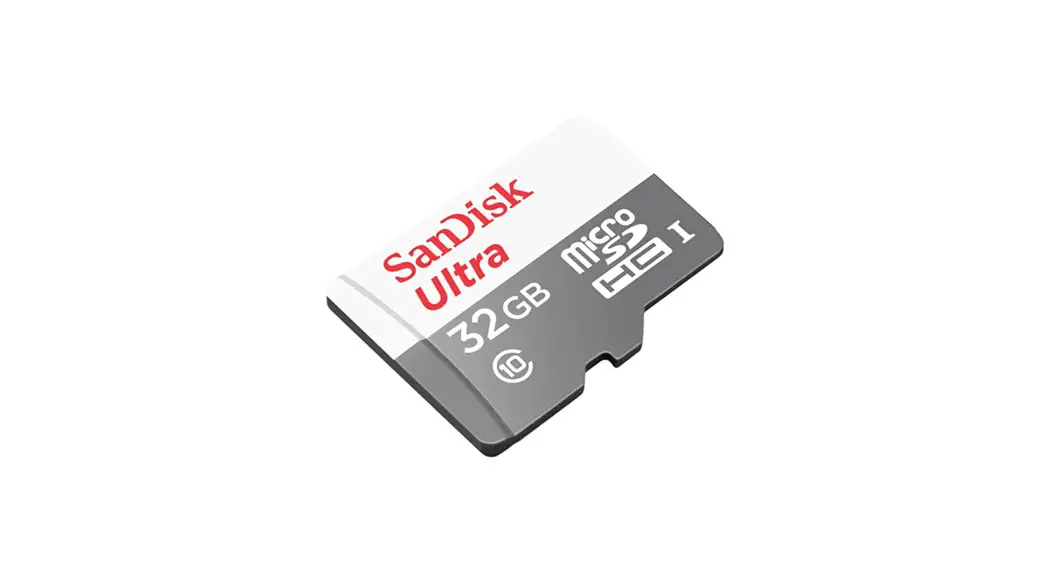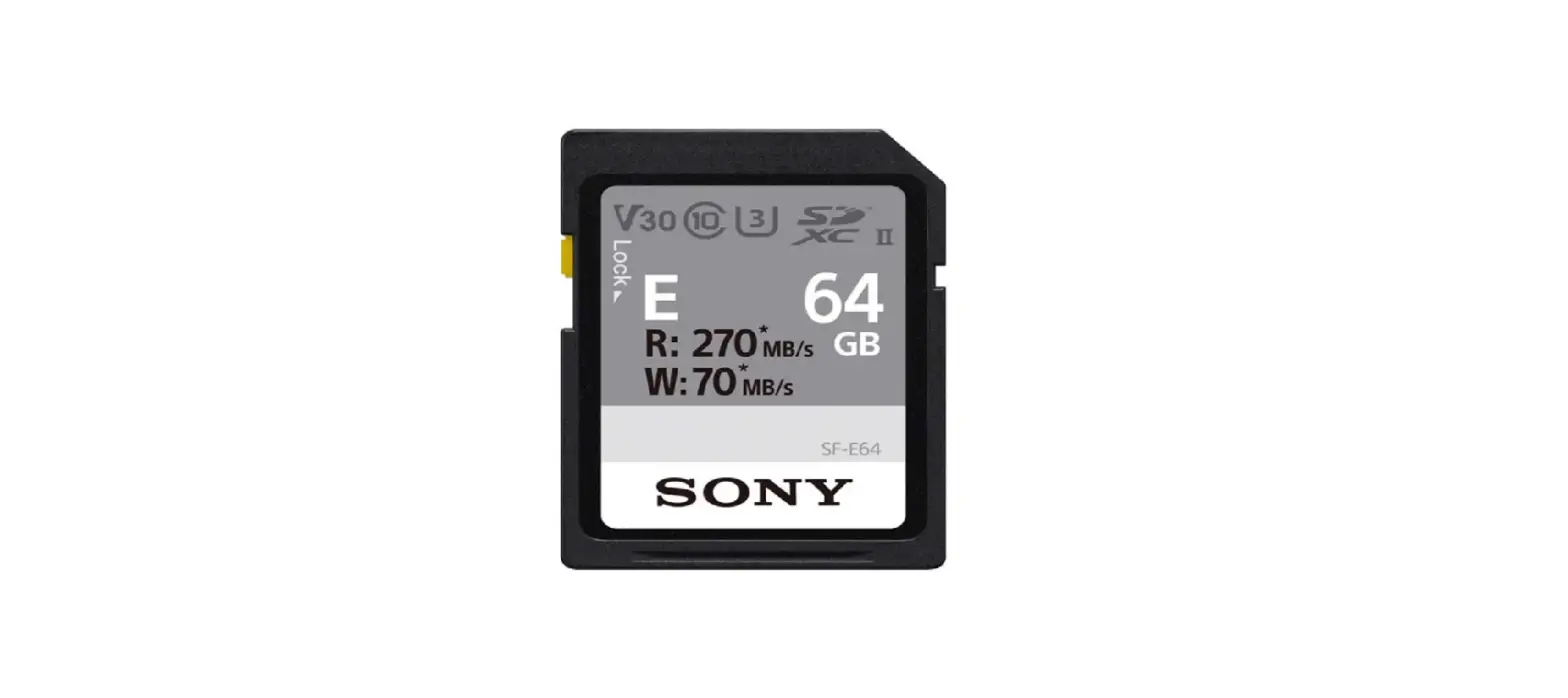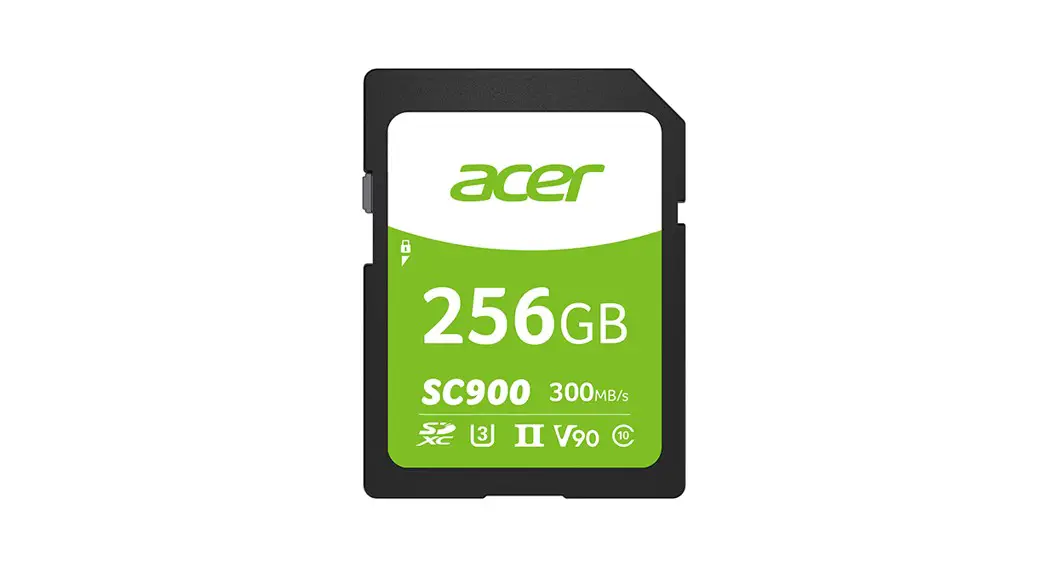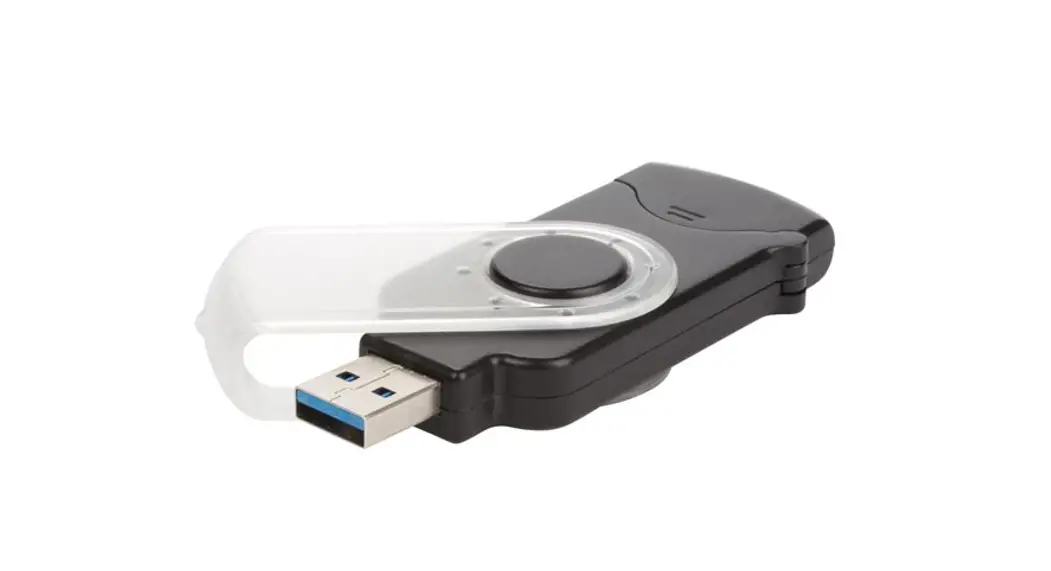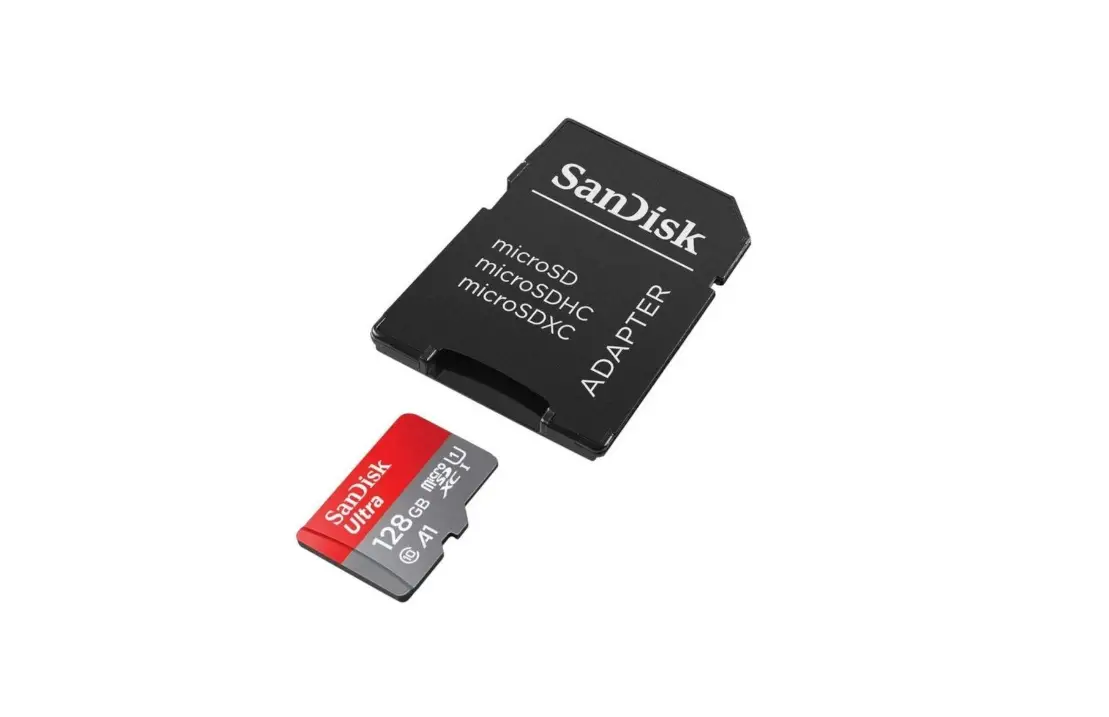

SanDisk microSDXC Ultra 128 GB Memory Card SD Adapter
Connection procedure
You can connect your steering wheel to PS4 or Xbox by following the attached procedure
- Leave your system off and connect your steering wheel to the usb port on the console and the usb microphone port on your controller.
- Turn on your system from the power button (controller off).
- Once the system is on, press the “Home” button on your wheel.

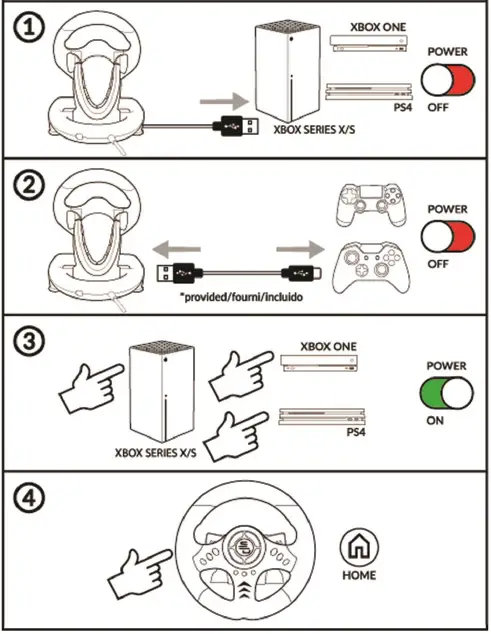
- Could you also check that the cable which connects the steering wheel to the controller is working ?
- Please use the cable included with the steering wheel or the officiall cable included with the the PS4 or Xbox One system.
All our manuals are available by clicking on the following link:
https://superdrive-gaming.com/en/f-a-q-guide-en/
 F.A.Q / Guide - DE - Superdrive Gaming