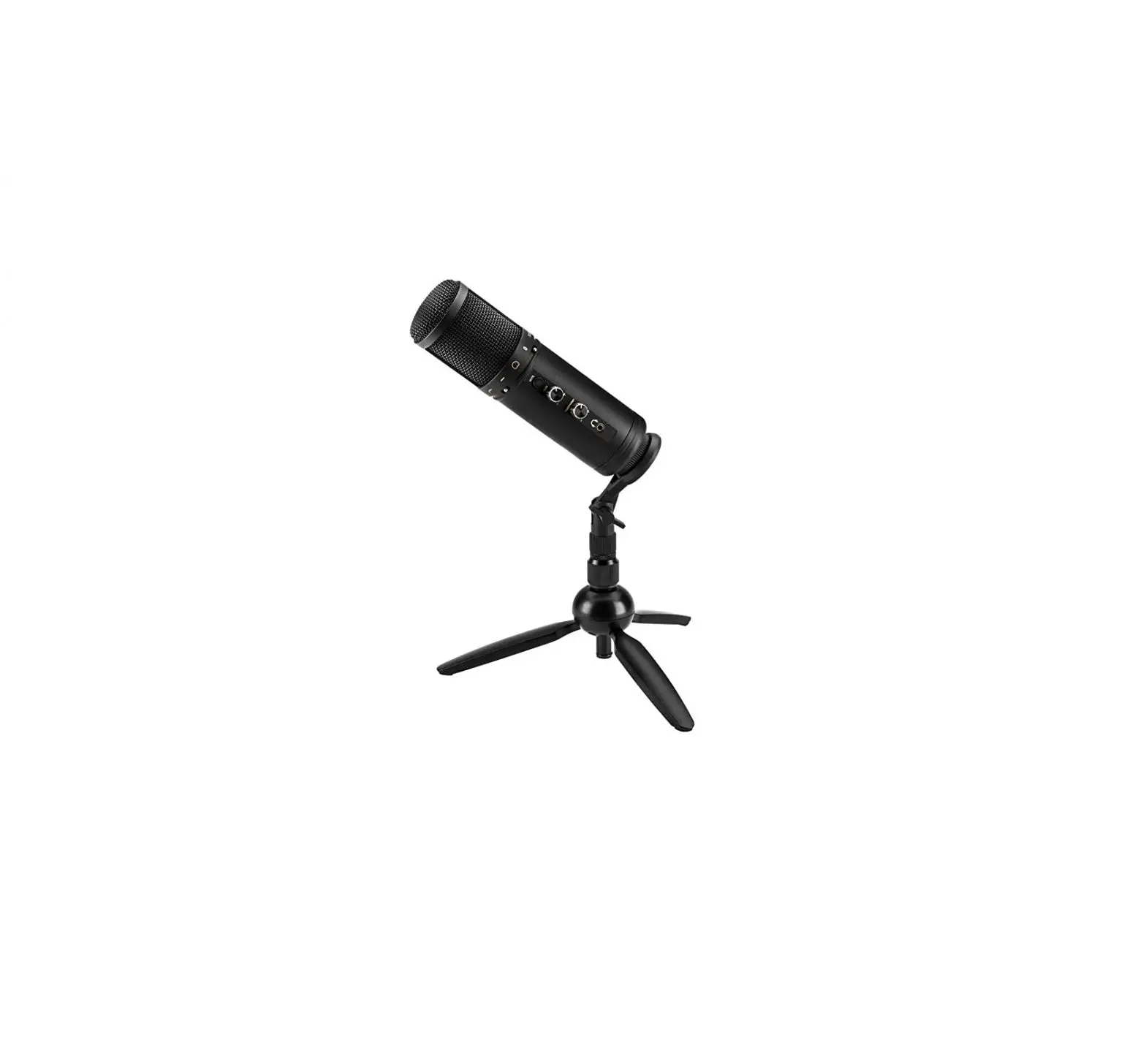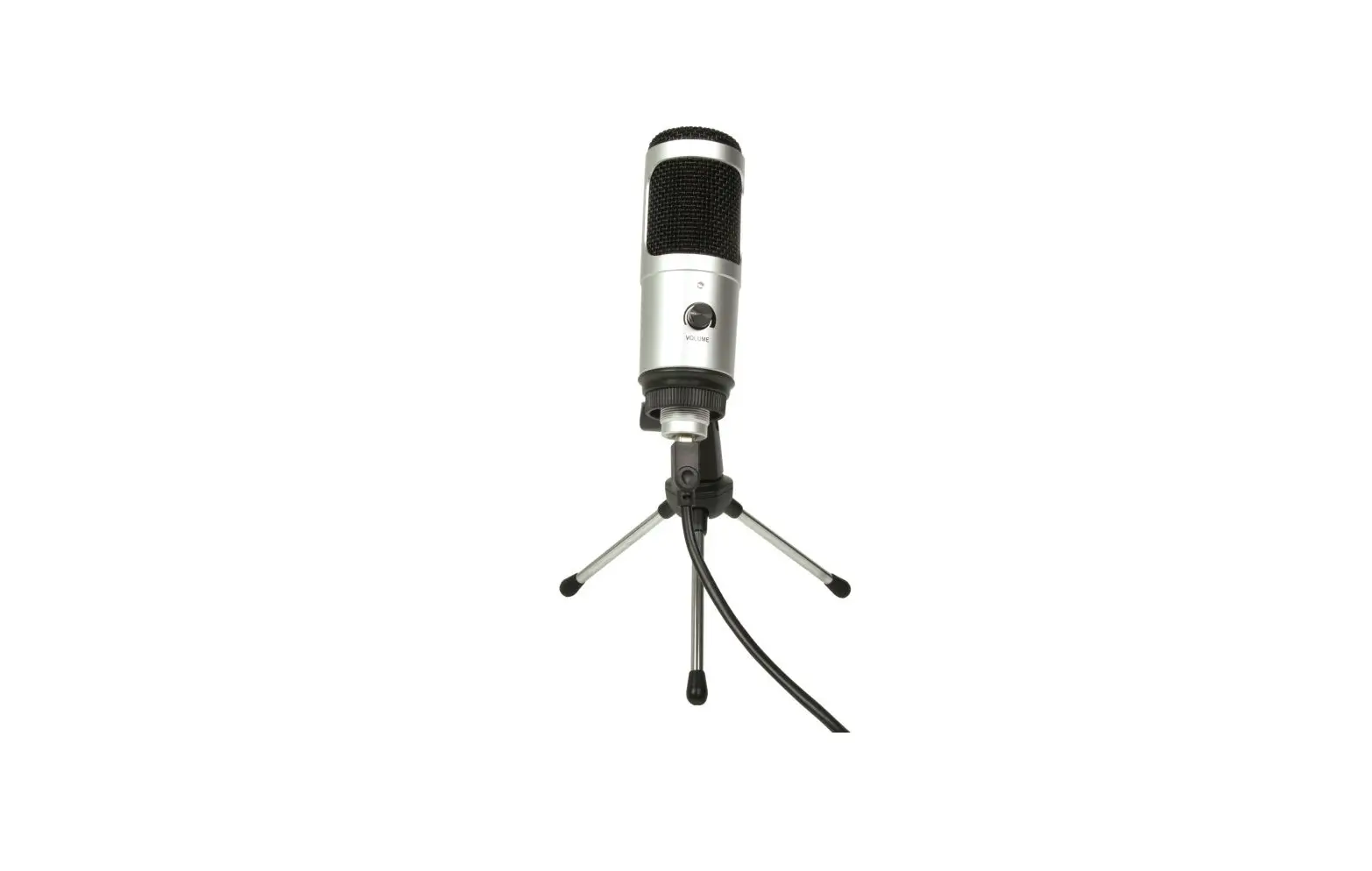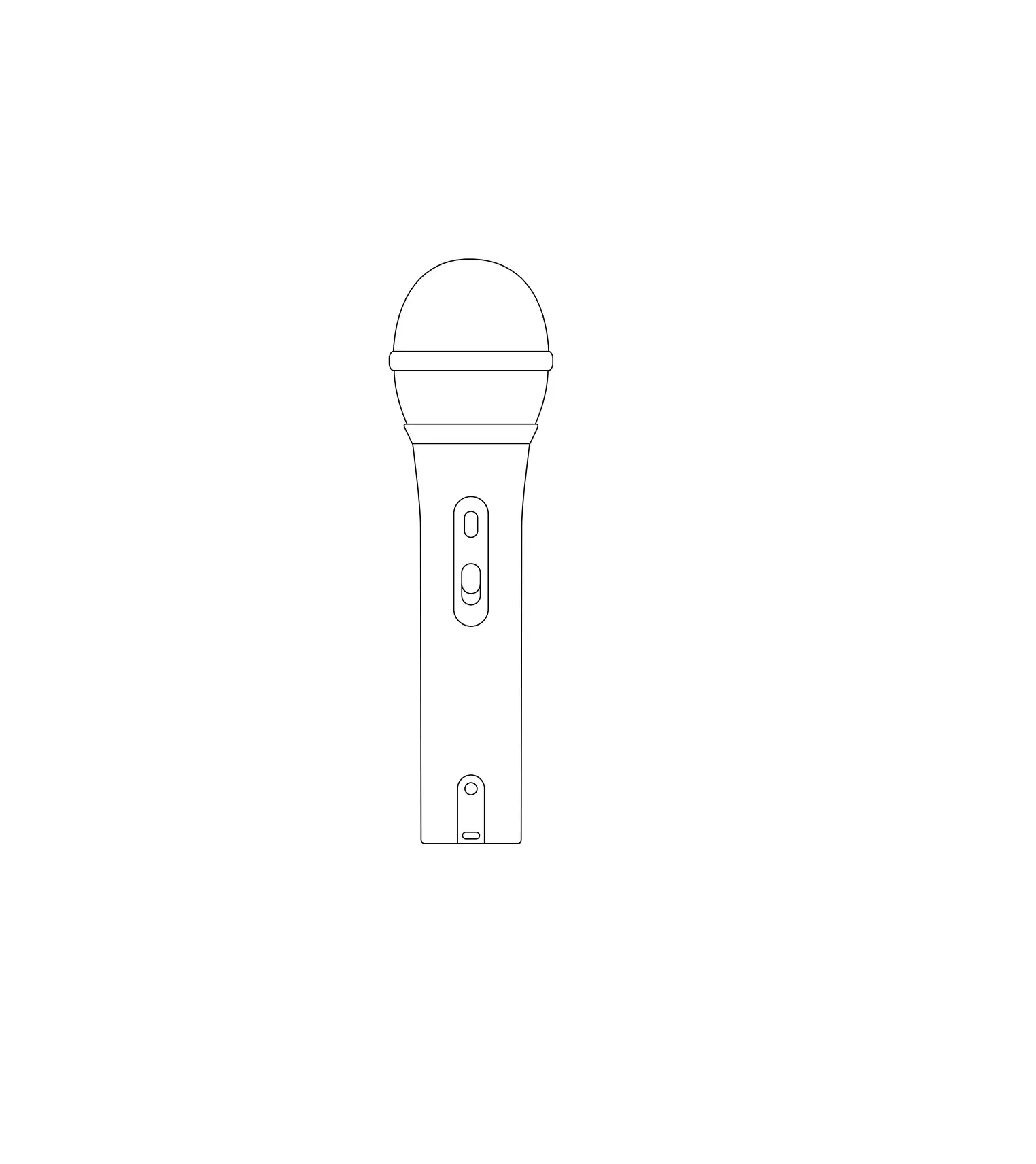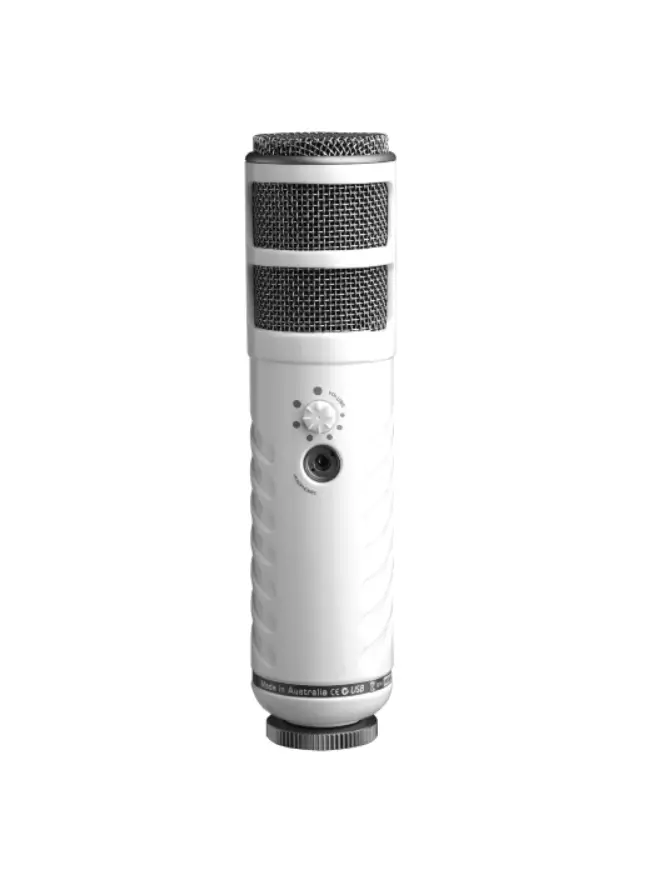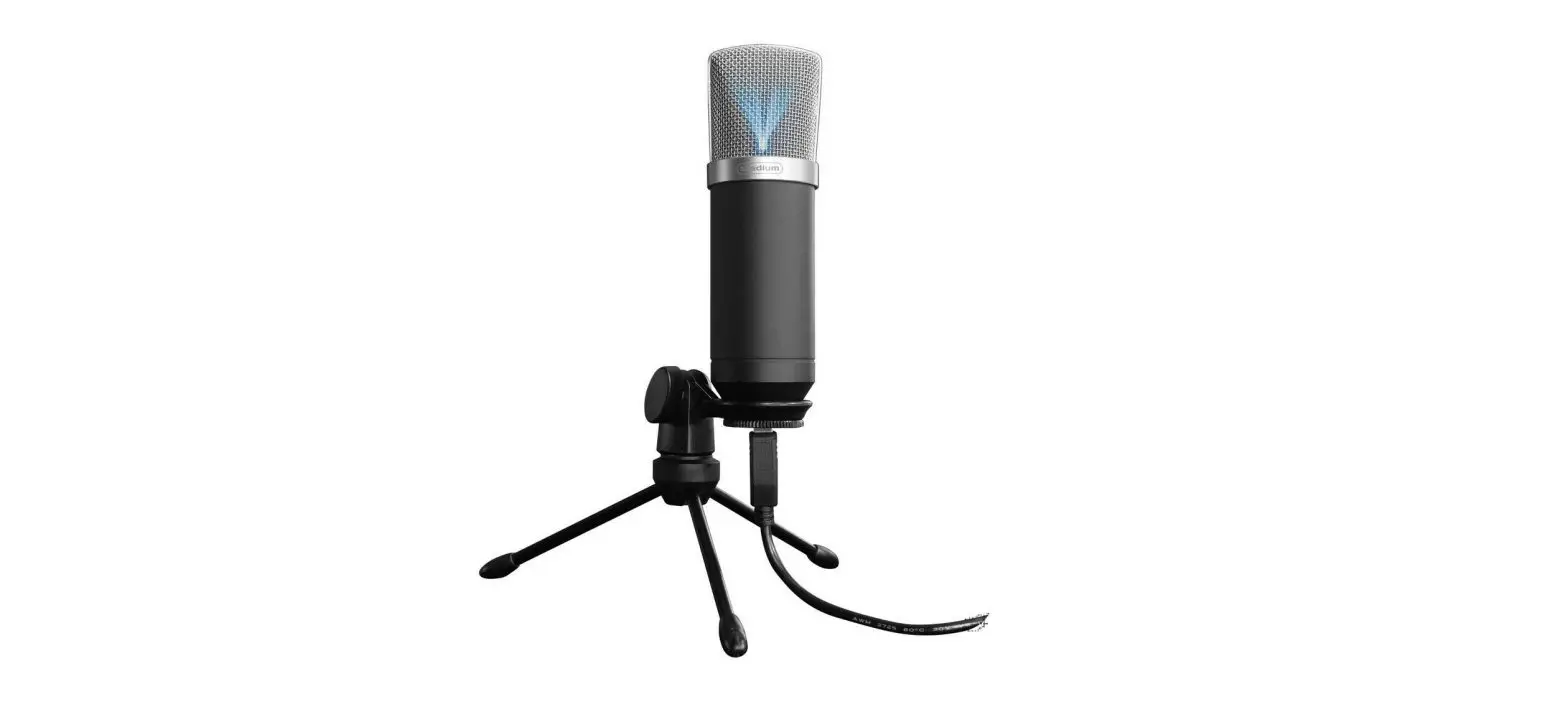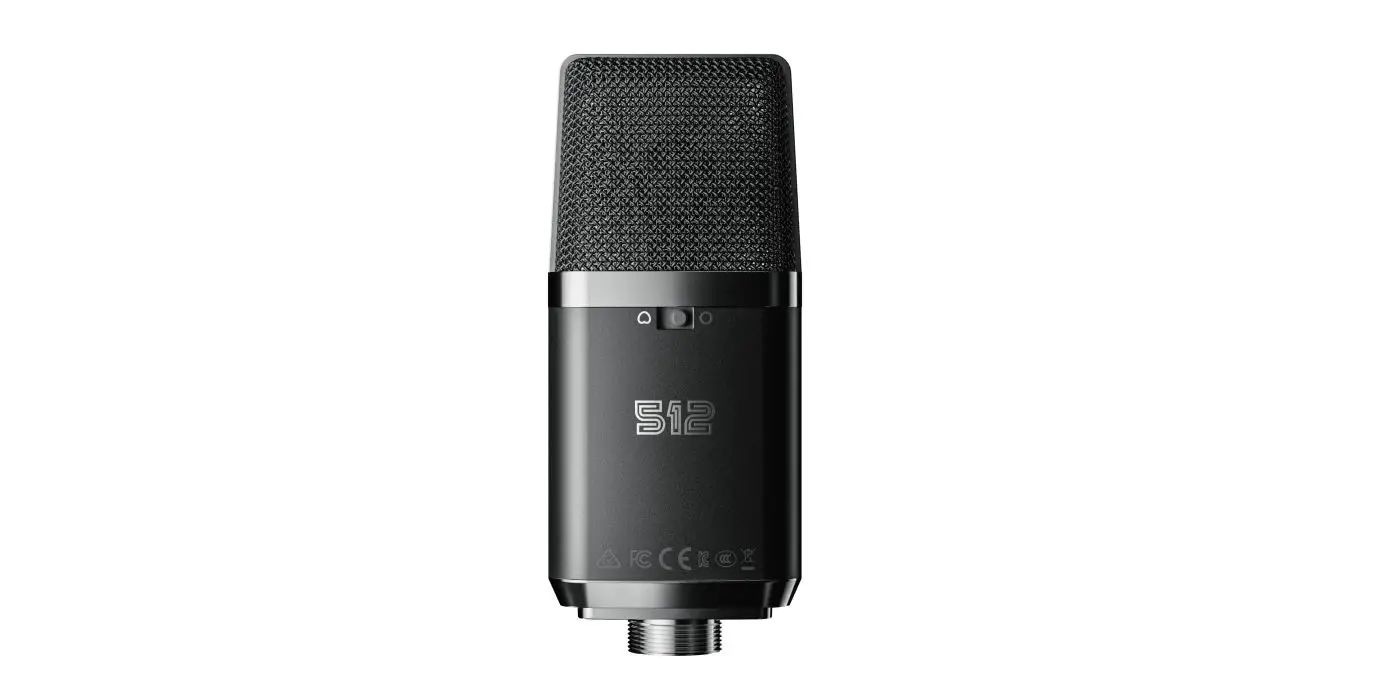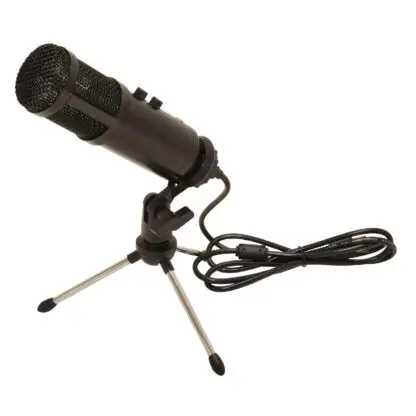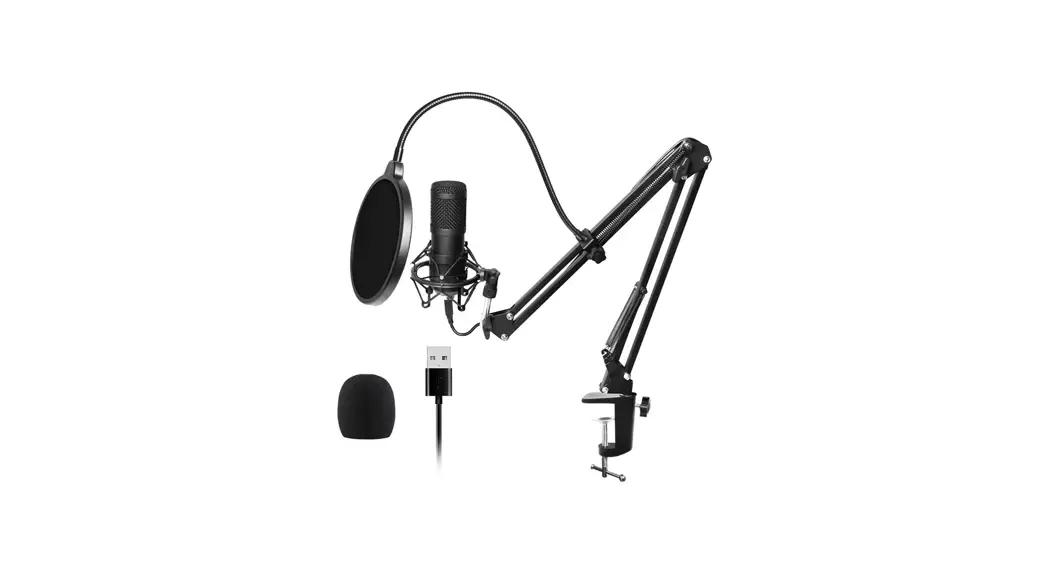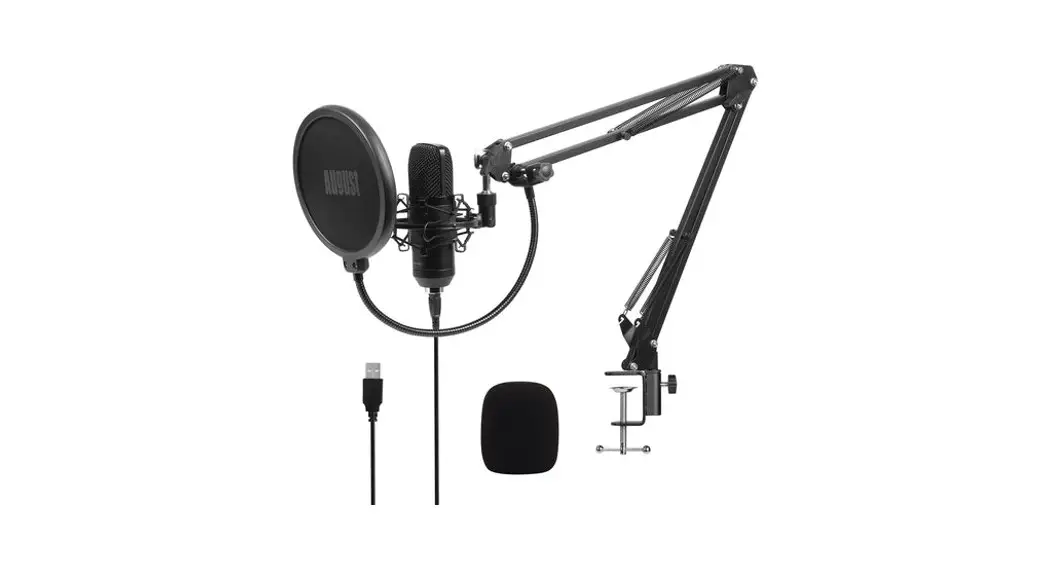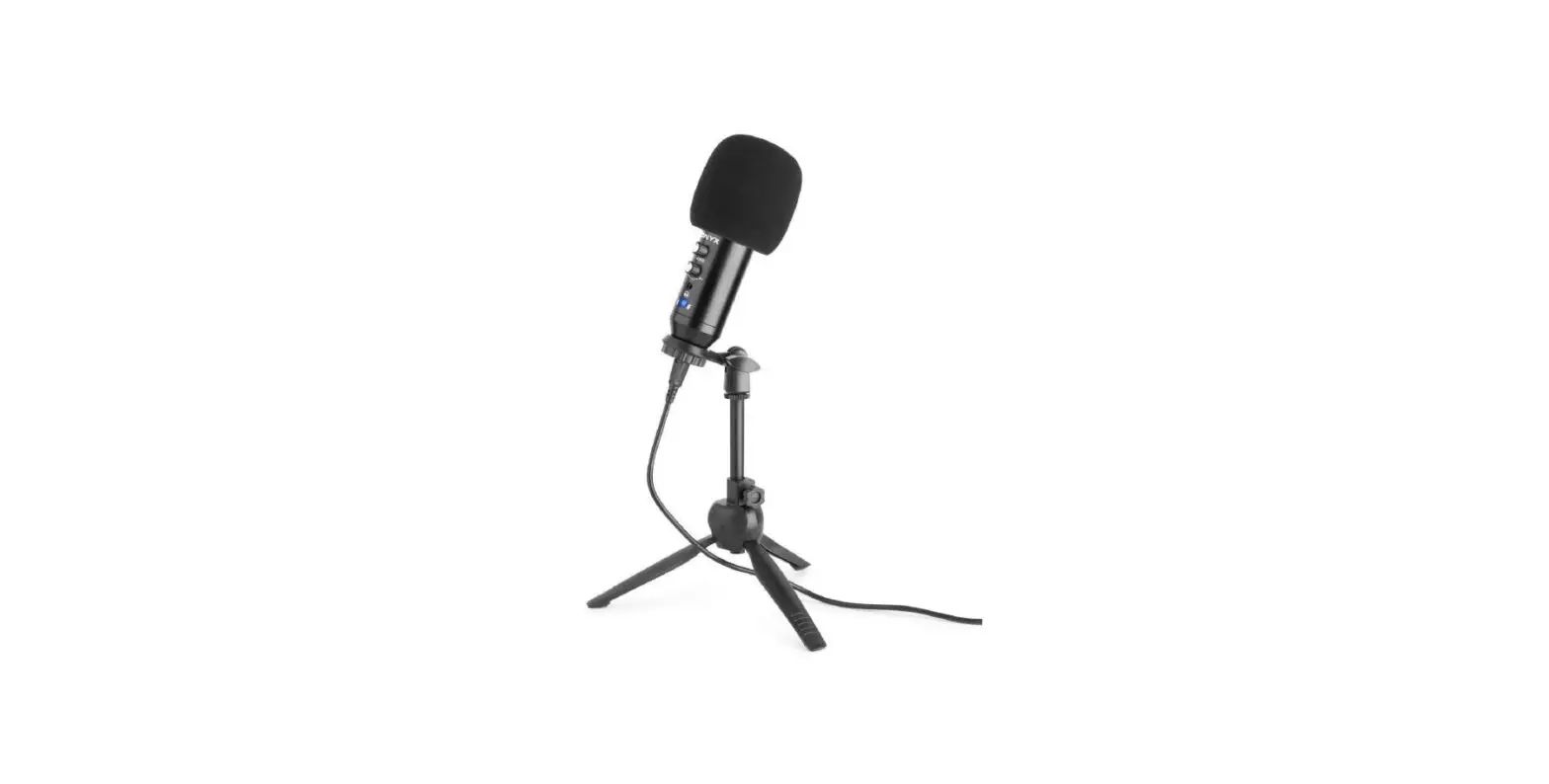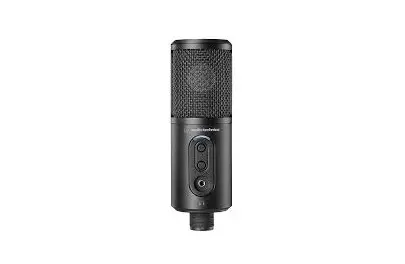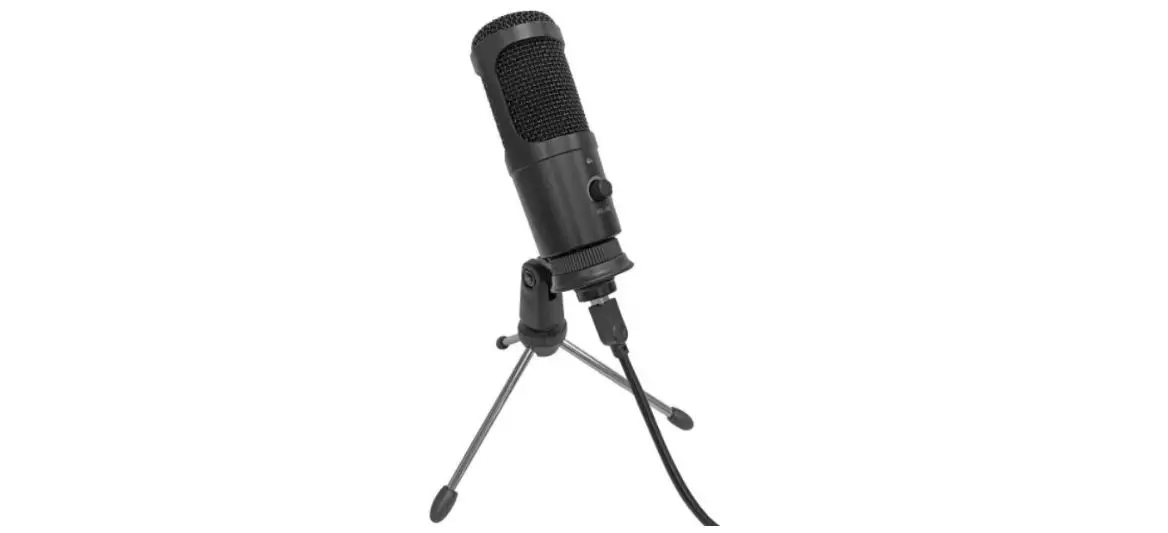
OTTO OTMICUSBDC USB Studio Podcast
Microphone User Guide

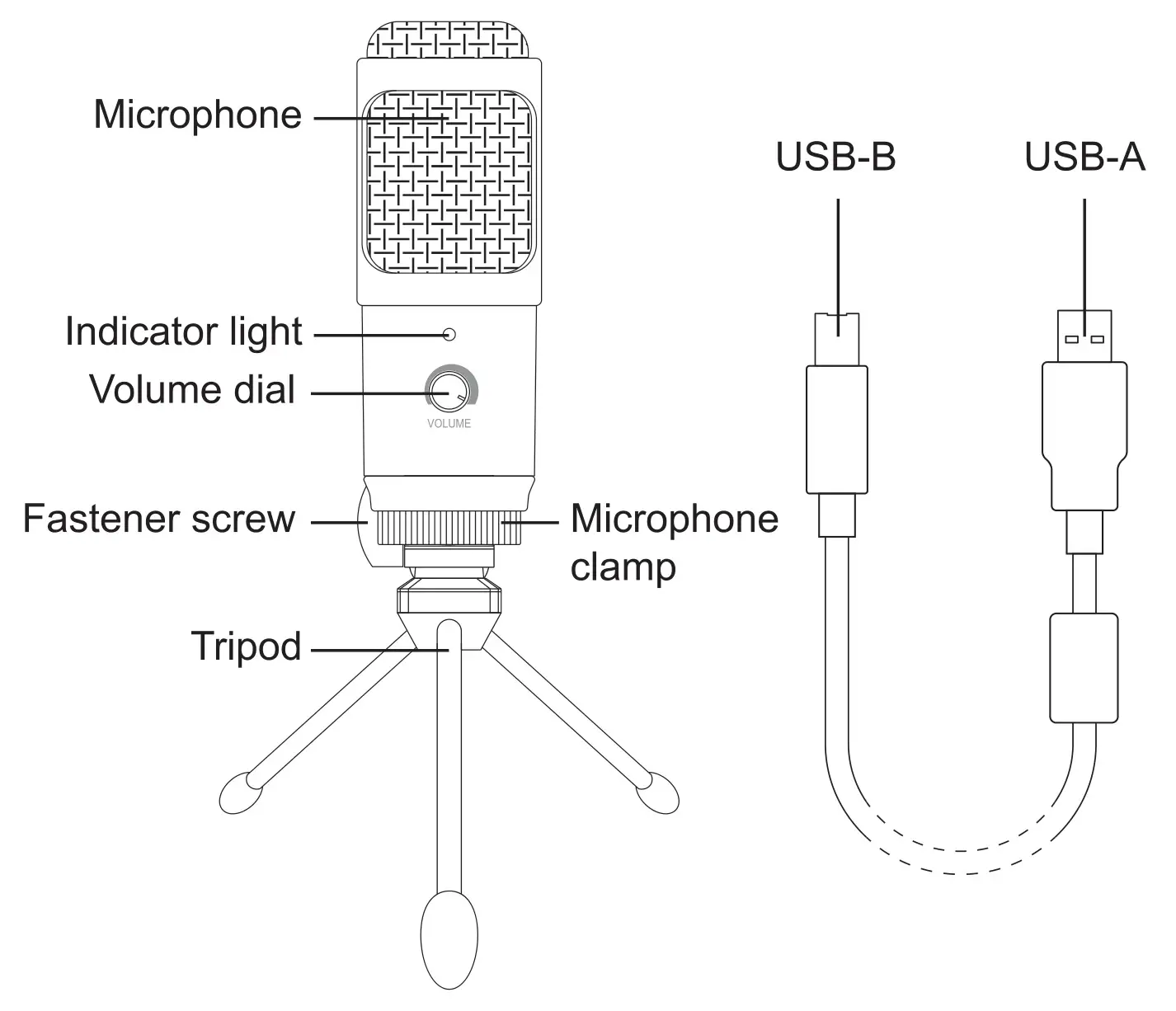
PRODUCT OVERVIEW
INSTALLATION
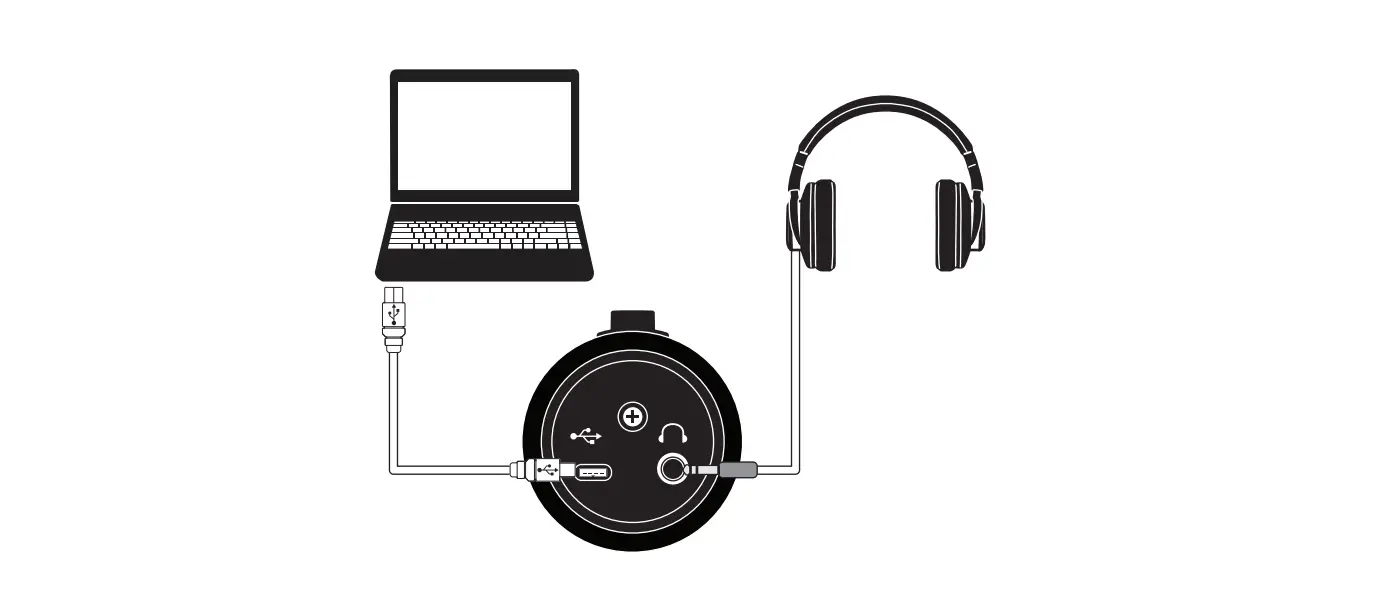
- Connect USB-B to the port at the bottom of the microphone. Connect USB-A to the USB port on your computer.
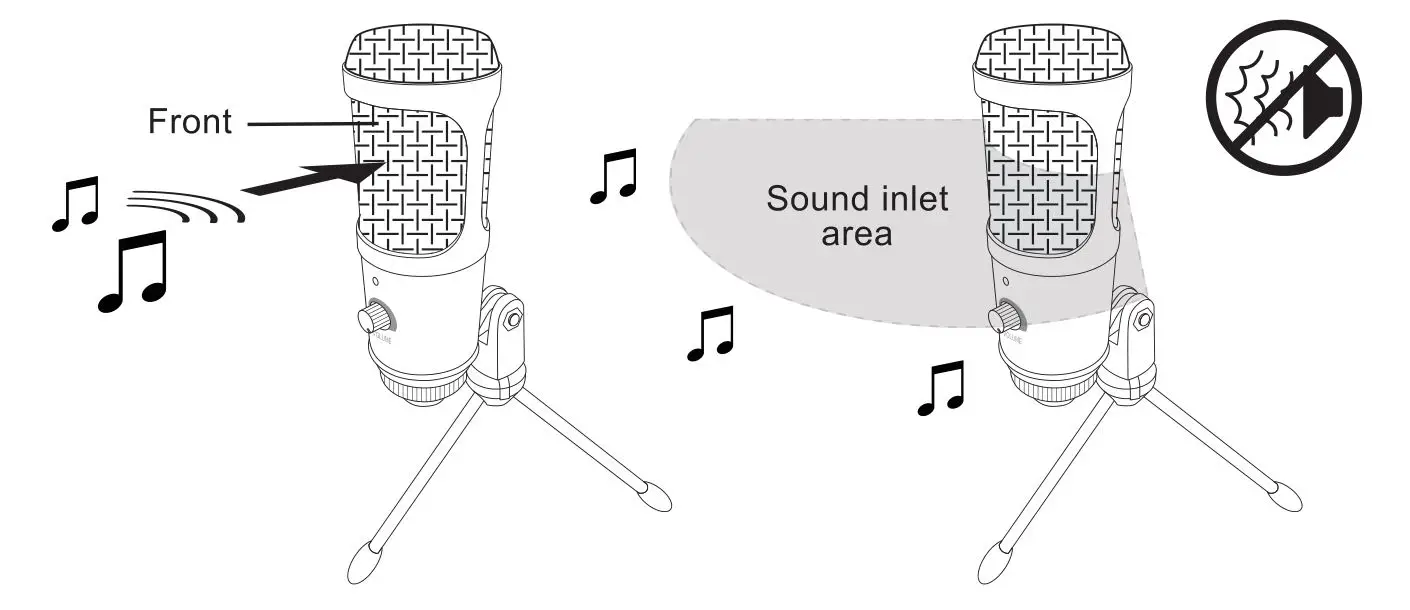
- Orient the front of the microphone towards the sound source as the microphone captures the sound directionally.
To enhance the quality of sound capturing, remove any noise source near the sound inlet area of the microphone.
INPUT LEVEL