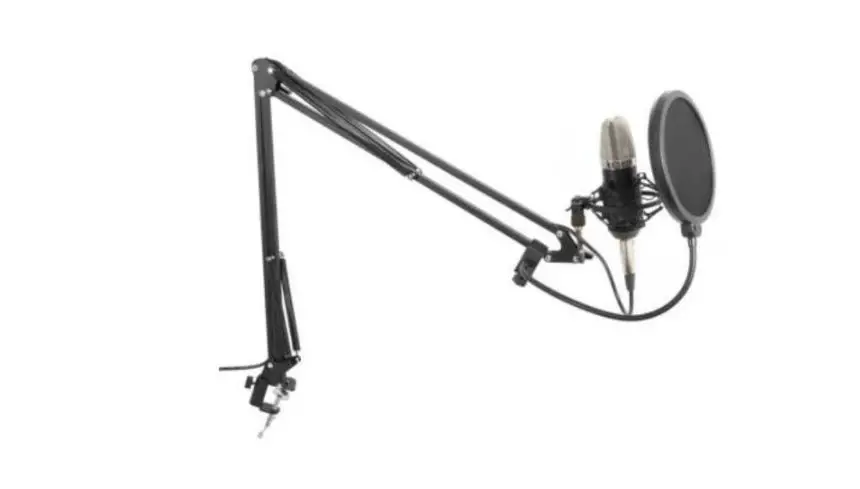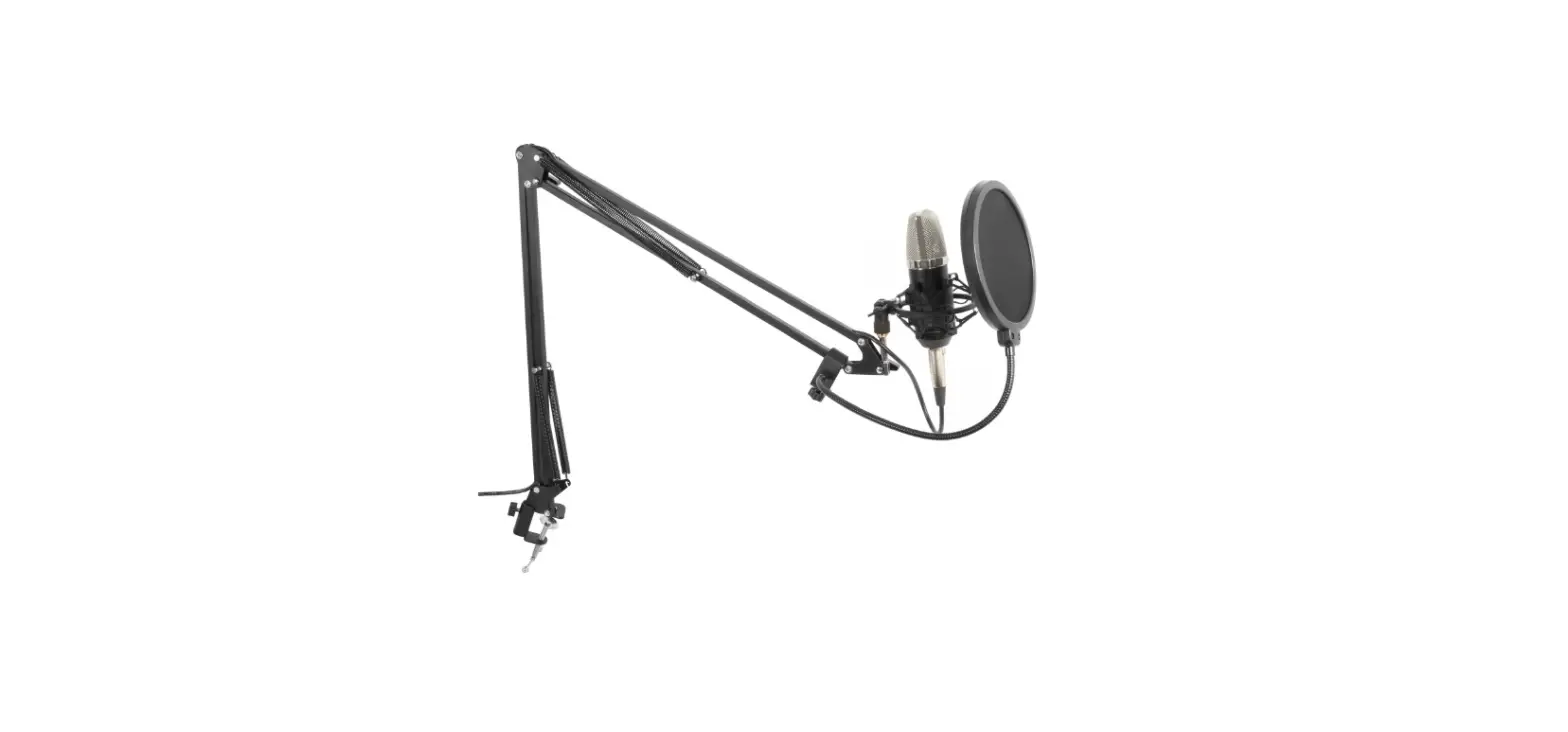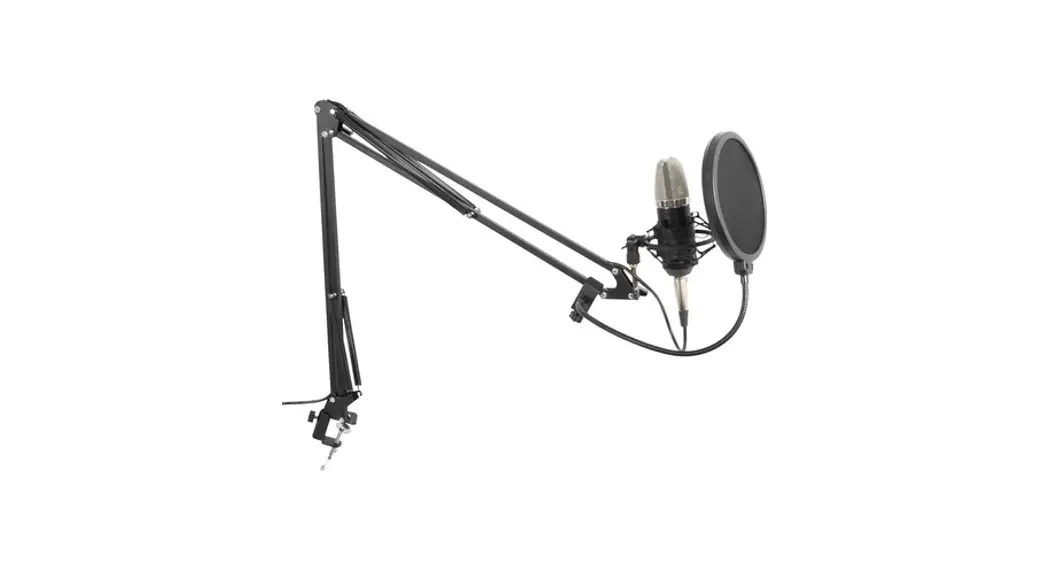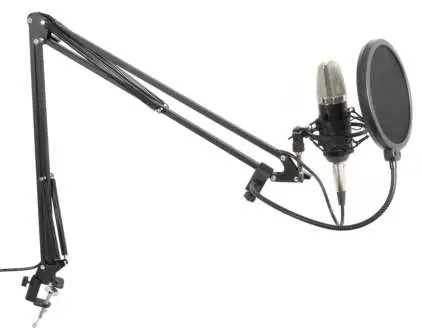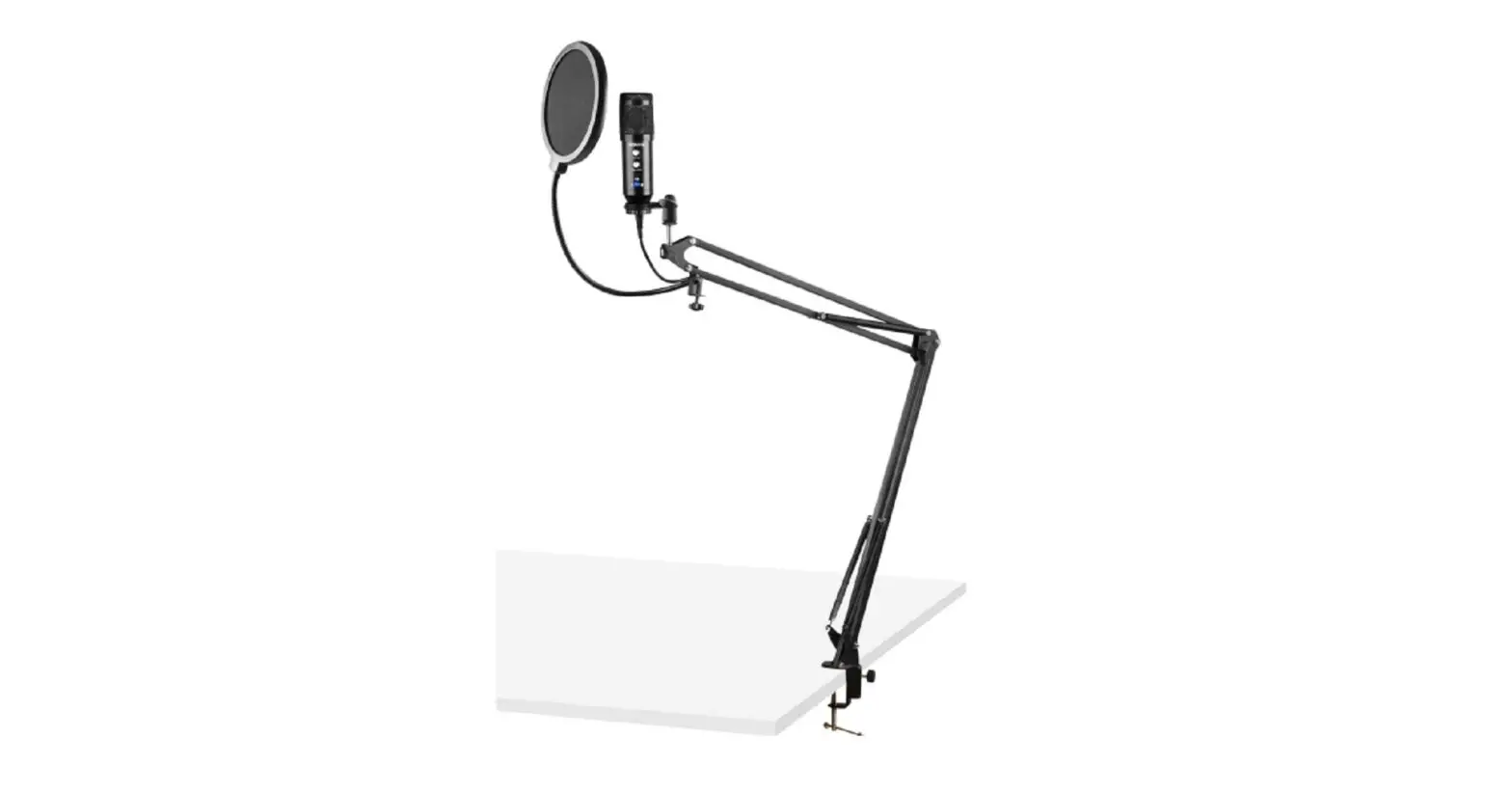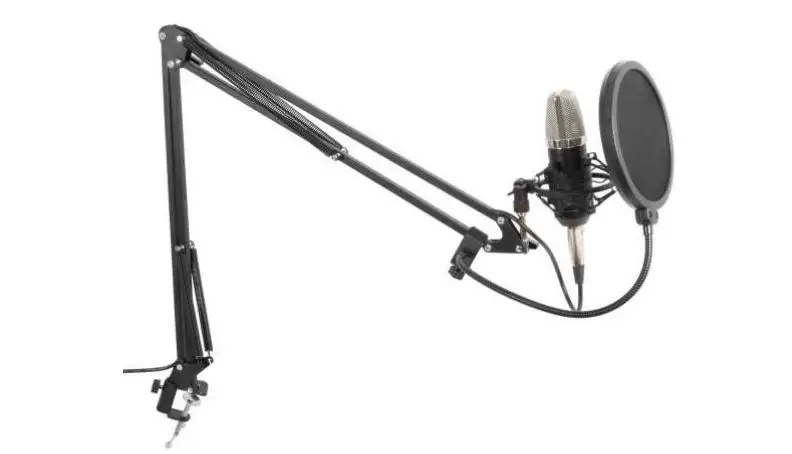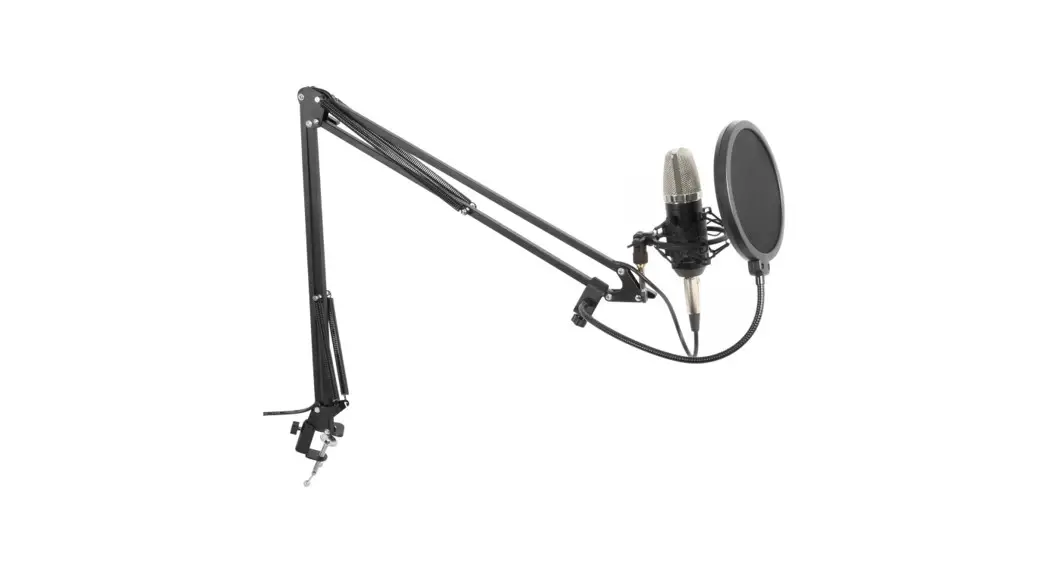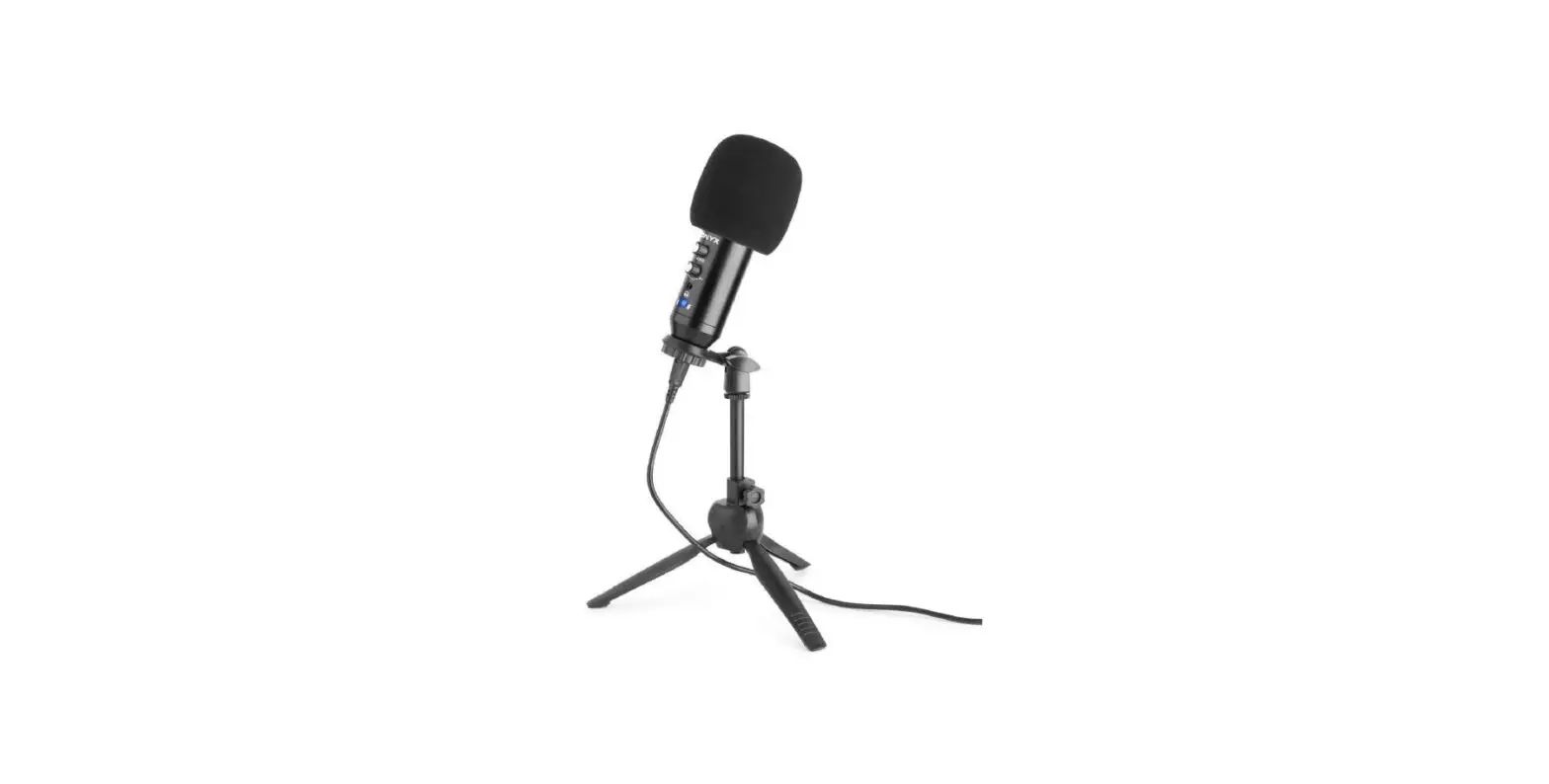

VONYX CM320W Studio Microphone USB
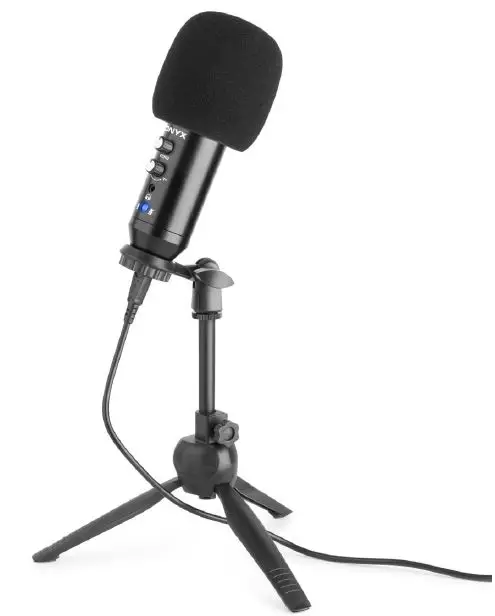
INSTALLATION
Congratulations to the purchase of this Vonyx product. Please read this manual thoroughly prior to using the product in order to benefit fully from all features. Follow the instructions in order not to invalidate the warranty. Take all precautions to avoid fire and/or electrical shock. Keep the manual for future reference.
UNPACKING INSTRUCTION
CAUTION! Immediately upon receiving the product, carefully unpack the carton, check the contents to ensure that all parts are present, and have been received in good condition. Notify the shipper immediately and retain packing material for inspection if any parts appear damage from shipping or the package itself shows signs of mishandling. Save the package and all packing materials. In the event that the product must be returned to the factory, it is important that the product be returned in the original factory box and packing.
MICROPHONE SETUP AND CONTROLS
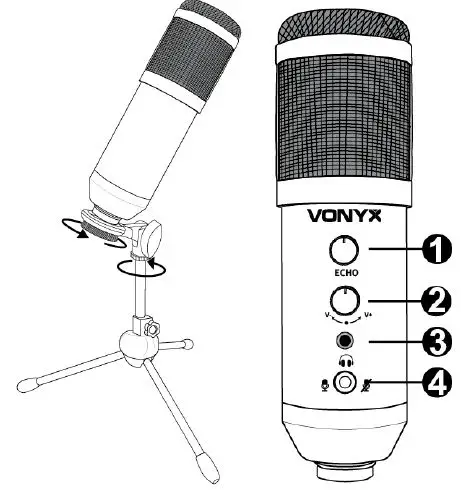
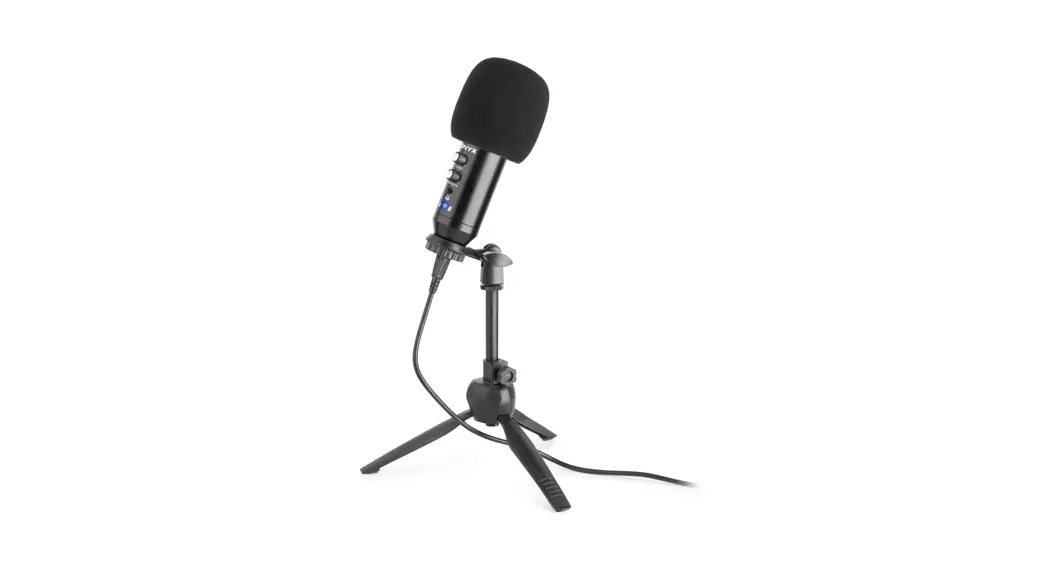
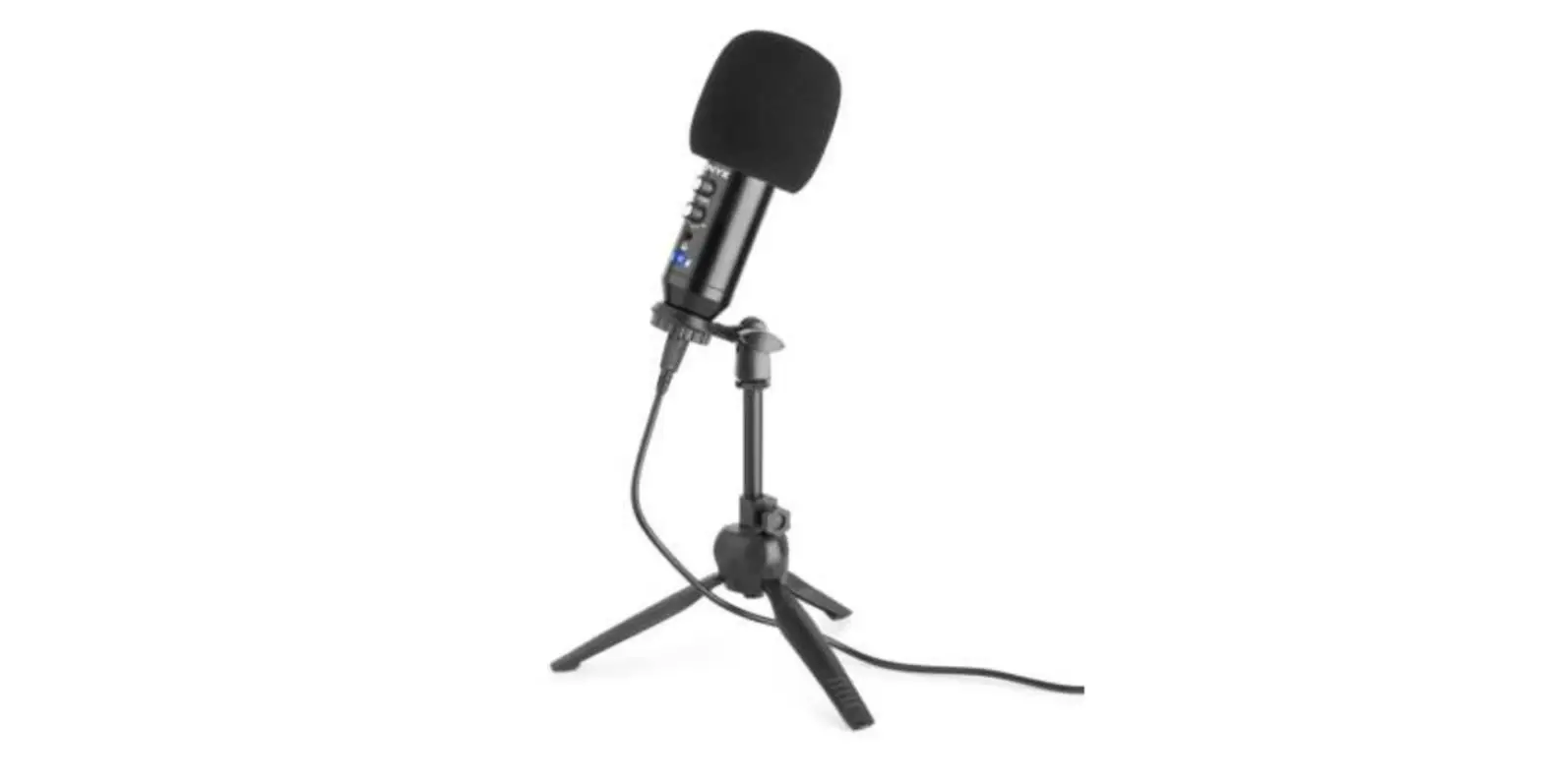
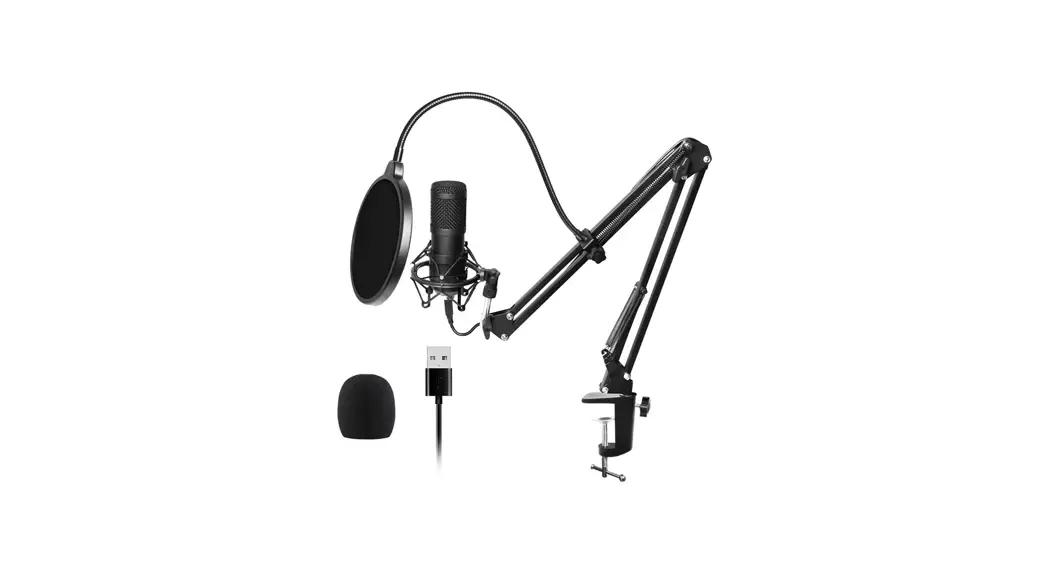
Attach the microphone holder to the tripod by turning the mounting ring counter-clockwise. Repeat to mount the microphone in the microphone holder: turn the mounting ring of the microphone holder counterclockwise to fasten the microphone securely.
Controls:
- ECHO CONTROL
Turn to adjust the echo function - GAIN CONTROL
Turn to adjust the volume of the microphone and headphones - HEADPHONE INPUT JACK
3,5mm headphone jack for connecting headphones - MUTE
Press to (un)mute the microphone
MICROPHONE CONNECTION
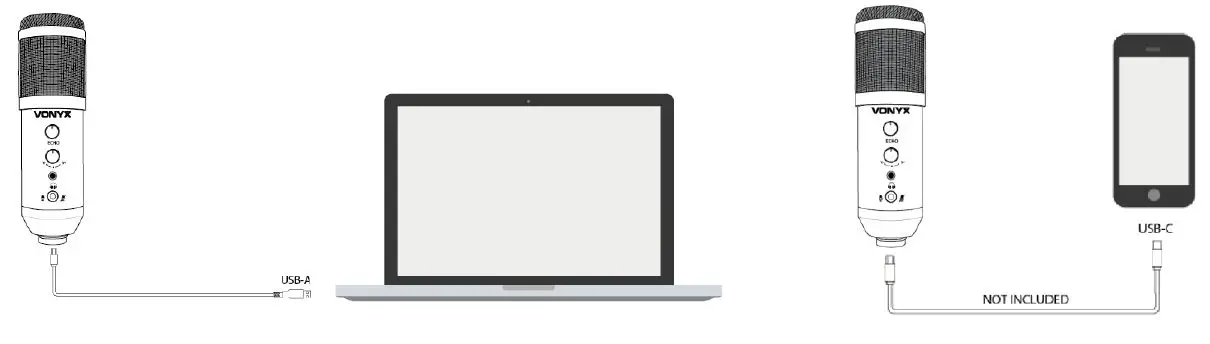
Specifications and design are subject to change without prior notice. www.tronios.com Copyright © 2021 by Tronios The Netherlands
 Sound & Light distributor - Tronios.com