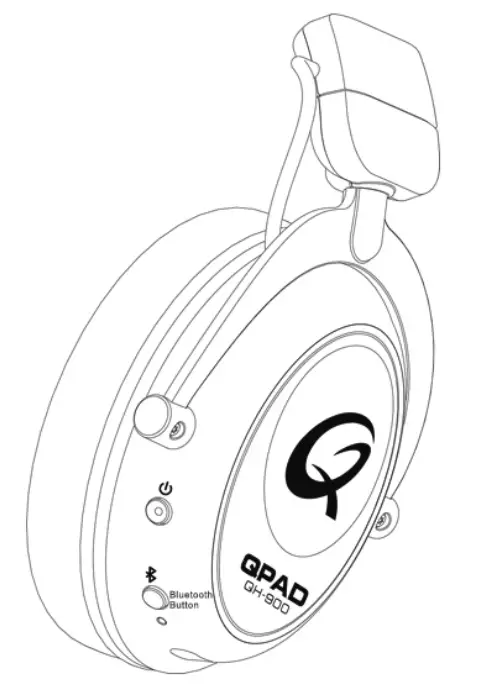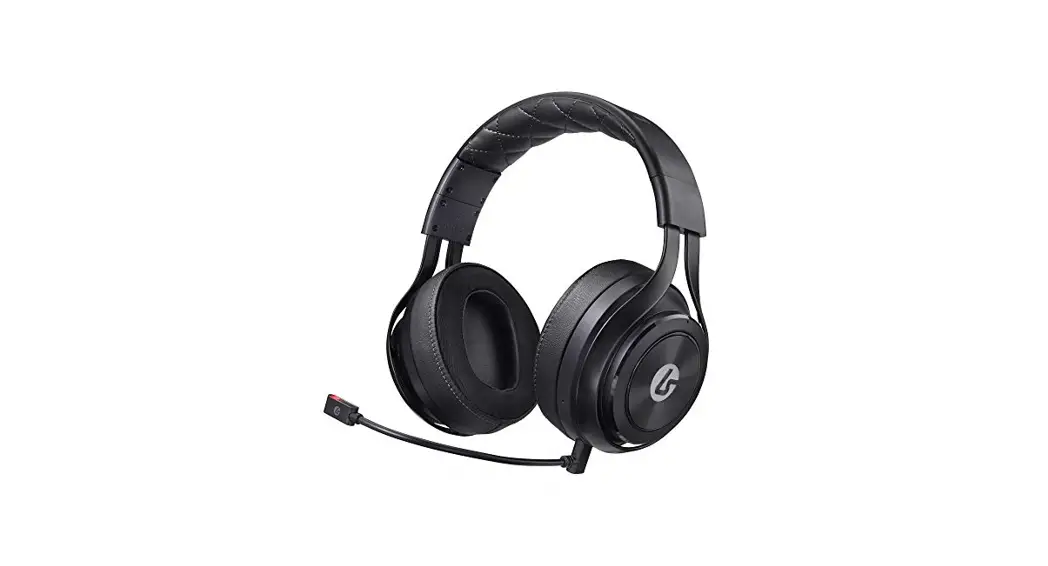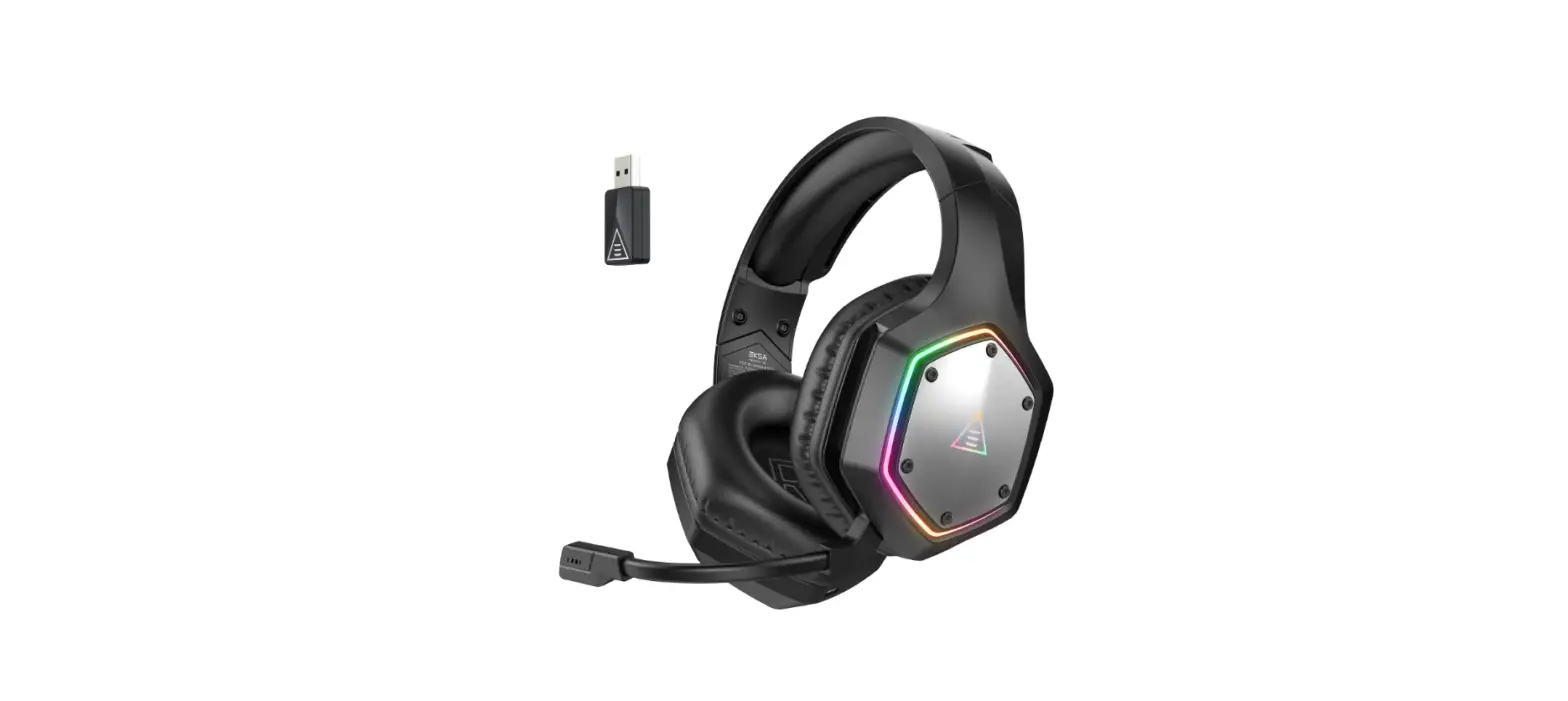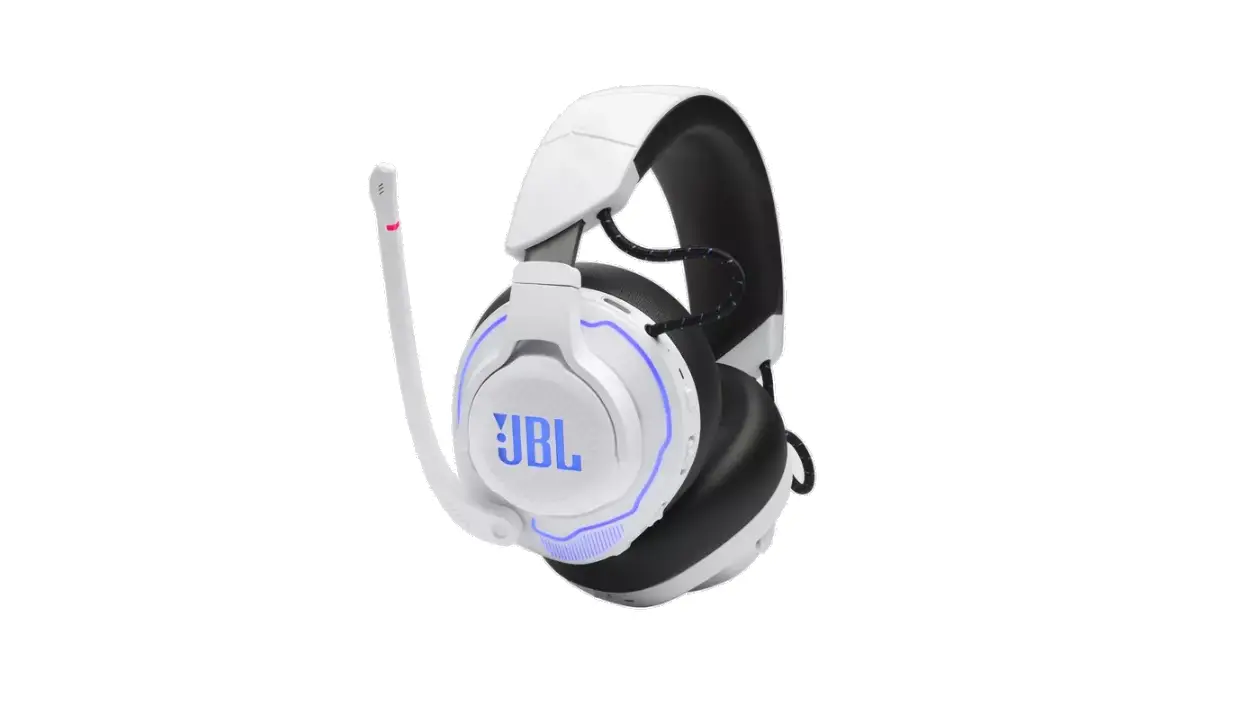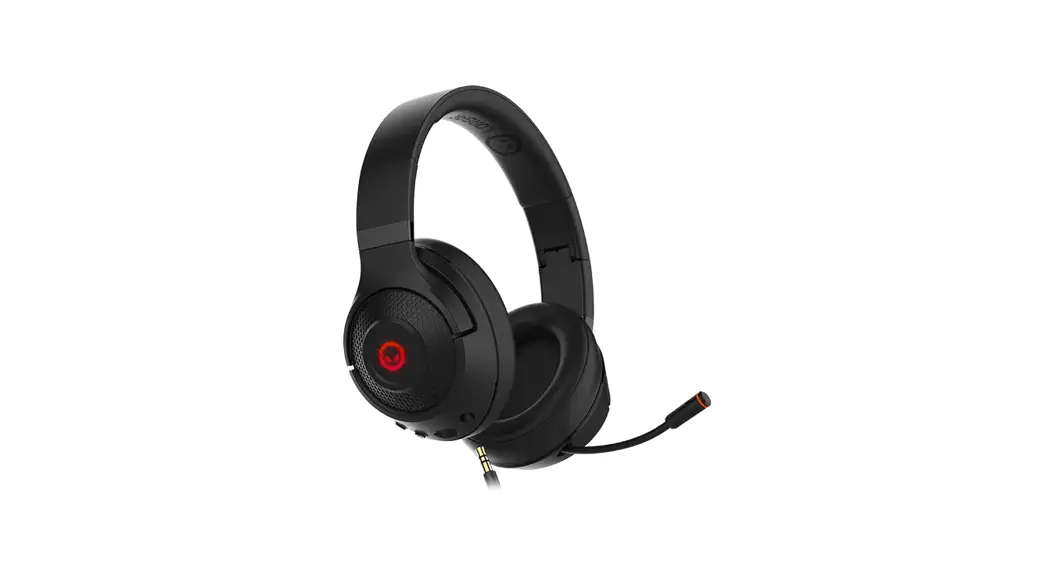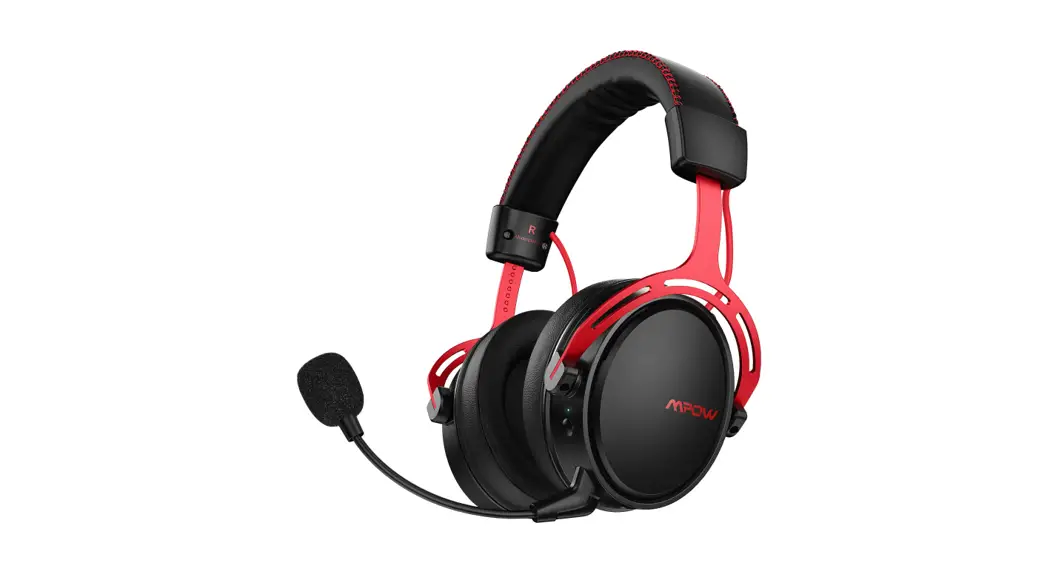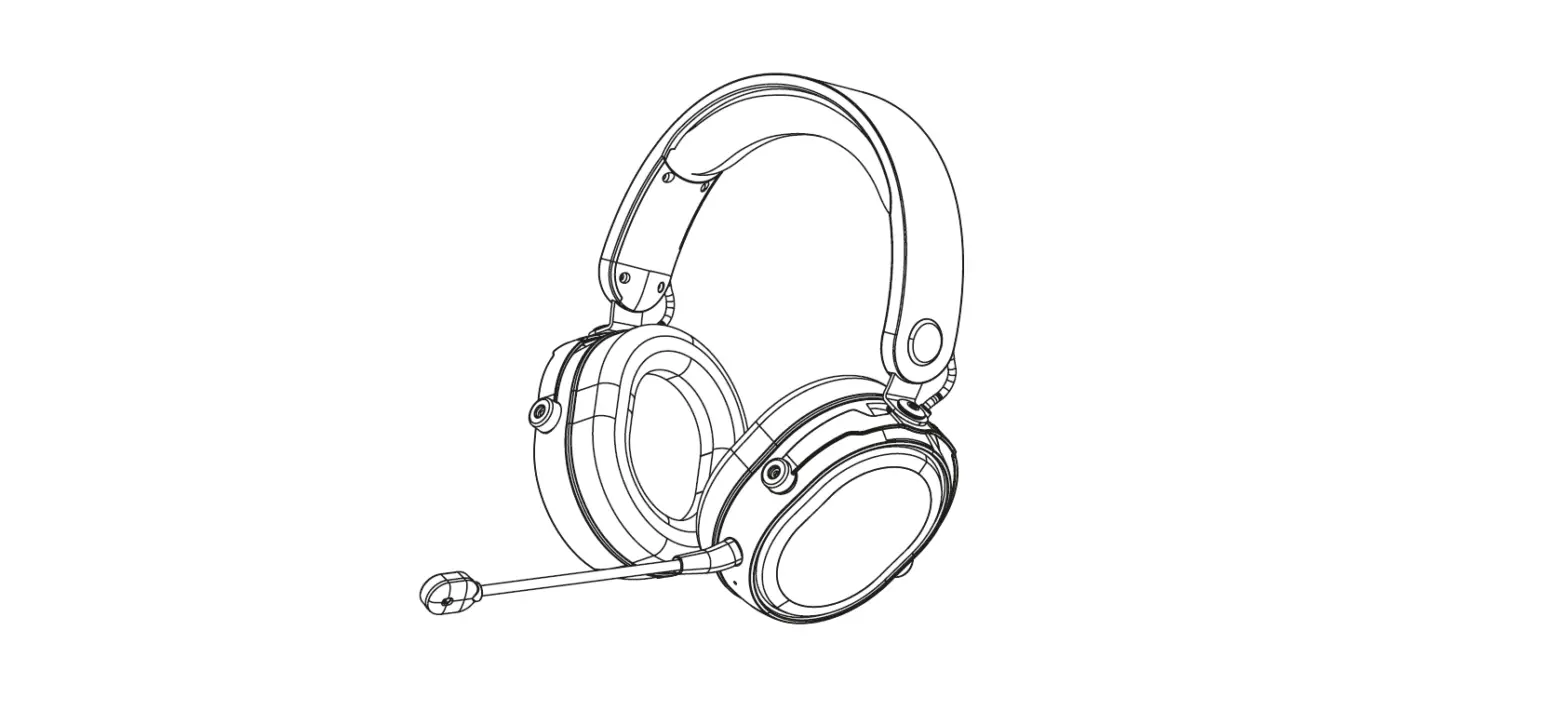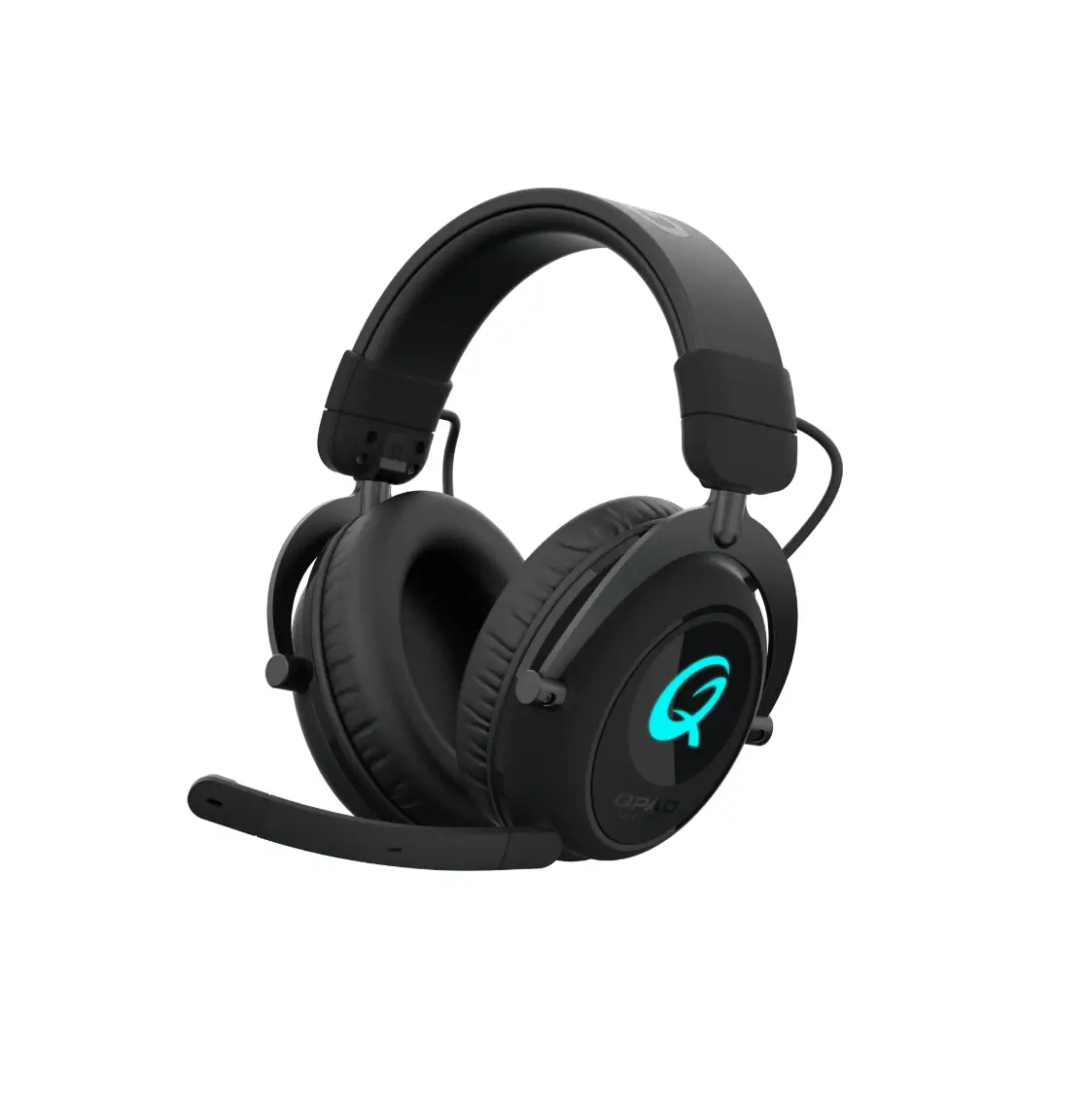
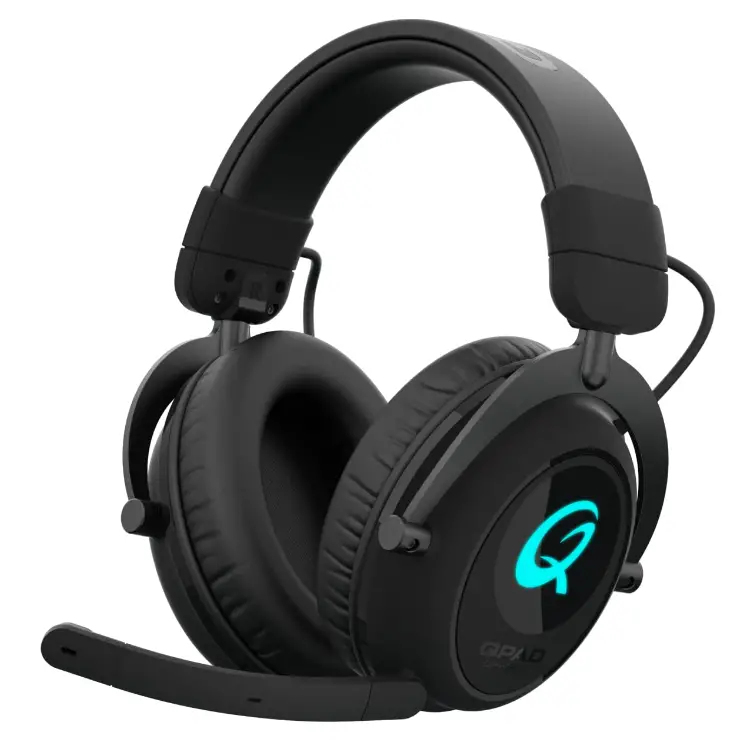
QPAD QH-900 Wireless Gaming Headset
CHARGING QH-900 HEADSET
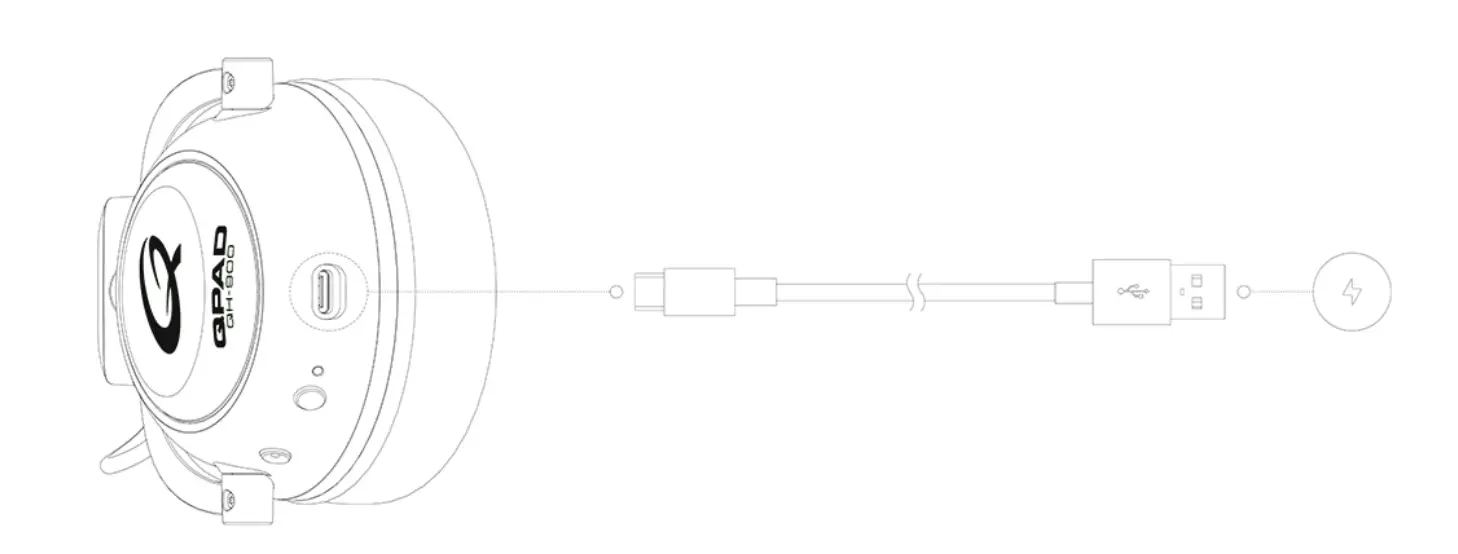
TYPE-C PORT
For general charging only, fast charging and data transmission are not supported Q logo LED in Red color when charging.
POWER ON/OFF & 2.4GHz CONNECTION
POWER ON
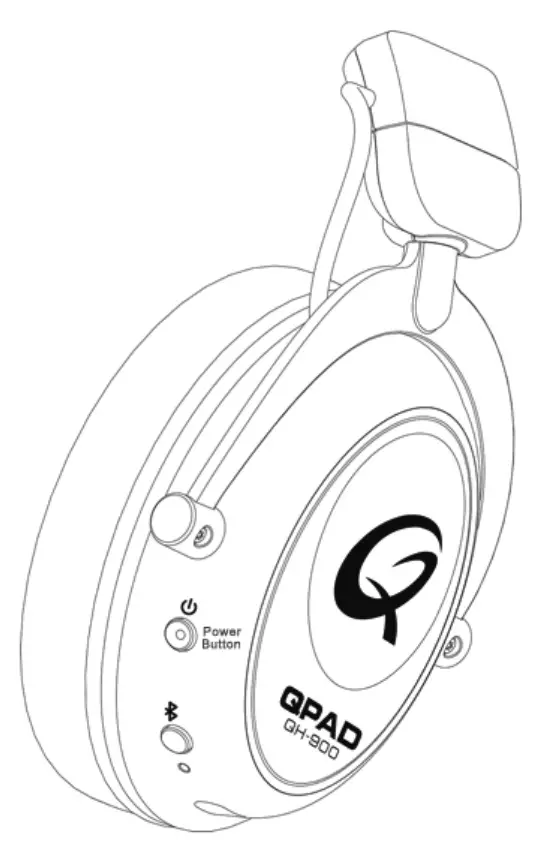
Press and hold the power button for 3 seconds to power on/off QH-900 with Bluetooth and 2.4GHz at same time.
WIRELESS 2.4GHZ RE-PAIRING
Press and hold the power button for 6 seconds when head set is off.
(Q logo LED turn to flash green color.)
Q LOGO LED LIGHT ON/OFF
Press the power button one time during the headset is power on.
| Q logo LED (Wireless 2.4Ghz Connection) | Connected – The LED (Q logo) is on with blue color. |
| Re-Connecting – Green LED (Q Logo) is breathing slowly. | |
| Pairing – Green LED (Q LoG) flashes fast. | |
| The Q logo without lighting if your switch off the LED light. |
‘The2.4Ghzconn8ctlonwlllshutollwhanldle10mln1. Please power off and on to reboot the connection.
BLUETOOTH CONNECTION
BLUETOOTH PAIRING
Press the Bluetooth button for 6 seconds when the headset is on .
(Bluetooth LED light turn to continue quick flash.)
INCOMING CALL
Single press the Bluetooth button – Answering/End voice call.
MEDIA
Si ngle press – Play/Pause Music.
Double press- Skip Track.
Triple press – Previous Track.
| Bluetooth LED (Bluetooth Connection) | Connected – The indicator is on statically. |
| Re-Connectina – The indicator breath slowlv. | |
| Pairing – The indicator flashes fast. | |
| Bluetooth sleep mode – The indicator is off. |
The Bluetooth connection will go into sleep mode when not connecting any devices for 5 mins. Please press the Bluetooth button for 6 seconds to re-pair the devices