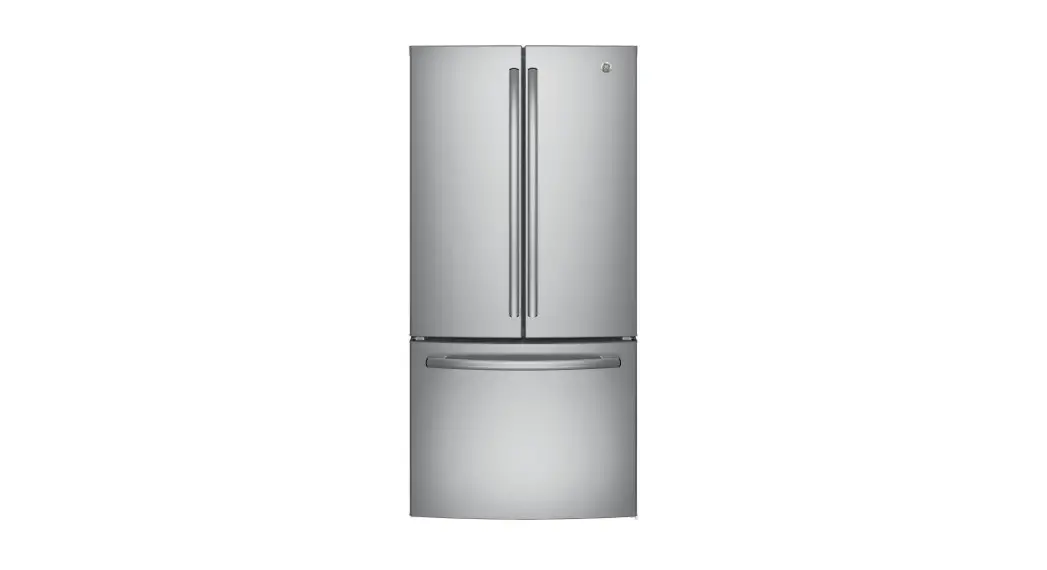
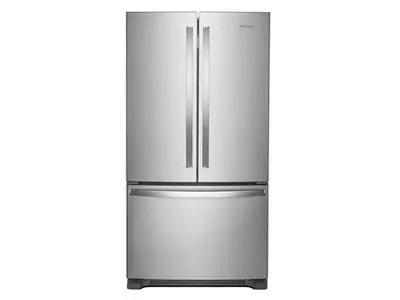
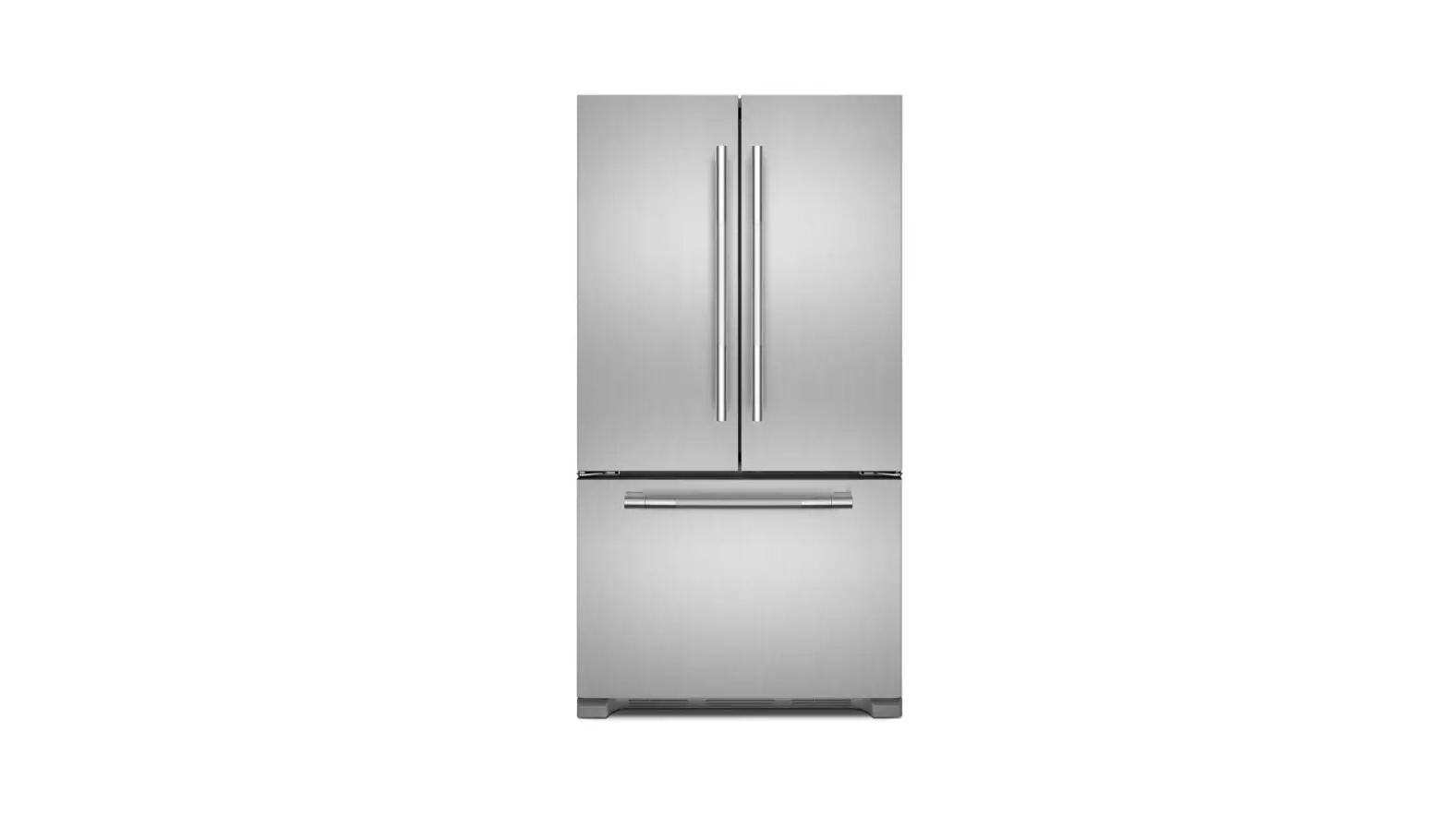
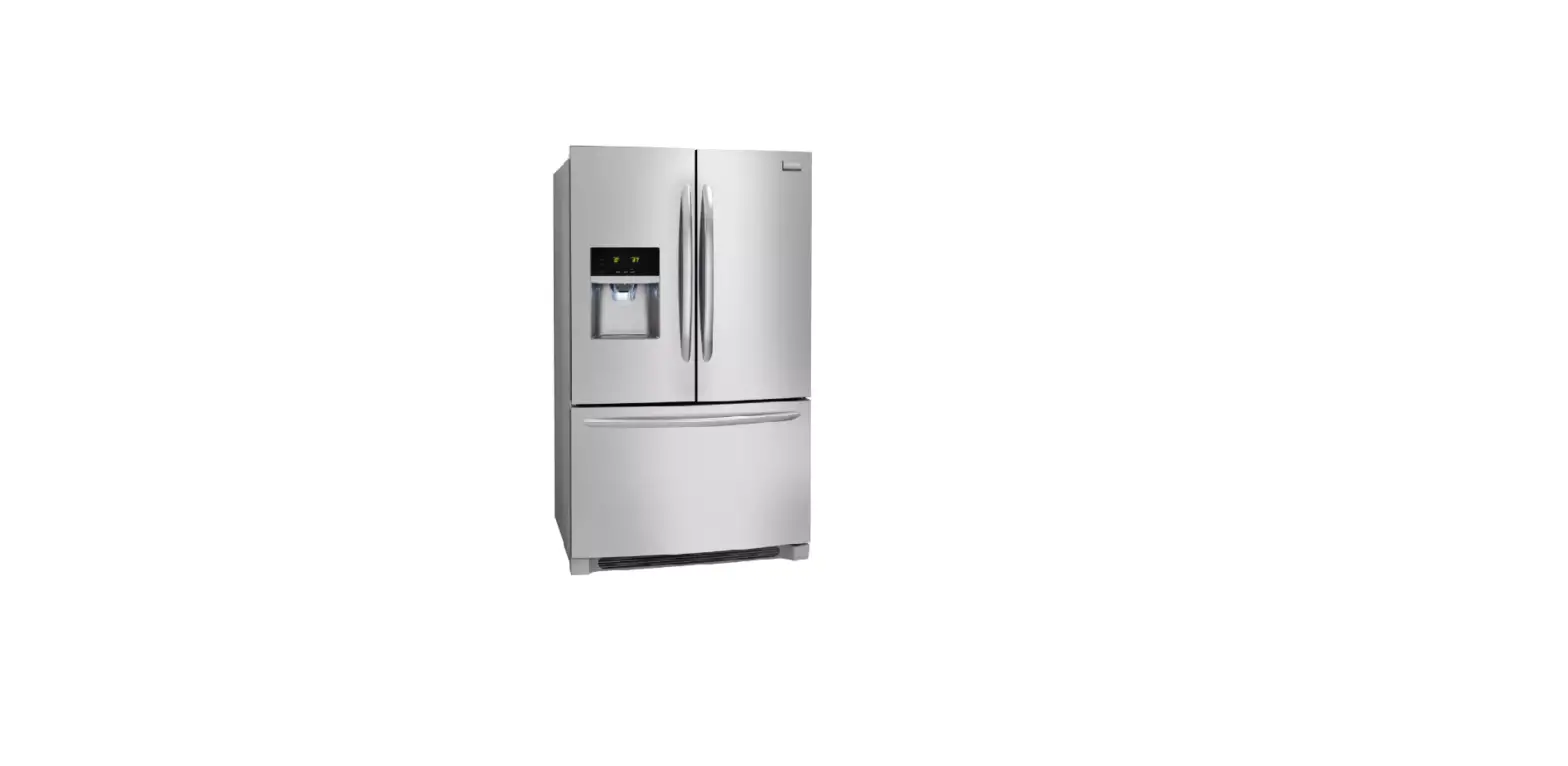
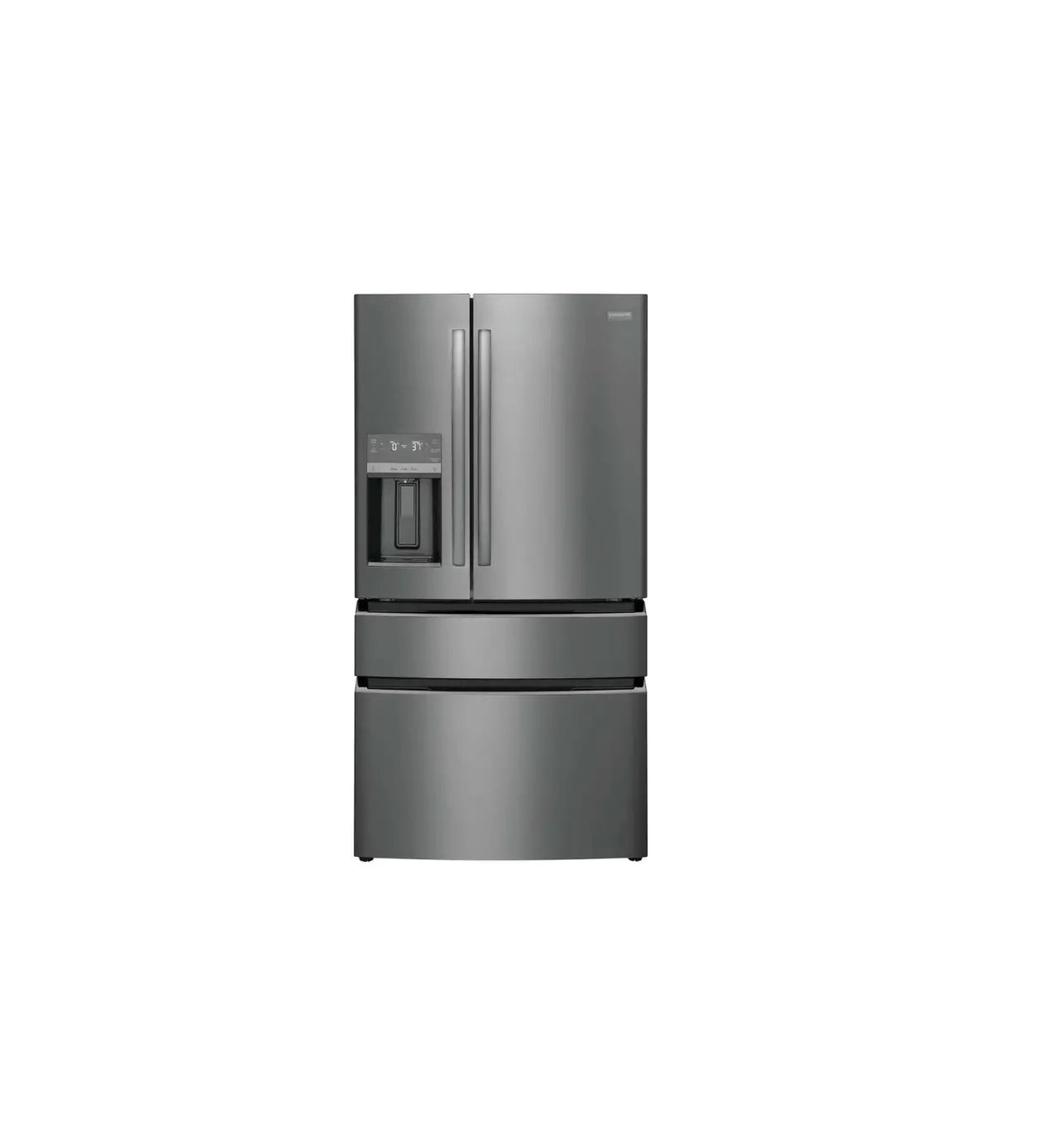
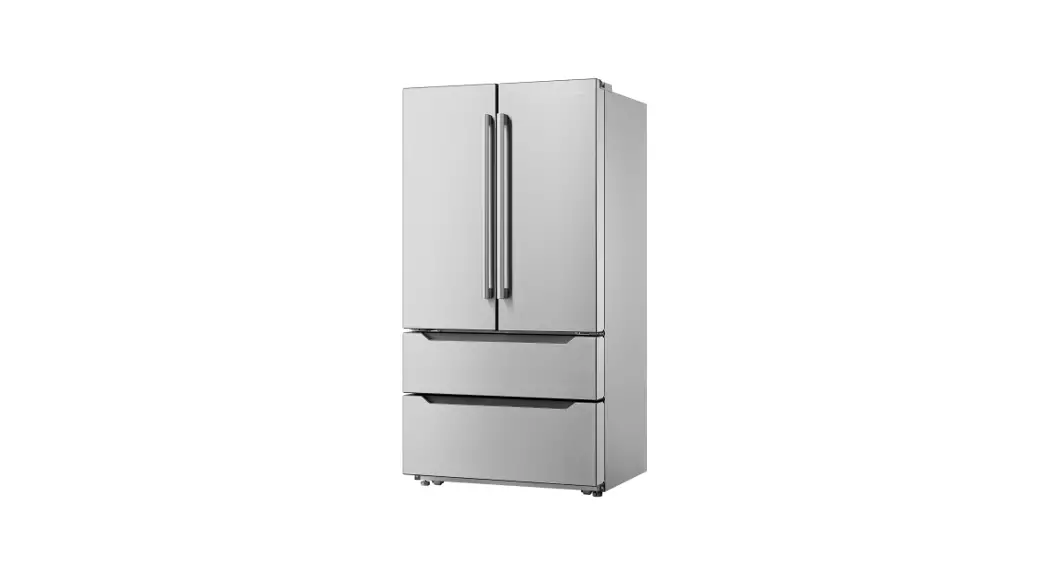
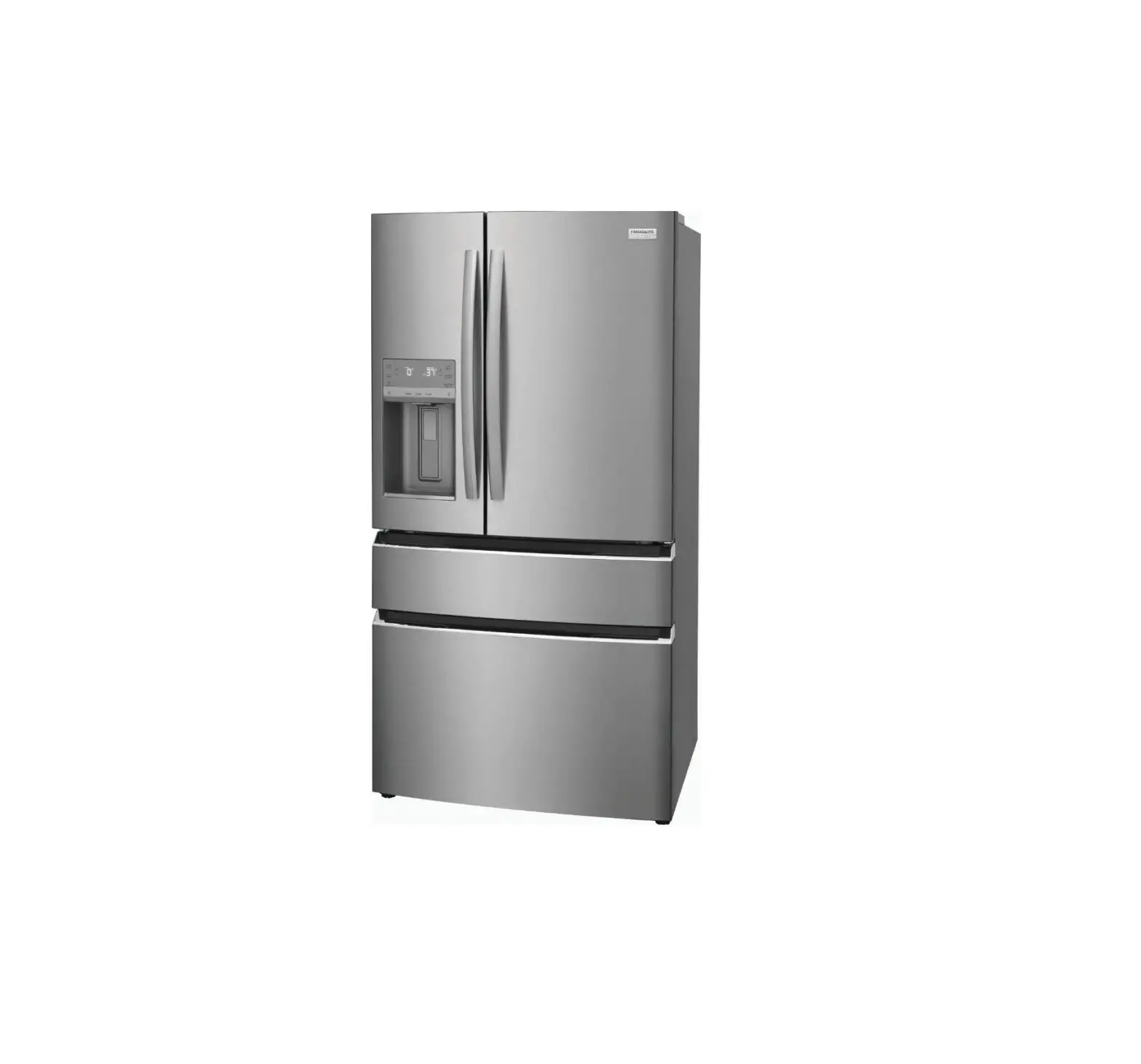
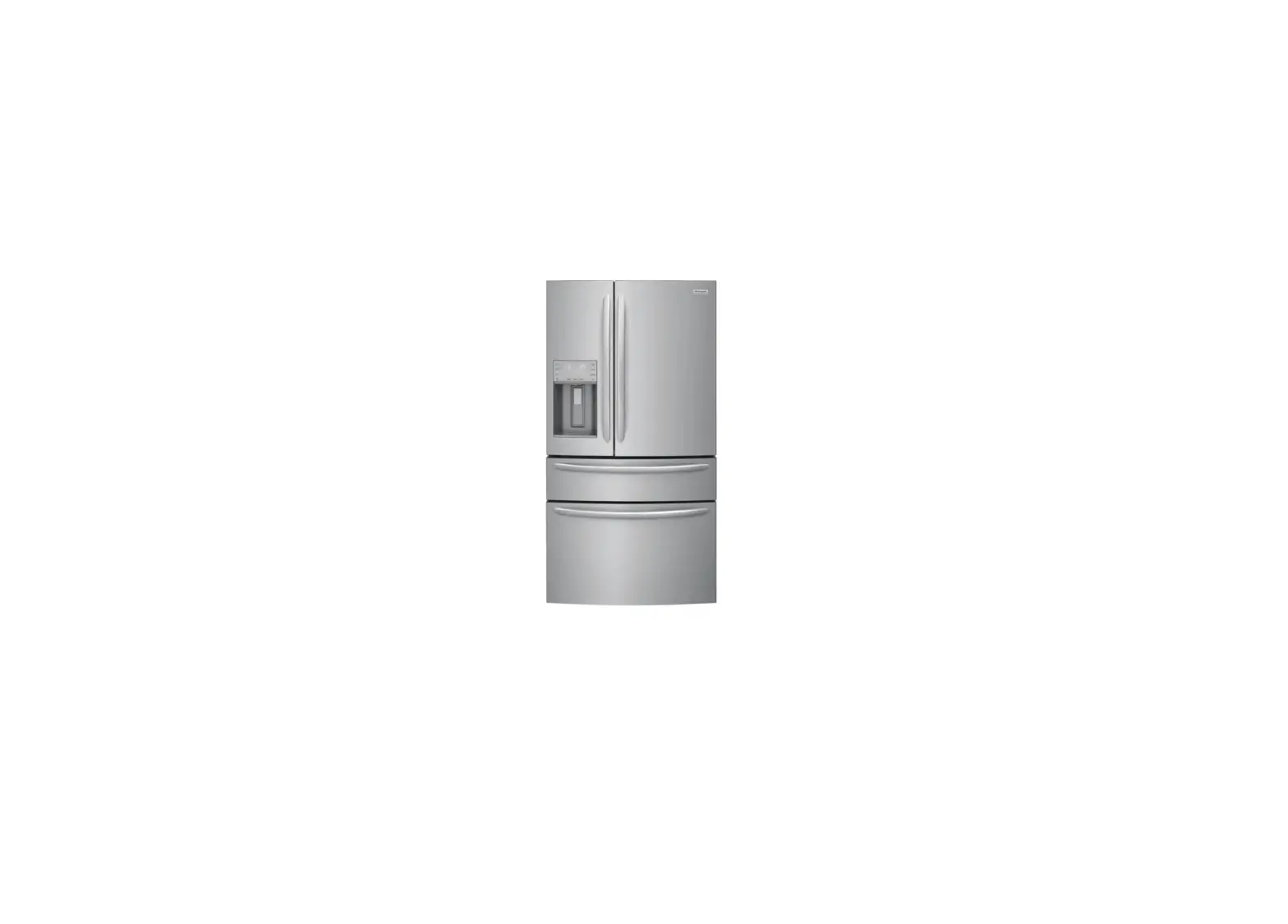
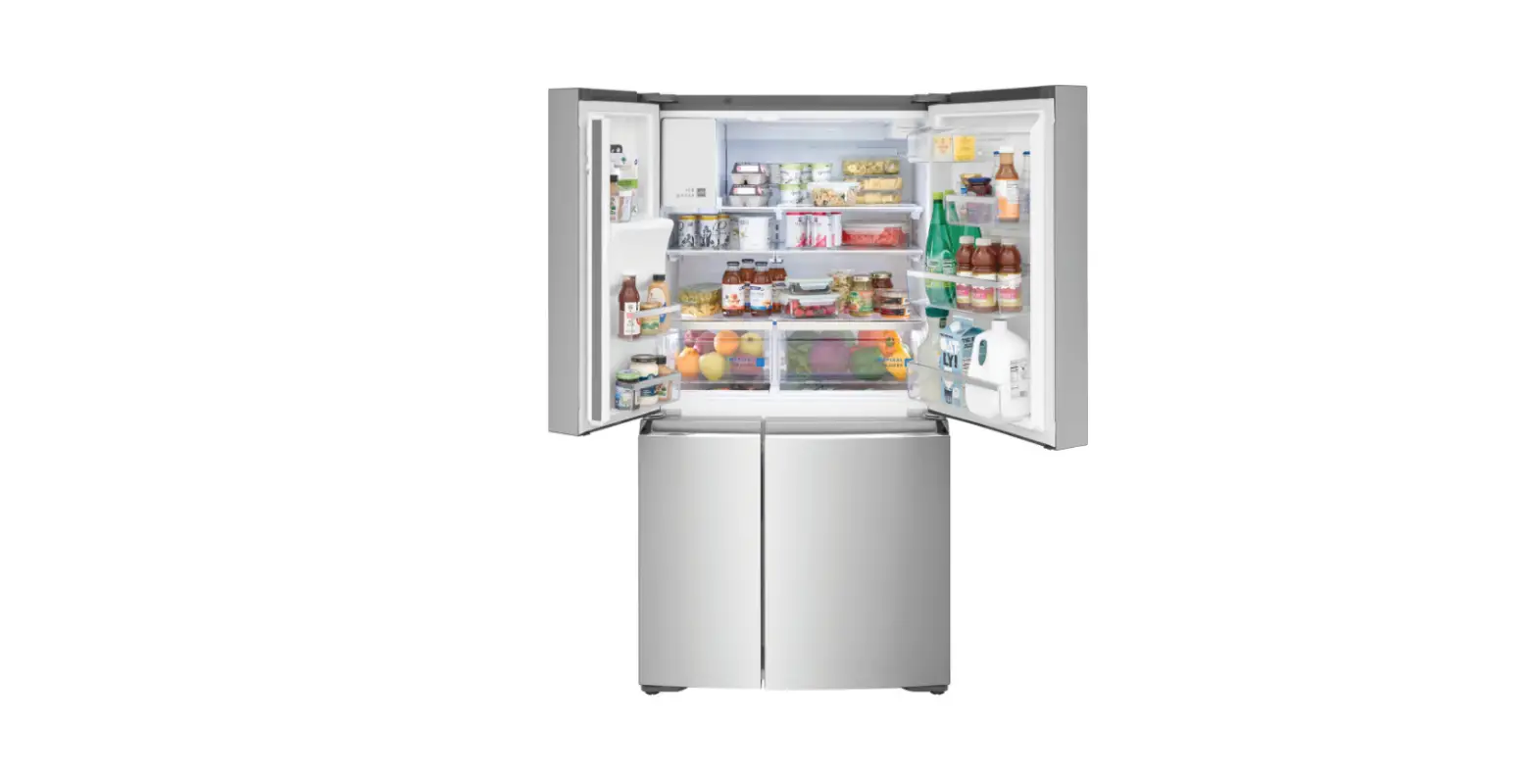
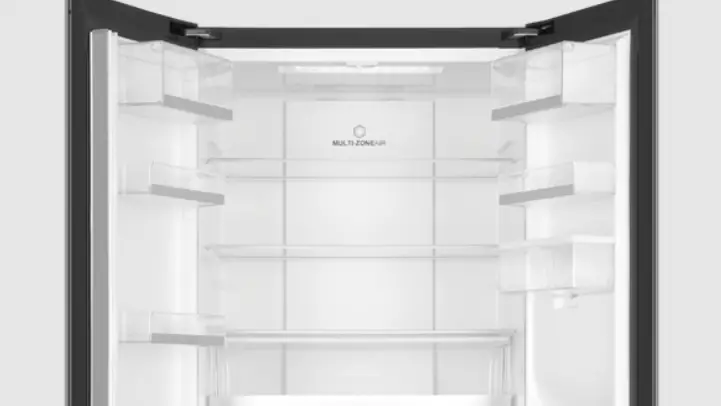
GRMS2773SS Gallery 4-Door French Door Refrigerator
Product Information: Multi-Door Refrigerator
The multi-door refrigerator is an advanced appliance that offers
multiple compartments for storing food items. It comes with an
external dispenser control display and side door dispenser control
display that varies by model. The refrigerator has various features
like Freeze Boost, Cold Drink Timer, Ice Maker, Power Outage Alert,
Door Open Alert, Water Filter Alert, Air Filter Alert, Chill Boost,
and Control Lock to provide enhanced user control and convenience.
The refrigerator has an air filter that helps in keeping the food
fresh by removing bad odors and bacteria from the air.
Product Usage Instructions
Before You Start
1. Remove tape and glue residue from surfaces before turning on
the refrigerator.
2. Choose a place near a grounded electrical outlet, allowing for
clearances for ease of installation, proper circulation, and
plumbing and electrical connections.
Before Operating for the First Time
1. Remove all of the package materials.
2. Clean the inside of your refrigerator before using it. See CARE
AND CLEANING in your Use & Care Manual.
Your Appliance Control Display
The appliance control display varies by model. See the Use &
Care Manual for more detailed information about your appliance.
External Dispenser Control Display
1. Activate Freeze Boost prior to grocery shopping to lower the
temperature and freeze food faster. Freeze Boost remains active for
up to 24 hours.
2. Press Cold Drink Timer to start a timer for chilling
drinks.
3. The ice maker makes ice until the ice bin is full. Press and
hold Ice Maker for 3 seconds to turn it on/off.
4. Press and hold for 3 seconds to enable/disable the appliance
control display.
5. Press either + or — to adjust to desired temperature setting
inside the refrigerator or freezer compartment. Adjusting Temp
illuminates until you reach the desired temperature(s).
6. Power Outage illuminates and alert sounds after a power outage
ends until you reset it by pressing any button.
7. Door Open illuminates and alert sounds if the door is open 5+
minutes until you close the door.
8. Replace Water Filter or Replace Air Filters illuminates when
it’s time to change the filters, generally every 6 months.
9. Prior to grocery shopping, we recommend you activate Chill Boost
to cool your food faster.
10. Use to lock the display. Press and hold for 3 seconds to
enable/disable. The indicator flashes and an alert sounds when
CONTROL LOCK is enabled. You can’t make changes on the display
while the lock is engaged.
Side Door Dispenser Control Display
1. Select compartment for temperature change (FREEZER or
REFRIGERATOR). Press either the + or — to adjust to desired
temperature setting.
2. Clear Alerts resets any alarms that are active and illuminated
on the display (Door Open, High Temp, Power Outage).
3. Activate Freeze Boost prior to grocery shopping to lower the
temperature and freeze food faster. Freeze Boost remains active for
up to 24 hours.
4. Press and hold for 3 seconds to enable/disable the water
dispenser. When enabled, the LEDs above Water Dispenser
illuminates.
5. Press and hold Default Settings for 3 seconds to reset to
default settings.
6. Press and hold Water Filter or Air Filters for 3 seconds to
reset after replacing the filter.
Keep it Fresh
1. Remove the air filter cover by squeezing the top and bottom
of the cover together and removing it from the liner.
2. Remove the old filter and discard it.
3. Unpack the new filter and snap it into the filter cover. Install
the open face (carbon media) of the filter facing outward in the
cover.
4. Replace the air filter cover by squeezing the sides and snapping
it back into place.
Getting started with your
multi-door refrigerator
Before you start
Set up your refrigerator
Remove tape and glue residue from surfaces before turning on the refrigerator. Choose a place near a grounded electrical outlet, allowing for clearances for ease of installation, proper circulation, and plumbing and electrical connections.
Before operating for the first time
After you remove all of the package materials, clean the inside of your refrigerator before using it. See CARE AND CLEANING in your Use & Care Manual.
You’re in control
Your appliance control display*
We recommend you set your temperatures at 37°F (3°C) for the refrigerator compartment and 0°F (-18°C) for the freezer. After 24 hours, you can adjust the control as desired, allowing the temperature to stabilize.
*Control display varies by model. See the Use & Care Manual for more detailed information about your appliance.
EXTERNAL DISPENSER CONTROL DISPLAY
SIDE DOOR DISPENSER CONTROL DISPLAY
1
5
6
8
10
2 1
7
3
9
9
2
4
1 Activate Freeze Boost prior to grocery shopping to lower the temperature and freeze food faster. Freeze Boost remains active for up to 24 hours.
2 Press Cold Drink Timer to start a timer for chilling drinks.
3 The ice maker makes ice until the ice bin is full. Press and hold Ice Maker for 3 seconds to turn it on/off.
4 Press and hold for 3 seconds to enable/disable the appliance control display.
3
5 Press either + or — to adjust to desired temperature setting
inside the refrigerator or freezer compartment. Adjusting Temp illuminates until you reach the desired temperature(s).
4
6 Power Outage illuminates and alert sounds after a power outage ends until you reset it by pressing any button. 6
7 Door Open illuminates and alert sounds if the door is open 5+ minutes until you close the door.
8 °F/°C allows you to switch between Fahrenheit (°F) and Celsius (°C).
9 Replace Water Filter or Replace Air Filters illuminates when it’s
8
time to change the filters, generally every 6 months.
10 Prior to grocery shopping, we recommend you activate Chill Boost to cool your food faster.
1 Use to lock the display. Press and hold for 3 seconds to enable/disable. The
indicator flashes and an alert sounds when CONTROL LOCK is enabled. You can’t make changes on the display while the lock is engaged.
2 Select compartment for temperature change (FREEZER or REFRIGERATOR). Press either the + or — to adjust to desired temperature setting.
Freezer temp – Control temperatures range from -6°F / -21°C to +6°F / -15°C.
Refrigerator temp – Control temperatures range from +34°F / +1°C to +44°F / +7°C. This unit is designed to operate at 37°F Refrigerator/0°F Freezer. Temperatures should stabilize within 24 hours of installation.
3 Clear Alerts resets any alarms that are active and illuminated on the display (Door Open, High Temp, Power Outage).
4 Activate Freeze Boost prior to grocery shopping to lower the temperature and
5
freeze food faster. Freeze Boost remains
active for up to 24 hours.
7
5
°F/°C allows you to switch between Fahrenheit (°F) and Celsius (°C).
6 Press and hold for 3 seconds to enable/disable the water dispenser. When enabled, the LEDs above Water Dispenser illuminates.
7 Press and hold Default Settings for 3 seconds to reset to default settings.
8 Press and hold Water Filter or Air Filters for 3 seconds to reset after replacing the filter.
A26331101 (2211)
Keep it fresh
Frigidaire PureAir® AF-2TM Replacement Refrigerator Air Filter (1 included)
· More powerful than baking soda, the new PureAir AF-2 Replacement Refrigerator Air Filter absorbs undesirable smells keeping your fridge fresher for up to 6 months.
· The air filter is located at the top center of the refrigerator compartment. To change your filter:
1. Remove the air filter cover by squeezing the top and bottom of the cover together and removing it from the liner.
2. Remove the old filter and discard it.
3. Unpack the new filter and snap it into the filter cover. Install the open face (carbon media) of the filter facing outward in the cover.
4. Replace the air filter cover by squeezing the sides and snapping it back into place.
5. To reset, after replacing the filter, press and hold Air Filter on the appliance control display for 3 seconds. The status will reset to GOOD.
FRGPAAF2TM
Frigidaire PurePourTM PWF-1TM Ice & Water Refrigerator Filter (1 installed)
· Makes safer water second nature – certified to reduce contaminants and keep great-tasting water flowing for you and your family for up to 6 months.
· The water filter is located at the top right side of the refrigerator compartment. · Before dispensing water for the first time, be sure to prime the water supply system (NOTE: Ensure you
enable Water Dispenser on SIDE DOOR DISPENSER models. LEDs above the button are lit.) : 1. Hold a glass against the paddle for about 4 minutes to purge air from the system. 2. Continue dispensing at least 1 full gallon (3.6 L) of water and discard.
FPPWFU01TM
Install your new PureAir PK-2 Produce Keeper PlusTM Refill to extend the life of
=
produce (2 included)
1. Remove the outer plastic wrapper.
2. Insert the unopened packets into the holder in the Crisper, as shown on the left.
FRPAPK2RFTM
For optimal results, replace your air and water filters every 6 months, and your Produce Keeper Plus every 12 months.
FAQs
My refrigerator is making unfamiliar sounds. Is this normal? Your new, high-efficiency unit may introduce unfamiliar sounds. These sounds normally indicate your appliance is operating correctly. See the NORMAL OPERATING SOUNDS section of your Use and Care Manual for more information.
How do I use the side door dispenser? Your side door dispenser is located in the left hand refrigerator door. To use the dispenser simply hold the door with one hand while placing your glass under the nozzle and pushing the paddle to dispense water with your other hand. If your glass doesn’t enable the paddle due to size, use your finger to activate the paddle for dispensing.
Why does my refrigerator seem to run continuously? Your variable speed compressor is designed to run 100% of the time except during the defrost cycle. At times it will run faster, such as after a defrost cycle.
How does my CrispSeal® Fresh Crisper work?
Our crispers block out dry air and slow down the aging process of your produce by reducing ethylene gases, which cause produce to ripen faster.
Good news no settings needed! CrispSeal Fresh crispers are equipped with an automatic humidity control membrane. We do not recommend replacing the auto-humidity membrane unless it becomes damaged or dirty. If the membrane requires cleaning, you can simply wash it with soap and water. Make sure you thoroughly dry the membrane before replacing in your refrigerator.
For more information refer to TROUBLESHOOTING in the back of your Use & Care Manual.
PHOTOREGISTERSM
Let’s make it official!
Take the first step to becoming a part of the Frigidaire family and discover more benefits by registering your multi-door refrigerator.
Look for the PhotoregisterSM icon on your registration card or register via the Frigidaire App.
We are
here for you
Have a question? Want help? Need service?
Scan the QR Code to the right or visit frigidaire.com · frigidaire.ca for owner support
 Kitchen, Laundry, Home Appliances & Accessories | Frigidaire
 Frigidaire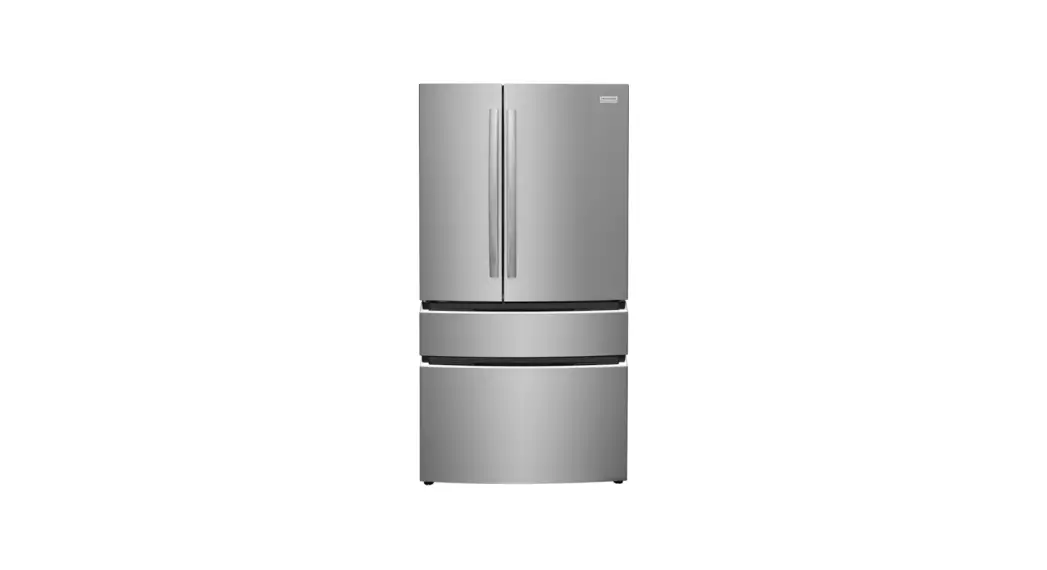
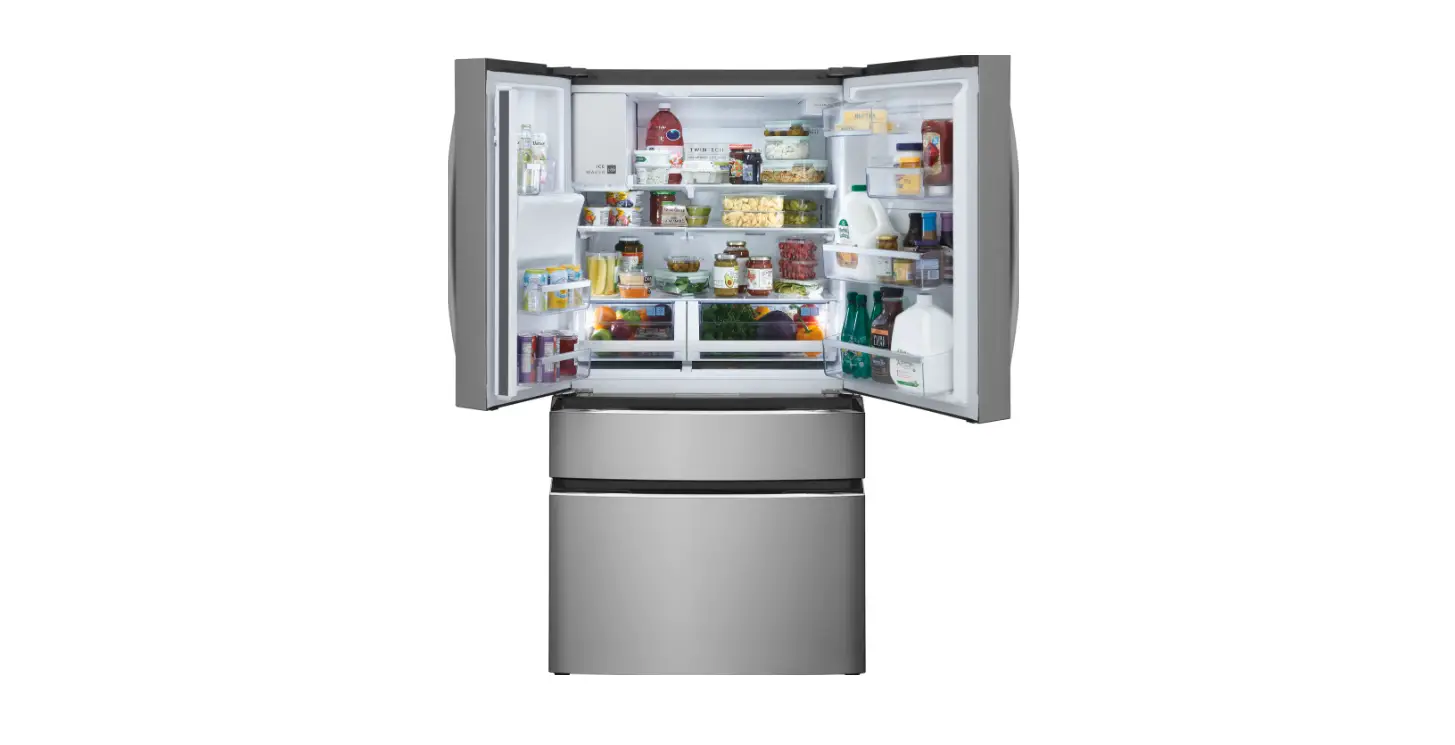
![Frigidaire Lfhb2741pf French Door Refrigerator User Manual]](https://static-data1.manualsee.com/1/img/143/101212/2021/03/Frigidaire-LFHB2741PF-French-Door-Refrigerator-featured-1.png "Frigidaire Lfhb2741pf French Door Refrigerator User Manual]")