
Smart Air Purifier Manual
Congratulations on your purchase!
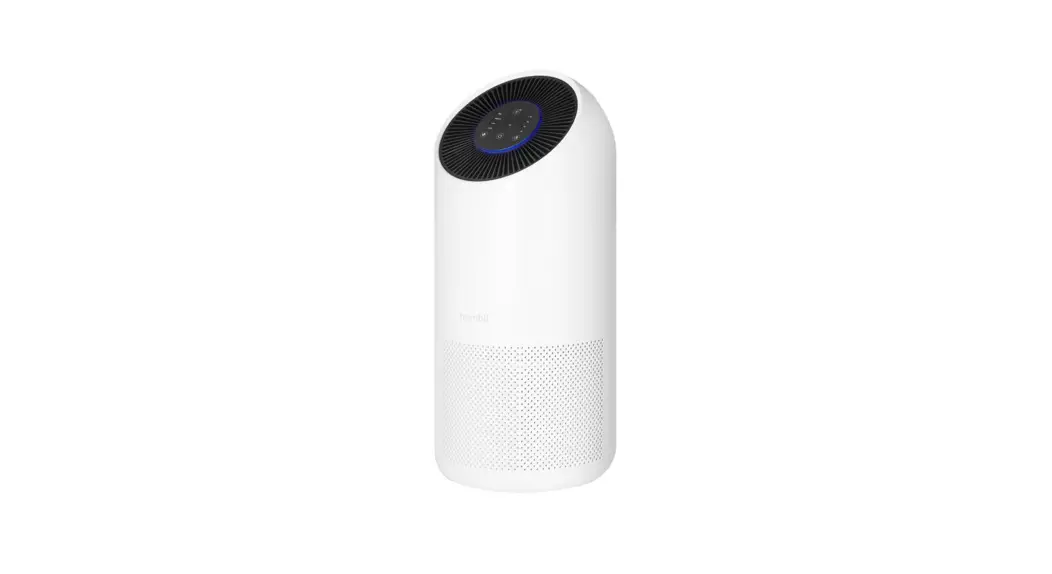
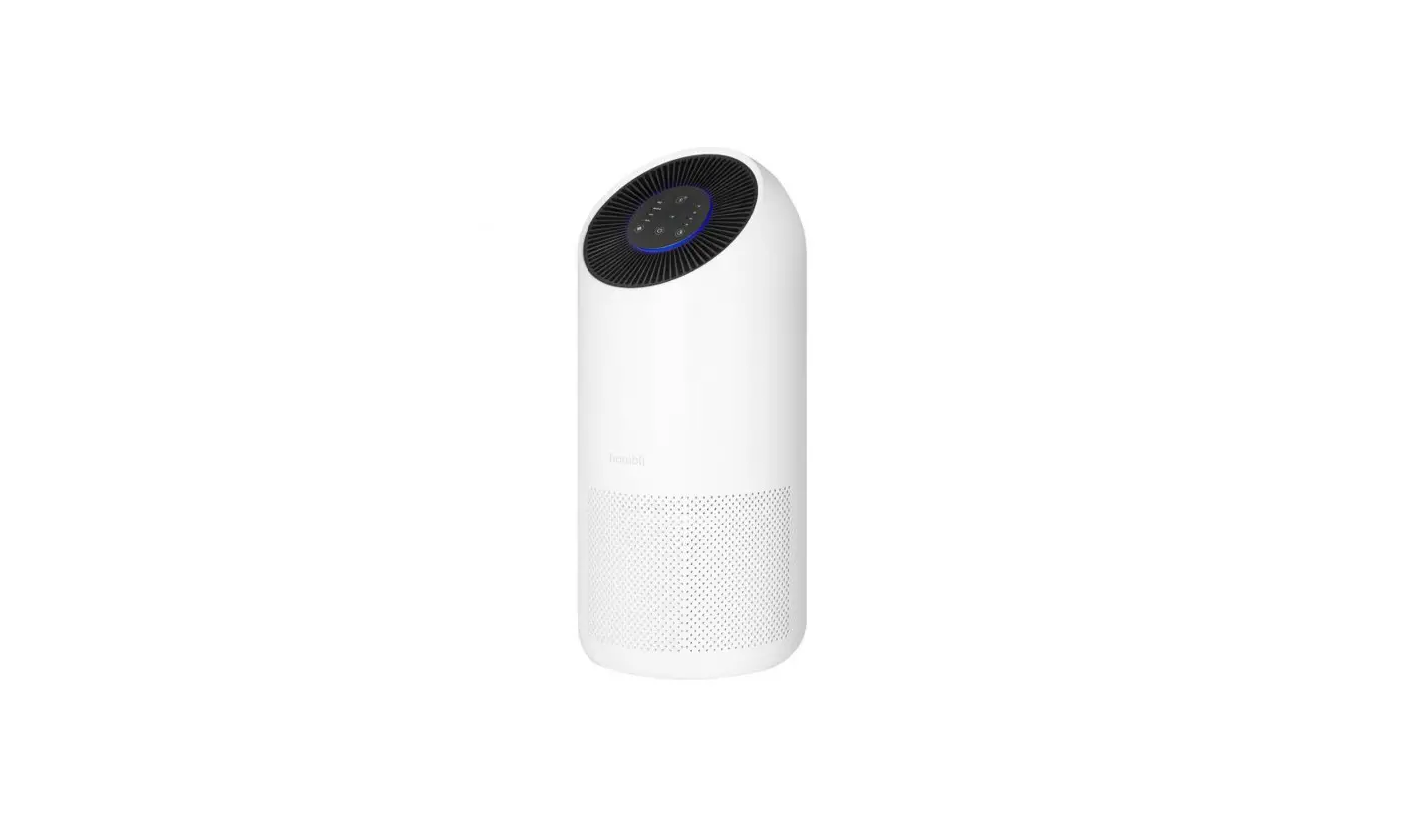
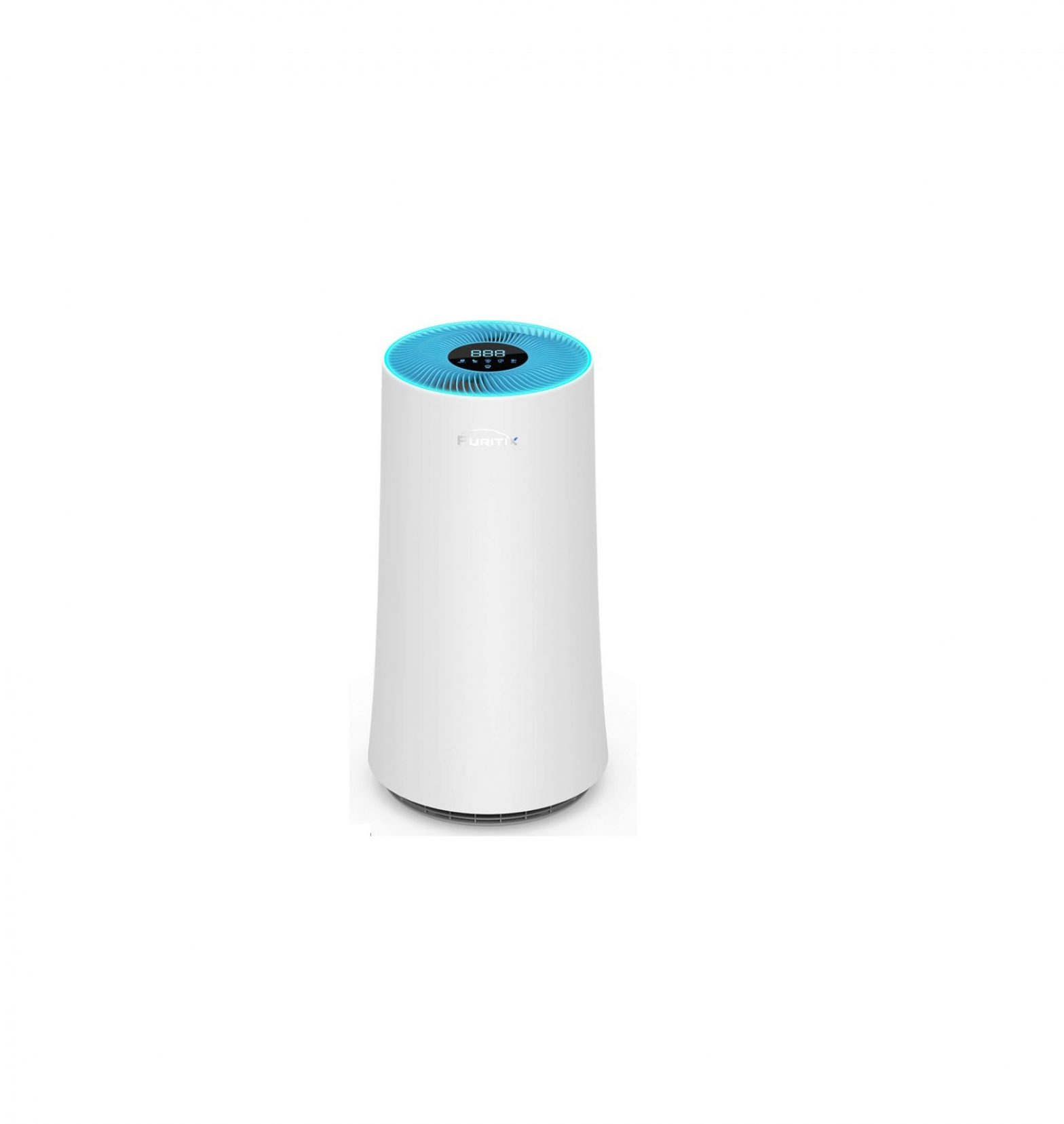
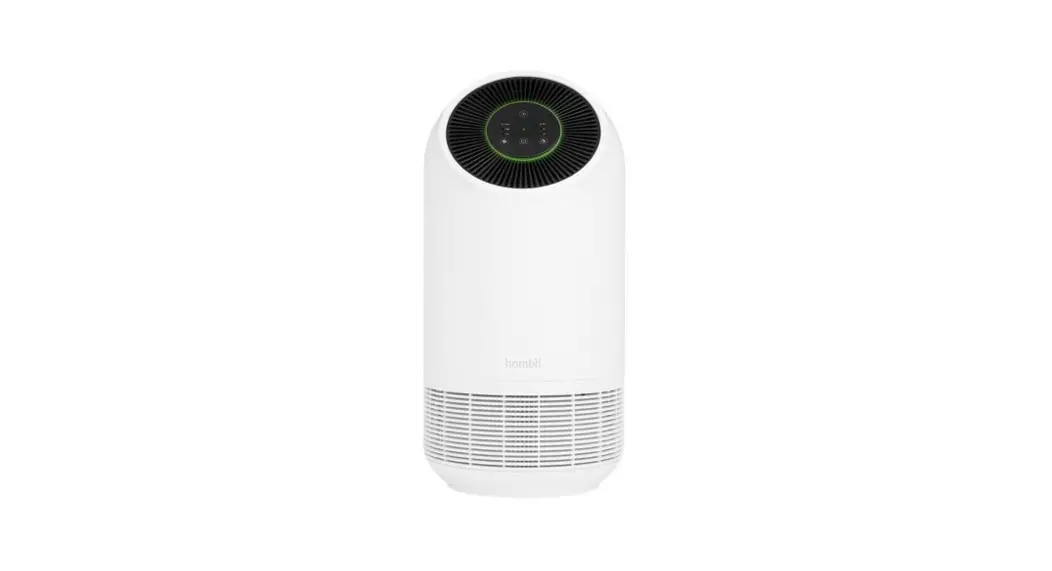
We’re glad you laid eyes on our Hombli Smart Air Purifier XL. From now on your home will be filled with nothing but fresh air. With support from our Hombli app, you can monitor and optimize your home air quality at every moment. Whether you’re at home or on the go.
Follow the steps in this manual to easily install your Purifier. Need extra help? Visit our website for support.
Content
Follow the steps below in chronological order to successfully install the Smart Air Purifier.
Some steps are optional.
- Product overview
- Control panel overview
- Installing the Smart Air Purifier
- Using the Smart Air Purifier
- Creating smart scenarios
- Connecting to Google and Alexa
optional - Cleaning
- Replacing the filter
- Troubleshooting
- Compliance
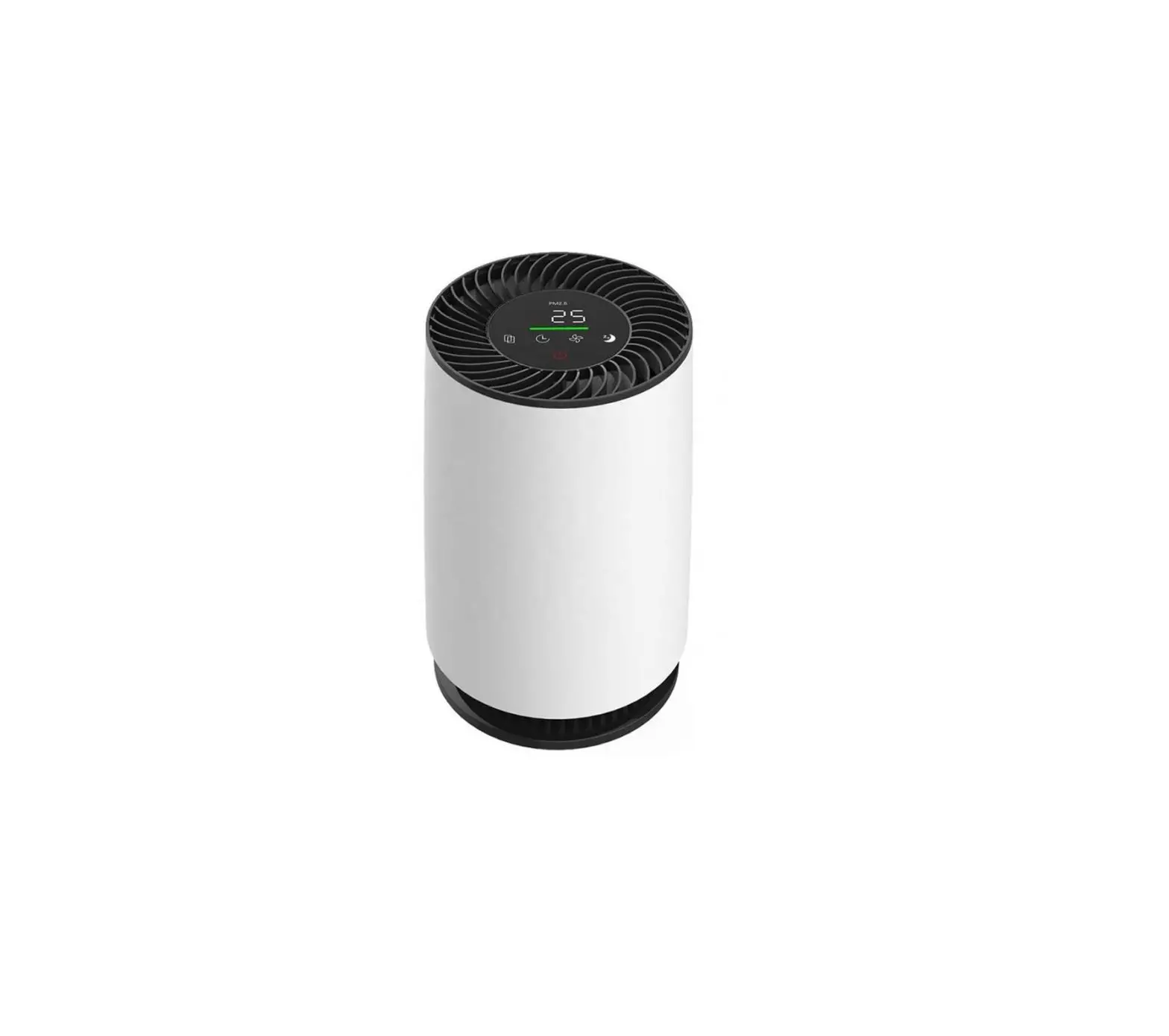
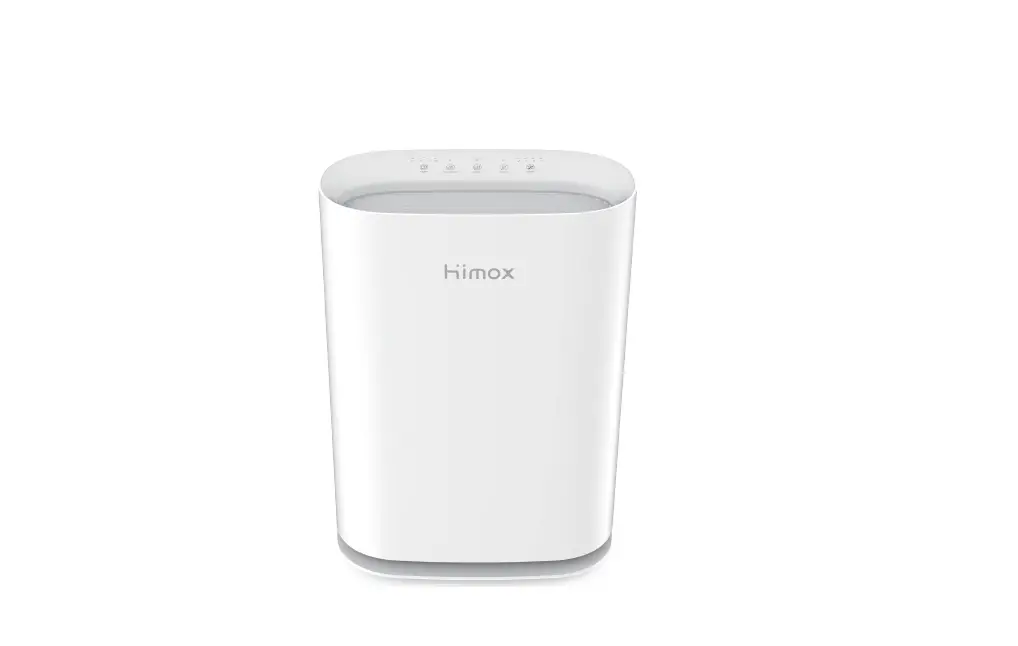
Product overview
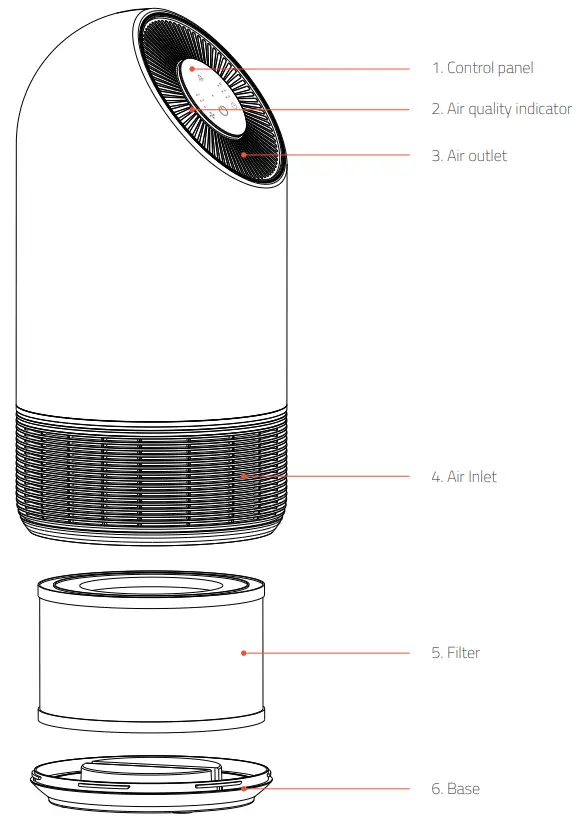
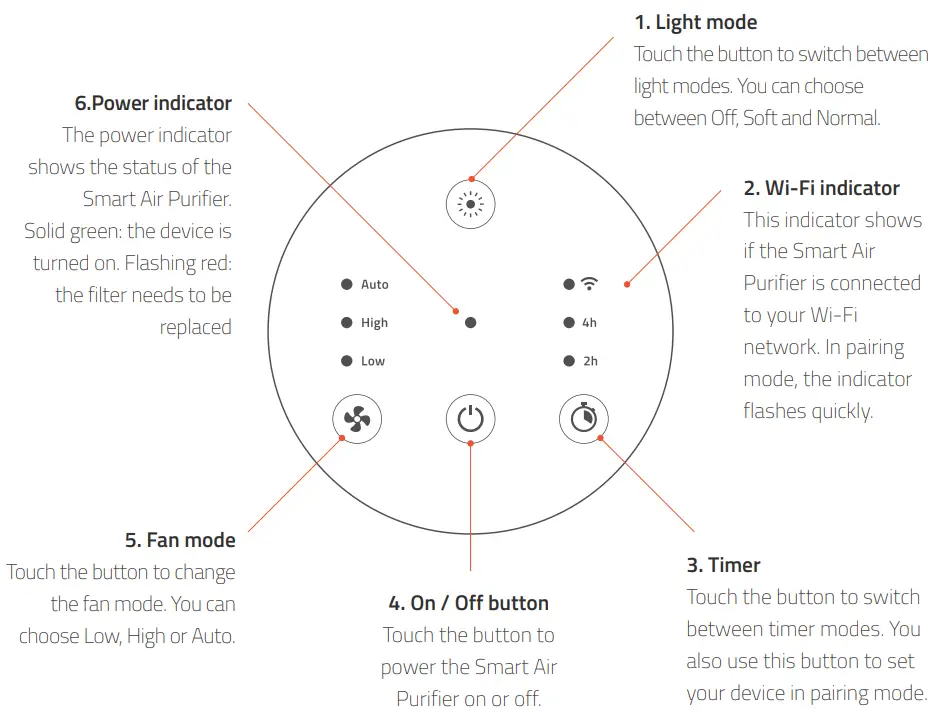
Control panel overview
Installing the Smart Air Purifier
If this is your first time installing a Hombli product, please follow all steps below to set up your Smart Air Purifier. Are you already familiar with Hombli? Then you may skip steps 1 to 3.
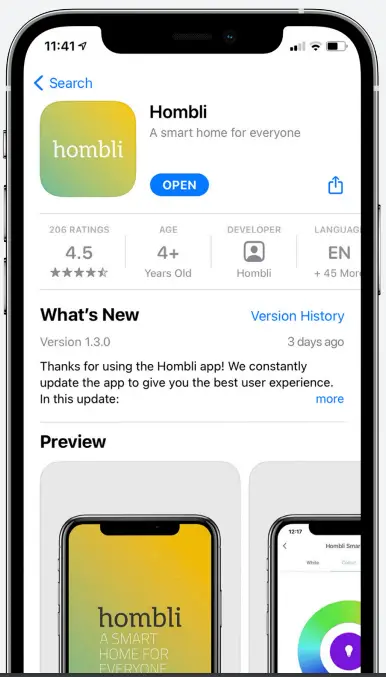
3.1 Download the Hombli App

http://www.hombli.com/appdownload
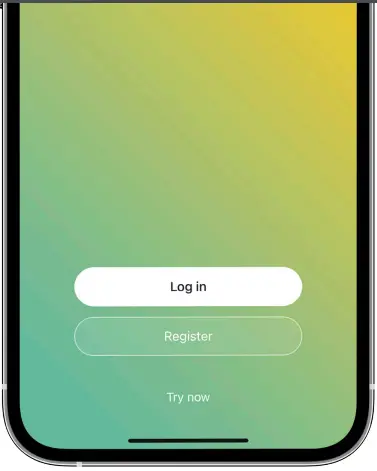
3.2 Create an account and log in
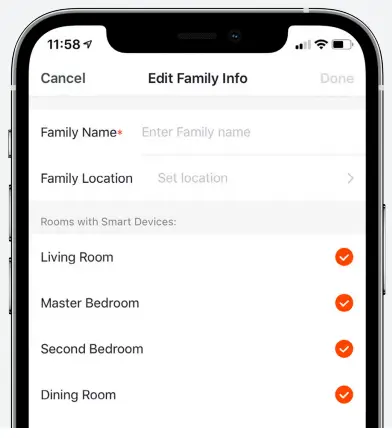
3.3 Create a family
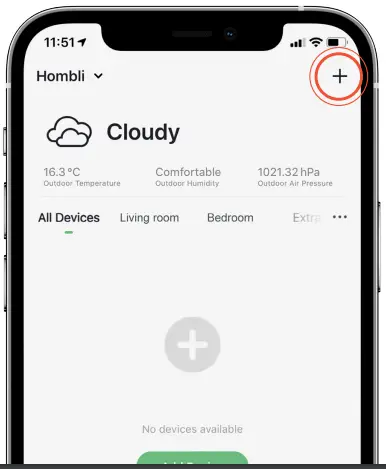
3.4 Tap “Add Device” or “+” and select the Smart Air Purifier
3.5 Power on the Smart Air Purifier by pressing the On / Off button on the control panel. A prompt tone is heard and the Wi-Fi indicator starts flashing quickly*
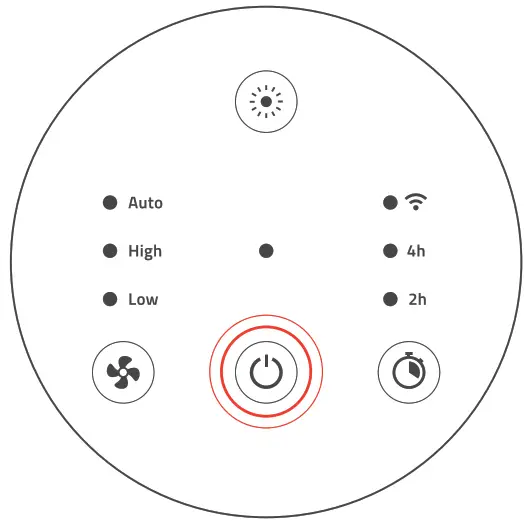
* If the Wi-Fi indicator is not flashing quickly, press and hold the timer button for 5 seconds to manually set your device into pairing mode
3.6 Select the correct Wi-Fi network and enter the password.
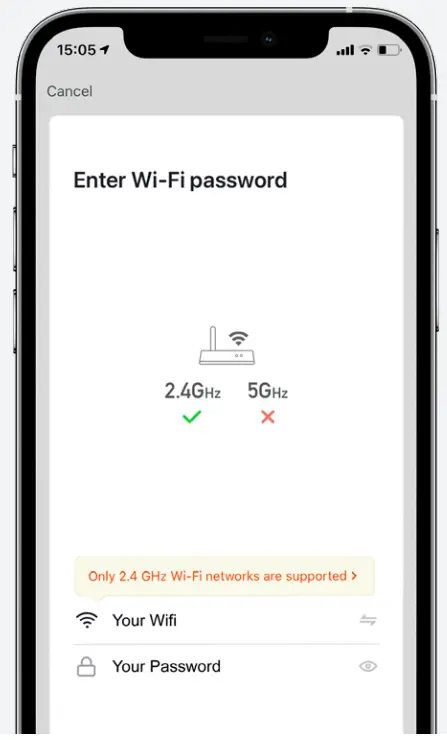
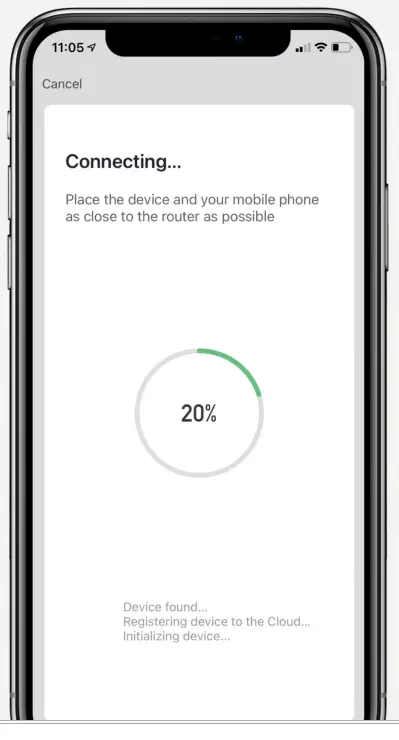
3.7 Follow the instructions in the app to complete the installation
Using the Smart Air Purifier
 4.1 Power on and off
Touch the On / Off button on the control panel or in the app to power the Smart Air Purifier on or off.
 4.2 Understanding the air quality indicator
The air quality indicator shows you the current air quality with colors ranging from green (good), yellow (fair) to red (bad). The Auto mode uses this information to automatically adapt air purification speed.
 4.3 Changing fan modes
Touch the fan mode button on the control panel or in the app to manually change the air purification speed. You can choose Low, High or Auto.
 4.4 Using Auto mode
In Auto Mode, the Smart Air Purifier senses air quality in real-time and adapts air purification speed automatically. 4.5 Setting a timer
Touch the button on the control panel or in the app to switch between timer modes. Set the preferred timer and the Smart Air Purifier will filter the air and turn off automatically when the selected time passed. 4.6 Setting a schedule
Schedule your Smart Air Purifier to filter the air during certain times and days. Add customized schedules and scenarios in the app. 4.7 Setting brightness
Touch the button on the control panel or go to the settings in the app to set the light mode to Off, Soft or Normal.
4.8 Resetting the filter
After replacing the filter you need to reset the Smart Air Purifier manually. Press and hold the power button on the control panel for 7 seconds or tap reset in the app.
4.9 Setting into pairing mode
Press and hold the timer button for 5 seconds to set your device into pairing mode. The Wi-Fi indicator starts flashing quickly.
Creating smart scenarios
Purify the air automatically when certain conditions are met. For example, set the fan mode to high when commuting and set it automatically to low when you arrive home. Or set the fan mode automatically to low when it’s time to sleep to enjoy clean air in near silence while sleeping.
Connecting to Google and Alexa optional
The Smart Air Purifier is compatible with Google Assistant and Amazon Alexa speakers. Check our installation guides and instructional videos on our website to learn how to connect them.
https://www.hombli.com/support/#videos
Cleaning
- Make sure to unplug the device from an electrical outlet before cleaning
- Use a soft cloth with a neutral cleanser to clean the device
- Never use aggressive or flammable cleaning agents such as bleach and alcohol to the clean any part of the device
- Do not use a vacuum cleaner to clean the filter
- Make sure no water or any other liquids gets in the device.
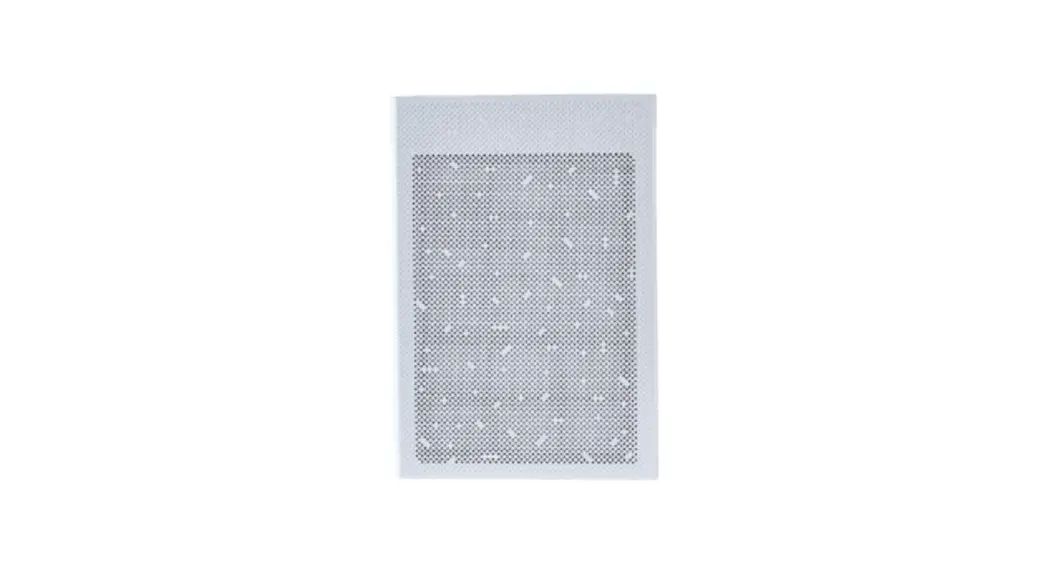
Replacing the filter
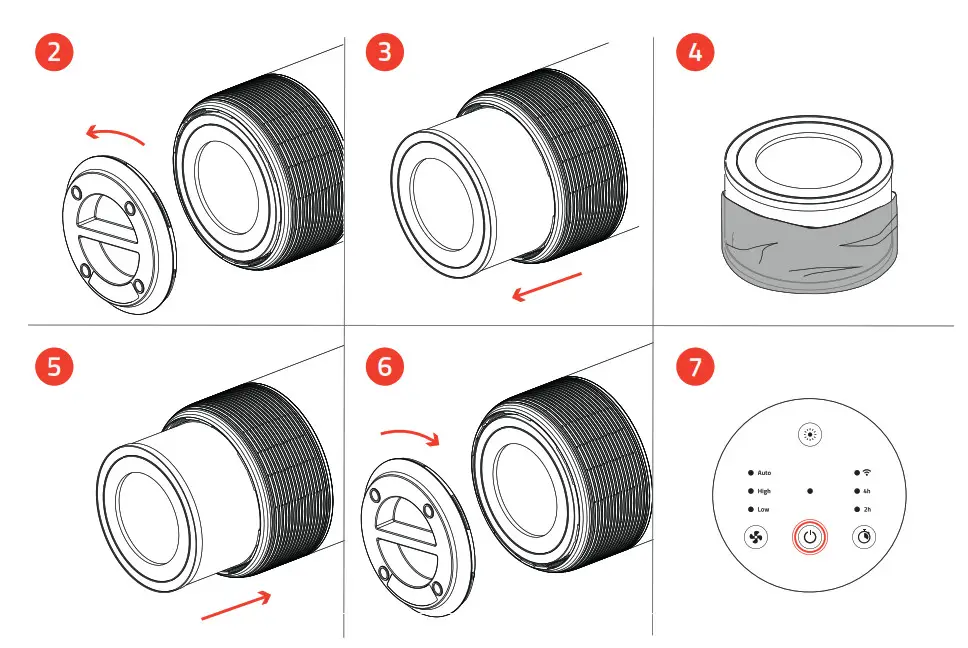
The Smart Air Purifier automatically detects when the filter needs to be replaced. The power indicator will flash red. Follow these steps to replace the filter with a new unit.
Follow these steps to install a new filter
- Make sure the air purifier is unplugged before installing a new filter
- Rotate the base anti-clockwise to open
- Take out the filter that is already in the device
- Remove all packaging from the new filter
- Put the new filter into the device
- Reattach the base and rotate clockwise to close
- Press the On / Off button to power on the air purifier
Troubleshooting
Do you have questions about the Hombli Smart Air Purifier? Find answers to frequently asked questions in our online FAQ or contact our customer support at www.hombli.com/support or send an email to [email protected]
Compliance
The Humble Smart Air Purifier complies with all applicable CE marking standards and regulations regarding health, safety, and environmental standards within the European Union.
 @hombli
 @homblismart
Hombre © 2021 is a brand of Avanca
International B.V.
Maanweg 174
2516AB The Hague The Netherlands
+ 31 702 210 077
[email protected]