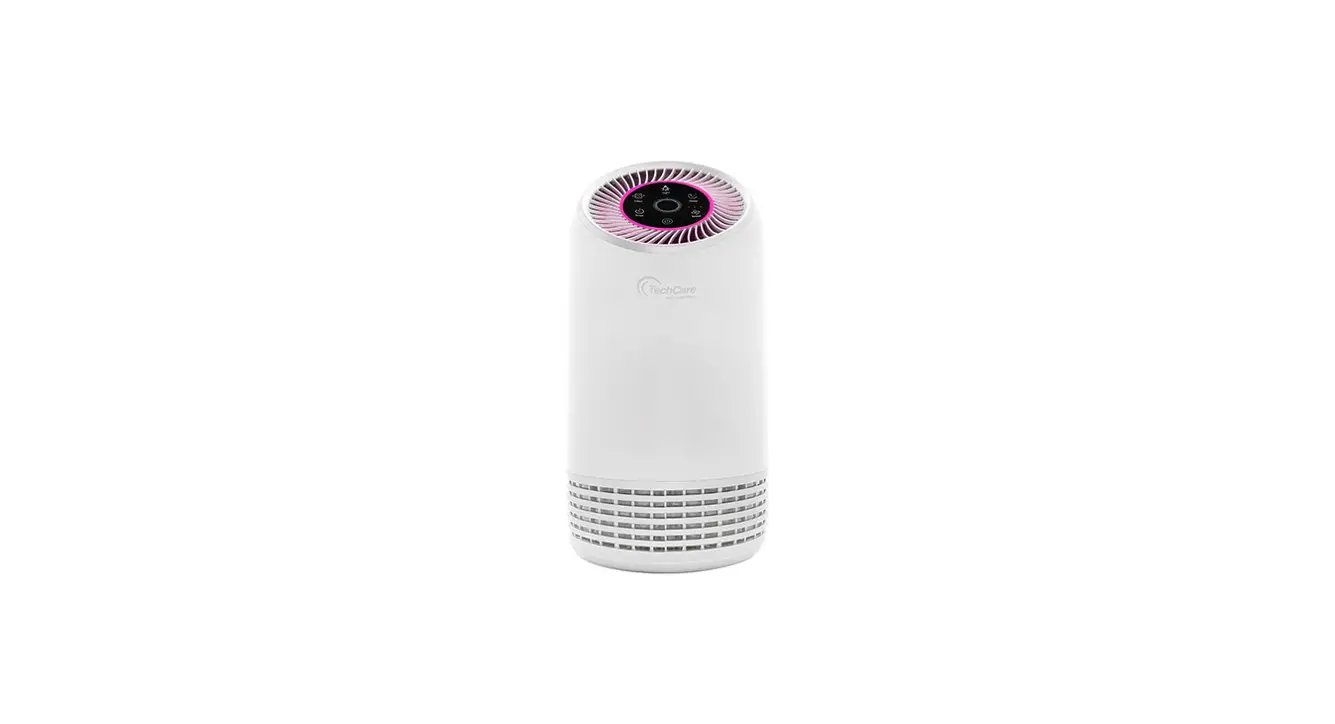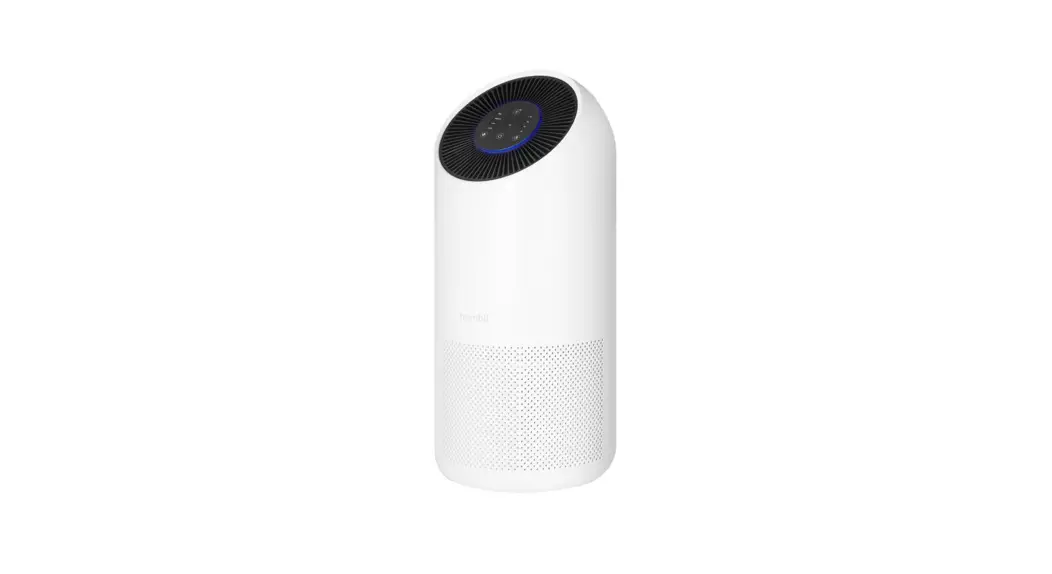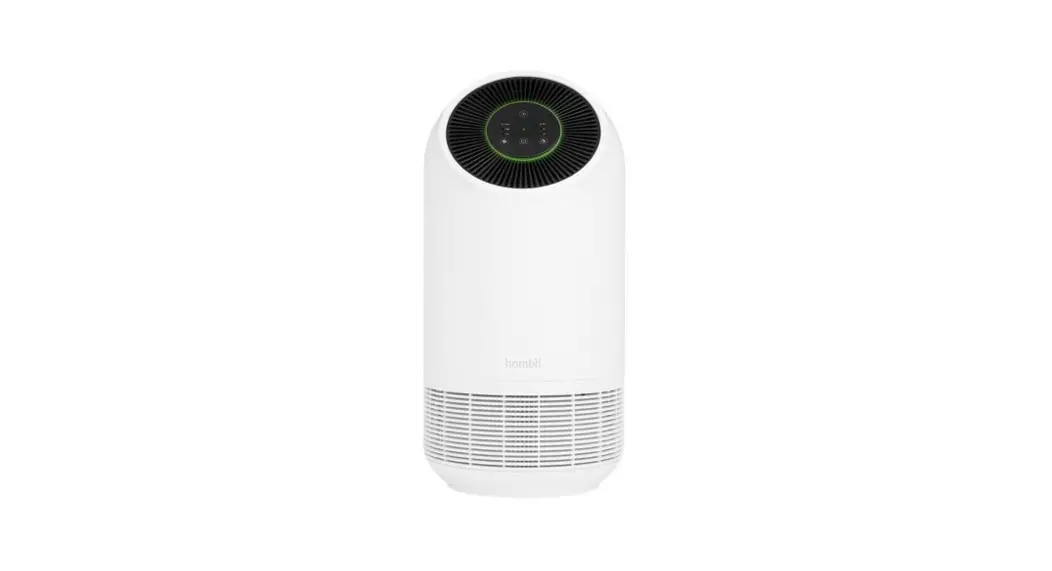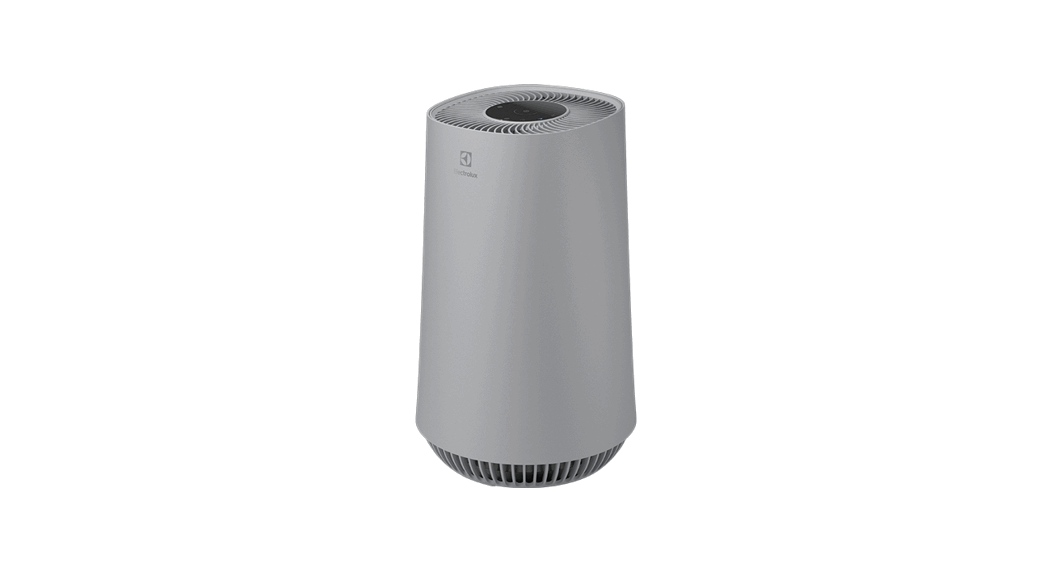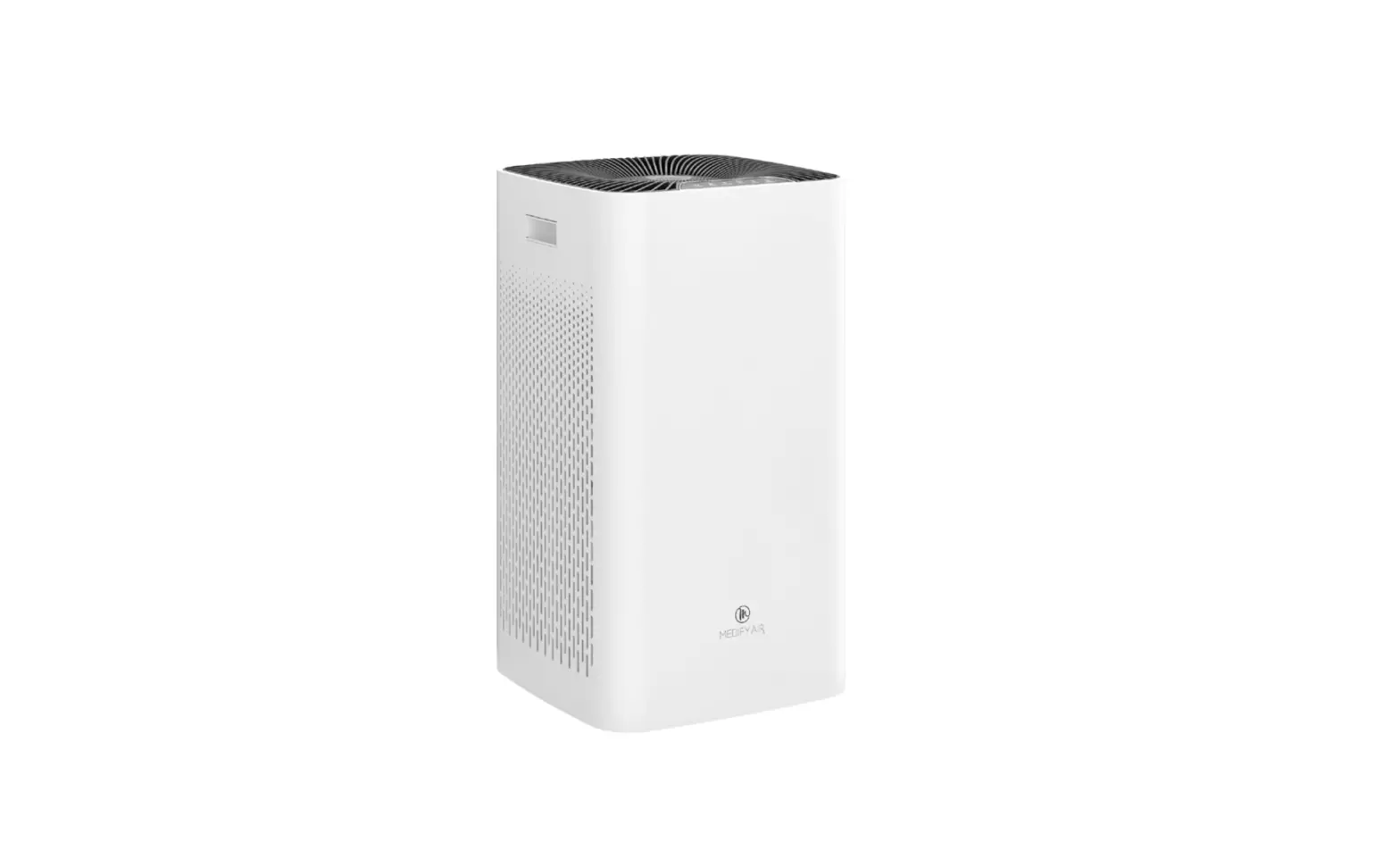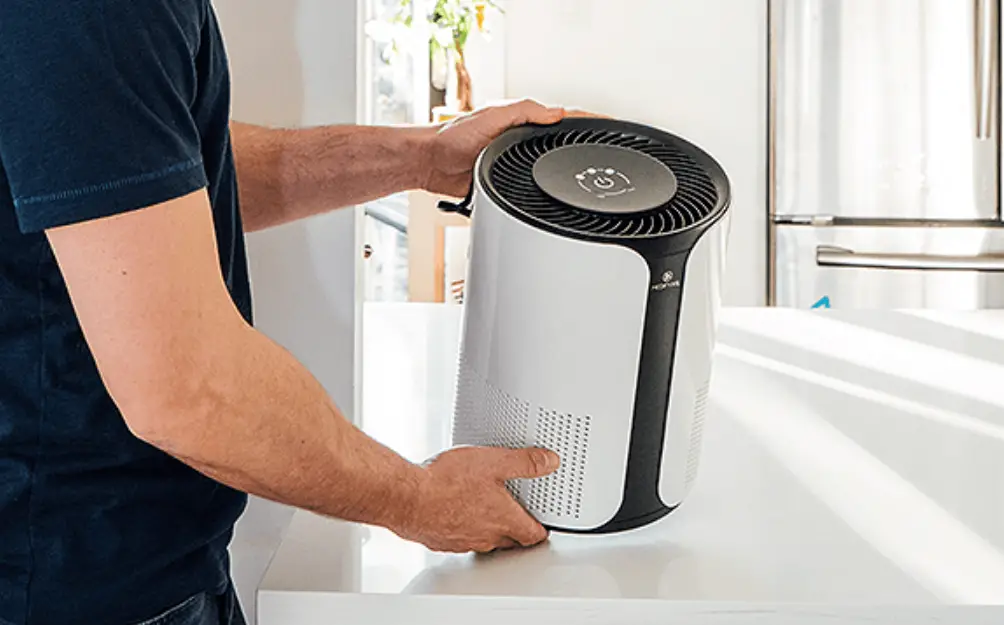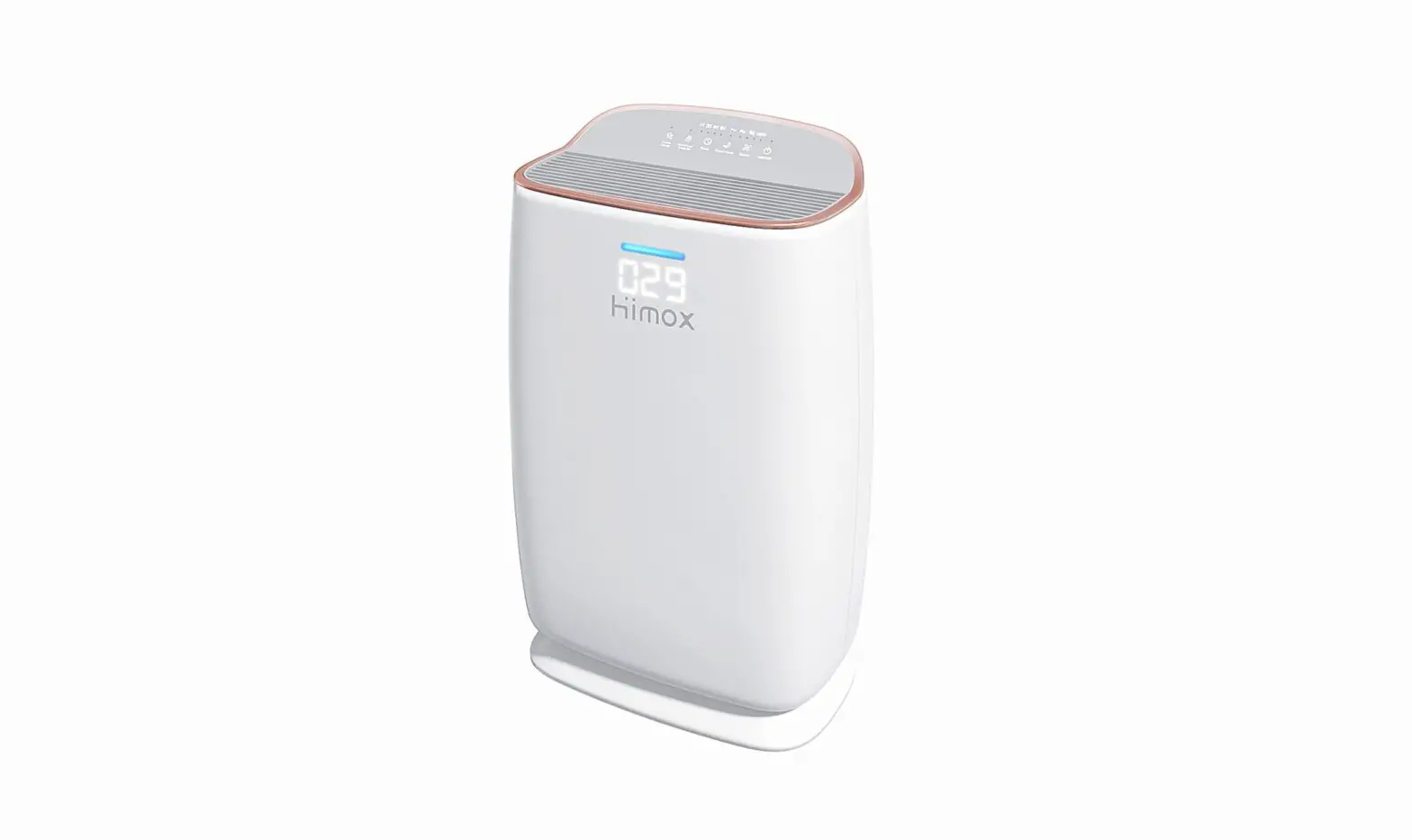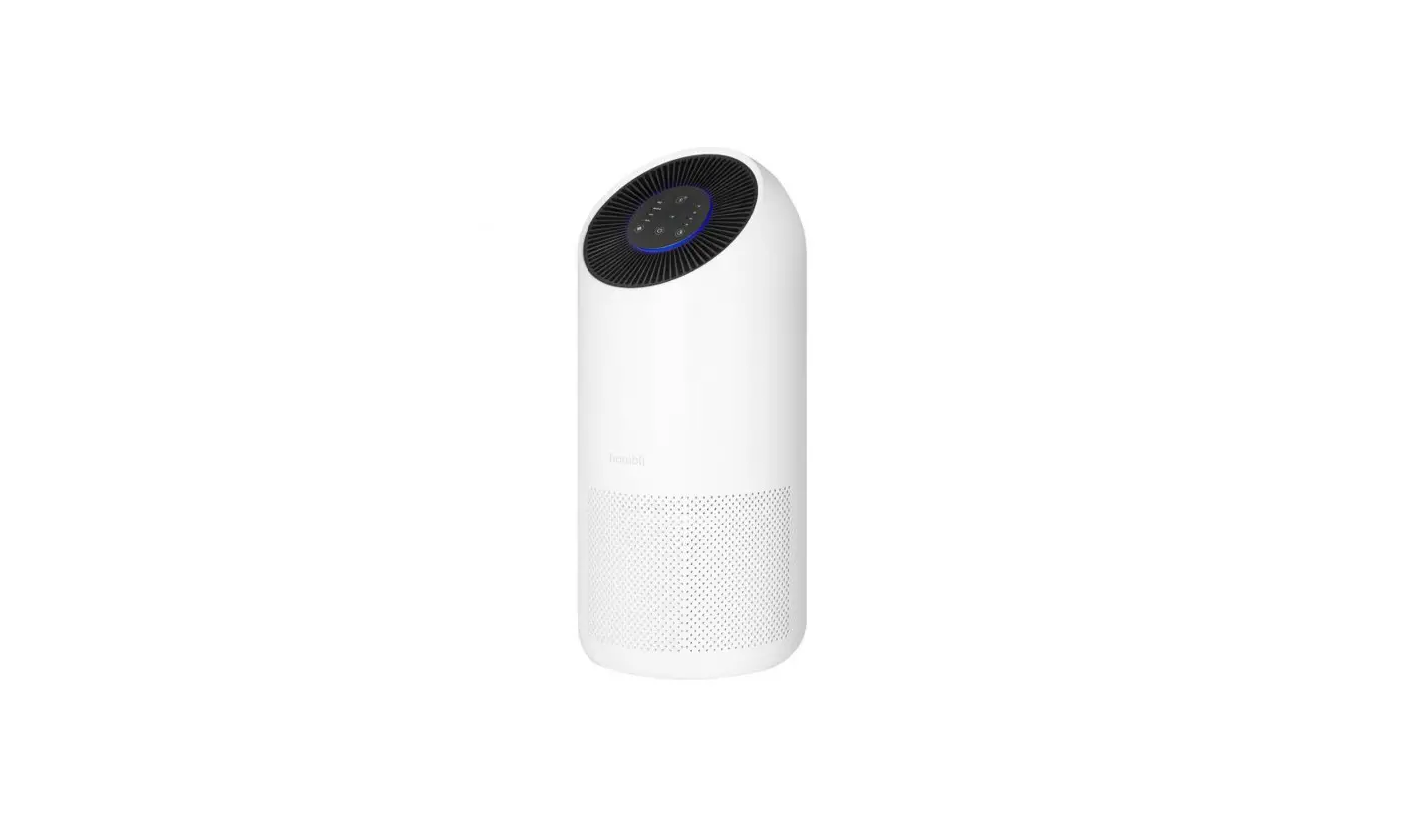
 HEPA 13 XL Filter Smart Air Purifier
User Manual
Replacing the filter
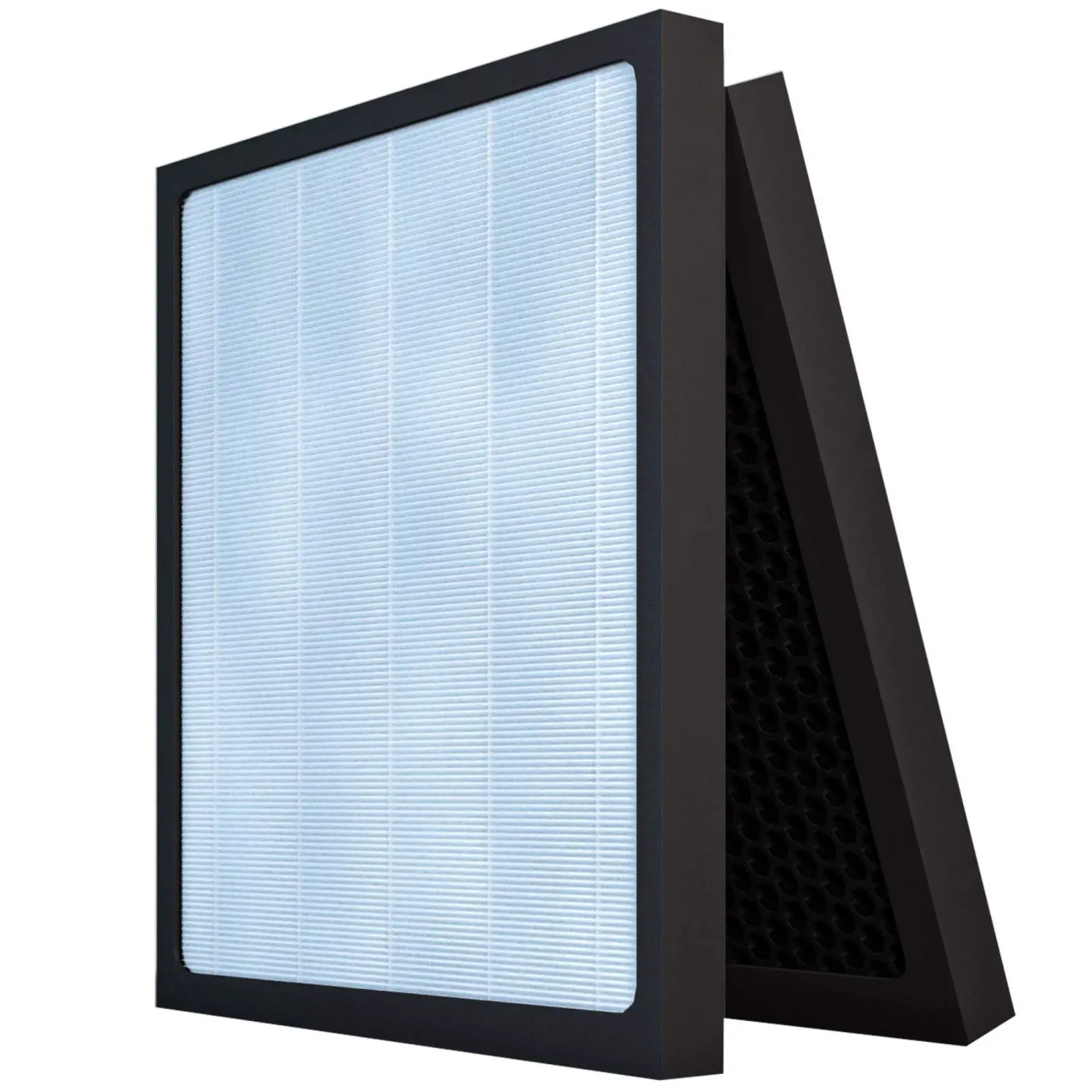
The Smart Air Purifier XL automatically detects when the filter needs to be replaced. The power indicator will flash red. Follow these steps to replace the filter with a new unit.
Follow these steps to install a new filter
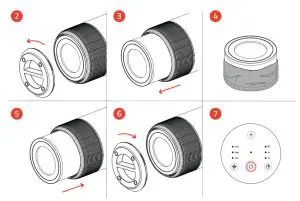
- Make sure the air purifier is unplugged before installing a new filter
- Rotate the base anti-clockwise to open
- Take out the filter that is already in the device
- Remove all packaging from the new filter
- Put the new filter into the device
- Reattach the base and rotate clockwise to close
- Press the On / Off button to power on the air purifier
Troubleshooting
Do you have questions about the Hombli Smart Air Purifier XL? Find answers to frequently asked questions in our online FAQ or contact our customer support at www.hombli.com/support or send an email to [email protected]
Compliance
The Humble Smart Air Purifier XL complies with all applicable CE marking standards and regulations regarding health, safety, and environmental standards within the European Union.
 @hombli
 @homblismart
Hombli © 2021 is a brand of Avanca International B.V.
Maanweg 174 2516AB The Hague The Netherlands
+ 31 702 210 077
[email protected]