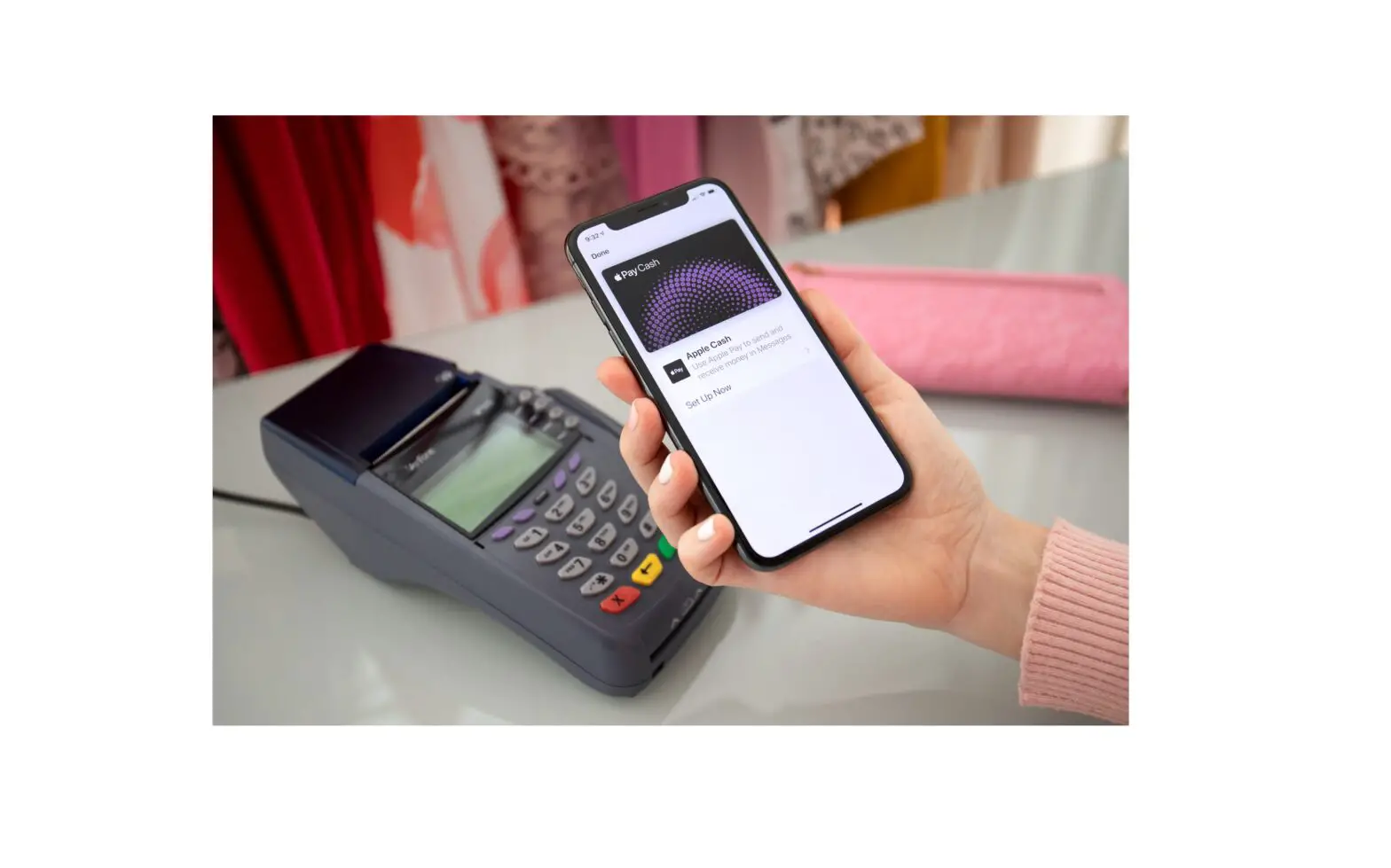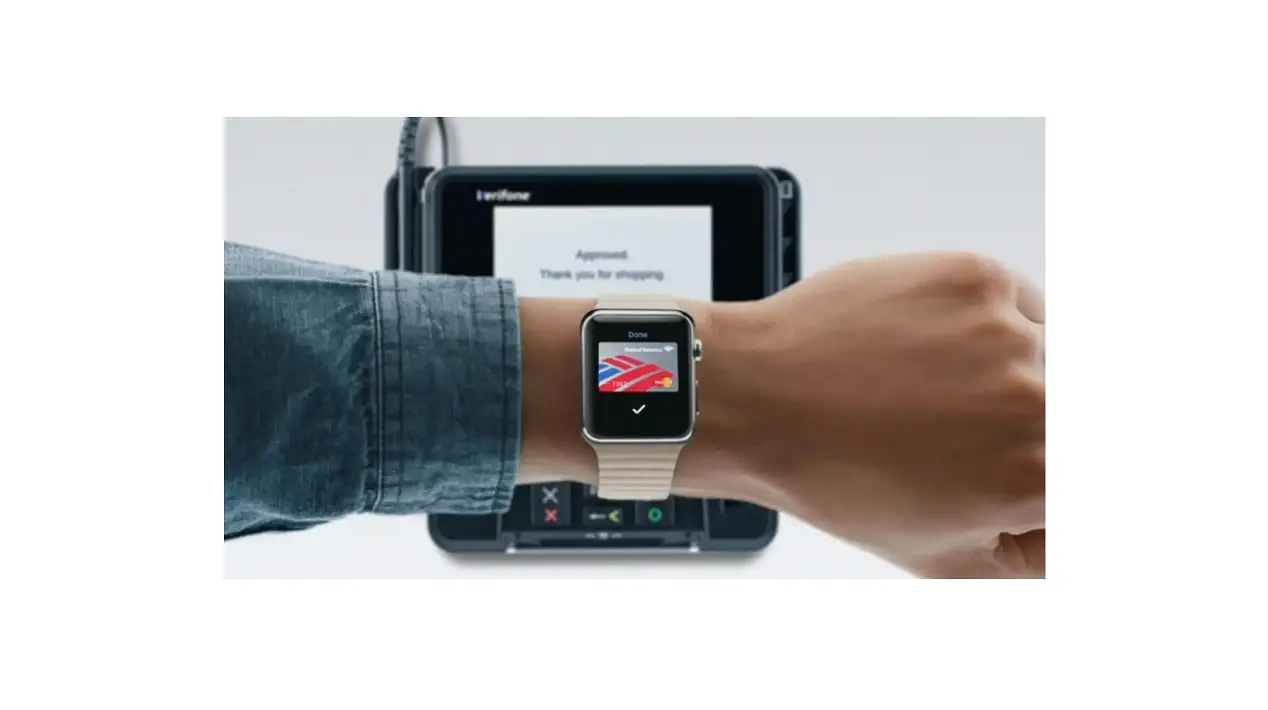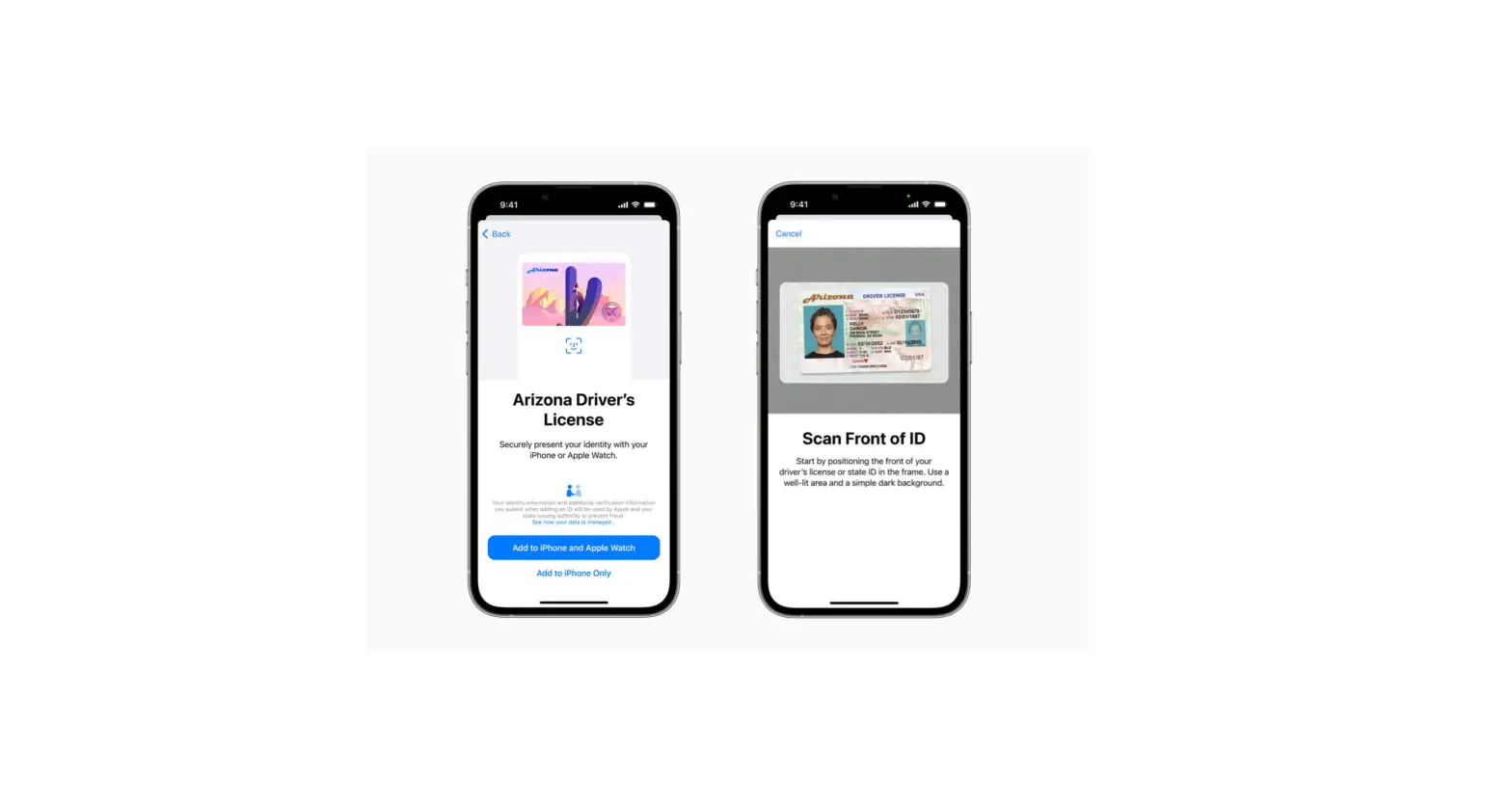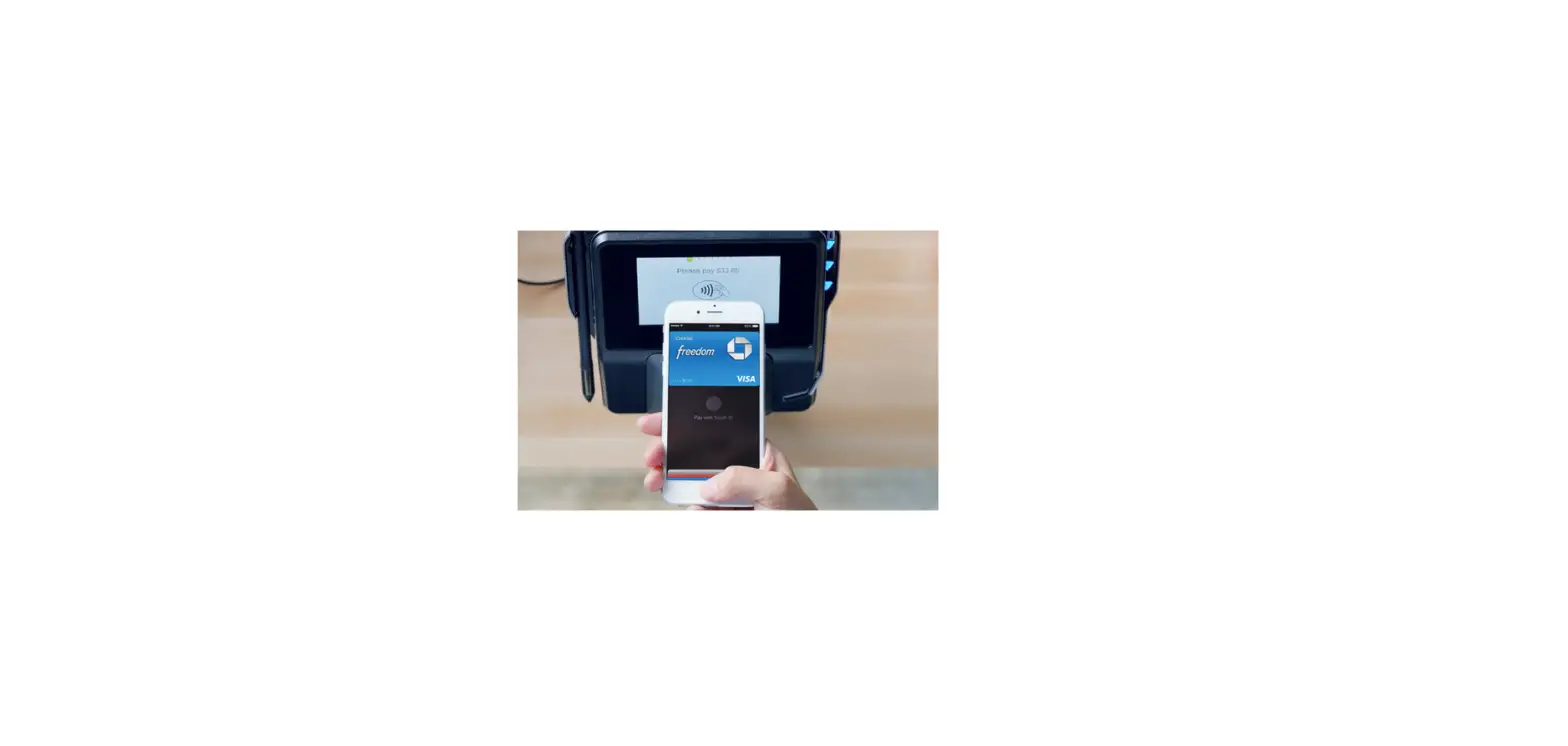
At participating stores, you can receive or redeem rewards when you use Apple Pay.
- Add your rewards card to Wallet.
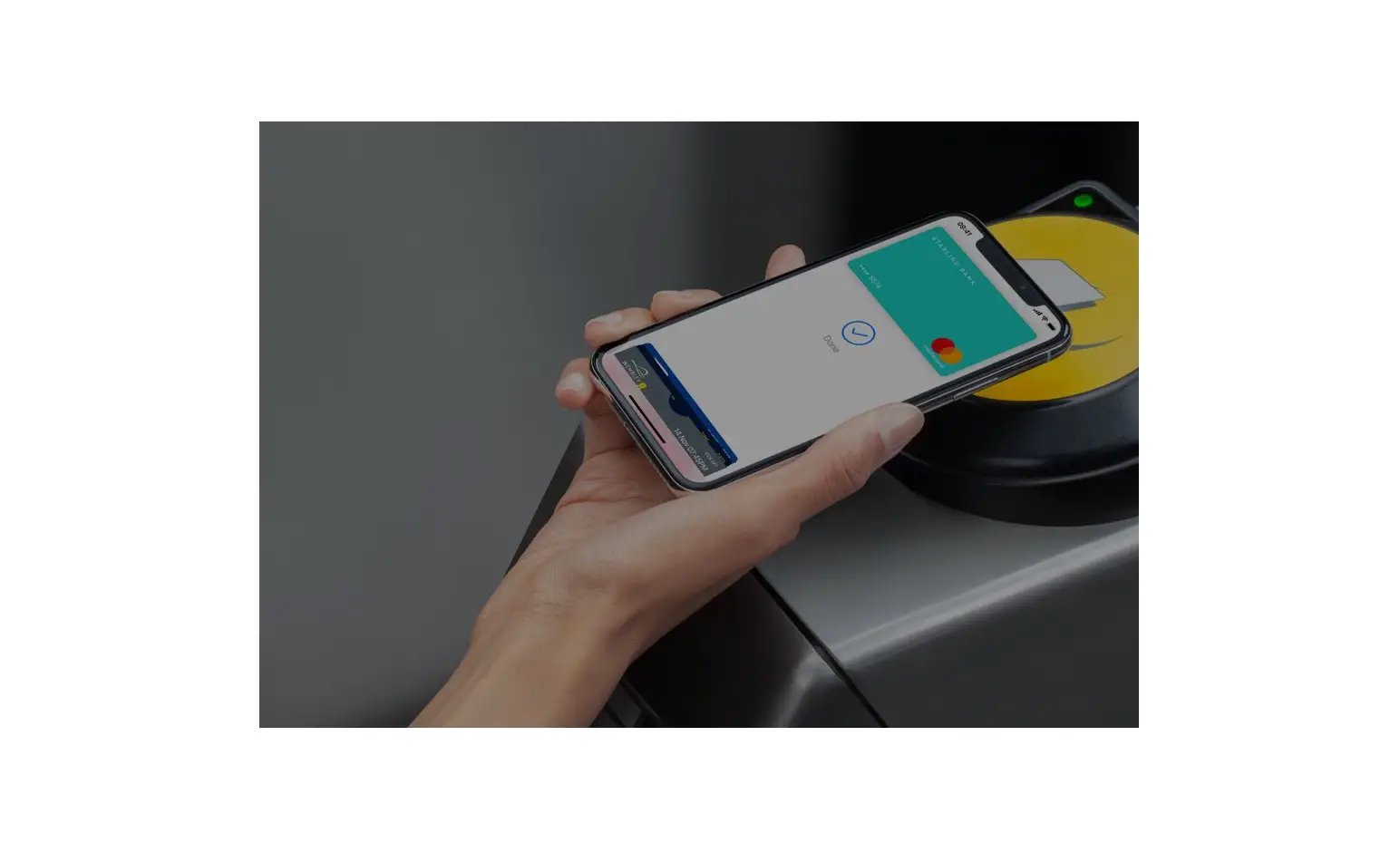
- At the payment terminal in the store, present your rewards card by holding iPhone near the contactless reader.
Apple Pay then switches to your default payment card to pay for the purchase. In some stores, you can apply your rewards card and payment card in one step. In other stores, you need to wait until the terminal or cashier asks for payment.
To have your rewards card appear automatically when you’re in the store, tap  on the card, then turn on Automatic Selection.