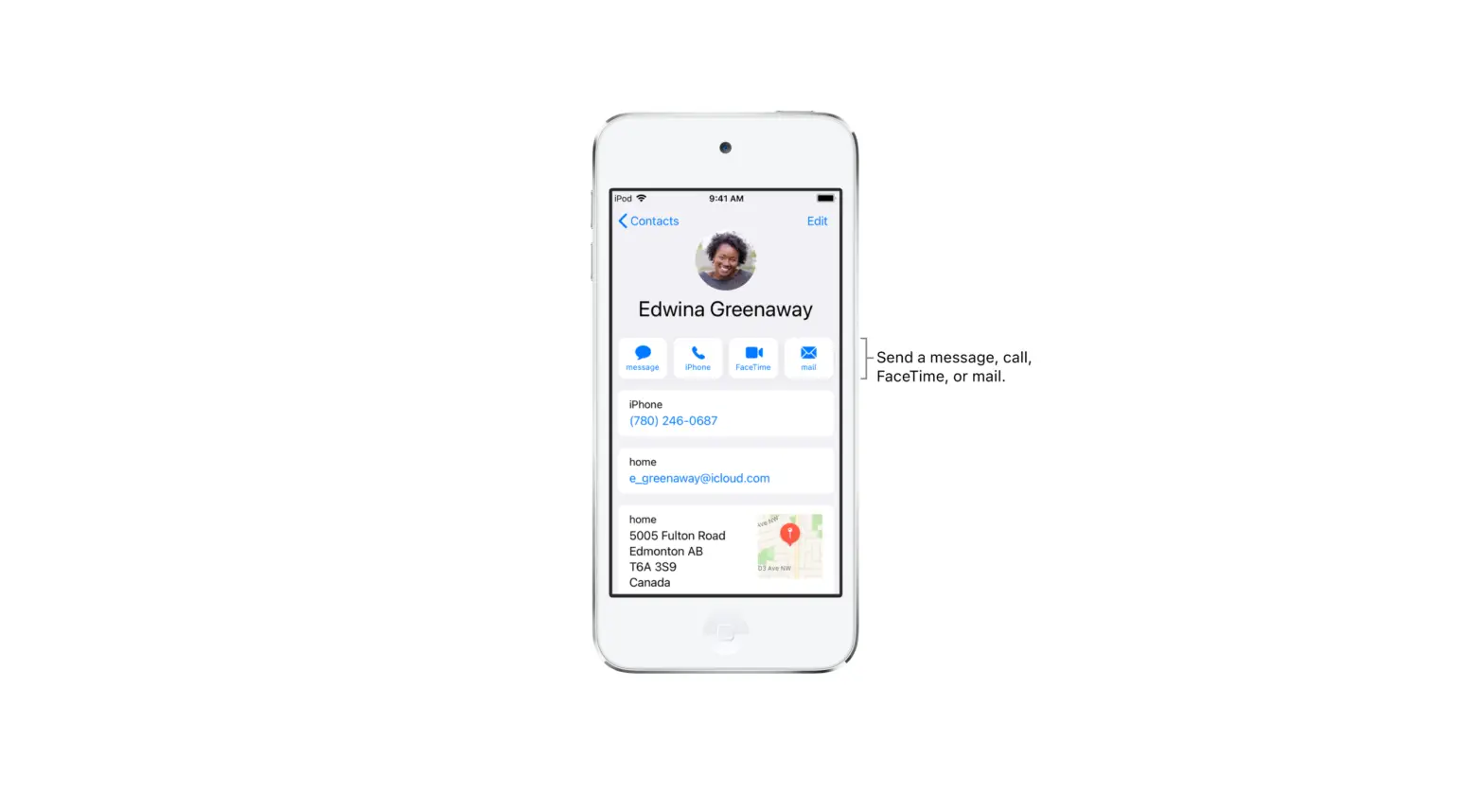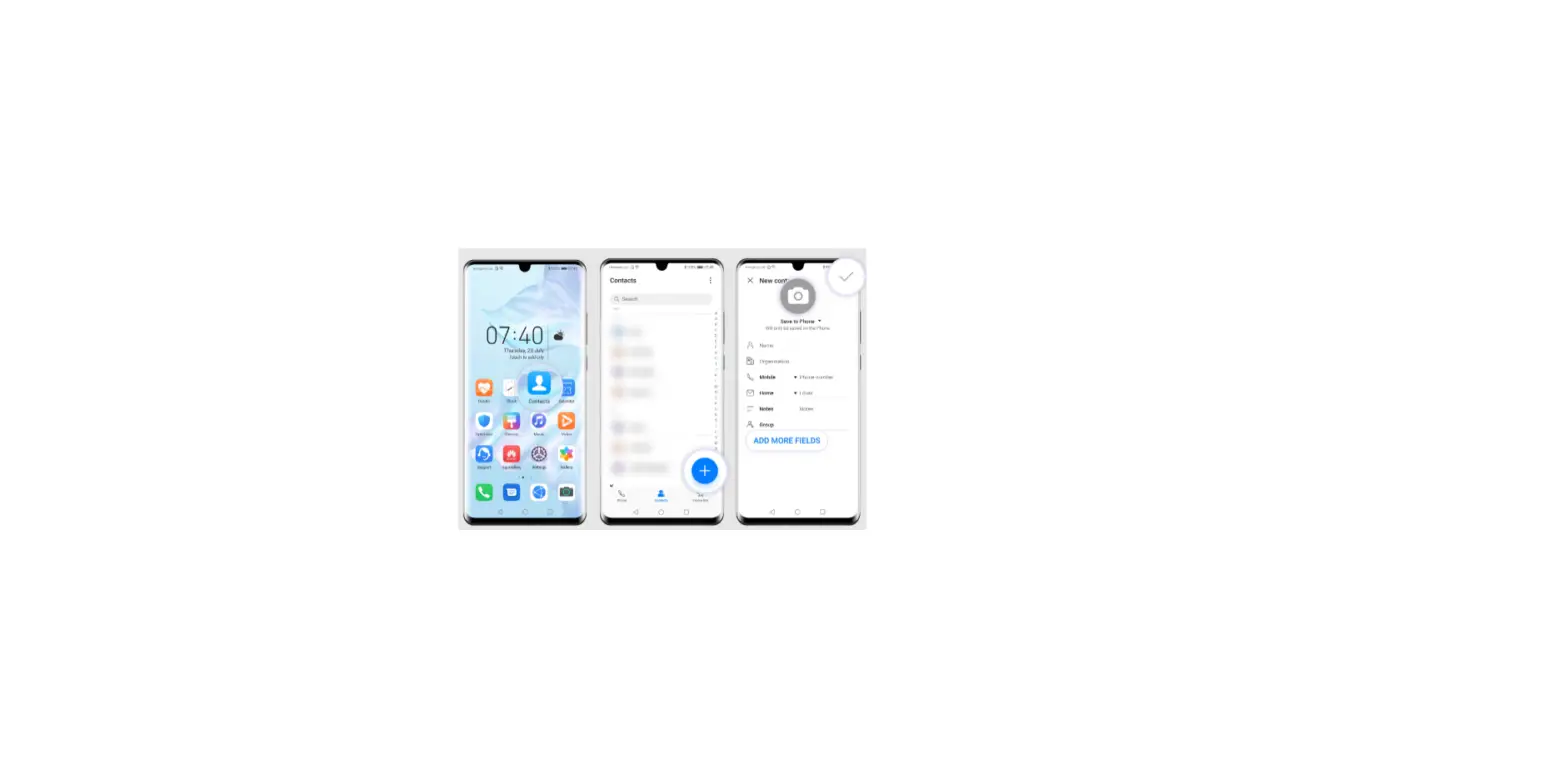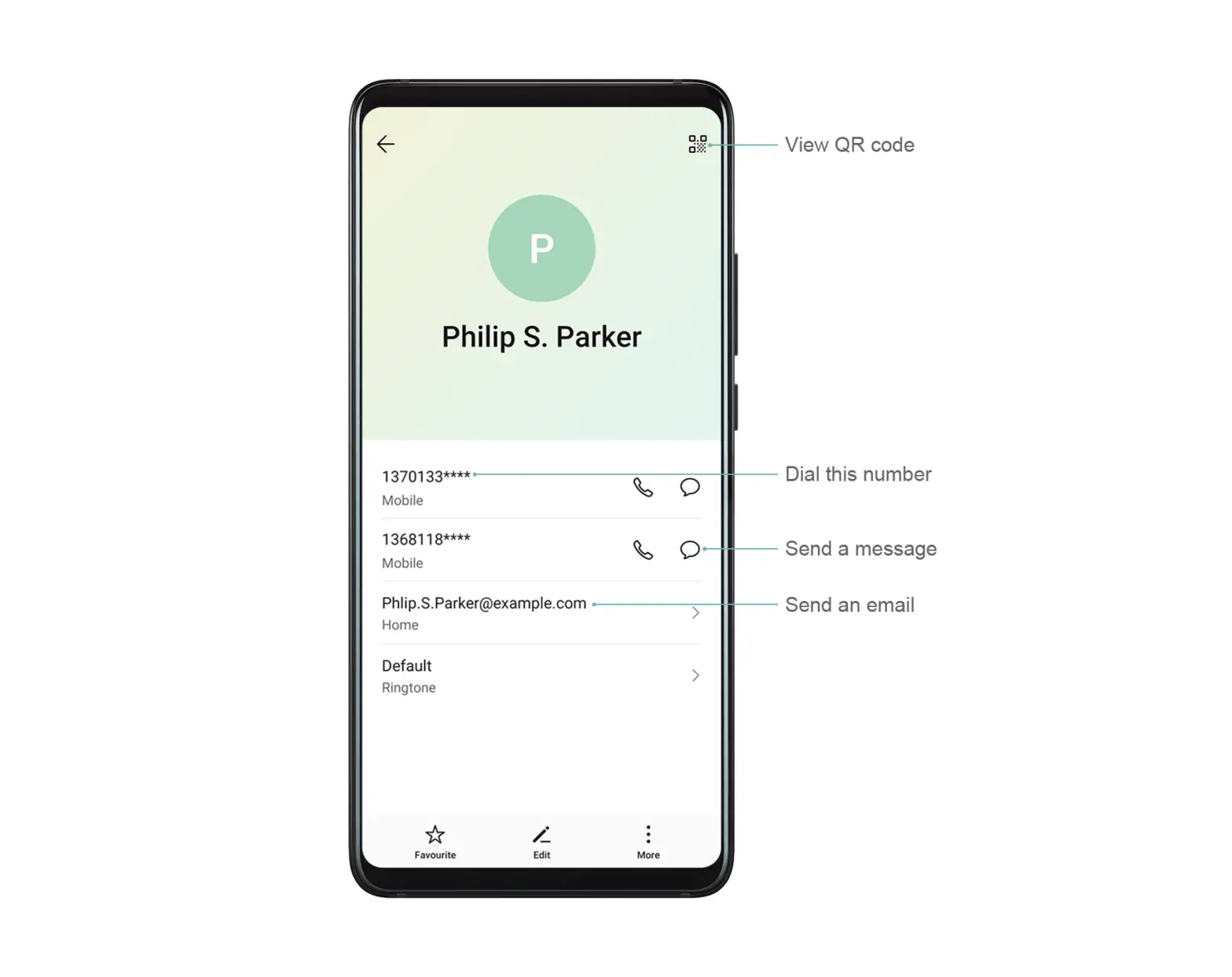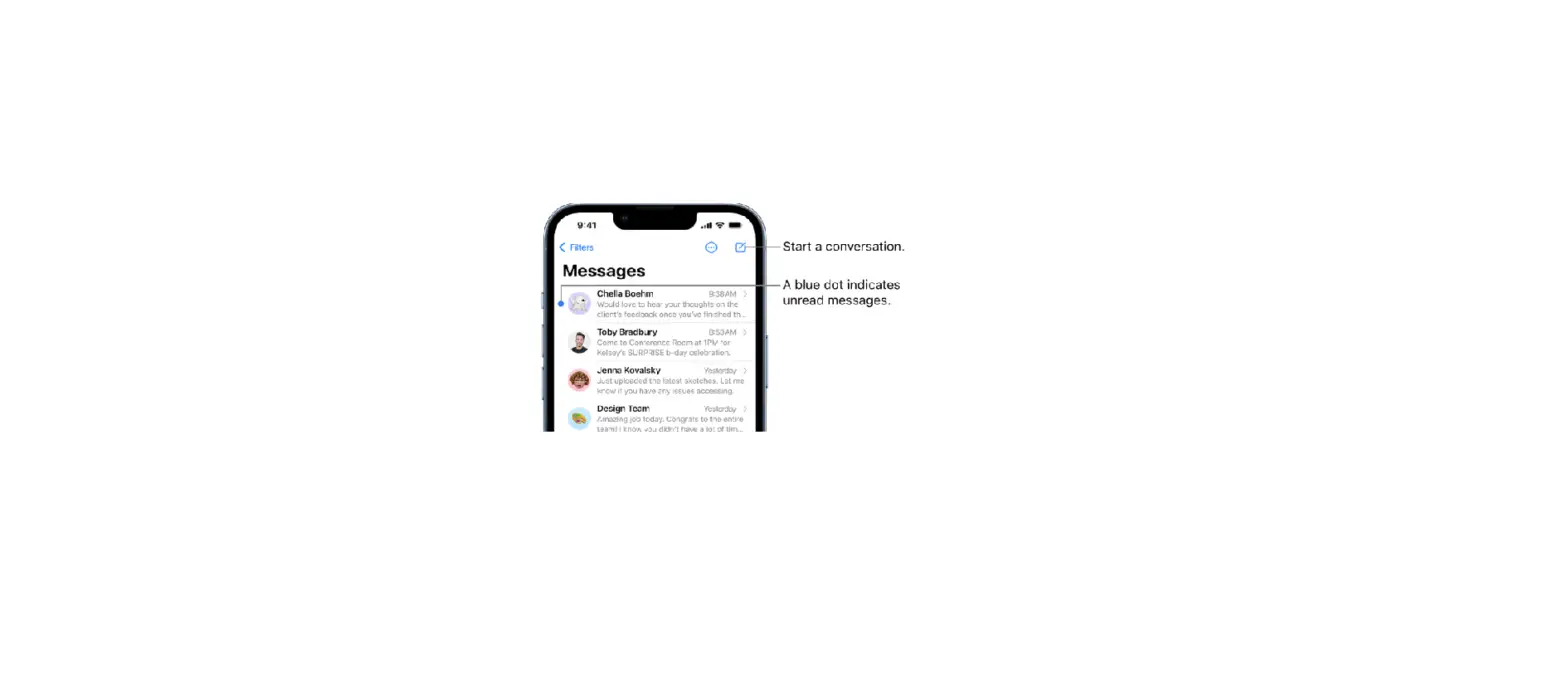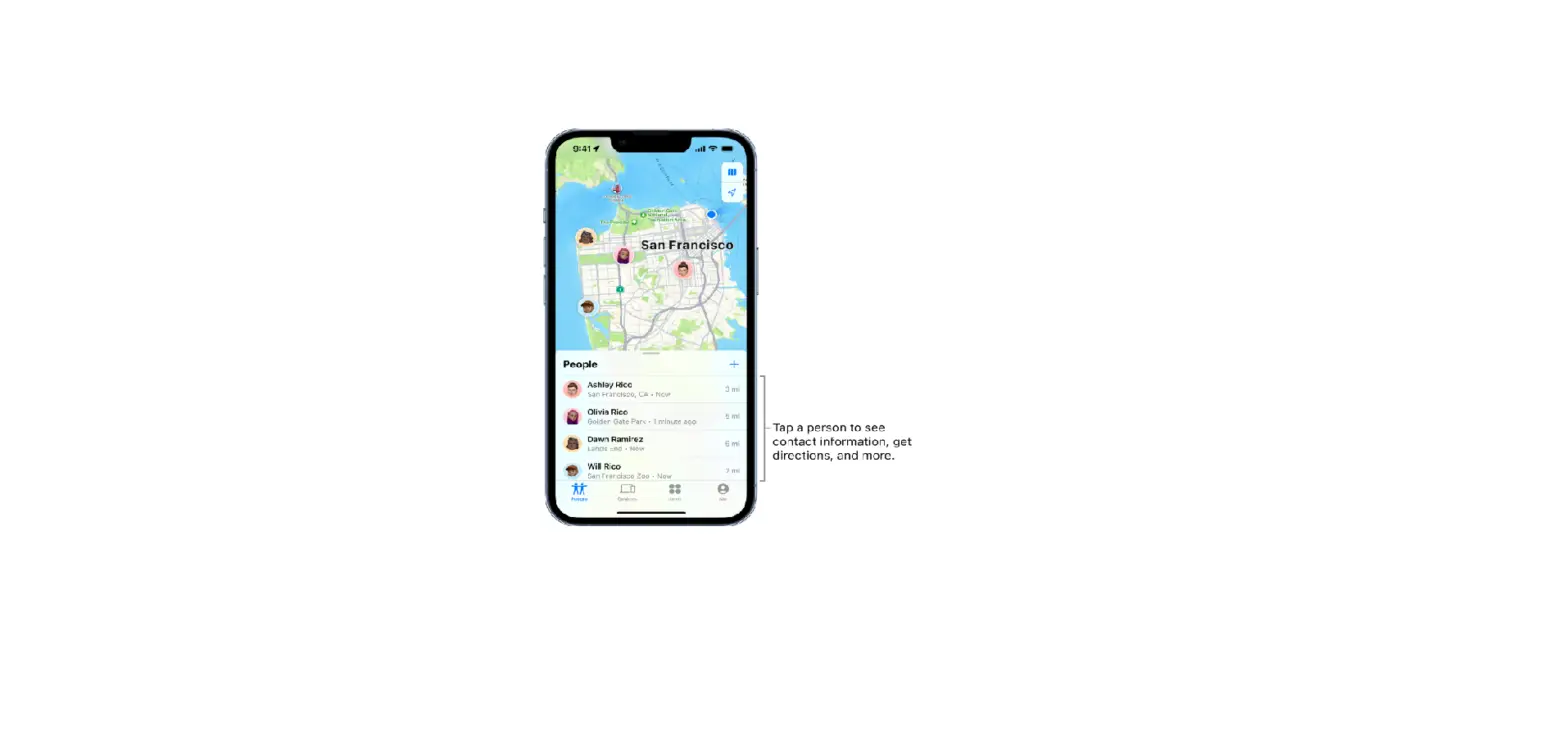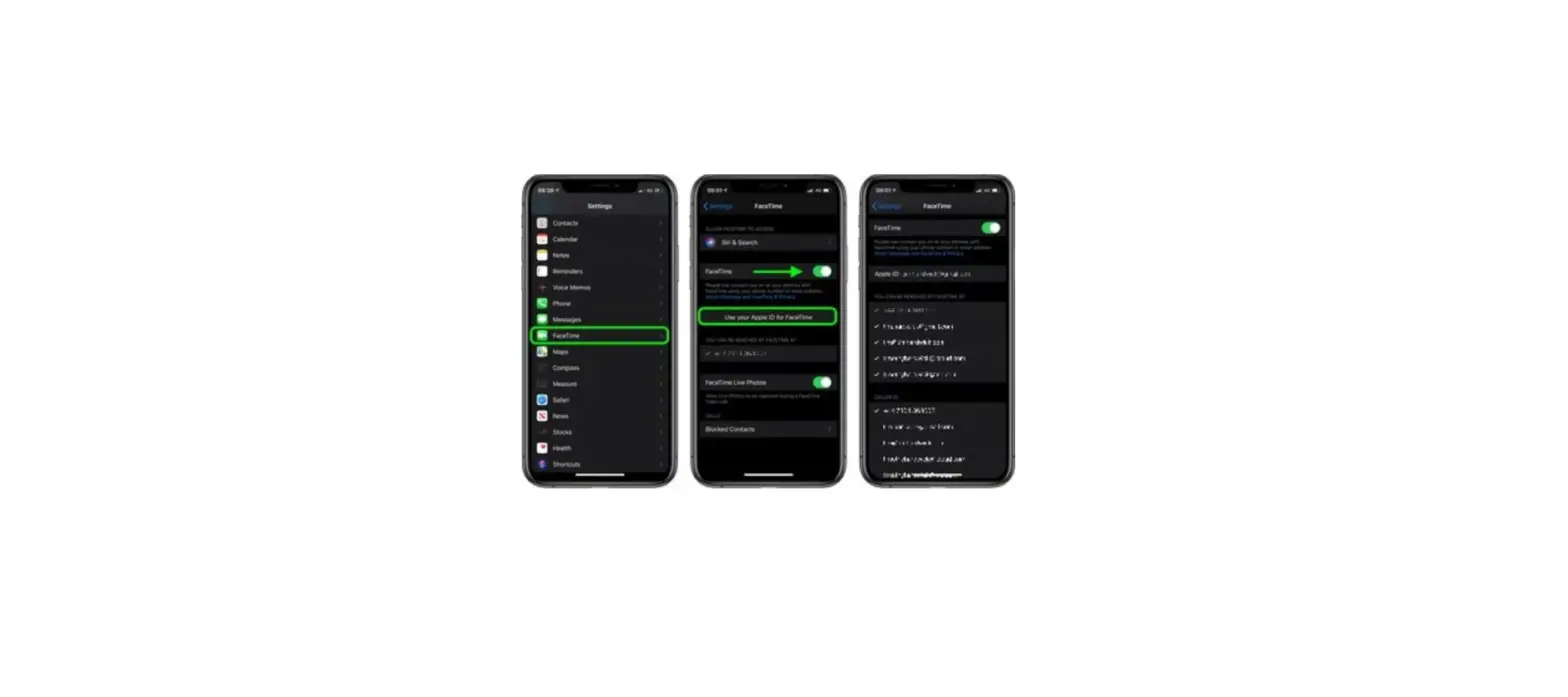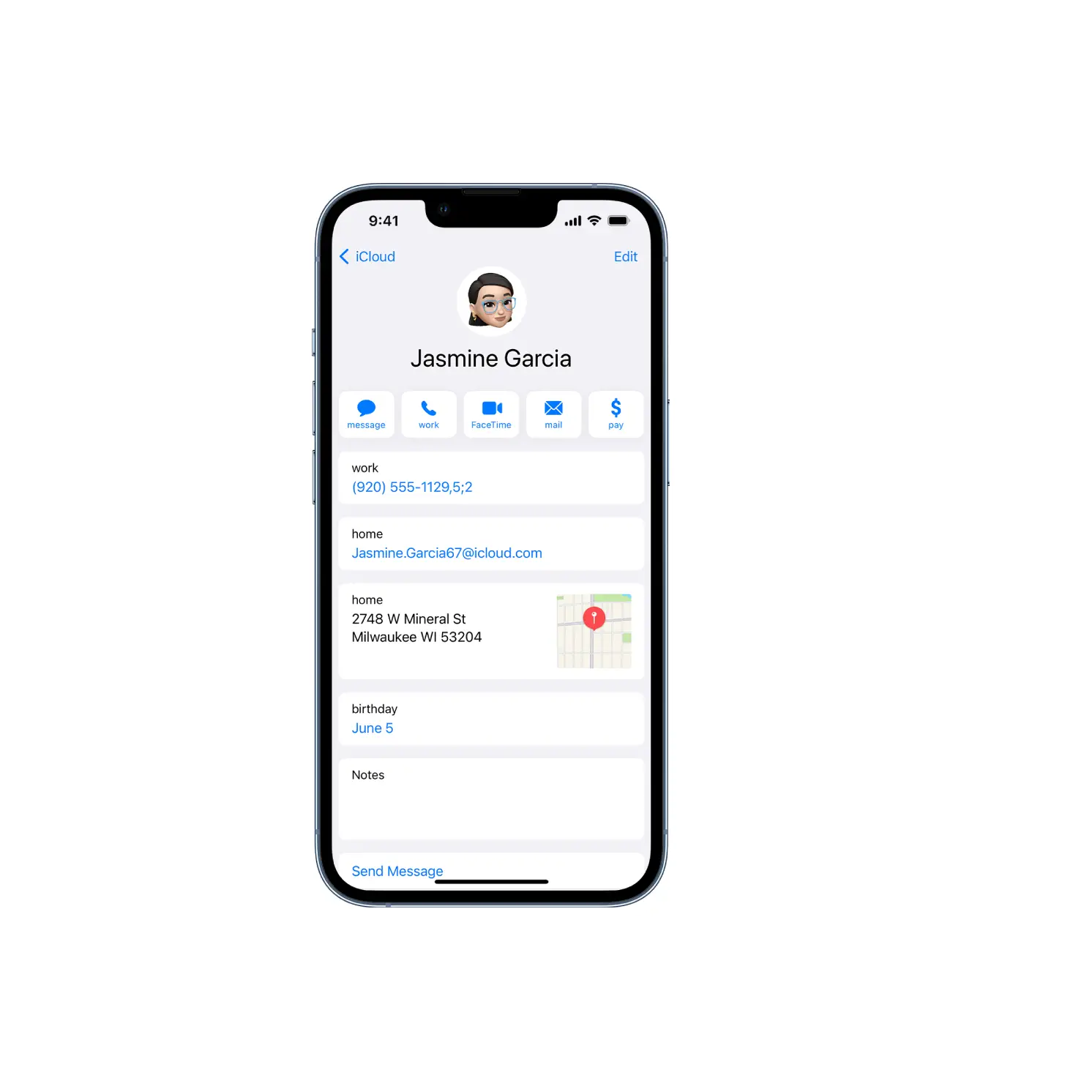
Tap My Card at the top of your contacts list, then tap Edit. Contacts suggests addresses and phone numbers to help you set up My Card.
If there is no My Card, tap  , then enter your information. Next, go to Settings
  > Contacts > My Info, then tap your name in the Contacts list.