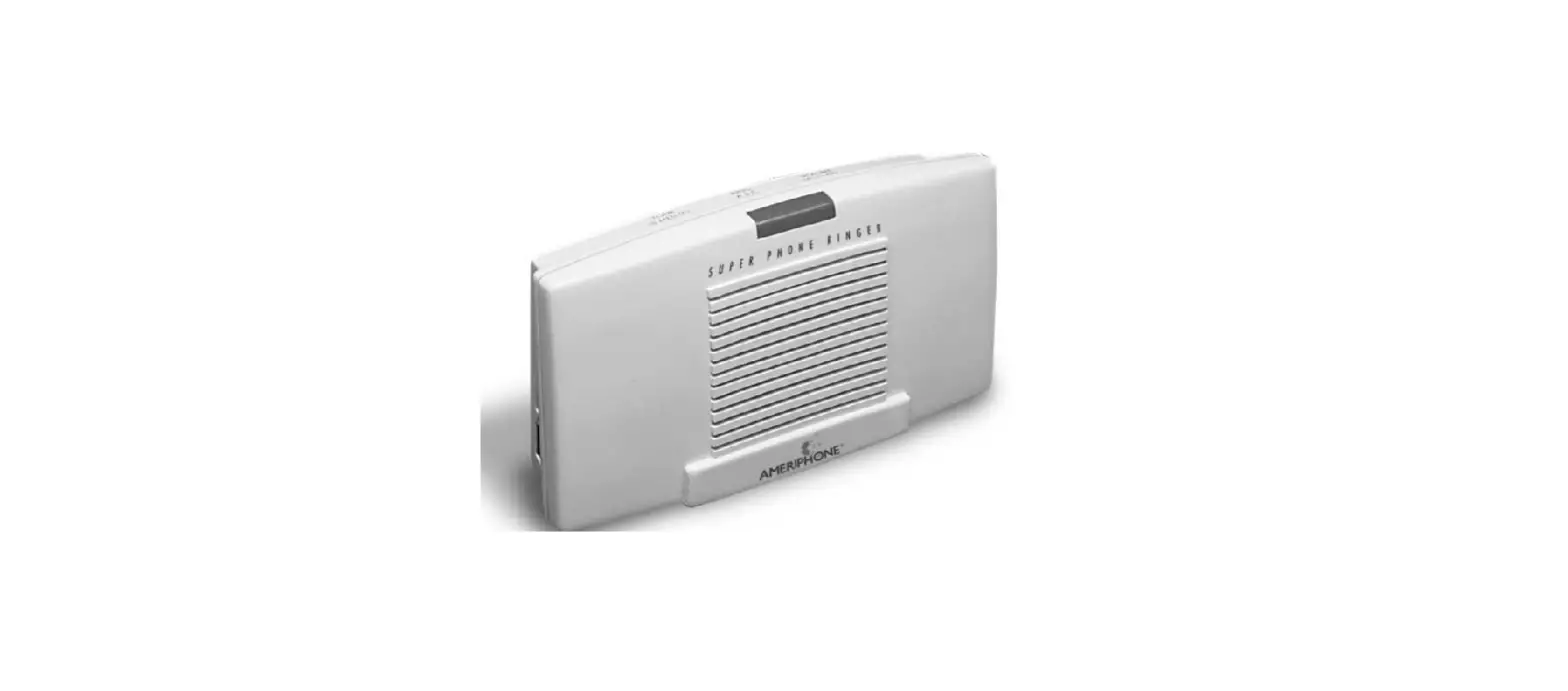

SERENE innovations CA-CX Central Alert Cell Phone Ringer or Flasher
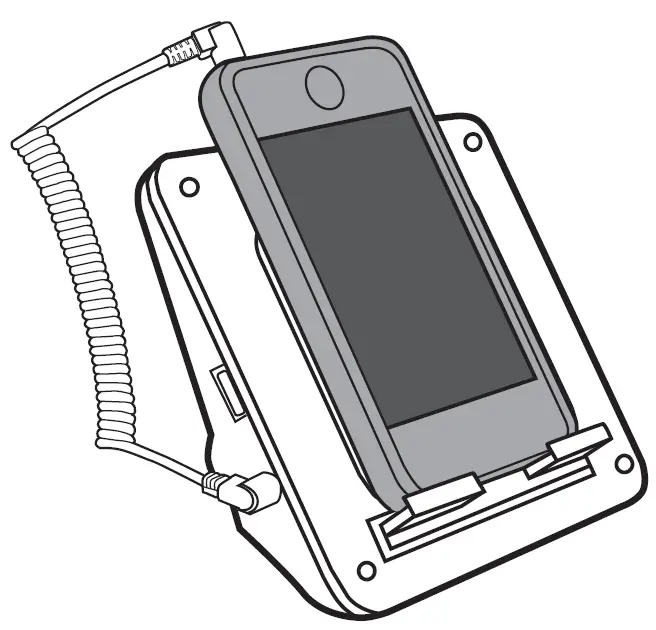
Quick Start Guide
Cell Phone Ringer/Flasher
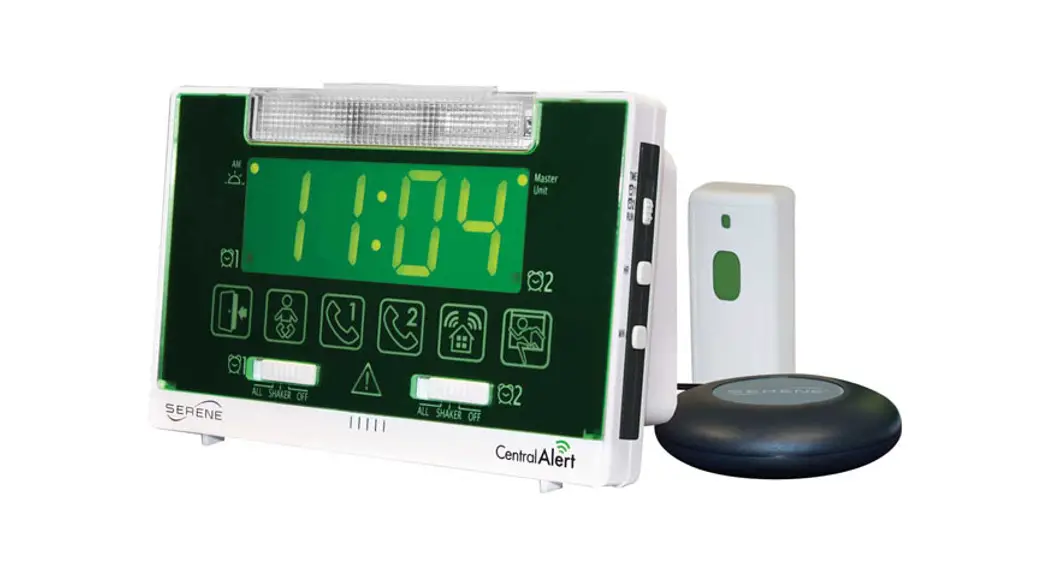
The CA-CX is an accessory for the CentralAlert™ Model CA-360 Wireless Notification System or Model CA-RX Remote Receiver. Please consult your Operating Guide for instructions on how to pair the CA-CX to the CA-360 or the CA-RX.
Connection:
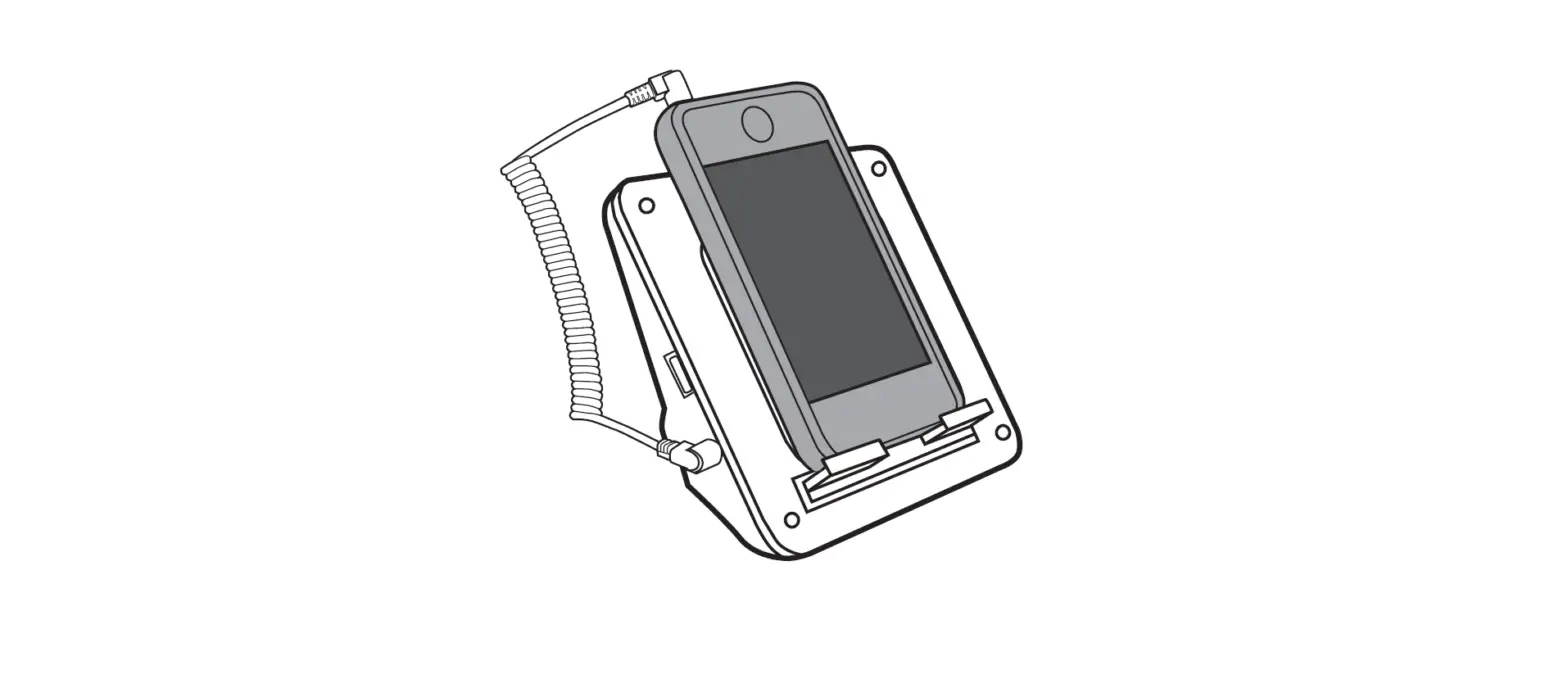
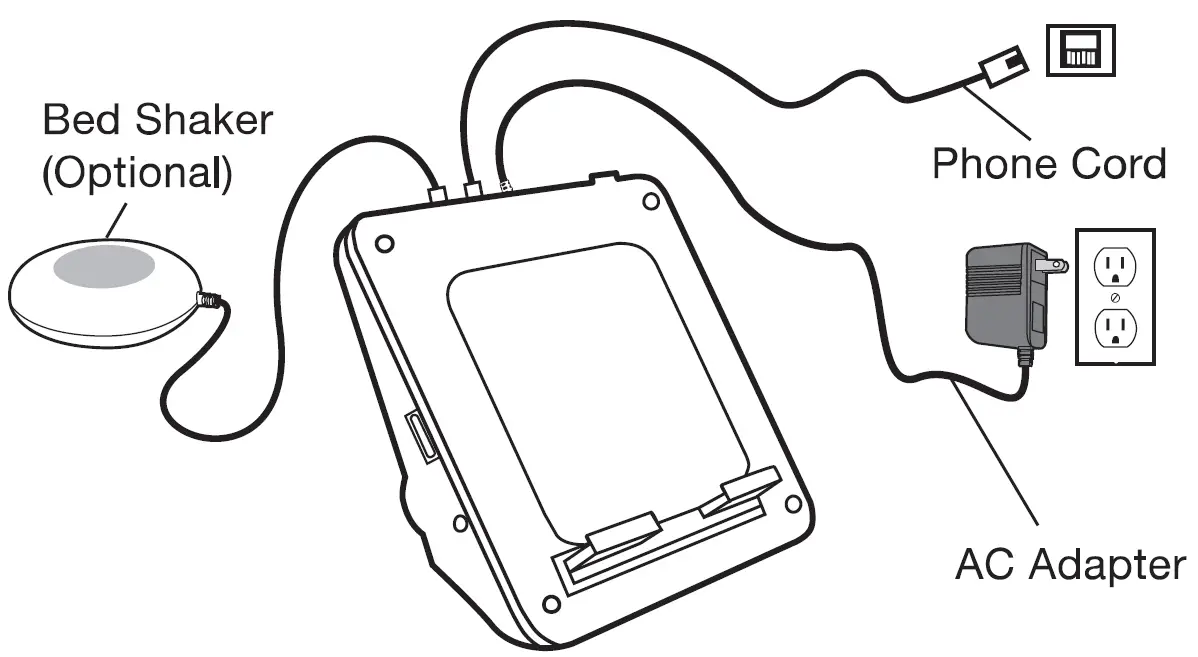
- Connect the CA-CX as shown.

Cell Phone Call Alert:
- Set cell phone ring to “Vibrate” (with or without ringtone) and place it on the CA-CX.
- When your cell phone rings, lift cell phone to answer and press RESET on CA-CX to reset.
- If you did not answer, the flasher light will blink slowly to indicate that you have missed a call.
SMS Message Alert:
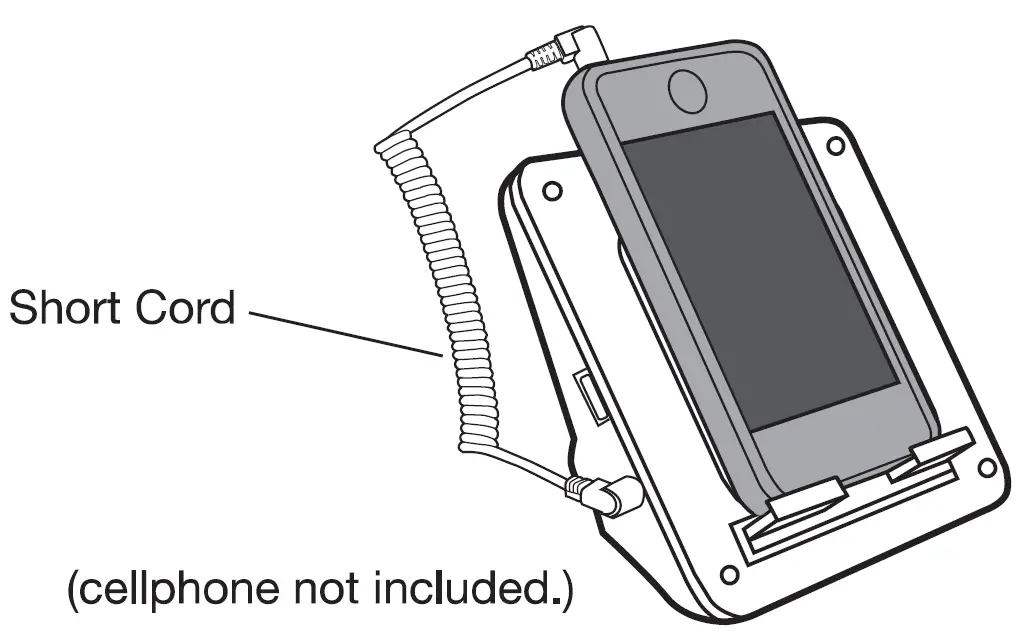
- Set cell phone to ringtone (with or without vibrate) and place it on the CA-CX. Connect the short cord as shown.
- When SMS is received, lift cell phone to review. Press RESET on the CA-CX to reset.
- If you did not answer, the flasher light will blink slowly to indicate that you have missed a call.
Charging Your Cell Phone:
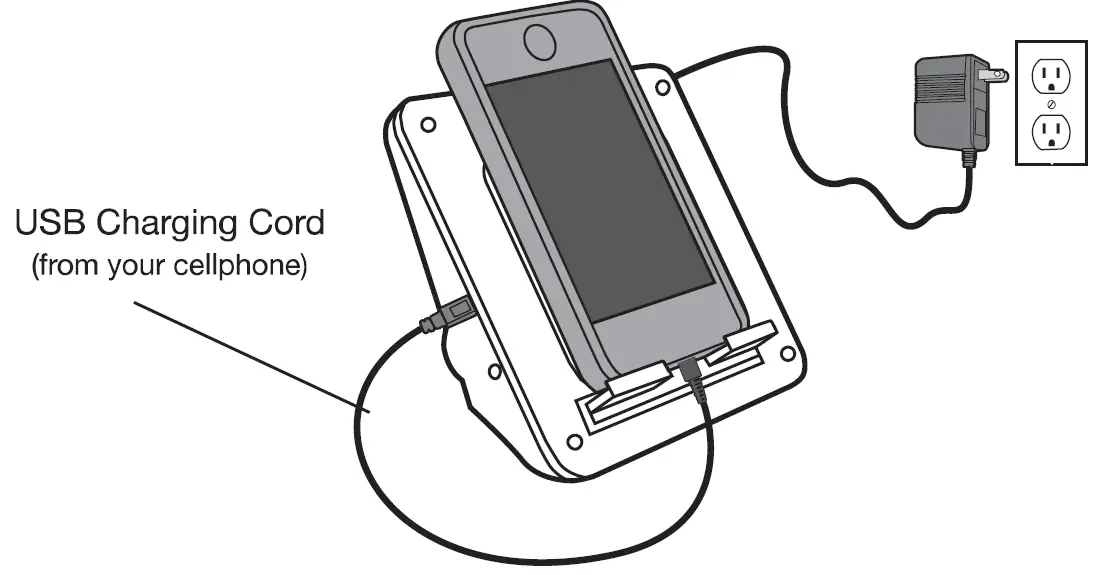
- Connect your cell phone charging cable as shown.

Landline Call Alert:
When your landline phone rings, lift hand set to answer.
Need Help?
Call Toll-free Help Line: 866-376-9271 (9AM – 5PM PST, M-F) VISIT OUR WEB SITE AT: www.sereneinnovations.com