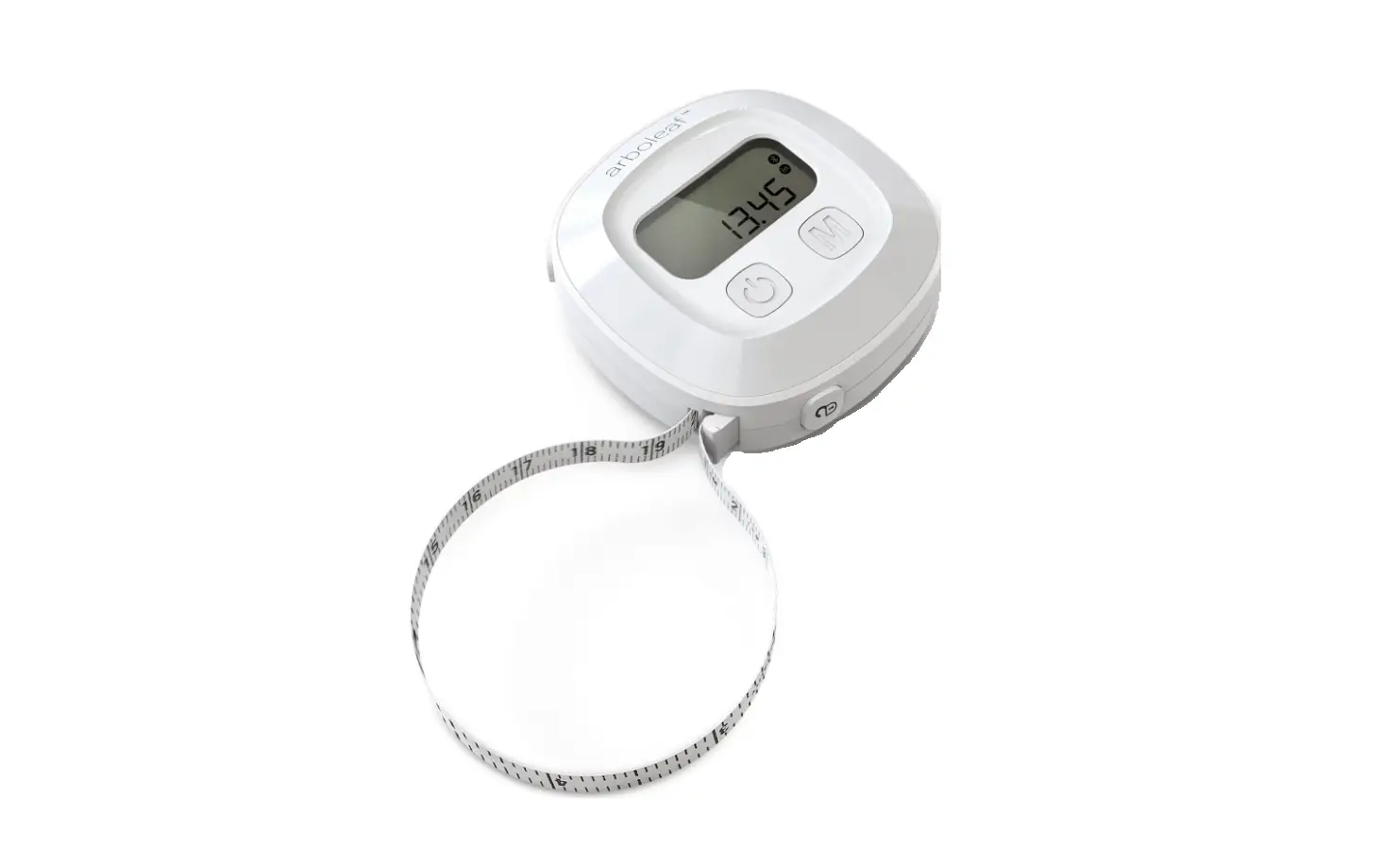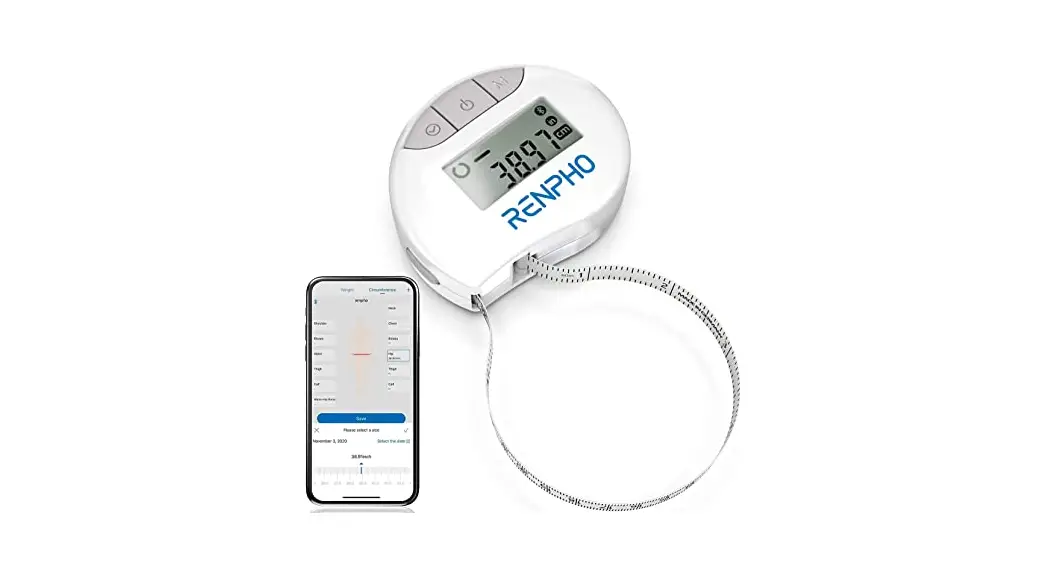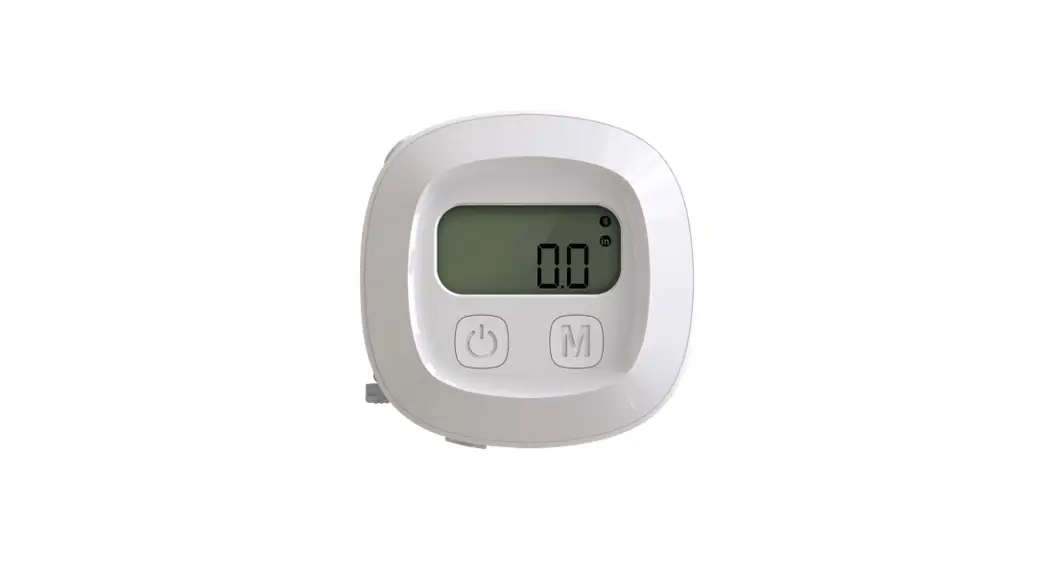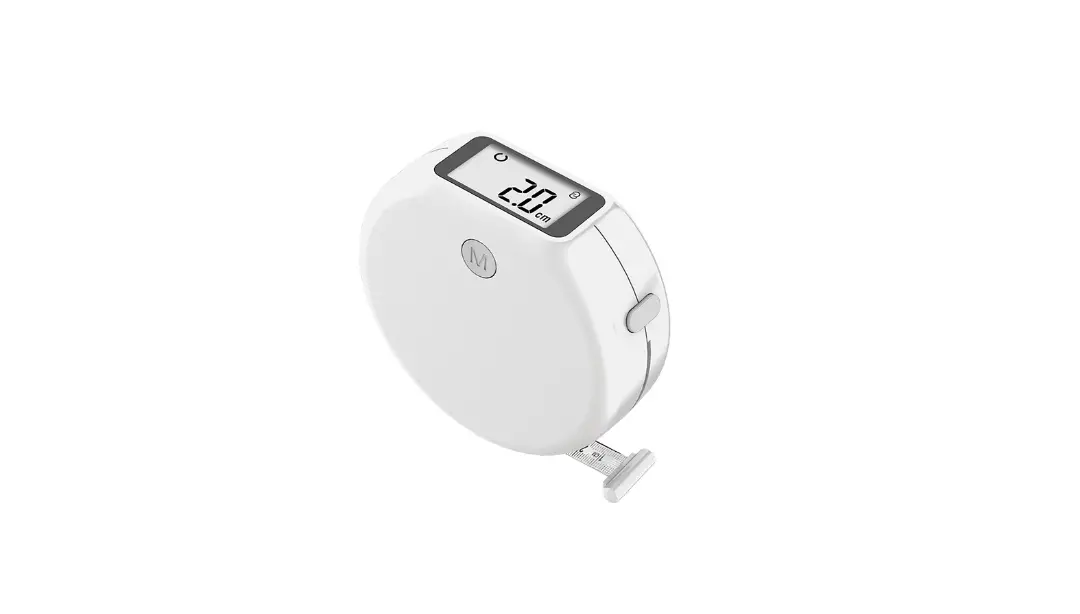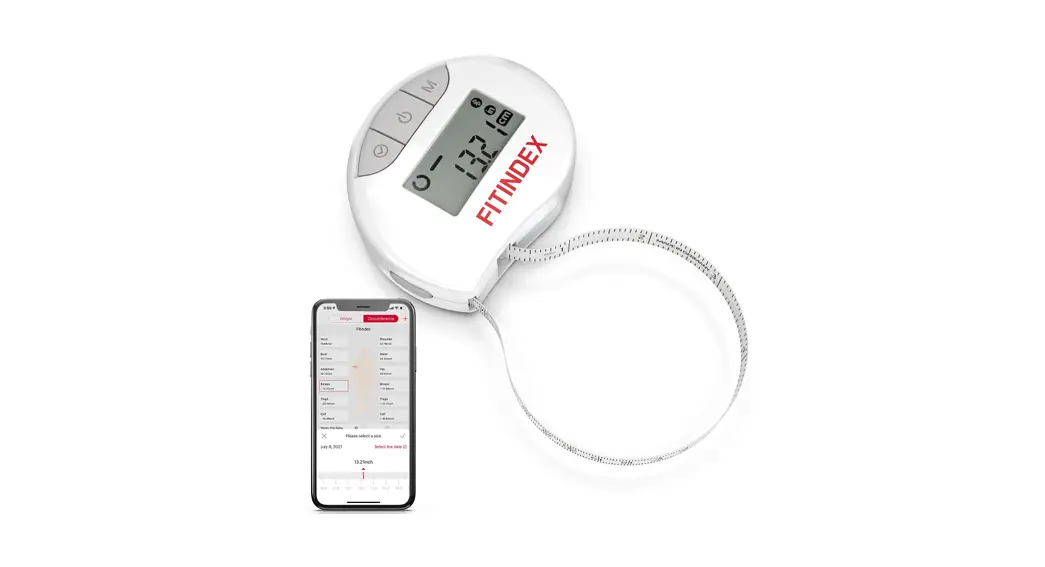
 Smart Body Tape Measure
Instruction Manual
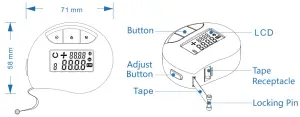
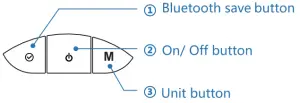
- Short press: confirm the measurement and send to the APP via Bluetooth
- Short press: power on/off
- Short press: switch between inches and centimeters
TECHNICAL DATA
| Unit | cm/in |
| Accuracy | 2% |
| Resolution | 1mm |
| Measuring Range | 1500mm |
| Working Temperature | -0°C~50°C (32°F~122°F) |
| Working Humidity | ≤85% |
| Battery | CR2032 |
INSTALL THE BATTERY
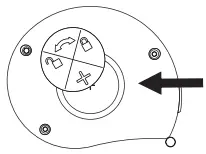
Press and rotate the battery door anticlockwise. The battery door will be open. Insert the battery. Make sure the positive pole faces up.
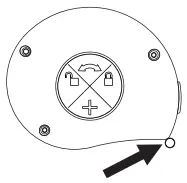
Close the battery door clockwise.
How to use
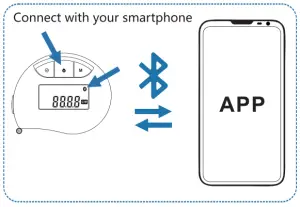
Short press the “on/off” button, turn it on. Bluetooth is not connected if the Bluetooth icon flashes continuously.
Open the APP, follow the prompts to bind the device, the Bluetooth icon will be bright after the connection is successful.
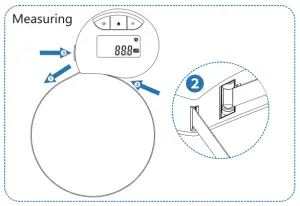
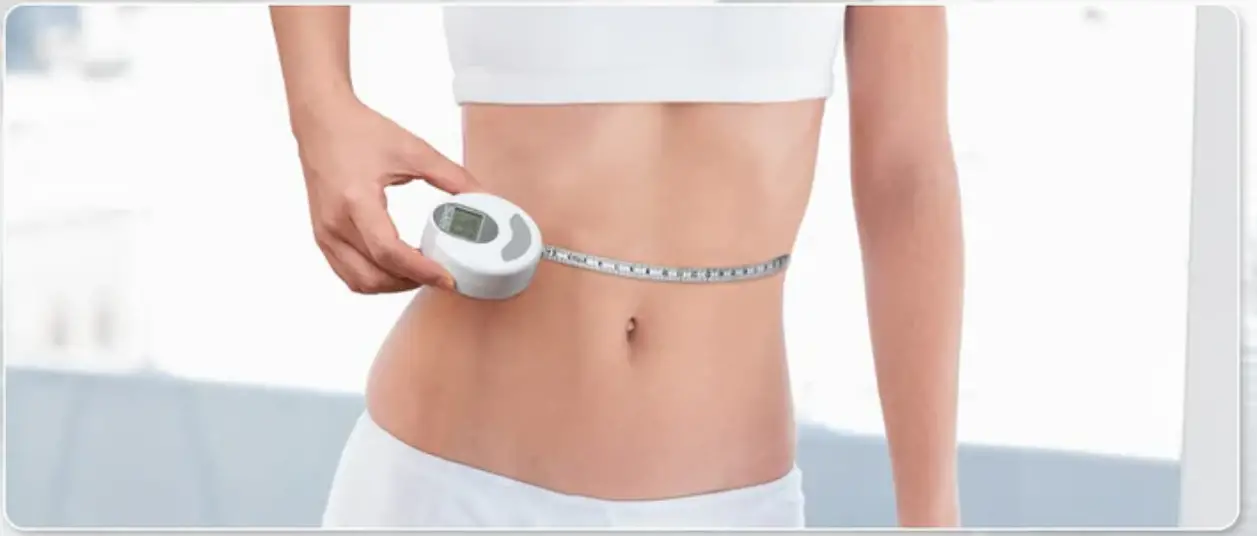
- Pull the tape and wrap it around the body part.
- Insert the locking pin into the tape receptacle.
- Press and hold the ADJUST button until the tape has fully retracted around the body part.
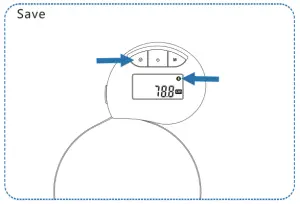
Press to confirm the measurement and send it to the APP.
The Bluetooth icon  on the display will flash twice.
TROUBLESHOOTING
| Problem | Possible Cause | Solution |
| No display or ambiguous | Lower voltage, no battery, or incorrect installation of battery | Reinstall battery or replace the battery |
| Erratic display | Casual misfunction caused by high vibration or strongly swinging | Zero setting |
| Number skip or frozen display | Internal error | Remove battery wait 1 minute and replace |
Caution: The user is cautioned that changes or modifications not expressly approved by the party responsible for compliance could void the user’s authority to operate the equipment.
This device complies with Part 15 of the FCC Rules. Operation is subject to the following two conditions: (1) this device may not cause harmful interference, and (2) this device must accept any interference received, including interference that may cause undesired operation.
NOTE: This equipment has been tested and found to comply with the limits for a Class B digital device, pursuant to Part 15 of the FCC Rules. These limits are designed to provide reasonable protection against harmful interference in a residential installation. This equipment generates, uses, and can radiate radio frequency energy and, if not installed and used in accordance with the instructions, may cause harmful interference to radio communications. However, there is no guarantee that interference will not occur in a particular installation. If this equipment does cause harmful interference to radio or television reception, which can be determined by turning the equipment off and on, the user is encouraged to try to correct the interference by one or more of the following measures:
- Reorient or relocate the receiving antenna.
- Increase the separation between the equipment and receiver.
- Connect the equipment into an outlet on a circuit different from that to which the receiver is connected.
- Consult the dealer or an experienced radio/TV technician for help.
FCC Radiation Exposure Statement
This equipment complies with FCC radiation exposure limits set forth for an uncontrolled environment.
This transmitter must not be co-located or operating in conjunction with any other antenna or transmitter.