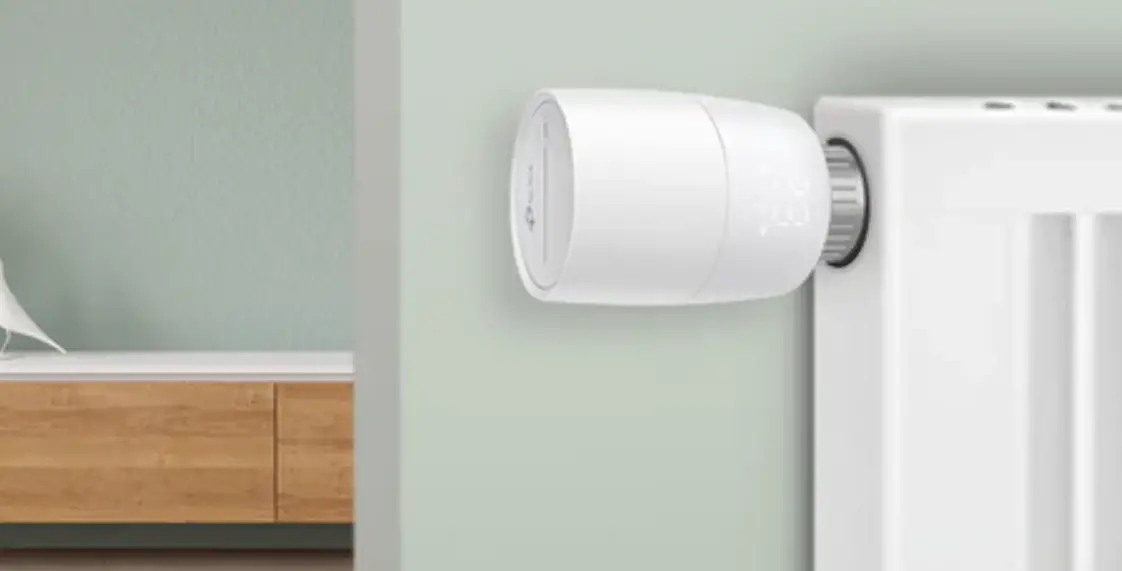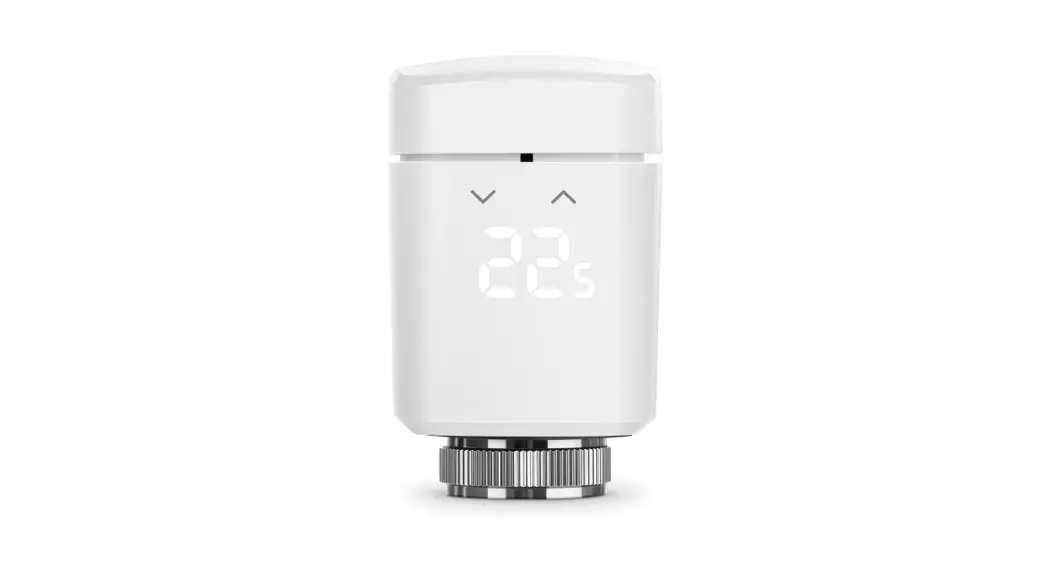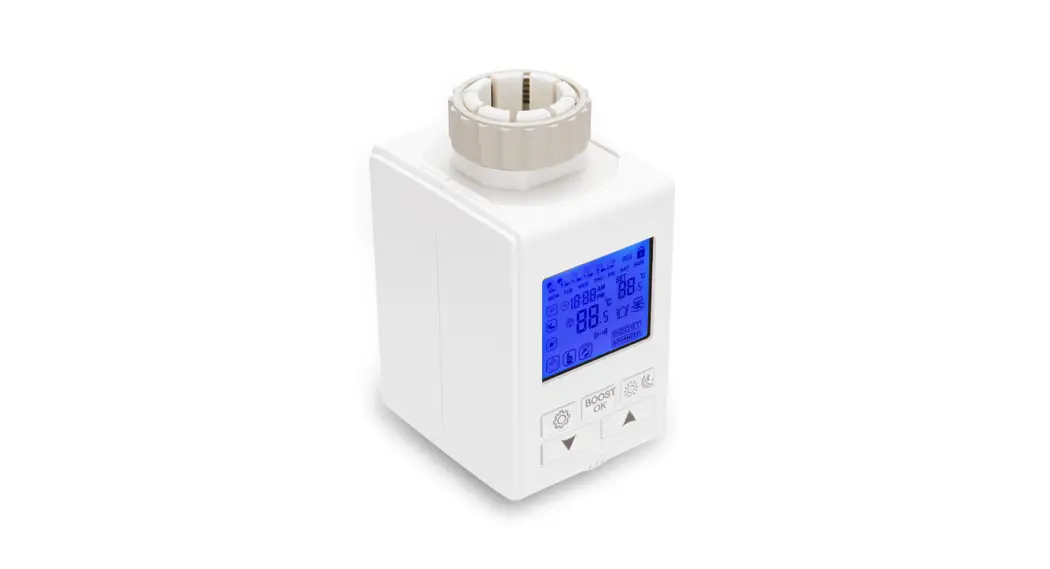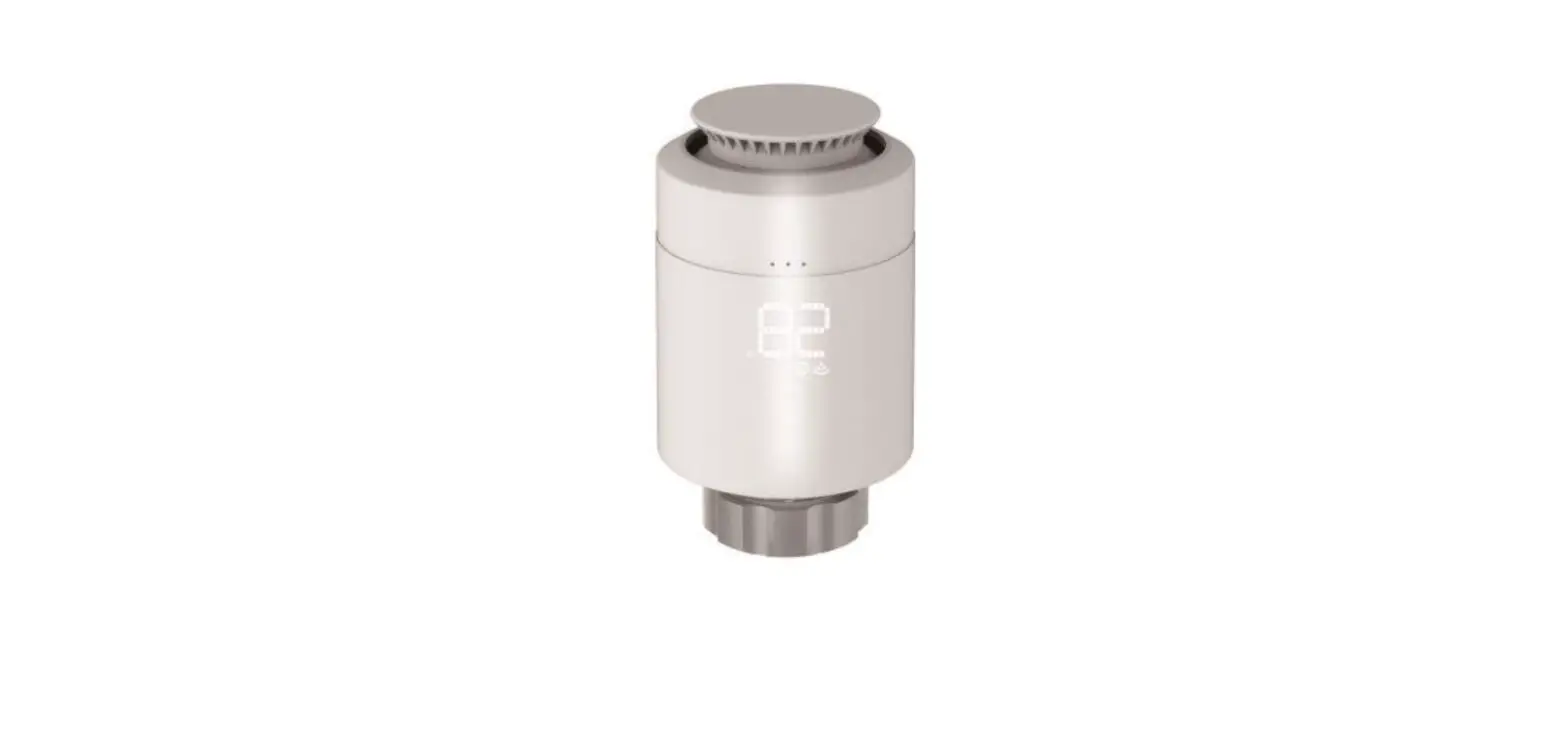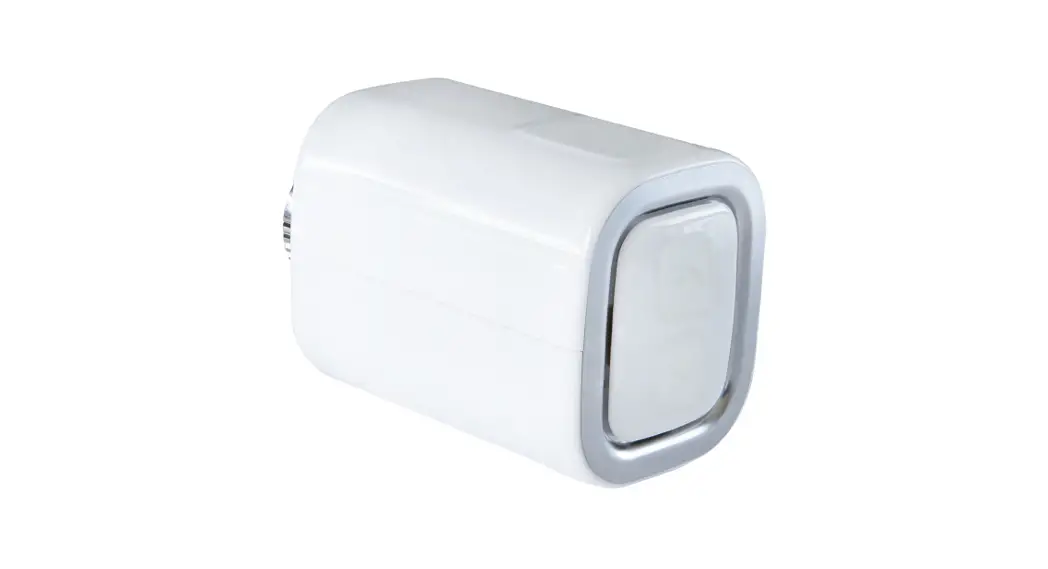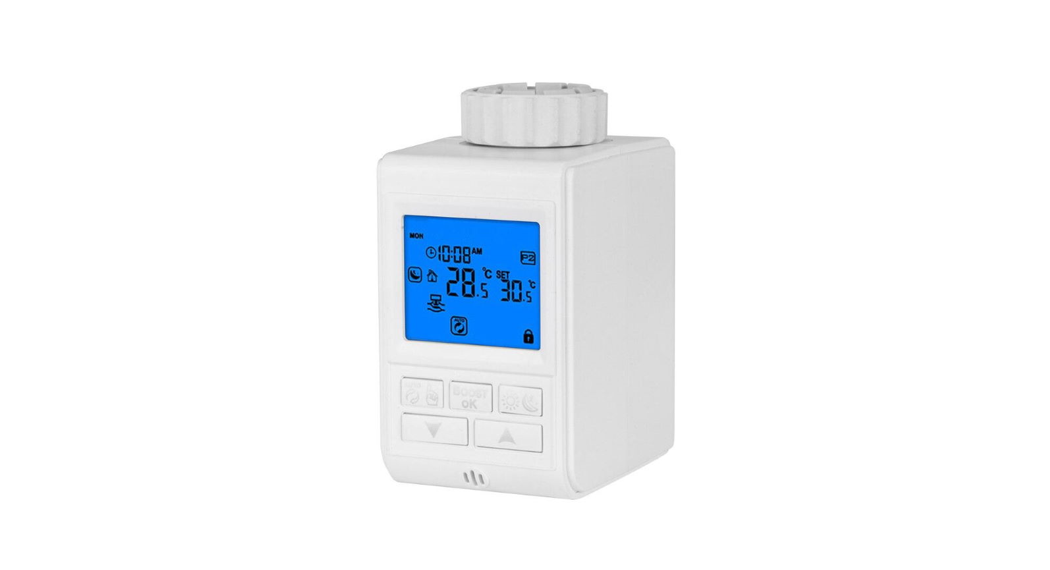


Smart Thermostatic Radiator Valve
Quick Start Guide
Smart Thermostatic Radiator Valve

 Install Guide: Scan QR code or visit https://www.tp-link.com/support/faq/3404/
Check Compatibility
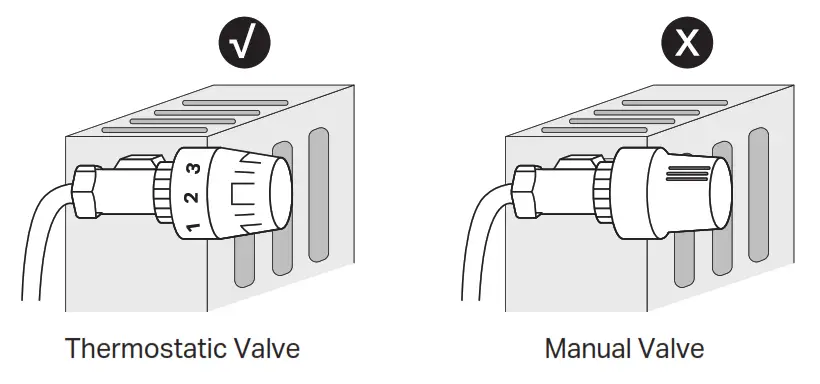
- Check existing valve type
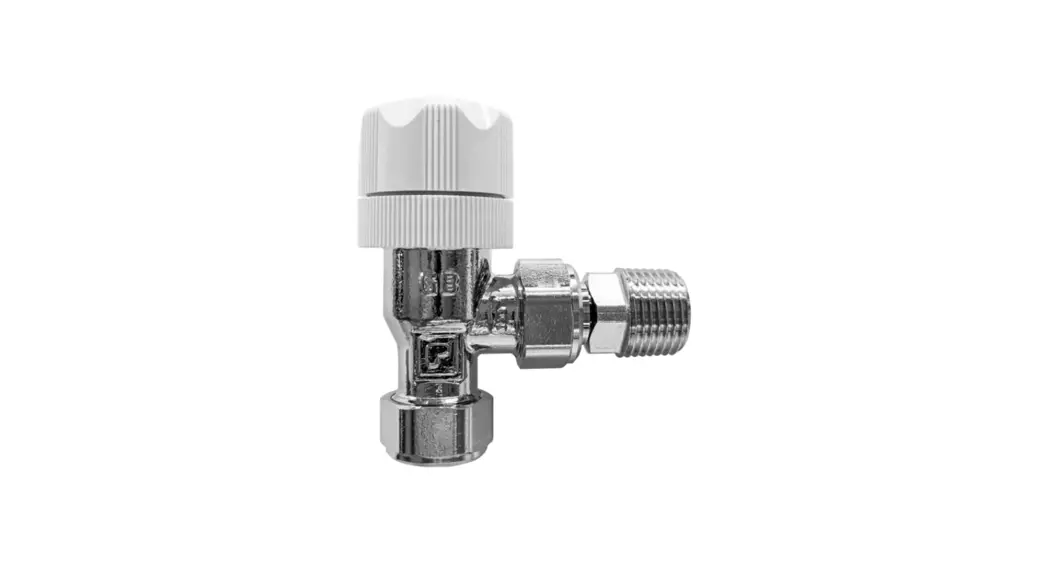
There are two types of valves: Thermostatic and Manual. Kasa Smart Thermostatic Radiator Valve is only compatible with the thermostatic valve.
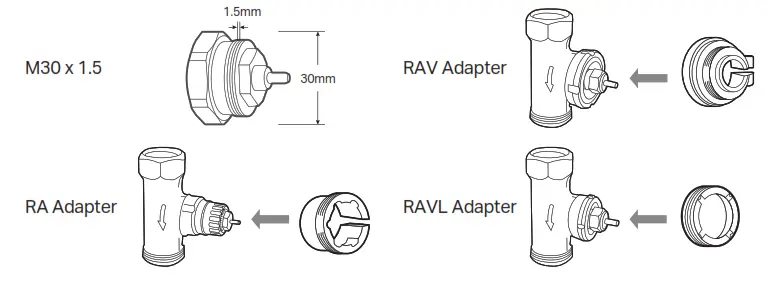
- Check the connector type
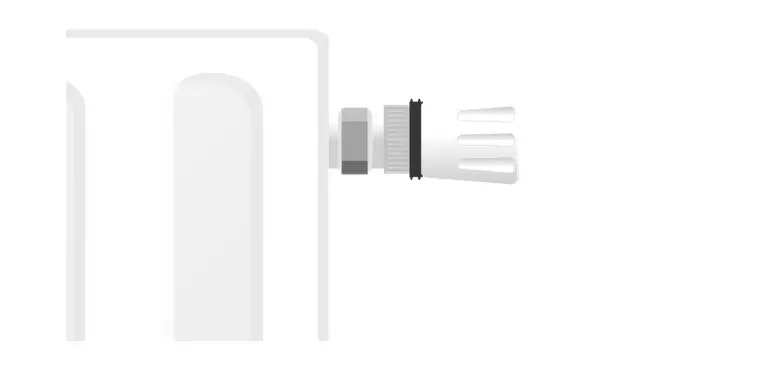
If your connector is M30 x 1.5, you can screw the new valve onto the radiator directly.
If not, check whether one of the provided adapters fits the connector. If your none of them fit your connector, please purchase a proper one yourself.
Install Requirements
Read the following instructions first before installing the new valve:
- Install the valve first before powering it up.
- No need to shut off water before changing the radiator valve. Water will not leak.
- Avoid installing the valve in the same room where you have installed the boiler thermostat.
- Install the valve within range of your Kasa smart hub if you wish to control it using the Kasa Smart app.
Install the Valve
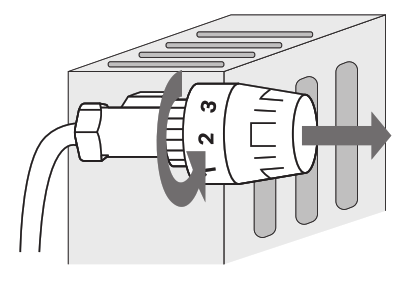
- Unscrew the existing valve.

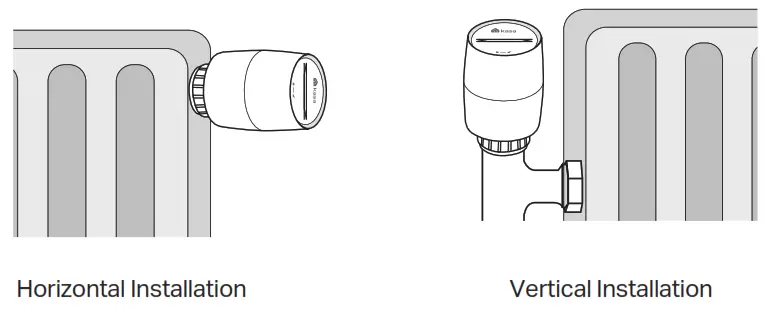
- Screw the new valve directly (for M30 x 1.5 connector) or after installing the proper adapter (for non-M30 x 1.5 connectors). The ▲ at the bottom of the valve indicates the position of the display.

- Remove the cover of the valve by rotating counterclockwise using the provided cover-opener.

- Open the battery cover and insert two AA LR6 Alkaline batteries. Make sure the positive and negative terminals face the correct direction.
 *Do NOT use rechargeable batteries or 1.2V AA batteries.
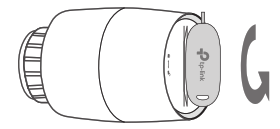
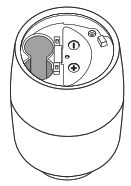 *Do NOT use rechargeable batteries or 1.2V AA batteries.
Set Up the Valve After Install
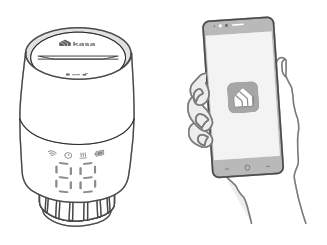
If you want to remotely control / manage the valve, you need to add a Kasa smart hub first.
- Set up a Kasa smart hub in the Kasa Smart app if you haven’t already done so. You can get the Kasa Smart app from the App Store or Google Play.
 http://www.tp-link.com/common/promos/app_kasa.html?ref=QRCode
 - Use the provided cover-opener to press and hold the SYNC/RESET button for 5 seconds to reset the valve.

- Open the Kasa Smart app, tap + and select Smart Thermostats. Follow the app instructions to pair the valve and complete setup.

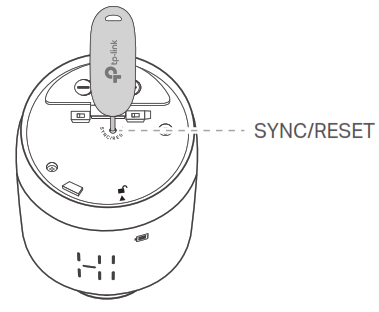
Don’t Have a Hub?
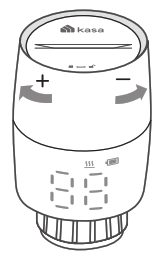
You can adjust temperature manually.
After inserting the batteries, the valve is ready to use.
Rotate the valve to increase / decrease temperature.
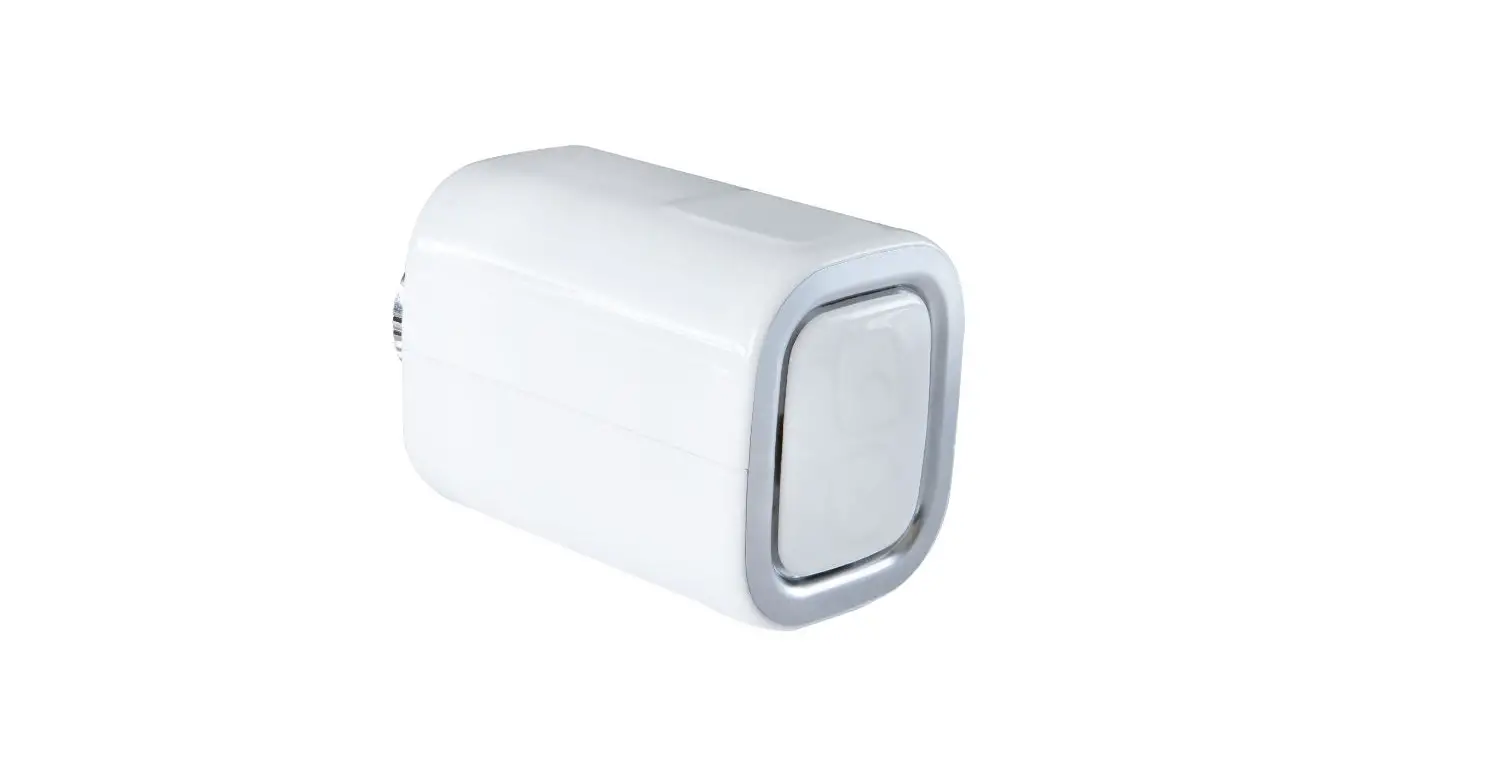
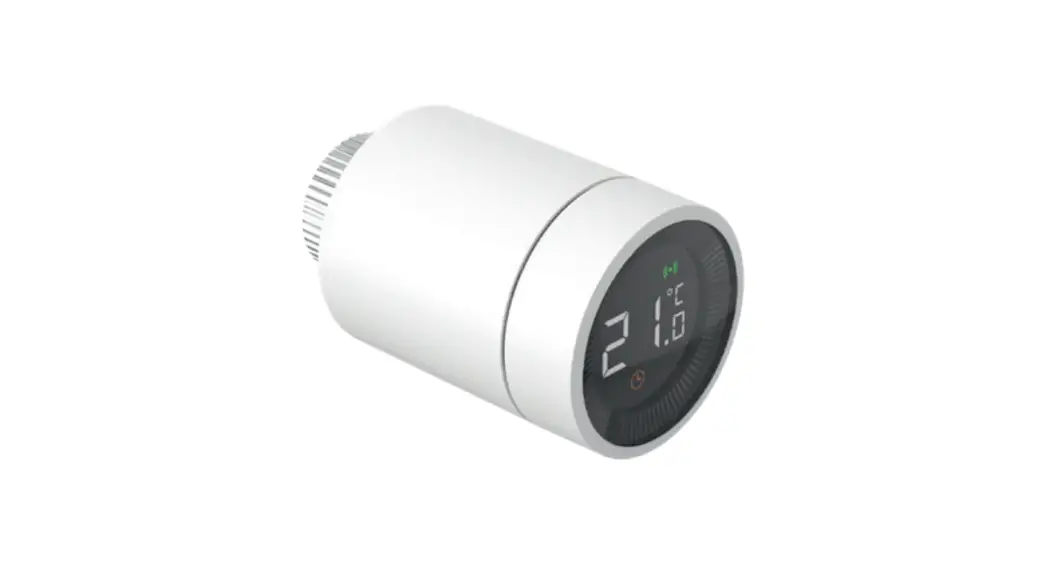
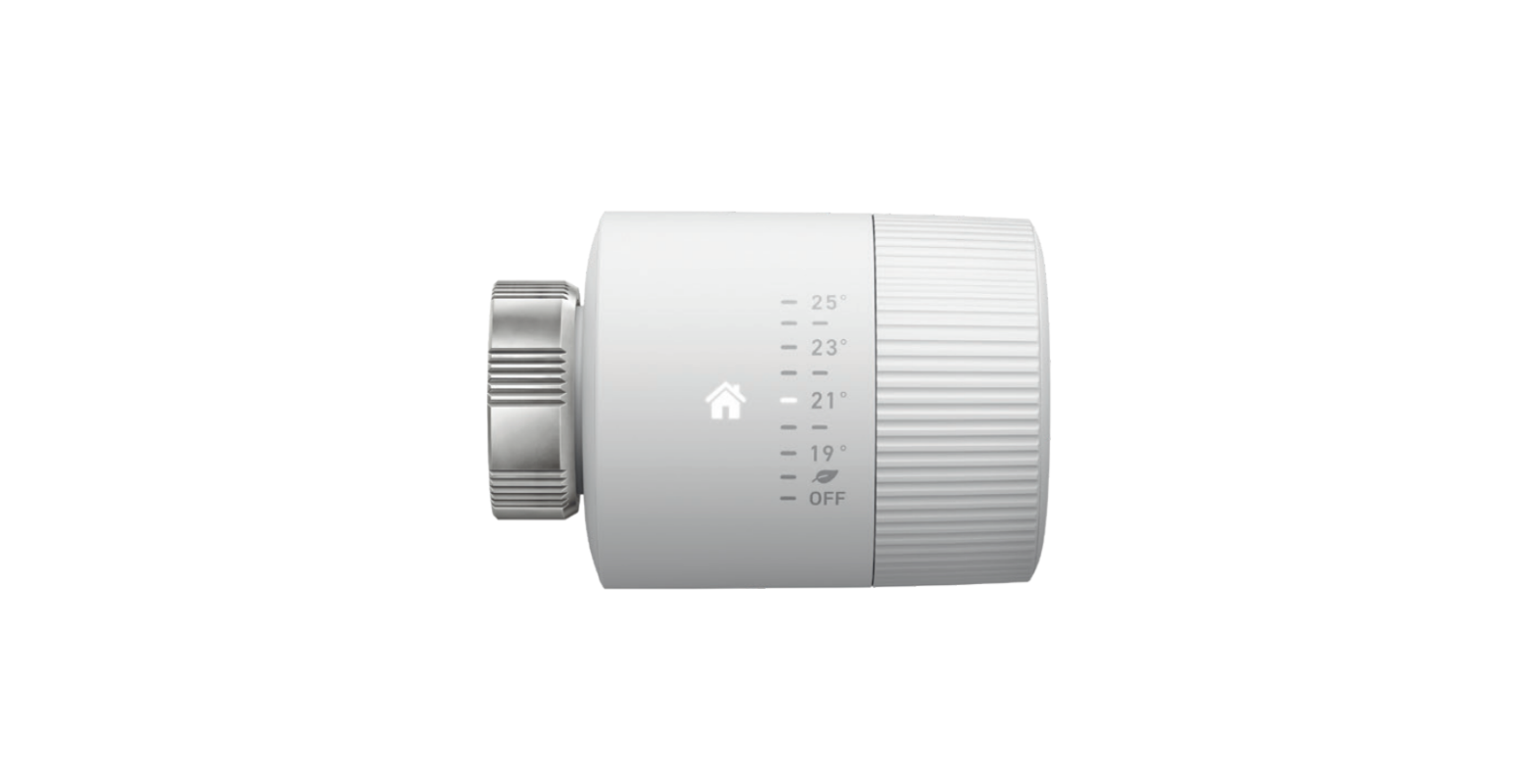
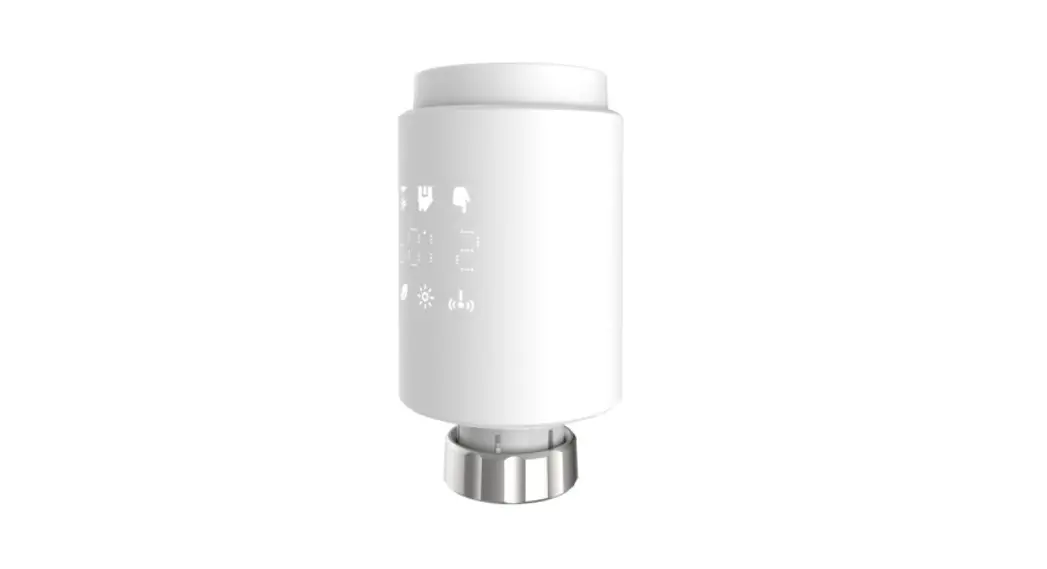
Appearance
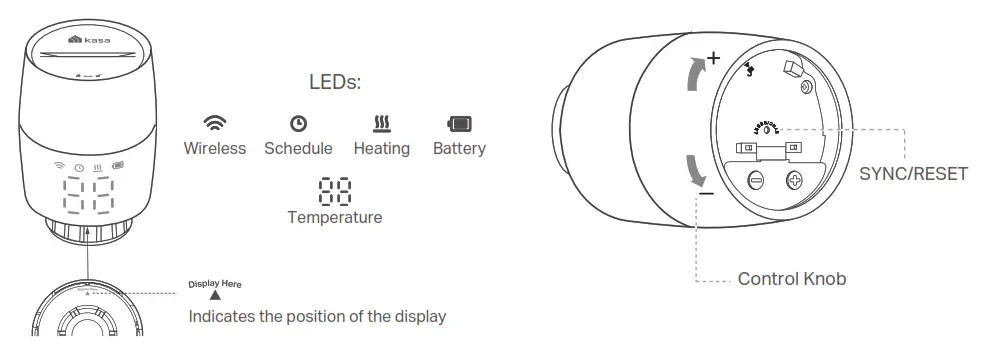
Button Explanations
| Button | Operation | Result |
| Control Knob | Rotate clockwise | Raise temperature. |
| Rotate counterclockwise | Lower temperature. | |
| Rotate with no shown display | Activate the display. Then you can rotate to adjust the temperature. | |
| SYNC/ RESET | Press and hold for 5 seconds | Restore to factory default settings, and enter pairing mode. |
LED Explanations
| LED | LED Status | Event |
 Wireless Wireless | Blinking slowly | Ready to be paired; Offline |
| Blinking fast | Pairing; Device resetting | |
| Solid on | Pairing complete | |
 Schedule Schedule | Solid on | Adjust temperature based on your schedule |
 Heating Heating | Solid on | Raise temperature |
| LED is off | Keep/lower temperature | |
 Battery Battery | Blinking | Low battery |
| Solid on | Sufficient battery power |
! Battery Instructions
Compatible Batteries:
| Battery Type | Battery Voltage | Work Temp. |
| AA LR6 alkaline batter | 1.5V | 0 ℃ -40 ℃ |
Note: Do NOT use rechargeable batteries or 1.2V AA batteries.
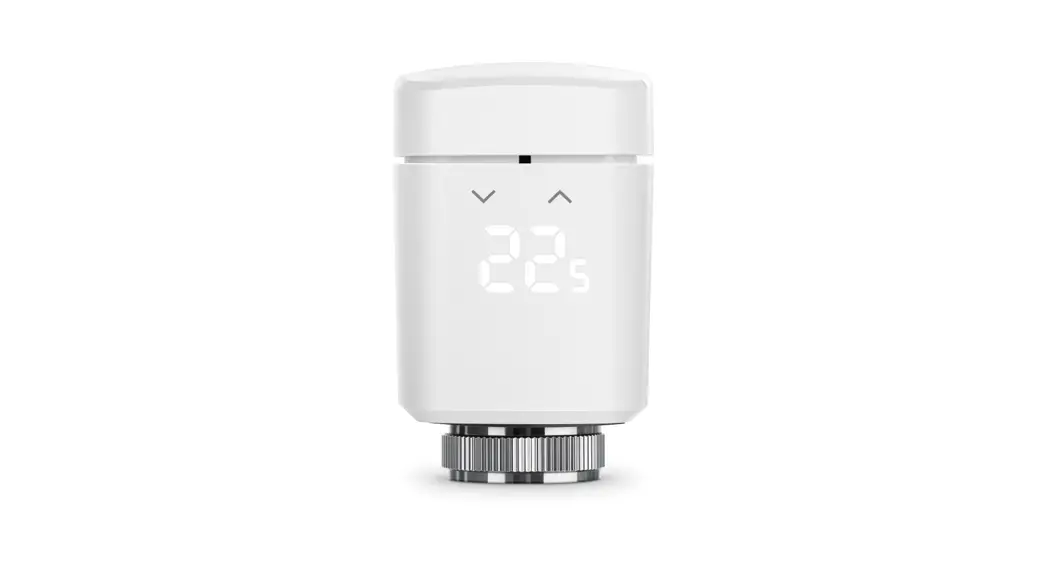
| LED | LED Status | Event |

Temperature | Blinking 88 twice, then blinking  , finally displaying normal temperature , finally displaying normal temperature | Starting up |
| Moving light, then displaying normal temperature | Calibrating | |
Switching between  and the normal temperature and the normal temperature | Child lock enabled | |
Switching between  and the normal temperature and the normal temperature | Frost protection | |
Displaying | Low battery: Valve can’t work properly | |
Displaying | Sleep mode | |
Displaying | No valve detected or valve not compatible | |
Displaying | Valve blocked by calcification |
*You can rotate the LED displa y 180 ° in the Kasa Smart app.
Wireless:
Operating Frequency / Nominal Operating Frequency / Max Output Power:
863~865MHz / 863.35MHz / 25mW(e.r.p)
863~865MHz / 864.35MHz / 25mW(e.r.p)
868~868.6MHz / 868.35MHz / 25mW(e.r.p)
Safety Information
- Keep the device away from water, fire, humidity or hot environments.
- Do not attempt to disassemble, repair, or modify the device. If you need service, please contact us.
- Do not use the device where wireless devices are not allowed.
- Please read and follow the above safety information when operating the device.
- We cannot guarantee that no accidents or damage will occur due to improper use of the device. Please use this product with care and operate at your own risk.
- Do not ingest battery, Chemical Burn Hazard
- Keep new and used batteries away from children.
CAUTION!
- Avoid replacement of a battery with an incorrect type that can defeat a safeguard.
- Avoid disposal of a battery into fire or a hot oven, or mechanically crushing or cutting of a battery, that can result in an explosion.
- Do not leave a battery in an extremely high temperature surrounding environment that can result in an explosion or the leakage of flammable liquid or gas; Do not leave a battery subjected to extremely low air pressure that may result in an explosion or the leakage of flammable liquid or gas.
TP-Link hereby declares that the device is in compliance with the essential requirements and other relevant provisions of directives 2014/53/EU, 2009/125/EC, 2011/65/EU and (EU)2015/863.
The original EU declaration of conformity may be found at https://www.tp-link.com/en/support/ce/
TP-Link hereby declares that the device is in compliance with the essential requirements and other relevant provisions of the Radio Equipment Regulations 2017.
The original UK declaration of conformity may be found at https://www.tp-link.com/support/ukca/

Frequently Asked Questions (FAQ)
?– Rotate the valve, and then the valve will calibrate automatically.
– Check if the valve is installed properly.
– Check if the connector is M30 x 1.5. If not, choose a proper adapter.
?– The valve might be blocked by calcification. Use a spanner or a similar tool to move the pin in and out to unblock the valve.
– Re-install the old valve head and open/close it multiple times to improve the pin’s movement. Then, restart and remount the new valve.
– Replace the batteries.
– If the display shows  , please refer to Q1/Q2.
– If the display shows  , then the battery power is running low and the valve can’t work properly. Please replace the batteries.
– Refer to Q5 to reset the valve and set it up again.
– You can still manage the valve in the Kasa Smart app as long as your phone is connected to the same Wi-Fi network as the valve.
– Manual control still works. You can rotate the control knob to adjust temperature.
– The schedules you have set will still activate as long as the connected hub works properly.
– Remove the cover of the valve, then use the cover-opener to press and hold the SYNC/RESET button for at least 5 seconds to reset the valve.
– Open the Kasa Smart app, then remove the valve on the Home page or in Device Settings. The valve will reset automatically.

Need some help?
Visit www.tp-link.com/support
for technical support, user guides, FAQs, warranty & more
 TP-Link Product Support - Wireless Networking Equipment Support