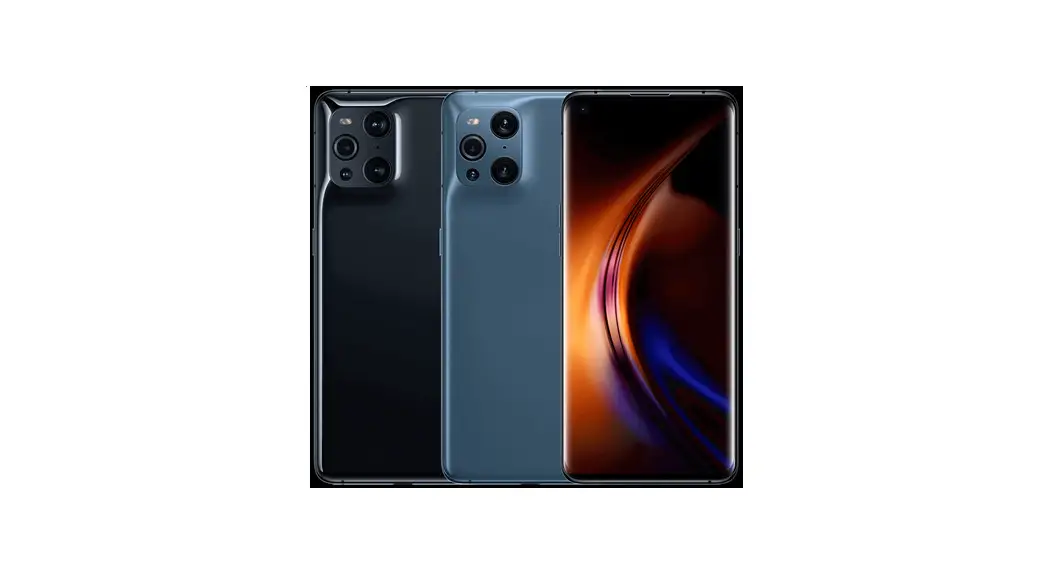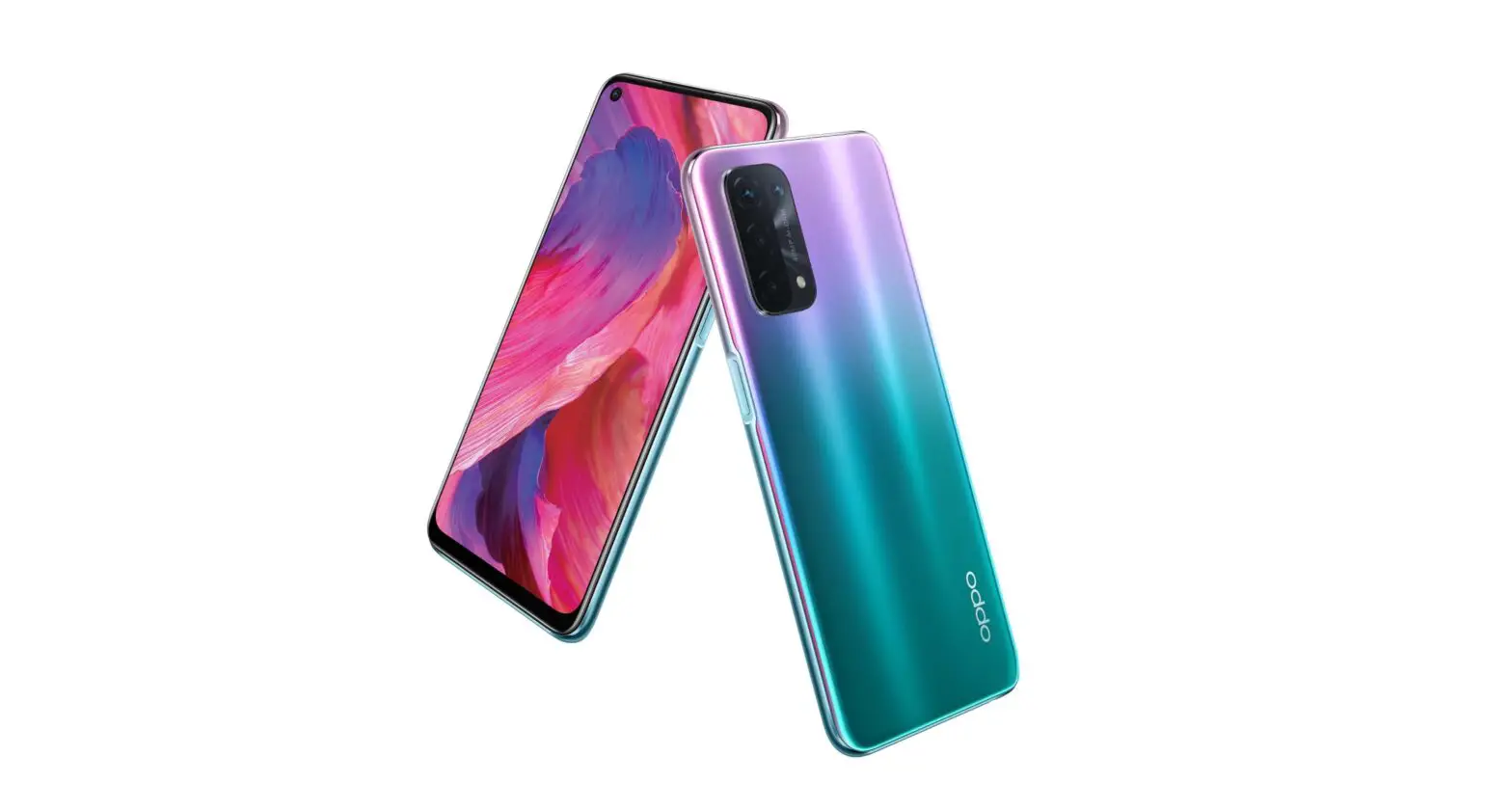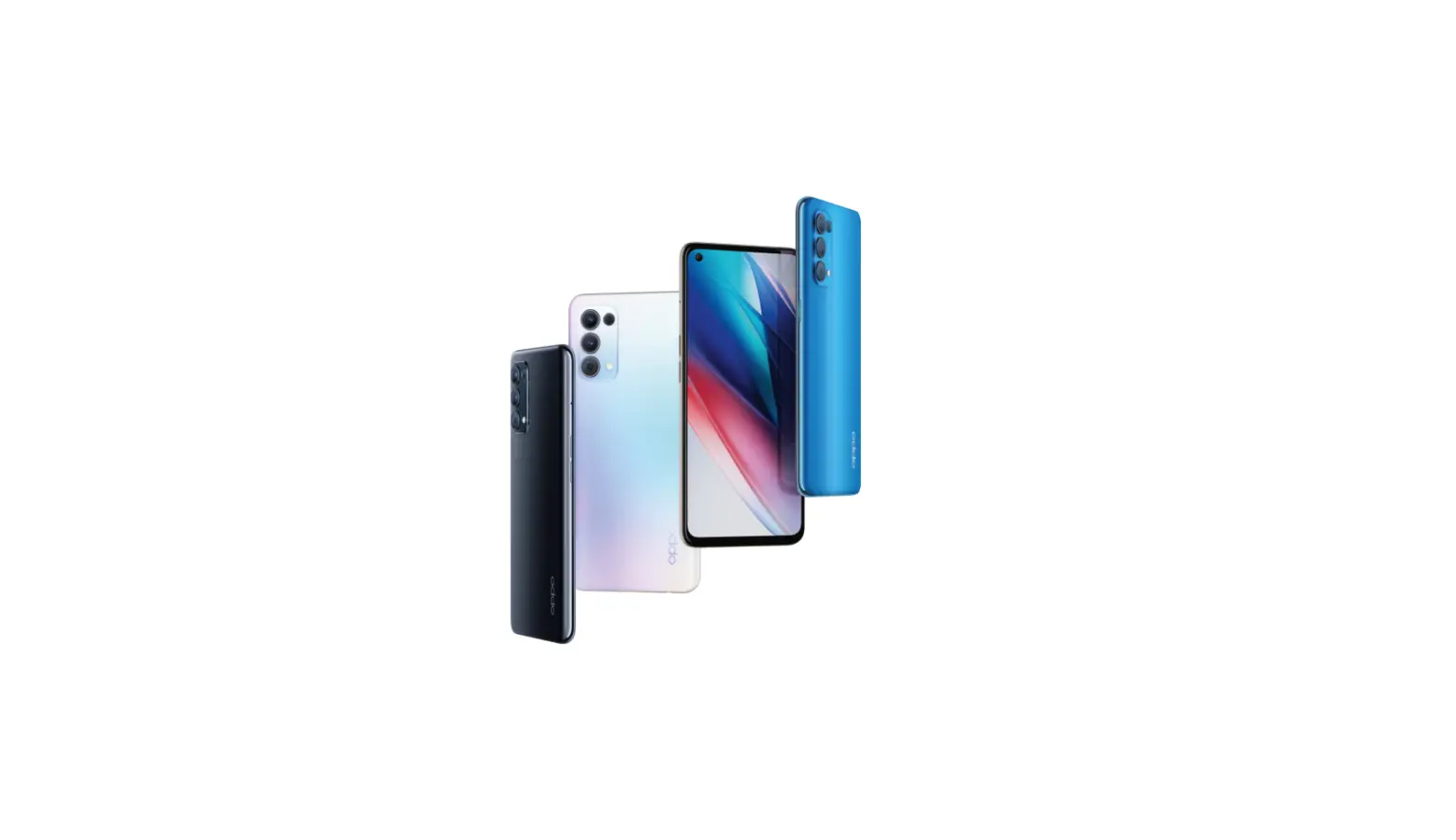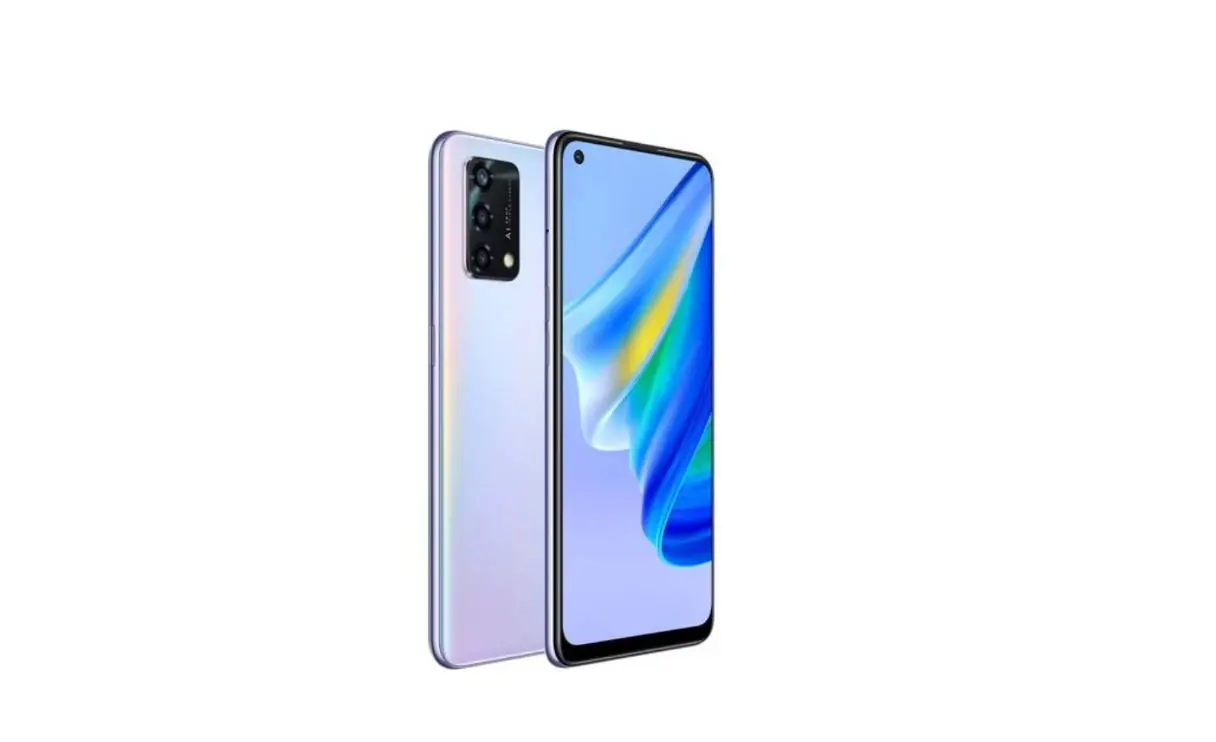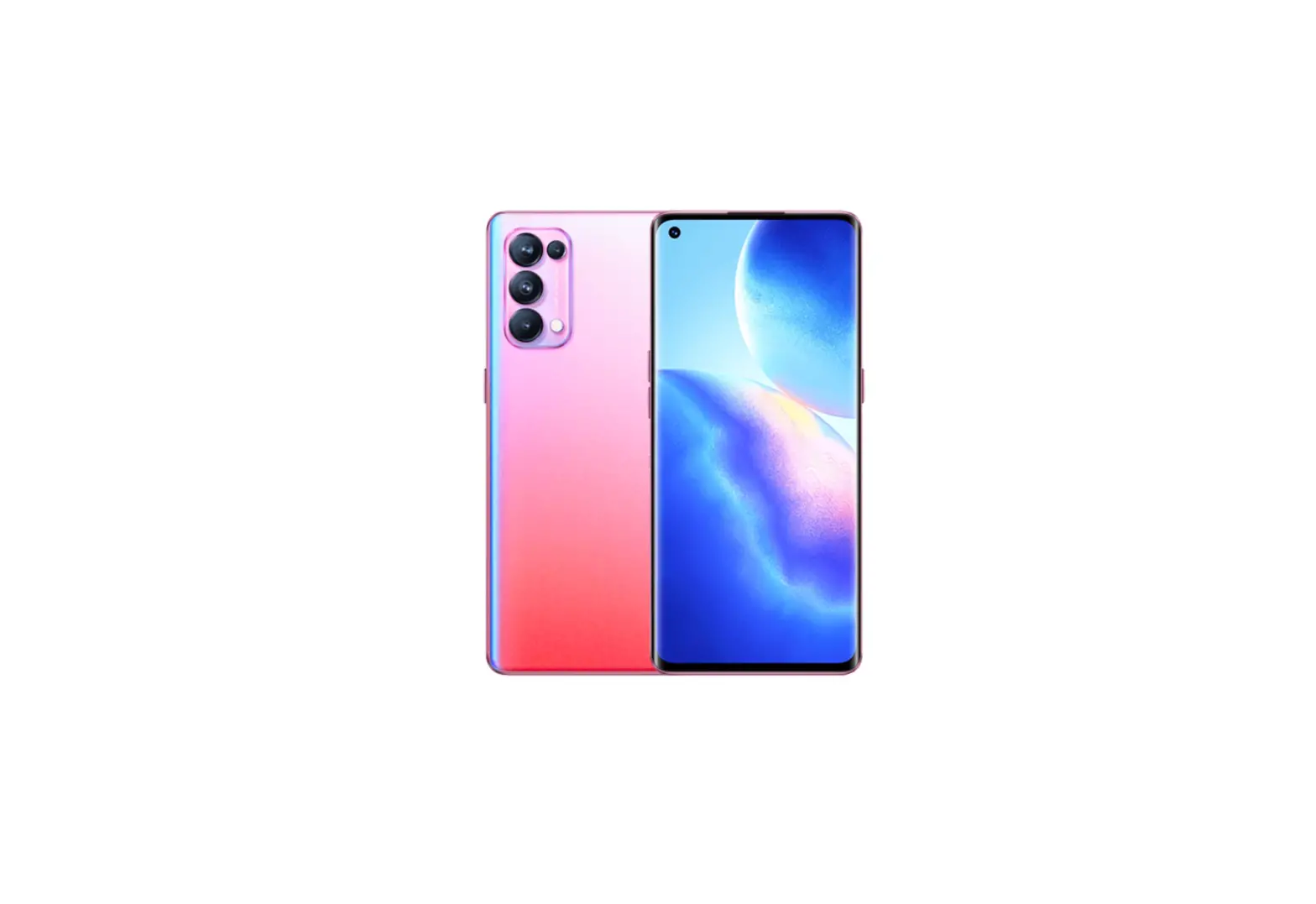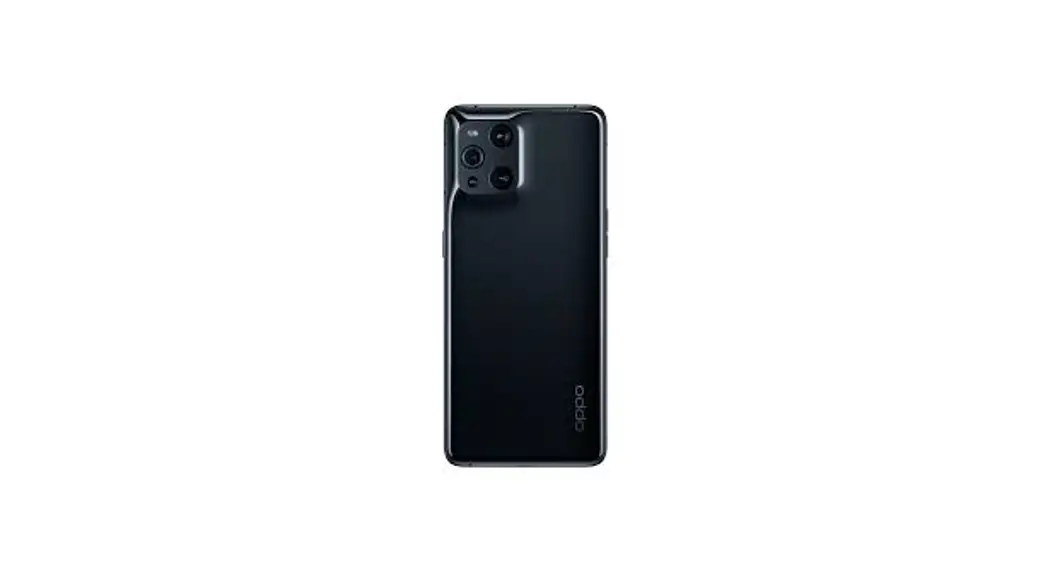

OPPO Find X3 Pro
OPG03
Quick Start Guide
Using Online Manual (Japanese)
 | 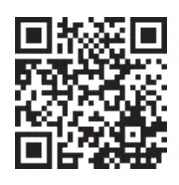 https://www.au.com/online-manual/opg03/ https://www.au.com/online-manual/opg03/ |
For a detailed description of various functions, scan the QR code on the right side or use (Online Manual (Japanese) on the product with the following operations. From the Home screen, [Toots]–* (Online Manual) (Japanese)
For inquiries, call:
Customer Center For general Information (toll-free)
Business hours 9:00 – 20:00 (7 days a week) From au mode phones: From non-au mobile phones/ general phones:
157 without a code  0077-7-111 In the case the above numbers are not available. call toll-free: 0120-977-033
For theft, loss, damage (toll-free)
Business hours 24 hours (7 days a week) From au (noble phones: From non-au noble phones/ general phones:
113 without area code 0077-7-113 In the case the above numbers are not available, call toll-free: 0120-925-314
Repair and Delivery Support Center (Repair and Delivery Service for members)
Failure consultation and Replacement mobile phone delivery service reception (toll-free)
Business hours: 9:00 – 20:00 (7 days a week)
From au mobile phones/non-au mobile phones/general phones:0120-925-919
 Cell phone and PHS operators collect and recycle unused telephones, batteries, and battery chargers at stores bearing the logo regardless of brand and manufacturer to protect the environment and reuse valuable resources.
Sold by: KDDI CORPORATION, OKINAWA CELLULAR TELEPHONE COMPANY Imported by: OGA Japan K.K.
Manufactured by: Guangdong OPPO Mobile Telecommunications Corporation Ltd.
July 2021, 1st Edition
List of packaged items
- Main unit (Protective film (sample) attached)
- AC adapter (sample)
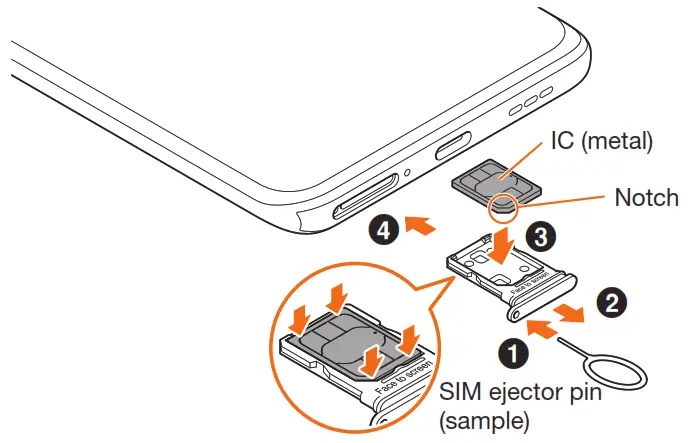
- SIM ejector pin (sample)
- Earphone (sample)
- USB Type-arm data cable (sample)
- Protective case (sample) (Quick start guide) (Japanese) (Notes on usage) (Japanese)

(1) Always use the specified charging equipment.
(1) The battery is built into the product.
(1) Illustrations of mobile phones used in this manual are just images for explanations. They may be different from actual ones.
Attaching au IC card (SIM card)
Turning the power on
- Press and hold the Power button/Screen-lock button for at least 2 seconds
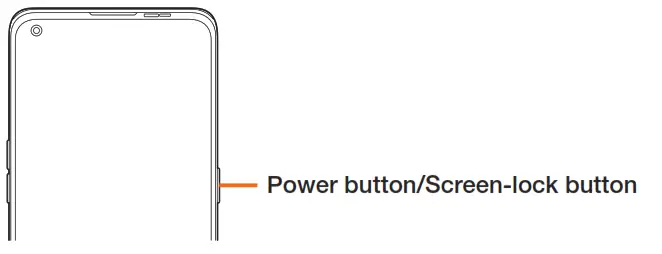
If the power cannot be turned off in a regular way or the screen freezes, press and hold the Power button/Screen-lock button and the volume button (up) for at least 10 seconds at the same time to forcibly restart.
Names of parts
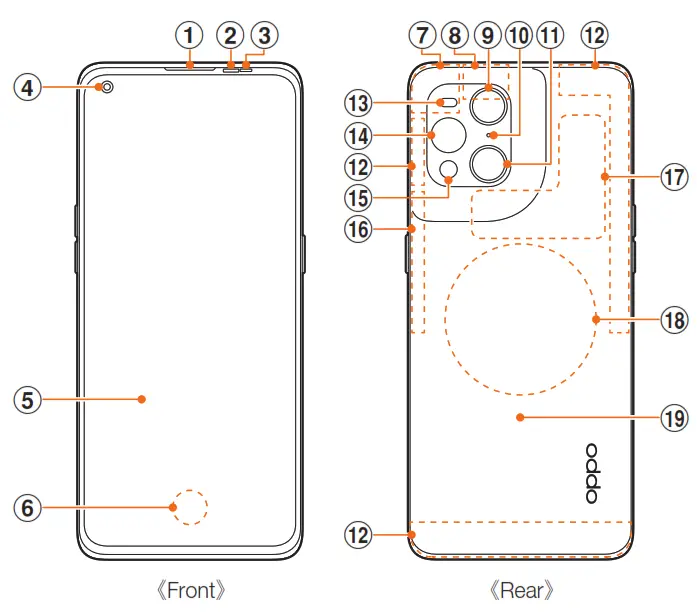 | 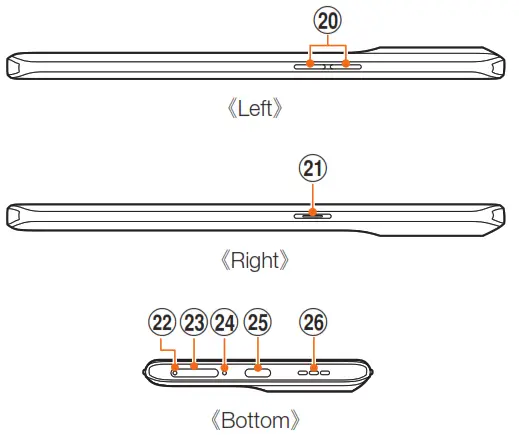 |
- Receiver/speaker”¹
- Proximity sensor”²
- Light sensor/Color temperature sensor.’²
- Front camera
- Display (touch panel)
- On-screen fingerprint sensor
- GPS/Wi-FC/Bluetooth’1/46/56 antenna”³
- GPS antenna’³
- Super wide-angle camera
- Sub-microphone’¹
- Wide-angle camera
- 4G/5G antenna’³
- Flashlight
- Microscope camera (with ring light)
- Telephoto camera
- 4G/Wi-Fi antenna”³
- NFC detector area
- Wireless charging contact area
- Rear cover”4
- Volume button (up/down)
- Power button/Screen-lock button
- Hole for tray removal
- au IC card tray
- Main microphone”¹
- USB Type-C connection jack (external connection jack) :
- Speaker”
- Be careful not to cover with your finger etc. while using the corresponding function. Do not lase the SIM ejector pin (sample) in the wrong way because it may cause damage.
- Do not covet with a sti: Aer etc. Functions may not wrack properly.
- The antenna is built into the main unit. Covering the antenna area with your hand may affect the quaky of caticcen implication.
- The rear cover cannot be removed. Attempting to remove it fate* may come damage or malfunction. Also. the battery is built into the man unit and you cannot take out it by yourself.
• For the latest contents of this manual, refer to the Online Manual or IftaggREfilig et’ If (Full instruction manual)* (Japanese) on the au homepage. https://www.au.com/support/service/mobile/guide/manuaV(Japanese)
• The descriptions may be different from those in this manual due to software version upgrade of the product, change/termination of services. Also, the content of this manual is subject to change without notice.