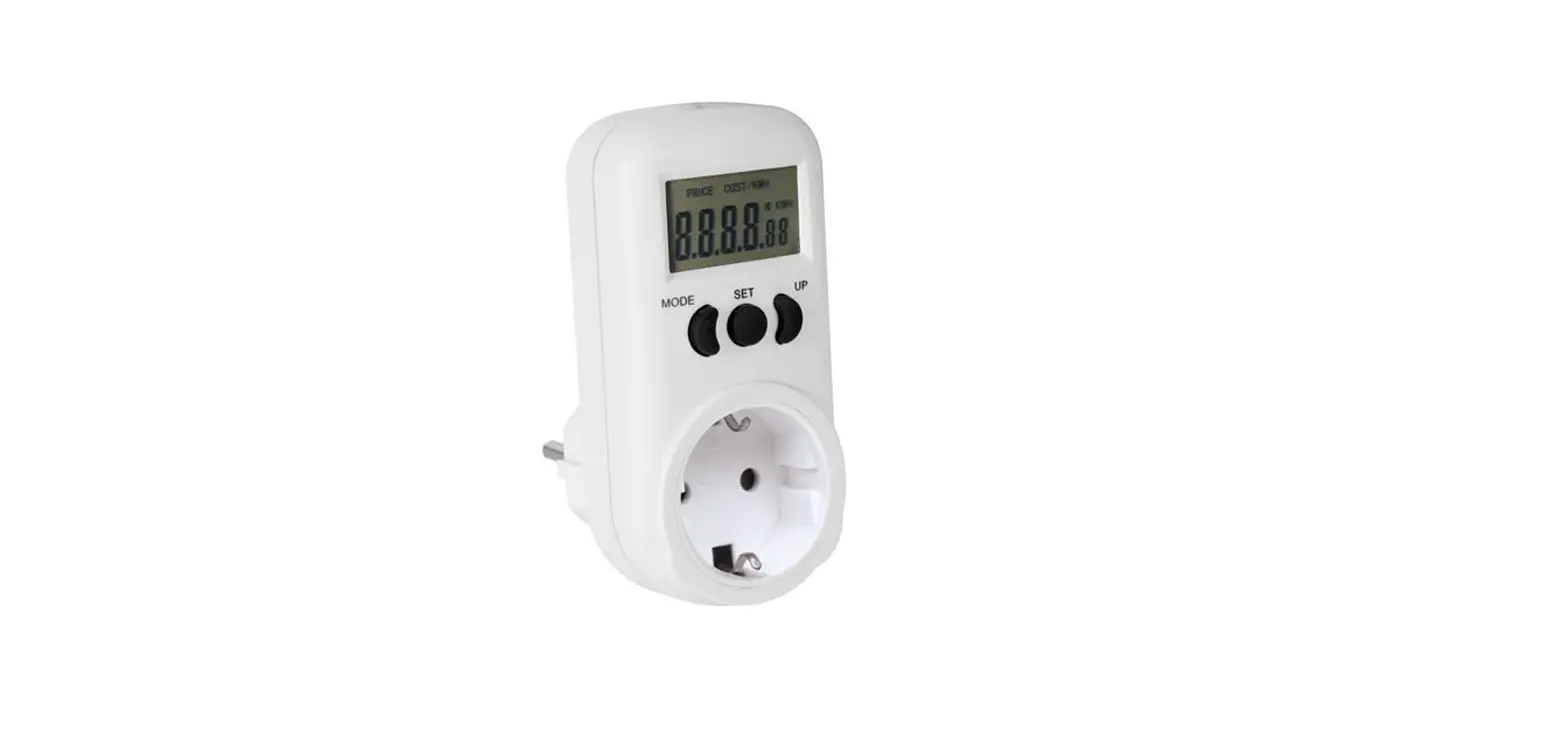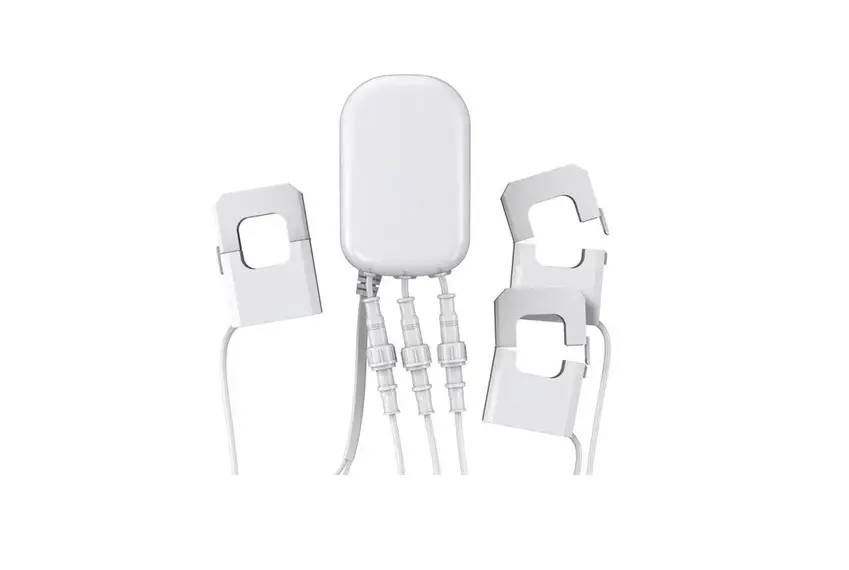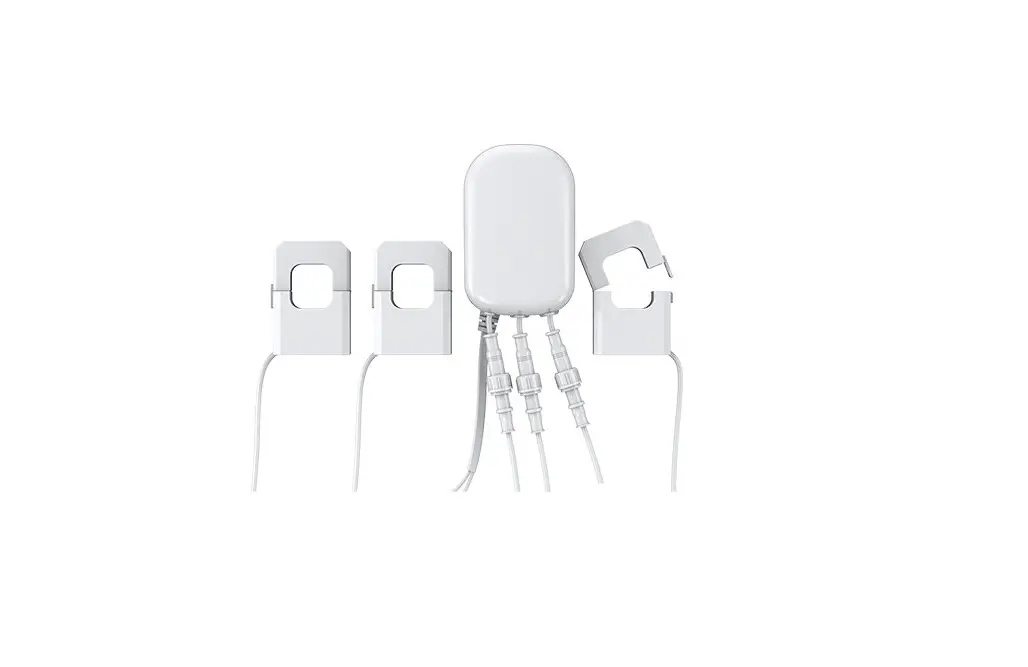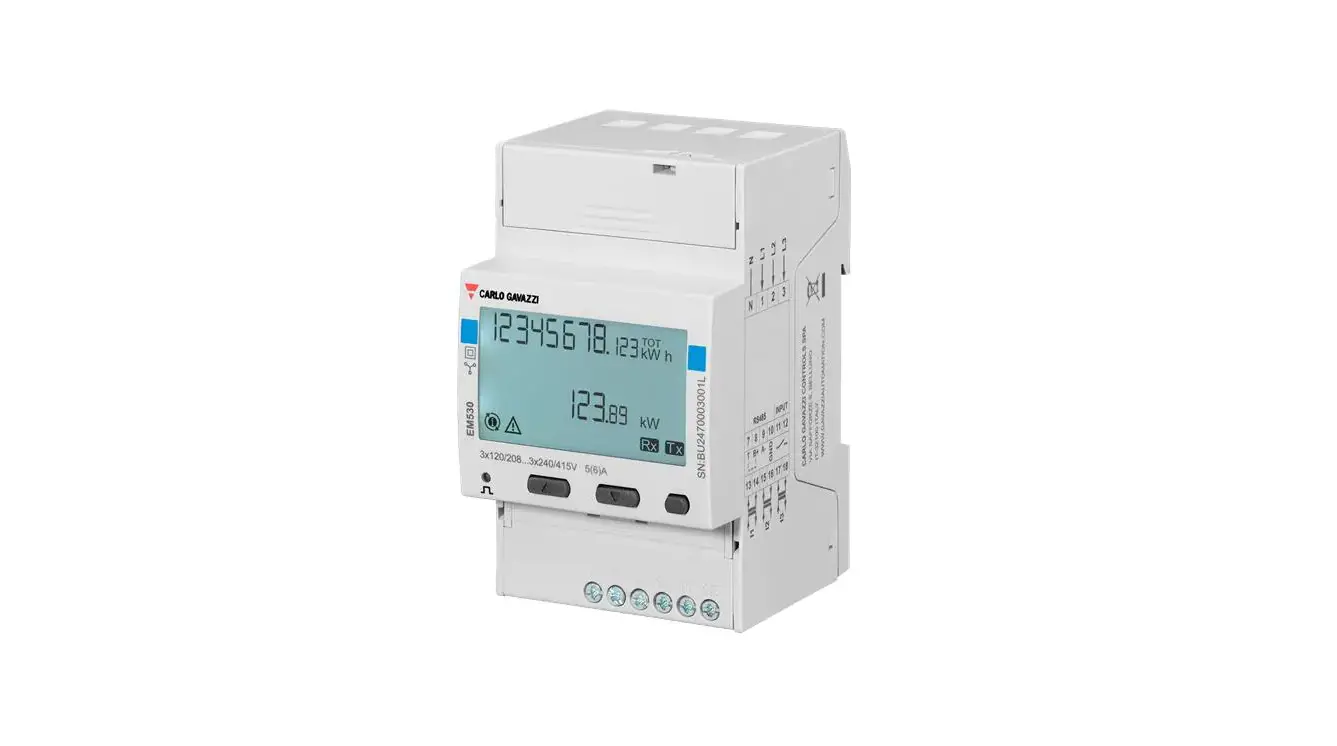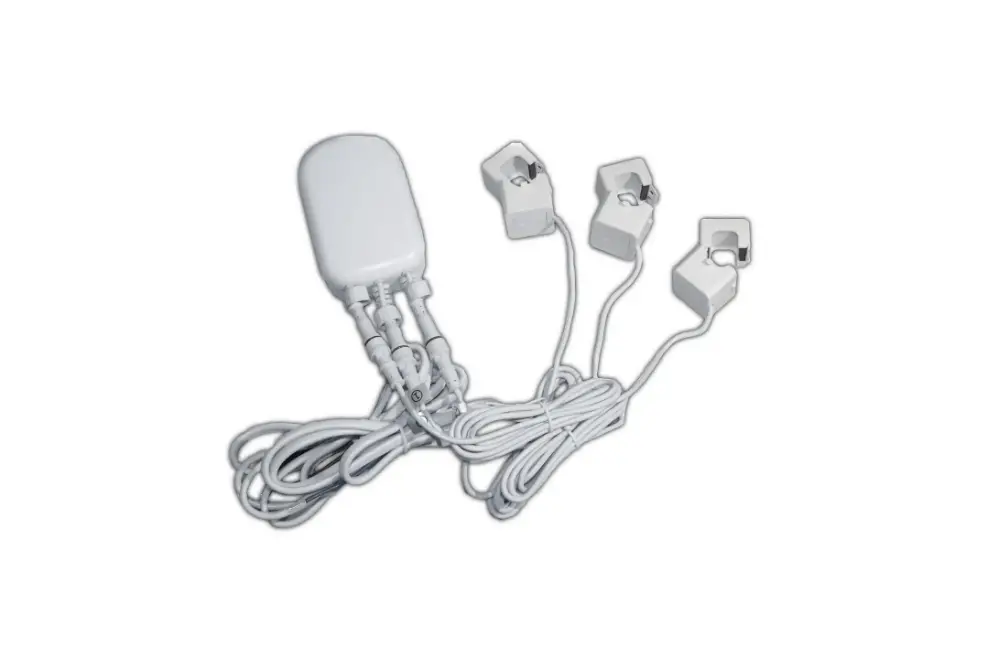

PEREL E305EM5-G Energy Meter
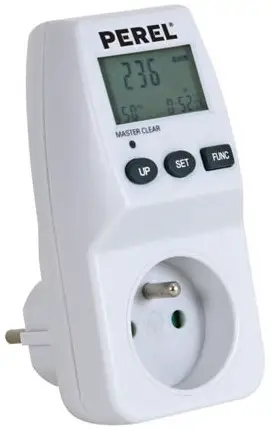
PRODUCT OVERVIEW
Introduction
To all residents of the European Union
Important environmental information about this product
This symbol on the device or the package indicates that disposal of the device after its lifecycle could harm the environment. Do not dispose of the unit (or batteries) as unsorted municipal waste; it should be taken to a specialized company for recycling. This device should be returned to your distributor or to a local recycling service. Respect the local environmental rules. If in doubt, contact your local waste disposal authorities.
Thank you for choosing Perel! Please read the manual thoroughly before bringing this device into service. If the device was damaged in transit, do not install or use it and contact your dealer.
Safety Instructions
- This device can be used by children aged from 8 years and above, and persons with reduced physical, sensory or mental capabilities or lack of experience and knowledge if they have been given supervision or instruction concerning the use of the device in a safe way and understand the hazards involved. Children shall not play with the device. Cleaning and user maintenance shall not be made by children without supervision.
- There are no user-serviceable parts inside the device. Refer to an authorized dealer for service and/or spare parts.
- Do not immerge the device in any liquid. Keep the main unit away from high heat and fire.
- Connect this meter to a 230 V~, 50 Hz mains only.
- Disconnect the device from the mains and remove the batteries to clean it or when not in use.
- Never insert objects into the meter.
- Do not use a damaged or deformed meter.
General Guidelines
- Refer to the Velleman® Service and Quality Warranty on www.velleman.eu.
- Protect this device from shocks and abuse. Avoid brute force when operating the device.
- Familiarise yourself with the functions of the device before actually using it.
- All modifications of the device are forbidden for safety reasons. Damage caused by user modifications to the device is not covered by the warranty.
- Only use the device for its intended purpose. Using the device in an unauthorised way will void the warranty.
- Damage caused by disregard of certain guidelines in this manual is not covered by the warranty and the dealer will not accept responsibility for any ensuing defects or problems.
- Keep this manual for future reference.
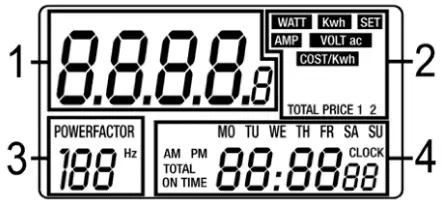
Overview
- value
- function
- power factor
- clock/weekday
Battery
Warning: Do not puncture batteries or throw them in fire as they may explode. Do not attempt to recharge nonrechargeable batteries (alkaline). Dispose of batteries in accordance with local regulations. Keep batteries away from children.
- Open the battery compartment using an appropriate screwdriver.
- Insert 3 x LR44 batteries minding the polarity.
- Close the battery compartment and press the MASTER CLEAR button to reset the meter.
Operation
Function Display
- Press
 repeatedly to display the clock + line voltage
  clock + line current + power factor (
  ) clock + real power + power factor
  clock + accumulative power factor
 total on time + total electrical charge
  total on time price 1 + total electric charge price 1
  total on time price 2 + total electric charge price 2
- Hold pressed to erase the memory.
 repeatedly to display the clock + line voltage
  clock + line current + power factor (
  ) clock + real power + power factor
  clock + accumulative power factor
 total on time + total electrical charge
  total on time price 1 + total electric charge price 1
  total on time price 2 + total electric charge price 2
Setting the Clock
- Press until the clock is displayed.
- Press
 to enter the setting mode, set the value of the blinking item with UP , switch to the next item and confirm with .
 - After the clock has been set, plug the meter into the mains and plug your appliance into the meter.
 to enter the setting mode, set the value of the blinking item with UP , switch to the next item and confirm with
 Function Setting – Price 1/2
- Press until is displayed.
- Hold pressed until the meter enters
 the mode.
 - Press to enter the setting mode for price 1, set the value of the blinking item with UP , switch to the next item and confirm with .
- Press and then to enter the setting mode for price 2, set the value of the blinking item with UP , switch to the next item and confirm with .
 the mode.
Function Setting – Standby Mode
- When the device is removed from the mains, it switches off after ±10s.
- Press any key to switch it back on.
Maintenance
Occasionally wipe with a damp cloth to keep it looking new. Do not use harsh chemicals, cleaning solvents or strong detergents.
Specifications
- operating voltage: 230 V~, 50 Hz
- voltage measuring range: 190-276 V~
- current measuring range: 0.01-16 A
- power measuring accuracy: ± 1 % or ± 0.2 W
- clock accuracy: ± 1 min/month
- max. power: 3600 W, 16 A
- frequency measuring range: 45-65 Hz
- accumulated power range: 0-9999.9 kWh
- working temperature: 10-40 °C
- energy display: 0-9999.9 kWh
- max. record time: 9999 h 59 min
- backup battery: 3 x LR44 (incl.)
- battery life: ± 3 months without AC power
- power consumption: @ 220 V< 0.5 W
- weight: 140 g
Use this device with original accessories only. Velleman nv cannot be held responsible in the event of damage or injury resulting from (incorrect) use of this device. For more info concerning this product and the latest version of this manual, please visit our website www.perel.eu.
The information in this manual is subject to change without prior notice.
© COPYRIGHT NOTICE
The copyright to this manual is owned by Velleman nv. All worldwide rights reserved. No part of this manual may be copied, reproduced, translated or reduced to any electronic medium or otherwise without the prior written consent of the copyright holder.
 Details – Own brands – Velleman – Wholesaler and developer of electronics
 Velleman – Wholesaler and developer of electronics