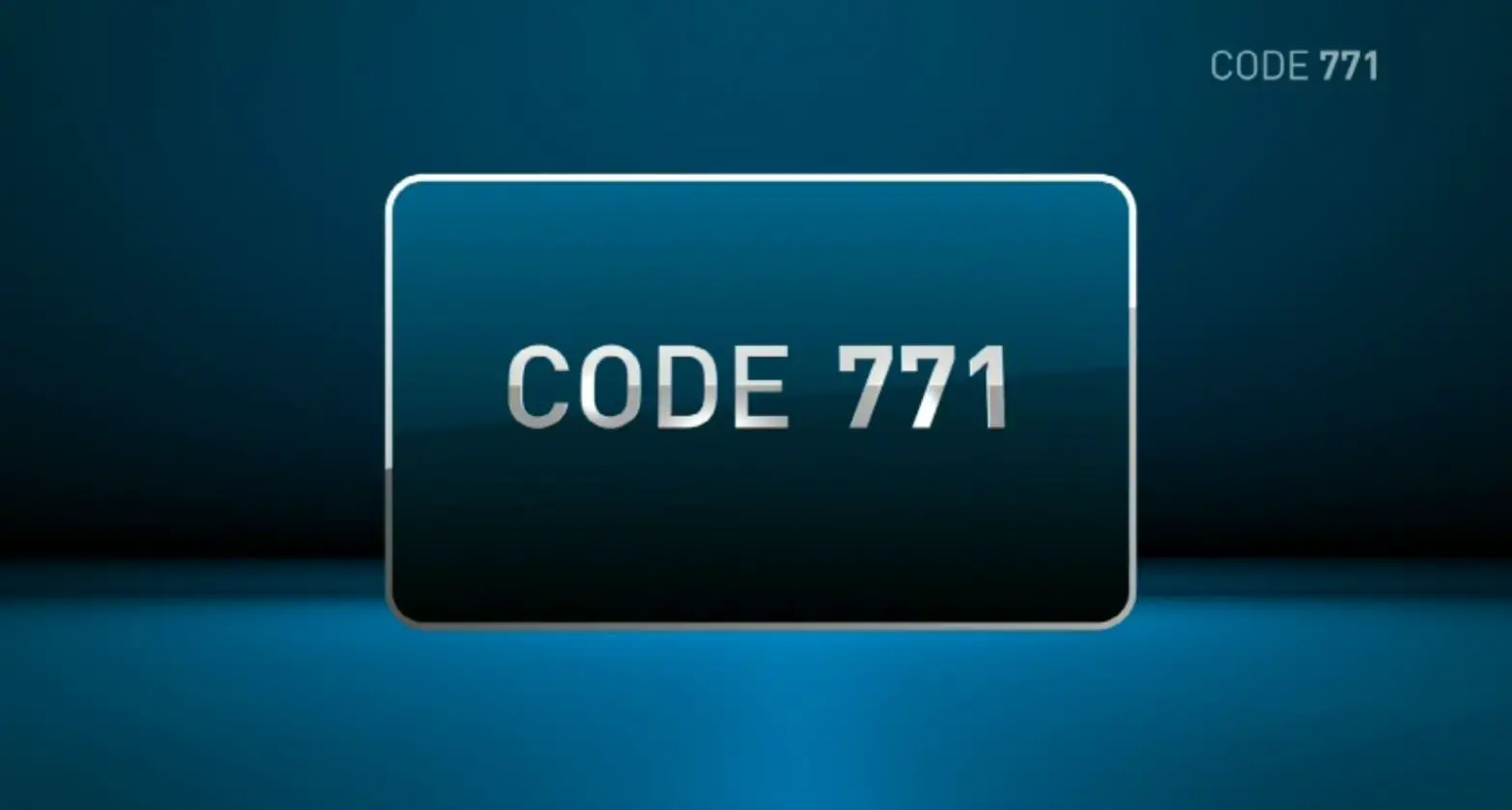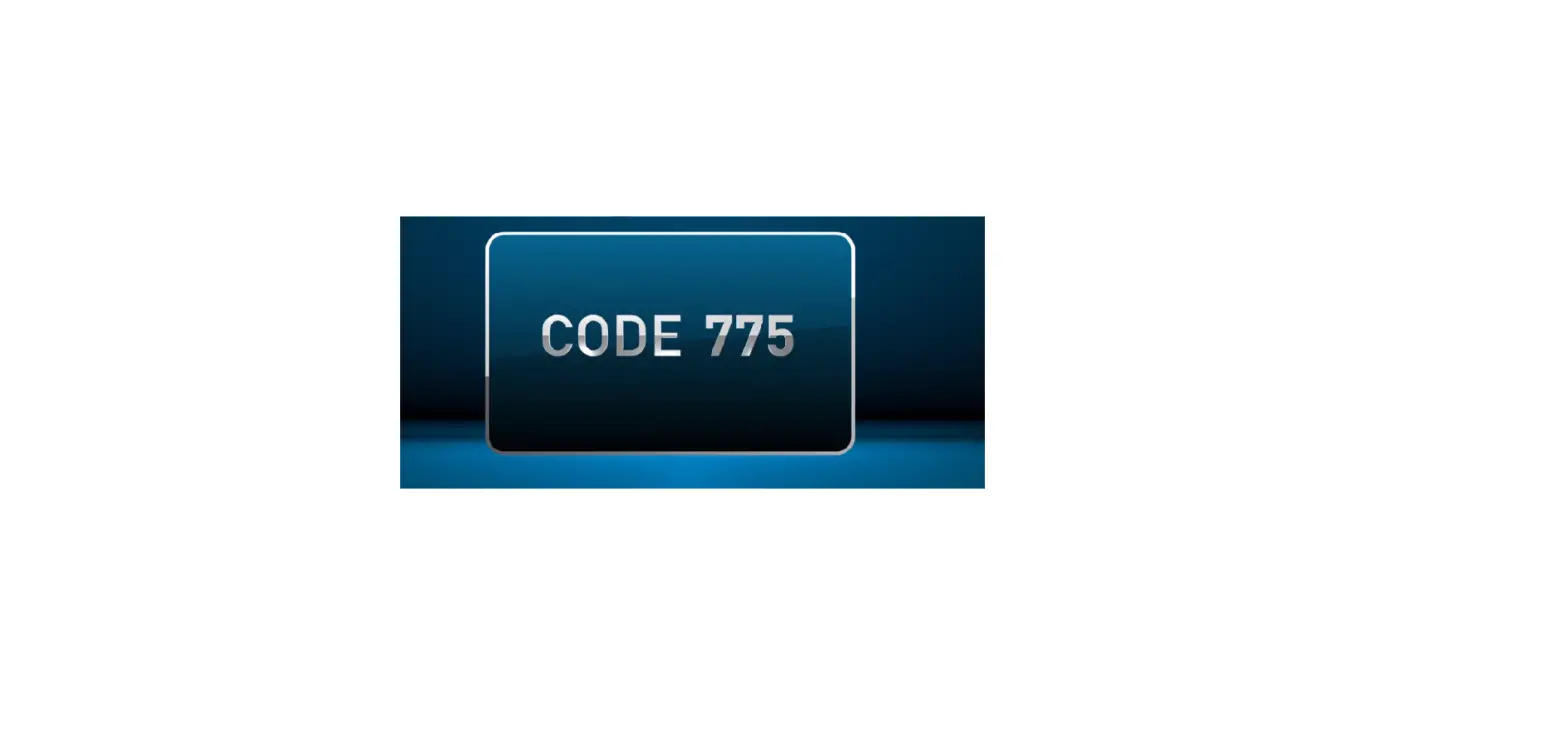
These channels might take a couple minutes to load. Please wait.
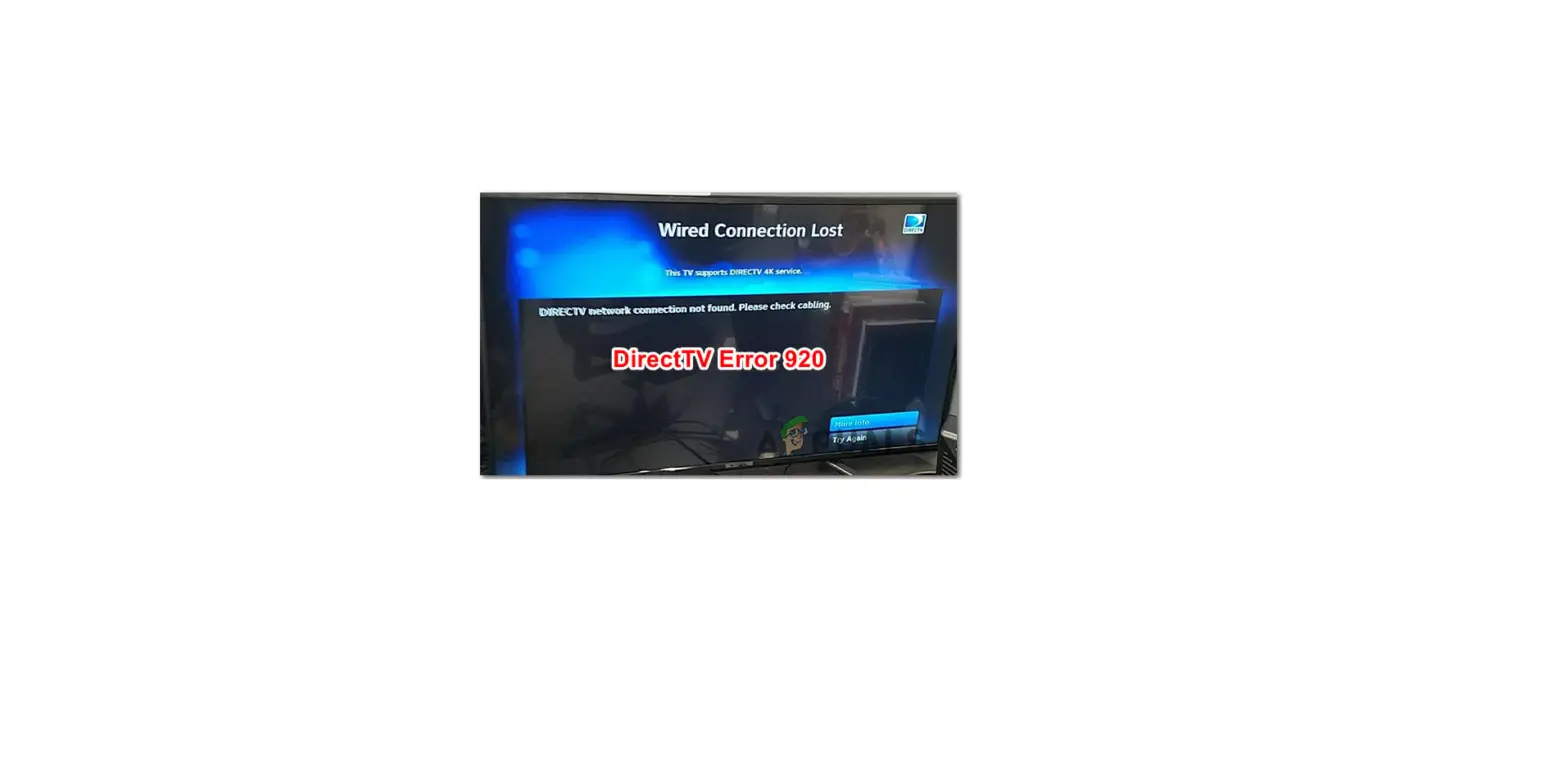
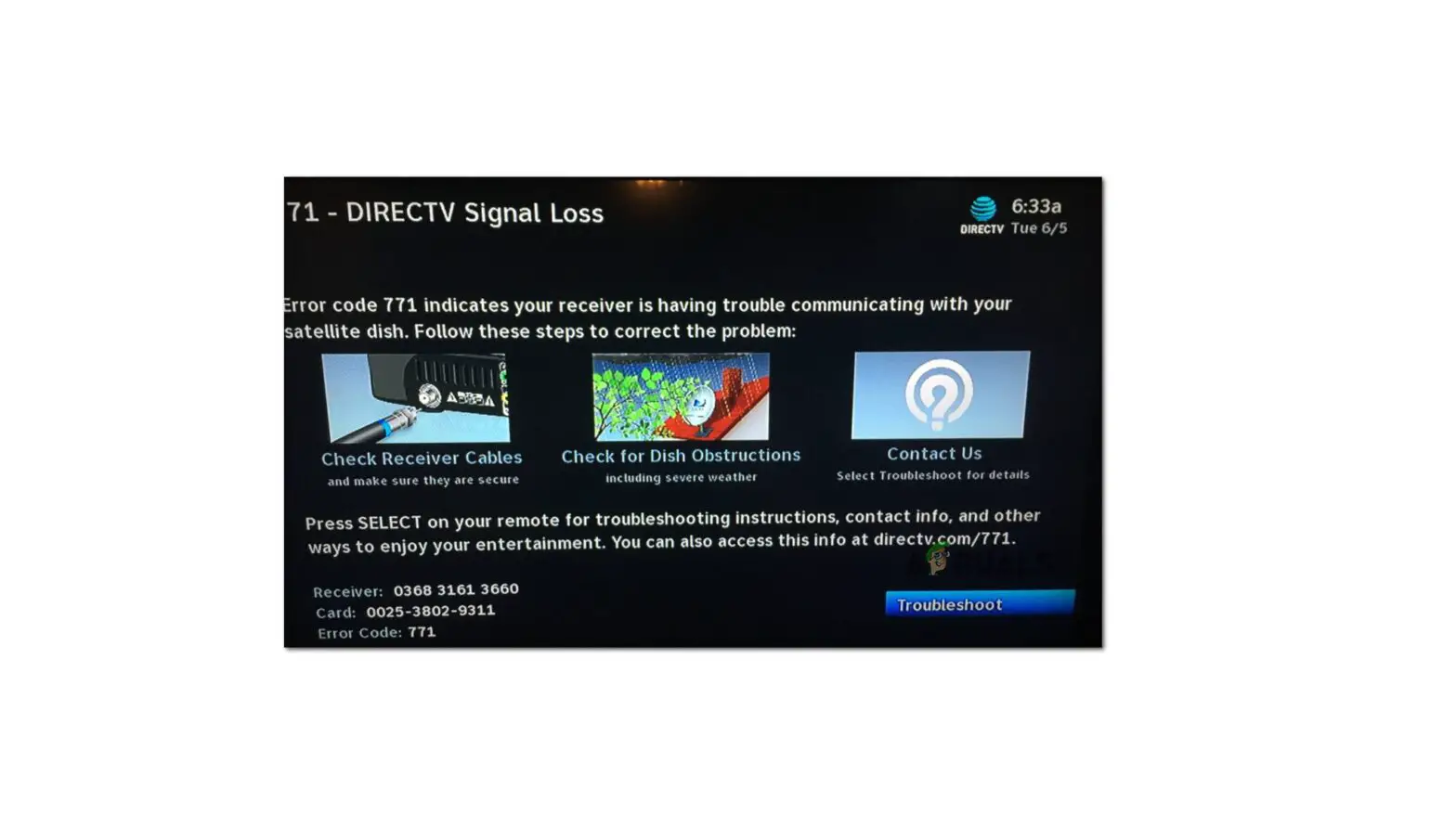
If the channel fails to load, follow these steps
1. Tune to Channel 1.
2. On your remote control, press the color buttons in this sequence: RED / RED / BLUE / BLUE / YELLOW / GREEN.
3. “NVRAM is cleared” should show at the bottom of the screen.
Still having issues?
Please call 1-800-531-5000 for assistance.