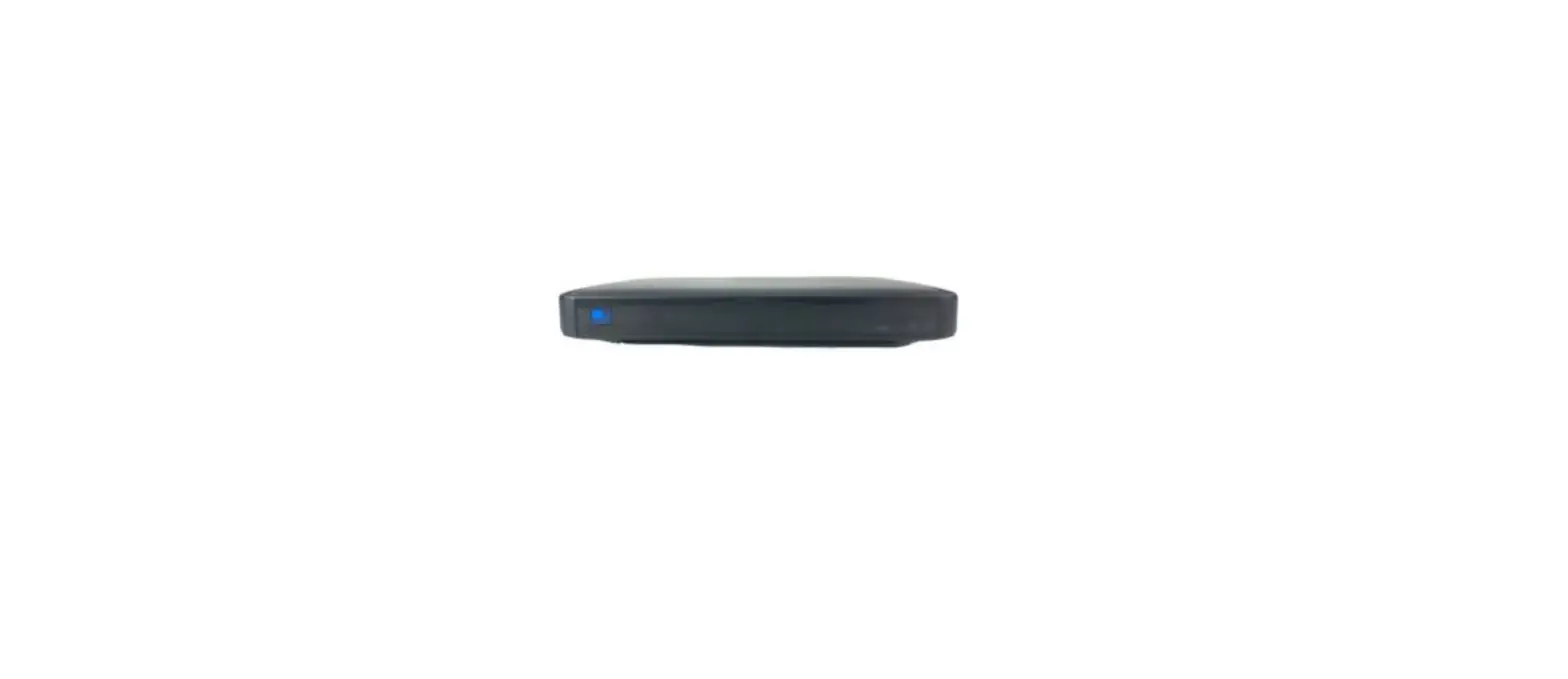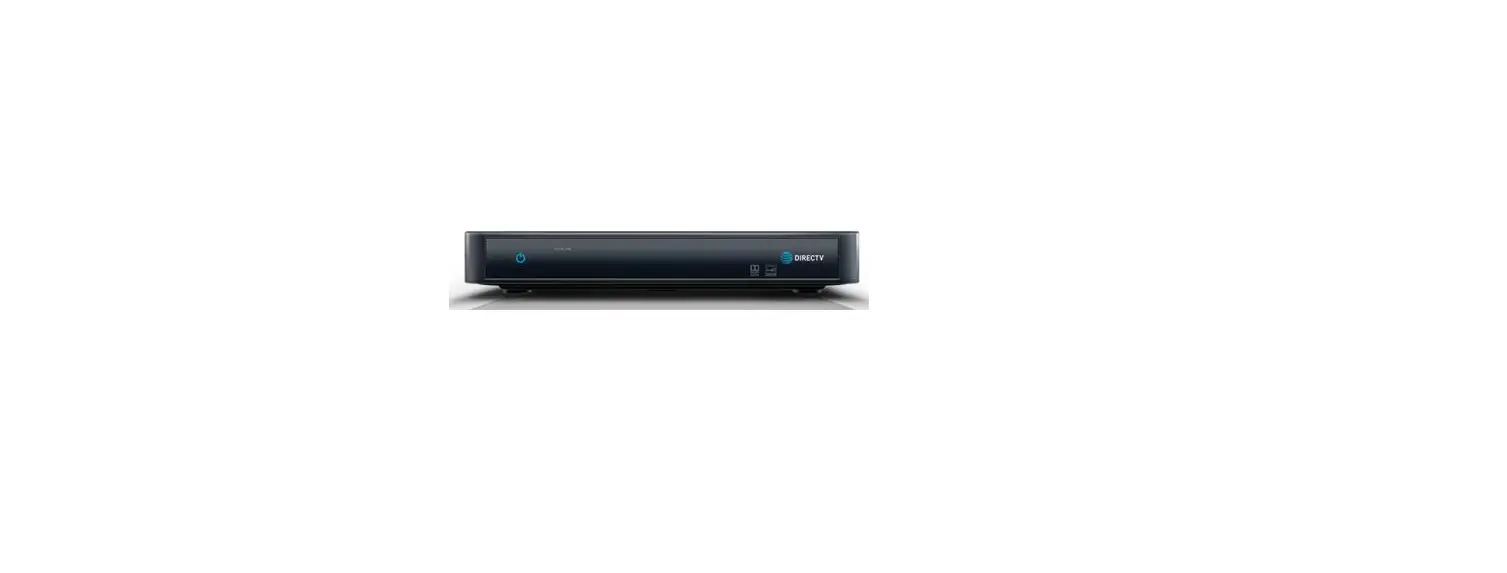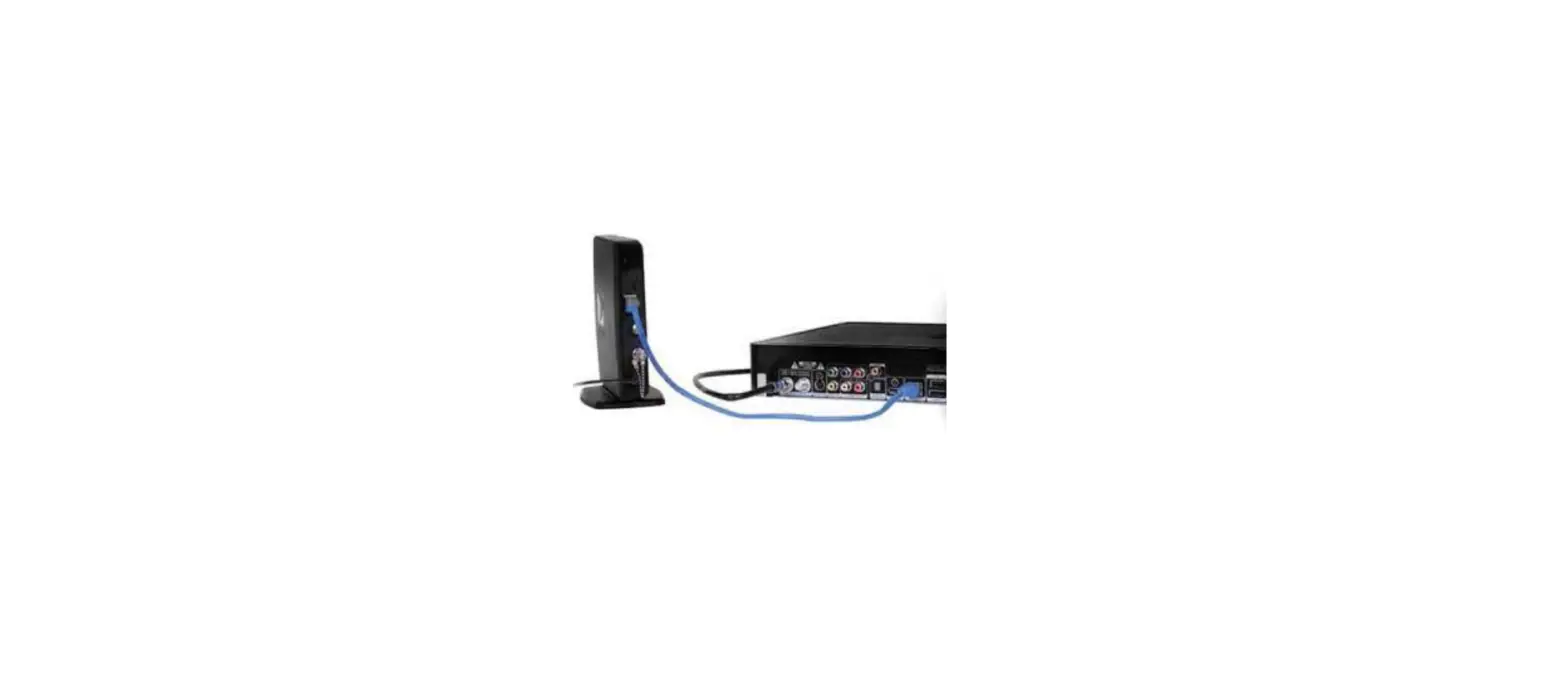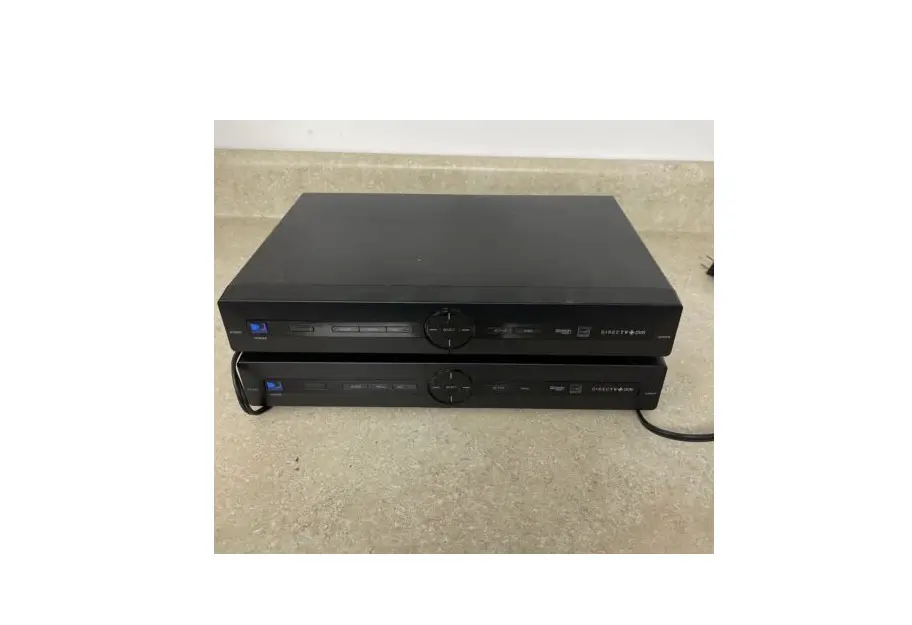
There are two ways you can reset your receiver:
Step 1
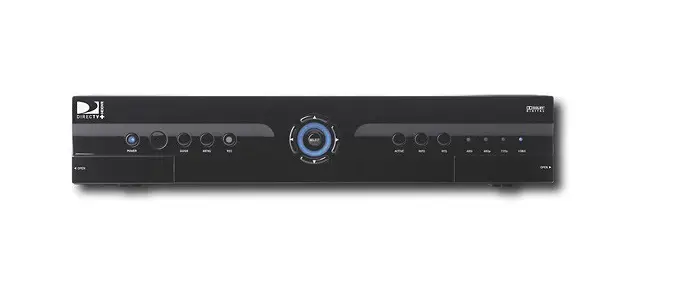
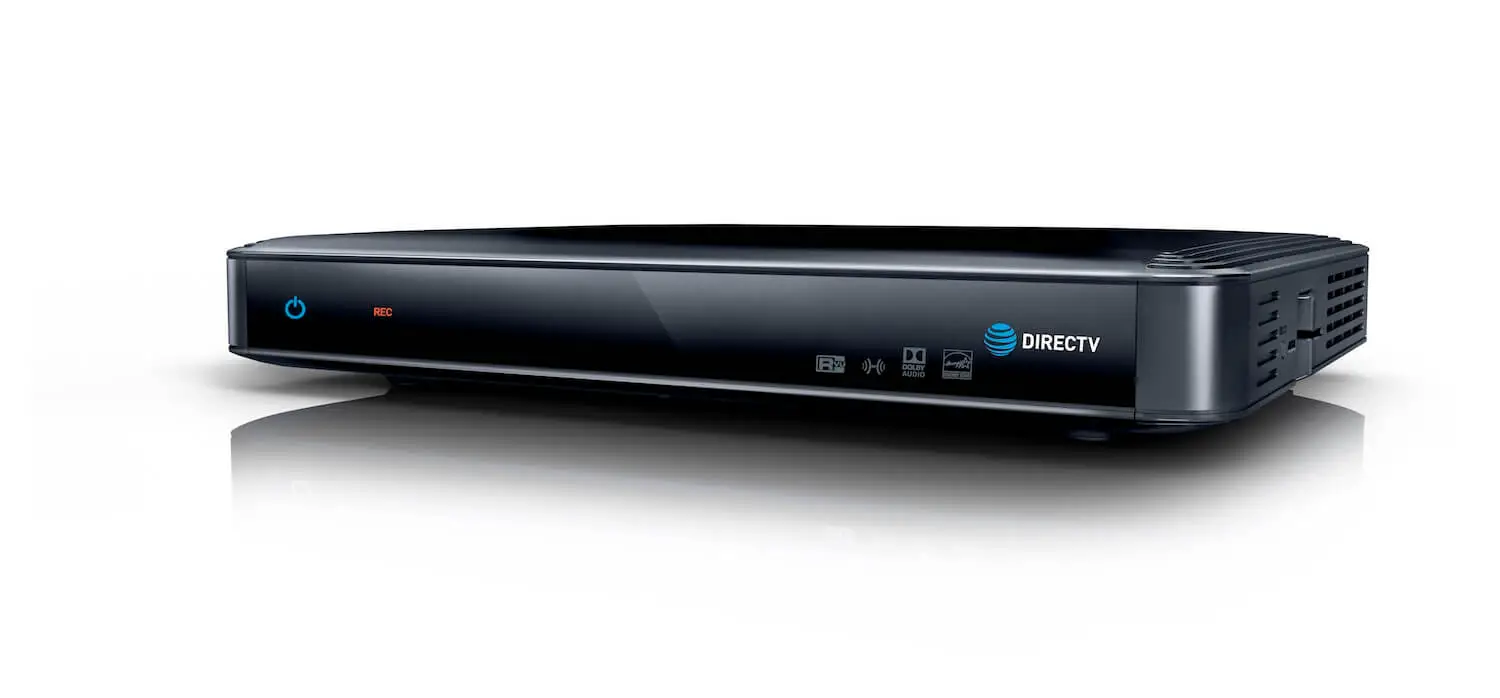
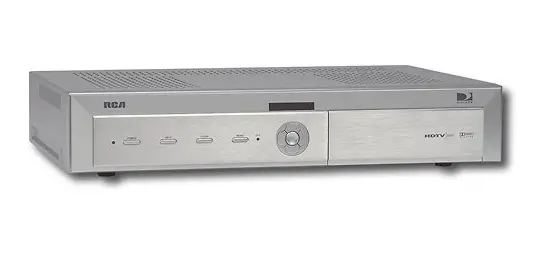
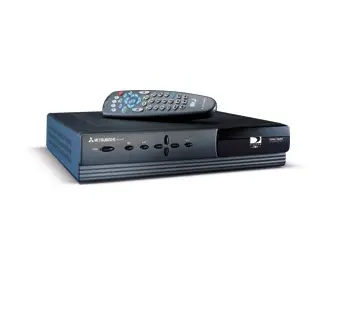
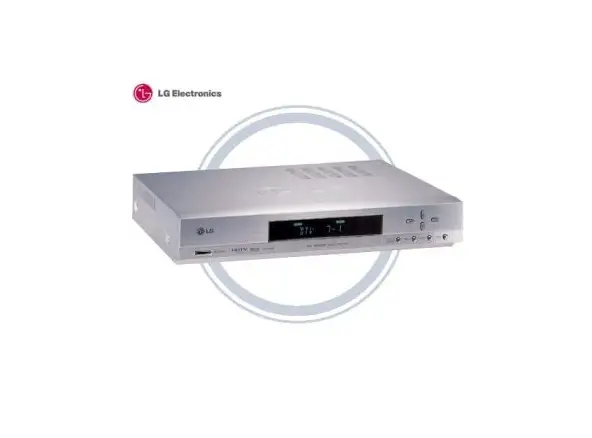
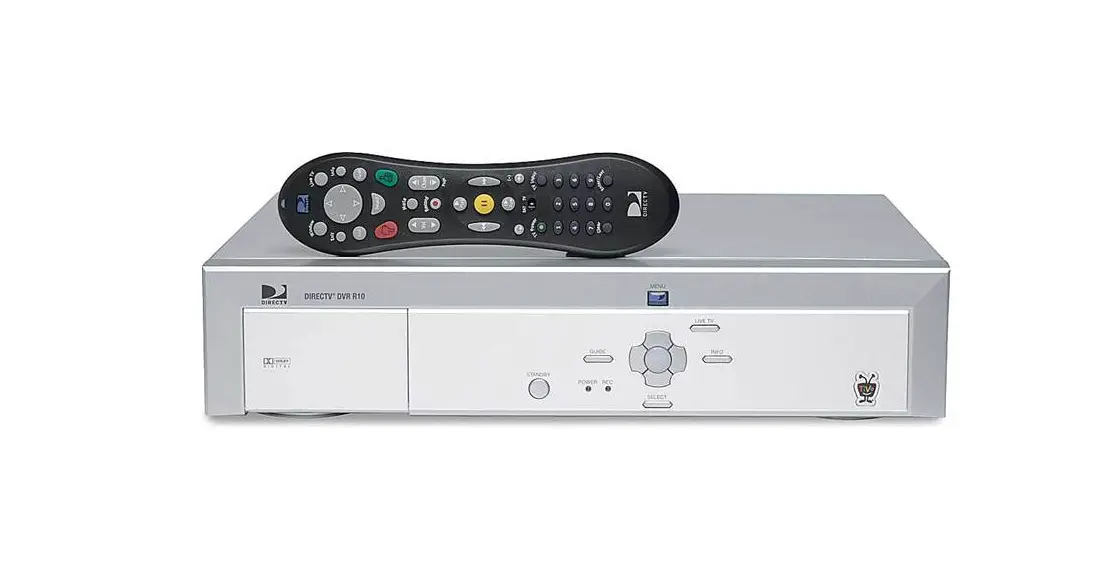
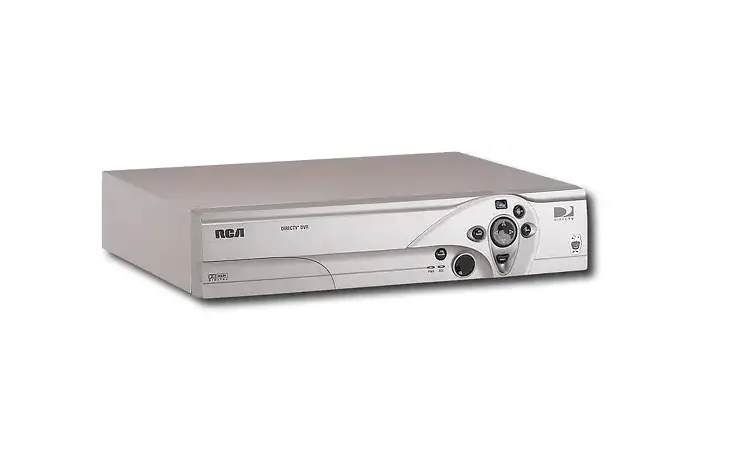
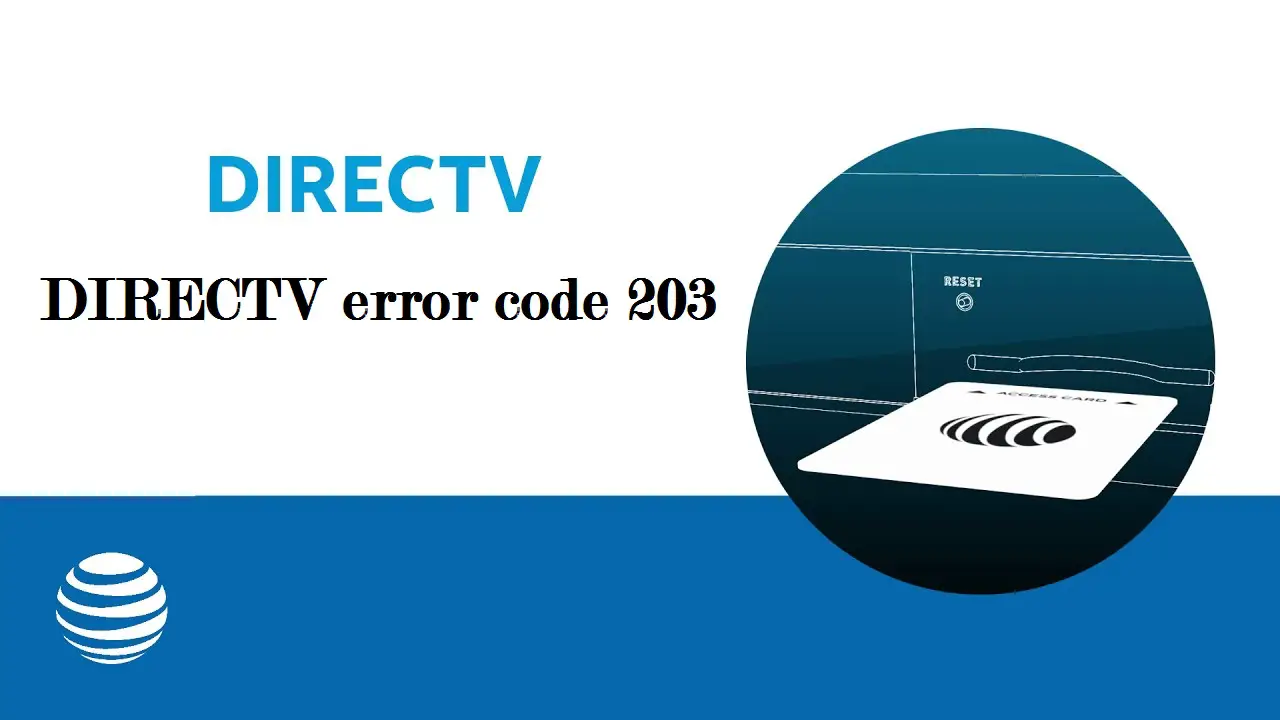
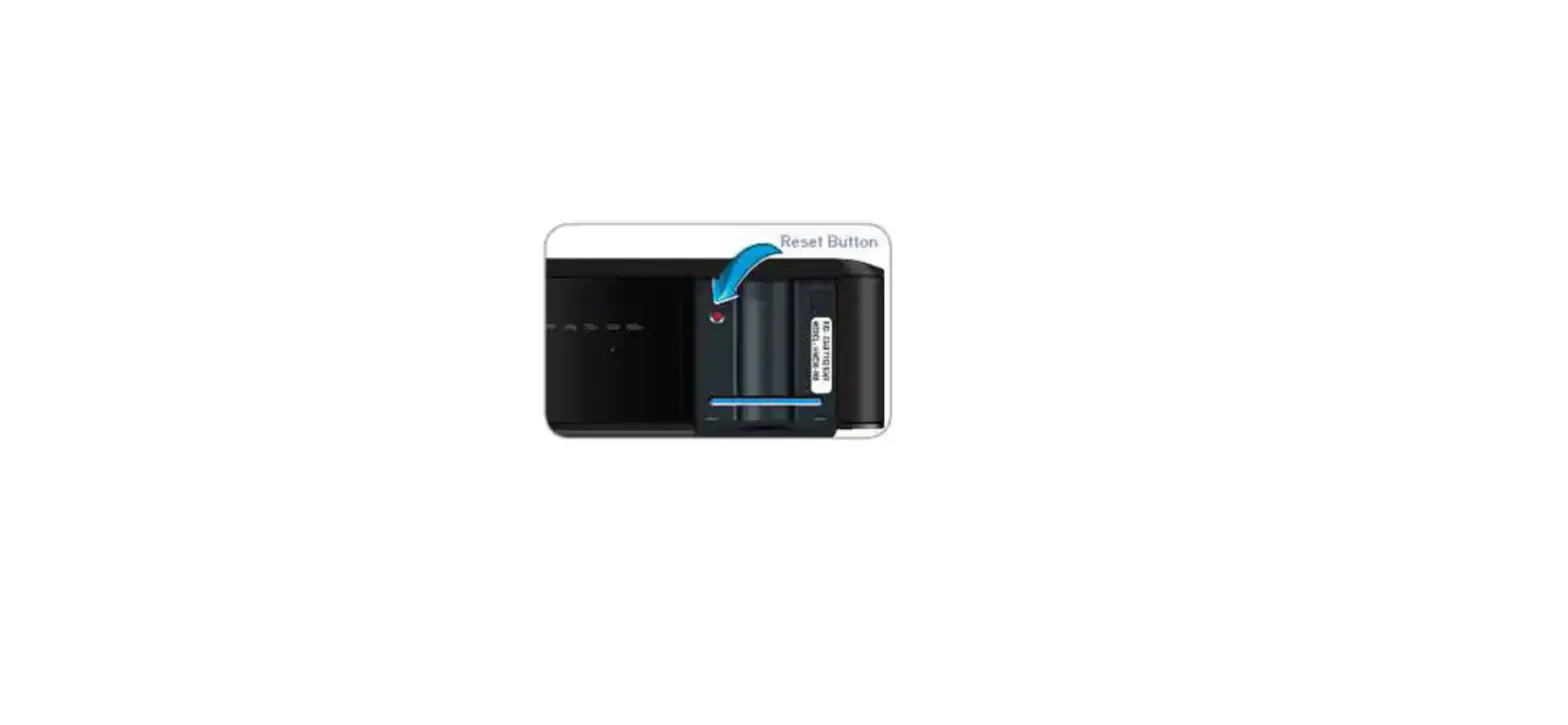
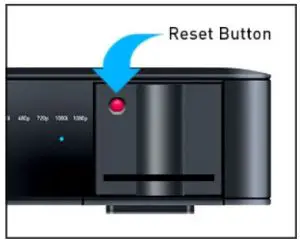
On many DIRECTV receivers there is a red reset button located on the front or inside the access panel. Press it, then wait for your receiver to restart.
Note: On some receiver models, the reset button is on the side of the receiver.
Unplug your receiver
Step 1
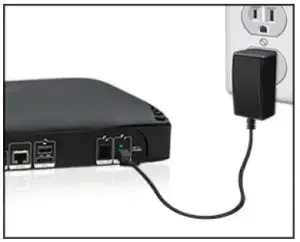
Unplug your receiver’s power cord from the electrical outlet, wait 15 seconds, and plug it back in.
Step 2
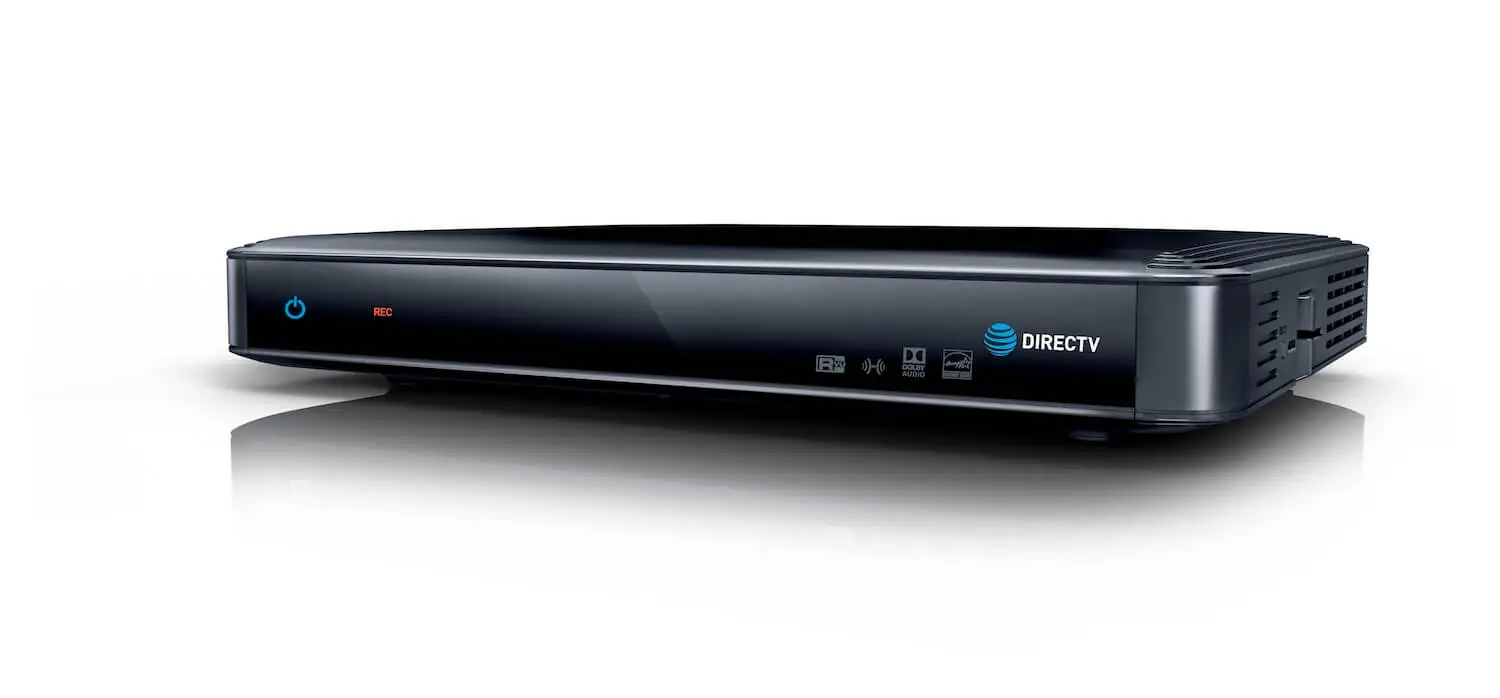
Press the Power button on the front panel of your receiver. Wait for your receiver to restart.
Still having issues?
Call us at 800-531-5000 and select the option for technical assistance.