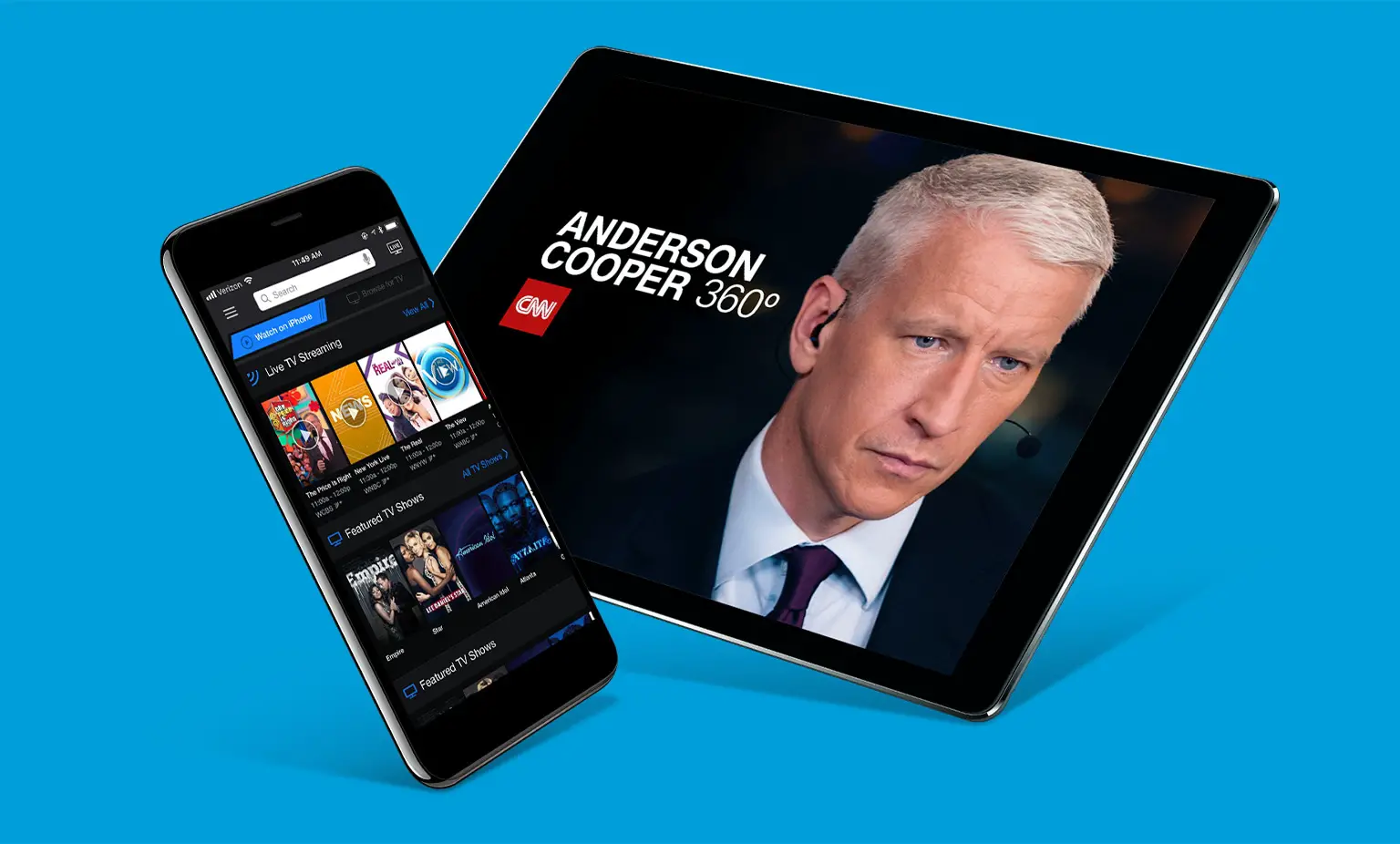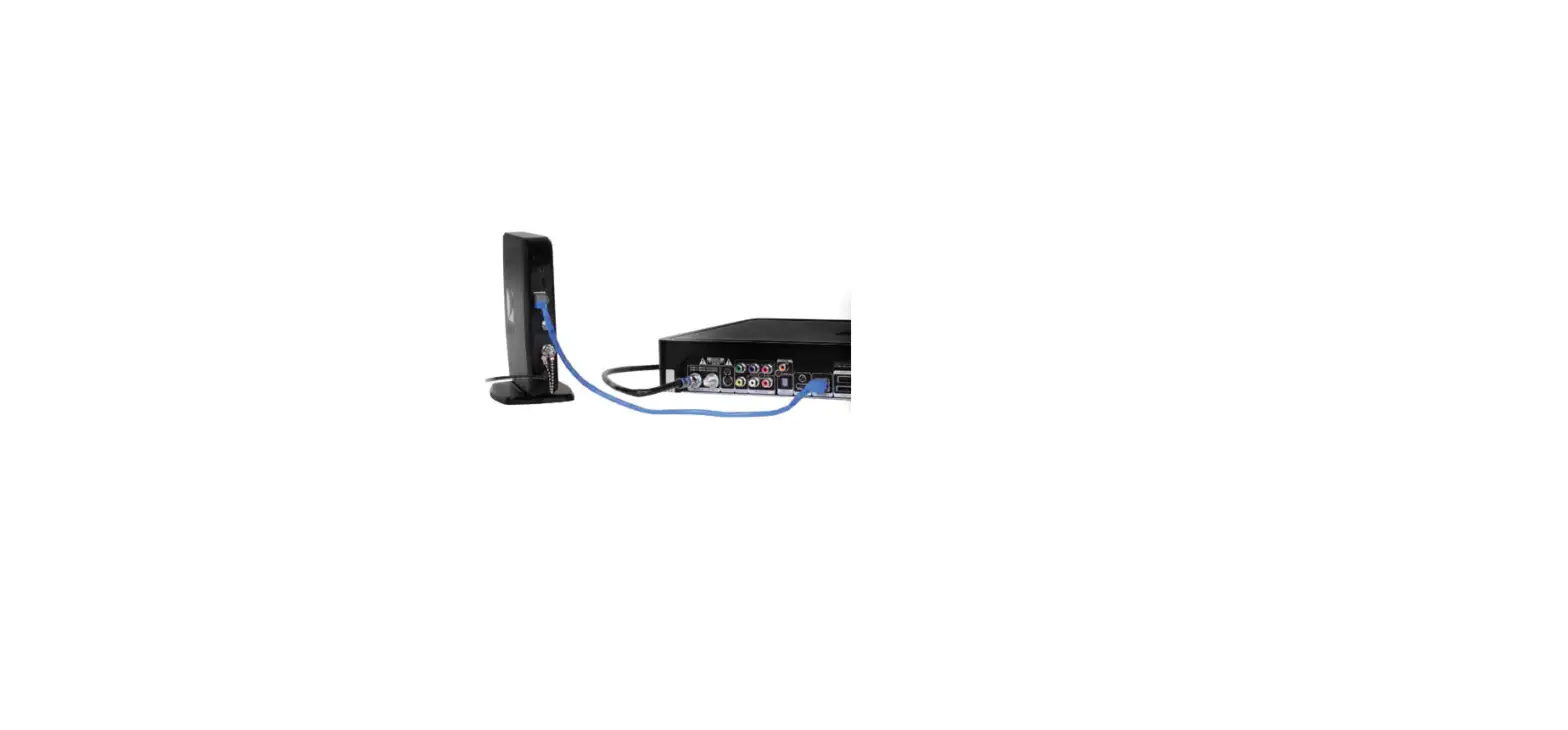
Your tablet or phone must be connected to the same WiFi network as your receiver and wireless router. If you’re all set, follow these steps:
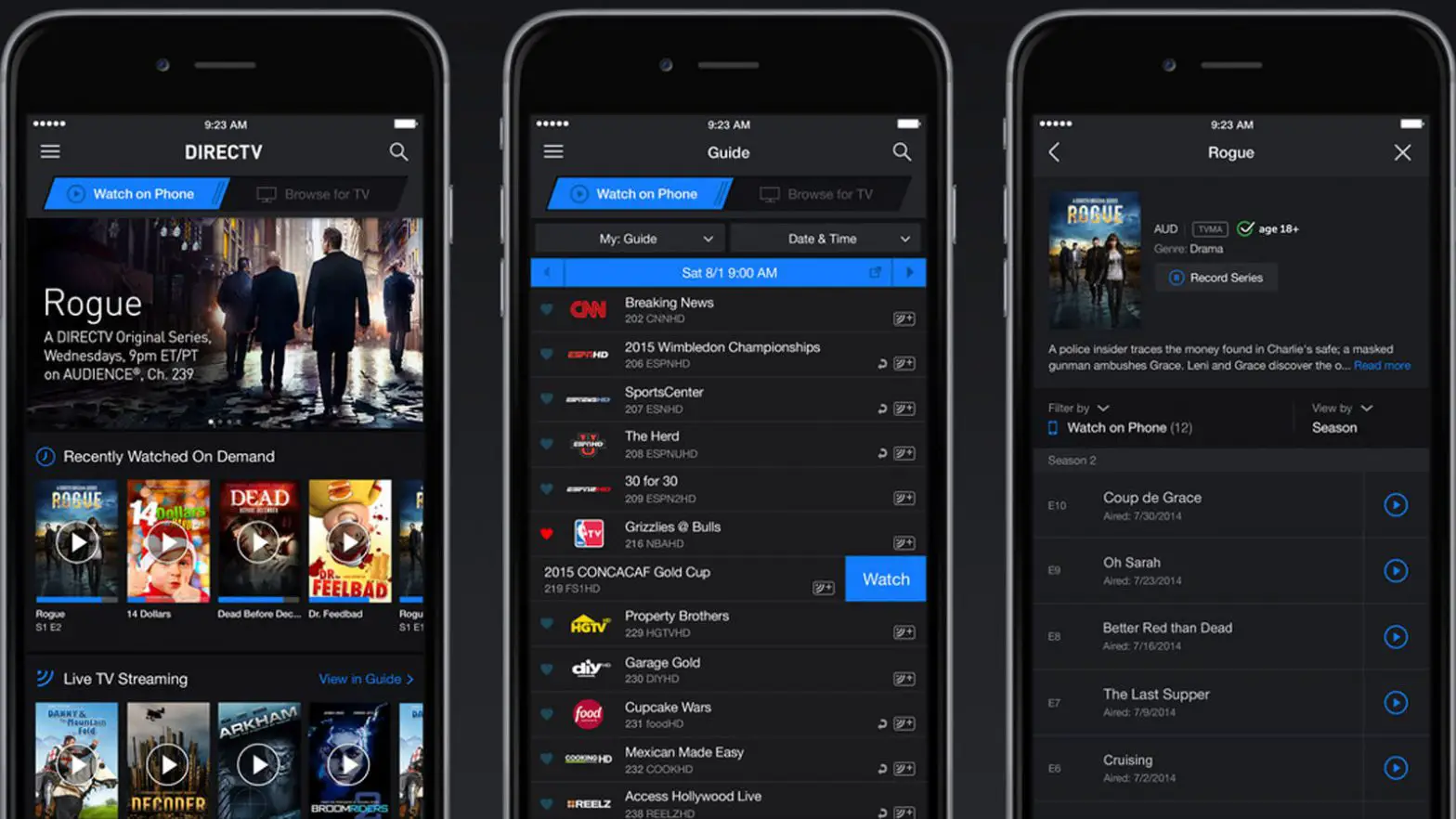
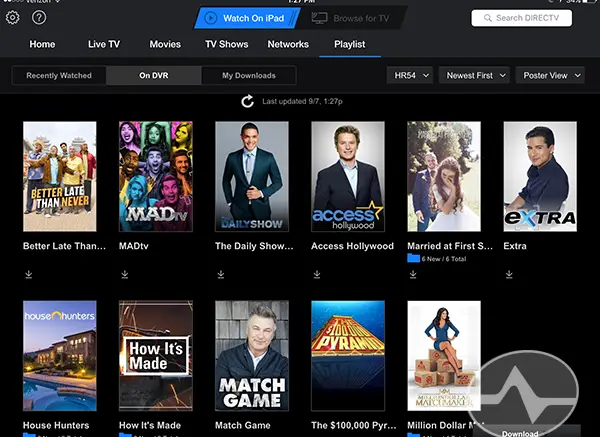
- Open the DIRECTV app on your mobile device
- Tap Browse for TV
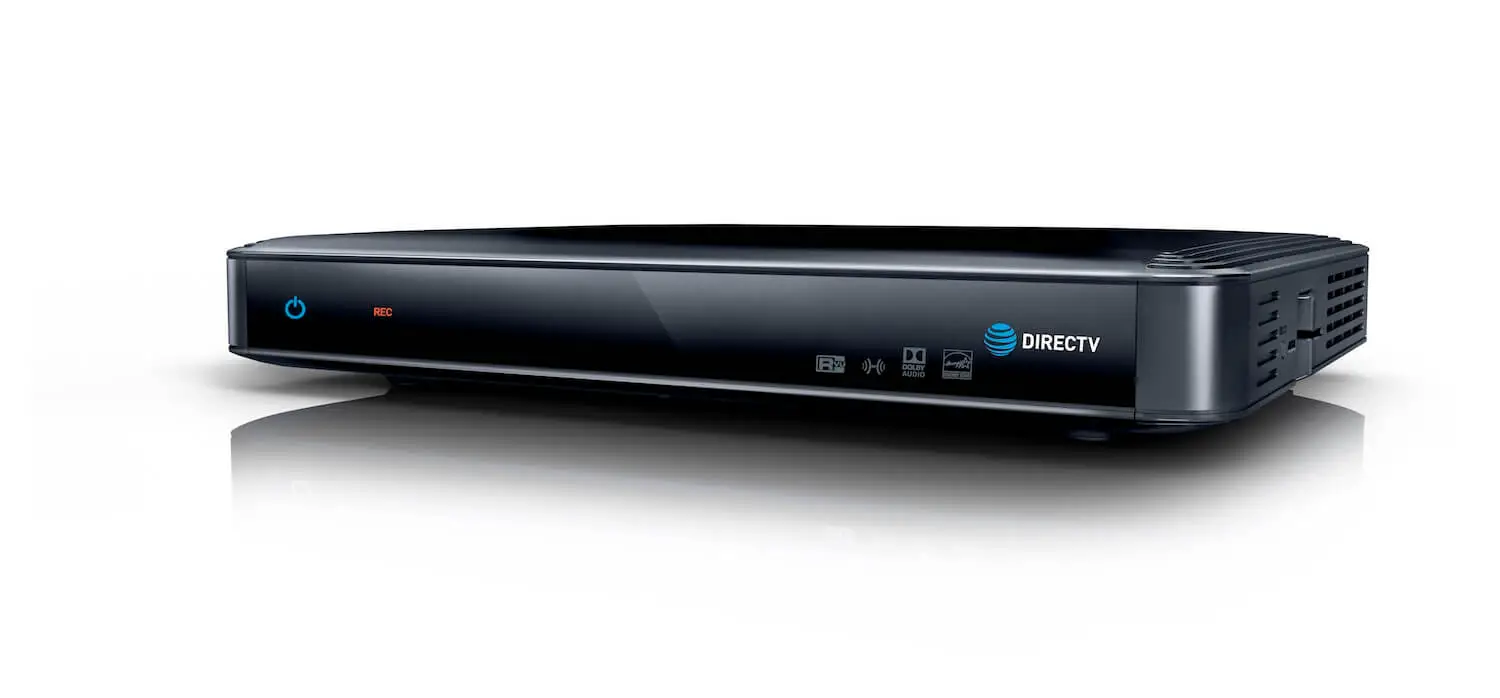
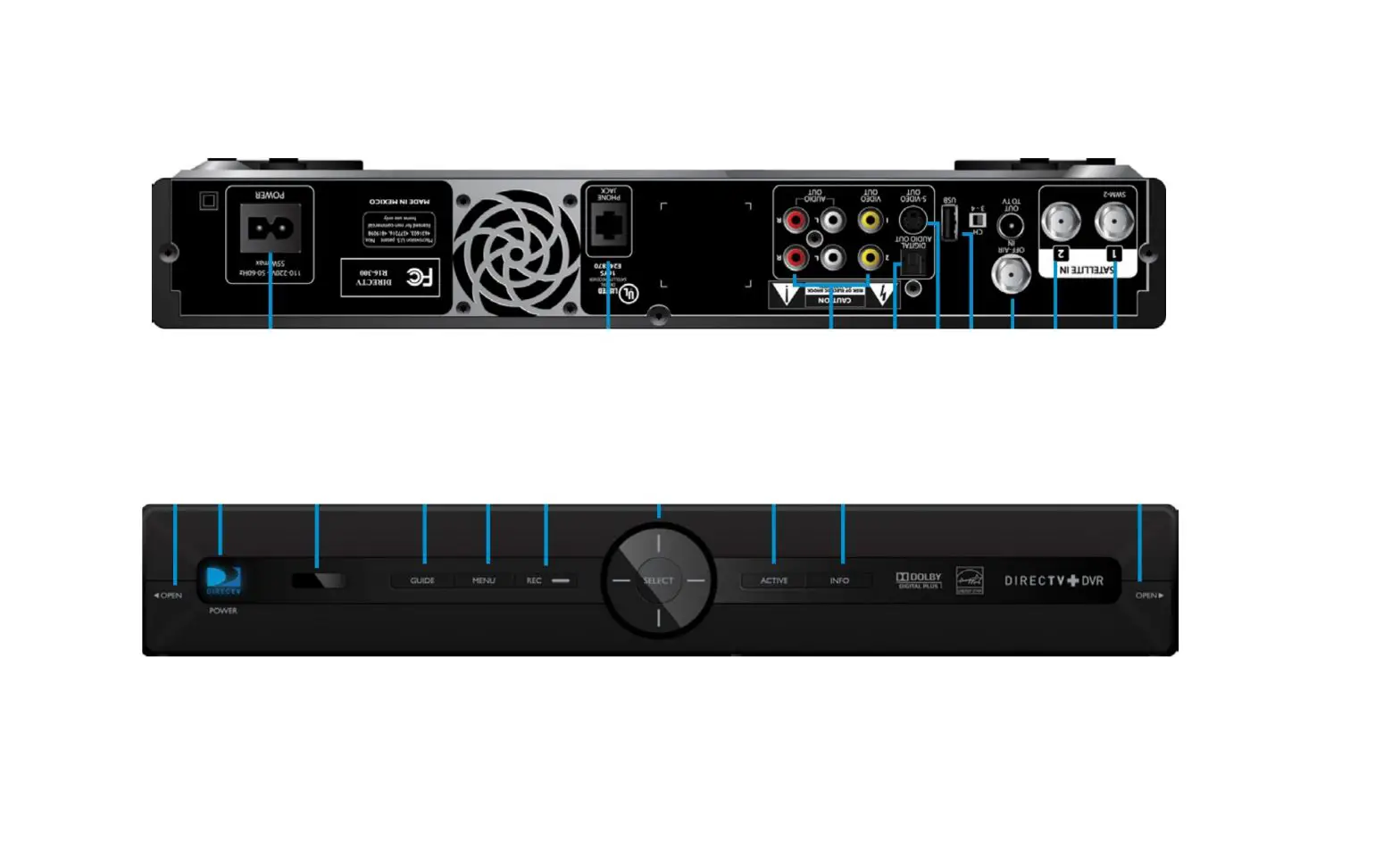
- From the main menu, select Receiver in the Receiver Control section. This will bring up a list of receivers that are connected to your home network and are eligible for control.
- Tap the receiver you want to control. If one or more of your receivers are not listed, this means they are not currently recognized on the network.