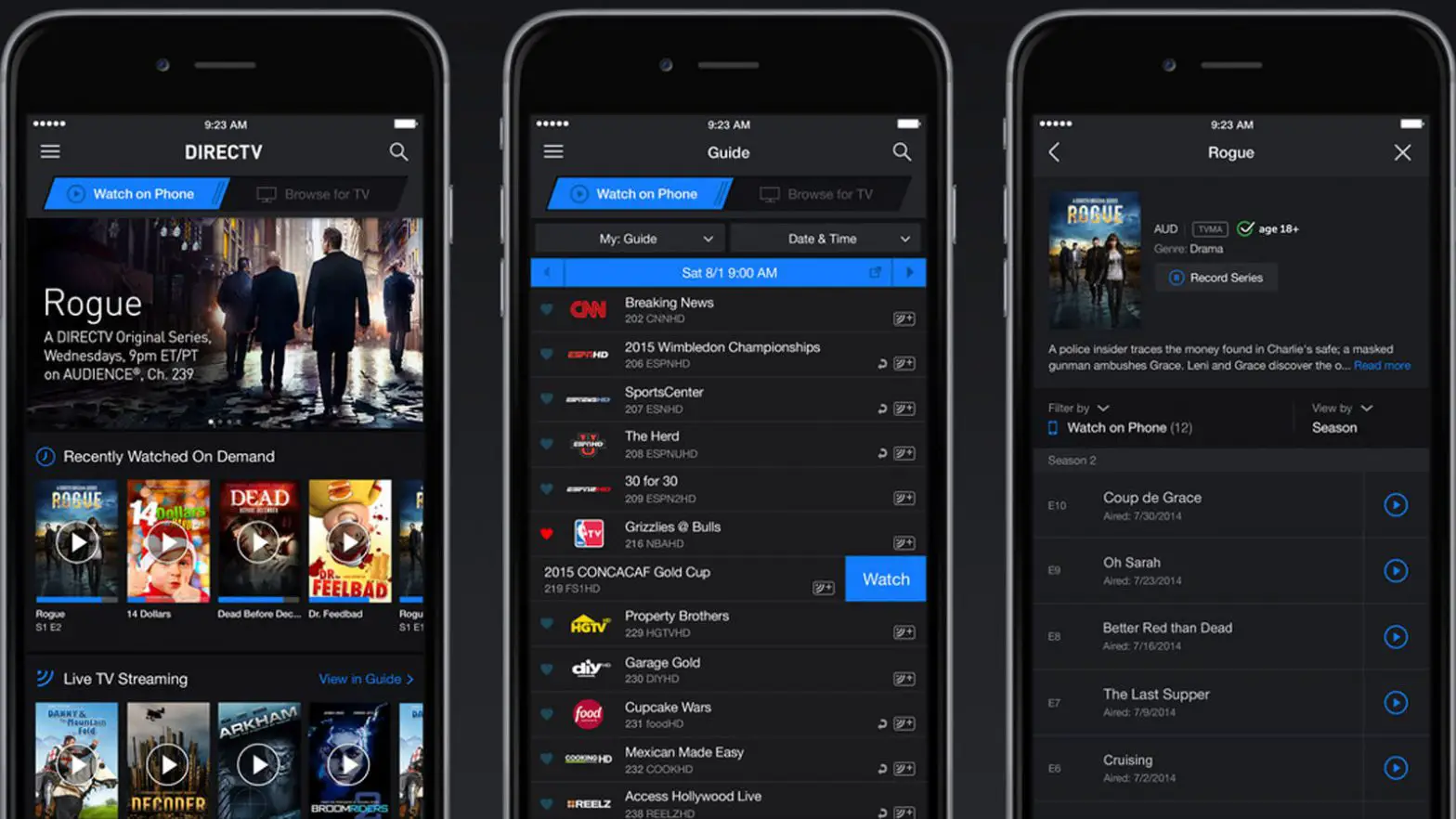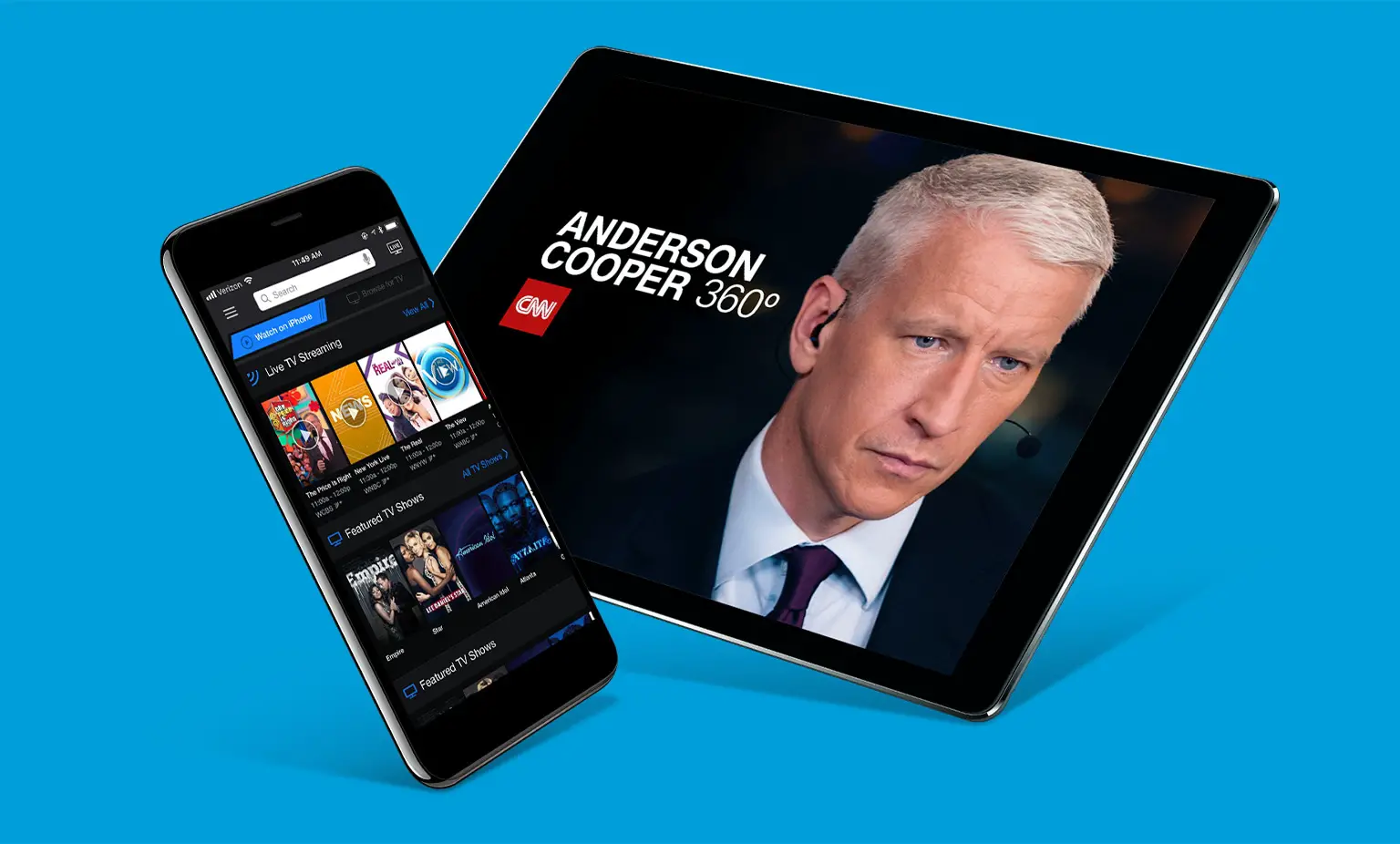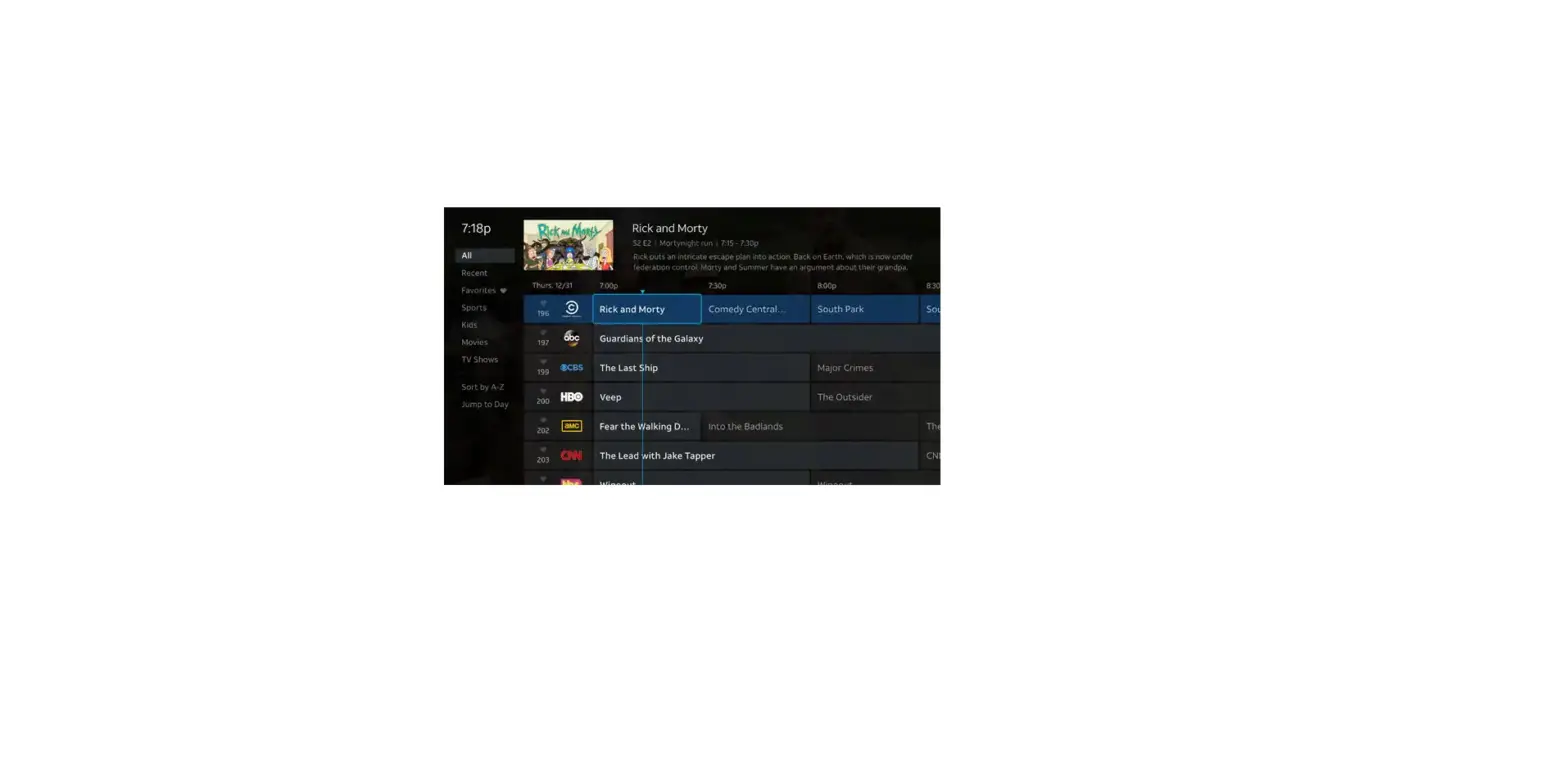
You can access more live TV while at home with the DIRECTV App when you register your mobile device to your receiver. When registering your device, make sure you’re on the same home Wi-Fi network as your receiver.
Once you’re on the same Wi-Fi network as your receiver:
- Launch the DIRECTV App (Download here).
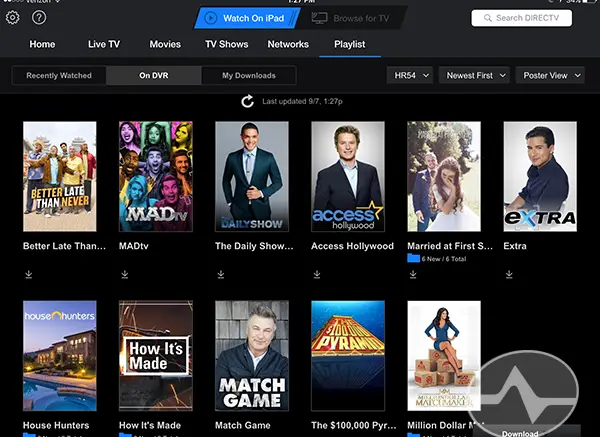
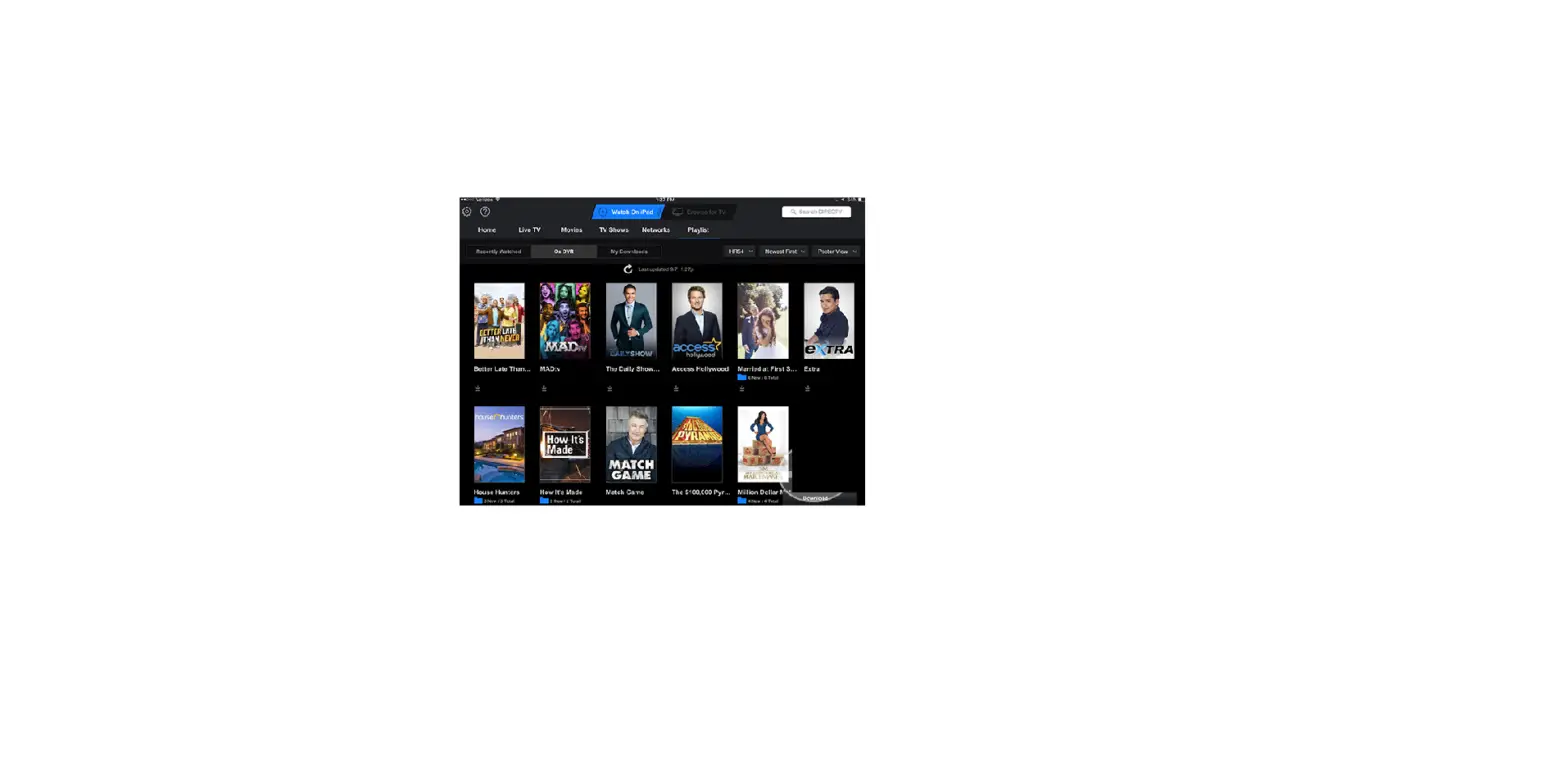
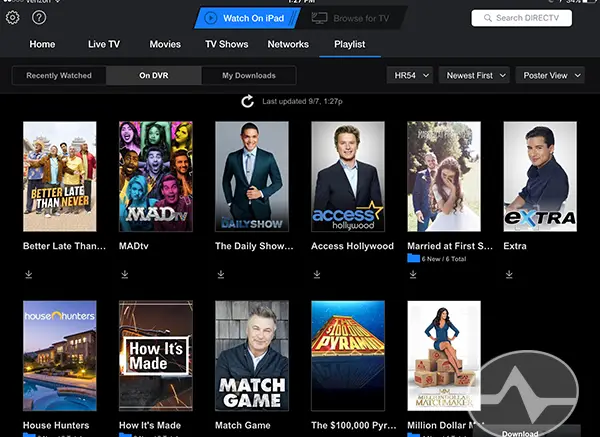
- Select “Watch on iPhone/iPad.”
- Select Watch Your DVR.

- Select the My Downloads tab.
- On the registration page, select Get Started and follow the prompts.

When registering additional devices away from home:
- Download and launch the DIRECTV App (Download here).
- Select Watch Your DVR on top of the homepage.
On the registration page, tap Get Started and follow the prompts.