Get help with error code 771
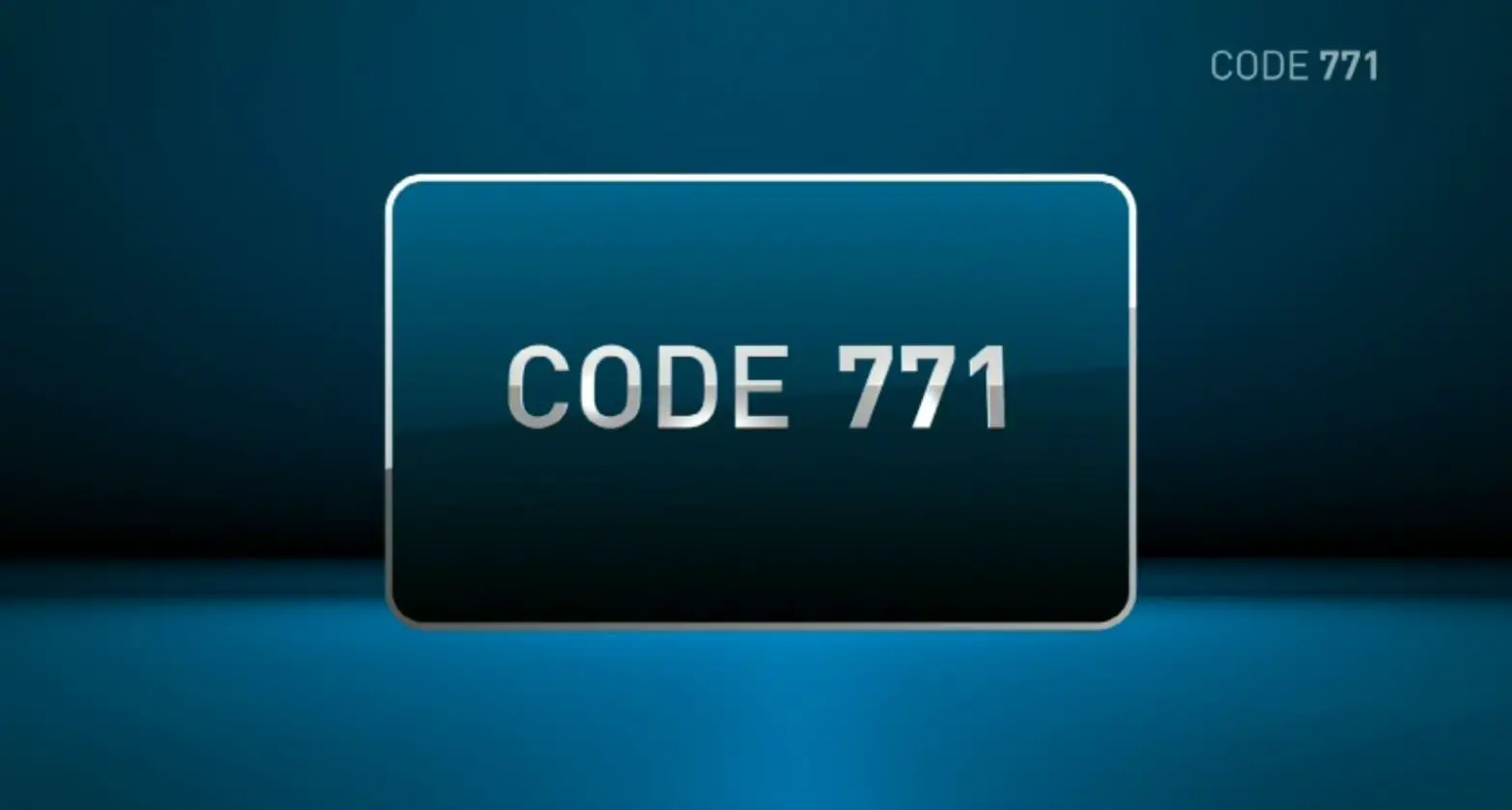
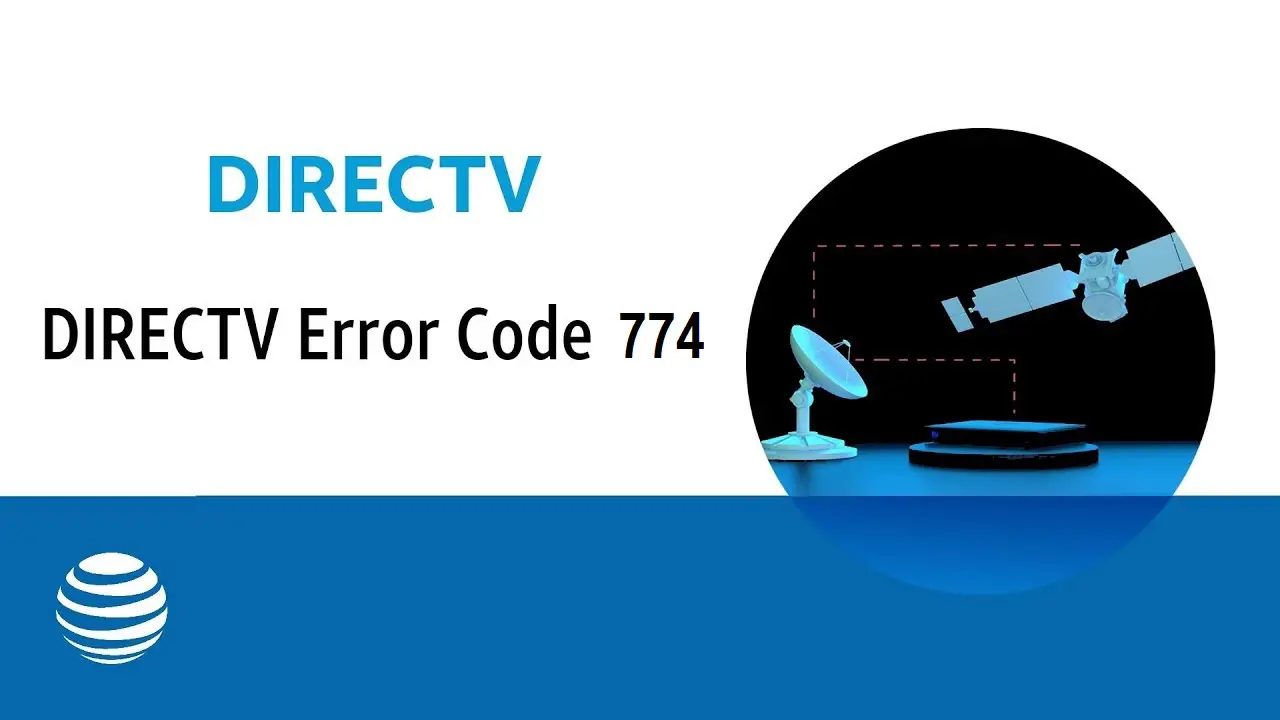
If you see error code 771, your dish isn’t communicating with the satellite. Find out how to fix it.
FREQUENTLY ASKED QUESTIONS
How can I watch DIRECTV when I have bad weather?
- TV: Press List on your remote to access your DVR recordings.
- Tablet or computer: Sign in to directv.com/entertainment and choose Watch Online.
- Phone: Download the DIRECTV App from the Apple App Store® or Google Play®. After you sign in, choose the option for watching on your phone.
- On demand: Go to Ch. 1000 to browse thousands of free titles or Ch. 1100 for the latest movie releases in DIRECTV CINEMA.
Why do I get a DIRECTV error code 771 in bad weather?
Severe weather may interrupt the signal between your dish and the satellite. If you’re currently experiencing heavy rain, hail, or snow, wait for it to pass to see if that fixes the issue. While you wait, you can still enjoy your favorite live or on-demand entertainment on your laptop, tablet, or mobile phone.
What is the Watch in Low Res option on DIRECTV error code 771?
When you lose your high-definition (HD) signal, select Watch in Low Res to watch your program in standard definition. Once your HD signal comes back, press the Prev button on your remote or change back to any HD channel in the Guide.
INSTRUCTIONS & INFO
Test receiver connections
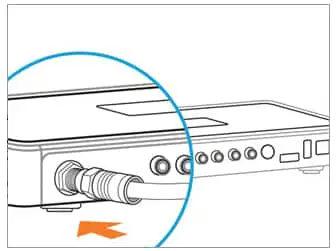
- Check the Satellite-In (or SAT-IN) cable to make sure all connections between your receiver and the wall outlet are secure. If any adaptors are connected to the cable, check them too.

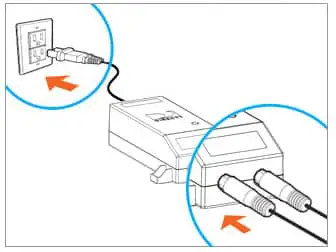
- If you have a SWiM power inserter attached to the DIRECTV cable coming from your dish, unplug it from the electrical outlet.
- Wait 15 seconds, then plug it back in. Be sure not to plug the SWiM power inserter into a power outlet that can be turned off.

Check satellite dish
If you can easily see your satellite dish, make sure nothing blocks the line of sight from the dish to the sky. Don’t climb on your roof.
Learn about error 771
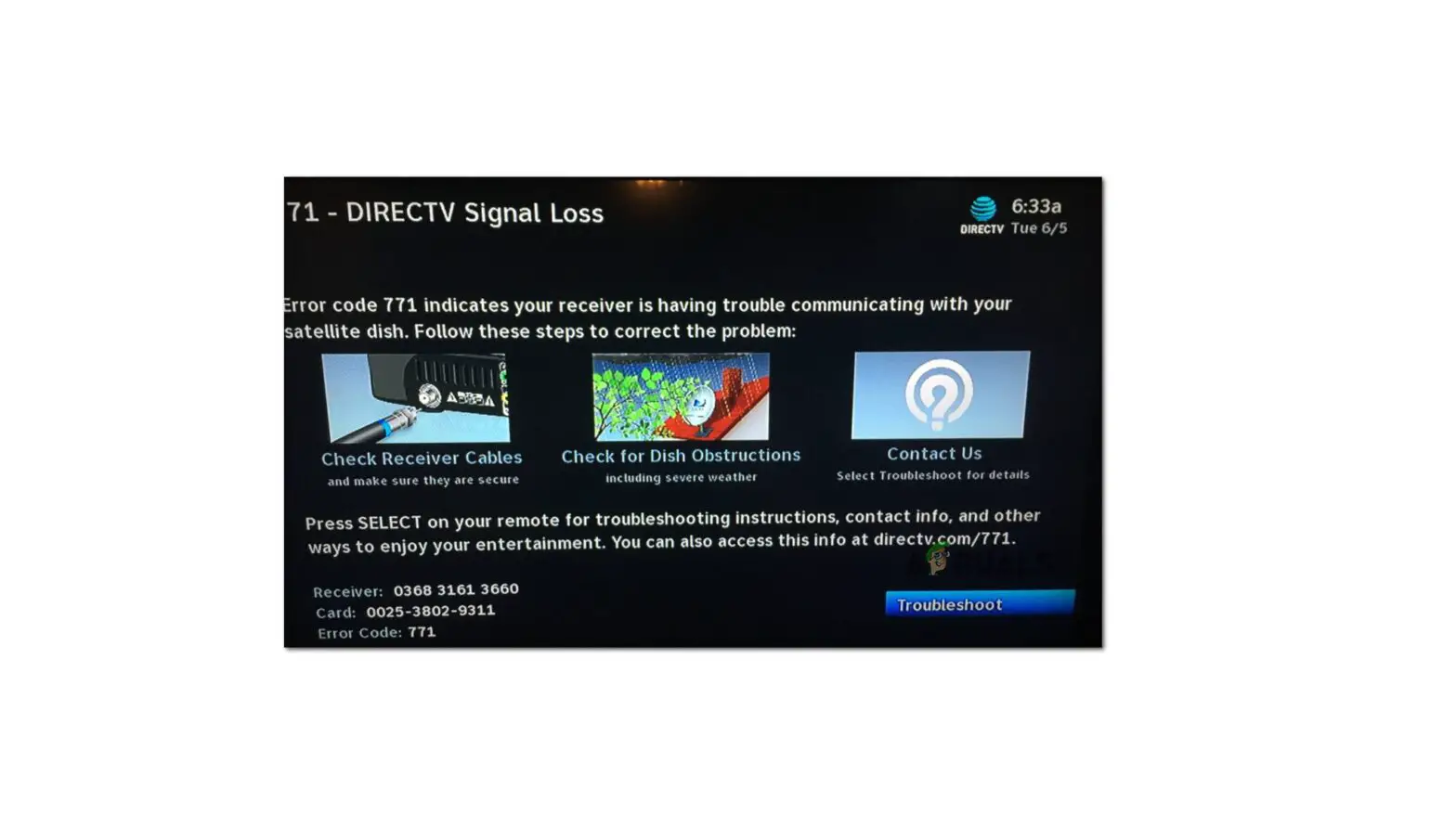
Error code 771
If you see this message, your receiver is having trouble communicating with your satellite dish, and may be interrupting your TV signal. This could be caused by severe weather or a receiver issue. Troubleshoot the issue by following the steps below.Severe Weather
The signal between your dish and the satellite might be temporarily lost due to severe weather. If you’re currently experiencing heavy rain, hail, or snow, wait for it to pass before continuing to troubleshoot.No Weather Issues
If there are no severe weather conditions in your area and you’re seeing Error 771 on all your receivers, call 888.388.4249 for assistance. If only some receivers are affected, try the following:
If you see this message, your receiver is having trouble communicating with your satellite dish, and may be interrupting your TV signal. This could be caused by severe weather or a receiver issue. Troubleshoot the issue by following the steps below.Severe Weather
The signal between your dish and the satellite might be temporarily lost due to severe weather. If you’re currently experiencing heavy rain, hail, or snow, wait for it to pass before continuing to troubleshoot.No Weather Issues
If there are no severe weather conditions in your area and you’re seeing Error 771 on all your receivers, call 888.388.4249 for assistance. If only some receivers are affected, try the following:
- Check all cable connections between your receiver and the wall outlet, starting with the Satellite In (SAT-In) connection, and make sure they’re secure. If you have any adaptors connected to the cable, check them too.
- If you have a Single Wire Multiswitch (SWM) power inserter attached to the DIRECTV cable coming from your dish, unplug it from the electrical outlet, wait 15 seconds, and plug it back in. Note: Do not plug the SWM power inserter into a power outlet that can be switched off.
- If you can easily see your satellite dish, check to see that nothing is blocking the line of sight from the dish to the sky. DO NOT climb your roof. If you can’t safely remove the obstruction, contact DirecTV to schedule a service call.
If you still see the message, call 888.388.4249 for assistance.
directtv.com/771 – directv.com/771