The Frame for Hero 4 Camera
Product Information:
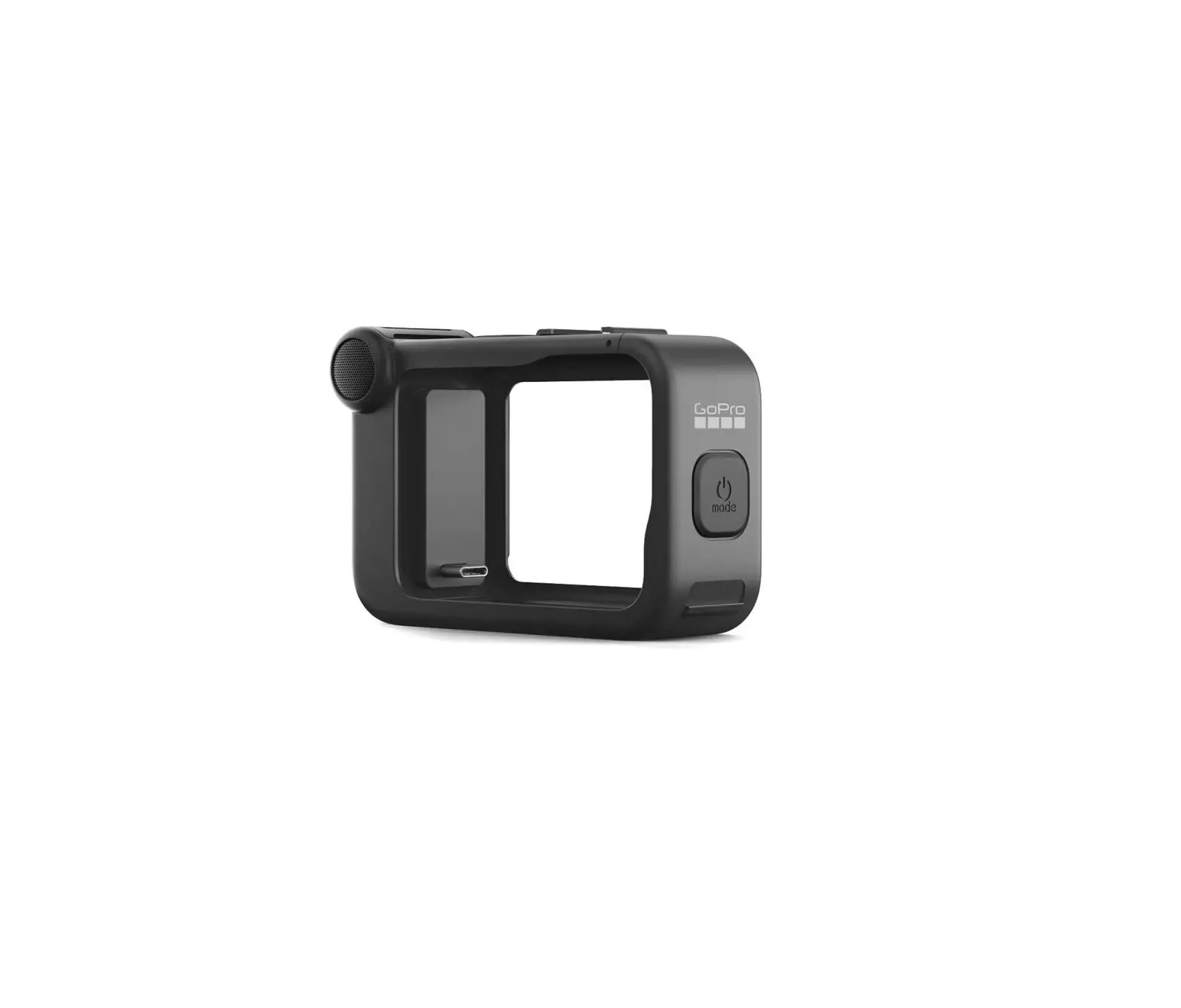
The Frame is a minimalist mounting accessory for GoPro cameras
that allows for compact mounting and optimal audio capture during
low-speed activities. It provides easy access to microSD, Micro
HDMI, and USB ports. The Frame features an integrated latch that
allows the camera to be removed without moving the mount. It also
includes a protective lens to safeguard the camera lens against
scratches, dust, and debris.
The package includes The Frame, a quick release buckle with a
thumb screw, and a protective lens.
Product Usage Instructions:
Setting up with just the camera:
- Unhook the latch on the top right side of The Frame.
- Holding the latch open, slide the camera into The Frame.
- When the camera is flush with The Frame, close the latch to
secure.
Setting up with the camera and LCD Touch BacPac or Battery
BacPac:
- Unhook the latch on the top right side of The Frame.
- Unhook the metal support arm and extend it for the BacPac to be
properly secured. - Slide the camera into The Frame until the BacPac arm, then
close the latch.
Pro Tip: If you want to quickly check your shot
before recording, leave the metal support arm unextended inside The
Frame. You can attach and detach the LCD Touch BacPac without
removing the camera. Please note that the LCD Touch BacPac is not
properly secured for shooting without the support arm extended.
Accessing the ports:
The Frame provides easy and full-time access to the microSD,
Micro HDMI, and USB ports. This is perfect for live-feed video,
charging, and data offload.
Note: The Frame is designed for use in dry
environments only. It does not provide waterproof protection for
your camera and should not be used in wet, dirty, or extreme
conditions.
Compatibility:
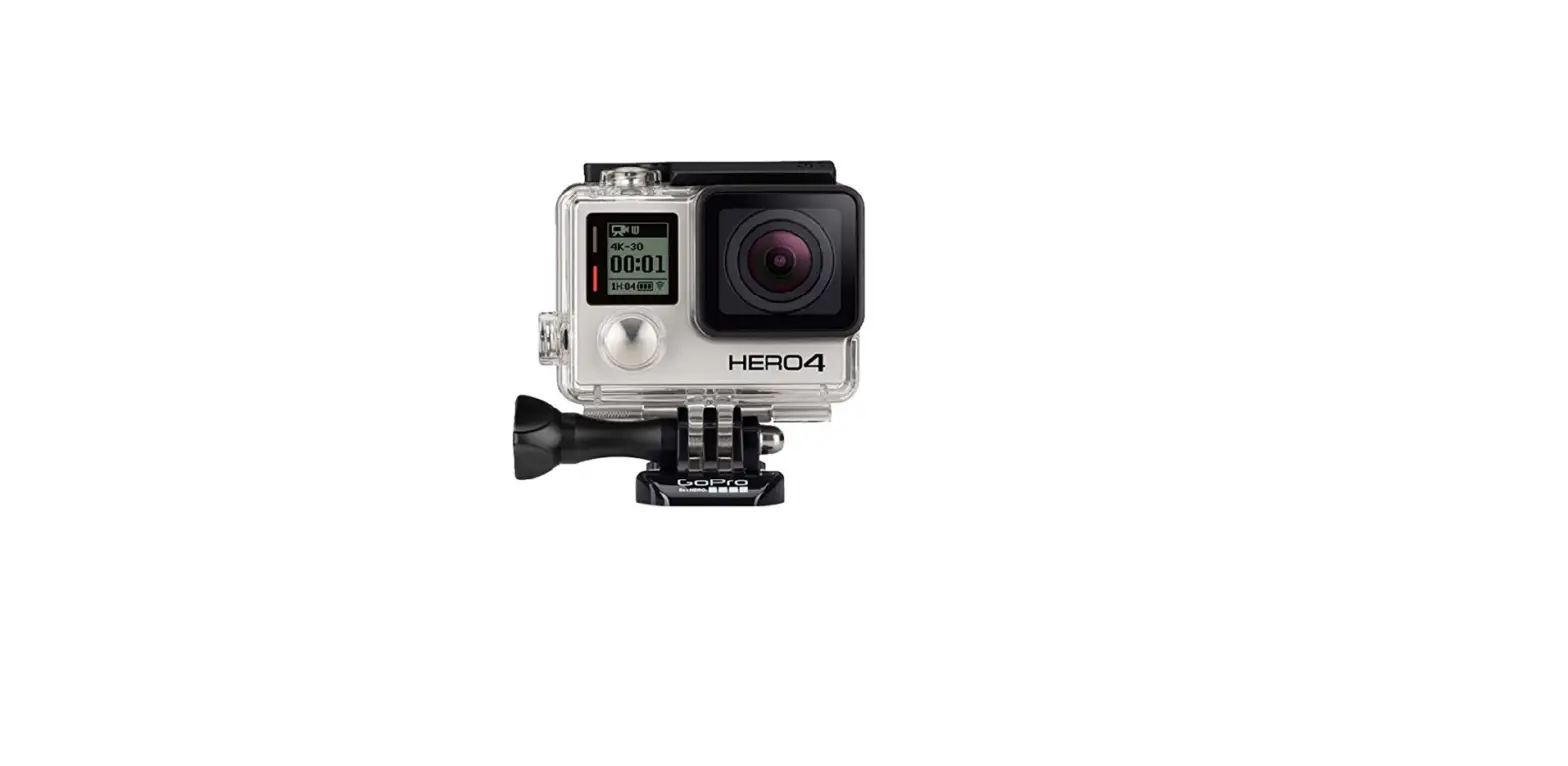
The Frame is compatible with all HERO4, HERO3+, and HERO3
cameras. It is also compatible with the LCD Touch BacPac and
Battery BacPac.
Customer Support: GoPro is dedicated to
providing the best possible service. To reach GoPro Customer
Support, visit gopro.com/support.
Join the GoPro Movement:
- Facebook: facebook.com/GoPro
- Twitter: twitter.com/GoPro
- YouTube: youtube.com/GoPro
- Instagram: instagram.com/GoPro
Learn more about GoPro products at gopro.com
Please recycle. Product code: 130-09412-000 REVA
USER GUIDE
The Frame
THE SMALLEST, LIGHTEST WAY TO MOUNT YOUR GOPRO.
/ What’s Included
THE FRAME Features a minimalist design for compact mounting and optimal audio capture during low-speed activities. Provides easy access to microSD, Micro HDMI and USB ports. An integrated latch allows the camera to be removed without moving the mount.
2
QUICK RELEASE BUCKLE + THUMB SCREW Enables quick, convenient mounting.
PROTECTIVE LENS Protects the camera lens against scratches, dust and debris.
/ Setting up
JUST THE CAMERA
Step 1 Unhook the latch on the top right side of The Frame.
Step 2 Holding the latch open, slide the camera into The Frame.
Step 3 When the camera is flush with The Frame, close the latch to secure.
3
CAMERA + LCD TOUCH BACPAC OR BATTERY BACPAC
Step 1 Unhook the latch on the top right side of The Frame.
Step 2
Step 3
Unhook the metal
Slide camera into The
support arm and extend Frame until the BacPac
it 90°. The arm must be rests against the support
used for the BacPac to arm, then close the latch.
be properly secured.
4
PRO TIP: Want to quickly check your shot before recording? Leave the metal support arm unextended inside The Frame, then attach and detach the LCD Touch BacPacTM without removing the camera. Please note, the LCD Touch BacPac is not properly secured for shooting without the support arm extended.
5
ACCESSING THE PORTS The Frame provides easy, full-time access to the microSD, Micro HDMI and USB ports–perfect for live-feed video, charging and data offload.
6
/ DRY ENVIRONMENTS ONLY The Frame does not provide waterproof protection for your camera, and is not intended for use in wet, dirty or extreme conditions.
/ COMPATIBILITY Compatible with all HERO4, HERO3+ and HERO3 cameras. Compatible with the LCD Touch BacPacTM and Battery BacPacTM.
/ CUSTOMER SUPPORT GoPro is dedicated to providing the best possible service. To reach GoPro Customer Support, visit gopro.com/support.
/ JOIN THE GOPRO MOVEMENT facebook.com/GoPro
twitter.com/GoPro
youtube.com/GoPro instagram.com/GoPro
7
Learn more about GoPro products at gopro.com
Please Recycle
130-09412-000 REVA
 GoPro | World’s Most Versatile Cameras | Shop Now & Save
 GoPro (@gopro) • Instagram photos and videos