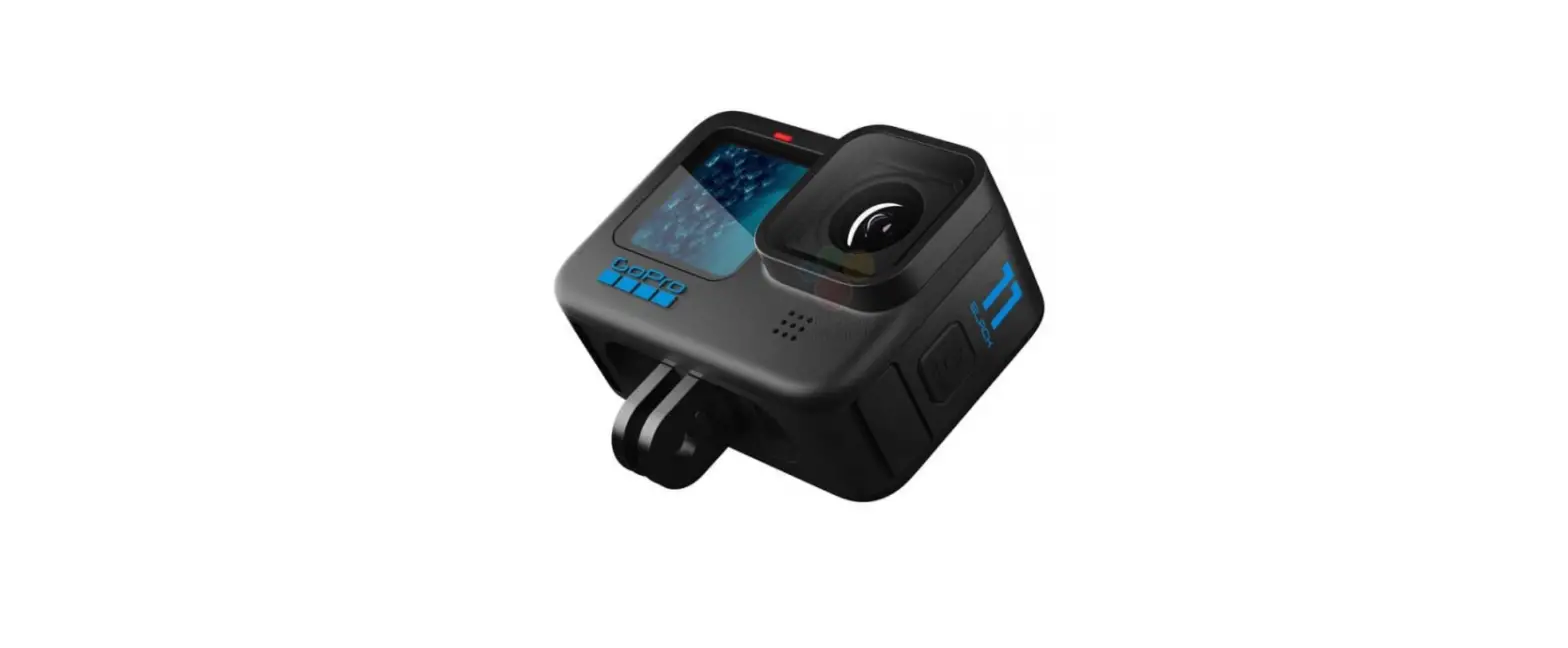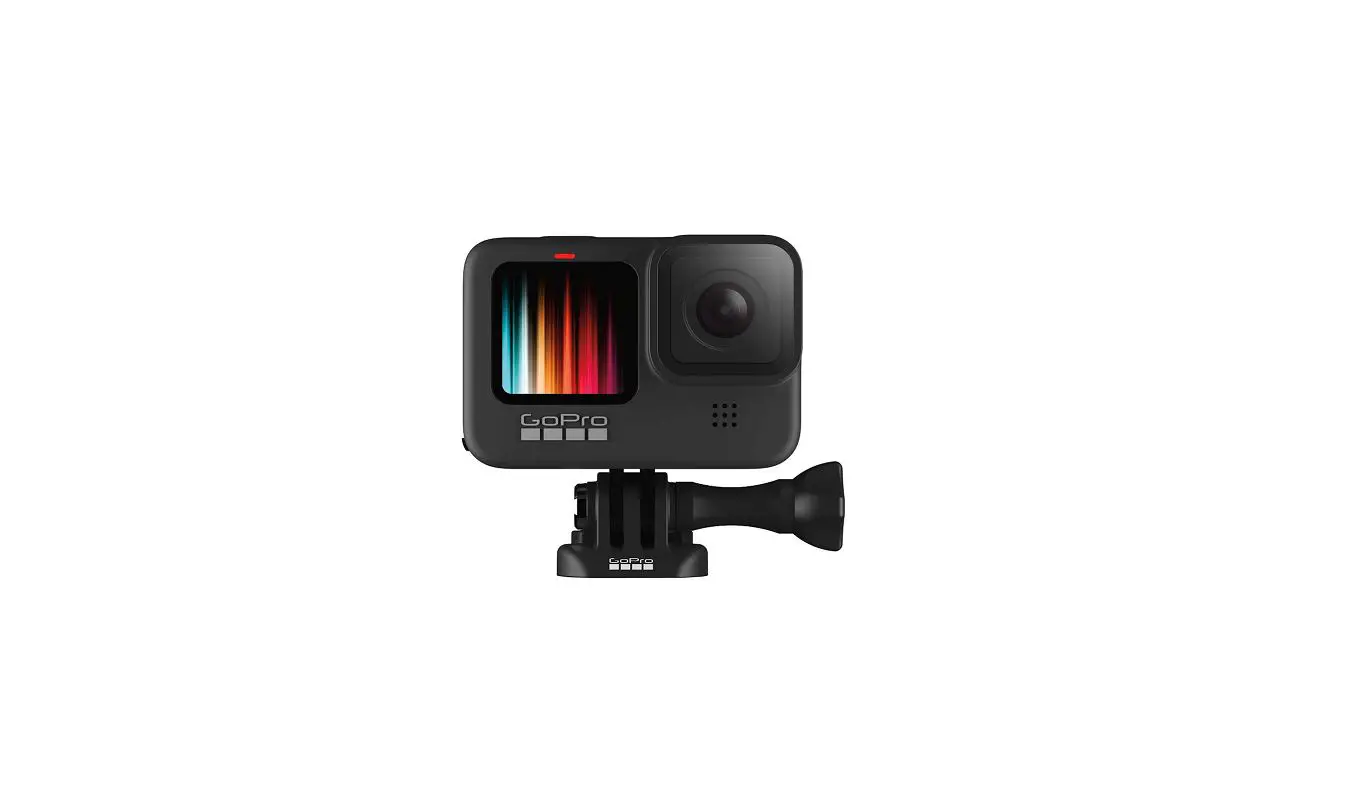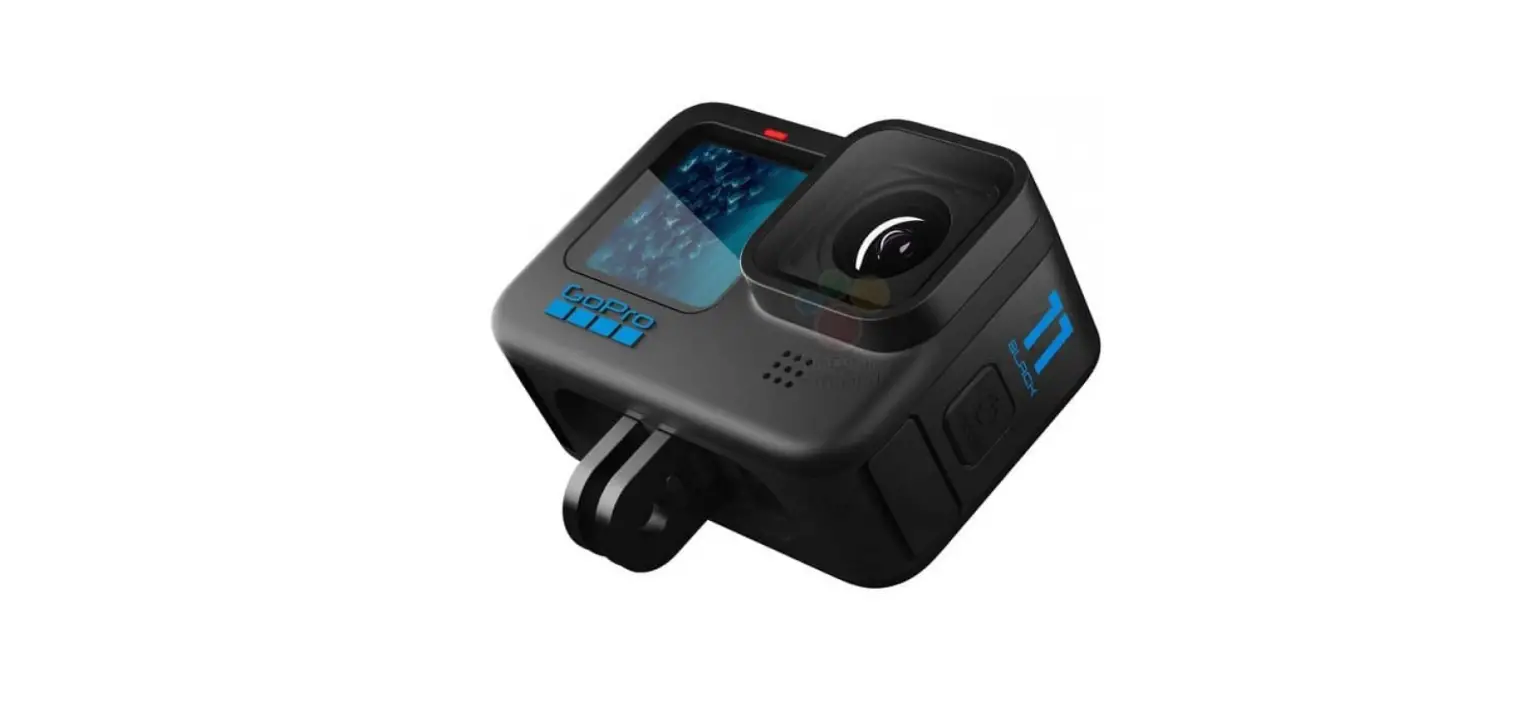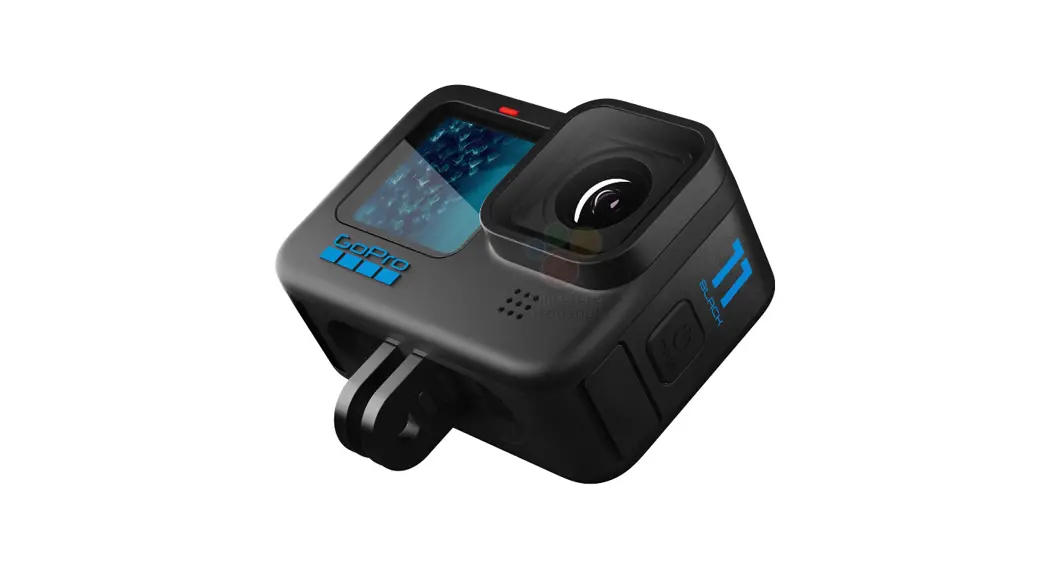
HERO11 Black Action Camera
User Manual
Top 11 Tips for Your GoPro HERO11 Black
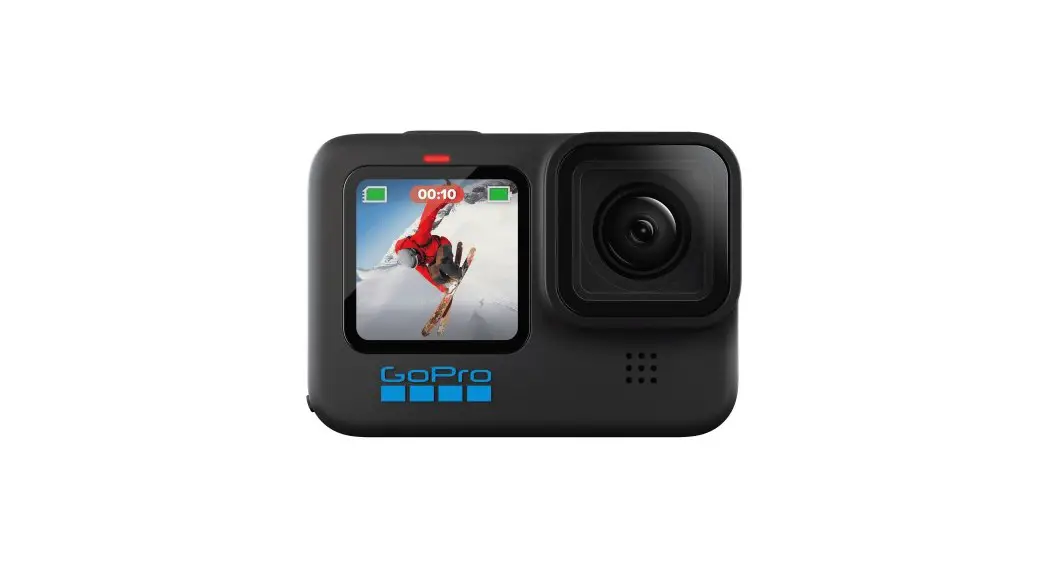
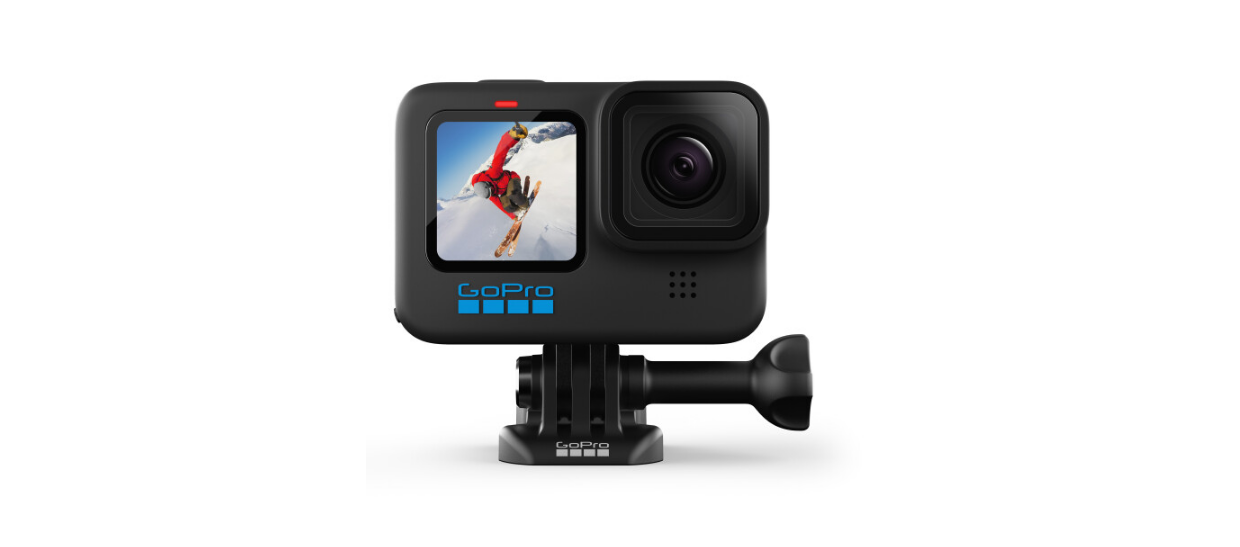
HERO11 Black Action Camera
- Make Sure You Have the Latest Software
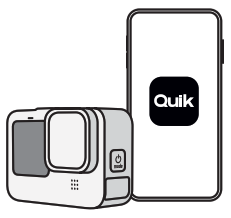
For the latest features and optimal performance, be sure your HERO11 Black has the latest software. The fastest and easiest way to update it is with the GoPro Quik app. You can also update it manually.
- Get the GoPro Quik App
The Quik app turns your phone into a remote control for your HERO11 Black. And, it brings your best shots to life by automatically creating highlight videos from your favorite photos and videos, complete with beat-synced music and effects.
http://onelink.to/3rv9dw - Get a Full Charge
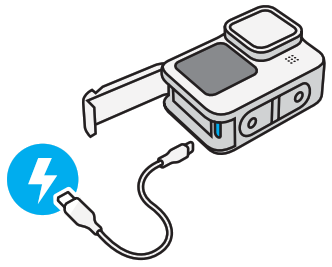
3Your GoPro should arrive with a partially charged battery, but it’s a good idea to top it off so you’re ready for whatever comes up.
- Use Real GoPro Batteries
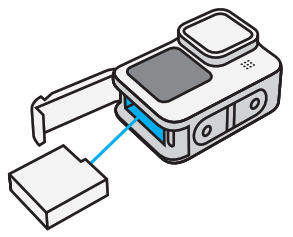
For maximum runtime and the best cold-weather performance, only use GoPro Enduro batteries with your HERO11 Black. Non-GoPro batteries may fit in your camera, but could limit its performance. They will also void your camera’s warranty and may cause safety risks.
- Maximizing Battery Life
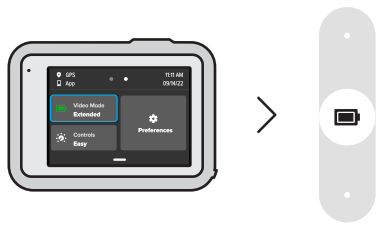
Use HERO11 Black’s Extended Battery mode to maximize your camera’s runtime. It uses the most energy-efficient resolutions and frame rates to extend battery life. Swipe down on the rear touch screen to access the Dashboard. Swipe left and tap Video Mode to access Extended Battery mode.
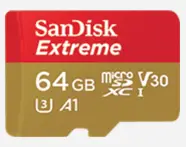
- You’ll need an SD card that’s capable of meeting the high-performance demands of HERO11 Black. Use a brand-name card that fits these requirements:
• microSD, microSDHC™ or microSDXC™
• Rated Class v30, UHS-3 or higher
• Capacity up to 512GB
Get an SD Card That Can Keep Up
- Use Easy or Pro Controls
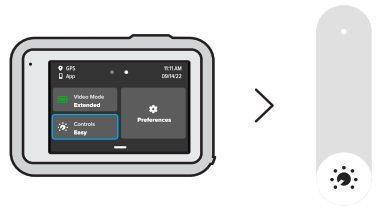
Choose point-and-shoot simplicity or full camera control. HERO11 Black’s Easy Controls are preloaded with ultra versatile capture settings that let you simply press the shutter button for amazing results. Pro Controls unlock preset settings, plus the ability to fine-tune all modes, settings and features.
- Getting the Shot
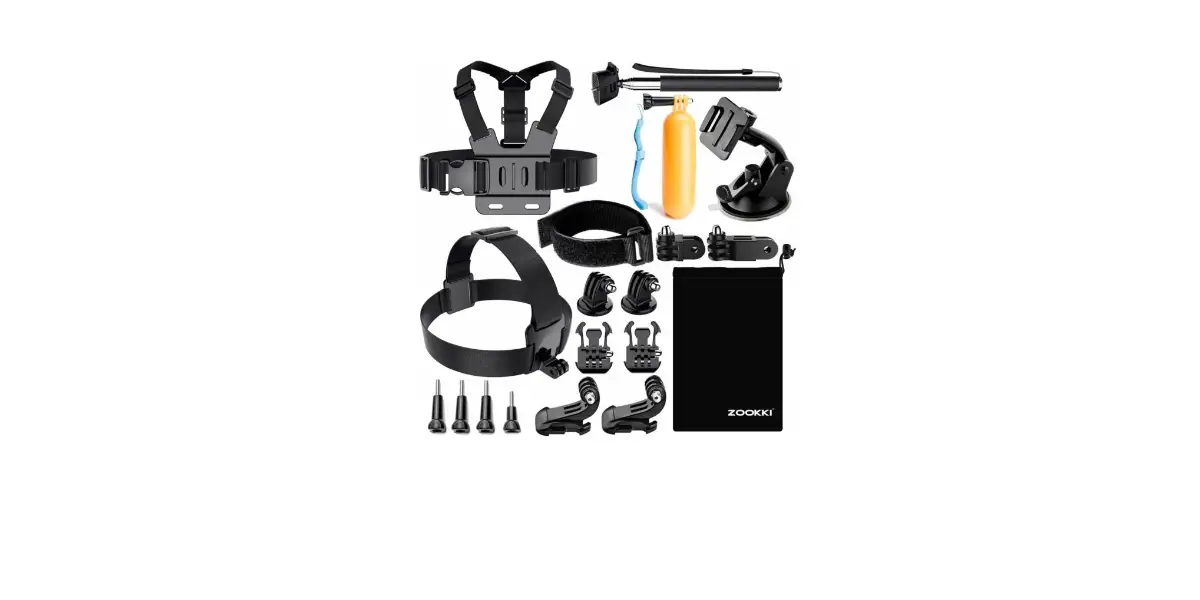
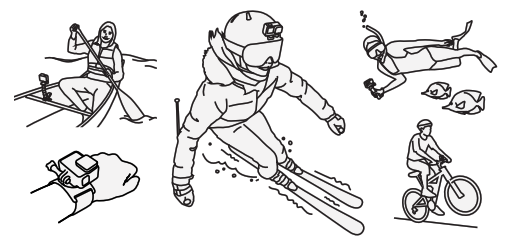
Capture incredible perspectives, immersive point-of-view shots and more. There are over 45 GoPro mounts, accessories and mods that let you create the perfect gear setup for your HERO11 Black.
- Customizing + Creating Presets
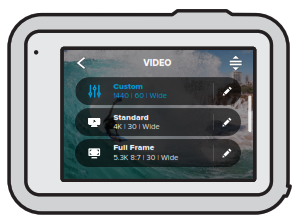
HERO11 Black comes loaded with presets that make it easy to switch back and forth between the best modes and settings for your shot. You may find, however, that you need to change a preset or create your own for a specific shot.
- Offloading Your Photos + Videos
HERO11 Black gives you four ways to offload and save your media:
• Auto-upload footage from your GoPro to the cloud while your camera is charging¹
• Wirelessly offload footage from your GoPro to the GoPro Quik app
• Wired USB offload to the Quik app at speeds up to 50% faster than wireless²
• Use your SD card to transfer your media to a computer
- Get Expert Advice
Our team of experts is ready to help with any questions you may have.
You can also check out help articles and video tutorials, plus download the full HERO11 Black user manual. You’ll find it all at gopro.com/help.



¹Within your home Wi-Fi network. GoPro subscription required.
GoPro subscription available in select territories. Cancel anytime.
Visit gopro.com for info and availability.
²Requires standard USB-C to USB-C or standard
USB-A to USB-C and Apple® Lightning to USB
Camera Adapter, depending on device.
 GoPro | World’s Most Versatile Cameras | Shop Now & Save