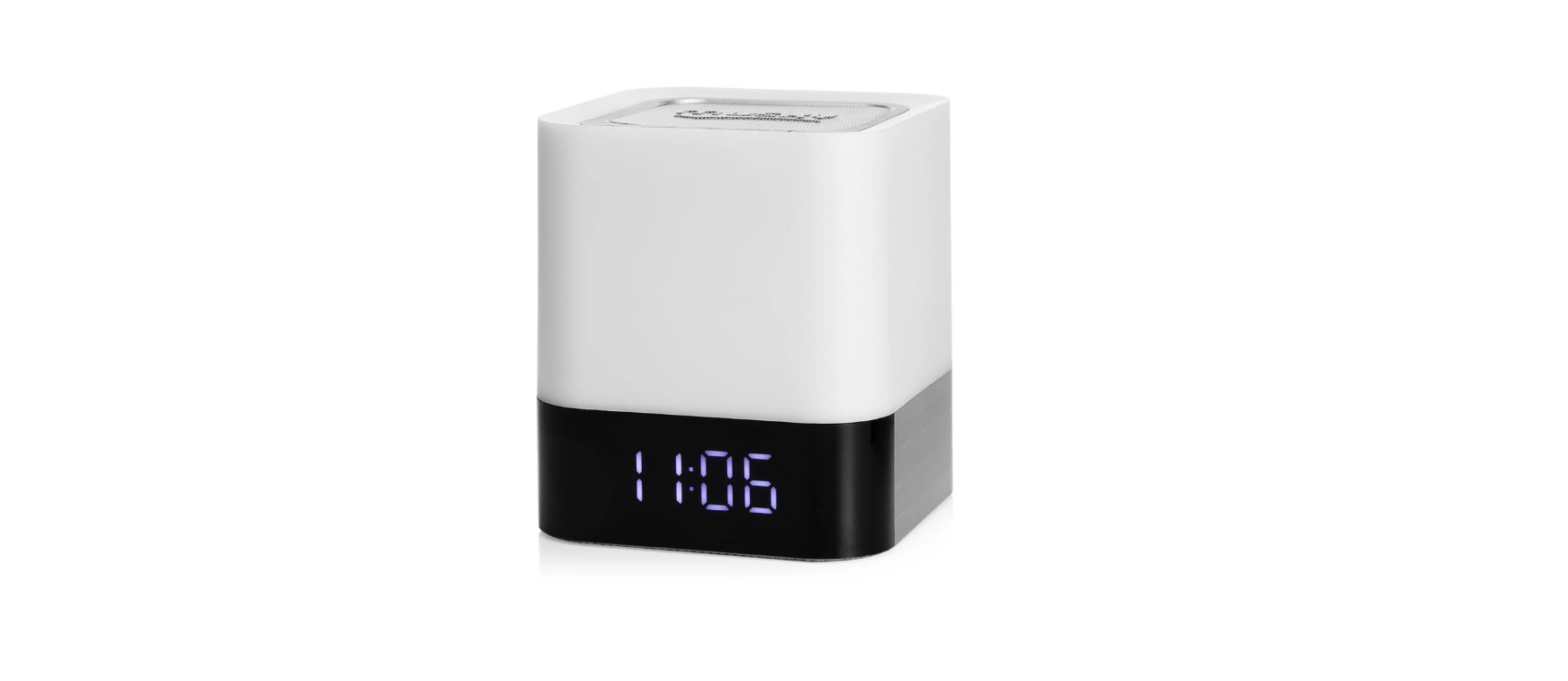
 Xinyiheng Digital DY28 Digital Media Player User Manual
 Xinyiheng Digital DY28 Digital Media Player User Manual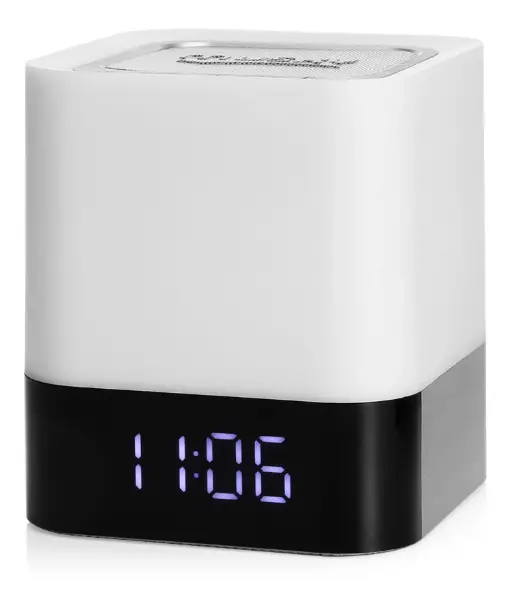
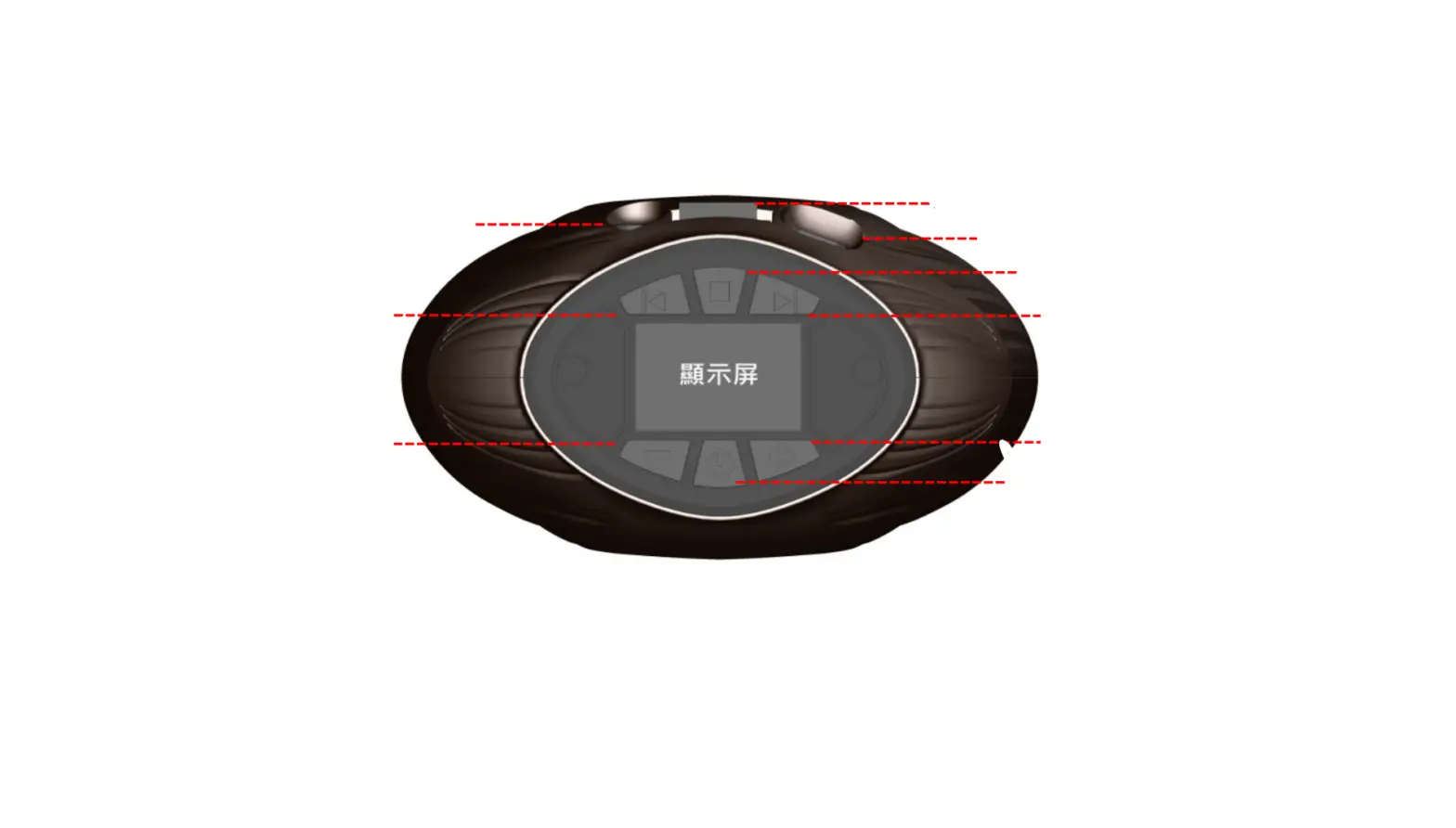
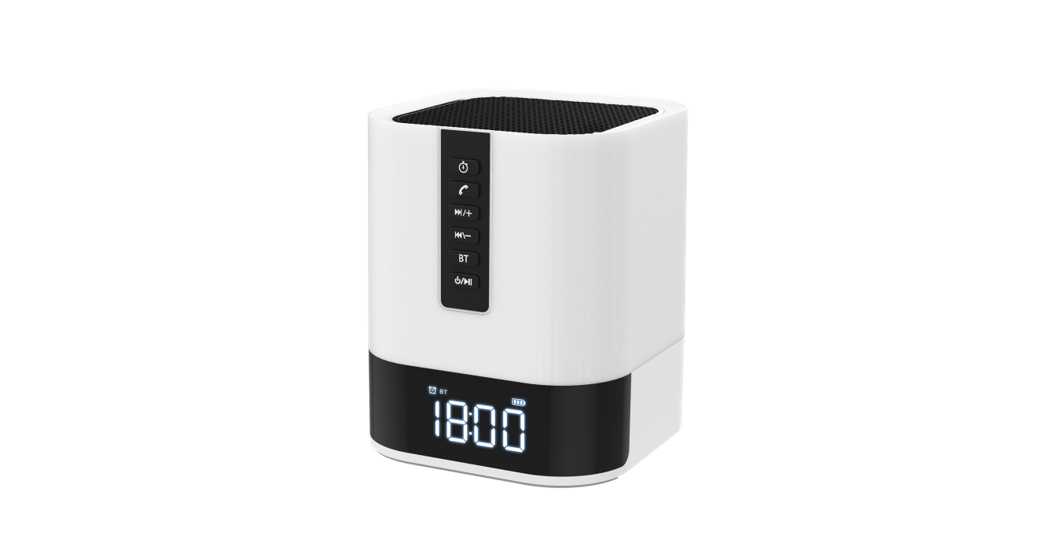
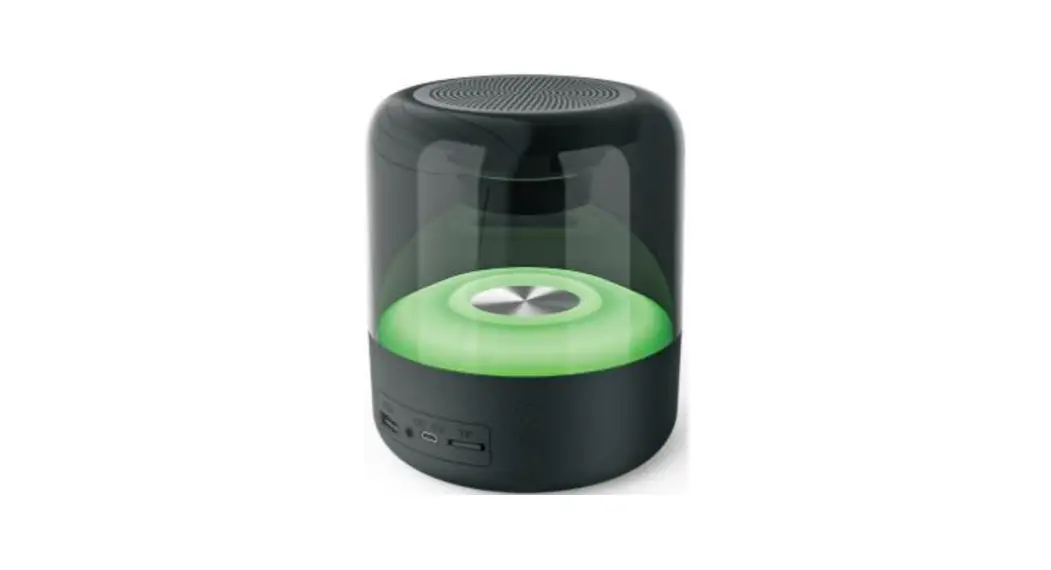
Product Appearance
Product Features
- Support wireless Bluetooth function
- Touch to get the time on display at any moment
- Support hands-free function with built-in microphone, clear voice without echo
- Support to play Mp3 music from U-disk or TF card
- Build in high-quality lithium battery, support to charge from Micro USB port
- Support to set customized alarm bell, as you want
- Stereo and Hifi voice
- Modern design
- Special music LED light, lamplight beat following with music
- Seven lamplight modes optional, different colors optional, enjoy the best voice and vision
Device power supply
- USB 5V) power supply
- Built-in Lithium Rechargeable Battery
Lithium Rechargeable Battery Note
- Charge lithium Rechargeable Battery: Can be charged from a mobile phone adapter or computer USB port. Reach to fully charged in about 8-10 hours.
- Maintain the lithium battery If the device is not used for a long time to prevent the Lithium Rechargeable Battery no properly working, Please charge Lithium Rechargeable Battery completely for two or three months or take out Lithium Rechargeable Battery.
Operation Instruction

 “KEY: Play/Pause/answer calling/hang up calling/turn on/turn off. In Bluetooth mode, the short-press the key to answer or hang up the call. Short press the “ ” key to play or pause in Bluetooth mode and Mp3 mode. Short press the key to keep silence in Line-in mode. Long press the “ ”key to turn off the device, then short press to turn on the device in all modes.
- “MODE” KEY: Short press to choose the different mode, the device sequence is as: TIME->DATE->ALARM->BLUETOOTH->Mp3 Mode->Line in
 KEY: In music and Bluetooth mode, short press to select the last song. In Mp3 mode, long press to fast backward. In clock mode, short press to choose 12/24 hours
- KEY: In music and Bluetooth mode, short press to select the next song. In Mp3 mode, long press to fast forward. In clock mode, short press to choose 12/24 hours
- Vol-” KEY: decrease volume in Bluetooth /Mp3/ Line-in mode
- “Vol+” KEY: increase volume in Bluetooth /Mp3 /Line-in Mode
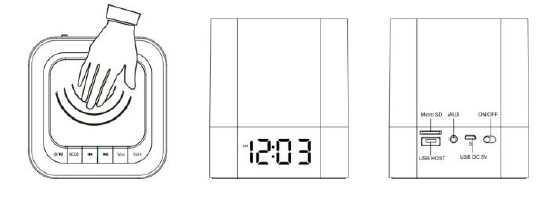
- “speaker net”: Turn on the device, and continuously touch speaker net to adjust seven lamplight modes: Low brightness/high brightness/breathing light/transform light/music light/turn off. Touch the speaker net to watch the time on display. When the alarm works, clap once to enter sleep mode and clap twice to stop the alarm function.
- Power on/Off” KEY: switch on to power on, switch off to power off
 “KEY: Play/Pause/answer calling/hang up calling/turn on/turn off. In Bluetooth mode, the short-press the key to
 KEY: In music and Bluetooth mode, short press to select the last song. In Mp3 mode, long press to fast backward. In clock mode, short press to choose 12/24 hours
LIGHT FUNCTION INSTRUCTION
Seven light modes and 48 different colors are optional, choose from them by clapping the speaker net.
- Low brightness: 30% brightness, gentle lamplight
- Middle brightness: 60% brightness, soft lamplight
- High brightness: 100% brightness, very bright
- Breathing light: The light turns to low brightness from high brightness, then turn to high brightness from low brightness, and changes different colors at the same time
- Cycle light: 48 colors light cycle automatically, let you enjoy excellent vision
- Music light: The light change color following different volume and rhythm(it blinks in 2.5 seconds when not play music)
- Customized light color: Continuously touch the speaker net, and the lamplight will change automatically, you move the hand and it stops at your favorite color. (Attention: For the 48 colors, every color stands for a code and shows on an LED display, easy to remember)
Time Instruction
- Time Mode
It enters to Time Mode and shows time on display when turning on the switch. Short press “” or “ ” to adjust 12/24 hours. Long press the “MODE” key to set the date and time, at first you can see the “Year” blink, short press “the” and “ ” keys to adjust it as you need. Then, set month/date/ hour/ minute at the same way. - Date Mode
Short press the “Mode” key from Time mode, it enters Date Mode, LED display will show the date, short press ” ” and “ ” to check the year/month/date. - Alarm Mode
Long press the “Mode” key to set alarm, the same operation as time setting way. Short press the “Mode” key to adjust the ON/OFF status by pressing “” or “ ”. Then, short press “Mode” to confirm it. (Attention: The device support customized alarm bell as you need. Please check steps 1. Build a file, named as Alarm; Put one piece of music in this file. Only the first song will be alarm music when there are many songs in the file.Keep external U-disk or TF card connected with the speaker, which has the alarm song file) - Sleep Mode
The display shows” S OFF”. Short press “” key to set the time when it will be turned off automatically, you can set turn off/to 15/30/60/120 minutes. This setting works for once, it needs to be set again after you turn on the device next time. press “
”“to choose the former /next song. Short press “Vol+” /”Vol-” to increase/decrease volume. Short press “the” key to play/pause. Short press “ ” to play/pause. Short press “  ” to answer/hang off calling
 - MP3 Mode
It enters to Mp3 mode when inserting TF card/U-disk. Short press “ - ” /“ ” to choose the former /next song. Long press “ ” /“ ” to fast forward/backward. Short press “Vol+” /”Vol-” to increase/decrease volume. Press “Vol- ”/ Vol+” KEY to decrease/increase volume. Short press “ ” key to pause/play music.
- LINE-IN Mode
It enters AUX mode when connecting the digital device via a line-in cable. Press “Vol+”/“Vol-” to increase/decrease the volume. Short press ”” to silence
 ” to answer/hang off calling
FAQ
| No power | Check Lithium Rechargeable Battery which has power or not Check DC5V Plug which is plugged properly |
| No sound or Sound distortion | Check the level of volume which is not on zero status Check music file which is damaged or not .The damaged music file produce sound distortion and cannot played .Please keep the good music files. Check Lithium Rechargeable Battery which is not enough power |
| Device hang up | Switch OFF the power then Switch ON the power again or After Charging, Switch ON the power once again |
Specification
| Display | LED | |
| Built in lithium Rechargeable Battery | Play time : Max 8~ 10 Hours *According to the level of Volume | |
| LINE-IN Audio in (AUX)
MP3/WMA/APE/F LAC/WAV | Max. input | (L)300mV+(R)300mV |
| Output power | 5W | |
| MP3 Bit Rate | 8K bps – 320K bps | |
| Signal noise Ratio(SNR) | 85dB | |
| Signal Distortion | <0.55% | |
| Music Format | MP3 | |
| Operation temperature | -5 to 40 Celsius Degree | |
Product appearance, function, and specification might change without prior notice.
FCC Statement
This equipment has been tested and found to comply with the limits for a Class B digital device, pursuant to Part 15 of the FCC Rules. These limits are designed to provide reasonable protection against harmful interference in a residential installation. This equipment generates uses and can radiate radio frequency energy and, if not installed and used in accordance with the instructions, may cause harmful interference to radio communications. However, there is no guarantee that interference will not occur in a particular installation. If this equipment does cause harmful interference to radio or television reception, which can be determined by turning the equipment off and on, the user is encouraged to try to correct the interference by one or more of the following measures:
- Reorient or relocate the receiving antenna.
- Increase the separation between the equipment and the receiver.
- Connect the equipment to an outlet on a circuit different from that to which the receiver is connected.
- Consult the dealer or an experienced radio/TV technician for help.
This device complies with part 15 of the FCC Rules. Operation is subject to the following two conditions
- This device may not cause harmful interference, and
- this device must accept any interference received, including interference that may cause undesired operation. Changes or modifications not expressly approved by the party responsible for compliance could void the user’s authority to operate the equipment.