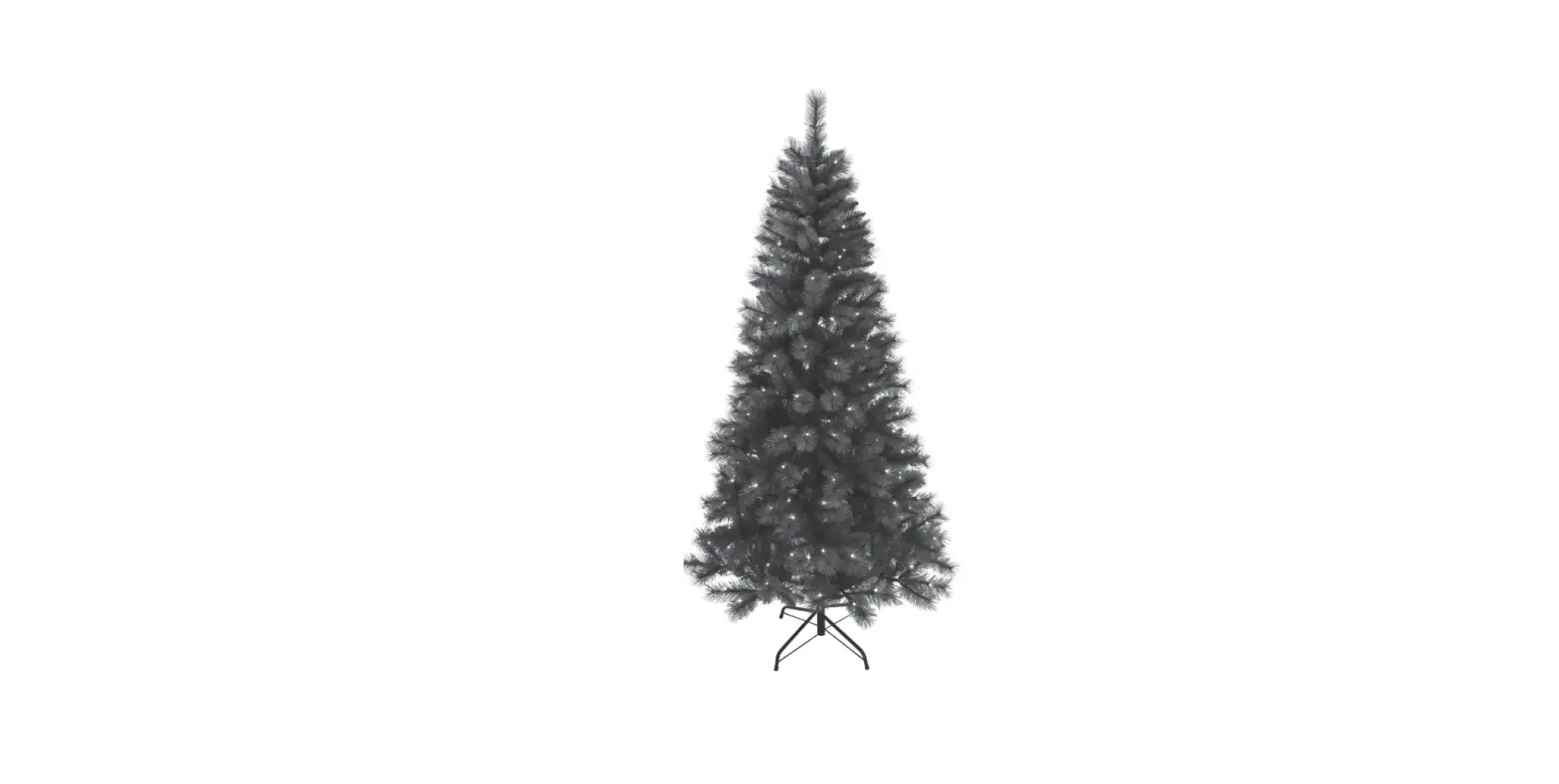
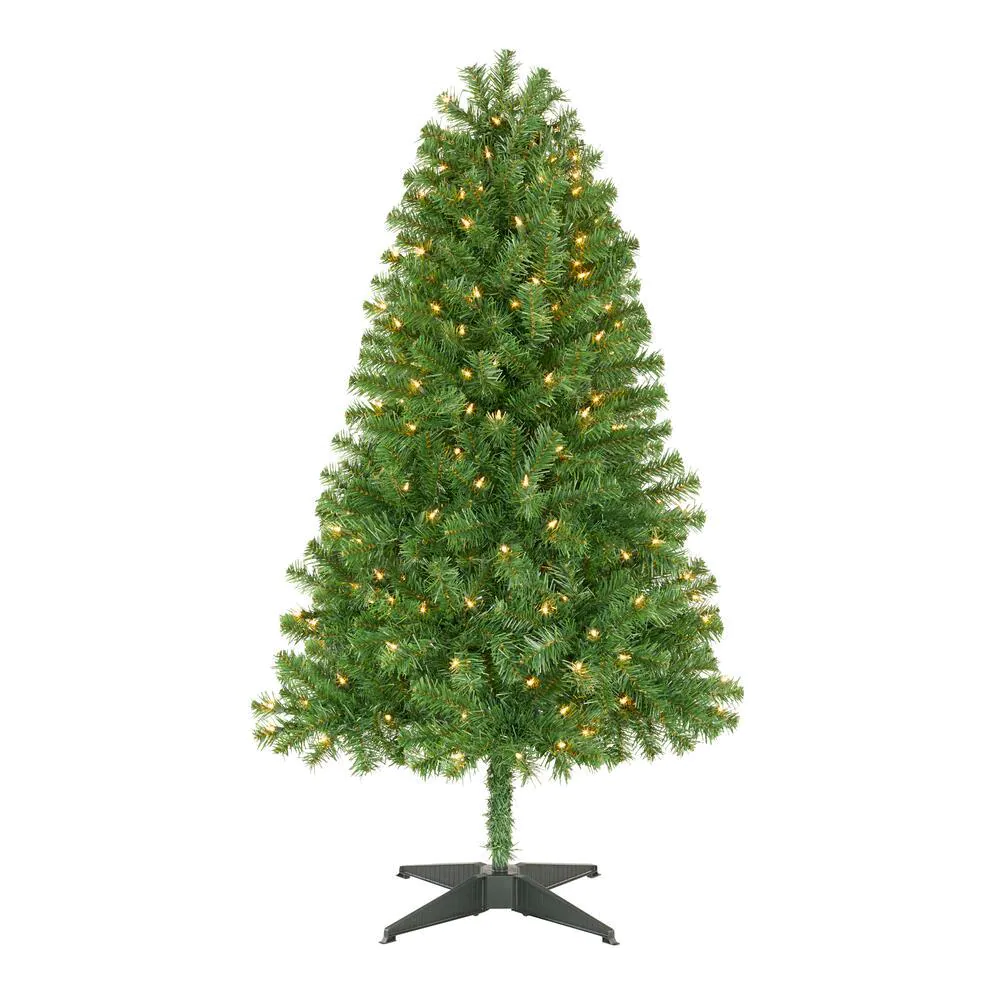
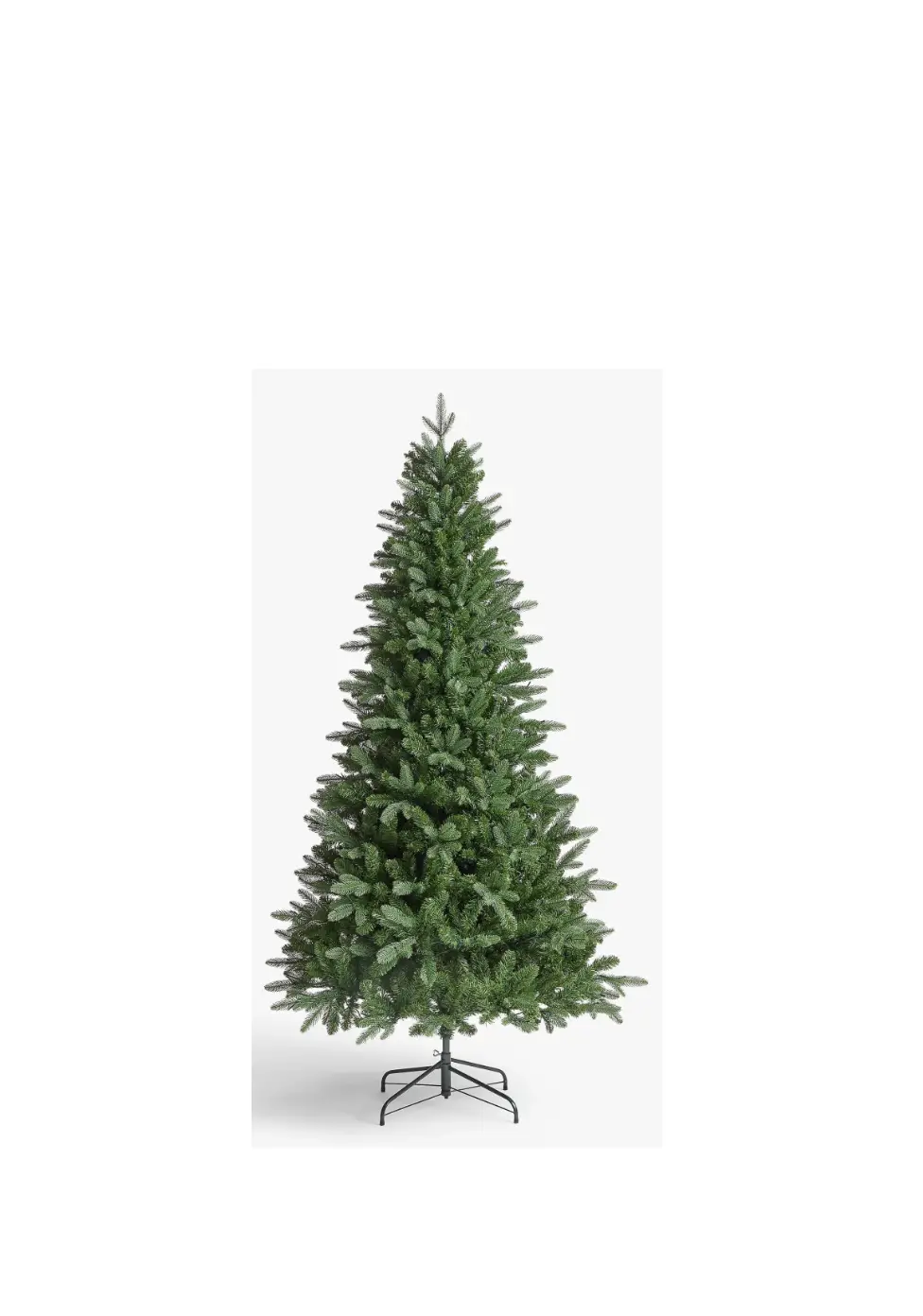
TG9000WN7D01 Christmas Tree
Product Information
The product is a Christmas tree that comes with a dual-color
light controller. The tree is highly compressed for shipping and
requires proper shaping for a full, realistic look. It has a stand
with eye bolts for support. The lights are well-spaced for an even
distribution of light. The electrical range for the tree is AC
120V, 60Hz, 0.45A input, and DC 29V, 0.9A output. The product comes
with an adapter that needs to be plugged into a wall outlet.
Product Usage Instructions
- Assembly: Assemble the tree by following the
instructions given in the manual. The eye bolt should easily screw
into the stand. If you are having difficulty inserting the eye
bolt, realign the flange and stand holes to avoid stripping the eye
bolt or cracking the flange. If you have purchased a tall tree, you
may want to shape the top section before inserting it into Section
2. - Shaping: Remember, the tree is highly
compressed for shipping and requires proper shaping for a full,
realistic look. Mildly shape the outer tips of the tree to achieve
a realistic look. - Dual Color Light Controller: To use the
dual-color light controller, press the selector button to choose
from eight different modes – CLEAR-MULTI: FADING, CLEAR: FADING,
CLEAR-MULTI: ALTERNATING, CLEAR: STEADY, CLEAR-MULTI: SLOW FADING,
MULTI: STEADY, MULTI: FADING, or COMBINATION. - Plug in: Insert the red label plugs into the
red labeled extension cord, yellow label plugs into the yellow
labeled extension cord, and blue label plugs into the blue labeled
extension cord. Make sure not to step on the tree stand legs during
the setup to avoid deforming the stand and causing an unbalanced
tree. - Troubleshooting: If the entire tree does not
light up, refer to the manual for troubleshooting instructions. Do
not use a different adapter as it may damage the lights and cause
fire or electrical shock hazards. Do not install on trees having
needles, leaves, or branch coverings of metal or materials that
look like metal. Do not mount or support strings in a manner that
can cut or damage wire insulation. The controller and remote
controller if included can only be used with this product.
ASSEMBLY INSTRUCTIONS
‘Z
· efore you start to assemble your tree, choose a locaon that pro ides enough space for the width of your tree. or pre-lit trees, choose a locaon near an electrical outlet.
· nwrap the plasc wrap from around all the secons and notate the idenfying tag on each secon. All secons are labeled for ease of assembly for e ample, a three secon tree will be comprised of Secons 1, 2 and . Secon 1 is the bo om secon . eep the es holding the branches fastened unl the secon has been either inserted into its corresponding secon or tree stand.
· Idenfy and safely store the included e tra bulbs, hinge pins pro ided, so you can nd them easily if bulbs or hinges need to be replaced o er the years.
Assembly
A1
A2
B
C1
C2
C3
· Assemble the tree stand by pulling apart the legs of the stand so that they are X-shaped. Match the hole of the plasc flange with the pre-drilled hole in the stand. Screw the eyebolt through the hole in the stand, making sure it does not protrude into the center of the stand so that the tree trunk can be inserted easily into the stand. (See Fig. A1 and A2)
Helpful Tip: he eye bolt should easily screw into the stand. If you are ha ing di culty inserng the eye bolt, realign the flange and stand holes to a oid stripping the eye bolt or cracking the flange.
· Locate the bo om secon of your tree -it should ha e a tag with the rst number printed on it. ully insert the bo om secon of your tree with branches sll ed into the stand. ighten the eyebolt s on your tree stand so that the secon is straight. (See Fig. B)
· ne the branches and allow branches to fall into place.
Helpful Tip: emember, the tree is highly-compressed for shipping and re uires proper shaping for a full, realisc look.
· or best results, shape each secon as you go working from bo om to top. Start with the branch ps closest to the trunk. he inner branches should be separated with each branch p poinng up toward the ceiling to create a full look and hide the trunk from iew. or the outer branch ps, separate them so that they point up and out to create your desired silhoue e. (See Fig. C1 to C3) Insert the subse uent secons, untying and shaping one secon at a me, unl you ha e inserted and shaped all of the secons.
Helpful Tip: If you ha e purchased a tall tree, you may want to shape the top secon before inserng it into Secon 2.
· FOR PRELIT TREES: As you are assembling the tree, Connect the plug s securely to the e tension cord s as per the color labels indicated in Fig. D and plug the adaptor connected with green labeled e tension cord into the wall outlet. Your enre tree should now be lit. If some bulbs do not light or flicker, search for any loose plugs and or broken, loose or missing bulbs. eplace bulbs promptly in order to maintain the performance and life e pectancy of your pre-lit tree.
· A er shaping and lighng your whole tree, step back and take an o erall look at the tree. Shi branches to ll any gaps and ensure
lights are well-spaced. If your tree looks like the one in Fig. E, you did O properly shape the tree. Fig. E shows a tree that ust had
its outer ps mildly shaped, with no work done at the center and middle.
HOW TO USE THE DUAL COLOR LIGHT CONTROLLER:
Selector u on
Press the selector bu on on the Dual Color Light Controller to select among:
(1) CLEAR-MULTI: FADING (2) CLEAR: FADING (3) CLEAR-MULTI: ALTERNATING (4) CLEAR: STEADY
(5) CLEAR-MULTI: SLOW FADING (6) MULTI: STEADY (7) MULTI: FADING (8) COMBINATION
Light Controller
*Electrical Rang For The Tree (For Indoor Use Only) 26.1 Was Input: AC 120V, 60Hz, 0.45A Output: DC 29V, 0.9A
Controller : 0.9A
4 3 2
D
Insert Red Label Plugs Into Red Labeled Extension Cord
Insert Yellow Label Plugs Into Yellow Labeled Extension Cord
Insert Blue Label Plugs Into Blue Labeled Extension Cord
1
Note: Do not step on the tree stand legs during the setup. This may deform the tree stand and may result in an unbalanced tree.
Control box
Adapter To Be Plugged
Into Wall Outlet
TZZZ
If your enre tree does not light:
E
· nsure all plugs are properly connected and adaptor is plugged into the wall outlet.
· nsure all power cords from the secons are properly plugged into the main secon.
If lights in certain areas of the tree are not lit: · nsure bulbs are securely fastened into bases. · Verify all wires are intact. · Please check for loose, broken or missing light bulbs and replace as needed.
If a branch has come detached from the tree · ind the hinge pin and plasc washer that are included with your tree. · Place the branch into the bracket a ached to the center pole with the branch fully seated in the bracket. · Insert the hinge pin through the bracket holes and limb and secure the opposite side with the washer.
d^Z
· nplug e tension cord with adaptor from the wall outlet and then disconnect light e tension cord between each secon of the tree.
· emo e all ornaments and decoraons. · nplug each secon of e tension cord, keeping pre-plugged strings of lights connected together. · ently li o the top and middle secons, and remo e the bo om secon from the tree stand. · Carefully replace the tree in its bo and tape it shut. Do not store tree in a damp area or in an area where the temperature e ceeds 100 .
WARNING
· se only power adapter supplied with this product, using a di erent adaptor will damage the lights and cause re, electrical shock hazards. · O I DOO S O LY.
CAUTION
1. o reduce the risk of re and electric shock: a se only the power supply that was pro ided with this product. sing a di erent adapter will damage the lights and may cause re, or electrical shock hazards. b Do not install on trees ha ing needles, lea es or branch co erings of metal or materials which look like metal. c Do not mount or support strings in a manner that can cut or damage wire insulaon.
2. he controller and remote controller if included can only be used with this product.
ITEM #: TG9000WN7D01