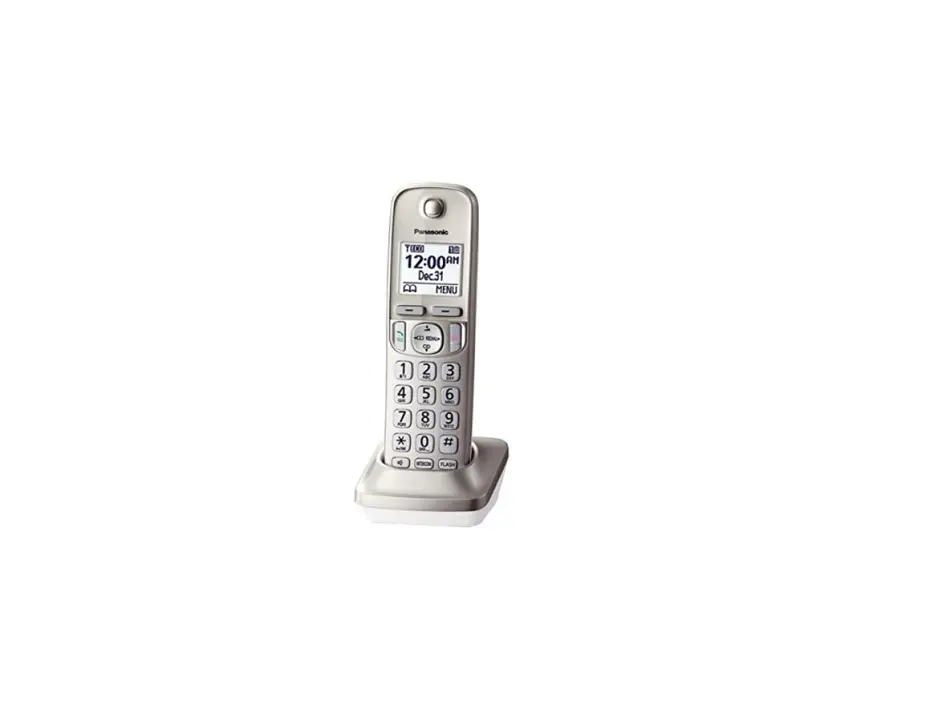
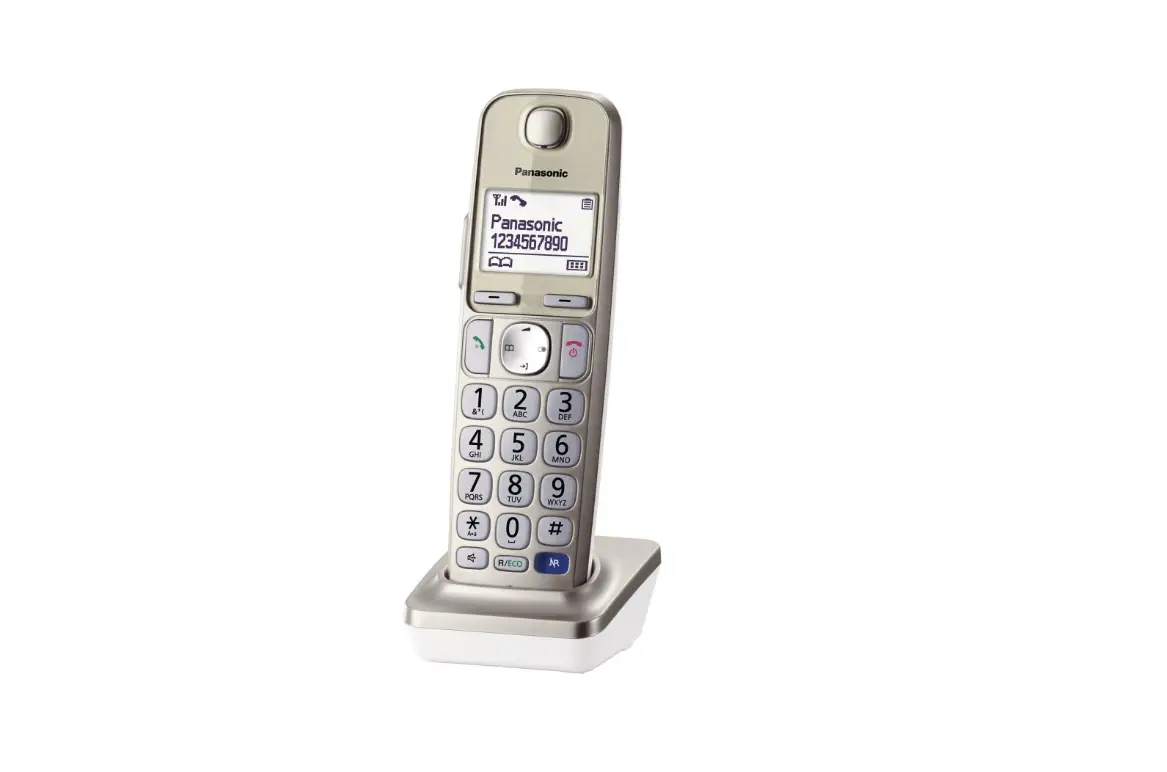
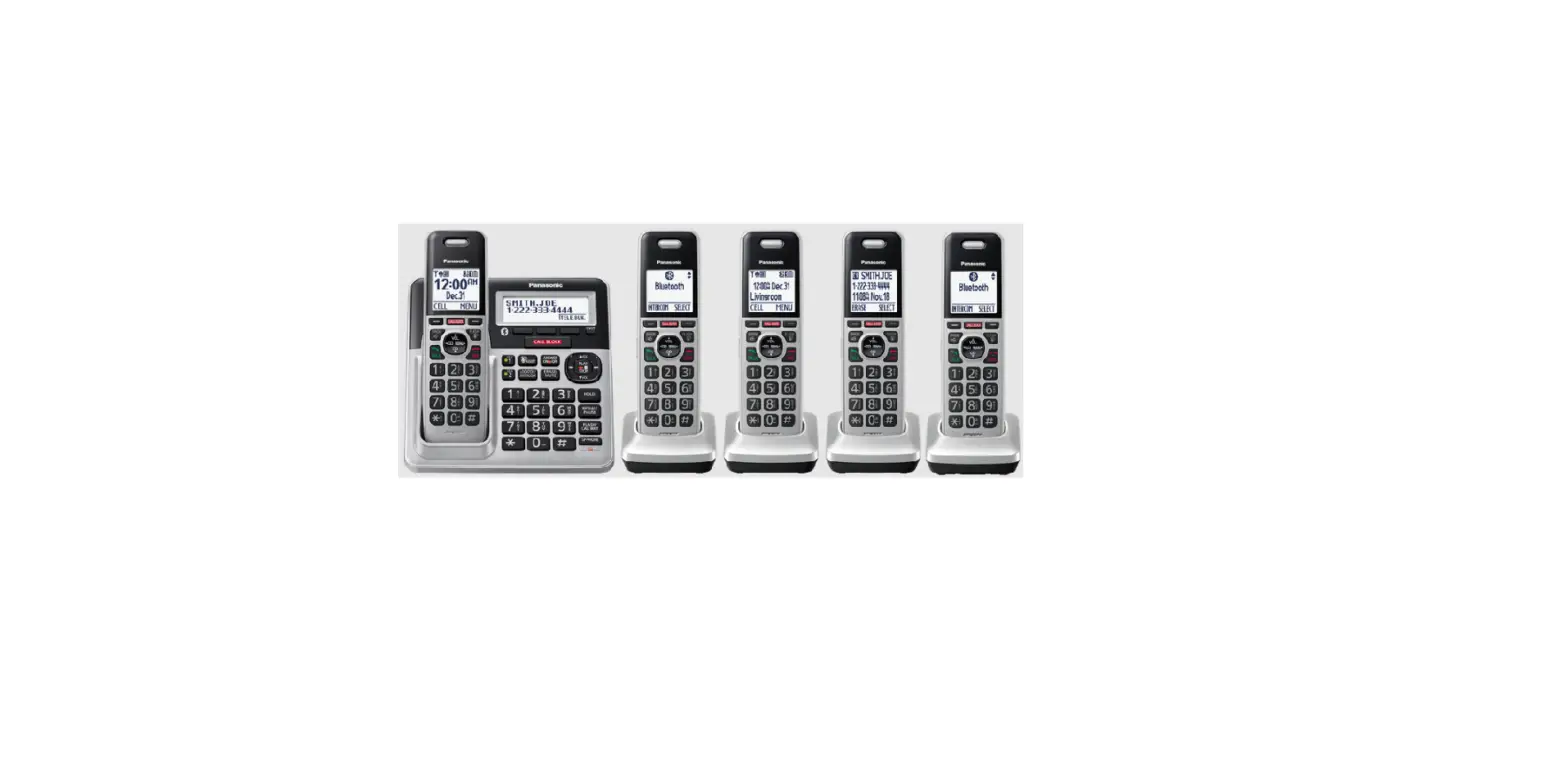
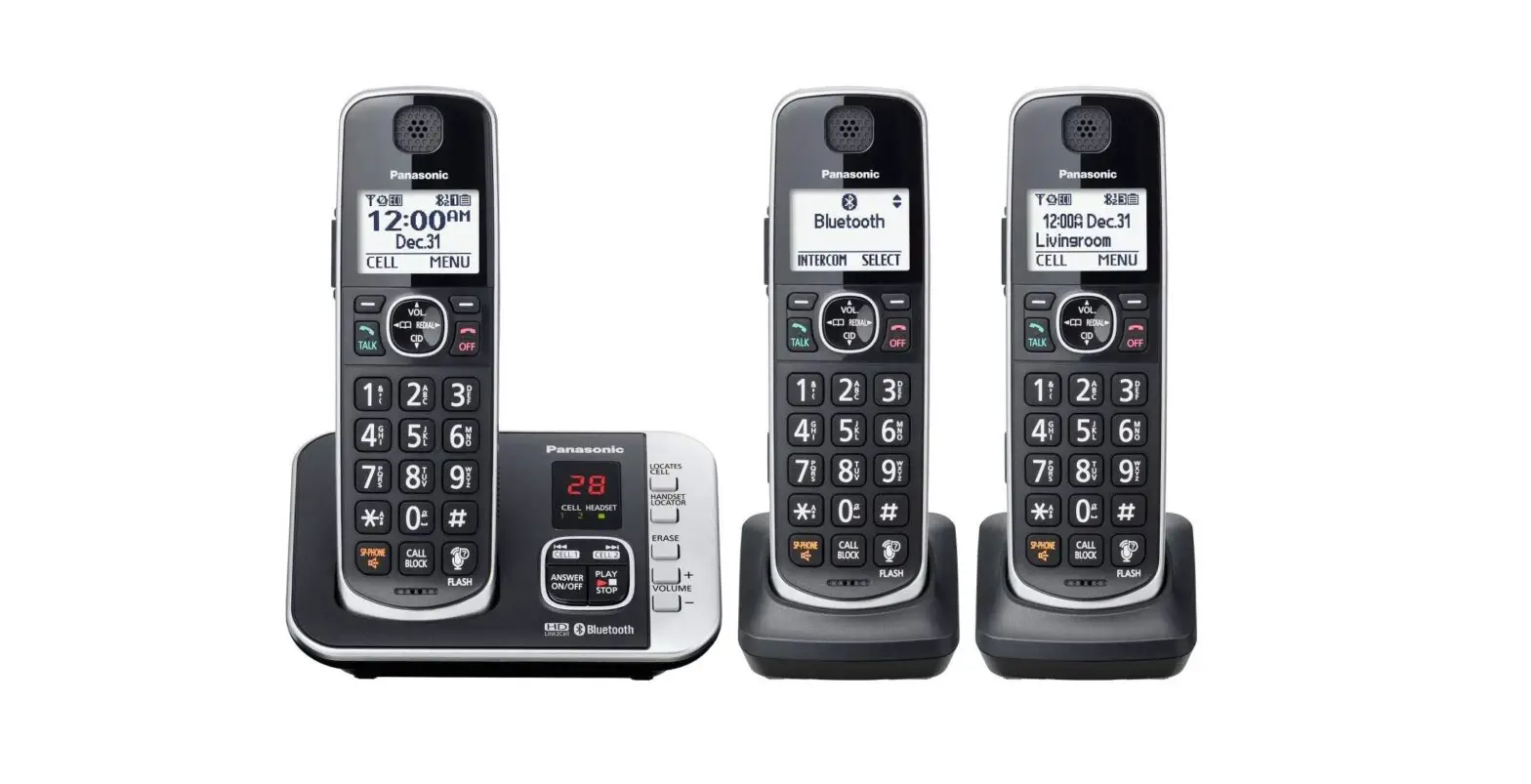
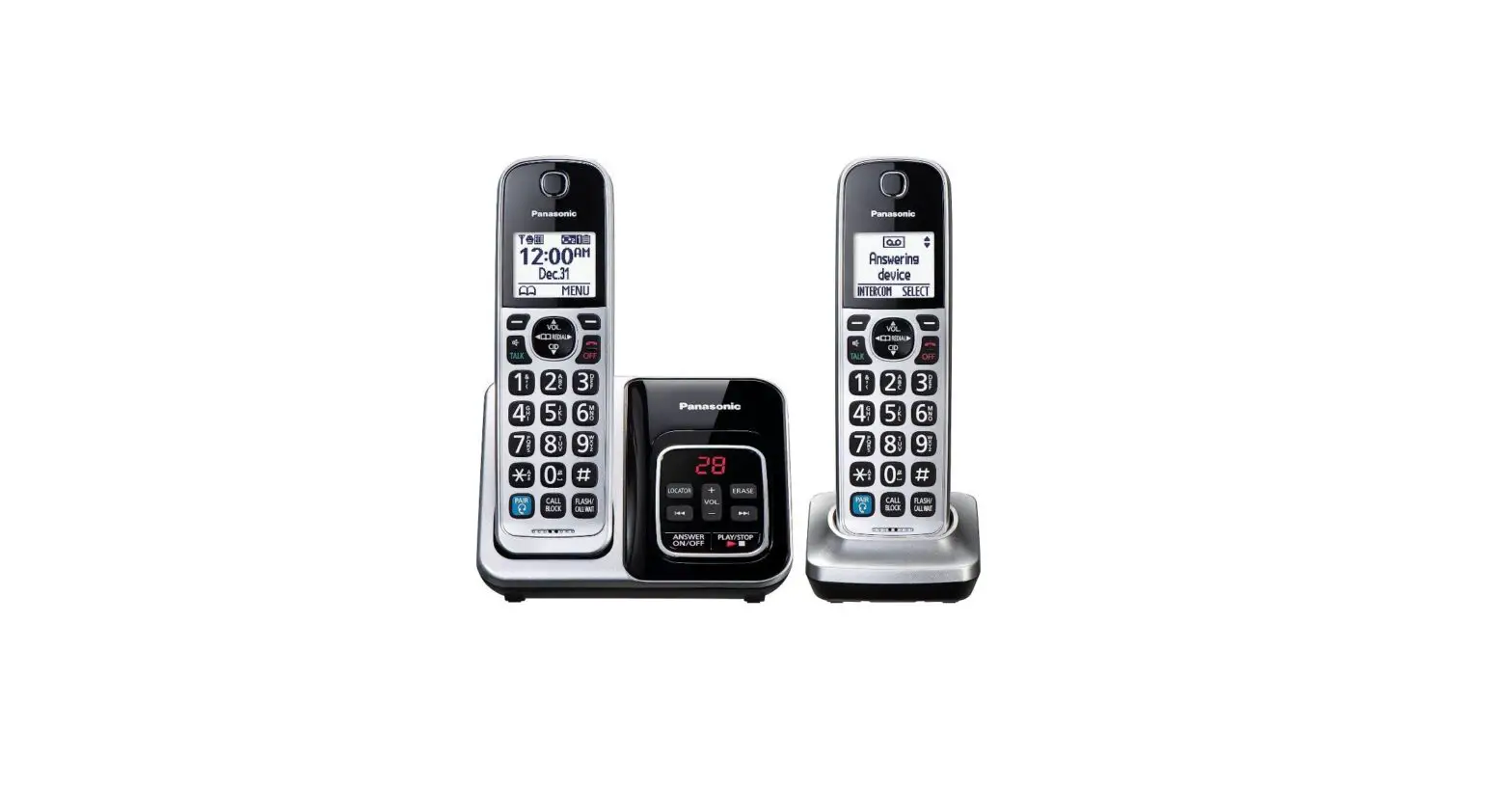
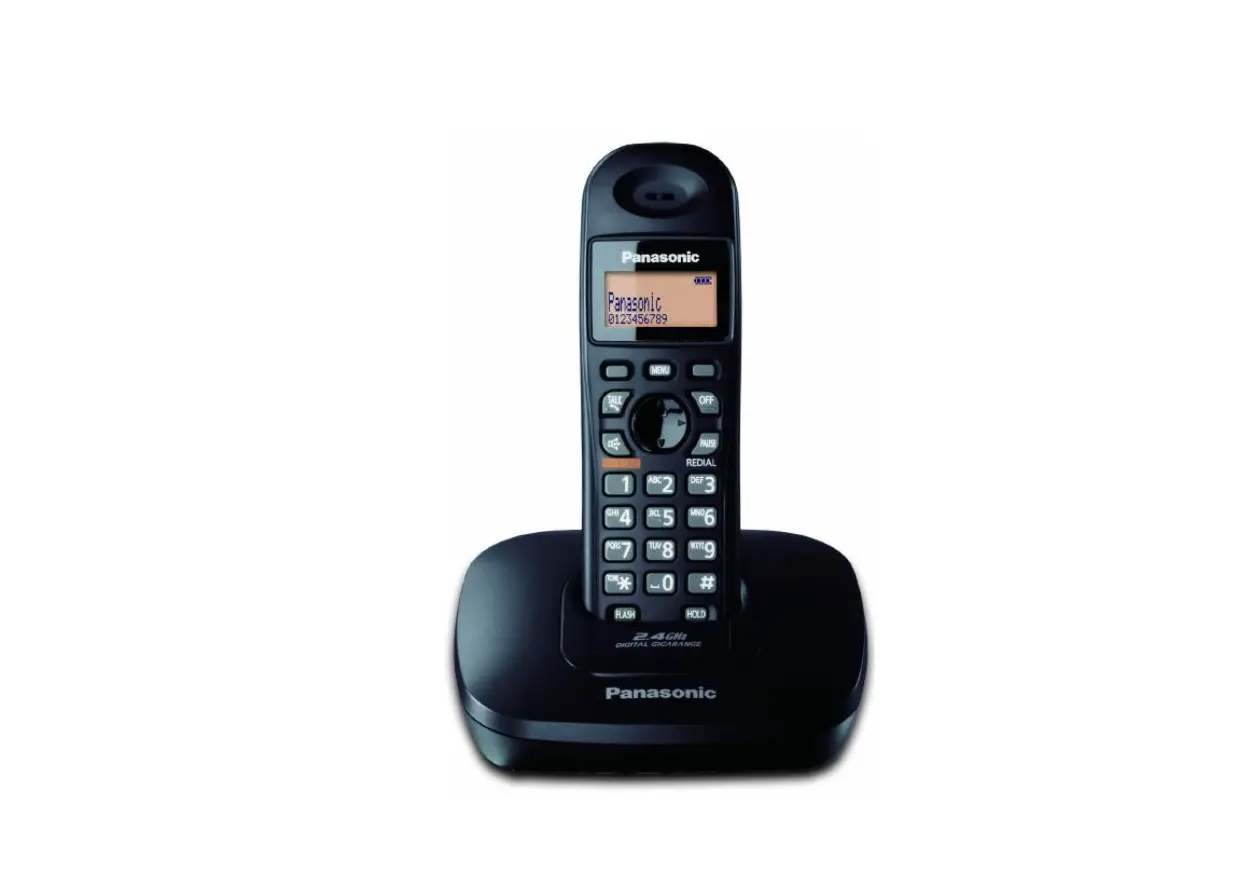
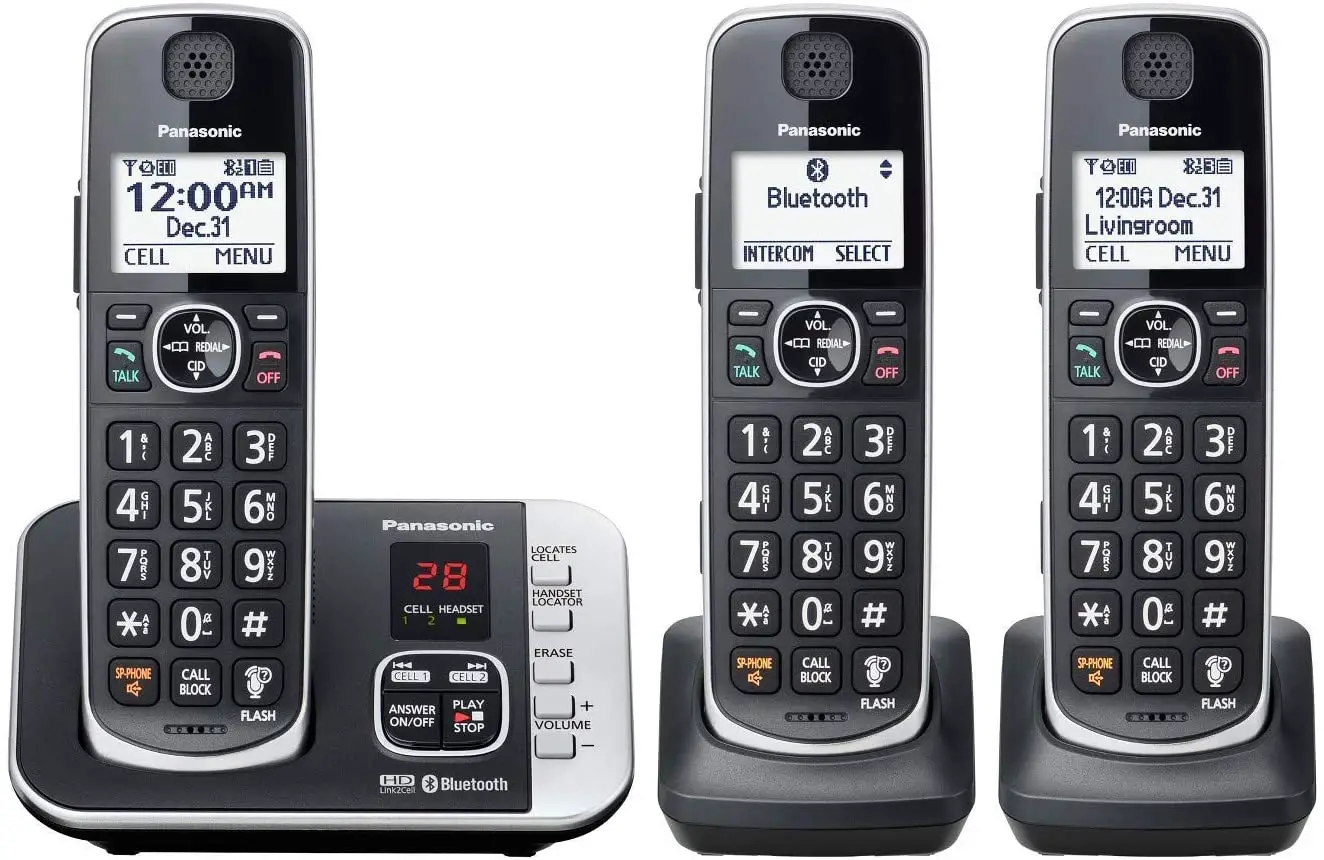
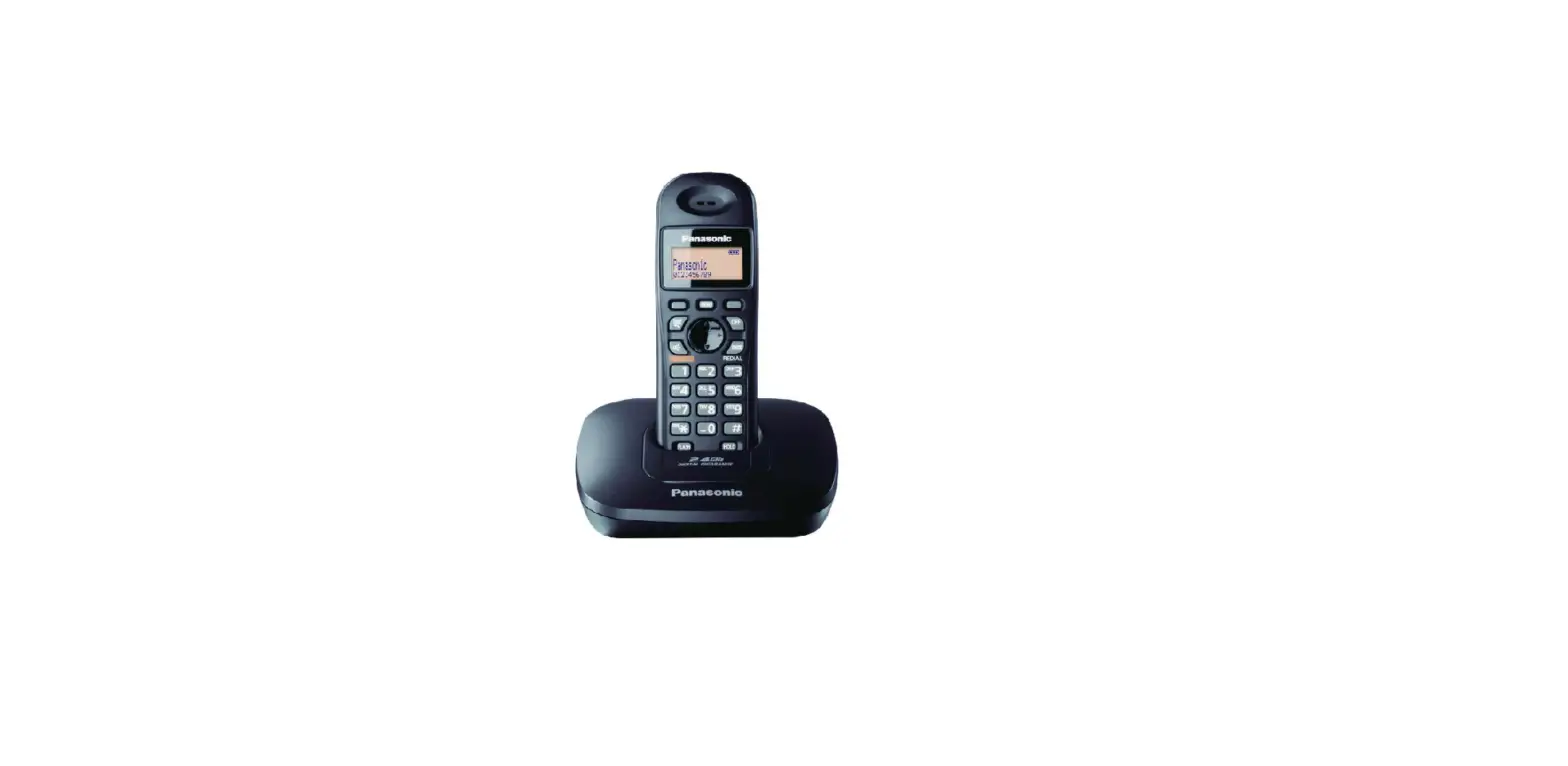
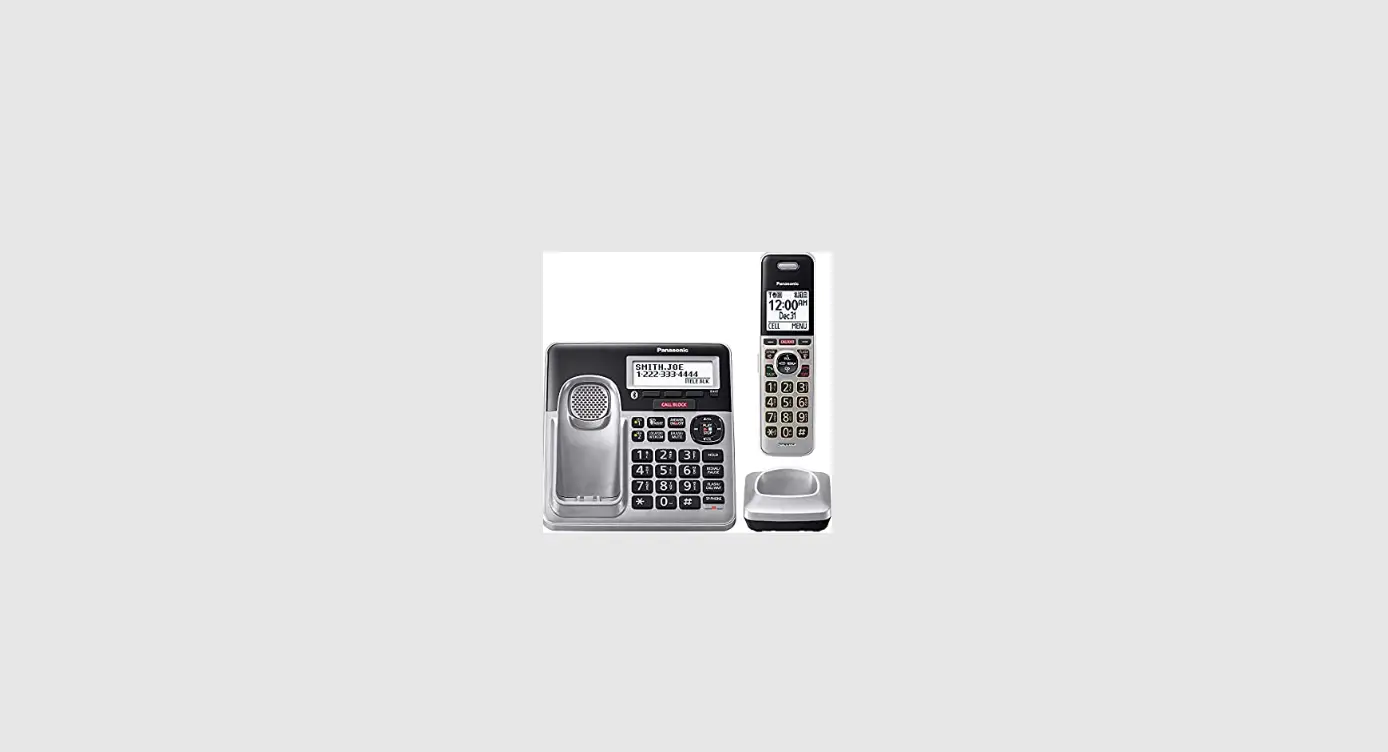
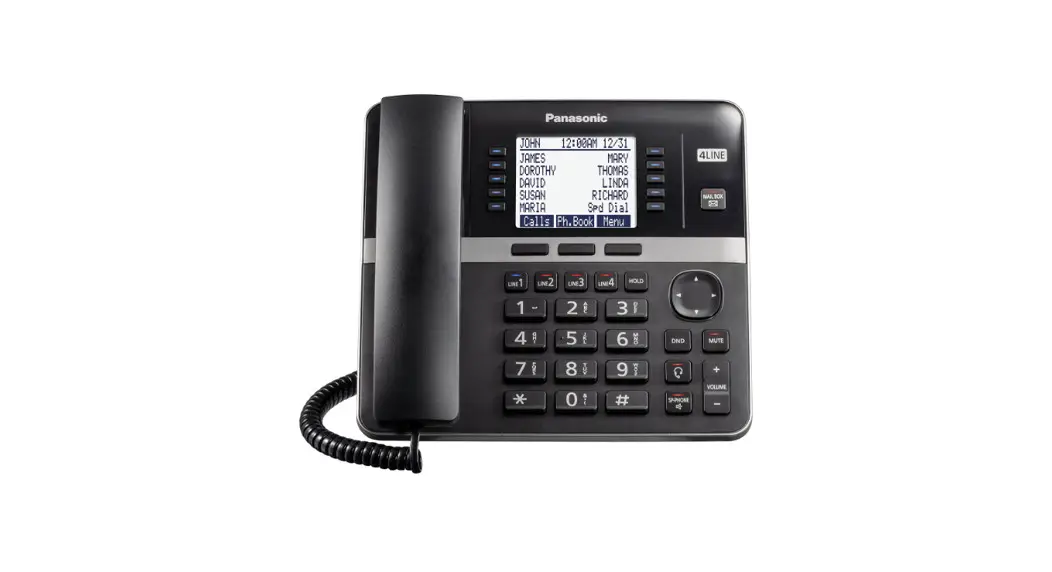
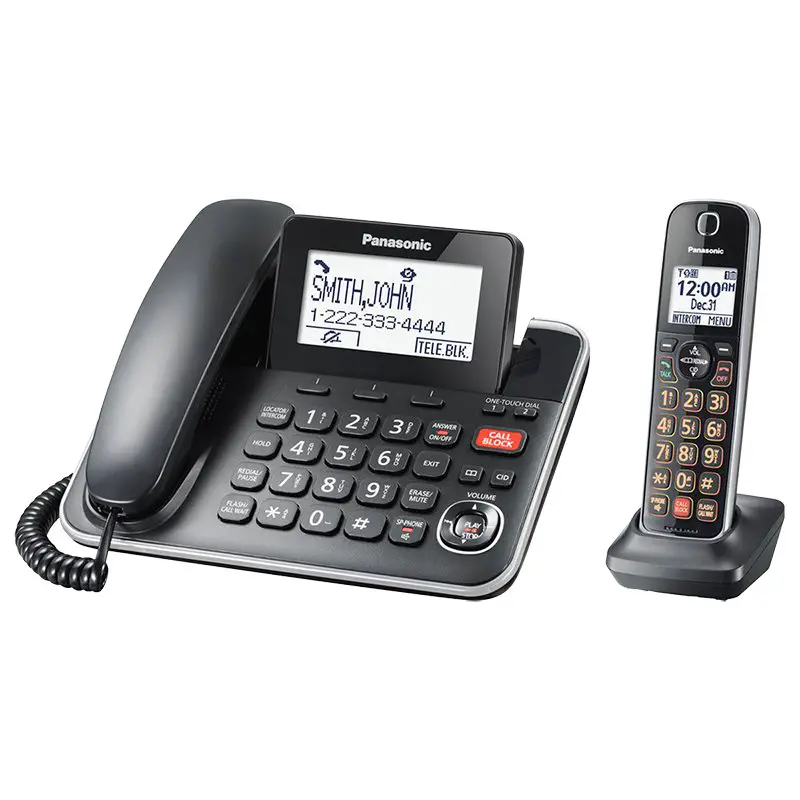
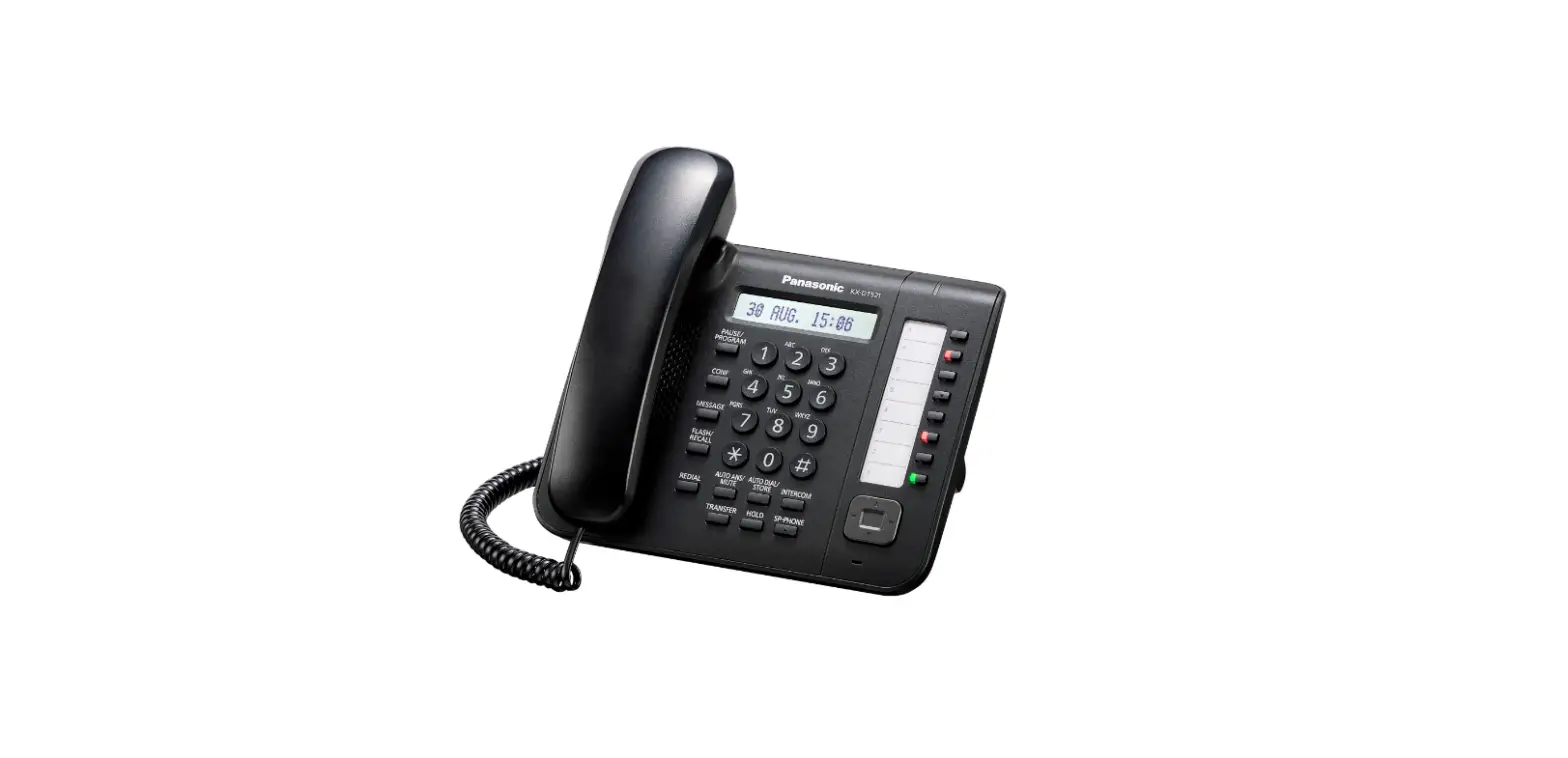
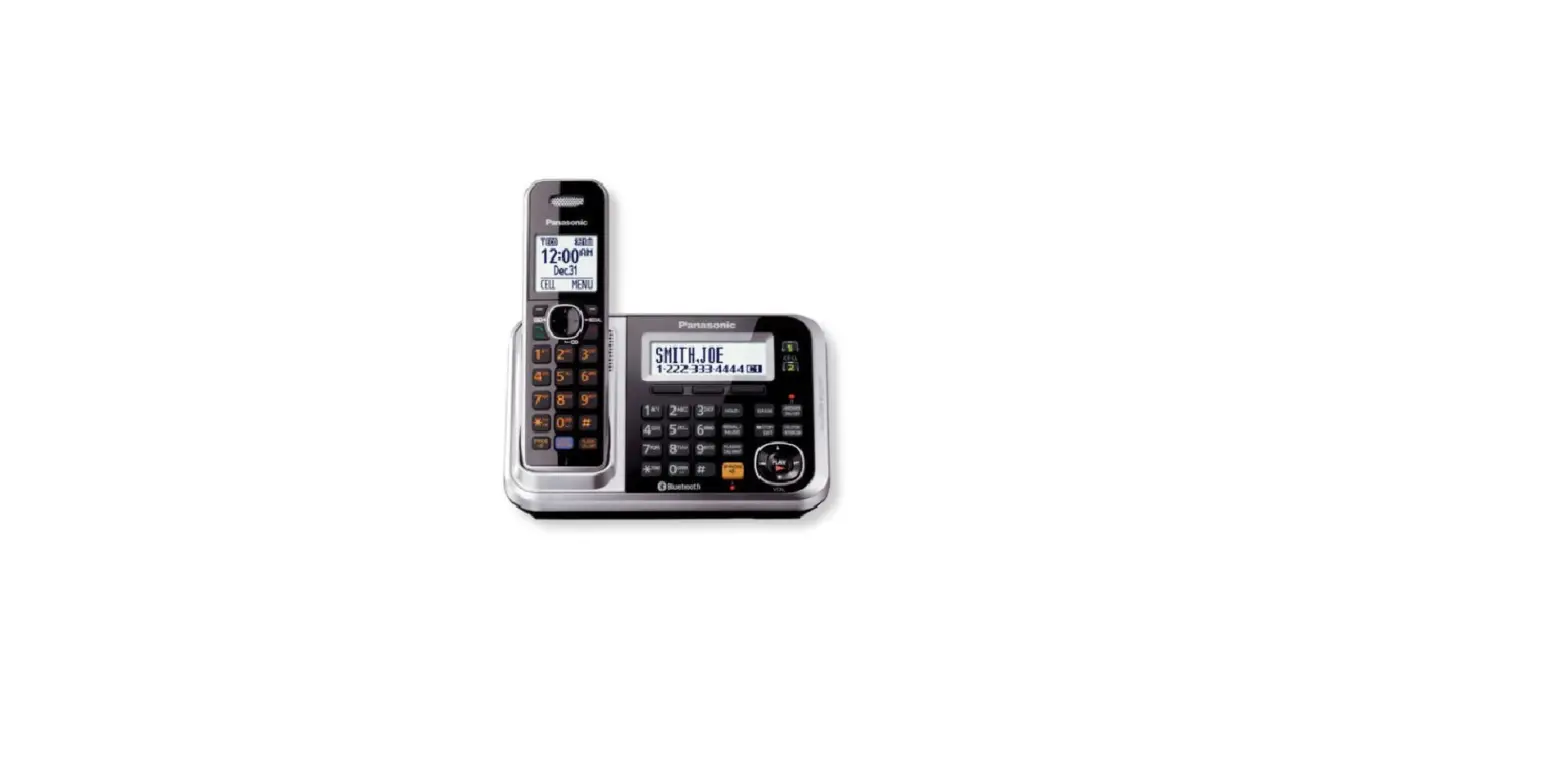
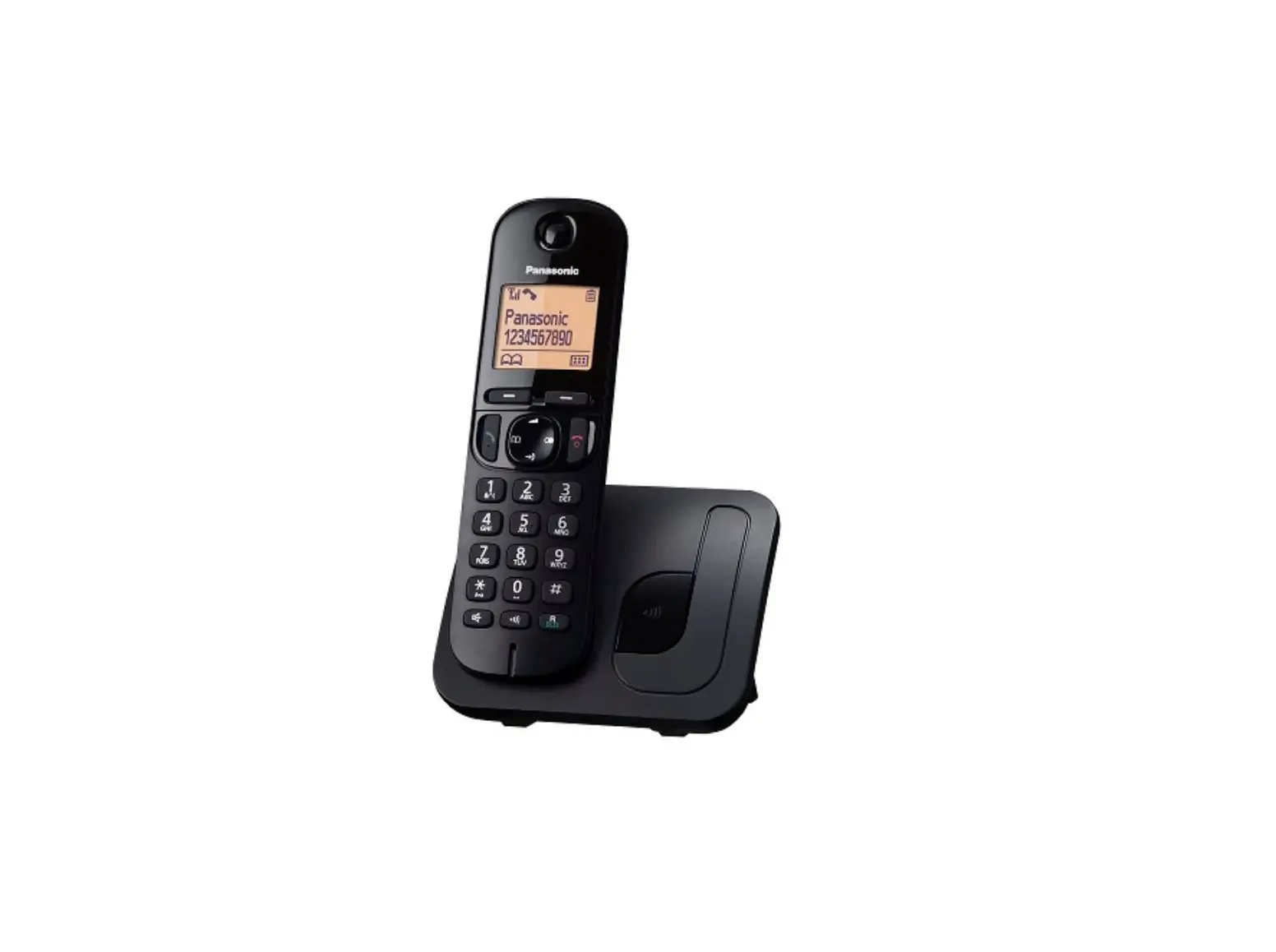
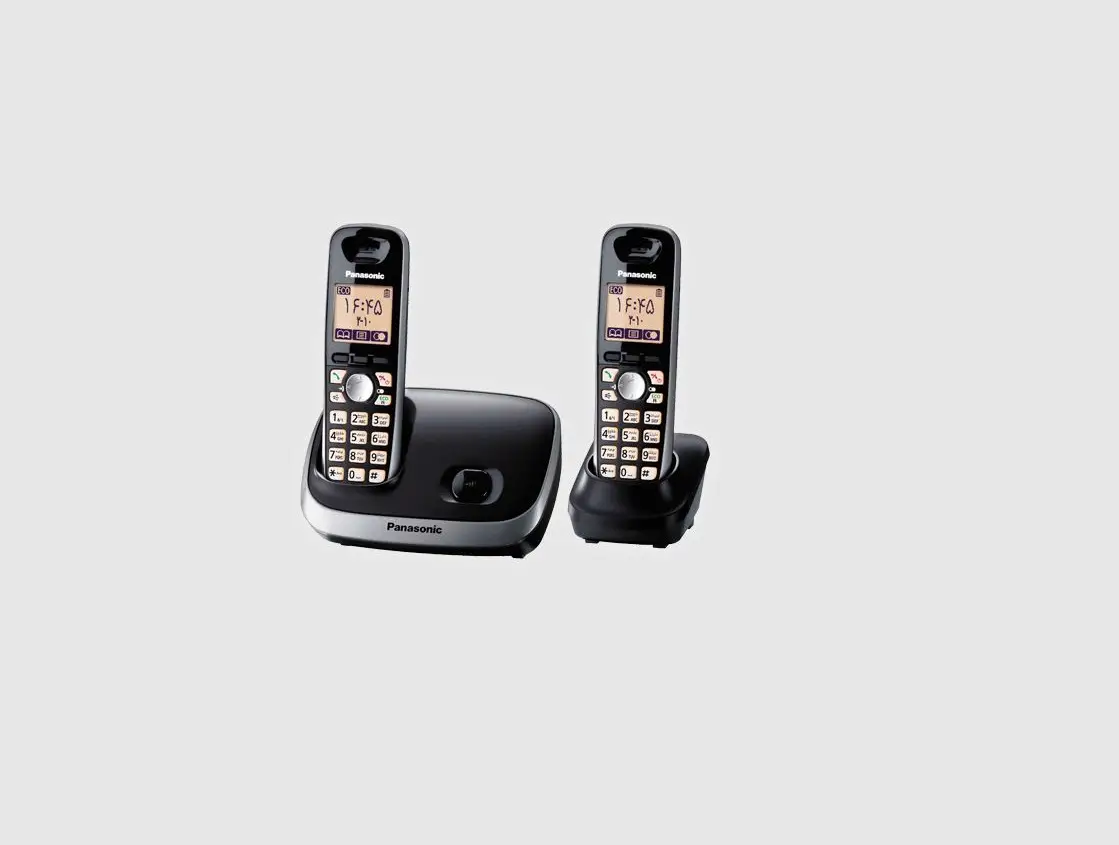
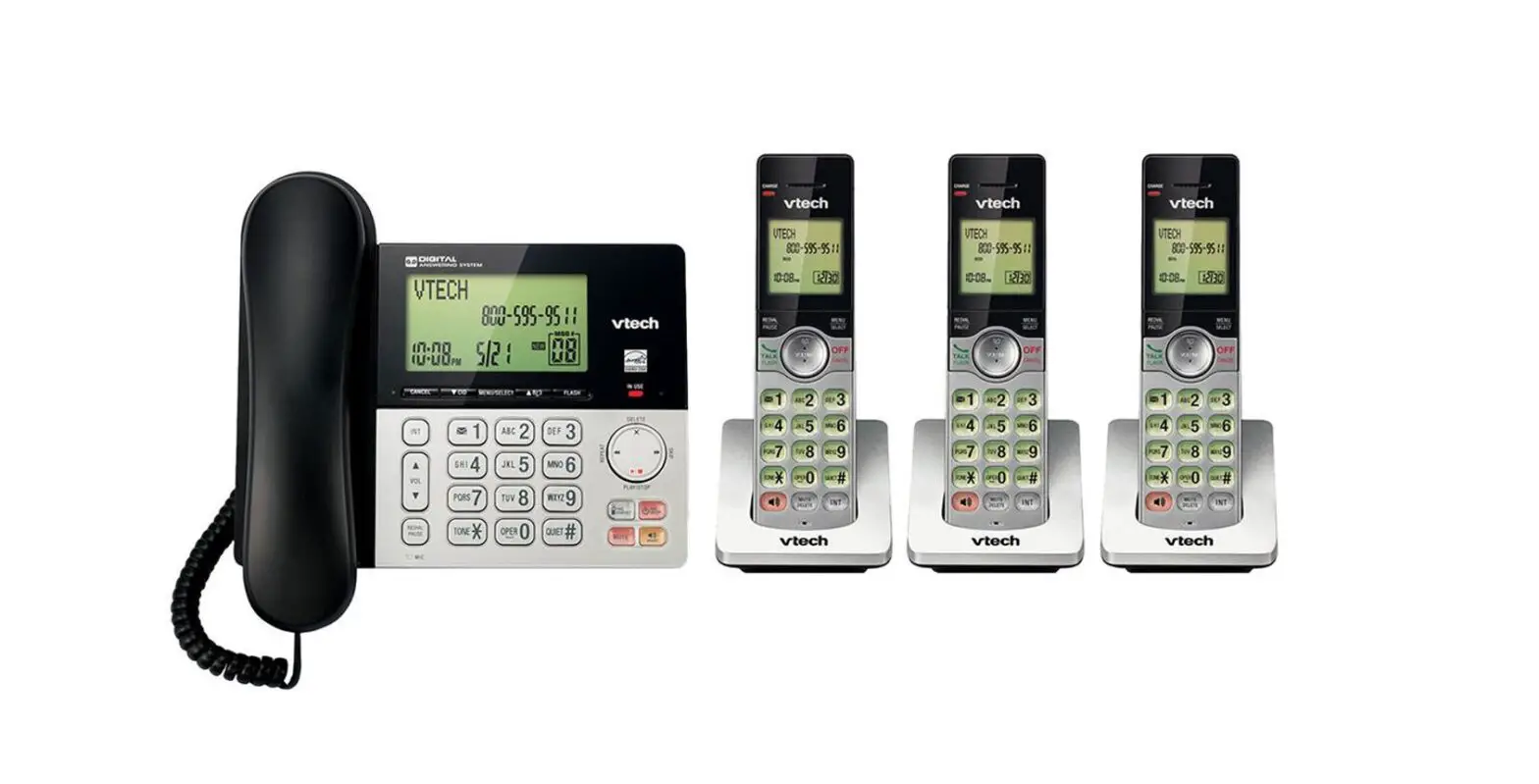
KX-TGF310BX Digital Corded Cordless Phone
Product Information: Digital Corded/Cordless Phone
The Panasonic Digital Corded/Cordless Phone is a versatile
communication system that allows users to make and receive calls
from both corded and cordless handsets. The phone also features an
answering system which can be accessed remotely, as well as a call
block function to eliminate unwanted calls.
Model Composition
- Model No. KX-TGF310BX
- Model No. KX-TGF310UE
- Model No. KX-TGF320BX (Digital Corded/Cordless Answering
System)
Accessory Information
The phone comes with the following accessories:
- Corded Handset
- Cordless Handset
- AC Adaptor for Base Unit
- Telephone Line Cord
- Rechargeable Batteries for Cordless Handset
- Battery Cover for Cordless Handset
- Belt Clip for Cordless Handset
- Wall Mounting Adaptor for Base Unit
- User Manual and Operating Instructions
Important Information
Before using the phone, please read the operating instructions
carefully and save them for future reference. For your safety,
please also review the important safety instructions provided in
the manual.
Specifications
- Number of Handsets: 1 Corded, 1 Cordless (expandable up to
6) - Answering System: Yes (up to 18 minutes recording time)
- Caller ID: Yes (requires subscription to Caller ID
service) - Call Waiting: Yes (requires subscription to Call Waiting
service) - Call Block: Yes (up to 250 numbers)
- Phonebook Memory: 100 names and numbers
- Display: 1.8-inch Full Dot Monochrome LCD
- Power Source: AC Adaptor (included) or Rechargeable Batteries
(included)
Getting Started
Before initial use, please see the “Getting Started” section on
page 8 of the user manual. This section provides step-by-step
instructions for setting up and configuring the phone.
Product Usage Instructions
Making/Answering Calls
To make a call, dial the phone number using the keypad or select
a number from the phonebook. Press the “Talk” button to initiate
the call. To answer a call, simply press the “Talk” button or any
button on the cordless handset.
Useful features during a call:
- Speakerphone: Press the “Speakerphone” button to switch to
hands-free mode. - Mute: Press the “Mute” button to mute the microphone.
- Hold: Press the “Hold” button to place the call on hold.
- Transfer: Press the “Transfer” button to transfer the call to
another handset or phone number.
Nuisance Call Block
To block unwanted calls, use the “Call Block” button on the
cordless handset. When you receive a call from an unwanted number,
simply press the “Call Block” button to add the number to the
blocked list. You can also manually add numbers to the blocked list
by selecting “Block List” from the menu and entering the
number.
Phonebook
To add a name and number to the phonebook, select “Phonebook”
from the menu and follow the prompts. To access the phonebook,
press the “Phonebook” button on the cordless handset and select the
desired contact. You can also use the speed dial or one-touch dial
buttons to quickly call frequently dialed numbers.
Programming
The phone features a variety of programming options, including
setting an alarm, activating “Do Not Disturb” mode, and using the
baby monitor function. To access these features, select “Menu” from
the menu and follow the prompts.
Caller ID Service
The phone is compatible with Caller ID service (requires
subscription). When a call is received, the caller’s name and
number will be displayed on the phone’s screen if available.
Answering System
The answering system can be turned on or off using the “Answer
On/Off” button on the base unit. The greeting message can also be
customized by selecting “Greeting Message” from the menu. To listen
to messages, press the “Play” button on the base unit or cordless
handset. Advanced new message alerting features include a visual
message indicator and voice guidance.
Useful Information
If you encounter any issues or error messages while using the
phone, please refer to the “Troubleshooting” section of the user
manual for assistance.
Operating Instructions
Digital Corded/Cordless Phone
Model No. KX-TGF310BX KX-TGF310UE
Digital Corded/Cordless Answering System
Model No. KX-TGF320BX
Before initial use, see “Getting Started” on page 8.
Thank you for purchasing a Panasonic product. Please read these operating instructions before using the unit and save them for future reference.
KX-TGF310_320BX_UE_0706_ver002.pdf 1
7/29/2015 11:35:59 AM
Table of Contents
Introduction
Model composition ……………………………………….3 Accessory information ………………………………….3
Important Information
For your safety …………………………………………….5 Important safety instructions ………………………….6 For best performance …………………………………..6 Other information …………………………………………7 Specifications ………………………………………………7
Getting Started
Setting up ……………………………………………………8 Controls ……………………………………………………11 Display icons ……………………………………………..13 Turning the power on/off ……………………………..14 Language setting ……………………………………….14 Date and time ……………………………………………14 Recording your greeting message ………………..14 Other settings ……………………………………………15
Making/Answering Calls
Making calls ………………………………………………16 Answering calls ………………………………………….17 Useful features during a call ………………………..17 Intercom ……………………………………………………19 Key lock ……………………………………………………20
Nuisance Call Block
Using the call block button …………………………..21 Storing unwanted callers …………………………….21
Phonebook
Phonebook ………………………………………………..23 Speed dial …………………………………………………24 One-touch dial buttons ………………………………..26
Programming
Menu list …………………………………………………..27 Alarm ……………………………………………………….33 Do not disturb mode …………………………………..33 Baby monitor ……………………………………………..34 Other programming …………………………………….36 Registering a unit ……………………………………….37
Caller ID Service
Using Caller ID service ……………………………….39 Caller list …………………………………………………..39
Answering System
Answering system ………………………………………41 Turning the answering system on/off …………….41 Greeting message ……………………………………..41 Listening to messages ………………………………..42 Advanced new message alerting features ……..43 Remote operation ………………………………………45
Answering system settings ………………………….46
Useful Information
Voicemail service ……………………………………….48 Wall mounting ……………………………………………48 Character entry ………………………………………….49 Error messages …………………………………………51 Troubleshooting …………………………………………51
Index
Index…………………………………………………………55
2
KX-TGF310_320BX_UE_0706_ver002.pdf 2
7/29/2015 11:35:59 AM
Model composition
Series
Model No.
KX-TGF310 series KX-TGF310 KX-TGF320 series KX-TGF320
Introduction
Base unit Part No. KX-TGF310 KX-TGF320
Handset Part No. KX-TGFA30 KX-TGFA30
Quantity 1 1
Accessory information
Supplied accessories
No. A B C D E F G H I J
Accessory item/Part number AC adaptor for base unit*1 Telephone line cord Desk stand/Wall mounting adaptor*2 Corded handset Corded handset cord Rechargeable batteries*3 Handset cover*4 Belt clip Charger AC adaptor for charger*5
*1 PNLV226BX: KX-TGF310BX/KX-TGF320BX PNLV226E: KX-TGF310UE
*2 The desk stand/wall mounting adaptor comes attached to the base unit. *3 See page 4 for replacement battery information. *4 The handset cover comes attached to the handset. *5 PNLV233BX: KX-TGF310BX/KX-TGF320BX
PNLV233E: KX-TGF310UE
A
B
C
D
E
Quantity 1 1 1 1 1 2 1 1 1 1
F
G
H
I
J
KX-TGF310_320BX_UE_0706_ver002.pdf 3
3
7/29/2015 11:35:59 AM
Obsah je uzamcen
Dokoncete, prosím, proces objednávky. Následn budete mít pístup k celému dokumentu.
Proc je dokument uzamcen? Nahnvat Vás rozhodn nechceme. Jsou k tomu dva hlavní dvody: 1) Vytvoit a udrzovat obsáhlou databázi návod stojí nejen spoustu úsilí a casu, ale i financní prostedky.
Dlali byste to Vy zadarmo? Ne*. Zakoupením této sluzby obdrzíte úplný návod a podpoíte provoz a rozvoj nasich stránek. Teba se Vám to bude jest nkdy hodit. *) Mozná zpocátku ano. Ale vzte, ze dotovat to dlouhodob nelze. A rozhodn na tom nezbohatneme. 2) Pak jsou tady ,,roboti”, kteí se pizivují na nasí práci a ,,vysávají” výsledky naseho úsilí pro svj prospch. Tímto krokem se jim to snazíme pekazit. A pokud nemáte zájem, respektujeme to. Urgujte svého prodejce. A kdyz neuspjete, rádi Vás uvidíme!